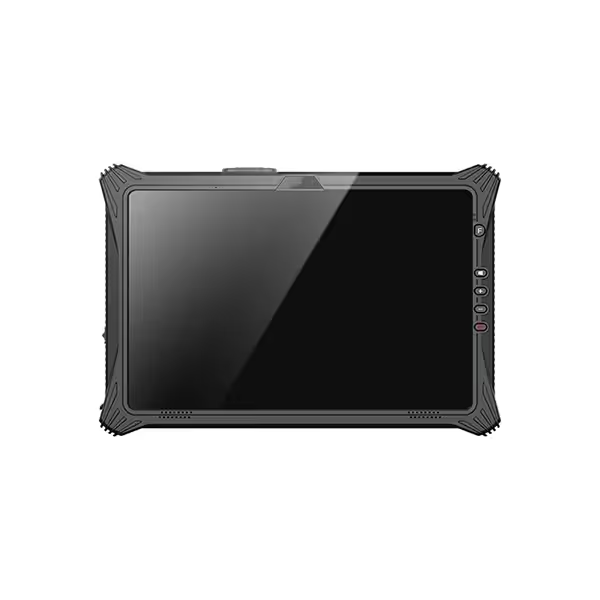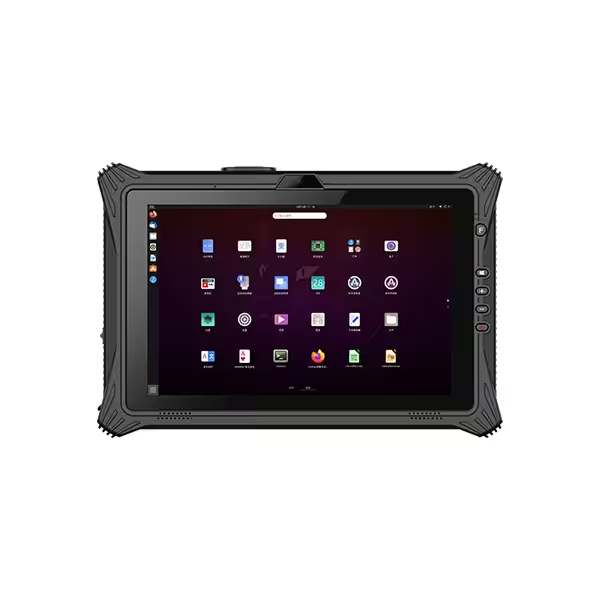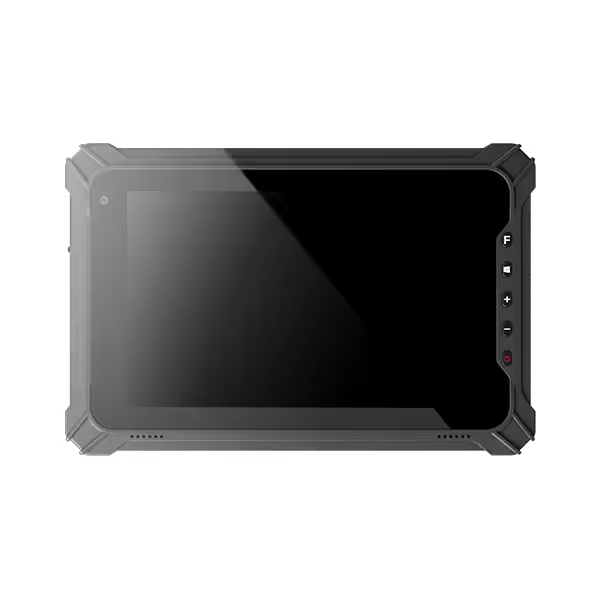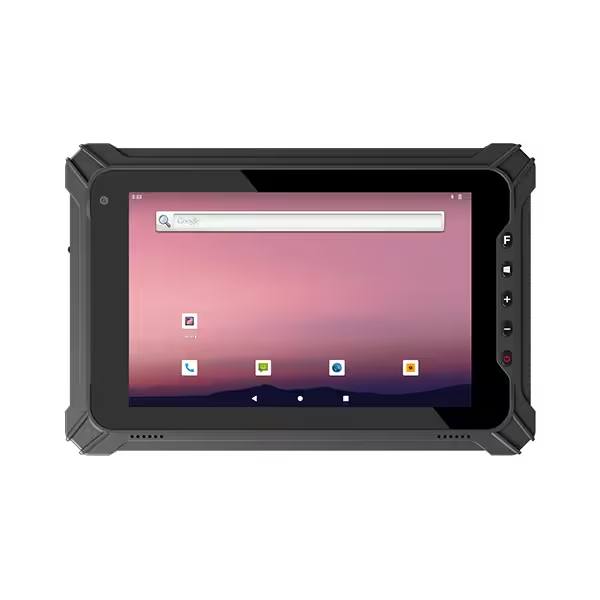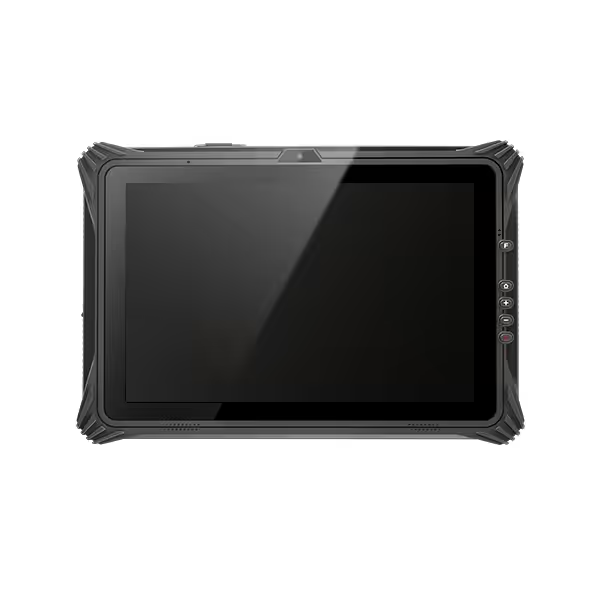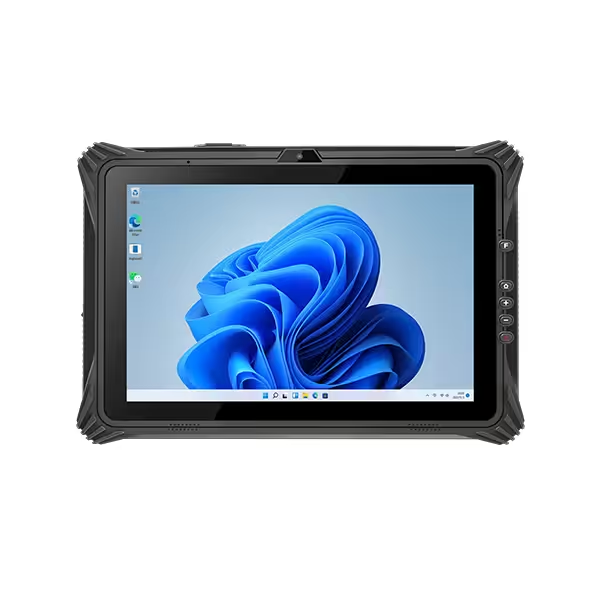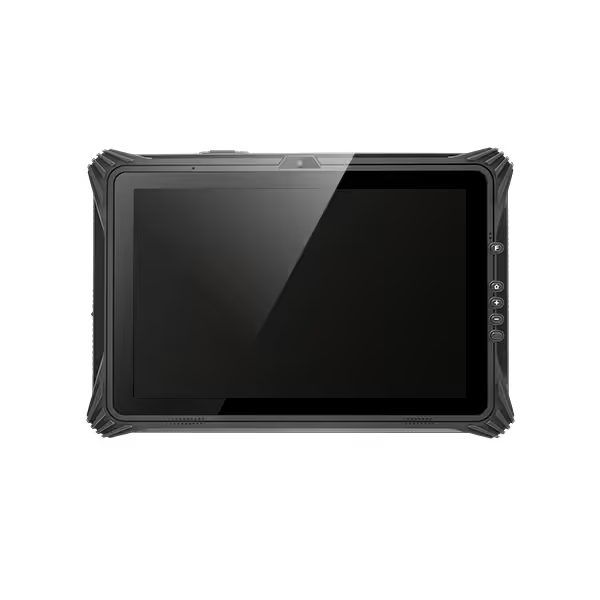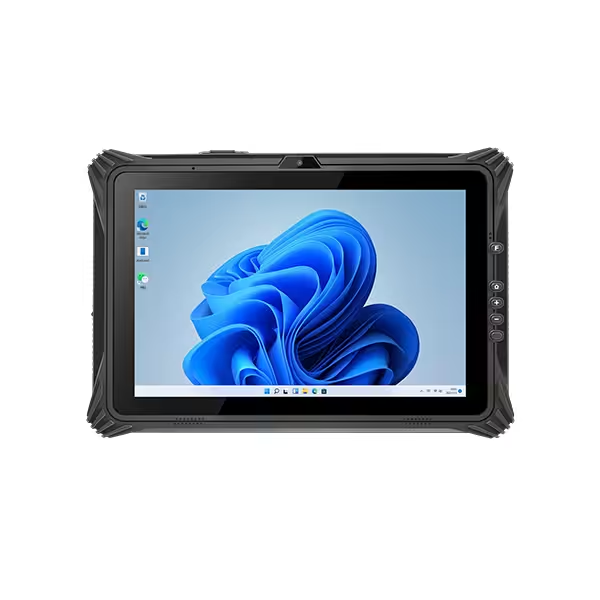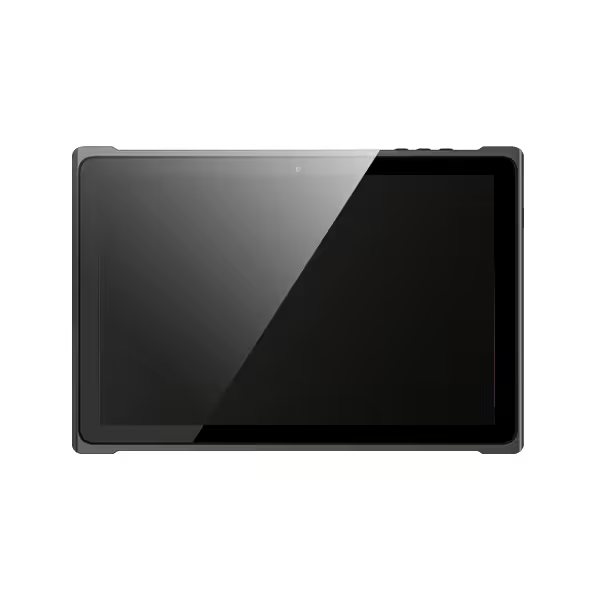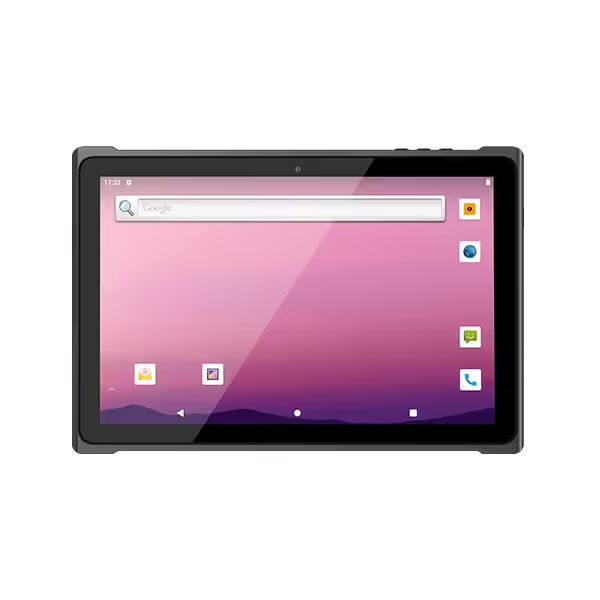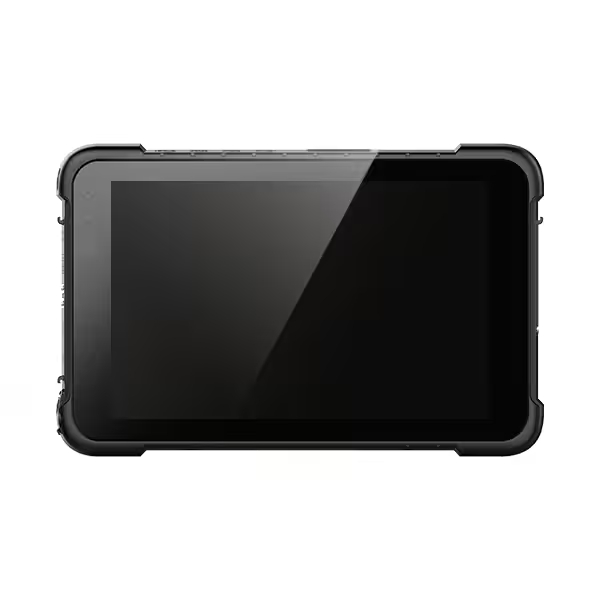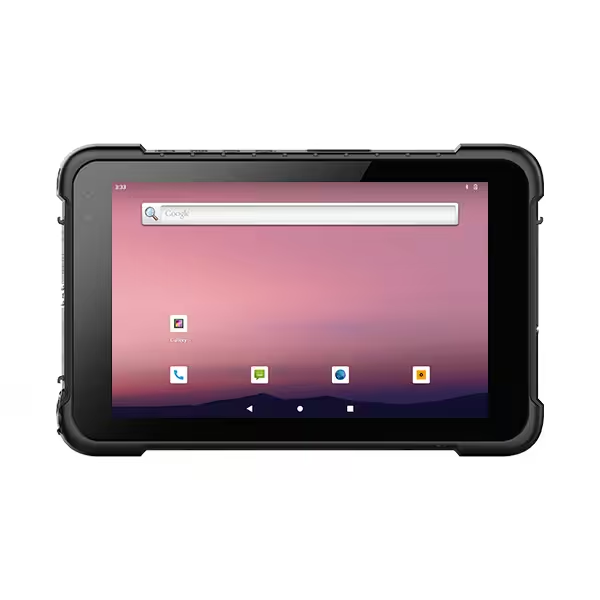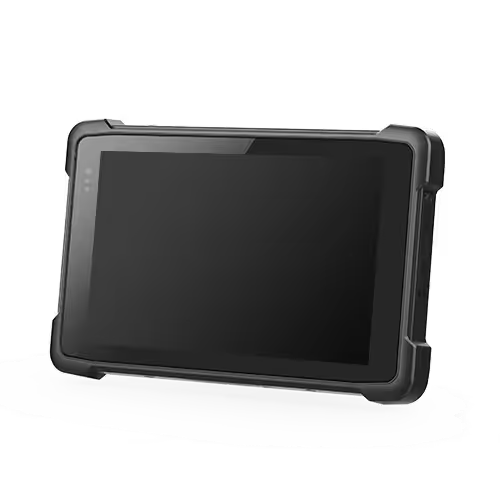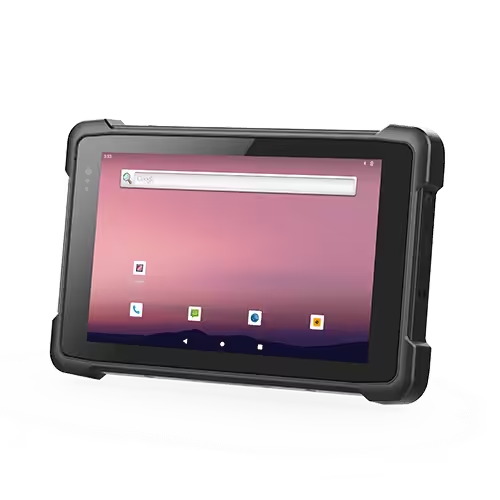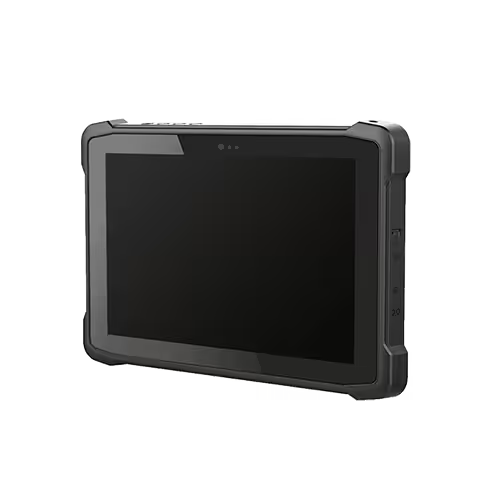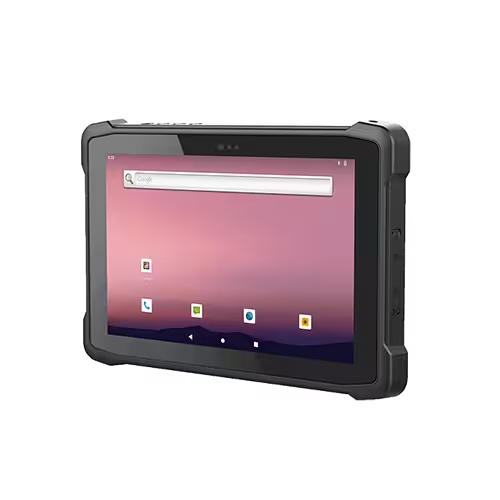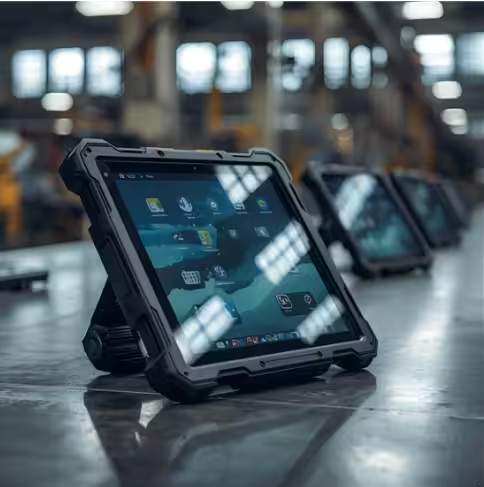
The five essential features of industrial rugged tablets are durable protection, readable displays with practical touch controls, reliable battery power, industrial connectivity, and performance that supports business software. Together, these features help workers access information, record data, and communicate in environments where dust, moisture, vibration, and frequent handling are part of daily operations.
For manufacturers, warehouse operators, and field service teams, each feature serves a specific purpose. A reinforced enclosure protects the device, while a usable touchscreen helps employees complete tasks without removing gloves. Reliable power and compatible connections keep work moving throughout the shift. Understanding these functions makes it easier to assess how an industrial rugged tablet will perform in everyday use.
1. Rugged Protection for Industrial Environments
Промышленные защищенные планшеты need protection against the conditions they encounter during work. That protection includes the enclosure, display, connectors, seals, and internal components.
Пыле- и водонепроницаемость
Dust can accumulate around connectors and enter inadequately protected equipment. Rain, splashes, and other moisture exposure create additional risks in наружные операции, production areas, and loading bays.
An IP rating describes an enclosure’s tested resistance to solid particles and water. The first digit indicates protection against solids; the second indicates water protection.
| Рейтинг | Общее значение | Соответствующее воздействие |
|---|---|---|
| IP65 | Пыленепроницаемый и защищенный от водяных струй | Dusty work areas and water splashes |
| IP66 | Пыленепроницаемый и защищенный от мощных струй воды. | Applications requiring stronger jet protection |
| IP67 | Dust-tight and protected against temporary immersion under specified conditions | Accidental temporary immersion within rated conditions |
These ratings describe particular tests. An immersion rating alone does not establish protection against water jets, chemicals, hot-water cleaning, or every type of liquid exposure.
Protection may also depend on correctly closed port covers and properly installed batteries. Workers connecting cables in wet or dusty areas should understand the manufacturer’s instructions for exposed connectors.
Drop, Vibration, and Temperature Resistance
A tablet may fall during an inspection, experience vibration on a vehicle mount, or move between warm indoor areas and cold outdoor conditions.
Drop specifications should identify the tested height and conditions. A device tested on one surface or in one configuration may behave differently when fitted with accessories or dropped onto another surface.
МИЛ-СТД-810H refers to environmental test methods, with individual products tested against selected conditions. Panasonic advises checking which methods and procedures were performed, rather than assuming every device underwent the same tests.
Temperature specifications also require attention. The operating range describes conditions for use, while the storage range applies when the device is switched off. Charging may have a separate, narrower temperature range.
2. Readable Displays and Practical Touch Controls
The display is the worker’s main interface with instructions, inspection forms, maps, and production information. Its usefulness depends on both visibility and input accuracy.
Screen Visibility in Bright Conditions
A screen that looks clear in an office may become difficult to read beside an open loading dock or in прямых солнечных лучей. Workers may need to reposition the tablet, shade it with one hand, or repeatedly zoom in to read details.
Более высокая яркость can improve visibility, but brightness alone does not determine outdoor readability. Reflections, contrast, viewing angle, and surface treatments also influence the result.
Optical bonding reduces reflections from internal display surfaces by removing the air gap between layers. Anti-glare treatments can reduce distracting surface reflections. These features help make information easier to read without relying entirely on maximum brightness.
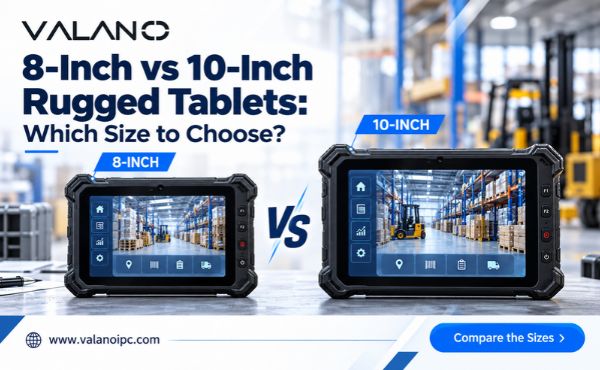
Display size should suit the task. Inspection forms and inventory records may work well on a compact screen, while drawings and equipment diagrams can benefit from a larger viewing area. The complete device should still be comfortable to carry.
Glove and Wet-Touch Operation
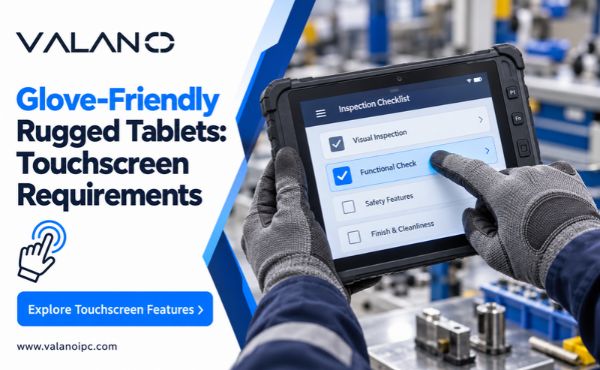
Industrial workers often wear gloves for handling materials, operating equipment, or working outdoors. A compatible touchscreen allows them to enter information without repeatedly removing protective gloves.
However, glove support varies with material, thickness, fit, and touchscreen settings. Testing with the gloves used on site is more useful than relying on a general “glove-compatible” claim.
Wet-touch functionality addresses another problem: water droplets can interfere with capacitive touch input. A suitable touch mode helps maintain control under the conditions supported by the device. JLT identifies glove operation and wet-touch functionality as separate requirements for industrial use.
A stylus can also help with signatures, annotations, and small controls. The application’s button sizes and layout remain important, even when the hardware supports accurate input.
3. Reliable Battery Power for Long Shifts
Reliable battery power helps employees complete tasks without interrupting work to find a charger. This matters particularly for mobile inspections, warehouse rounds, and service visits away from fixed workstations.
Battery Runtime Under Real Working Conditions
Published battery life provides a reference, but actual runtime depends on how the tablet is used.
Common sources of increased power consumption include:
- High screen brightness during outdoor work.
- Frequent cellular communication, especially with weak coverage.
- Continuous location tracking or navigation.
- Repeated scanning and connected accessories.
- Demanding applications and background activity.
Cold conditions and battery aging can also affect available runtime. A practical assessment should therefore use the intended software, display settings, wireless connections, and accessories over a representative working period.
Battery capacity alone is insufficient for comparing devices. Runtime also depends on processor efficiency, screen size, system settings, and battery voltage. Where available, watt-hour ratings provide a more useful energy comparison than milliamp-hour figures alone.
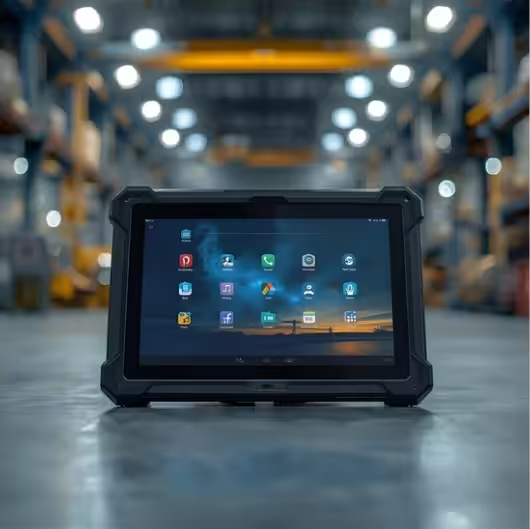
Replaceable Batteries and Charging Options
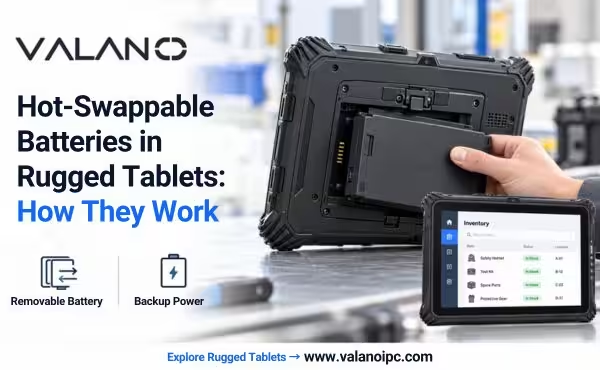
A replaceable battery lets workers exchange a depleted pack, although some tablets must shut down during replacement.
A hot-swappable battery system is designed to maintain operation while a battery is changed, subject to the manufacturer’s procedure and available replacement time. This can be valuable when closing an application would interrupt an active task.
Charging arrangements also affect daily usability. Desktop docks provide a consistent charging location, separate battery chargers support spare packs, and compatible vehicle docks supply power during mobile work.
For shared devices, an organized charging routine helps ensure that the next shift receives a ready-to-use tablet.
4. Industrial Connectivity and Data Capture
Industrial rugged tablets connect workers to business systems, nearby equipment, and physical items. These are related functions, but each requires the appropriate hardware and software.
Wireless Connections for Mobile Work
Wi-Fi supports access to warehouse, production, and maintenance systems within a covered facility. Reliable operation depends on the site network, including coverage around shelving, machinery, and outdoor work areas.
Workers moving between access points may also need consistent roaming performance. Testing along actual travel routes helps reveal interruptions that a stationary connection test could miss.
Cellular connectivity supports work beyond the facility network. Compatibility with local frequency bands, the chosen carrier, and the intended service plan should be confirmed.
Bluetooth commonly connects accessories such as portable printers and external readers. GNSS positioning supports navigation, asset mapping, and location records when the application requires it. Positioning accuracy depends on the receiver, antenna, surroundings, and any correction services used.
Equipment Interfaces and Integrated Readers
Physical interfaces help connect an industrial tablet to existing equipment. USB supports many peripherals, Ethernet provides wired network access, and serial interfaces can support compatible legacy instruments or machines.
Confirm the specific interface and protocol required. A connector with the right physical shape does not automatically provide the necessary electrical signals or software compatibility.
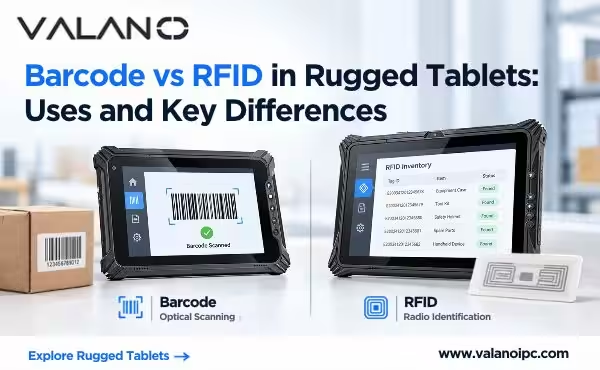
Integrated readers simplify repeated data collection:
| Функция | Типичное использование | Compatibility point |
|---|---|---|
| Сканер штрих-кода | Receiving, picking, and inventory checks | Supported codes, reading distance, and label condition |
| Считыватель NFC | Compatible cards and close-range tags | Tag standard and application support |
| UHF RFID считыватель | Reading compatible tags at longer distances | Regional frequency requirements and tag suitability |
| камера | Inspection photos and documentation | Image quality under actual lighting conditions |
These functions may be optional or require a particular configuration. Confirm whether the required readers and ports can be installed together, especially when they share an expansion position.
5. Application Performance and Software Support
An industrial tablet must run its intended applications smoothly and remain manageable throughout its working life. Processing power, operating system compatibility, and software support all contribute to this.
Performance for Everyday Industrial Tasks
Different workloads place different demands on hardware. Digital checklists and basic inventory transactions may need modest resources, while large drawings, image processing, and several applications running together require more.
The processor influences responsiveness and computing capability. Memory helps applications remain active without frequent reloading. Storage capacity must accommodate software, local records, photos, and updates.
An application-based trial is more useful than comparing processor names alone. During evaluation, check whether the tablet can:
- Open typical records and files promptly.
- Switch between required applications smoothly.
- Complete scanning and data-entry tasks consistently.
- Handle the expected volume of locally stored information.
Performance should also be checked in the intended environment. Heat, sustained workloads, and power-management settings can influence how a device behaves during extended use.
Operating System Compatibility and Device Management
Windows и Android both support industrial workflows, but application requirements should guide the choice.
Windows may be necessary for existing desktop applications, particular equipment utilities, or specialized drivers. Android can suit touch-focused workflows supported by compatible mobile applications. Browser-based systems may work on either platform, subject to browser and peripheral support.
For organizations deploying multiple tablets, device management helps maintain consistent settings, distribute applications, control access, and respond to lost devices.
Security updates and operating system support should cover the planned deployment period. Buyers should confirm the manufacturer’s support policy for the specific model and software version rather than assuming all rugged devices receive the same support.
Часто задаваемые вопросы
Can a Consumer Tablet with a Rugged Case Replace an Industrial Rugged Tablet?
It may suit some lighter-duty applications. A protective case can improve handling and impact protection, but it does not automatically extend the tablet’s temperature limits, add industrial interfaces, or improve software support. Assess the complete device against the working environment and required tasks.
Can Industrial Rugged Tablets Be Used in Hazardous Areas?
Only models with certification appropriate to the specific hazardous area should be used there. General ruggedness, an IP rating, or MIL-STD testing does not establish suitability for explosive gas or dust atmospheres. The certification must match the site’s classification and operating requirements.
Can Rugged Tablets Be Mounted on Forklifts or Work Vehicles?
Many models support compatible vehicle mounts or docks. The installation must provide secure retention, suitable power, accessible controls, and a clear view for the operator. Check the complete mounting assembly and its suitability for the vehicle’s vibration and working conditions.
Are Industrial Rugged Tablets Suitable for Cold Storage?
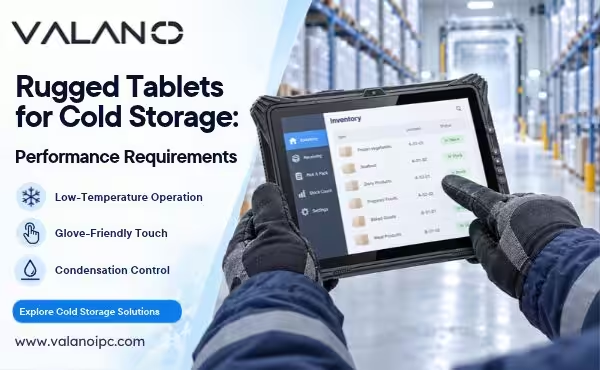
Some models are designed for cold environments, but suitability depends on more than the minimum operating temperature. Battery runtime, charging restrictions, glove use, and condensation during transitions between temperature zones also matter. Evaluate the intended model through a representative cold-storage workflow.
Заключение
The most useful industrial rugged tablets combine protection, screen usability, dependable power, suitable connections, and compatible software performance. Each feature supports a different part of the working day, from surviving routine handling to recording information accurately and keeping applications available.
Evaluate these capabilities together using real tasks, accessories, and environmental conditions. A practical trial helps show whether workers can read the display, enter data, stay connected, and complete their shifts with manageable charging requirements. This provides a stronger basis for deployment than individual specifications alone.