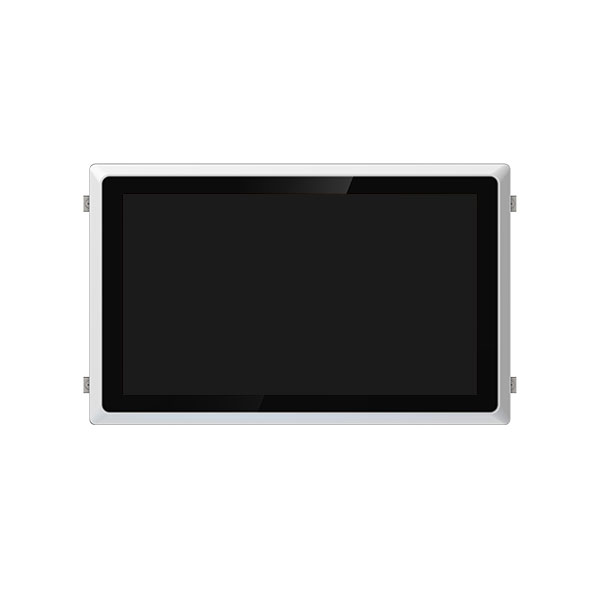
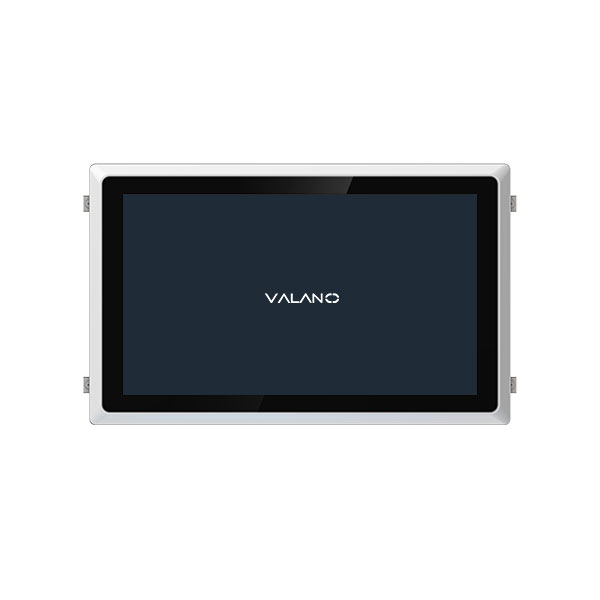
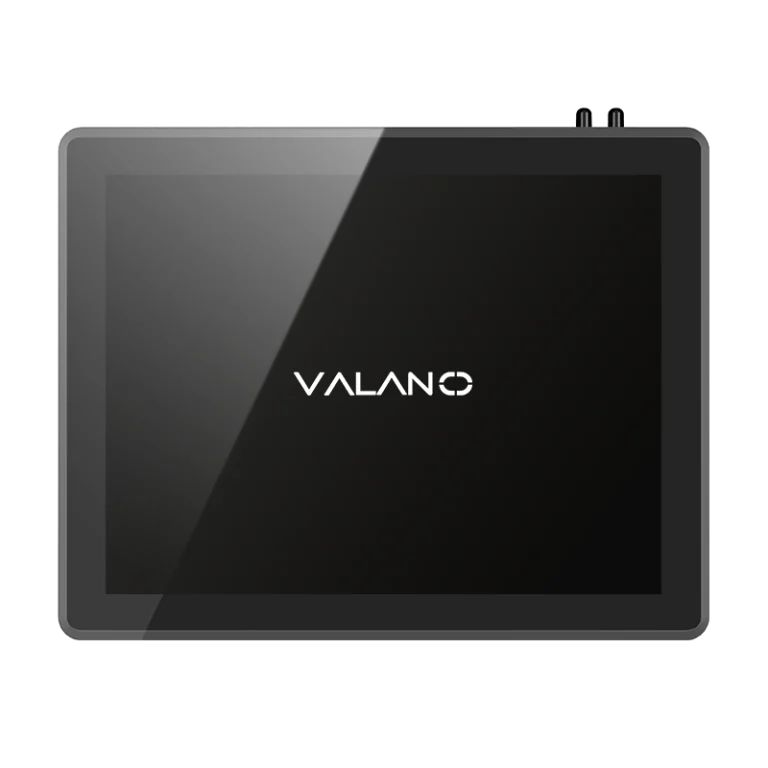
Mini PCs are revolutionizing computing by delivering full functionality in a compact, energy-efficient design. Their lightweight build and minimal power consumption make them ideal for modern workspaces, home offices, and portable applications. Understanding how these devices maintain low energy use without sacrificing performance is key for anyone considering a streamlined, sustainable computing solution. In this article, we explore the technologies and design strategies that keep Mini PCs efficient and portable.
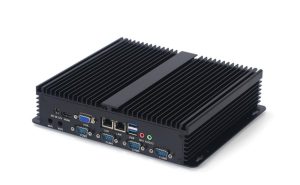
Compact Design of Mini PCs
Small Form Factor Chassis
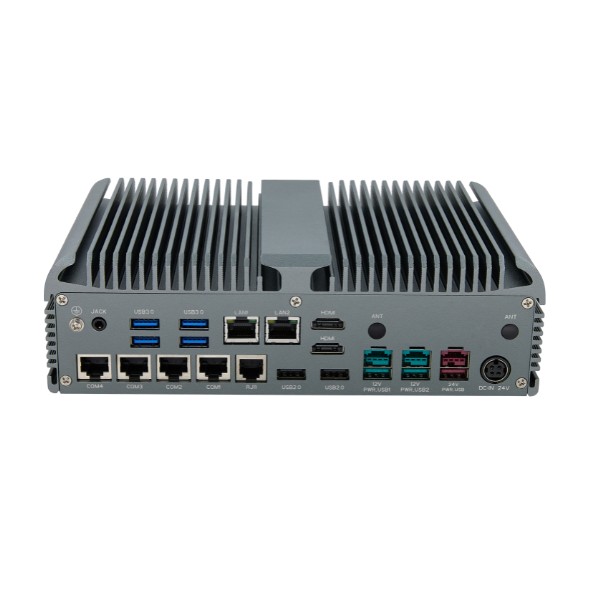
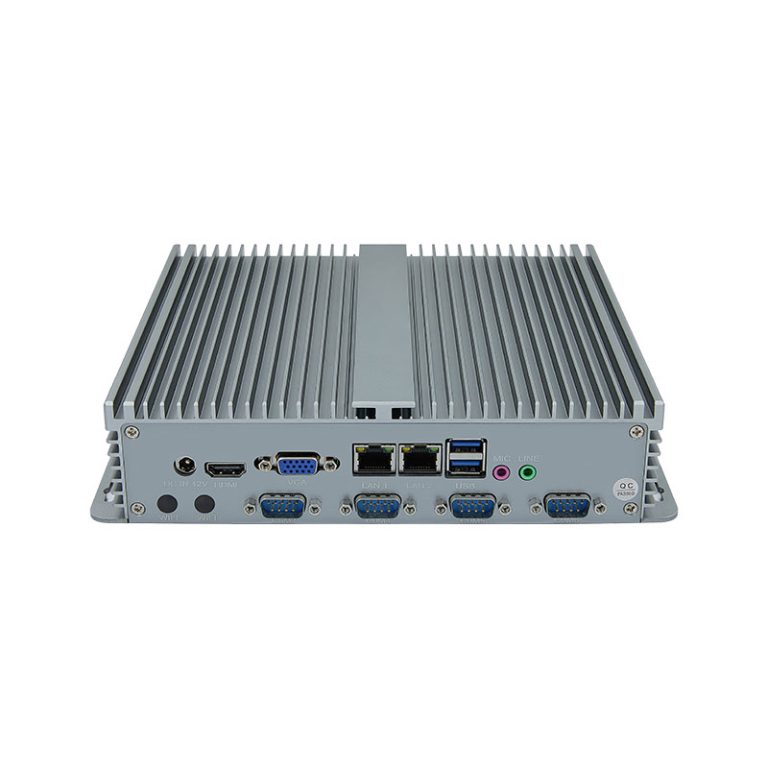
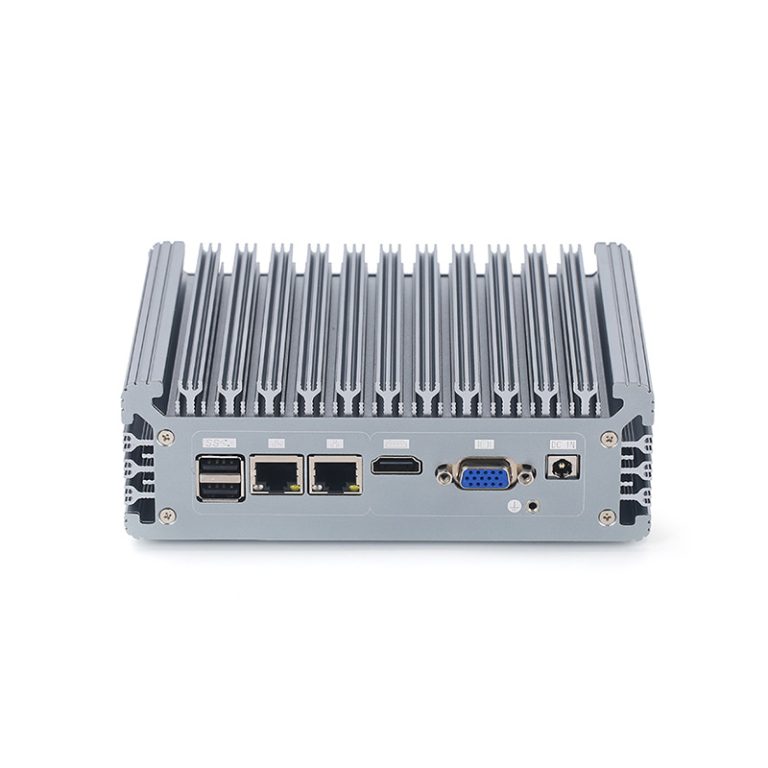
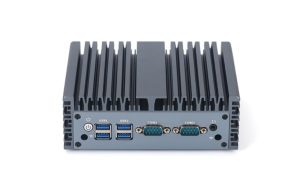
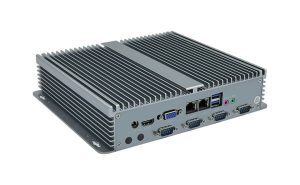
Mini pc designers focus on making the chassis as small as possible. The compact size allows users to place a mini pc almost anywhere, which makes it highly portable. Many mini models use fanless cooling systems, which reduce both size and weight.
Integrated Hardware Layout
A mini pc often combines several components onto a single board. This integration saves space and helps lower the overall weight. Engineers use miniaturized heat dissipation methods, such as vapor chamber technology, to keep the system cool without adding extra bulk.
- Vapor chambers spread heat quickly across the surface.
- This method supports efficient cooling in tight spaces.
- Mini layouts make it easier to fit the mini pc into small areas.
Lightweight Materials
Manufacturers select lightweight materials for the outer shell and internal parts. Aluminum and special plastics are common choices. These materials help keep the mini pc light while still protecting the hardware.
A table below shows how different materials affect the weight of a mini pc:
| Material | Weight Impact | Durability |
|---|---|---|
| Aluminum | Low | High |
| Plastic | Very Low | Medium |
| Steel | High | Very High |
Mini pcs use these design choices to stay light and easy to move. The compact design also helps save power, making mini pcs a smart choice for users who need portable computing.
Low-Power Components in Mini PC
Energy-Efficient CPUs
Mini pc systems use energy-efficient CPUs to keep power use low. These processors run cool and do not need large fans. Low-powered computers can work in small spaces without overheating.
Many mini models use CPUs designed for minimal power consumption. These chips balance performance with efficiency. This allows the mini pc to stay portable and reliable.
SSDs and Minimal Graphics
Solid-state drives, or SSDs, are common in mini pc designs. SSDs use less power than traditional hard drives. They also make the mini pc faster and lighter.
Most mini pcs use basic graphics hardware. This choice reduces power draw and keeps the system cool. Users can still watch videos and browse the web without problems.
A table below compares storage and graphics options:
| Component | Power Use | Speed | Size |
|---|---|---|---|
| SSD | Low | Fast | Small |
| Hard Drive | High | Moderate | Large |
| Minimal GPU | Low | Adequate | Compact |
| High-End GPU | High | High | Bulky |
Reduced Power Draw
Mini pc devices are built for low power draw. They use less energy than regular desktop computers. This makes them a smart choice for anyone who wants to save on power bills.
Low power consumption means mini pcs can run in places with limited cooling. They are also better for the environment. Many users choose mini pcs for their portable size and efficient design.
Power Management in Mini PCs
Smart Power Supplies
Mini pc systems use smart power supplies to manage energy efficiently. These supplies adjust the amount of power sent to each part. This helps reduce waste and keeps the mini pc running smoothly.
Many smart power supplies can switch to low-power modes when the mini pc is idle. This feature lowers power draw and extends the life of the device. Users benefit from lower electricity bills and less heat.
Advanced Power Saving Features
Mini pcs include advanced power saving features in both hardware and software. These features help the system use only the power it needs. For example, the mini pc can turn off unused ports or lower the brightness of the display.
Some mini models use sensors to detect when the device is not in use. The system then enters sleep mode to save power. This reduces energy use and helps protect the environment.
A table below compares average power use:
| Device Type | Average Power (Watts) |
|---|---|
| Mini PC | 10-30 |
| Traditional PC | 60-250 |
Adaptive Performance Modes
Adaptive performance modes let the mini pc adjust its speed based on the task. When running simple tasks, the system uses less power. For heavy tasks, it increases performance but still manages power efficiently.
This feature makes the mini pc both powerful and portable. Users can enjoy smooth operation without high power draw. Mini pcs offer a balance between energy savings and reliable performance.
Cooling and Noise in Mini PCs
Fanless Cooling Solutions
Many mini pc models use fanless cooling systems. These systems rely on metal heat sinks to move heat away from the processor. This design reduces power use and keeps the device quiet.
Fanless cooling works well in small spaces. It does not add extra weight or moving parts. Users can place a mini pc in a bedroom, office, or classroom without worrying about noise.
Vapor Chamber Technology
Vapor chamber technology spreads heat quickly across a flat surface. This method uses a sealed metal plate with a small amount of liquid inside. When the processor gets hot, the liquid turns into vapor and moves heat away fast.
Mini pcs benefit from vapor chambers because they do not need large fans. The system stays cool even during heavy use. This technology helps keep power levels low and supports a portable design.
A simple table shows how vapor chambers compare to traditional cooling:
| Cooling Type | Noise Level | Power Use | Size |
|---|---|---|---|
| Vapor Chamber | Silent | Low | Compact |
| Traditional Fan | Audible | Higher | Larger |
Quiet Operation
Quiet operation is a key feature of mini pcs. The lack of fans means less noise in any environment. Users can focus on work or study without distractions.
Low power use also means less heat. The mini pc does not need loud fans to stay cool. This makes it a good choice for anyone who wants a quiet and portable computer.
Conclusion
Mini PCs combine compact design, energy-efficient components, and advanced power management to deliver portable computing without compromising performance. Their lightweight build, low power consumption, and quiet operation make them ideal for modern workspaces, home offices, and environments with limited cooling. By balancing efficiency and functionality, Mini PCs provide a practical, sustainable computing solution, demonstrating how smart engineering can achieve high performance in a small, eco-friendly package.