Skip to content
What Is an Industrial Computer?
Industrial vs. Consumer Computers
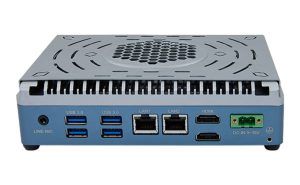
An industrial computer is designed for use in harsh environments. These computers can withstand extreme temperatures, dust, moisture, and vibration. Consumer computers, on the other hand, are built for home or office use and may not survive in tough settings.
Industrial computers often have rugged cases and special cooling systems. They support continuous operation, which is important for factories and industrial automation. Consumer models usually focus on appearance and basic performance.
Key Benefits for Industrial Applications
Industrial computers offer several advantages for businesses. They provide stable performance in places where regular computers might fail. Their long product life cycles help reduce downtime and maintenance costs.
Some key benefits include:
- Resistance to shock and vibration
- Wide operating temperature ranges
- Flexible mounting options for different spaces
- Support for legacy ports and industrial protocols
A table below shows a quick comparison:
| Feature | Industrial Computer | Consumer Computer |
|---|---|---|
| Rugged Design | ✅ | ❌ |
| 24/7 Operation | ✅ | ❌ |
| Industrial Automation | ✅ | ❌ |
| Environmental Tolerance | High | Low |
Industrial computers play a key role in industrial automation. They help control machines, collect data, and ensure smooth operations in factories and plants.
Types of Industrial Computers
Embedded Industrial Computers
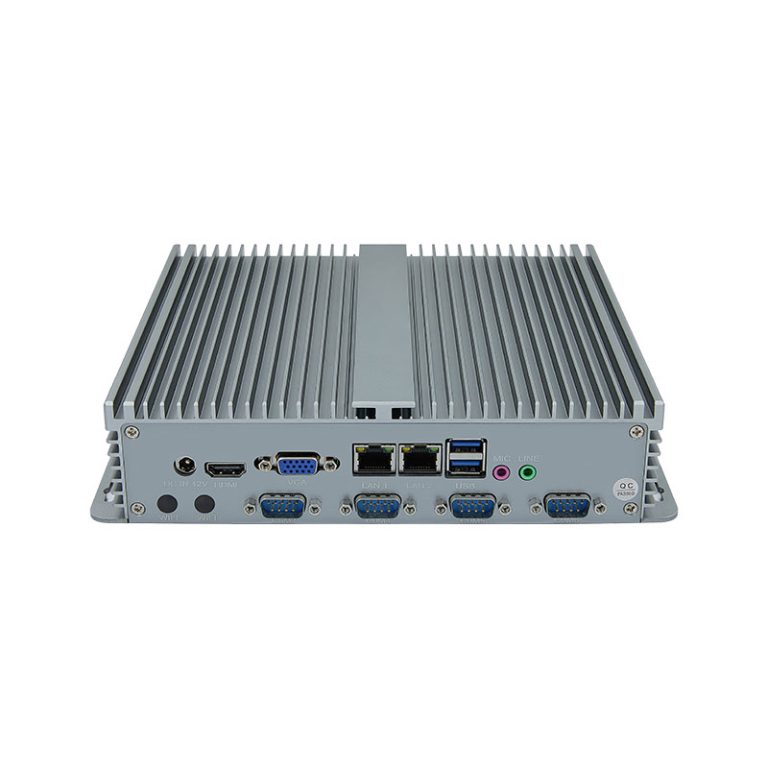
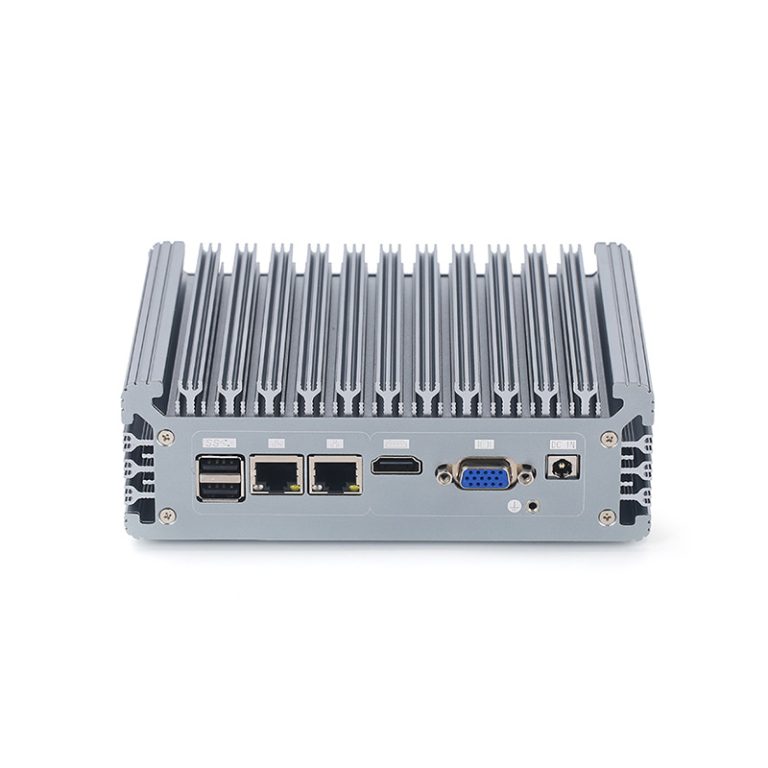
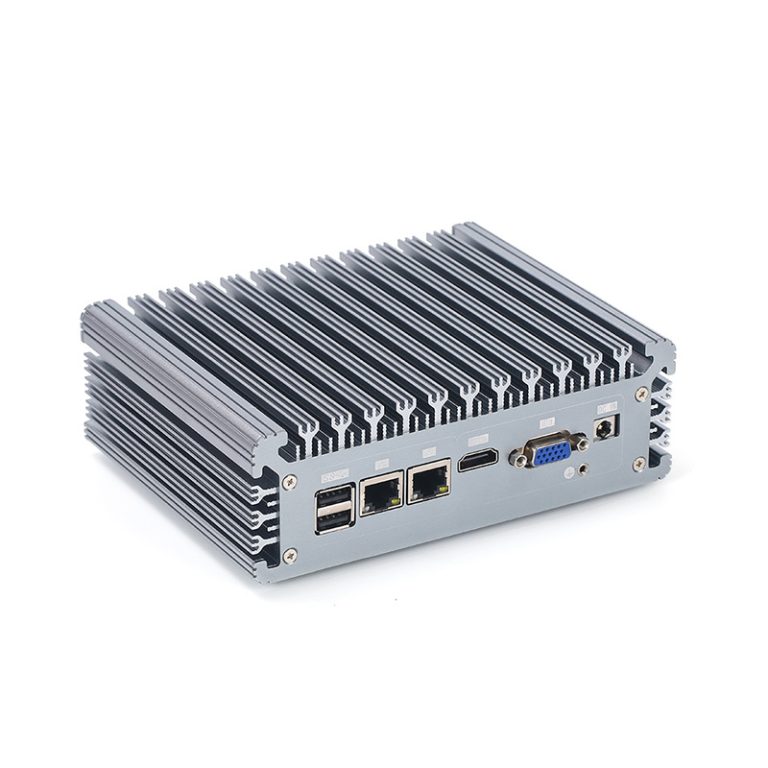
Embedded computers are small and efficient. These embedded systems fit into machines or equipment for control and monitoring. Many industries use embedded computers for automation, data collection, and process control. Embedded designs often have low power needs and can run for long periods. An embedded computer can handle specific tasks without extra hardware. Most embedded solutions are compact and easy to install. Embedded devices often work in harsh environments. The embedded approach helps reduce space and energy use. Embedded systems are reliable for industrial tasks. Embedded computers can connect to sensors and other devices. Embedded technology supports real-time operations. Embedded platforms are common in smart factories. Embedded units can be customized for different needs. Embedded hardware is built for stability. Embedded computers often use fanless cooling. Embedded systems can be found in transportation and healthcare. Embedded devices are easy to maintain. Embedded solutions are cost-effective. Embedded platforms support many industrial protocols. Embedded computers can be upgraded for new tasks. Embedded systems are secure. Embedded computers are essential for modern industry. Embedded technology keeps operations running smoothly.
Rackmount Industrial Computers
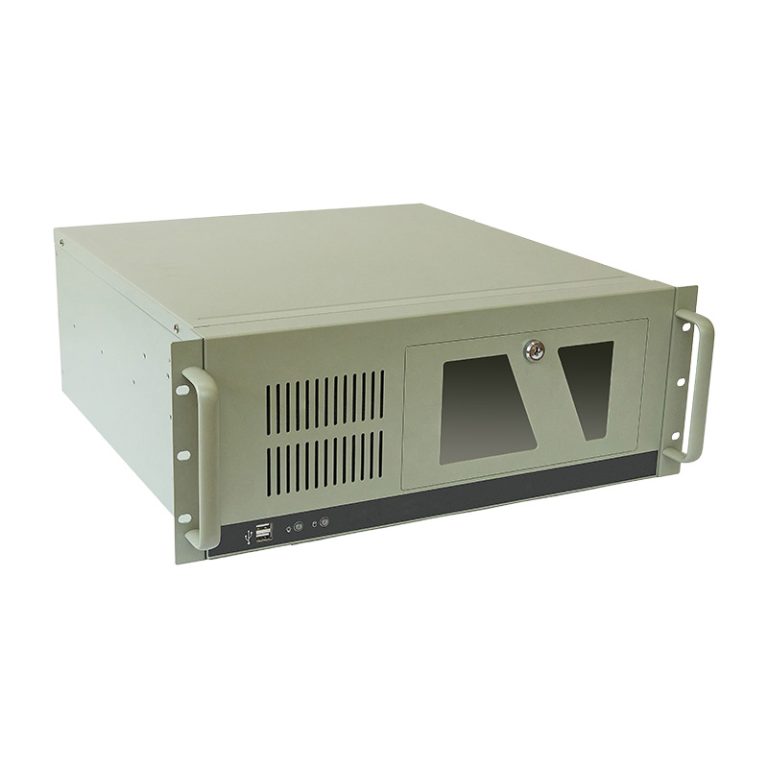
Rackmount computers are designed for installation in standard racks. A rackmount computer saves space in control rooms and data centers. Many industrial facilities use rackmount systems for centralized control. Rackmount units offer easy access for maintenance. A rackmount design allows for quick upgrades. Rackmount computers can handle heavy workloads. Rackmount solutions support multiple connections. Rackmount systems are scalable for growing needs. Rackmount computers are often used in automation. Rackmount designs provide strong protection. Rackmount units can be stacked for efficiency. Rackmount computers are built for reliability. Rackmount systems can operate in harsh conditions. Rackmount computers support various input and output options. Rackmount designs are flexible for different setups. Rackmount computers are easy to monitor. Rackmount units can be customized. Rackmount systems are ideal for large operations. Rackmount computers offer high performance. Rackmount solutions are trusted in many industries.
Panel PCs
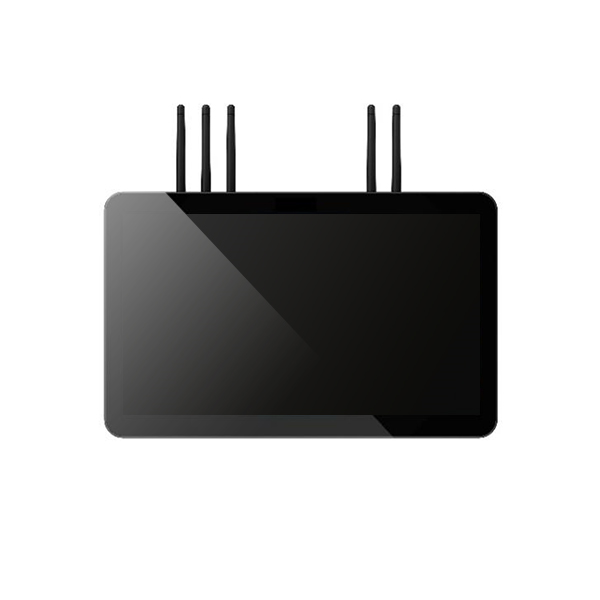
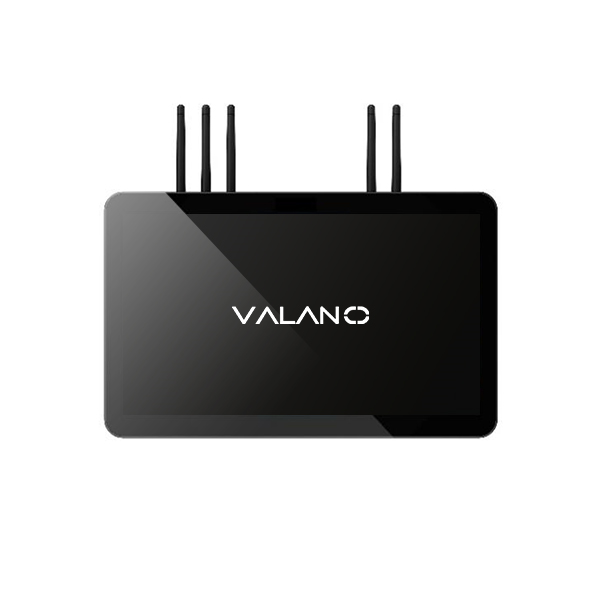
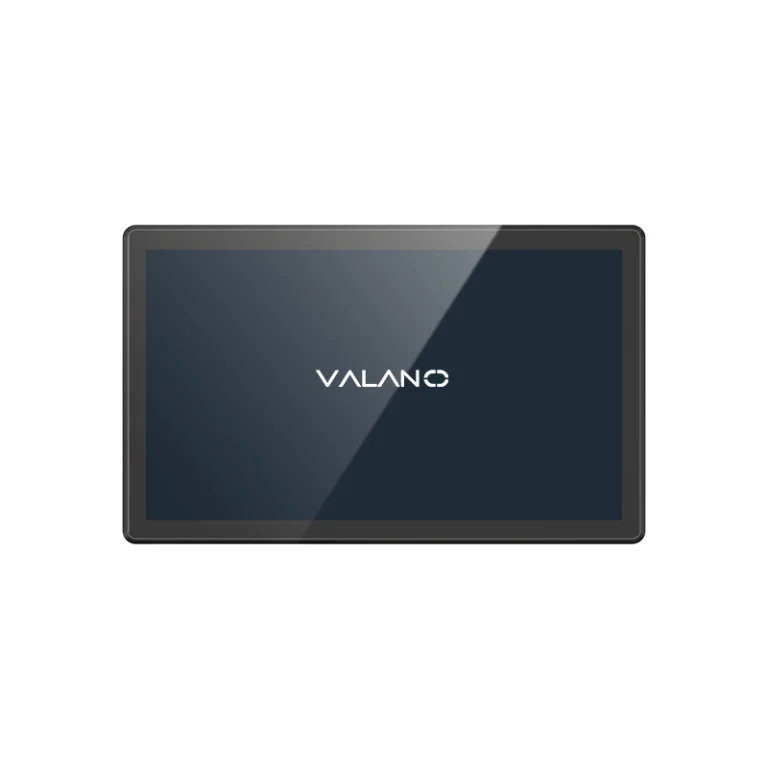
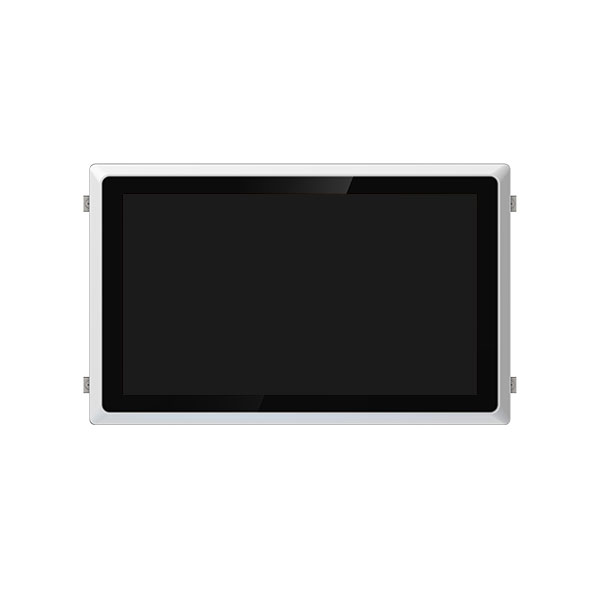
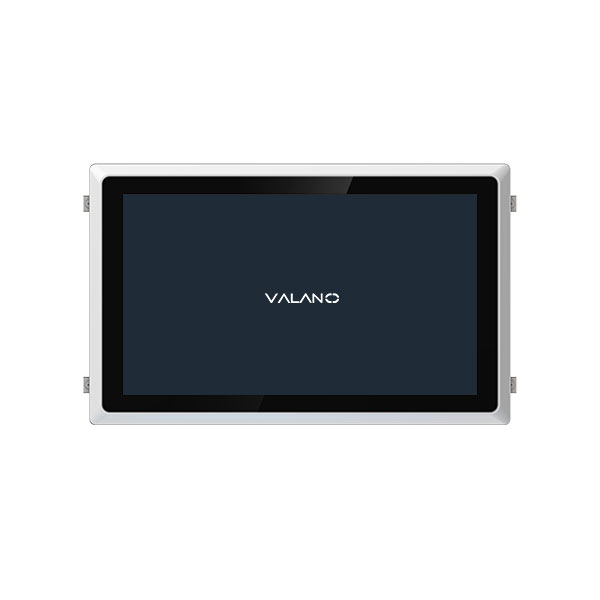
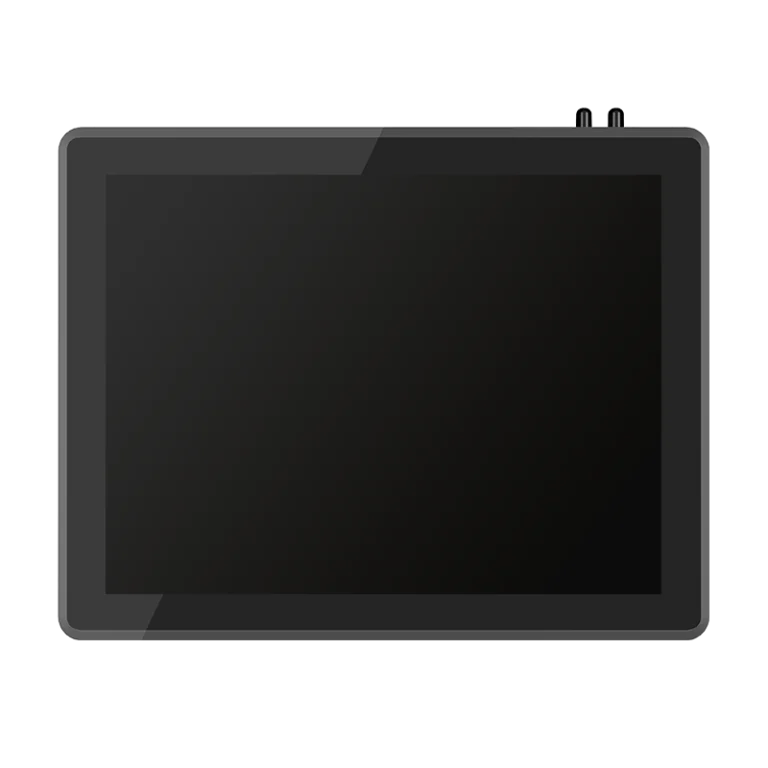
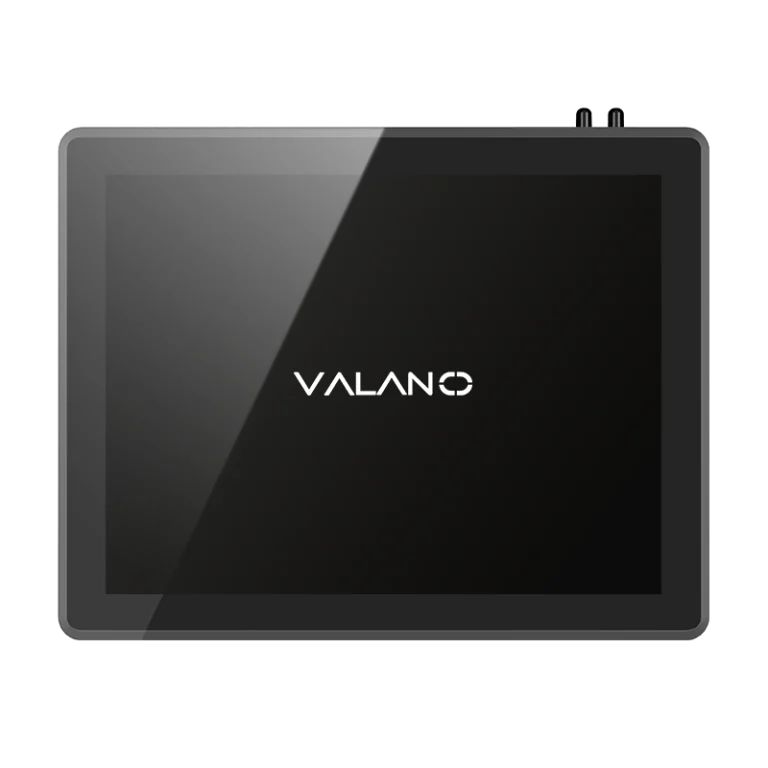
Panel PCs combine a display and a computer in one unit. These computers are often mounted on machines or walls. Panel PCs are used for operator interfaces in factories. A panel PC can withstand dust and moisture. Panel PCs are easy to clean and maintain. Many panel PCs have touchscreens for simple control. Panel PCs save space on the factory floor. Panel PCs are built for industrial use. Panel PCs can connect to other equipment.
Fanless and Rugged Designs
A rugged computer is built to survive tough conditions. Fanless rugged computer designs use passive cooling to avoid dust buildup. Rugged computer systems can handle shock, vibration, and extreme temperatures. Many rugged computer models are sealed against water and dirt. Rugged computer hardware is used in outdoor and mobile settings. Rugged computer solutions are reliable for mission-critical tasks. Rugged computer units often have reinforced cases. Rugged computer platforms are tested for durability. Rugged computer devices can operate in remote locations. Rugged computer technology reduces downtime. Rugged computer systems are easy to deploy. Rugged computer designs support wireless communication. Rugged computer products are used in mining and construction. Rugged computer options include portable and fixed models. Rugged computer equipment is trusted in defense and emergency services.
Use Cases for Industrial Computers
Manufacturing Automation
Manufacturing plants rely on industrial solutions to keep production lines running. These solutions help control machines and monitor processes. Industrial computers support automation by collecting data and managing equipment.
Transportation and Logistics
Transportation systems use industrial computers to track vehicles and shipments. These solutions help manage schedules and routes. Industrial computers provide real-time updates and support communication between drivers and control centers.
A table below shows common use cases for industrial computers in logistics:
| Application | Benefit |
|---|---|
| Fleet Management | Improved tracking |
| Inventory Control | Accurate stock levels |
| Route Optimization | Faster deliveries |
Industrial solutions make logistics safer and more reliable.
Energy and Utilities
Energy companies use industrial computers to monitor power plants and grids. These solutions help control equipment and detect faults. Industrial computers can handle extreme temperatures and outdoor conditions.
Healthcare Applications
Healthcare facilities depend on industrial solutions for patient monitoring and equipment control. Industrial computers support automation in labs and imaging centers. These solutions ensure stable operation and protect sensitive data.
Industrial computers help maintain safety and accuracy in healthcare environments. They can connect to medical devices and support real-time analysis.
Selecting an Industrial Computer: Key Criteria
Selecting an industrial computer requires a careful evaluation of your needs. This section provides a step-by-step guide to help you match features to your operational requirements. Consider each factor below to ensure you are choosing the best industrial computer for your application.
Environmental Conditions
Start by assessing the environment where the computer will operate. Industrial settings often expose computers to dust, moisture, vibration, and extreme temperatures. For embedded systems, factors to consider when choosing an industrial embedded computer include temperature range, humidity, and exposure to contaminants.
Panel PCs may need to withstand splashes or be cleaned regularly. Factors to consider when choosing an industrial panel pc include ingress protection ratings and resistance to chemicals. Rackmount computers often work in control rooms but may still face heat and dust, so factors to consider when choosing an industrial rackmount computer include airflow and filtration.
Processing Power
Performance is critical for smooth operations. Determine the processing power needed for your tasks. Applications like data analysis, machine vision, or real-time control require higher performance.
Embedded computers may need less power but must still deliver reliable performance for specific tasks. Panel PCs used for operator interfaces should balance performance and energy efficiency. Rackmount computers often handle multiple processes, so performance and scalability are important factors to consider when choosing an industrial rackmount computer.
Form Factor and Size
The physical size and shape of the computer must fit your space. Embedded computers are compact and fit inside machines or tight spaces. Factors to consider when choosing an industrial embedded computer include mounting options and available space.
Panel PCs combine a display and computer, saving space on the factory floor. Factors to consider when choosing an industrial panel pc include screen size and mounting style. Rackmount computers require standard racks, so check the number of rack units available.
Durability and Ruggedness
Durability ensures long-term reliability in harsh environments. Industrial computers often feature rugged cases and reinforced components. Military-grade durability may be necessary for extreme conditions or mission-critical tasks.
Embedded computers may use fanless designs to avoid dust buildup. Panel PCs often have sealed enclosures for protection. Rackmount computers should have shock and vibration resistance, which are important factors to consider when choosing an industrial rackmount computer.
Connectivity and Compatibility
Connectivity allows your computer to communicate with other devices. Industrial computers must support a range of ports and protocols. Factors to consider when choosing an industrial embedded computer include compatibility with sensors and controllers.
Panel PCs often need USB, Ethernet, and serial ports. Factors to consider when choosing an industrial panel pc include support for industrial networks. Rackmount computers may require multiple expansion slots and network interfaces.
Scalability and Expansion
Scalability lets your system grow with your business. Industrial computers should offer options for adding memory, storage, or expansion cards. Factors to consider when choosing an industrial rackmount computer include available slots and upgrade paths.
Embedded computers may allow limited expansion but should support essential upgrades. Panel PCs sometimes offer modular components for flexibility. Plan for future needs to maintain efficiency and performance.
Maintenance and Support
Easy maintenance reduces downtime and keeps operations running smoothly. Industrial computers should allow quick access for repairs or upgrades. Factors to consider when choosing an industrial embedded computer include tool-less access and modular parts.
Panel PCs should have replaceable screens or components. Rackmount computers often feature hot-swappable drives and redundant power supplies, which are important factors to consider when choosing an industrial rackmount computer. Reliable support from the manufacturer ensures long-term performance and efficiency.
By following these steps and considering each factor, you can make informed decisions when selecting industrial computers. Matching the right features to your operational needs ensures high performance, efficiency, and durability.
Complete Guide to Manufacturer Selection
Reliability and Support
Selecting a manufacturer for industrial computers requires careful attention to reliability. A reliable manufacturer tests each computer for performance in harsh environments. Long-term reliability ensures that the computer will operate without frequent failures.
Support is also important. Manufacturers should offer technical help and clear documentation. Good support reduces downtime and helps maintain industrial operations.
Customization Options
Industrial applications often need custom features. Some manufacturers provide options to modify the computer for specific needs. These options may include different processors, extra ports, or unique mounting solutions.
Customization can improve compatibility with existing monitors and equipment. It also helps the computer fit into unique spaces or workflows. Manufacturers that offer customization show flexibility and a focus on customer needs.
A table below shows common customization options:
| Option | Benefit |
|---|---|
| Extra I/O Ports | Connects to more monitors |
| Rugged Enclosures | Increases durability |
| Specialized Cooling | Supports long-term reliability |
Integration with Existing Systems
Integration is key for smooth operation. The computer must work with current monitors, sensors, and software. Manufacturers should provide guides and resources for best practices.
Check if the computer supports standard industrial protocols. This helps the computer communicate with other devices. Good integration reduces setup time and avoids costly changes.
Choosing the right manufacturer for industrial computers involves checking reliability, support, customization, and integration. These steps help ensure your computer delivers long-term reliability and fits your industrial needs.
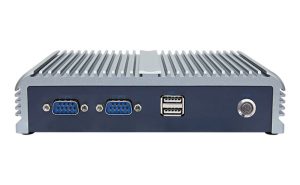
Checklist for Selecting an Industrial Computer
Evaluation Checklist
A clear checklist helps you make the right choice for your industrial needs. Use this list to guide your final decision:
- Identify the environment where the computer will operate.
- Confirm the required processing power for your tasks.
- Check the form factor and available space for installation.
- Review the durability and ruggedness needed for your application.
- Ensure the computer supports all necessary connectivity options.
- Plan for future scalability and possible expansion.
- Assess maintenance needs and available manufacturer support.
- Verify integration with existing systems and protocols.
Common Mistakes
Many users make similar errors when selecting an industrial computer. Avoid these common mistakes to ensure long-term success:
- Overlooking the specific environmental challenges of your site.
- Choosing a computer with either too much or too little processing power.
- Ignoring the need for rugged features in harsh industrial settings.
- Forgetting to check compatibility with current equipment.
- Failing to plan for future upgrades or expansion.
A table below highlights these mistakes and their impact:
| Mistake | Possible Impact |
|---|---|
| Ignoring environment | Early failure |
| Wrong processing power | Slowdowns or high costs |
| Lack of ruggedness | Frequent breakdowns |
| Poor compatibility | Integration problems |
| No scalability | Costly replacements |
Expert Consultation
Sometimes, expert advice is necessary. Consult an industrial specialist if you face unique requirements or complex environments. Experts can help you match the right computer to your specific needs.
If you are unsure about any checklist item, reach out to a professional. This step ensures your industrial computer will perform as expected.
Conclusion
Choosing the right industrial computer is essential for maintaining reliable, efficient, and safe operations in demanding environments. By considering factors such as durability, processing power, connectivity, and scalability, businesses can prevent downtime, optimize performance, and support long-term growth. Whether for manufacturing, logistics, energy, or healthcare, selecting a system that meets specific operational needs ensures seamless integration and robust performance. Investing in the right industrial computer delivers lasting value and industrial-grade reliability.