Skip to content
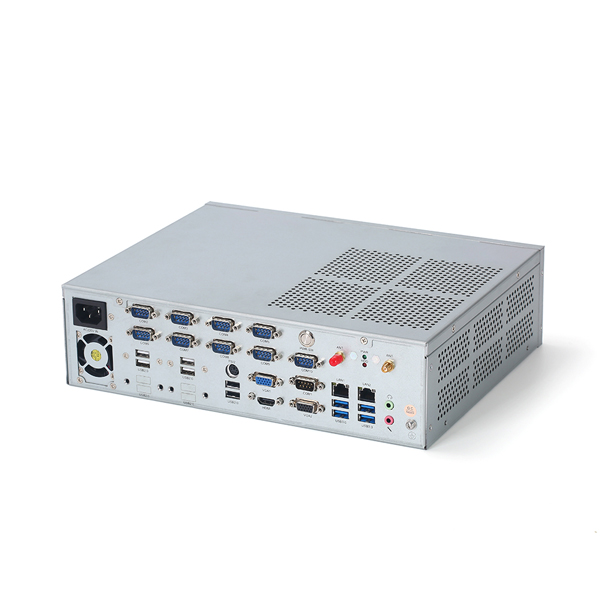
Advantages of Galvanized Steel Chassis
Excellent Corrosion Resistance
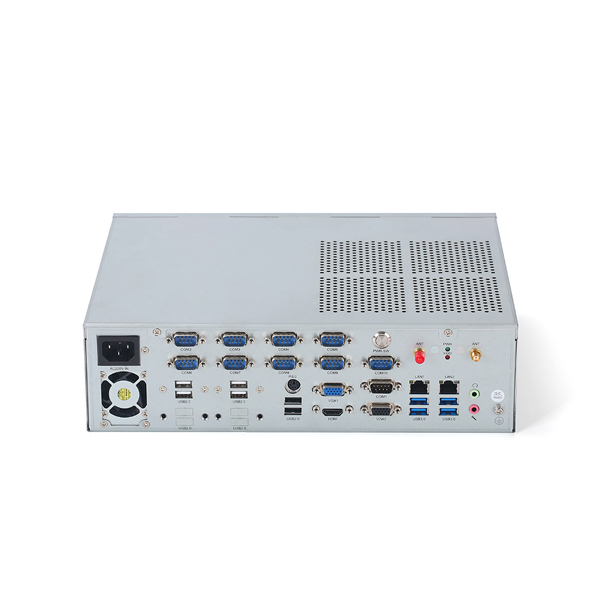
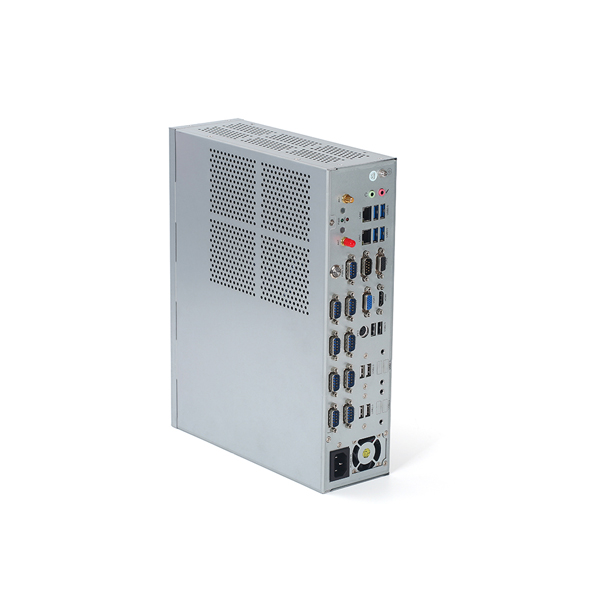
Galvanized steel is coated with a layer of zinc. This coating protects the steel from rust and oxidation. Industrial computers are often used in factories, warehouses, and outdoor cabinets. These environments may involve humidity, dust, or chemical exposure. A galvanized steel chassis reduces corrosion risk and extends service life.
High Mechanical Strength and Structural Stability
Industrial computers require a rigid enclosure. Galvanized steel provides high tensile strength and good impact resistance. It helps the chassis maintain its shape under vibration or mechanical stress. This is important for industrial PCs used near heavy machinery or on production lines.
Reliable Protection for Internal Components
A galvanized steel chassis offers solid physical protection. It shields sensitive electronic components from external impact and electromagnetic interference. This improves system stability and reduces the risk of hardware failure in demanding industrial applications.
Cost-Effective Material Choice
Compared with stainless steel or aluminum, galvanized steel has a lower material cost. It still provides strong performance and long service life. This makes it suitable for large-scale industrial computer production and B2B projects where cost control is important.
Low Maintenance Requirements
The zinc coating provides long-term surface protection. It reduces the need for frequent maintenance or repainting. This is valuable for industrial computers installed in remote or hard-to-access locations.
1U vs 2U Height Industrial Box Type Computers
What Does 1U and 2U Mean
The term “U” refers to rack unit height.
1U equals 44.45 mm.
2U equals 88.9 mm.
This height difference directly affects internal layout, cooling design, and hardware capacity.
1U Industrial Computers
Compact and Space-Saving
1U industrial computers are designed for installations where space is limited. They fit easily into shallow racks and compact control cabinets. This makes them suitable for high-density deployments.
Lower Power Configuration
Due to limited internal space, 1U systems usually support low to mid-power CPUs. Component selection focuses on efficiency and stability rather than high performance.
Limited Expansion
A 1U chassis offers fewer expansion slots and storage options. I/O configurations are typically fixed. This design works best for dedicated industrial tasks with stable requirements.
2U Industrial Computers
More Internal Space
A 2U chassis provides more room for component layout. This improves airflow and simplifies maintenance. It also allows better separation between heat-generating components.
Higher Performance Capability
2U industrial computers can support higher-performance processors and larger cooling solutions. They are suitable for applications that require continuous processing and higher computing loads.
Better Expandability
With additional space, 2U systems can support more PCIe cards, storage drives, and I/O interfaces. This makes them suitable for customized or scalable industrial systems.
Improved Thermal Management
Larger fans and optimized airflow paths allow 2U systems to handle heat more effectively. This improves system stability in harsh industrial environments.
Quck Comparison Table
| Feature | 1U Industrial Computer | 2U Industrial Computer |
|---|---|---|
| Height | 44.45 mm | 88.9 mm |
| Space Requirement | Minimal | Moderate |
| Performance Level | Low to mid | Mid to high |
| Cooling Capacity | Limited | Strong |
| Expansion Options | Few | More flexible |
| Customization | Limited | High |