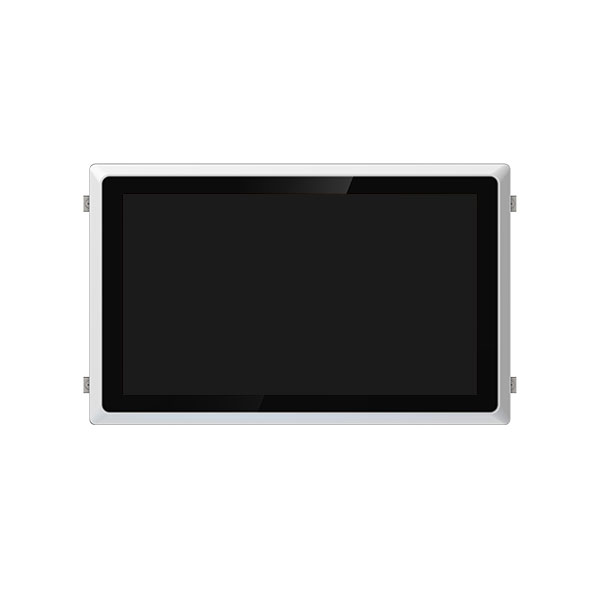
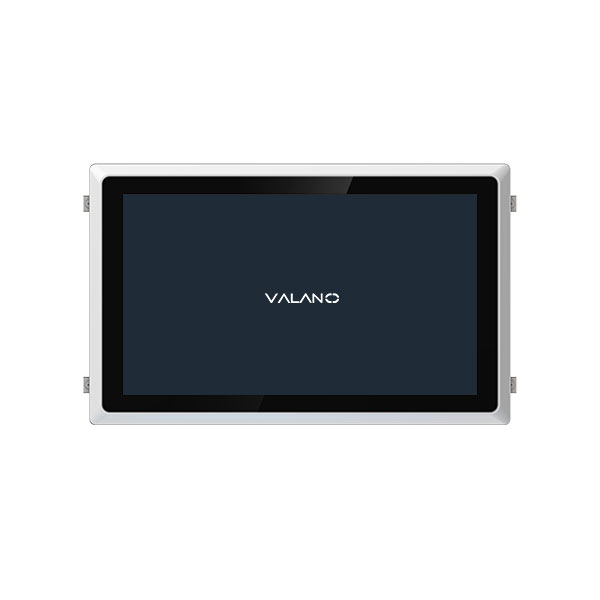
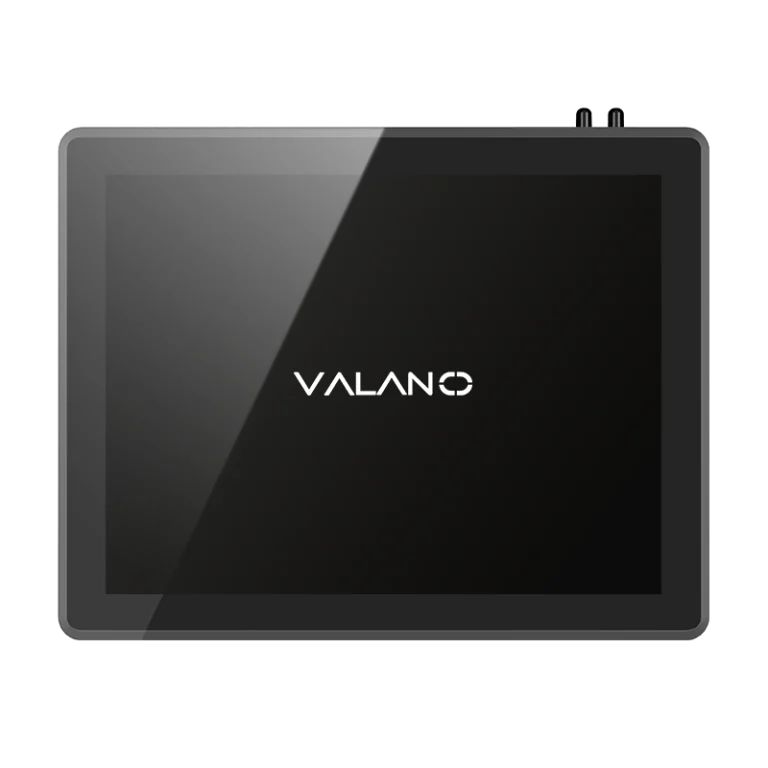
Industrial Mini PCs are compact, durable computing solutions designed for demanding industrial environments. Offering space-saving designs and reliable performance, they enable efficient automation, monitoring, and control across manufacturing, logistics, and energy sectors. Understanding their advantages and disadvantages is essential for making informed deployment decisions. This article breaks down the key benefits and potential limitations of Industrial Mini PCs, helping businesses choose the right solution for their operational needs.
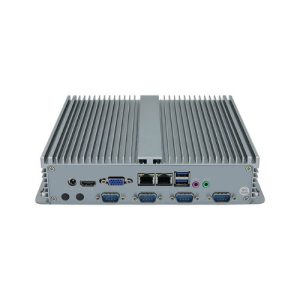
What Are Industrial Mini PCs
Definition and Features
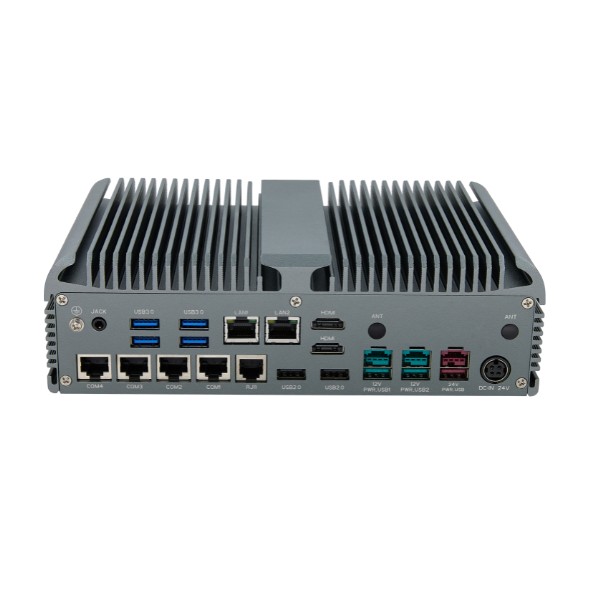
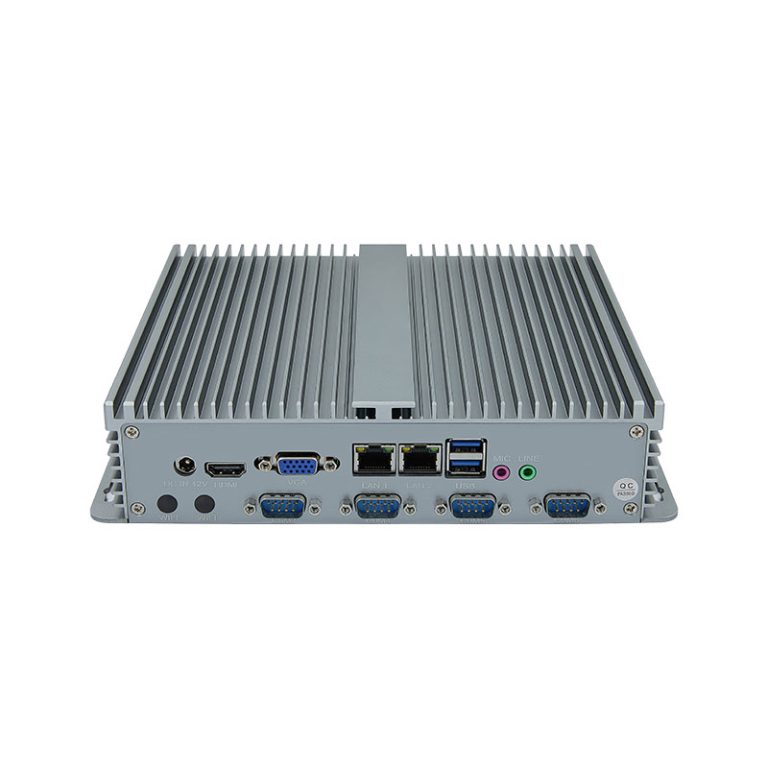
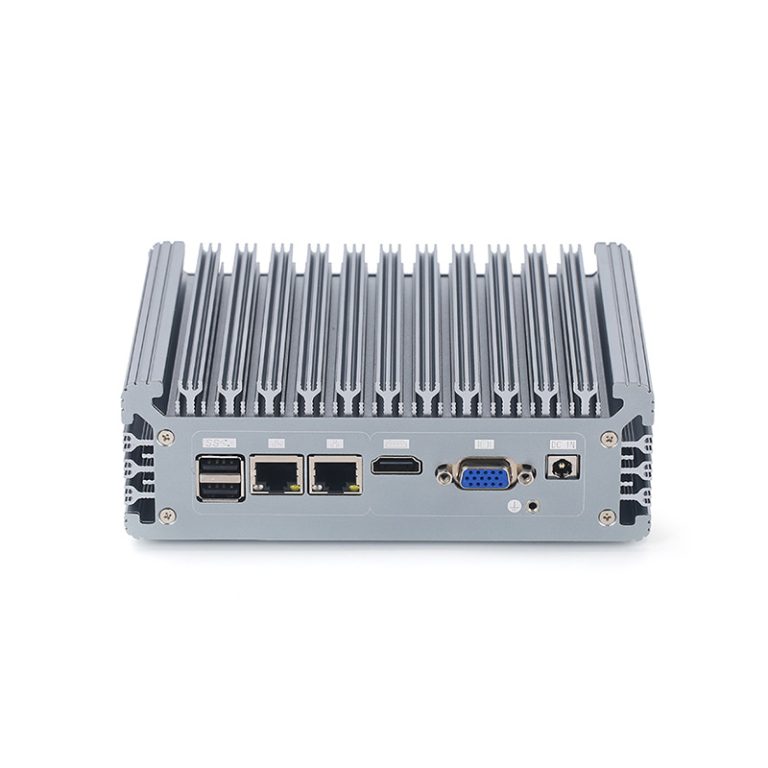
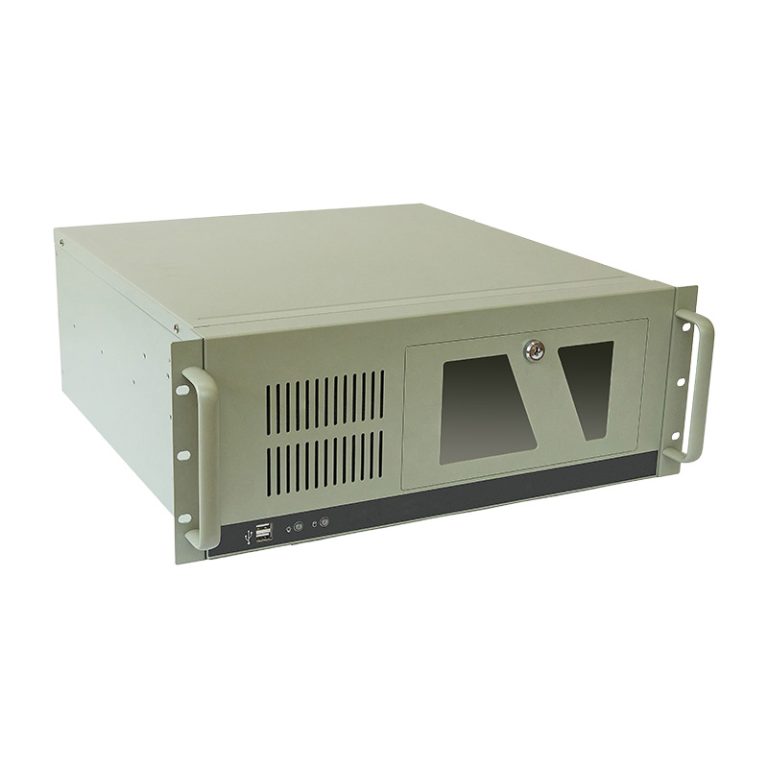
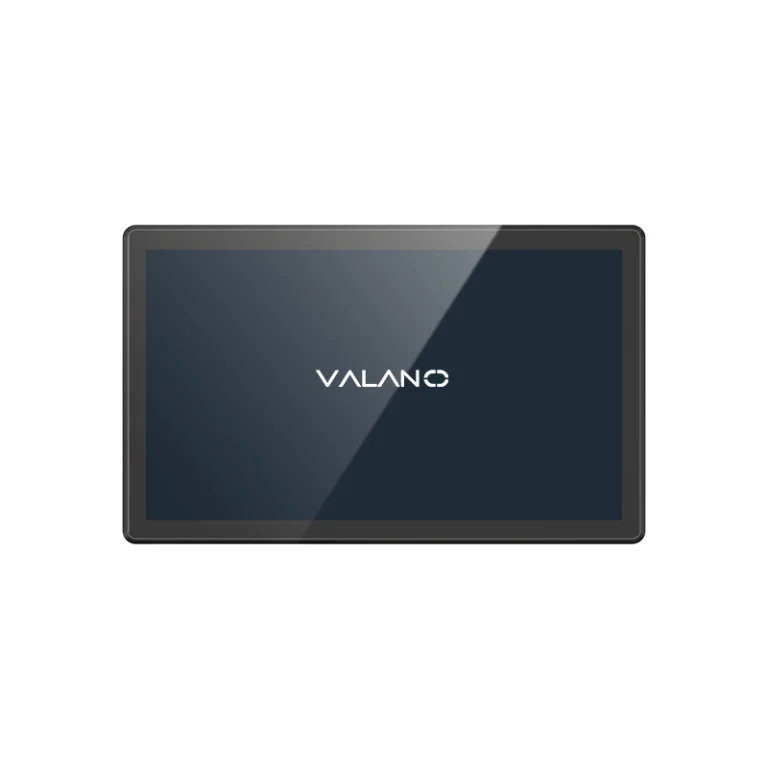
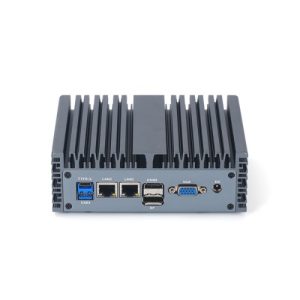
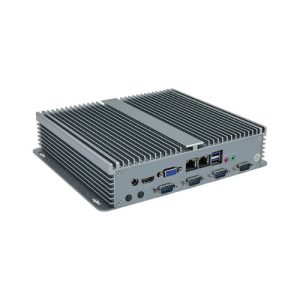
Industrial Mini PCs are small computers designed for use in tough environments. These devices often have a compact form factor, which allows them to fit into tight spaces. Many models use a fanless design to reduce dust intake and lower the risk of mechanical failure.
Most Industrial Mini PCs use solid-state drives instead of traditional hard drives. This choice increases durability and helps the device withstand shocks and vibrations. The outer casing is usually made from metal or other strong materials to protect the internal parts.
A table below highlights some common features:
| Feature | Description |
|---|---|
| Size | Small and space-saving |
| Cooling | Fanless or low-noise operation |
| Storage | Solid-state drives |
| Casing | Rugged and durable materials |
| Power Efficiency | Low energy consumption |
Common Uses
Industrial Mini PCs serve many roles in different industries. Factories use them to control machines and monitor production lines. Warehouses rely on these devices for inventory tracking and automation.
Some businesses install Industrial Mini PCs in kiosks or digital signs. These computers also power security systems and manage building controls. Their small size and strong build make them ideal for places where space is limited and conditions are harsh.
Industrial Mini PCs: Key Advantages
Compact and Space-Saving
Industrial Mini PCs have a small footprint. They fit into tight spaces where larger computers cannot go. This feature makes them ideal for crowded work areas or locations with limited room.
Fanless and Rugged Design
Many Industrial Mini PCs use a fanless cooling system. This design reduces the risk of dust and debris entering the device. The rugged build protects the computer from shocks and vibrations.
High Durability
These computers last longer in harsh environments. Strong cases and solid-state drives help them resist damage from drops or bumps. High durability means less downtime and fewer repairs.
Energy Efficiency
Industrial Mini PCs use less power than traditional desktop computers. Lower energy use saves money on electricity bills. Efficient operation also produces less heat, which helps the device last longer.
Low Noise
Fanless models run almost silently. Quiet operation is important in places where noise can distract workers. Low noise levels also make these computers suitable for offices and public spaces.
Environmental Resistance
Industrial Mini PCs can handle extreme temperatures, dust, and moisture. They work well in factories, warehouses, and outdoor locations. This resistance allows them to operate reliably in tough conditions.
Industrial Mini PCs: Main Drawbacks
Limited Upgradeability
Industrial Mini PCs often have fixed hardware. Users cannot easily add more memory or upgrade the processor. This limitation can restrict future expansion.
Some devices have soldered components. This design makes it hard to replace or improve parts. Businesses must plan carefully before choosing a model.
Higher Cost
These computers usually cost more than standard desktop PCs. The price reflects their rugged build and special features. Companies pay extra for durability and reliability.
A table below compares typical costs:
| Device Type | Average Price Range |
|---|---|
| Industrial Mini PC | High |
| Traditional Desktop | Medium |
Small businesses may find the higher cost challenging. The investment can be worth it for harsh environments, but not for every use case.
Performance Ceiling
Industrial Mini PCs focus on stability and efficiency. They do not match the speed of high-end desktops. Demanding tasks like video editing or 3D design may run slowly.
The compact size limits cooling and power. This design keeps performance at a moderate level. Users should check if the device meets their needs before buying.
Maintenance Challenges
Repairing Industrial Mini PCs can be difficult. The compact and sealed design protects the device but makes access harder. Technicians may need special tools to open the case.
Some parts are not easy to replace. If a component fails, the whole unit might need replacement. This situation can increase downtime and costs.
Industrial Mini PCs vs Traditional PCs
Performance and Cost
Traditional PCs often deliver higher performance. They use larger components and have more space for cooling. This design allows for faster processors and better graphics.
Industrial Mini PCs focus on reliability and efficiency. They use less power and create less heat. Their compact size limits the maximum performance they can reach.
A cost comparison helps show the differences:
| Feature | Industrial Mini PC | Traditional PC |
|---|---|---|
| Initial Cost | Higher | Lower |
| Power Consumption | Lower | Higher |
| Upgrade Options | Limited | Extensive |
Application Suitability
Industrial Mini PCs work best in harsh or space-limited environments. They handle dust, vibration, and temperature changes well. Many factories, warehouses, and outdoor kiosks use them for these reasons.
Traditional PCs suit offices, schools, and homes. They offer more upgrade options and better performance for tasks like gaming or video editing. These computers need cleaner and more stable environments.
Choose Industrial Mini PCs for:
- Machine control in factories
- Digital signage in public spaces
- Automation in warehouses
Choose traditional PCs for:
- Office productivity
- Multimedia editing
- General home use
Choosing the Right PC for Your Needs
Key Decision Factors
Selecting the right computer depends on several important factors. First, consider the environment where the device will operate. Dust, temperature, and vibration can affect performance and lifespan.
Next, think about the tasks the computer must handle. Some jobs require high processing power, while others need reliability and low maintenance. Budget also plays a role, as costs can vary between models.
A table below summarizes key decision points:
| Factor | Why It Matters |
|---|---|
| Environment | Impacts durability |
| Task Requirements | Determines needed performance |
| Budget | Affects available choices |
| Upgrade Needs | Influences future flexibility |
Application Recommendations
Different applications call for different types of computers. Industrial Mini PCs work best in places with harsh conditions or limited space. They suit factories, warehouses, and outdoor kiosks.
Traditional desktop PCs fit offices, classrooms, and homes. These computers offer more upgrade options and higher performance for creative work. Choose based on the main tasks and the physical setting.
Use Industrial Mini PCs for:
- Machine control systems
- Digital signage in public areas
- Automation in storage facilities
Use traditional PCs for:
- Office productivity tasks
- Multimedia editing
- General home computing
Conclusion
Industrial Mini PCs offer a powerful combination of durability, compact design, and energy efficiency, making them ideal for harsh or space-limited industrial environments. While they may have limitations in upgradeability and high-performance tasks, their reliability, low maintenance, and environmental resistance provide significant operational value. Understanding their advantages and drawbacks enables businesses to make informed deployment decisions, ensuring Industrial Mini PCs deliver maximum efficiency and long-term performance in demanding applications.