Skip to content
Understanding the factors that affect the lifespan of Industrial Mini PCs is essential for maximizing performance and minimizing downtime in demanding environments. From hardware quality and operating conditions to maintenance practices, each element plays a critical role in determining durability. By exploring these key influences, businesses can make informed decisions, extend equipment life, and ensure reliable operation across manufacturing, logistics, and industrial automation applications.
Build Quality and Components
Industrial-Grade Materials
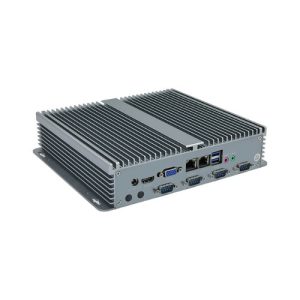
The materials used in industrial mini PCs play a major role in their durability. Industrial environments often expose devices to dust, moisture, and extreme temperatures. Standard consumer-grade plastics and metals may not withstand these conditions.
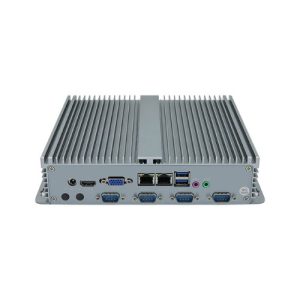
Industrial mini PCs use reinforced metals, sealed connectors, and ruggedized casings. These features protect the internal components from physical damage and environmental hazards. Devices built with industrial-grade materials are less likely to suffer from corrosion or warping.
Hardware Reliability
Reliable hardware is essential for long-term performance in industrial settings. High-quality motherboards, solid-state drives, and industrial power supplies reduce the risk of breakdowns. These components are designed to handle continuous operation and heavy workloads.
Industrial mini PCs often include features like conformal coating and shock-resistant mounts. These additions protect against vibration and electrical interference. Poor hardware choices can lead to frequent repairs and industrial computer failure.
When selecting an industrial mini PC, consider the following checklist:
- Look for devices with extended temperature ratings.
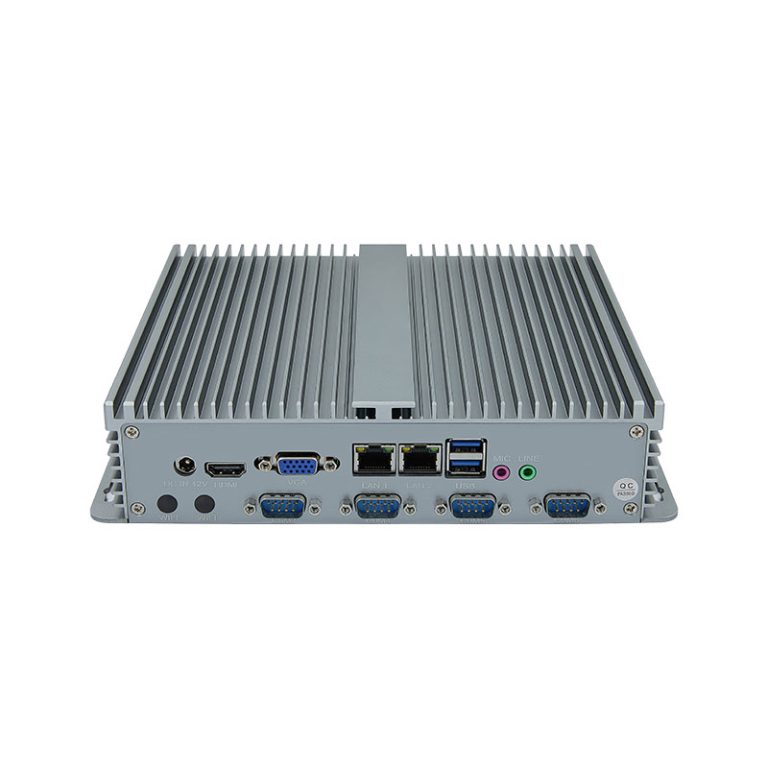
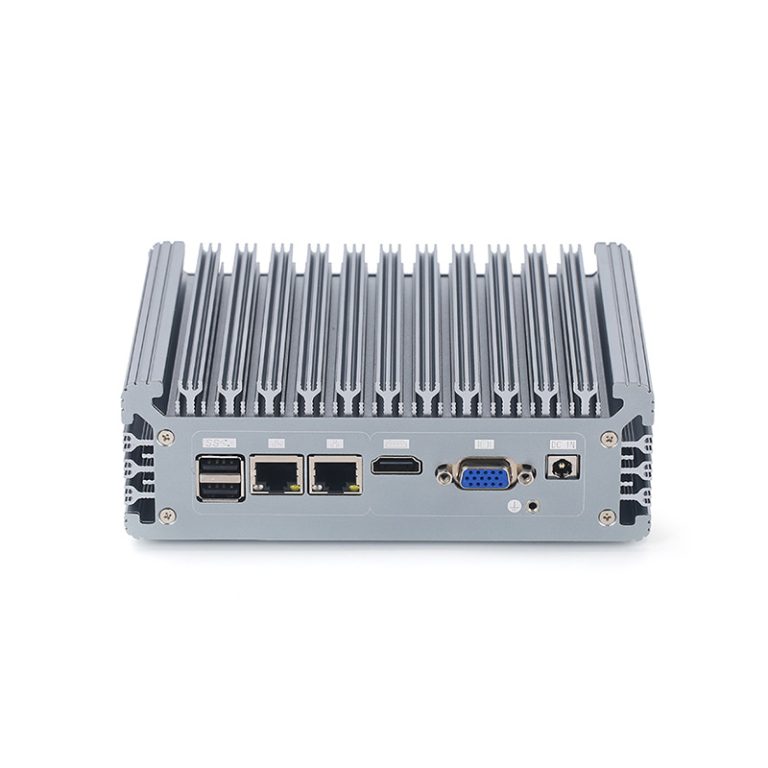
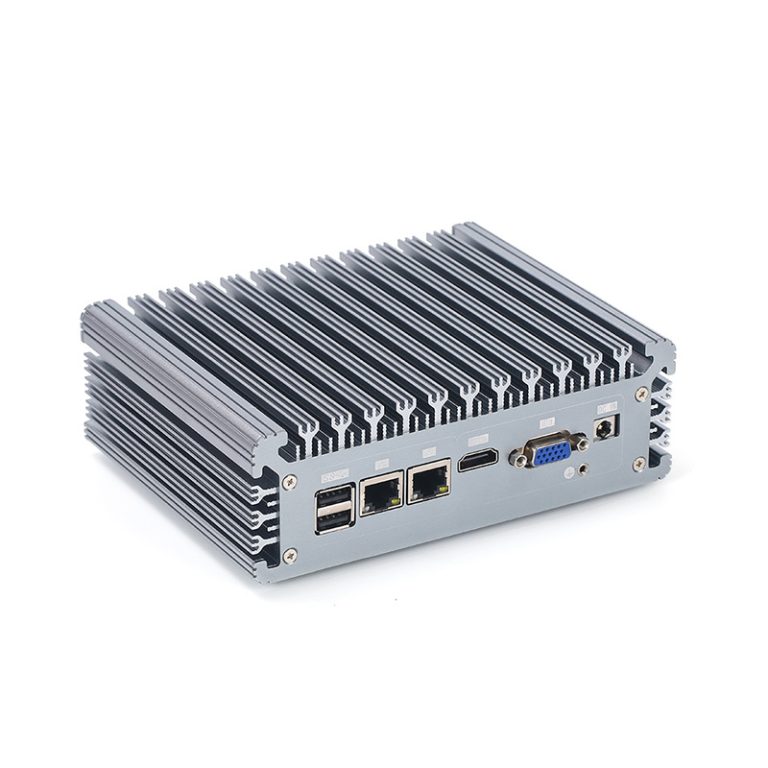
- Choose models with fanless cooling systems to reduce dust intake.
- Select units with industrial-grade memory and storage.
The build quality and choice of components directly impact the lifespan of mini pcs. Investing in reliable hardware reduces downtime and maintenance costs. Proper selection helps avoid industrial computer failure and ensures stable operation in demanding environments.
Usage Patterns and Workload
Frequency of Use
How often a mini PC operates has a direct effect on its longevity. Devices that run 24/7 experience more wear than those used only during work hours. Continuous operation can lead to faster aging of electronic parts.
Many factories and warehouses require non-stop computing. These environments put extra stress on mini PCs. Over time, this can shorten the expected service life.
Application Demands
The type of tasks assigned to a mini PC also matters. Running complex software or processing large amounts of data increases the workload. High-demand applications cause components to work harder and generate more heat.
Some mini PCs handle only basic tasks like data logging or simple control functions. Others must support advanced graphics or real-time analysis. The more demanding the application, the greater the strain on hardware.
- Light workloads: Basic monitoring, simple data entry, or routine control.
- Heavy workloads: Video processing, machine learning, or multi-tasking operations.
Selecting the right device for the job is important. Using a mini PC beyond its intended capacity can lead to early failure. Always match the hardware specifications to the application needs for best results.
Overheating and Poor Ventilation
Causes of Overheating
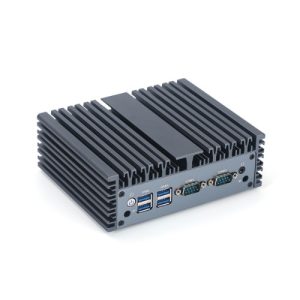
Overheating is a common problem in industrial mini PCs. High temperatures often result from blocked air vents, dust buildup, or running the device in a hot environment. Poor ventilation makes it hard for heat to escape, which causes the internal temperature to rise quickly.
Heavy workloads can also lead to overheating. When a mini PC processes large amounts of data, its components generate more heat. If the cooling system is not strong enough, the temperature can reach dangerous levels.
Cooling and Ventilation Solutions
Proper cooling and ventilation help prevent overheating. Use mini PCs with built-in heat sinks or fanless designs for better heat management. Install external fans or cooling pads if the environment is especially warm.
Regular cleaning keeps air vents clear of dust and debris. Check the ventilation system often to make sure it works well. Some users install air filters to block dust and improve airflow.
Dust and Contaminants
Entry Points for Dust
Dust can enter industrial mini PCs through many small openings. Vents, fan grills, and cable ports often serve as the main entry points. Even sealed units may allow tiny particles to slip inside over time.
Industrial environments usually contain more dust and contaminants than office spaces. Factories, warehouses, and workshops generate airborne particles from machines and materials. These contaminants can settle inside the device and cause problems.
Once inside, dust can coat circuit boards and block cooling systems. This buildup increases the risk of overheating and electrical failure. Regular checks help spot early signs of dust accumulation.
Preventive Cleaning and Filtration
Preventive measures are important for keeping industrial mini PCs clean. Using air filters on vents can trap dust before it enters the device. Many industrial models include dust-resistant designs to reduce the impact of contaminants.
A simple cleaning schedule can make a big difference. Wipe down the exterior and check vents every week. Use compressed air to remove dust from hard-to-reach areas.
Some facilities use positive air pressure rooms to keep dust and contaminants away from sensitive equipment. This method works well in high-risk industrial settings. Preventive measures like these help extend the life of mini PCs and reduce downtime.
| Preventive Measures | Benefits |
|---|---|
| Air filters | Blocks dust and contaminants |
| Regular cleaning | Prevents buildup |
| Sealed casings | Limits entry points |
Industrial mini PCs last longer when protected from dust and contaminants. Consistent preventive measures lower the chance of failure and keep devices running smoothly.
Power Surges and Electrical Instability
Power Fluctuations
Industrial mini PCs often face power surges and electrical issues. These problems can come from unstable power grids, heavy machinery, or sudden changes in voltage. Power fluctuations can cause devices to restart or shut down without warning.
Frequent surges put stress on sensitive components inside the mini PC. Over time, this stress can lead to failure. Many industrial sites experience these electrical problems daily.
A simple table shows the effects of power fluctuations:
| Issue | Possible Result |
|---|---|
| Sudden voltage drop | Data loss, restart |
| High voltage surge | Damaged circuits |
| Frequent fluctuation | Shortened device lifespan |
Surge Protection
Surge protection is important for every industrial setup. Surge protectors and voltage regulators help block dangerous spikes before they reach the mini PC. These devices lower the risk of damage and reduce the need for repair.
Industrial computer repair often becomes necessary after a strong surge. Using surge protectors can prevent costly downtime and keep equipment safe. Timely and effective repair is easier when devices have protection in place.
A good maintenance plan includes regular checks for power surges and electrical issues. Quick action can prevent permanent damage. Timely and effective repair keeps industrial systems running smoothly.
Industrial mini PCs last longer when protected from surges. Preventive steps lower the chance of repair and help avoid unexpected failure.
Environmental Conditions
Temperature and Humidity
Industrial mini PCs often operate in areas where temperature and humidity levels change frequently. High temperature can cause components to overheat, while low temperature may lead to condensation inside the device. Both extremes can damage sensitive electronics and shorten the lifespan of industrial equipment.
Humidity also plays a major role in the performance of industrial mini PCs. High humidity can lead to moisture buildup, which may cause corrosion or short circuits. Low humidity increases the risk of static electricity, which can harm internal parts.
Environmental monitoring is important for maintaining safe temperature and humidity levels. Many industrial sites use sensors to track these conditions. Regular checks help prevent sudden changes that could harm the device.
A simple table shows the effects of temperature and humidity on industrial mini PCs:
| Condition | Possible Impact |
|---|---|
| High temperature | Overheating, reduced lifespan |
| Low temperature | Condensation, malfunction |
| High humidity | Corrosion, short circuits |
| Low humidity | Static discharge, damage |
Vibration and Shock
Industrial environments often expose mini PCs to vibration and shock. Machines, vehicles, and heavy equipment can create constant movement. Over time, this movement can loosen connections and damage internal components.
Shock events, such as accidental drops or sudden impacts, pose a serious risk. Even a single strong shock can cause immediate failure. Industrial mini PCs designed for harsh environmental conditions often include shock-absorbing mounts or reinforced casings.
To reduce the effects of vibration and shock, follow these steps:
- Install mini PCs away from heavy machinery.
- Use vibration-dampening mounts or pads.
- Inspect devices regularly for signs of physical stress.
Conclusion
Ensuring the longevity of Industrial Mini PCs requires attention to build quality, workload management, environmental conditions, and preventive measures. By selecting durable components, protecting against dust, overheating, and power fluctuations, and monitoring operating environments, businesses can reduce downtime and extend device life. Understanding these factors not only safeguards critical operations but also maximizes return on investment, reinforcing the importance of informed maintenance and deployment strategies in industrial settings.