...
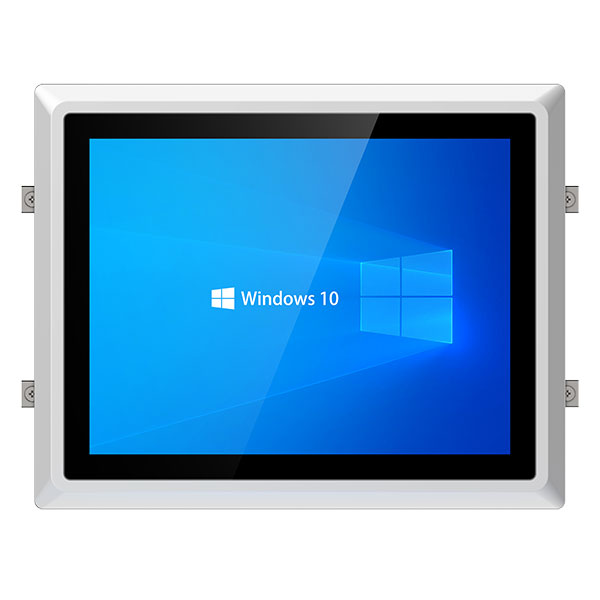
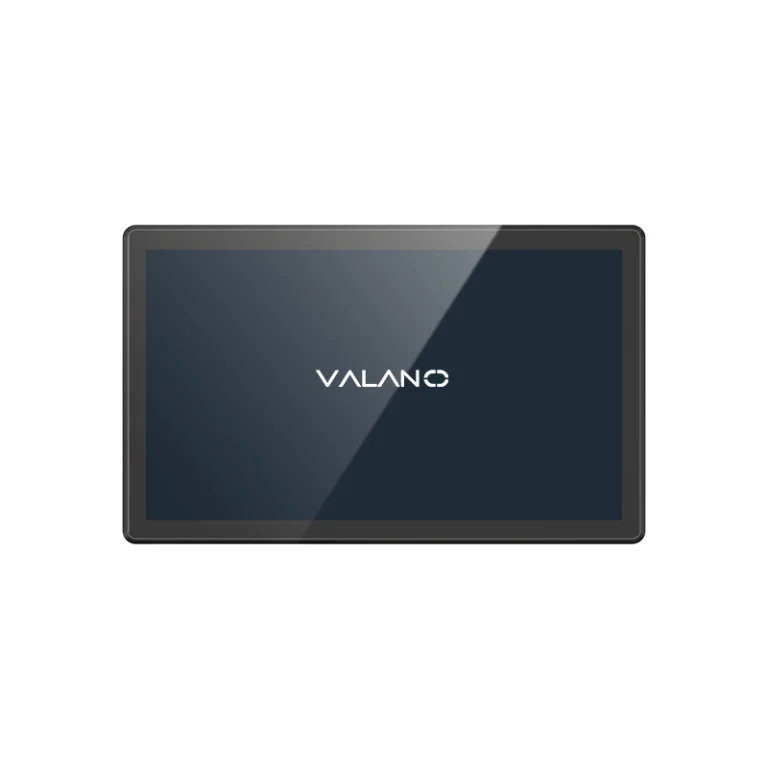
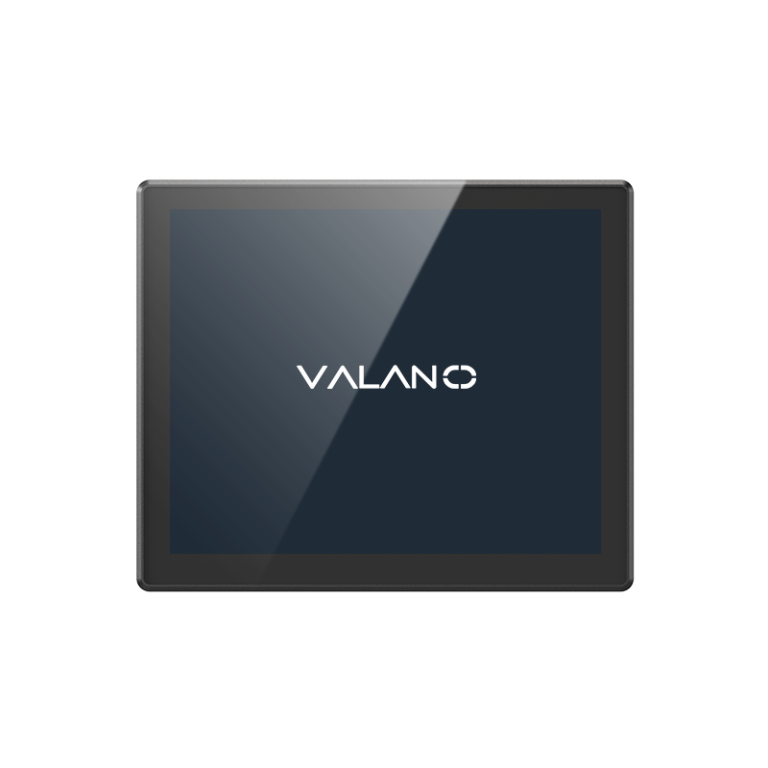
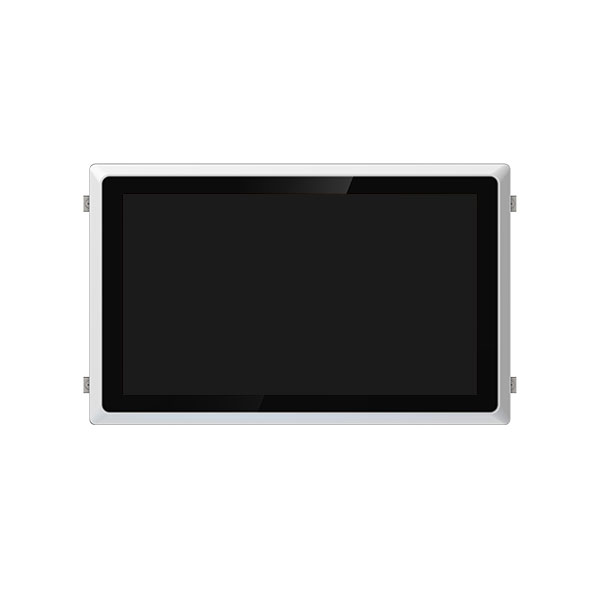
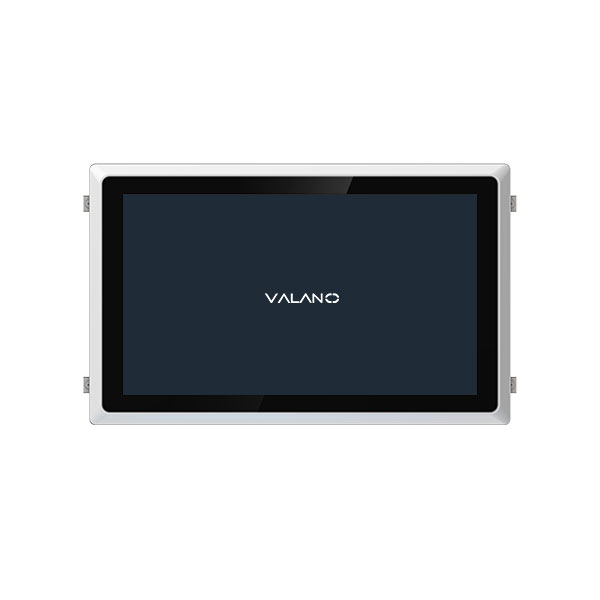
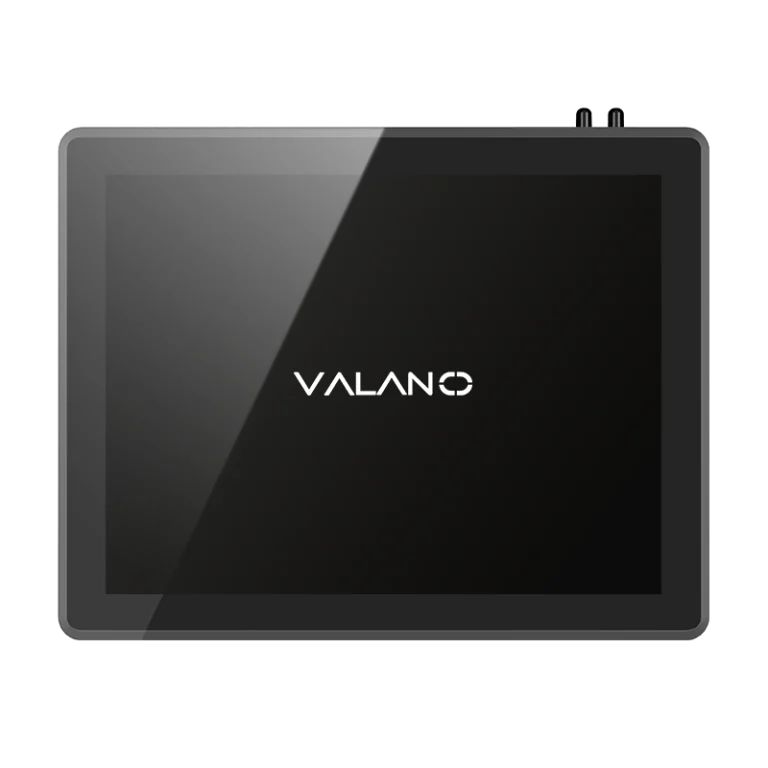
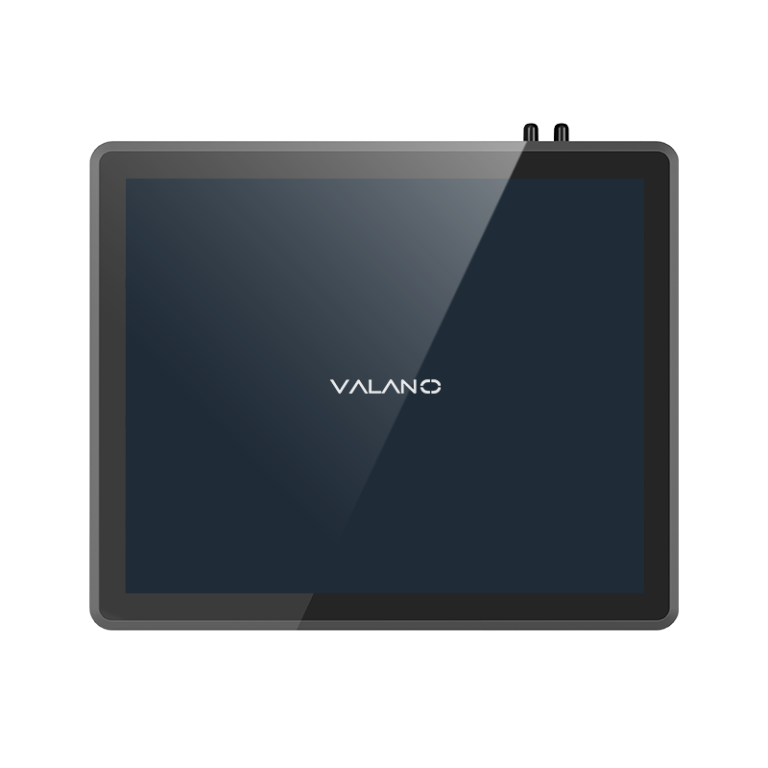
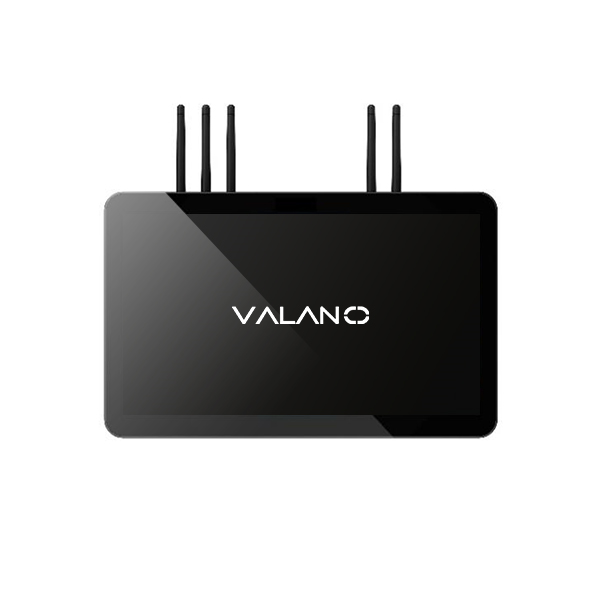
Valano IP105-121 Industrial Panel PC with 12.1-inch display
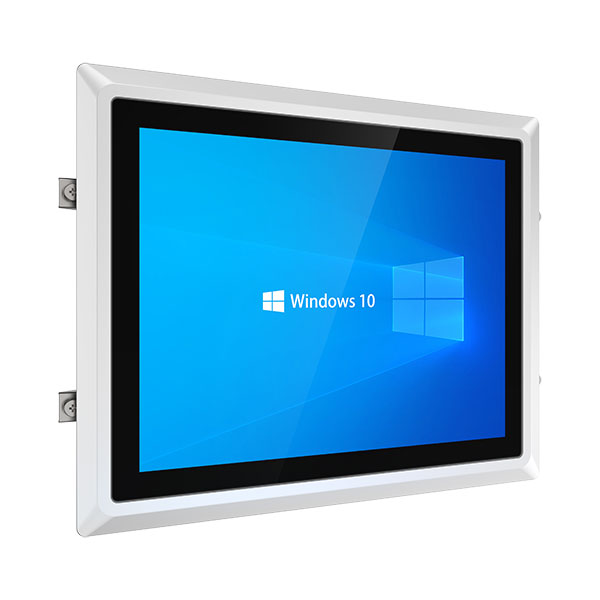
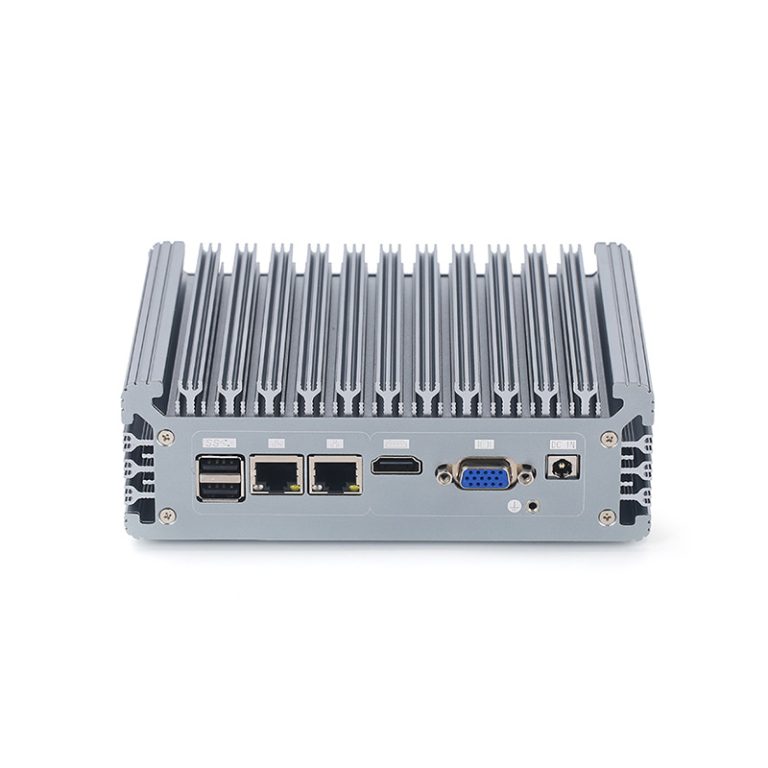
left-side-of-12'1-inch-Fanless-Industrial-Panel-PC
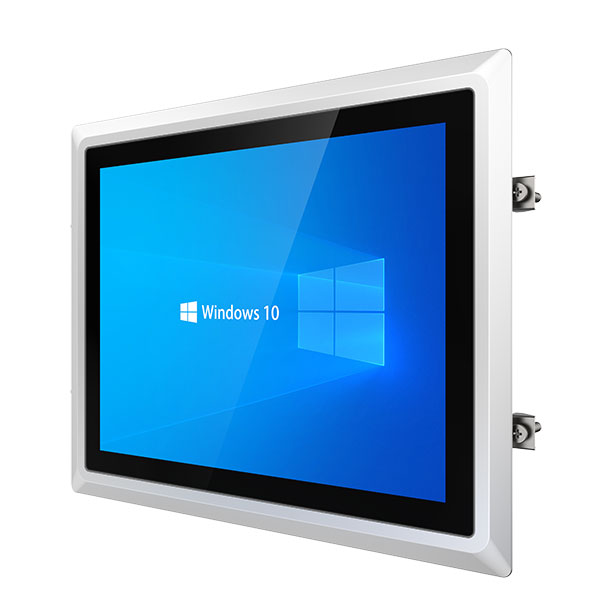
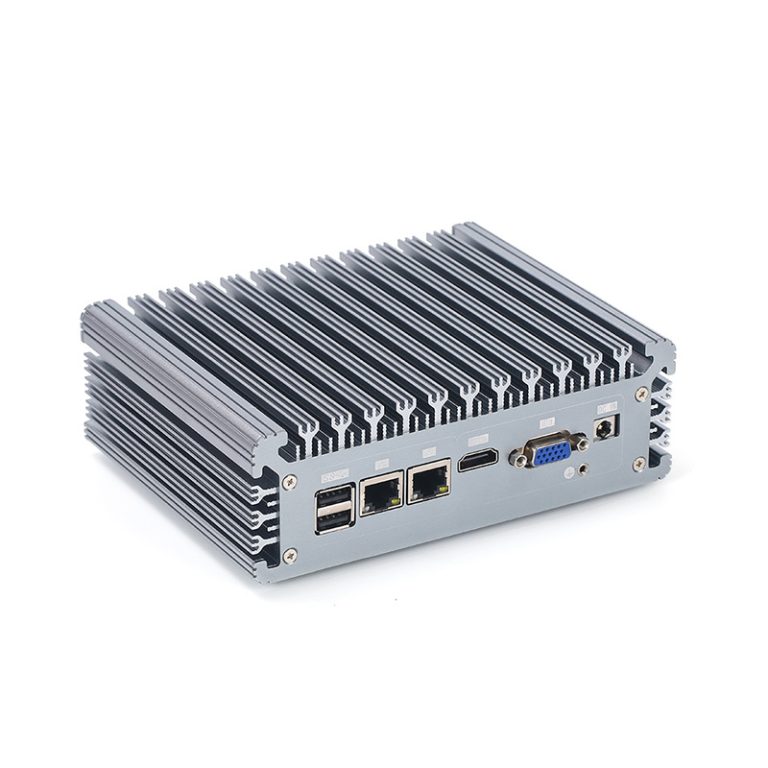
Right-side-12'1-inch-Fanless-Industrial-Panel-PC
Valano IP105-121 Industrial Panel PC with 12.1-inch display
left-side-of-12'1-inch-Fanless-Industrial-Panel-PC
Right-side-12'1-inch-Fanless-Industrial-Panel-PC

IP105-121 Touch Screen Fanless Industrial Panel PC

The touch screen fanless industrial panel PC combines durability, precision, and silent operation for demanding industrial environments. Its fanless design minimizes dust accumulation and mechanical failure, while the responsive touch screen ensures smooth control in automation, manufacturing, and monitoring systems. Designed for continuous operation, it delivers stable performance even under vibration, temperature fluctuations, or heavy workloads.

  • Rugged Fanless Design: Aluminum alloy casing with passive cooling for dustproof, shockproof operation in harsh environments
  • Industrial Touch Screen: 12.1″ LCD with 1024×768 resolution and 10-point capacitive touch (resistive optional)
  • Powerful Processing: Intel® J6412 Quad-Core 2.0GHz or J1900 processor options
  • Expandable Memory: Up to 16GB DDR4 (J6412) or 8GB DDR3 (J1900) RAM
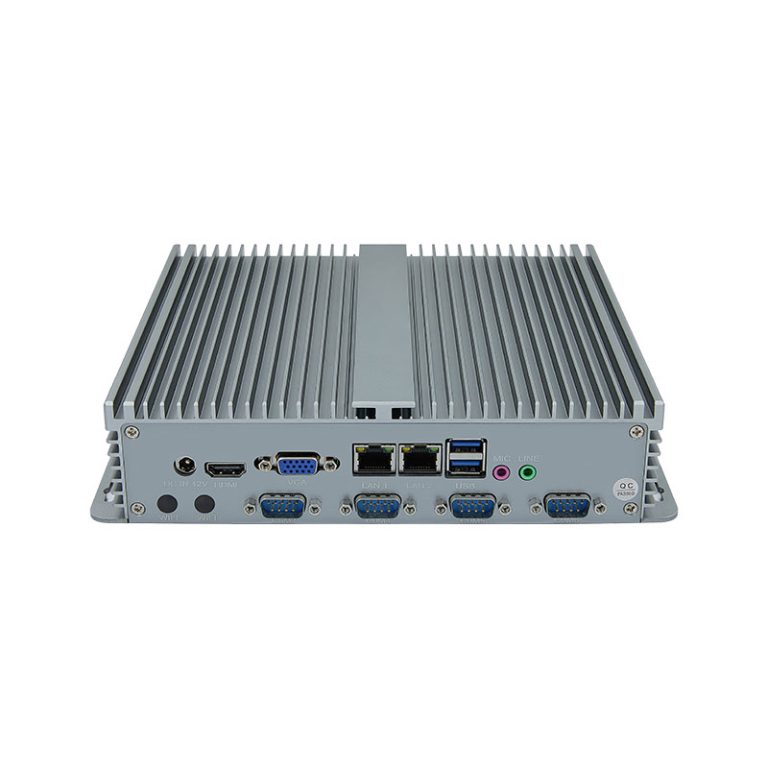
  • Multiple I/O Options: 4×USB, 2×Gigabit LAN, 4×COM (RS-232/485 optional), HDMI
  • Wide Voltage Input: DC12V5A with 9-36V wide voltage option available
  • Industrial Reliability: 50,000 hours MTBF, operates in -10°C to 60°C environments
  • wide temperature operation (-10°C~60°C)

The touch screen fanless industrial panel PC combines a high-performance computing unit and a resistive or capacitive display in one durable chassis. Designed for demanding factory and automation environments, it features an industrial-grade construction that resists dust, vibration, and temperature fluctuations. The fanless cooling system eliminates moving parts, improving long-term reliability and reducing maintenance needs.

Its touch screen interface offers an intuitive human-machine interaction, making it ideal for production control, monitoring systems, and data visualization. With flexible mounting options and wide compatibility, this industrial panel PC delivers stable performance and easy integration for industrial automation, manufacturing, and process control applications.

What Is Resistive Touch Screen?

Resistive touch screen works by detecting pressure between two flexible layers. It registers input from a gloved hand, stylus, or any solid object. This makes it ideal for industrial automation, machinery operation, and factory environments where users often wear gloves.

Because it reacts to pressure instead of electrical conductivity, it performs reliably in dusty, oily, or wet conditions. The downside is slightly lower sensitivity and optical clarity compared to capacitive screens, as well as gradual wear from physical contact over time.

What Is Capacitive Touch Screen?

Capacitive touch screen senses the electrical properties of the human body to detect touch. It provides faster response, multi-touch control, and smooth gesture recognition, offering an experience similar to smartphones or tablets. Its glass surface delivers superior clarity and scratch resistance, making it ideal for production monitoring, control panels, and clean industrial environments.

However, standard capacitive screens do not respond well to thick gloves or non-conductive styluses unless customized for that purpose.

How to Choose the Right Touch Screen for Your Application

The best option depends on your operating environment and user interaction needs.

  • Choose a resistive touch screen for environments with dust, moisture, vibration, or when glove operation is required.
  • Choose a capacitive touch screen for clean, controlled settings where speed, precision, and visual clarity are priorities.

Both types can be integrated into fanless industrial panel PCs, ensuring stable performance for automation control, data monitoring, and process management. Selecting the right technology enhances usability, extends system lifespan, and ensures consistent operation under your specific industrial conditions.

Model IP105-121
Processor System
CPU Intel®Celeron J6412 Quad-Core 2.0GHz, Burst to 2.6GHzCPU
Memory
Memory 1*DDR4 3200 SO-DIMM,up to 16GB
Display interface
HDMI 1*HDMI
Storage
SDD 1*mSATA, and support for 2.5’ HDD installation
IO
DC IN 1*2PIN Phoenix Terminal Power Input Holder (9~36V Wide Voltage Input)
GPIO+COM 2*8 PIN Phoenix Terminal Power Input Holder (includes 4DI4DO+COM3/4,RS-232)
COM 2*DB9 (COM1/2 ,pin #9 optional powered RI/5V/12V, COM1 dip switch optional RS232/422/485 mode, COM2 dip switch optional RS232/485 mode)
HDMI 1*HDMI
LAN 2*Intel I210AT Gigabit LAN card
USB 4*USB3.0(dual-layer TYPE-A)
Audio 1* 2-in-1 audio interface
PWR Switch 1×PWR SW+PWR LED
Dispaly
LCD 12.1 inch: 1024*768 resolution; MTBF: 50000 hours, brightness 300cd/m optional
Touchscreen Capacitive G+G touch program/10-point touch, response time <8ms, touch accuracy ≦2mm
Mechanical
Weight Net weight 4KG;Gross weight 4.5 KG
Material High quality aluminum alloy,Fanless passive cooling
Installation Embedded/Wall/Desktop Bracket
Environment
Operation Temperature: -10~60°C, Humidity: 5%~95% non-condensing ,Humidity: 0% – 95% @40°C non-condensing
Storage Temperature: -20~85℃, Humidity: 5%~95%, non-condensing

Valano IP105-121 Features and Benefts 

1. Rugged Industrial-Grade Design

  • Fanless & Dustproof Construction: Aluminum alloy casing with passive cooling for silent, maintenance-free operation.
  • Shock & Vibration Resistant: Built to withstand harsh factory floors, outdoor kiosks, and extreme temperatures (-10°C to 60°C).
  • 50,000+ Hours MTBF: Ensures long-term reliability in 24/7 industrial applications.

2. High-Performance Intel® Processing

  • Dual CPU Options:
    • Intel® Celeron J6412 Quad-Core 2.0GHz (up to 16GB DDR4)
    • Intel® Bay Trail J1900 Quad-Core 2.0GHz (up to 8GB DDR3)
  • Smooth Multitasking: Handles HMI, SCADA, and automation software effortlessly.

3. Versatile I/O & Connectivity

  • 4× USB Ports + 2× Intel Gigabit LAN for high-speed data transfer.
  • 4× COM Ports (RS-232/485 configurable) for PLC, barcode scanners, and legacy devices.
  • HDMI Output for external displays.
  • M.2 & Mini-PCIe Expansion (WiFi/4G/5G support).

4. Industrial-Grade Power & Protection

  • Wide Voltage Input (9-36V DC) with short-circuit/overvoltage/anti-reverse protection.
  • OS Recovery Function: One-key system restore minimizes downtime from crashes or power failures.

Technical Specifications

Category Details
Display 12.1″ LCD (1024×768), 300cd/m² brightness, 10-point capacitive touch (resistive optional)
CPU Intel® J6412 (Quad-Core 2.0GHz) or J1900 (Quad-Core 2.0GHz)
RAM Up to 16GB DDR4 (J6412) / 8GB DDR3 (J1900)
Storage M.2 2280 (SATA) + 2.5″ HDD support (J6412) / mSATA (J1900)
OS Windows 10/11, Linux (J6412) / Windows 7/10, Linux (J1900)
I/O Ports 4× USB, 2× LAN, 4× COM (RS-232/485), HDMI, Audio
Power DC 12V5A (9-36V wide range optional)
Dimensions 311×249×59mm (4.0kg)
Operating Temp -10°C to 60°C

Application Scenarios

Industrial Automation & HMI

  • SCADA systems, production line monitoring, robot control
  • Fanless design is ideal for dusty or harsh workshop environments

Machine Vision & Process Control

  • Image inspection, quality control, edge computing
  • High I/O compatibility for industrial cameras and sensors

Transportation & Energy Monitoring

  • Traffic control hubs, smart grids, outdoor digital signage
  • Wide voltage and dust-proof design ensures long-term stability

Food, Pharmaceutical & Cleanroom Environments

  • Fanless design minimizes dust and contamination
  • Meets strict cleanroom standards

Recommended Industries

  • Factory automation (HMI/SCADA)
  • Machine vision & process control
  • Transportation & energy systems
  • Outdoor digital signage

Maintenance Tips for Touch Screen Fanless Panel PCs

Proper maintenance ensures long-term stability and consistent performance for your fanless touch screen industrial panel PC. Although the fanless design minimizes moving parts and reduces dust buildup, regular care helps prevent downtime and extends the system’s lifespan.

  1. Keep the Screen Clean
    Use a soft microfiber cloth to remove dust and fingerprints. Avoid harsh chemicals—use a mild, non-abrasive cleaner suitable for touch panels. For resistive screens, avoid pressing too hard to prevent layer wear.
  2. Inspect Ports and Connections
    Periodically check I/O ports, cables, and connectors for signs of corrosion or looseness. Clean ports with compressed air to maintain stable data and power connections.
  3. Monitor Temperature and Ventilation
    Even though it’s fanless, the panel PC relies on passive heat dissipation. Ensure it’s installed in an area with adequate airflow and not exposed to direct sunlight or heat sources.
  4. Perform Regular System Checks
    Run diagnostic tools to monitor CPU load, storage health, and memory performance. Early detection of software or hardware issues helps avoid unplanned interruptions.
  5. Use Proper Power Supply
    Ensure the power input matches the specified voltage and current range. Sudden power surges or unstable sources can shorten component life.

FAQ

Why is a fanless design important in touch screen industrial panel PCs?

Fanless designs reduce dust accumulation, noise, and maintenance needs. They are ideal for harsh environments such as factories, food/pharmaceutical cleanrooms, and outdoor installations. Fanless panel PCs also typically have longer lifespans due to fewer moving parts.

How do I ensure reliability in harsh industrial environments?

Reliability in harsh industrial environments is achieved through several design considerations. Fanless, sealed designs help prevent dust and debris from entering the device, while a wide operating temperature range, typically from ‑10°C to 60°C or higher, ensures stable performance under extreme conditions.

Additionally, shock- and vibration-resistant construction, combined with durable materials such as aluminum alloy enclosures, provides long-lasting durability and protection against mechanical stress. These features collectively make the device highly reliable for demanding industrial applications.

How is maintenance performed?

Maintenance of a fanless industrial touch panel PC is simple due to its design. Since it has no internal fans, there is less dust accumulation and fewer moving parts that require cleaning.

Regular maintenance typically involves wiping the touchscreen and the enclosure with a soft, dry cloth, checking connections, and ensuring the environment is free of excessive dust or moisture. This makes the fanless industrial touch panel PC reliable for industrial applications with minimal downtime.
Get A Free Quote of Touch Screen Fanless Industrial Panel PC

Valano offer a full range of models with customizable configurations, screen sizes, and touch options to meet your project needs. Whether you require resistive or capacitive touch, wide-temperature operation, or IP-rated protection, our engineering team can tailor the solution for your environment.

All systems are built for stable 24/7 operation with long service life and easy integration into existing equipment. OEM services are available for brand customization and special interface requirements.

Request your free quotation today and receive technical consultation from our product experts. Let us help you choose the most efficient touch screen fanless industrial panel PC for your application.

Related Products

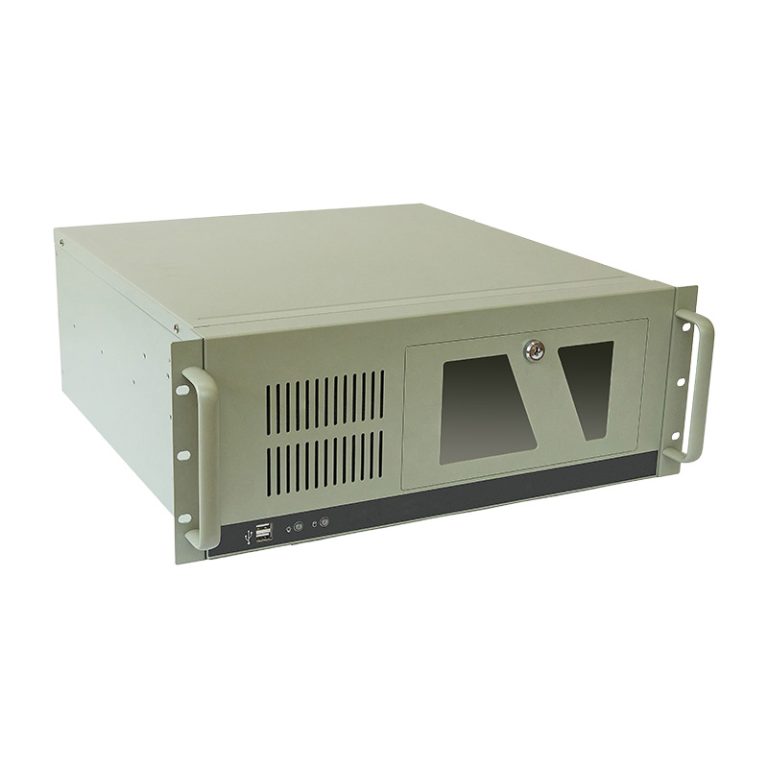
15.6 Inch Fanless Industrial Panel PC with Optional Camera | IPC106-156
Intel N100 Fanless Mini PC | IC01A-N100
21.5 Inch ARM All-In-One Panel PC | IP306-215
i5-5200U Fanless Industrial MINI PC IC03
4U Rack Mount PC | F04-4UQ17
18 Inch Android Industrial Panel PC | IP306-185
17 Inch Embedded Industrial Panel PC – IP306-170
15.6 inch Industrial Touch Screen All in One Panel PC | IP105-156
15.6 inch Industrial Panel PC | Intel i3/i5/i7 | Touchscreen HMI | IP106-156
IP203-170 17 inch Fanless Industrial Touch Panel PC

Related News

Ensuring durability and reliability in harsh environments is critical for industrial rugged tablets. MIL-STD-810H provides standardized testing to measure a […]

Choosing the right industrial monitor is crucial for ensuring efficiency, accuracy, and reliability in demanding work environments. With various options […]

Choosing the right device for industrial operations is crucial, and understanding the differences between Industrial Rugged Tablets vs Panel PCs […]

Choosing the right CPU and memory is crucial for maximizing the performance and reliability of rugged industrial tablets. These components […]

Aluminum Alloy has become a preferred material for industrial and electronic enclosures due to its exceptional strength and thermal performance. […]

Aluminum Alloy plays a crucial role in industrial PC housings, combining strength and thermal efficiency to protect sensitive electronics. Understanding […]

Industrial computers often operate in dusty, wet, or outdoor environments. Choosing the right IP rating—such as IP65 or IP67—is essential […]

In the modern industrial landscape, manufacturers increasingly rely on customized solutions to optimize production processes and maintain competitiveness. Industrial panel […]

Scroll to Top

Get A Free Quote Now !

Contact Form Demo (#3)
If you have any questions, please do not hesitate to contatct us.
Valano Company