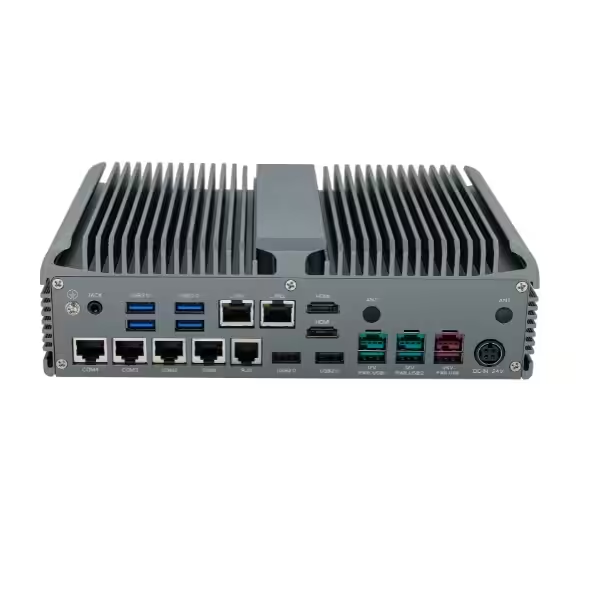
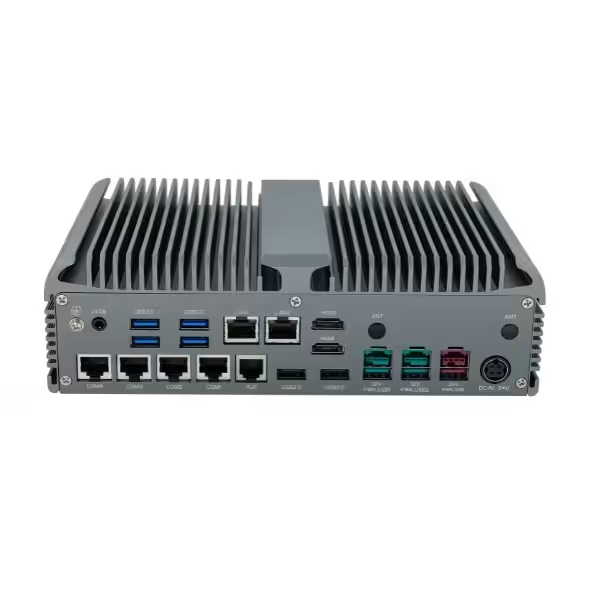
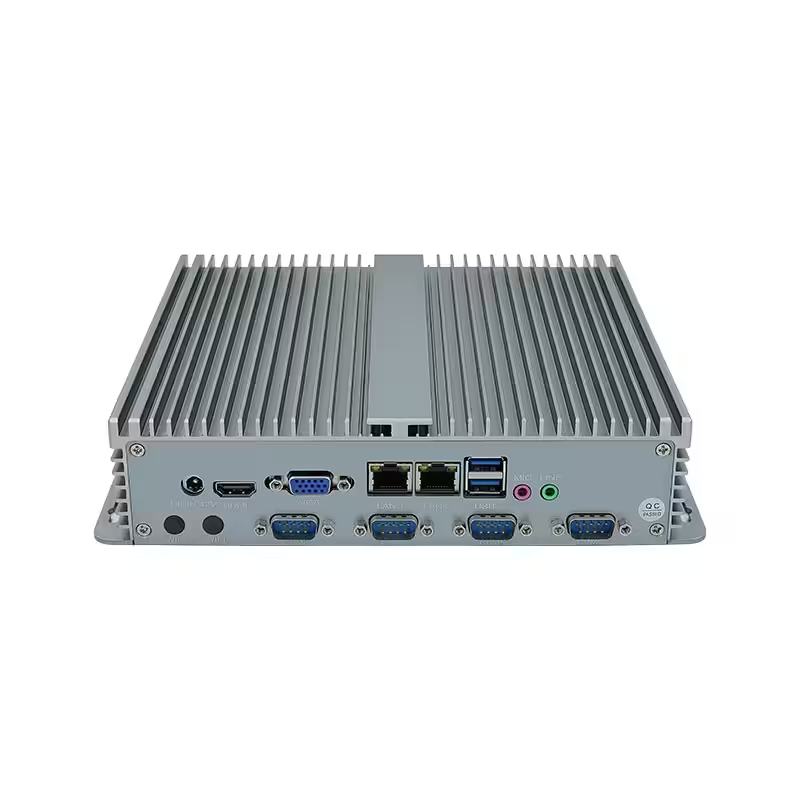
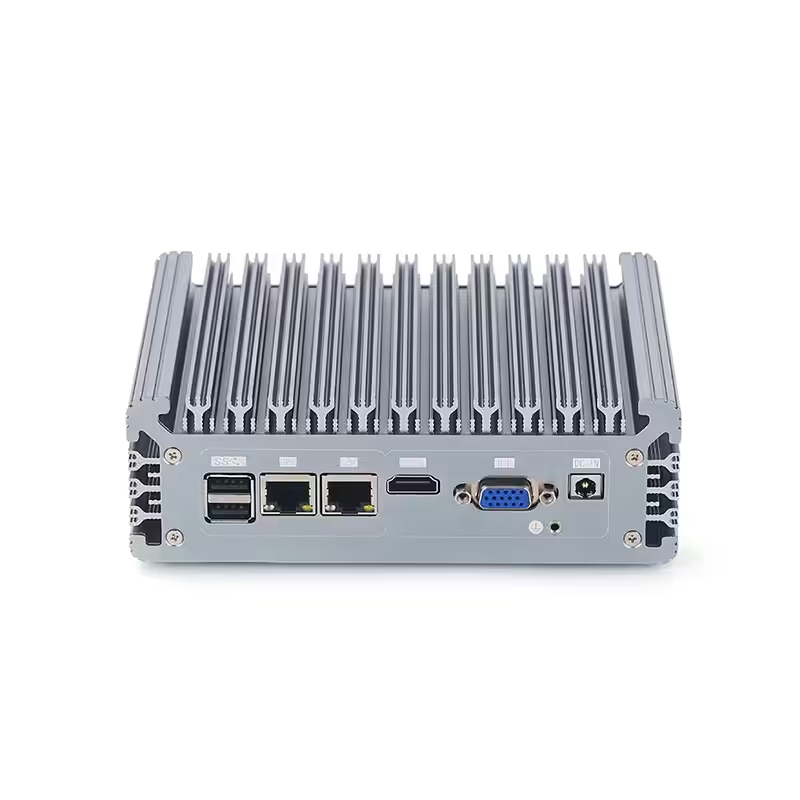
Fanless Industrial PC China Manufacturer
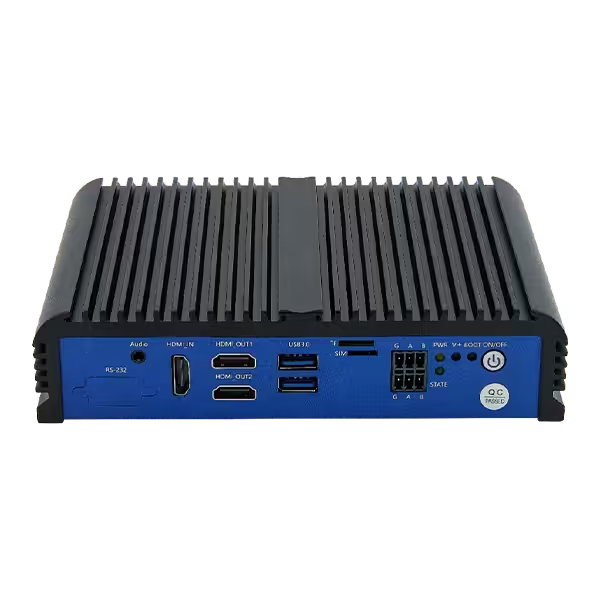
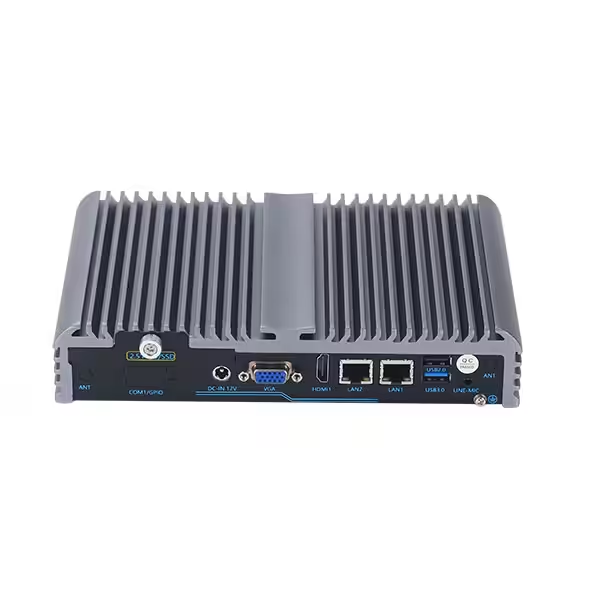
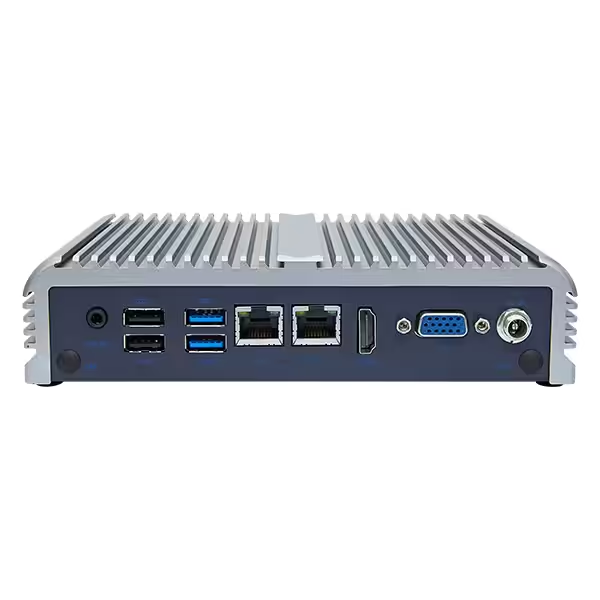
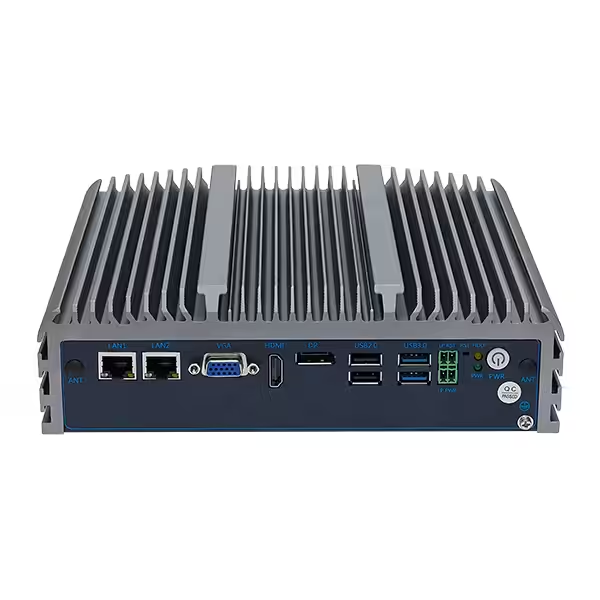
Fanless industrial PCs are built for stable 24/7 computing without cooling fans, reducing dust buildup, noise, and maintenance. With rugged aluminum housings, flexible industrial I/O, and compact installation, they are ideal for reliable control and data processing close to machines and equipment.
Features of Fanless Industrial PCs
- Fanless cooling for low-maintenance operation
- 24/7 reliability for continuous industrial use
- Rugged aluminum housing for better heat dissipation
- Rich industrial I/O for direct equipment connection
- Compact design for machines and control cabinets
- Flexible CPU and storage options
- OEM/ODM support for project-specific requirements
Fanless Industrial PC vs. Fan-Cooled Industrial PC
Cooling Method
A fanless industrial PC uses passive cooling through heat sinks and the metal chassis. A fan-cooled industrial PC uses internal fans to remove heat.
Fanless designs reduce dependence on moving components, while fan-cooled systems are better suited to higher thermal loads.
Dust and Environmental Resistance
Fanless industrial computers do not constantly pull outside air into the enclosure, helping reduce dust, oil mist, and particle buildup.
This makes them suitable for factories, machinery, vehicles, control cabinets, and other harsh environments. Fan-cooled PCs are more suitable for cleaner and more controlled locations.
Reliability and Maintenance
Without cooling fans, fanless industrial PCs have fewer moving parts and fewer mechanical failure points. They also require less maintenance because there are no fans or air filters that need regular cleaning or replacement.
This is especially valuable for 24/7 operation, unattended equipment, and hard-to-access installations.
Vibration and Noise
Fanless industrial PCs offer better resistance to vibration and operate silently. They are commonly used in transportation, AGV systems, industrial automation, kiosks, and machine control applications.
Computing Performance
Fan-cooled industrial PCs are better for high-TDP CPUs, dedicated GPUs, and intensive AI or machine vision workloads.
Fanless industrial PCs can still provide sufficient performance for industrial automation, edge computing, IoT gateways, machine vision, and equipment monitoring.
| Comparison | Fanless Industrial PC | Fan-Cooled Industrial PC |
|---|---|---|
| Cooling | Passive cooling | Active fan cooling |
| Dust Resistance | Better | Lower |
| Maintenance | Low | Regular cleaning needed |
| Reliability | Higher, fewer moving parts | Fan adds failure point |
| Noise | Silent | Fan noise |
| Vibration Resistance | Better | More sensitive |
| Performance | Best for most industrial workloads | Better for very high CPU/GPU loads |
| Best For | Automation, edge, transport, IoT | AI, GPU, high-performance computing |
Key Specifications for Your Inquiry
Providing clear specifications helps the manufacturer recommend the right fanless industrial PC and prepare a more accurate quotation. You do not always need to know the exact CPU model, but you should provide enough information about the application and operating conditions.
| Specification | Details to Provide |
|---|---|
| Application | Automation, HMI, machine vision, IoT gateway, edge computing, etc. |
| Processor | Preferred CPU or required performance level |
| Memory | Required RAM capacity |
| Storage | SSD type and capacity |
| Interfaces | LAN, USB, RS232/422/485, CAN, GPIO, HDMI, DisplayPort |
| Wireless | Wi-Fi, Bluetooth, 4G, or 5G |
| Operating Temperature | Minimum and maximum ambient temperature |
| Power Input | Required DC voltage range |
| Installation | Available dimensions and mounting method |
| Operating System | Windows, Ubuntu, Debian, or other Linux systems |
| Expansion | M.2, Mini PCIe, PCIe, or additional storage |
| Quantity | Sample quantity and estimated order volume |
| Customization | I/O layout, enclosure, BIOS, logo, cables, or packaging |
Not sure which configuration fits your application?
Frequent Askded Questions
1. What Is a Fanless Industrial PC?
A fanless industrial PC is a rugged computer that uses passive cooling instead of internal fans. Heat is transferred from the processor to the metal chassis and dissipated into the surrounding air. This design reduces moving parts and helps protect the system from dust, debris, and vibration in industrial environments.
2. How Does a Fanless Industrial PC Stay Cool Without a Fan?
Fanless industrial PCs typically use an aluminum enclosure, thermal interfaces, heat sinks, and cooling fins to conduct heat away from internal components. Effective cooling depends on processor power consumption, chassis design, ambient temperature, workload, and available airflow around the enclosure.
3. Are Fanless Industrial PCs Reliable for 24/7 Operation?
Yes, properly designed fanless industrial PCs are well suited to continuous operation. Removing cooling fans eliminates a common mechanical failure point and reduces dust buildup, but reliability still depends on correct thermal design and choosing hardware suitable for the operating temperature and workload.
4. Can Fanless Industrial PCs Operate in High Temperatures?
Many industrial fanless PCs support wider operating temperature ranges than standard computers, but the exact range varies by model and configuration. Buyers should check the specified operating temperature and evaluate CPU load, mounting position, enclosure ventilation, and surrounding heat sources before deployment.