Skip to content
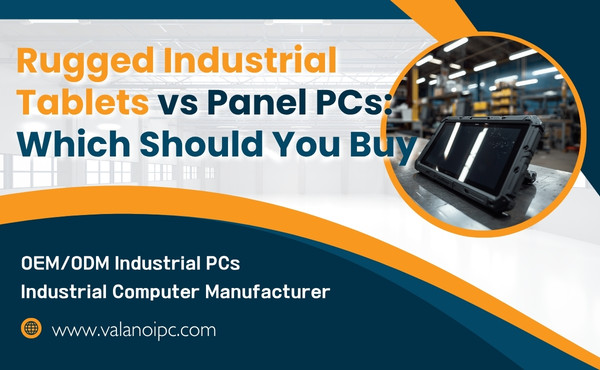
Rugged Industrial Tablets work best for teams that need mobility and frequent device handling. Panel PCs suit environments where fixed control stations are essential. Key factors include durability, the work environment, cost, ease of use, and how well the device fits your operations.

Device Basics
What Are Rugged Industrial Tablets?
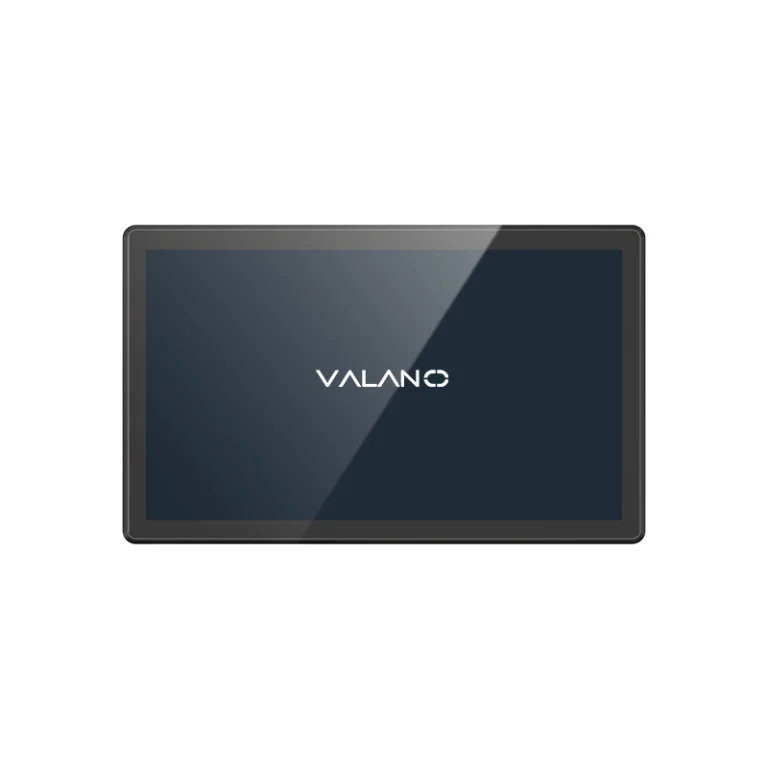
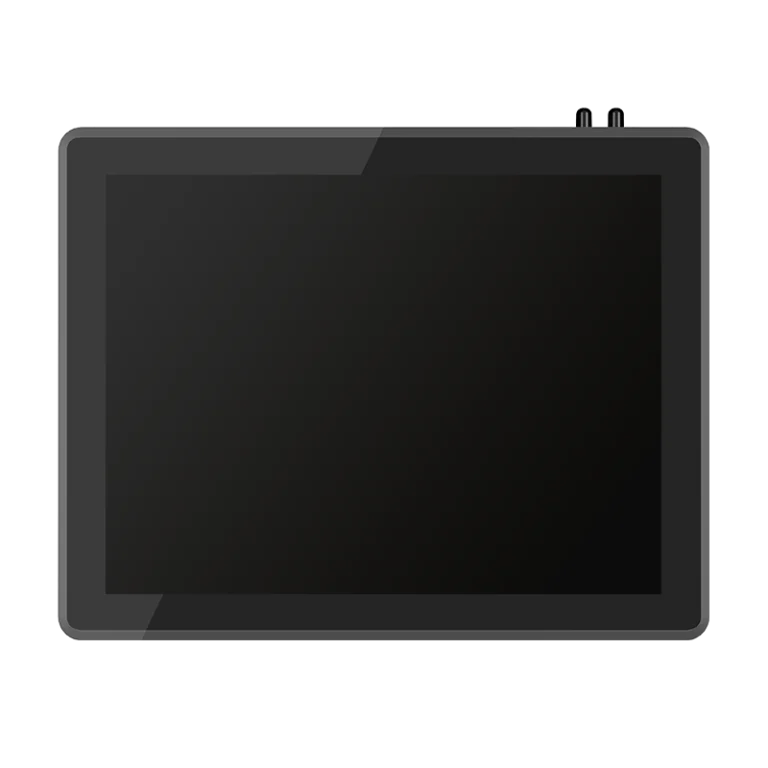
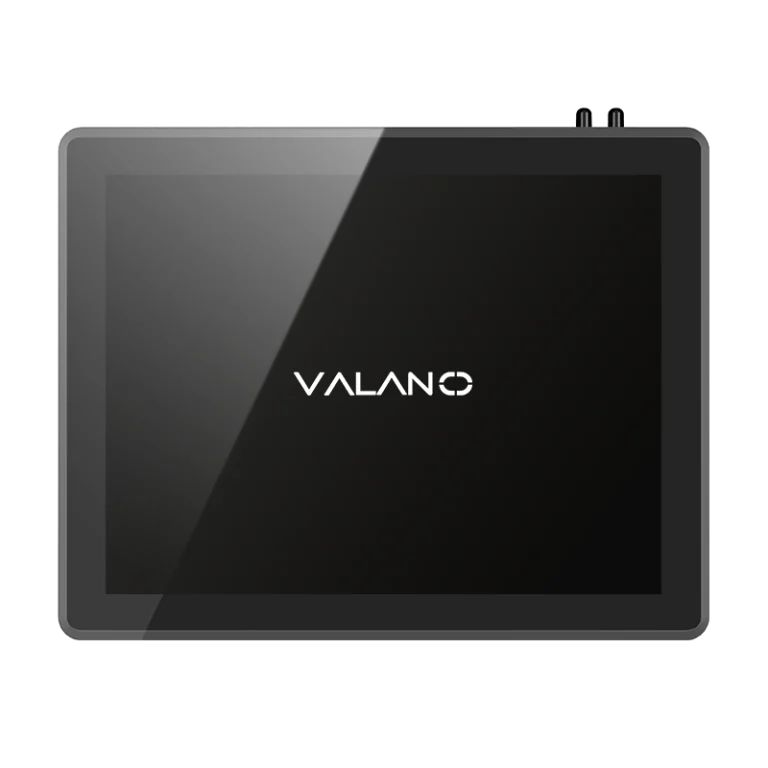
Rugged industrial tablets are portable computers designed for tough work environments. These devices have strong cases that protect them from drops, dust, and water. Workers use industrial tablets in places like factories, warehouses, and outdoor job sites.
Industrial tablets often have touchscreens that work with gloves. They can run special software for tasks like inventory checks or equipment monitoring. Many industrial tablets include features such as barcode scanners, cameras, and wireless connections.
What Are Panel PCs?
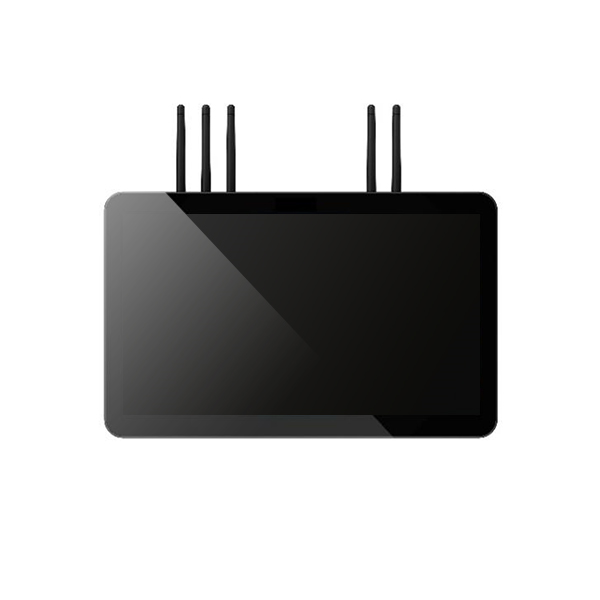
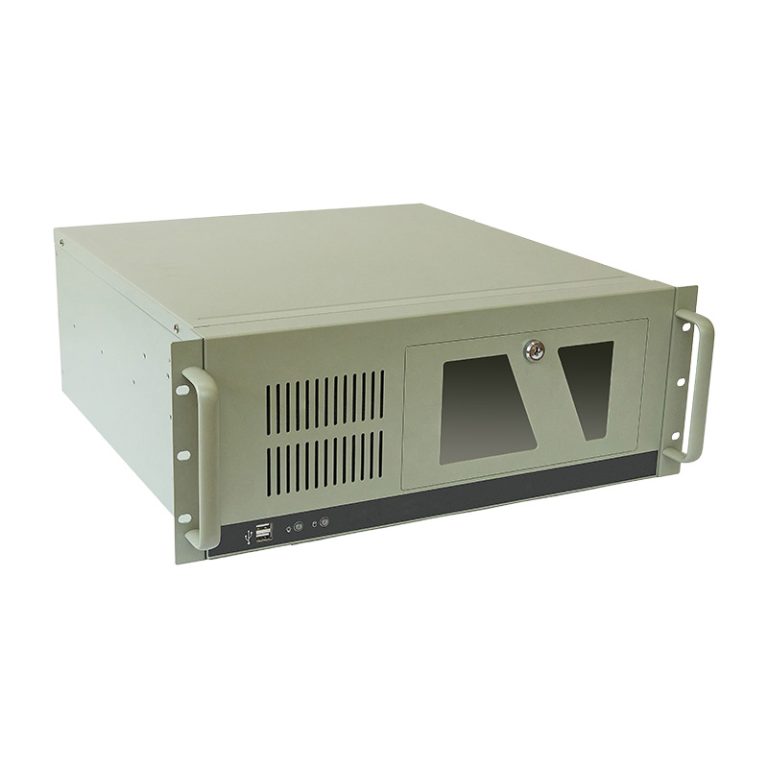
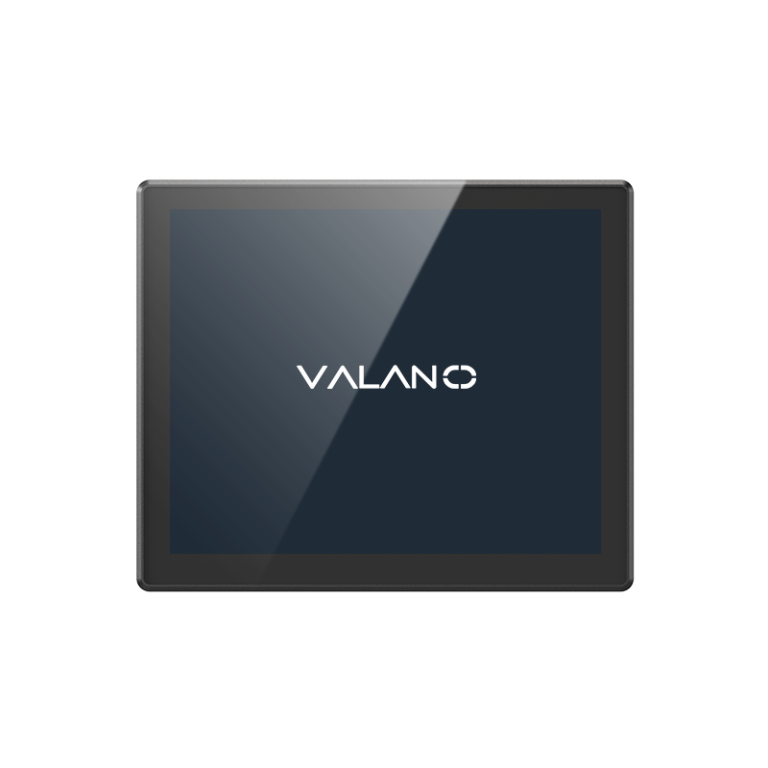
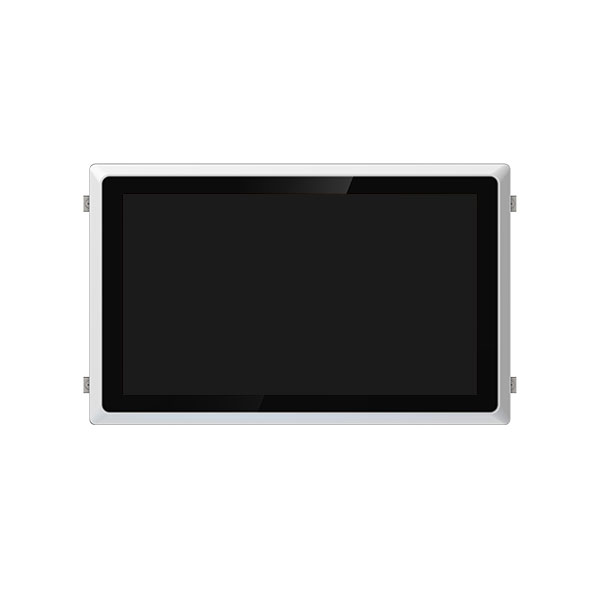
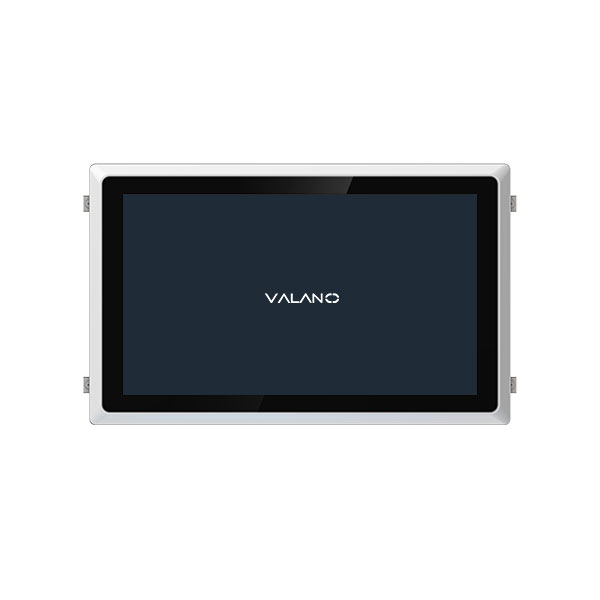
Panel PCs are computers built into a flat panel, usually with a touchscreen. These devices are made for fixed installation on walls, machines, or control stations. Panel PCs help workers control machines, monitor systems, or display important data.
Panel PCs are common in production lines, control rooms, and clean rooms. They are designed to stay in one place and handle constant use. Most panel PCs have strong cases to protect against dust and moisture.
| Device Type | Main Feature | Typical Use Case |
|---|---|---|
| Industrial Tablets | Portable and rugged | Fieldwork, mobile tasks |
| Panel PCs | Fixed and robust | Machine control, monitoring |
Industrial tablets and panel PCs both serve important roles in industry. The main difference is that industrial tablets offer mobility, while panel PCs provide stable, fixed control.
Design and Durability Differences
Rugged Tablets: Built for Harsh Environments
Rugged tablets are made for harsh environments. These devices use reinforced casings that protect against drops and shocks. Many top rugged tablets are mil-std-810h certified, which means they meet strict military standards for durability.
Rugged tablets offer drop protection and vibration resistance. Workers can use them in places with dust, moisture, and extreme temperatures. Environmental sealing keeps water and dirt out of the device.
Rugged tablets often have waterproof front bezel designs. This feature lets users operate them in wet conditions. The rugged build ensures the device keeps working even after rough treatment.
Panel PCs: Fixed and Robust
Panel PCs are built for stationary use. Their rugged construction focuses on durability for fixed installations. These devices use strong materials to handle constant operation.
Panel PCs have vibration resistance and environmental sealing. They are often installed in control rooms or on machines. The waterproof front bezel protects the screen from spills and dust.
Panel PCs do not need drop protection like rugged tablets. Their design and durability differences make them ideal for stable environments. Panel PCs excel in resilience when mounted in one place.
| Feature | Rugged Tablets | Panel PCs |
|---|---|---|
| Mobility | High | Low |
| Drop Protection | Yes | No |
| Vibration Resistance | Yes | Yes |
| Environmental Sealing | Yes | Yes |
| Waterproof Front Bezel | Yes | Yes |
| Durability | Excellent | Excellent |
Installation and Flexibility in Industrial Environments
Mobility with Industrial Tablets
Industrial tablets offer unmatched flexibility for workers who need to move around. These devices can be carried from one location to another with ease. Workers can use them in warehouses, on factory floors, or even outdoors.
Many industrial tablets feature extended battery life. This allows users to work for long hours without needing to recharge. Some models support hot-swappable batteries, so the device stays powered during shift changes.
Industrial tablets often connect wirelessly to networks and other devices. This makes it easy to collect data, scan barcodes, or update records on the go. Workers can use the same device for multiple tasks throughout the day.
Fixed Integration with Panel PCs
Panel PCs are designed for permanent installation. These devices mount directly onto walls, machines, or control stations. Their fixed position ensures they are always ready for use in a specific spot.
Panel PCs connect to other equipment through wired connections. This setup provides stable performance and reliable data transfer. Workers use panel PCs to monitor systems, control machinery, or display important information.
Panel PCs do not need to move, so they do not require features like extended battery life. Their design focuses on durability and seamless integration with industrial systems.
| Feature | Industrial Tablets | Panel PCs |
|---|---|---|
| Installation | Portable, flexible | Fixed, permanent |
| Power Source | Battery (long-lasting) | Wired |
| Flexibility | High | Low |
| Typical Use | Mobile tasks | Stationary control |
User Experience and Interface Design
Touchscreen and Controls
Rugged industrial tablets use touchscreens that respond well to gloved hands or wet fingers. These screens often support multi-touch gestures, making them easy to use in fast-paced environments. Panel PCs also feature touchscreens, but their controls are designed for fixed locations, such as control panels or machinery stations.
Panel PCs may include physical buttons or dials for extra control. This setup helps workers operate machines safely and quickly. Both devices aim to reduce errors and improve workflow, but the mobile design of reliable computer tablets gives them an edge in flexible workspaces.
Accessory and Peripheral Support
Industrial tablets support a wide range of accessories. Workers can attach barcode scanners, hand straps, or docking stations. These add-ons help customize the tablet for specific tasks, such as inventory management or field inspections.
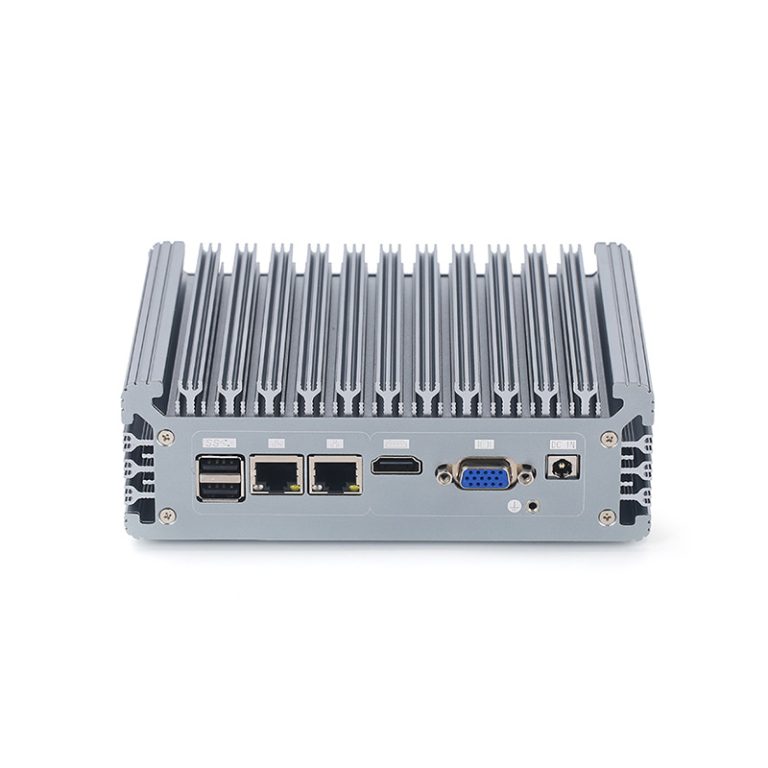
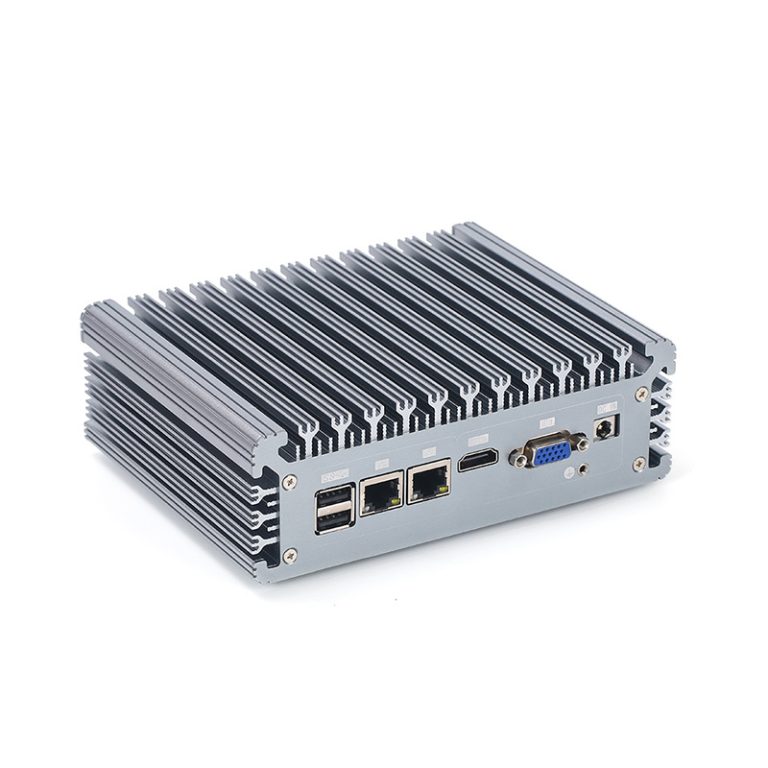
Panel PCs connect easily to other equipment through ports and expansion slots. They often link with sensors, printers, or external displays. This strong accessory support boosts performance in control rooms and production lines.
| Device Type | Accessory Options | Common Peripherals |
|---|---|---|
| Industrial Tablets | Scanners, straps, docks | Wireless headsets, cameras |
| Panel PCs | Mounting kits, expansion modules | Sensors, printers |
Maintenance and Longevity
Upkeep and Repairs
Rugged industrial tablets and panel PCs both require regular maintenance for long-term deployment. Industrial tablets often need battery checks and screen cleaning. Panel PCs may need dust removal from vents and inspection of mounting points.
Repairs for rugged tablets are usually quick because many parts are modular. Users can replace batteries or screens without special tools. Panel PCs often need a technician for repairs since they are fixed in place.
A table can help compare upkeep needs:
| Device Type | Common Maintenance Tasks | Repair Complexity |
|---|---|---|
| Industrial Tablets | Battery, screen, ports | Easy, user-friendly |
| Panel PCs | Vents, mounts, connections | Needs technician |
Software and Support
Both device types need software updates for security and performance. Regular updates help ensure long-term deployment without major issues. Industrial tablets often receive updates over wireless networks, which makes the process simple.
Panel PCs may require manual updates, especially in secure environments. Support services are important for long-term deployment. Many manufacturers offer longer warranties for industrial devices, which helps with ongoing support.
A strong support plan and longer warranties help keep devices running for years. Always review the warranty terms before making a purchase.
Cost and Value
Initial Investment
The upfront cost for industrial devices depends on the type and features. Industrial tablets usually cost more than consumer tablets because they are built for tough environments. Panel PCs often require extra installation expenses, such as mounting hardware and wiring.
A table can help compare the initial investment:
| Device Type | Typical Price Range | Installation Cost | Extra Features Cost |
|---|---|---|---|
| Industrial Tablets | Higher | Low | Medium |
| Panel PCs | Medium | Higher | Medium |
Long-Term Savings
Industrial devices are designed to last in demanding environments. Their rugged build reduces the need for frequent repairs or replacements. Panel PCs often save money over time because they stay in one place and face less risk of damage.
Industrial tablets can lower costs by improving worker efficiency. Workers can use one device for many tasks, which reduces equipment needs. Panel PCs help cut downtime by providing stable control for industrial systems.
- Industrial devices often come with longer warranties.
- Maintenance costs are lower due to durable construction.
- Both device types support mission-critical operations, which protects productivity.
Decision Guide

Matching Device to Your Needs
Choosing between industrial tablets and panel PCs depends on your work style and the demands of your applications. Start by thinking about how much movement your team needs during daily tasks. If workers move from place to place, industrial tablets offer the best solution.
Industrial tablets fit jobs that require flexibility and quick data entry. These devices work well for inventory checks, field inspections, and mobile maintenance. Their rugged design protects them in tough industrial working environments.
Panel PCs suit roles that need a fixed control point. These devices stay in one spot and connect directly to machines or production lines. Panel PCs handle applications like process monitoring, machine control, and data display.
A table can help compare the best fit for each device:
| Need | Best Device | Example Applications |
|---|---|---|
| Mobility | Industrial Tablets | Inventory, field service |
| Fixed control | Panel PCs | Machine control, monitoring |
| Frequent handling | Industrial Tablets | Inspections, repairs |
| Continuous operation | Panel PCs | Production lines, dashboards |
Common Industrial Scenarios
Many industrial applications require the right device for the job. Here are some common scenarios:
- Warehouse Operations: Workers scan barcodes and update inventory using industrial tablets. These devices help track goods and manage stock in real time.
- Production Line Control: Panel PCs provide stable control for machines. Operators use them to monitor processes and adjust settings.
- Field Service: Technicians use industrial tablets for equipment checks and repairs. The rugged build protects the device outdoors or in harsh conditions.
- Quality Assurance: Industrial tablets allow inspectors to record results and take photos on the spot. This speeds up reporting and reduces errors.
- Clean Room Monitoring: Panel PCs work well in clean rooms. Their fixed design and sealed cases prevent contamination.
- Logistics and Shipping: Industrial tablets help workers track shipments and communicate with teams. Wireless connections support fast updates.
- Energy and Utilities: Panel PCs display system data in control rooms. Staff use them to monitor power grids or water treatment plants.
Both industrial tablets and panel PCs play key roles in industrial settings. Each device type matches specific applications and work styles. Make your decision based on the needs of your team and the demands of your environment.
Conclusion
Rugged Industrial Tablets vs Panel PCs ultimately comes down to balancing mobility and fixed operational control in industrial environments. Industrial tablets deliver flexibility, real-time data capture, and field efficiency, while panel PCs provide stable, always-on performance for machine control and monitoring. Key factors include workflow mobility, installation needs, durability, and total cost of ownership. Choosing the right device improves productivity, reduces downtime, and supports reliable industrial operations. The right solution ensures long-term operational efficiency and system stability.