Skip to content
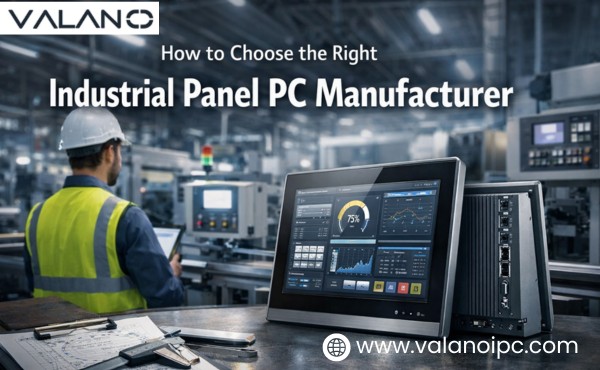
Choosing the right Industrial Panel PC Manufacturer is crucial for ensuring reliability, performance, and long-term value in your industrial applications. With numerous options available, selecting a manufacturer that aligns with your specific needs can significantly impact efficiency and system longevity. This guide will help you navigate the key factors to consider, ensuring you make an informed decision for optimal results.

Does the manufacturer fit your industrial panel pc use
Define the application
Every industrial panel pc must match the specific application. Industrial automation often requires real-time data processing and reliable control. Heavy industrial applications demand high performance and ruggedness. Buyers should list their performance requirements before choosing a manufacturer.
Check the environment
The operating environment affects the choice of industrial computer. Dust, moisture, and temperature extremes can impact performance. An industrial panel pc with a high IP rating protects against these hazards. Manufacturers should offer solutions with proper IP and environmental protection.
| Environment Factor | Why It Matters |
|---|---|
| Dust | Can damage electronics |
| Moisture | Causes corrosion |
| Temperature | Affects reliability |
Match the installation site
Installation sites vary across industrial settings. Some locations require panel mounting, while others need wall or arm installations. The industrial panel pc must fit the space and support the right connectivity. Buyers should confirm mounting options and check for flexible connectivity features.
Does the industrial panel pc meet your needs
A good product match supports data visibility, process control, and machine interaction in daily work. Buyers should look past a basic spec sheet and test whether each industrial panel pc fits real operating needs. The goal is stable performance, easy use, and reliable connectivity across industrial automation tasks.
Review rugged design
Rugged design protects the system from shock, vibration, dust, and washdown exposure. A strong industrial computer should use industrial-grade materials, sealed edges, and a housing built for industrial use. These details improve ruggedness and reduce early failure.
High protection levels matter in dirty or wet areas. Check the ip level on the front panel and enclosure, then confirm the stated ip rating matches the actual site risk. A rugged industrial pc should also show clear signs of ruggedness in the frame, screen surface, and port protection.
Durability matters most in 24/7 operation. A well-built industrial computer keeps steady performance under repeated use and physical stress. That design lowers service calls and helps maintain optimal performance.
Check fanless cooling
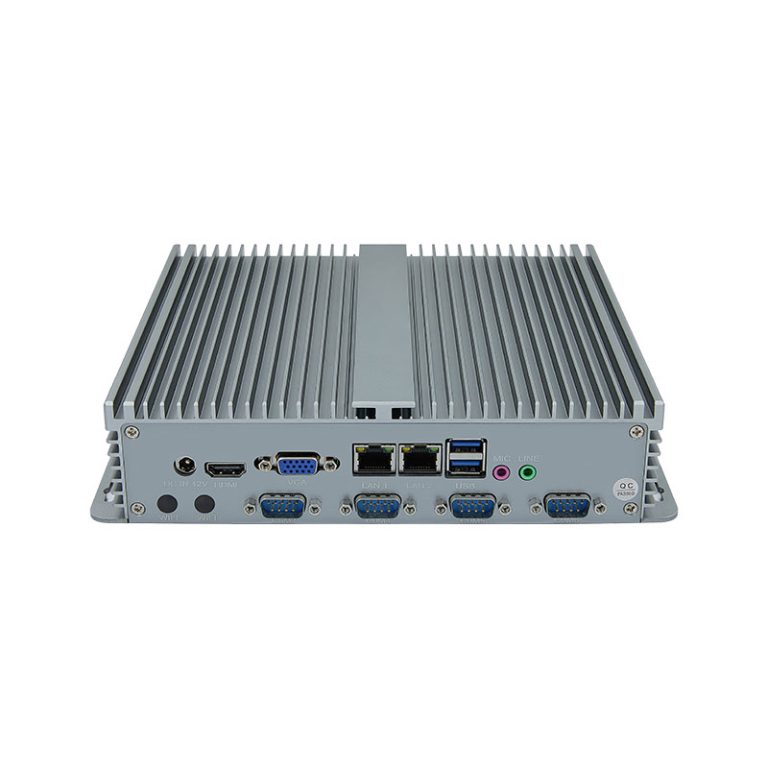
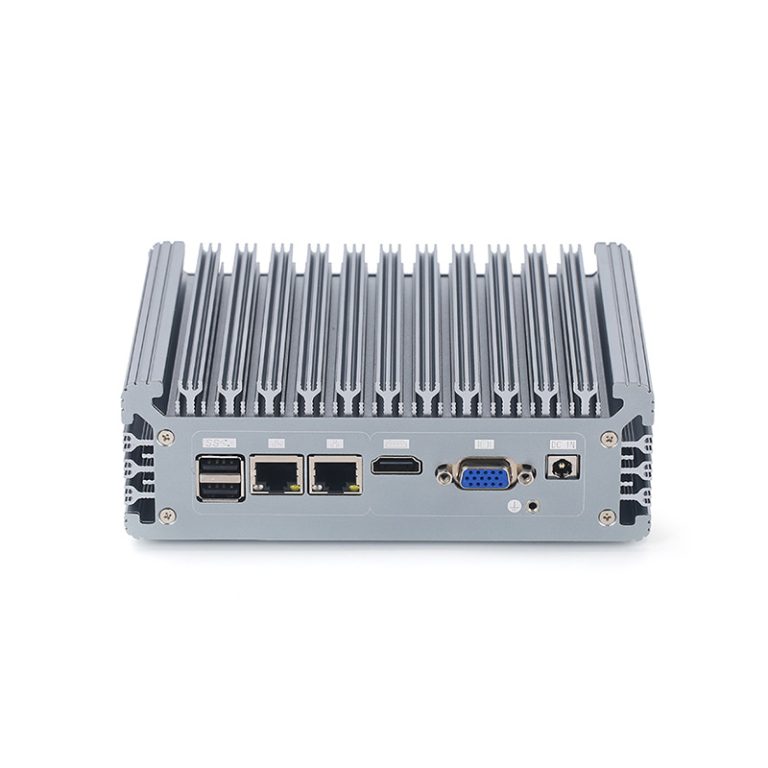
Fanless cooling helps block dust from entering the chassis. This design supports better reliability in industrial automation areas where airborne particles can collect fast. It also reduces one common failure point in an industrial computer.
A fanless industrial pc often runs quieter and needs less cleaning. That benefit improves maintenance efficiency and helps keep internal parts stable. Buyers should still confirm the thermal design supports the expected workload and ambient temperature.
Heat control remains critical. The manufacturer should explain how the industrial panel pc keeps safe operating temperatures during continuous performance demands. Good thermal design protects components without adding moving parts.
Confirm processor options
Processor choice should match the workload, not just the budget. Basic monitoring may need modest performance, while analytics, local control logic, and multitasking may require more computing power. The right industrial computer should offer processor options that fit current tasks and future expansion.
Ask how the system handles data logging, visualization, and the human machine interface in one unit. Some applications need fast response for machine commands, while others need smooth graphics and stable background processing. The processor should support those needs without waste.
It also helps to review memory and storage support with the CPU choice. Balanced hardware gives the industrial panel pc more stable performance over time. That balance matters in industrial environments where uptime has high value.
Verify I/O and connectivity
Ports decide how well the unit fits into an existing control system. An industrial computer should provide the right mix of USB, serial, LAN, digital I/O, and field device support for daily connectivity. Missing ports can force extra adapters and add system risk.
Buyers should map every required device before selection. List scanners, PLCs, sensors, cameras, and network equipment, then compare that list to the unit’s connectivity options. This step helps prevent a costly mismatch.
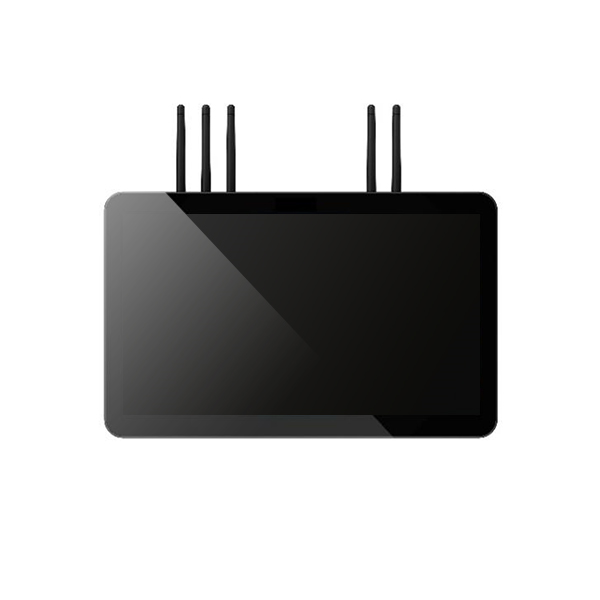
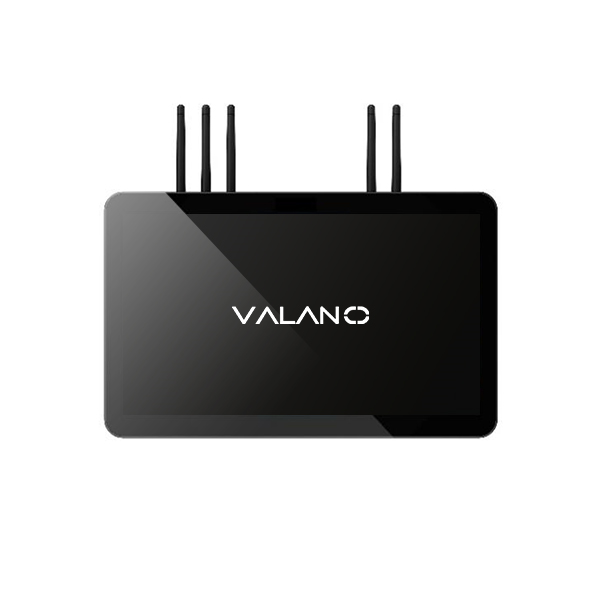
Wireless support may matter too, though wired links remain common in industrial automation. Check how the industrial panel pc handles network connectivity, remote access, and peripheral connectivity under real operating conditions. Good connectivity simplifies installation, service, and future upgrades.
The port layout also deserves attention. Easy front or side access can improve connectivity during maintenance, while protected covers can preserve ip protection in harsh areas. This detail often affects service speed more than buyers expect.
| Feature Area | What to Check | Why It Matters |
|---|---|---|
| Serial ports | Device count and protocol support | Supports legacy machine connectivity |
| LAN ports | Speed, redundancy, isolation | Improves network connectivity |
| USB ports | Quantity and position | Helps local connectivity for tools and devices |
| Digital I/O | Input and output type | Supports control connectivity |
| Expansion | Internal or external options | Allows future connectivity growth |
Compare display brightness
Screen visibility affects safety and speed. An industrial panel pc used near windows, bright lamps, or outdoor service points needs enough brightness for clear reading. Low brightness can slow operators and increase input errors.
Ask for brightness ratings and test results in harsh lighting. Good anti-glare treatment can help an industrial computer stay readable when reflections are strong. Contrast and viewing angle also affect performance in busy work areas.
Display size should match the task. Small screens may work for simple status checks, while larger screens help with charts, alarms, and control pages. The best fit supports fast reading without wasting panel space.
Choose the touch type
Touch technology should match gloves, moisture, and input style. Capacitive touch offers smooth response and modern gesture support, while resistive touch works well with gloves and simple point input. The right choice depends on the industrial process, not trend.
A touch screen for industrial use should stay responsive during daily wear. Buyers should ask how the industrial computer performs with water droplets, oil film, and gloved operation. This check is important for control stations and operator terminals.
Touch accuracy affects speed and safety. A poor touch layer can reduce performance during repeated commands or menu navigation. Good touch behavior helps operators work with fewer mistakes.
Confirm mounting support
Mounting affects service access, cooling space, and operator comfort. The industrial panel pc should support the required panel, wall, VESA, or arm installation method. Secure mounting also protects cables and improves long-term stability.
Check cutout size, bezel design, and depth before purchase. An industrial computer that does not fit the cabinet or machine frame can delay deployment. Small mechanical issues often create expensive field changes.
Site layout matters as much as the mount type. The installer should still have room for cable routing, cleaning, and future repair access. Good mounting support reduces stress during installation and daily use.
Check wide voltage input
Power quality is not always stable in industrial sites. Wide voltage input helps an industrial computer handle fluctuation from different power sources. This feature can reduce restart events and protect system performance.
Buyers should confirm the actual input range, not just a broad marketing claim. Protection against surge and unstable supply also helps the industrial panel pc in demanding conditions. This is especially useful in mobile equipment, factory lines, and mixed-voltage installations.
A clear power specification supports safer planning. It also helps system designers match the industrial panel pc to existing cabinets and field power conditions. Reliable power input is a basic part of product fit.
Can the manufacturer scale industrial panel pcs
Assess customization options
Industrial environments often require unique solutions. A good industrial computer supplier should offer customization for hardware, software, and enclosure design. Custom options help match the system to specific industrial automation tasks and improve efficiency.
Buyers should ask about display sizes, touch types, and mounting choices. Some applications need special I/O or extra connectivity for sensors and controllers. a ensures the industrial computer fits both current and future needs.
Plan for deployment growth
Industrial operations can expand quickly. The right supplier should support scaling from a few units to many across different sites. Consistent product lines make it easier to manage upgrades and replacements.
Check if the supplier can deliver large orders and maintain the same quality. Ask about lead times and supply chain stability. Reliable scaling helps avoid delays and keeps performance steady as operations grow.
A scalable solution reduces the risk of mismatched hardware. It also supports long-term planning for industrial computers in changing environments.
Support system integration
System integration is key for industrial panel pcs. The manufacturer should provide strong support for connecting with existing networks, machines, and software. Good integration improves connectivity and reduces setup time.
Look for clear documentation and technical help for connecting to PLCs, sensors, and industrial automation systems. The supplier should offer guidance on network protocols and data exchange. Strong integration support boosts efficiency and ensures smooth operation.
Can the manufacturer prove reliability
Check certifications
Certifications show that an industrial panel pc meets strict industry standards. Look for certifications that cover safety, electromagnetic compatibility, and environmental resistance. These marks help buyers trust the product’s reliability in tough industrial settings.
A high ip rating means the device can resist dust and water. This is important for factories, food plants, and outdoor sites. Certifications also prove that the industrial computer uses industrial-grade materials for better ruggedness and durability.
Review product testing
Testing shows how well an industrial computer can handle real-world stress. Manufacturers should test for shock, vibration, temperature swings, and humidity. These tests help prove the system’s performance and reliability over time.
A good supplier will share test results and explain the methods used. Look for details about Ip rating, drop tests, and long-term operation. Testing helps buyers see if the industrial pc will last in harsh environments.
Verify long-lasting reliability
Long-lasting reliability means the industrial panel pc can run 24/7 without frequent failures. The design should use stable parts and strong construction. This helps the system keep working even when conditions are rough.
Industrial computers must show steady performance year after year. Buyers should ask about the expected lifespan and how the manufacturer ensures consistent quality. Reliable systems lower downtime and reduce repair costs.
Confirm lifecycle support
Lifecycle support means the manufacturer can provide parts and service for many years. This is important for industrial sites that need the same hardware for a long time. Ask how long the supplier will offer spare parts and updates.
A strong lifecycle plan helps buyers avoid sudden changes or forced upgrades. It also supports long-term planning for industrial automation projects. Consistent supply keeps operations running smoothly.
| Lifecycle Factor | Why It Matters |
|---|---|
| Spare parts | Keeps repairs simple |
| Product updates | Maintains security and performance |
| Supply continuity | Reduces risk of downtime |
Reduce replacement risk
Replacement risk happens when a product becomes unavailable or changes too soon. A reliable manufacturer will keep the same model or offer a clear upgrade path. This helps buyers avoid costly redesigns and system changes.
Choose the right manufacturer who can promise supply continuity and long-term support. This reduces the risk of unexpected downtime and protects your investment in industrial automation. A stable supplier gives buyers peace of mind.

How do you choose the right manufacturer
Check industry experience
Industry experience shows how well a supplier understands industrial needs. A supplier with years of experience can handle complex environments and changing requirements. Look for a history of successful industrial computer projects.
Evaluate technical support
Technical support is important for solving problems quickly. A reliable supplier should offer clear guidance for installation, troubleshooting, and upgrades. Good support improves efficiency and keeps your industrial panel pc running smoothly.
- Check response times for technical questions.
- Review available documentation and online resources.
- Ask about remote assistance and on-site support options.
Review after-sales service
After-sales service covers repairs, maintenance, and spare parts. A strong supplier will help you keep your industrial computers working over time. Fast service reduces downtime and protects your investment.
| Service Area | What to Ask |
|---|---|
| Repairs | Turnaround time |
| Spare parts | Availability |
| Maintenance | Service plans |
Compare total value
Total value includes product quality, support, and cost. Choose the right manufacturer who offers strong industrial pc performance, reliable connectivity, and efficient service. Do not focus only on price; consider how well the supplier meets your needs.
- Compare warranty terms and lifecycle support.
- Review customization options for industrial panel pcs.
- Evaluate how the supplier handles supply continuity and upgrades.
Conclusion
In conclusion, selecting the right Industrial Panel PC Manufacturer is essential for ensuring optimal performance, reliability, and long-term value in industrial environments. By considering factors like quality, support, and customization options, businesses can make a decision that enhances operational efficiency. The right manufacturer not only meets technical requirements but also supports future growth. Prioritize these considerations to secure a durable, cost-effective solution that drives success in your operations.