Most people see a real boost in speed when they use dual channel RAM in their computers. This setup allows the system to handle more data at once, making everyday tasks smoother. Choosing the right memory can make a big difference in how a computer feels and performs.
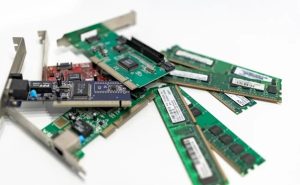
Dual Channel RAM: What It Is
Simple Definition
Dual channel RAM is a way for a computer to use two memory sticks at the same time. This setup lets the computer move data faster between the memory and the processor. Many modern computers support dual channel RAM because it helps boost overall speed.
How It Works
Data Pathways
A computer uses RAM to store information that it needs right away. In a single channel setup, data travels along one path between the RAM and the processor. Dual channel RAM adds a second path. This means the computer can send and receive more data at once.
- Single Channel: One data path, like a single-lane road.
- Dual Channel: Two data paths, like a two-lane highway.
This extra lane helps the computer handle more tasks without slowing down.
Single vs Dual Channel
Single channel RAM uses one stick of memory. It works well for basic tasks like browsing the web or writing documents. Dual channel RAM uses two sticks of the same size and speed. This setup can double the amount of data that moves between the RAM and the processor.
| Feature | Single Channel | Dual Channel |
|---|---|---|
| Number of Sticks | 1 | 2 |
| Data Paths | 1 | 2 |
| Speed Boost | Basic | Higher |
Dual channel RAM is better for gaming, video editing, and running many apps at once. It helps the computer keep up with heavy workloads.
Common Setups
Most desktop computers have two or four RAM slots. To use dual channel, you need to install two matching RAM sticks. These sticks should have the same size and speed for the best results.
- Example Setup: Two 8GB sticks for a total of 16GB.
- Tip: Place the sticks in the correct slots, usually marked by color or labels on the motherboard.
Some laptops also support dual channel RAM. Check your device’s manual to see if it does. Using dual channel RAM is a simple way to make your computer faster without spending a lot of money.
Advantages of Dual Channel RAM
Increased Memory Bandwidth
System Performance
Dual channel ram gives your computer more bandwidth to move data. This means the processor can get information from memory faster. As a result, you see better performance when you open programs or switch between tasks.
Many users notice that their computers feel quicker with dual channel ram. The system responds faster because it does not have to wait as long for data. This setup helps both new and older computers run more smoothly.
Data-Heavy Tasks
Some tasks use a lot of data, like editing videos or working with large spreadsheets. Dual channel ram helps these jobs finish faster by doubling the bandwidth between the memory and the processor. You can load big files and work with them without long delays.
Improved Gaming Performance
Frame Rates
Gamers want smooth action and high frame rates. Dual channel ram can boost frame rates in many games. The extra bandwidth lets the graphics card and processor share data quickly, which means less lag and smoother gameplay.
Loading Times
No one likes waiting for a game to load. Dual channel ram helps reduce loading times by moving game data into memory faster. You can start playing sooner and spend less time staring at loading screens.
Better Multitasking
Multiple Apps
Many people run several apps at once, like a web browser, music player, and chat program. Dual channel ram makes better multi-tasking possible by giving each app enough bandwidth. You can switch between apps without slowdowns or freezing.
Productivity
Dual channel ram helps you get more done in less time. With more bandwidth, your computer can handle more tasks at once. This means you can write a report, watch a video, and check email without your system slowing down.
Energy Efficiency
Power Consumption
Dual channel RAM can help your computer use power more wisely. When the system moves data faster, it spends less time working hard. This can lower the amount of energy your computer needs during heavy tasks.
Many modern RAM sticks use less power when working together in dual channel mode. This means your computer can stay cooler and quieter. Lower power use also helps laptops last longer on battery.
System Effectiveness
Energy efficiency is not just about saving electricity. It also means your computer works better for longer periods. Dual channel RAM helps the system run smoothly without overheating.
A cooler system can last longer and need fewer repairs. This is important for people who use their computers every day. Efficient RAM setups can also reduce the need for loud fans.
Cost-Effectiveness
Price vs Performance
Dual channel RAM offers a good balance between cost and speed. Buying two smaller RAM sticks often costs about the same as one large stick. The performance boost you get from dual channel mode makes this a smart choice for many users.
Here is a simple comparison:
| Setup | Cost | Performance |
|---|---|---|
| Single 16GB Stick | Medium | Good |
| Two 8GB Sticks (Dual) | Medium | Better |
You get more speed for the same price when you choose dual channel RAM.
Value for Money
Dual channel RAM gives you better value for your money. You do not need to buy the most expensive parts to see a real improvement. Many users notice faster speeds and smoother multitasking without spending much more.
People who want a fast, reliable computer often choose dual channel RAM. It helps you get the most out of your system without breaking the bank.
Disadvantages of Dual Channel RAM
Compatibility Issues
Mixing RAM Modules
Mixing different RAM modules can cause problems. If the sticks have different sizes or speeds, the system may not run in dual channel mode. This can lead to lower performance than expected.
Some computers may not start if the RAM sticks do not match. Even if the system works, it might not use both sticks efficiently. Users often need to buy matching RAM to avoid these issues.
Motherboard Support
Not every motherboard supports dual channel RAM. Some older or budget motherboards only work with single channel setups. Users must check their motherboard manual to see if dual channel is possible.
Motherboards may also have specific slots for dual channel. Placing RAM in the wrong slots can prevent dual channel from working. This can confuse users who are not familiar with hardware.
Setup Complexity
Installation Errors
Installing dual channel RAM requires careful placement. Users must put the RAM sticks in the correct slots. If not, the system may only use single channel mode.
Mistakes during installation can cause the computer to fail to start. Some users may need to open their computer again to fix the problem. This process can be frustrating for beginners.
BIOS Settings
Sometimes, the system does not detect dual channel RAM automatically. Users may need to adjust settings in the BIOS menu. This step can be confusing for people who have never used BIOS before.
Incorrect BIOS settings can stop the computer from working properly. Users may see errors or lower performance if the settings are wrong. It is important to follow the motherboard instructions closely.
Diminishing Returns
Light Users
Dual channel RAM does not always give big benefits for everyone. People who only browse the web or write documents may not notice much difference. The extra speed is most useful for heavy tasks.
For light users, single channel RAM often provides enough performance. Upgrading to dual channel may not be worth the cost. It is important to consider how you use your computer.
Limited Impact Tasks
Some tasks do not use much memory bandwidth. Watching videos or listening to music does not need the extra speed from dual channel RAM. In these cases, the improvement in performance is small.
Users should think about their needs before upgrading. Not every task will benefit from dual channel RAM.
Dual Channel RAM vs Other Setups
Single Channel RAM
Performance Differences
Single channel RAM uses only one stick of memory. This setup gives the computer a single path for data to travel. As a result, data moves slower compared to dual channel RAM.
Many users notice that programs open more slowly with single channel RAM. Games may show lower frame rates. Large files can take longer to load.
Here is a simple comparison:
| Setup | Data Paths | Speed | Best For |
|---|---|---|---|
| Single Channel | 1 | Basic | Light tasks |
| Dual Channel | 2 | Faster | Gaming, multitask |
When Single Channel Is Enough
Single channel RAM works well for basic needs. Browsing the web, sending emails, and writing documents do not require much memory speed. Many older computers use single channel RAM without problems.
People who use their computers for simple tasks may not notice a difference. Upgrading to dual channel RAM is not always necessary for these users. Saving money on RAM can be a smart choice for light workloads.
Quad Channel and More
High-End Use
Quad channel RAM uses four sticks of memory. This setup gives the computer four data paths. High-end desktops and workstations often use quad channel RAM.
This setup helps with tasks like 3D rendering, scientific computing, and video production. Professionals who need the fastest speeds choose quad channel RAM. Most home users do not need this level of performance.
Cost and Complexity
Quad channel RAM costs more than dual channel RAM. Users must buy four matching sticks. The motherboard must also support quad channel mode.
Setting up quad channel RAM can be tricky. Users need to place each stick in the correct slot. Mistakes can prevent the system from using all four channels.
Here is a quick look at the differences:
- Dual Channel: Good balance of speed and price. Easy to set up.
- Quad Channel: Highest speed. More expensive and complex.
Most people find dual channel RAM offers the best value. Quad channel RAM is best for experts and special tasks.
Setting Up Dual Channel RAM
Choosing RAM
Selecting the right RAM is the first step. Look for two sticks with the same size and speed. Matching RAM helps your system run in dual channel mode without problems.
Check your motherboard’s manual for supported RAM types. Most motherboards use DDR4 or DDR5 RAM. Make sure both sticks are from the same generation.
Capacity matters. For most users, 8GB or 16GB per stick works well. If you need more memory for tasks like video editing, consider higher capacities.
Installation Steps
Installing dual channel RAM is simple if you follow the right steps. Start by turning off your computer and unplugging it from the wall. Open the case to find the RAM slots on the motherboard.
Most motherboards have four slots. The slots are often color-coded or labeled. Place the RAM sticks in the correct slots for dual channel mode. Usually, you skip one slot between the sticks.
Here is a basic step-by-step guide:
- Line up the notch on the RAM stick with the slot.
- Press the stick down firmly until it clicks into place.
- Repeat for the second stick.
- Close the case and plug the computer back in.
Checking Activation
After installing the RAM, check if dual channel mode is active. Turn on your computer and enter the BIOS or UEFI menu. Most systems show memory information on the main screen.
You can also check in your operating system. On Windows, open Task Manager and go to the Performance tab. Look for the word “Dual” under the memory section.
If you see “Single,” the RAM may not be installed correctly. Try moving the sticks to different slots. Make sure both sticks are fully seated.
Checking activation ensures you get the full benefit of dual channel RAM. If you have problems, review the installation steps or consult your motherboard manual.
Troubleshooting
Problems can happen when setting up dual channel RAM. Many issues have simple solutions. Here are steps to help you fix common problems.
1. Computer Does Not Start
If your computer does not turn on after installing RAM, check the basics first.
- Make sure both RAM sticks are fully seated in their slots.
- Try removing one stick and starting the computer with only one installed.
- Swap the sticks to see if one is faulty.
2. Dual Channel Mode Not Detected
Sometimes, the system does not show dual channel mode. This can happen if the RAM is in the wrong slots.
- Check your motherboard manual for the correct slot order.
- Move the RAM sticks to the recommended slots.
- Restart the computer and check again in the BIOS or with a tool like CPU-Z.
3. System Instability or Crashes
Random restarts or freezing can point to RAM problems. These issues often come from mismatched or faulty modules.
- Use RAM sticks with the same size and speed.
- Run a memory test using built-in tools like Windows Memory Diagnostic.
- Replace any stick that fails the test.
4. BIOS Does Not Recognize RAM
Sometimes, the BIOS does not see new RAM. This can happen with older motherboards or outdated BIOS versions.
- Update your BIOS to the latest version from the motherboard maker.
- Reset the BIOS by removing the battery for a few minutes.
- Reinstall the RAM and check again.
5. Performance Still Feels Slow
If your computer still feels slow, check other parts of your system.
- Make sure your operating system is up to date.
- Check for background programs using too much memory.
- Test each RAM stick alone to find any weak module.
Quick Troubleshooting Table
| Problem | Possible Cause | Solution |
|---|---|---|
| No boot | Loose RAM | Reseat RAM sticks |
| Single channel detected | Wrong slots | Move RAM to correct slots |
| Crashes or freezing | Mismatched RAM | Use matching sticks |
| RAM not detected | Outdated BIOS | Update BIOS |
| Slow performance | Other hardware issues | Check drives and background apps |
Troubleshooting dual channel RAM does not need to be hard. Take your time and check each step. Most problems have simple fixes that you can do at home.
Who Should Choose Dual Channel RAM
Gamers
Gamers often want the best performance from their computers. Dual channel RAM can help games run smoother and load faster. Many modern games use a lot of memory, especially open-world or multiplayer titles.
Higher memory bandwidth from dual channel RAM can boost frame rates. This means the action on screen looks smoother and more responsive. Fast memory also helps reduce lag during intense gaming moments.
Some games show bigger improvements than others. Games that use a lot of textures or large maps benefit the most. For competitive players, even a small speed boost can make a difference.
Content Creators
Content creators work with large files and demanding software. Video editors, graphic designers, and music producers often need more memory speed. Dual channel RAM helps these users finish projects faster.
Editing high-resolution videos or large images uses a lot of memory bandwidth. Dual channel RAM allows the computer to move data quickly between the processor and memory. This reduces waiting times when rendering videos or applying effects.
Many creative programs, like photo editors and 3D modeling tools, run better with dual channel RAM. Users can open big files, use multiple layers, and switch between tasks without slowdowns.
A table can help show the benefits for content creators:
| Task | Single Channel | Dual Channel |
|---|---|---|
| Video Editing | Slower | Faster |
| Photo Editing | Basic | Smoother |
| Audio Production | Adequate | Improved |
Everyday Users
Everyday users do not always need the fastest computer. However, dual channel RAM can still make daily tasks feel smoother. Web browsing, streaming videos, and using office apps all benefit from extra memory bandwidth.
Switching between apps becomes quicker with dual channel RAM. The computer can handle more open tabs and programs at once. This is helpful for students, families, and anyone who likes to multitask.
Dual channel RAM also helps older computers feel new again. Upgrading memory is often cheaper than buying a new device. Many users notice faster start-up times and fewer slowdowns after upgrading.
Budget Builders
People who want the best value for their money often look for smart upgrades. Dual channel RAM offers a strong performance boost without a high price. This makes it a top choice for budget builders.
Buying two smaller RAM sticks usually costs the same as one larger stick. Dual channel setups give better speed for the same amount of money. Many budget-friendly motherboards support dual channel RAM, so most users can take advantage of this feature.
Budget builders want every dollar to count. Dual channel RAM helps stretch a limited budget further. It improves multitasking, gaming, and daily tasks without needing expensive parts.
Here is a simple table to compare options:
| RAM Setup | Cost | Performance | Best For |
|---|---|---|---|
| Single 8GB Stick | Low | Basic | Light use |
| Two 4GB Sticks (Dual) | Low | Better | Budget builds |
| Single 16GB Stick | Medium | Good | Heavy use |
| Two 8GB Sticks (Dual) | Medium | Best | Gaming, creative |
Many budget builders reuse older parts. Dual channel RAM can make an older system feel new again. This upgrade often costs less than replacing the whole computer.
People who build their own computers can install dual channel RAM easily. Most kits come with clear instructions. Matching RAM sticks are easy to find online or in stores.
Dual channel RAM also helps with future upgrades. Users can start with two smaller sticks and add more later if needed. This flexibility is important for people who want to upgrade over time.
Budget builders often use their computers for school, work, and entertainment. Dual channel RAM supports all these needs. It keeps the system running smoothly, even with many apps open.
Where to Buy Industrial Computers With Dual Channel RAM?
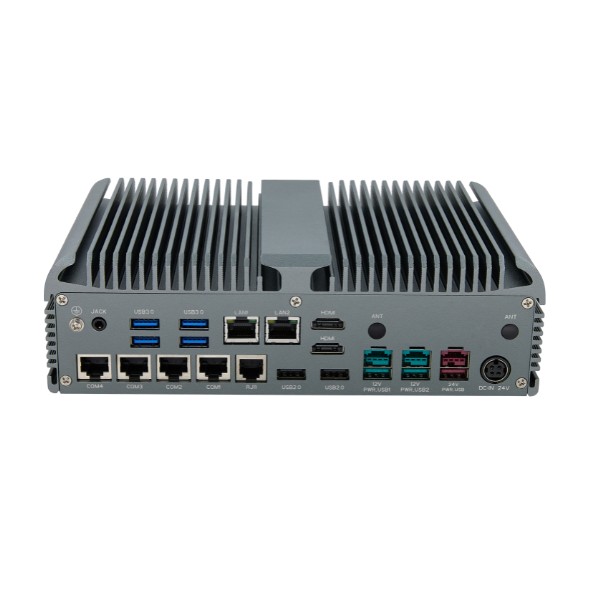
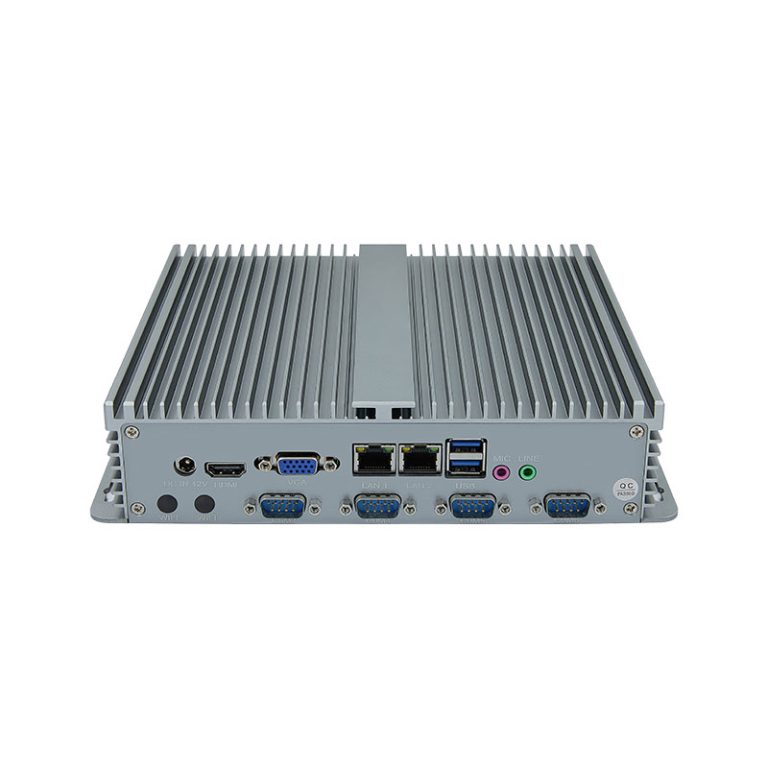
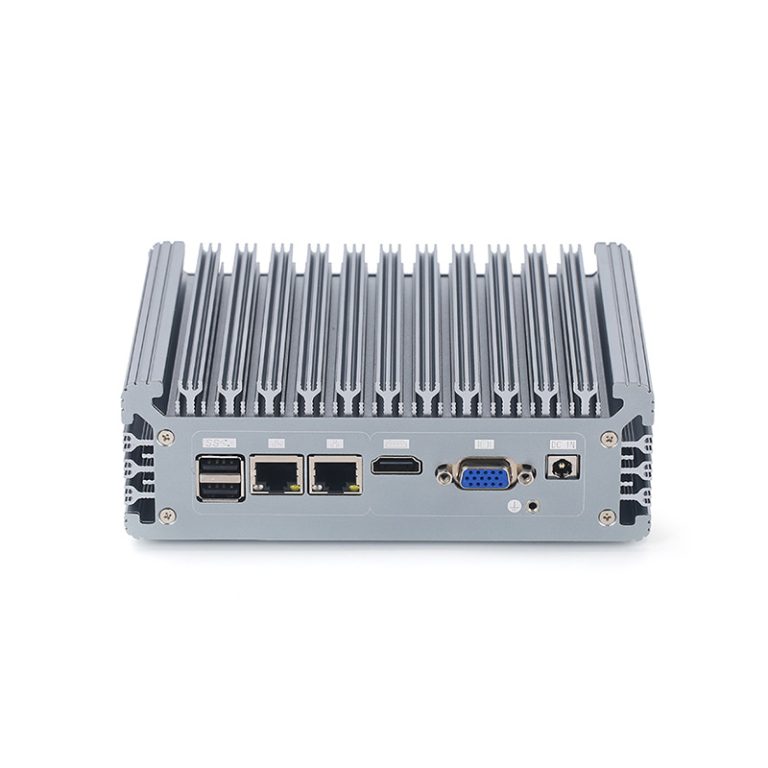
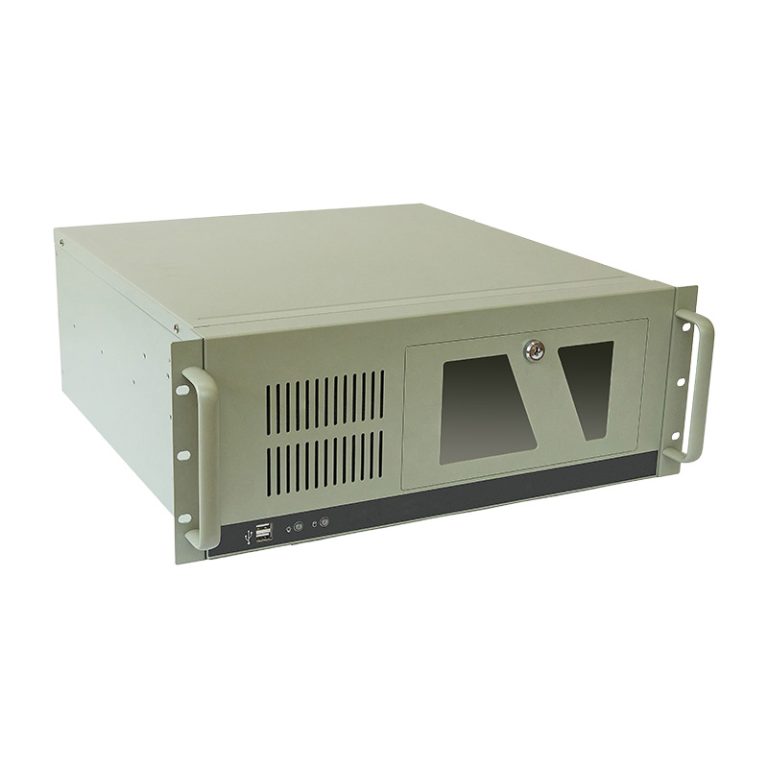
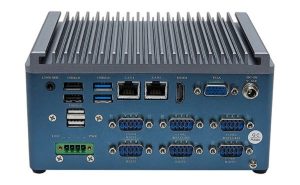
Valano provides industrial computers with dual channel RAM, offering faster data transfer, smooth multitasking, and reliable performance for demanding industrial applications.
With flexible customization, high-quality components, and expert support, Valano ensures your system maximizes dual channel memory benefits for speed, stability, and long-term value.