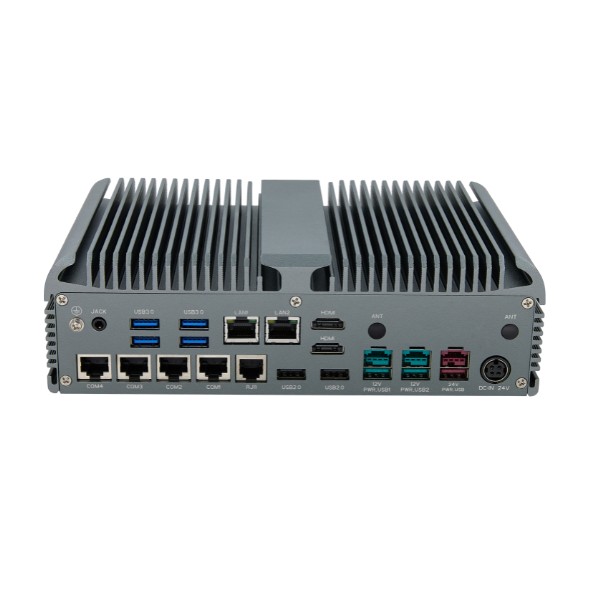
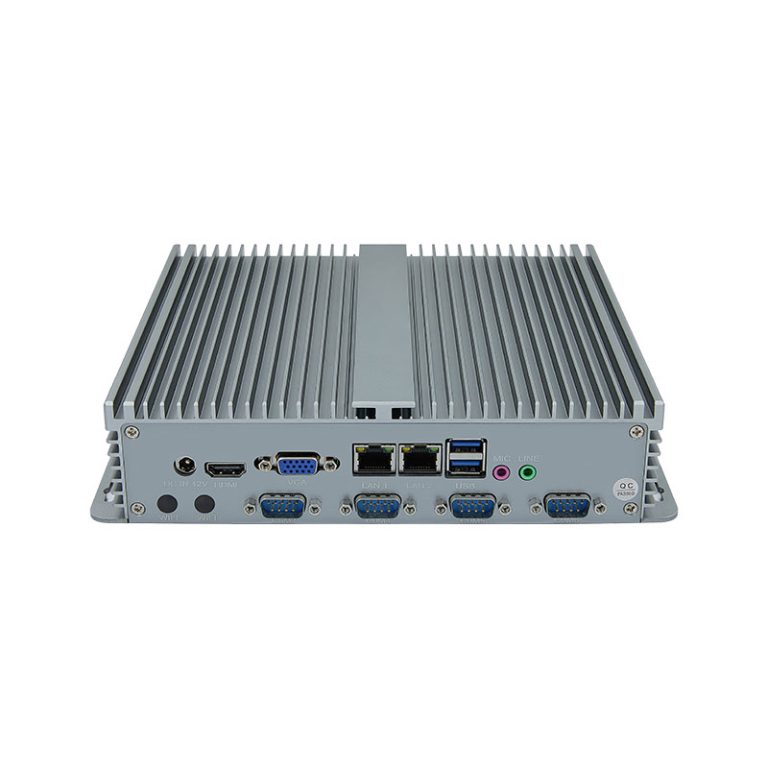
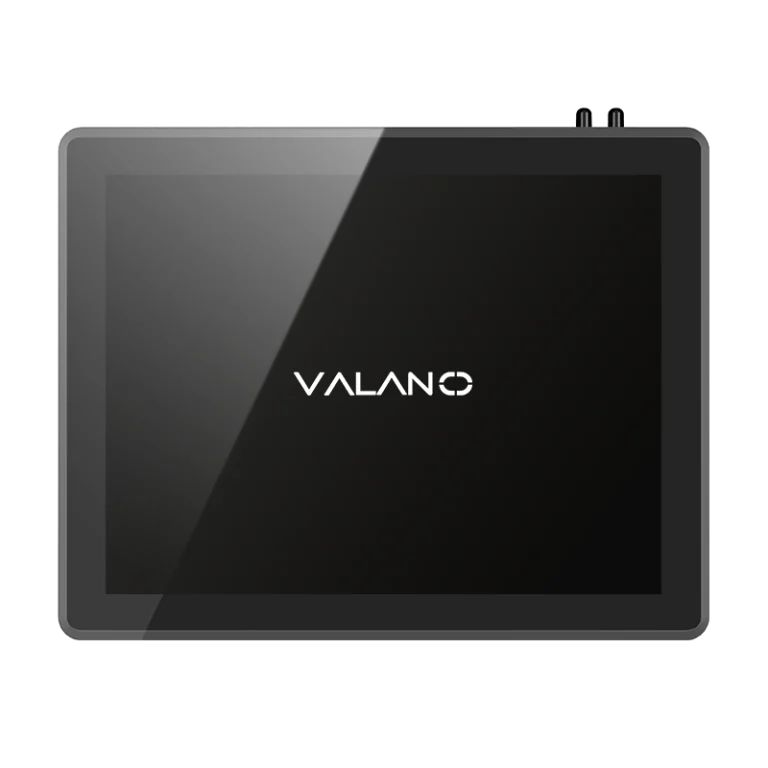
Choosing the right computing solution is crucial for performance, reliability, and efficiency. Understanding the differences between Fanless and Fan-Cooled Mini PCs can help businesses and tech enthusiasts select the ideal system for their environment. While fan-cooled models offer active heat management, fanless designs provide silent, low-maintenance operation. This guide explores key factors, advantages, and applications to help you make an informed choice for your specific needs.

Performance Comparison
Thermal Management
Fanless: Passive Cooling
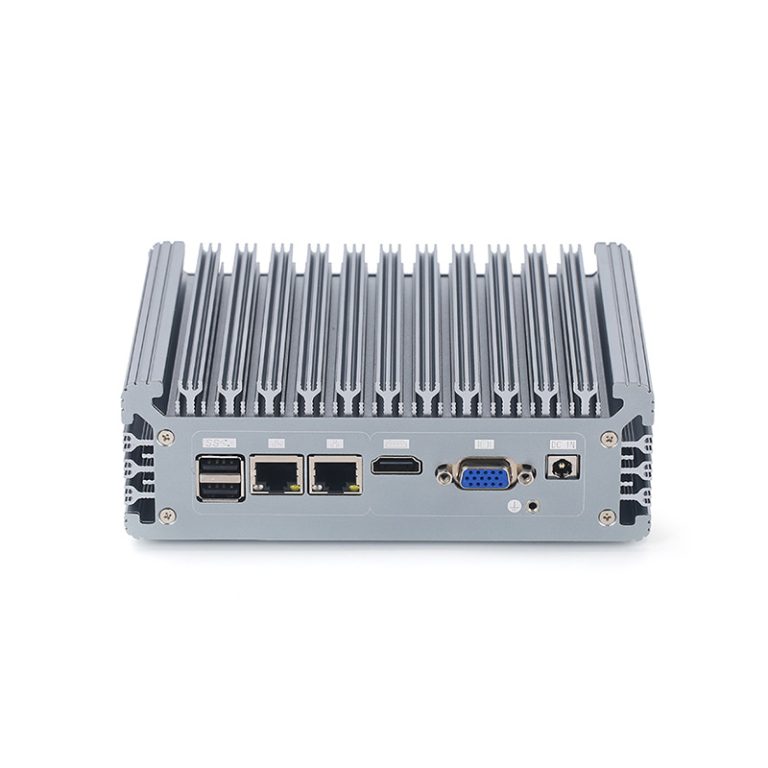
Fanless mini PCs use passive cooling to manage heat. This method relies on heat sinks and the chassis to spread thermal energy away from the processor. The fanless design does not use moving parts, so it reduces noise and lowers the risk of dust entering the system.
Fanless systems excel in environments where silence is important. They also perform well in places with a lot of dust. The thermal management in these PCs depends on efficient heat dissipation through metal surfaces.
Fan-Cooled: Active Cooling
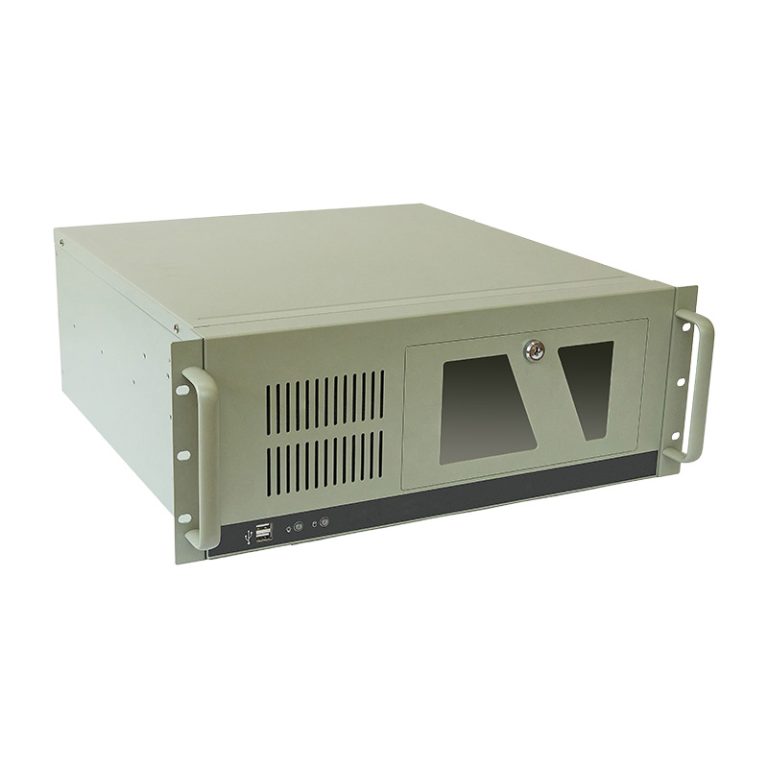
Fan-cooled systems use fans to move air across components. This active cooling method helps maintain lower thermal levels during heavy workloads. The fans improve heat dissipation, which allows the PC to handle higher temperatures.
Fan-cooled models can support more powerful processors. These cooling solutions are ideal for users who need consistent thermal management during high-performance tasks. However, fans can add noise and require regular cleaning.
Use Cases
Everyday Tasks
Fanless mini PCs are suitable for basic computing needs. These include web browsing, office work, and media streaming. The thermal management in fanless systems is enough for these tasks, as they do not generate much heat.
The passive cooling solutions in fanless design keep the PC quiet and reliable. Users who want a silent workspace often choose fanless models. These PCs also fit well in home theaters or libraries.
Demanding Applications
Fan-cooled systems are better for high-performance tasks. These include video editing, gaming, and running multiple applications at once. The active cooling solutions in these PCs provide strong thermal management for demanding workloads.
A performance comparison shows that fan-cooled models can sustain higher speeds without overheating. Their thermal management systems allow for better heat dissipation during intense use. Users who need maximum performance should consider these cooling solutions.
| Feature | Fanless Mini PC | Fan-Cooled Mini PC |
|---|---|---|
| Cooling Solutions | Passive | Active |
| Thermal Management | Silent, less powerful | Noisy, more powerful |
| Heat Dissipation | Through chassis | Through fans |
| Best For | Everyday tasks | Demanding applications |
Environmental Suitability
Harsh Environments
Fanless Mini PC: Dust and Noise
A fanless mini pc works well in harsh environments. Many factories and workshops have dust, debris, or high noise levels. An industrial mini pc with a fanless design keeps dust out because it has no vents for fans.
Fanless cooling means fewer moving parts. This reduces the risk of failure in an industrial mini pc. The fanless system also keeps the pc silent, which is important in places where noise can be a problem.
A fanless industrial mini pc is often sealed. This helps protect the pc from dust and small particles. Many users choose a fanless mini pc for these reasons.
Fan-Cooled: Airflow Needs
A fan-cooled industrial mini pc needs clean air to work well. The fans pull air through the pc to cool the components. If dust or dirt gets inside, it can block airflow and cause overheating.
Industrial mini pc models with fans need regular cleaning. Dust buildup can damage the fan or slow it down. This can lead to higher temperatures and possible failure of the pc.
A fan-cooled industrial mini pc is not ideal for very dusty or dirty places. It works best in offices or clean rooms. Good airflow is key for these systems.
Placement and Mounting
The location of your industrial mini pc matters. A fanless model can be mounted almost anywhere. It fits in tight spaces, on walls, or behind screens.
A fanless industrial mini pc does not need much space for airflow. This makes it easy to hide or install in small enclosures. Many users pick a fanless mini pc for kiosks, digital signs, or control panels.
A fan-cooled industrial mini pc needs more space. It must have room for air to move in and out. Placing it in a closed box or near dust can cause problems.
A fanless mini pc is best for harsh, dusty, or quiet places. A fan-cooled industrial mini pc is better for clean, open areas with good airflow. Matching the pc to the environment helps it last longer and work better.
| Environment Type | Best Choice | Reason |
|---|---|---|
| Dusty/Dirty | Fanless industrial mini pc | No vents, less maintenance |
| Quiet/Noise-sensitive | Fanless industrial mini pc | Silent operation |
| Clean/Open | Fan-cooled industrial mini pc | Better cooling for high loads |
| Tight Spaces | Fanless industrial mini pc | Flexible mounting |
Noise and Operation
Silent Operation: Fanless
A fanless mini pc offers a true silent operation. This type of pc does not use fans for cooling, so it produces almost no noise. Many users choose a fanless pc for libraries, bedrooms, or studios.
Fanless cooling relies on heat sinks and smart design. The absence of moving parts means less vibration and no whirring sounds. People who work in noise-sensitive settings often prefer this solution.
A fanless pc can run quietly for long hours. It fits well in places where even a small noise can be distracting. This makes fanless technology popular for home theaters and recording rooms.
Fan Noise: When It Matters
A fan-cooled pc uses active cooling to keep temperatures low. The fans inside the pc move air across hot components. This process creates noise, especially when the pc works hard.
Noise levels can rise during gaming, video editing, or other demanding tasks. Some users may not notice the noise in busy offices or classrooms. Others may find it distracting during meetings or late-night work.
The amount of noise depends on the size and speed of the fans. Larger fans can move more air with less noise, while smaller fans may spin faster and sound louder. Regular cleaning helps keep fan noise down by preventing dust buildup.
| Cooling Type | Noise Level | Best Use Case |
|---|---|---|
| Fanless | Very Low | Quiet or shared spaces |
| Fan-Cooled | Moderate | High-performance tasks |
People who value performance may accept some noise for better cooling. Those who need a quiet environment should consider how much noise a fan-cooled pc makes. Always match the pc to your needs and workspace.
Size and Portability
Compact Design
Fanless: Slim Profiles
A fanless pc often features a slim profile. The absence of fans allows the manufacturer to reduce the thickness of the chassis. Many fanless models fit easily behind monitors or inside small cabinets.
These pcs work well in tight spaces. Users can place a fanless pc in locations where airflow is limited. The compact design makes it ideal for digital signage, kiosks, or home entertainment setups.
Fan-Cooled: Size Trade-Offs
A fan-cooled pc usually has a larger case. The need for fans and proper airflow increases the overall size. Manufacturers must leave space for air vents and cooling components.
This design can limit placement options. A fan-cooled pc may not fit behind a screen or inside a small enclosure. Users must consider the extra space required for cooling.
| Design Feature | Fanless PC | Fan-Cooled PC |
|---|---|---|
| Profile | Slim | Bulkier |
| Placement Flexibility | High | Moderate |
| Cooling Components | Minimal | Multiple fans |
Flexible Placement
A fanless pc offers more flexibility for placement. The slim design and lack of moving parts allow users to mount the pc on walls, under desks, or even inside furniture. Many fanless models support VESA mounting, which helps with installation behind displays.
A fan-cooled pc needs open space for airflow. Users must avoid placing it in enclosed areas. The vents and fans require clearance to prevent overheating.
Fanless pcs can be installed in:
- Tight corners
- Small cabinets
- Quiet rooms
Fan-cooled pcs work best in:
- Open shelves
- Well-ventilated offices
- Areas with good airflow
A fanless pc suits users who value portability and flexible installation. The compact design and silent operation make it easy to move and set up. A fan-cooled pc may offer more power, but it requires careful placement to ensure reliable performance.
Longevity and Maintenance
Fanless: Durability
A fanless pc has fewer moving parts. This design increases durability and lowers the risk of mechanical failure. Many fanless systems can run 24/7 in harsh environments.
The absence of fans means less wear over time. Dust and debris cannot easily enter the chassis. Fanless cooling protects the pc from overheating and keeps it reliable.
Fanless: Maintenance
Maintenance for a fanless pc is minimal. Users do not need to clean or replace fans. The sealed design keeps dust and dirt away from internal components.
A fanless cooling system does not require regular attention. Many users install these pcs in places where maintenance is difficult. The pc can operate for years with little intervention.
Benefits of fanless maintenance:
- No fan replacement needed
- Less cleaning required
- Lower risk of dust buildup
Fan-Cooled: Wear and Upkeep
A fan-cooled pc uses active cooling to manage heat. Fans move air through the system, but they can wear out over time. Regular cleaning is necessary to prevent dust from blocking airflow.
Fan-cooled systems may need fan replacement after extended use. Dust buildup can cause fans to slow down or fail. This increases the risk of overheating and shortens the lifespan of the pc.
| Maintenance Task | Fanless PC | Fan-Cooled PC |
|---|---|---|
| Fan Replacement | Not needed | Sometimes required |
| Cleaning Frequency | Low | High |
| Dust Protection | Excellent | Moderate |
A fan-cooled pc works well in clean environments. It needs regular upkeep to stay efficient. Users should check fans and clean vents to keep the cooling system working.
Cost and Value
Upfront Costs
The initial cost of a mini pc can vary based on its cooling system. A fanless model often has a higher cost because of its special design and materials. Many users must consider their budget before choosing between these options.
A fan-cooled pc usually has a lower starting cost. This type of pc uses standard parts, which helps keep the cost down. People with a tight budget may find fan-cooled models more affordable.
Long-Term Value
Long-term value matters when you plan to use your pc for many years. A fanless pc can offer better value over time. It has fewer moving parts, so it often lasts longer and needs less repair.
A fan-cooled pc may require more maintenance. Fans can wear out and need replacement, which adds to the total cost. Users should think about both the upfront cost and the long-term cost and budget.
Here is a quick comparison:
| Feature | Fanless Mini PC | Fan-Cooled Mini PC |
|---|---|---|
| Upfront Cost | Higher | Lower |
| Maintenance Cost | Lower | Higher |
| Lifespan | Longer | Shorter |
Energy Efficiency
Energy efficiency affects both the cost and budget over time. A fanless pc uses less power because it does not run fans. This can lower your electricity bill and help you stay within your budget.
A fan-cooled pc uses more energy. The fans run often, which increases the total cost of ownership. People who want to save on their cost and budget should consider energy use.
When you compare fanless and fan-cooled mini pcs, always look at the full picture. Think about the upfront cost, long-term value, and energy efficiency. Matching your choice to your budget will help you get the best value.
How to Choose Between Fanless and Fan-Cooled
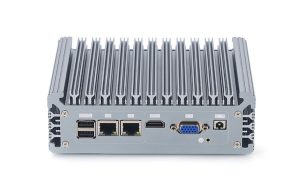
Decision Checklist
When you need to choose between fanless and fan-cooled mini PCs, a checklist helps you focus on the key features. Start by thinking about your main tasks and the environment where you will use the PC. Consider the following points:
- Performance Needs
- Do you need a mini PC for basic tasks or demanding applications?
- Fanless models handle everyday tasks well.
- Fan-cooled models support high-performance workloads.
- Noise Level
- Is silent operation important for your workspace?
- Fanless PCs offer quiet performance.
- Fan-cooled PCs may produce noticeable fan noise.
- Environment
- Will you use the PC in a dusty or harsh location?
- Fanless designs resist dust and require less maintenance.
- Fan-cooled systems need clean, ventilated spaces.
- Size and Placement
- Do you need a compact device for tight spaces?
- Fanless PCs have slim profiles and flexible mounting options.
- Fan-cooled PCs need extra space for airflow.
- Durability and Maintenance
- Is long-term reliability important to you?
- Fanless models have fewer moving parts and lower failure rates.
- Fan-cooled models require regular cleaning and fan replacement.
- Budget and Value
- Are you looking for energy efficiency and lower maintenance costs?
- Fanless PCs often cost more upfront but save money over time.
- Fan-cooled PCs may have lower initial costs but higher upkeep.
Matching Needs to Features
To choose between fanless and fan-cooled mini PCs, match your needs to the key features of each system. Review the main features that matter most for your situation. The table below shows how the key features align with different user needs.
| User Need | Fanless Mini PC Key Features | Fan-Cooled Mini PC Key Features |
|---|---|---|
| Quiet operation | Silent, no moving parts | Some fan noise |
| Dust resistance | Sealed chassis, fewer vents | Needs clean air, vents present |
| Compact placement | Slim design, flexible mounting | Larger size, needs airflow |
| High performance | Handles basic tasks | Supports demanding workloads |
| Low maintenance | Minimal upkeep, durable | Requires cleaning, fan replacement |
| Energy efficiency | Lower power use | Higher power use |
Think about which key features are most important for your daily use. If you value silent operation and durability, fanless models offer strong benefits. If you need maximum performance and do not mind regular maintenance, fan-cooled models provide more power.
When you choose between fanless and fan-cooled mini PCs, focus on the features that match your needs. Look at the key features for each type and decide which ones fit your environment, tasks, and budget. The right choice depends on how you plan to use the mini PC and which features matter most to you.
Conclusion
Choosing between Fanless and Fan-Cooled Mini PCs ultimately comes down to matching your system to your environment, performance needs, and maintenance preferences. Fanless models excel in silent, dust-prone, or space-constrained settings with minimal upkeep, while fan-cooled systems deliver higher performance for demanding workloads in clean, ventilated areas. Understanding these trade-offs ensures you select a mini PC that balances reliability, efficiency, and functionality for your specific applications.