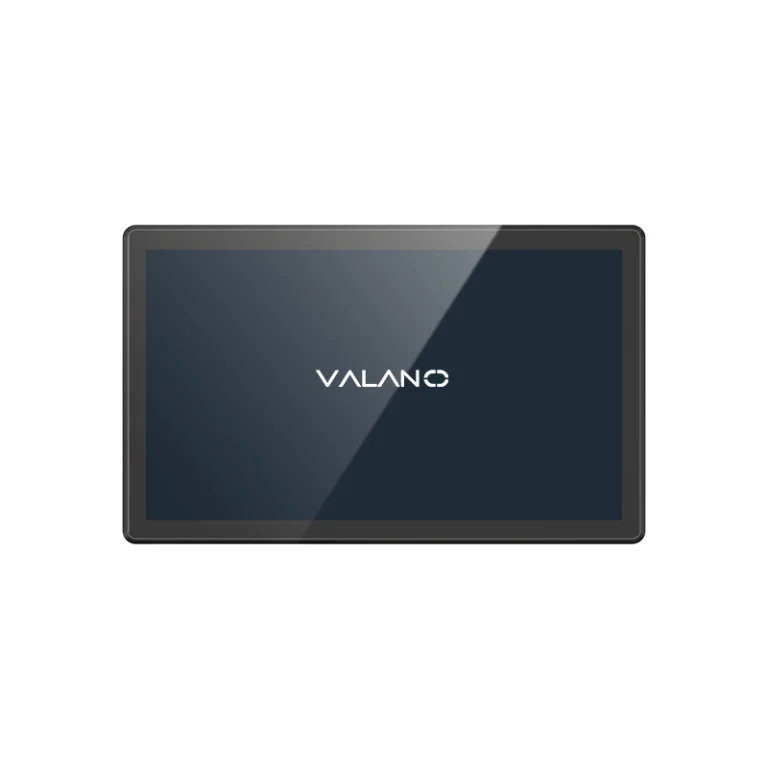
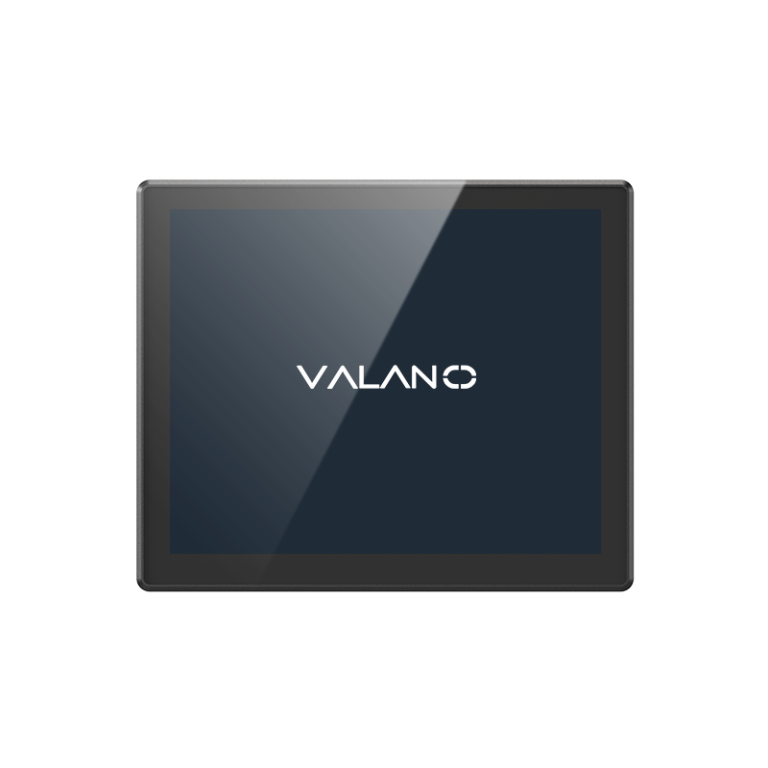
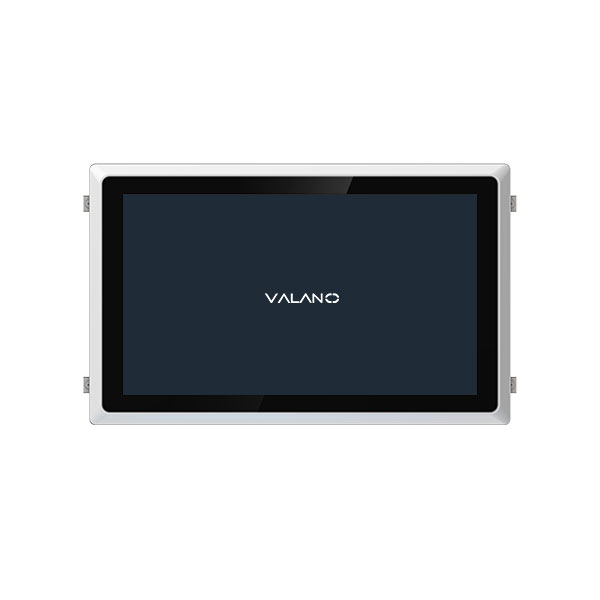
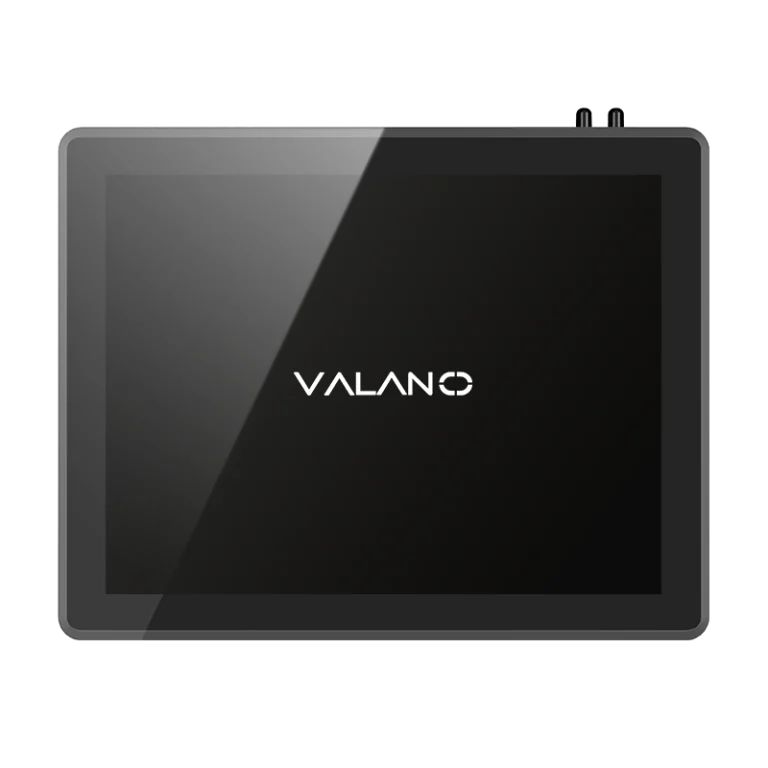
A quality control process guides the design and manufacturing of industrial panel PCs. This process uses process flow mapping to track each step and maintain strict quality control procedures. Industrial systems depend on these steps to deliver reliability and consistent performance.
Design standards drive the quality control process and protect the integrity of industrial systems. Multiple design reviews help prevent errors and enhance reliability.
Why Quality Control Matters for Panel PC Buyers
Quality Stability
Quality control ensures that every panel PC meets strict standards. Industrial systems require stable operation in demanding environments. Consistent quality helps prevent unexpected failures and supports long-term use.
A stable panel PC reduces the risk of sudden breakdowns. This stability is essential for industrial systems that run critical processes. Buyers can trust that each unit will perform as expected.
Downtime Risk
Downtime can cause major problems in industrial systems. When a panel PC fails, production may stop, and valuable time is lost. Quality control helps lower this risk by catching defects before products reach the customer.
Manufacturers use testing and inspection to ensure each panel PC works correctly. This process protects industrial systems from costly interruptions.
Buyer Concerns
Buyers want products that deliver reliability and value. They look for panel PCs that can handle tough conditions without frequent repairs. Quality control addresses these concerns by checking every detail during production.
A clear quality control process gives buyers confidence. They know that the manufacturer has tested each unit for performance and safety. This trust is important for anyone using panel PCs in industrial systems.
Incoming Material and Component Inspection
Core Parts Check
The quality of industrial panel PCs depends on the core parts. Each part must meet strict standards before assembly. The process variables for these parts include voltage, current, and temperature limits.
Technicians measure process variables for every batch of motherboards and CPUs. They record these process variables to ensure each part matches the design. If process variables fall outside the set range, the part is rejected.
Screen Inspection
The screen is a key part of any panel PC. The process variables for screens include brightness, color accuracy, and touch sensitivity. Workers use special tools to measure these process variables during inspection.
A table helps organize the process variables for each screen:
| Screen ID | Brightness | Color Accuracy | Touch Sensitivity |
|---|---|---|---|
| 001 | Pass | Pass | Pass |
| 002 | Pass | Pass | Pass |
If a screen fails any process variables, it does not move to the next step. This inspection ensures that only high-quality screens are used.
Batch Consistency
Batch consistency means every part in a group must have the same process variables. Workers compare process variables from different batches to spot problems. They use charts to track process variables over time.
Process variables must stay within a narrow range for each batch. If process variables change too much, the batch is flagged for review. This step keeps the quality of panel PCs stable.
Production Assembly and Process Control
Standard Assembly
Production assembly uses process control to guide each step. Workers follow detailed instructions to build each panel PC. This approach ensures that every unit meets strict standards for system reliability and throughput.
Process control uses control strategies to manage each assembly stage. These control strategies help maintain consistent throughput and reduce errors. Automated process line systems often support this work, increasing process throughput and improving reliability.
Wiring Check
Wiring checks are a key part of process control. Workers inspect every wire for correct placement and secure connections. Feedback control helps spot mistakes early, which protects system reliability.
Control strategies guide the wiring process. These strategies use feedback control to monitor each step. If a problem is found, feedback control signals the need for correction before moving forward.
Statistical process control tools track wiring quality over time. This data helps improve throughput and reduce future errors.
Interface Check
Interface checks use process control to test all ports and connectors. Workers use feedback control to confirm that each interface works as designed. Control strategies ensure that every connection supports system reliability.
A checklist helps workers follow the right steps:
- Inspect each interface for damage.
- Test each port for proper function.
- Record results for process control review.
Feedback control and control strategies work together to keep throughput high. Automation expertise supports these checks, making sure each panel PC meets quality goals.
Functional Testing and Aging Test
System Test
Technicians perform system tests to check the main functions of each panel PC. They verify that the operating system loads correctly and that all hardware components respond as expected. This step confirms that the CPU, memory, storage, and network interfaces work together without errors.
A checklist guides the testing process:
- Boot up the device and observe startup behavior.
- Run diagnostic software to check hardware health.
- Confirm network connectivity and data transfer.
Touch Test
Touch screens play a vital role in panel PC operation. Workers test the touch function to ensure accurate response and smooth interaction. They use specialized tools to simulate finger touches and gestures.
A table records the results for each unit:
| Panel PC ID | Touch Accuracy | Multi-Touch Response | Dead Zones |
|---|---|---|---|
| 1001 | Pass | Pass | None |
| 1002 | Pass | Pass | None |
Touch tests reveal problems such as lag, missed touches, or unresponsive areas. Units that fail any part of the touch test are sent for repair or replacement.
Aging Test
Aging tests expose panel PCs to extended operation under controlled conditions. Technicians run the devices for several hours or days to simulate real-world use. They monitor temperature, voltage, and performance during this period.
The aging test process includes:
- Powering the panel PC continuously for a set time.
- Recording temperature and voltage changes.
- Checking for system crashes or abnormal behavior.
Panel PCs that pass the aging test demonstrate strong durability. This step ensures that only reliable units reach customers.
Final Inspection and Shipment Check
Appearance Check
Inspectors look at each panel PC before it leaves the factory. They check for scratches, dents, or marks on the case. A clean and undamaged appearance is important for use in industrial systems.
A checklist helps inspectors remember each step:
- Examine the front and back panels.
- Check the screen for smudges or cracks.
- Look for missing screws or loose parts.
Packing Check
Proper packing protects panel PCs during shipping. Workers use foam inserts and sturdy boxes to prevent damage. They seal each box and label it with product information.
A table tracks the packing process:
| Box Number | Foam Insert | Seal Check | Label Applied |
|---|---|---|---|
| 001 | Yes | Yes | Yes |
| 002 | Yes | Yes | Yes |
Safe packing keeps panel PCs ready for use in industrial systems. It also reduces the risk of returns from shipping damage.
QC Records
Quality control records document every inspection step. Workers fill out forms for appearance, packing, and function checks. These records help trace any problems back to their source.
Manufacturers store these records for future reference. This practice improves quality and helps meet industry standards.
How Buyers Evaluate a Reliable Manufacturer
Testing Flow
Buyers often start by reviewing the manufacturer’s testing flow. They want to see clear steps for checking each panel PC. A reliable manufacturer will show a process that covers every stage, from incoming parts to final inspection.
A good testing flow includes these steps:
- Material and component inspection
- Assembly checks
- Functional and aging tests
- Final appearance and packing review
This process helps buyers trust that each panel PC will work well in industrial systems. A strong testing flow reduces the chance of hidden defects.
Warranty Support
Warranty support is another key factor for buyers. They look for clear warranty terms that protect their investment. Good warranty support means the manufacturer stands behind their products.
A strong warranty gives buyers peace of mind. It also shows that the manufacturer is confident in the quality of their panel PCs for use in industrial systems.
Traceable QC
Traceable quality control (QC) is important for buyers who use panel PCs in industrial systems. Manufacturers keep detailed records for each unit. These records include test results, inspection dates, and any repairs.
A table can help organize QC data:
| Panel PC Serial | Test Date | Inspector | Result |
|---|---|---|---|
| 2001 | 2024-05-10 | A. Smith | Pass |
| 2002 | 2024-05-11 | B. Lee | Pass |
Traceable QC lets buyers track the history of each panel PC. If a problem happens, they can find the cause quickly. This practice builds trust and supports long-term use in industrial systems.
Conclusion
Industrial panel PC quality control process is essential for ensuring stable performance, lower downtime risk, and long-term reliability in demanding environments. From component inspection to assembly checks, functional testing, aging tests, and traceable QC records, each step helps buyers evaluate product consistency and manufacturer capability. For industrial projects, a clear and complete QC flow is not just a production requirement—it is a key guarantee of dependable system operation.