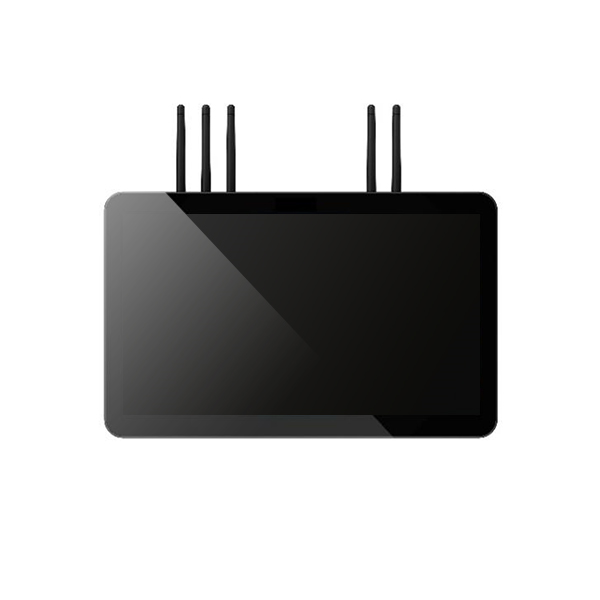
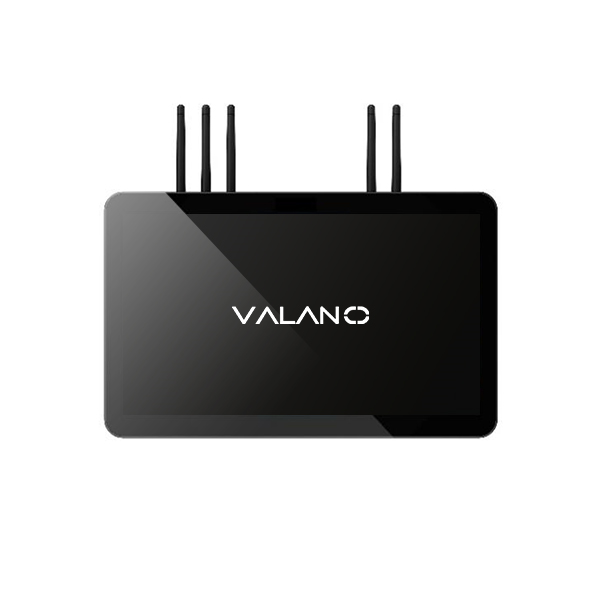
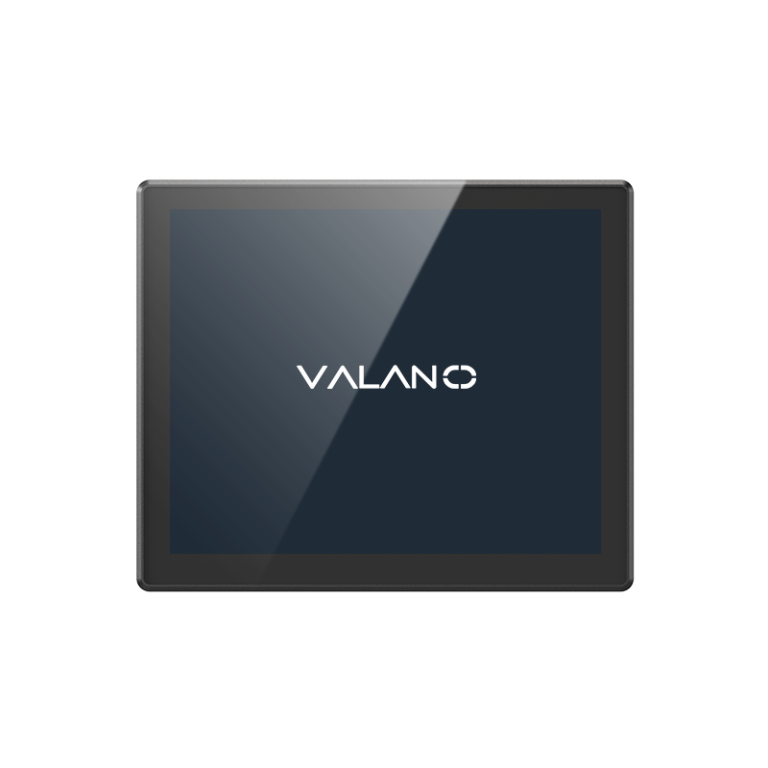
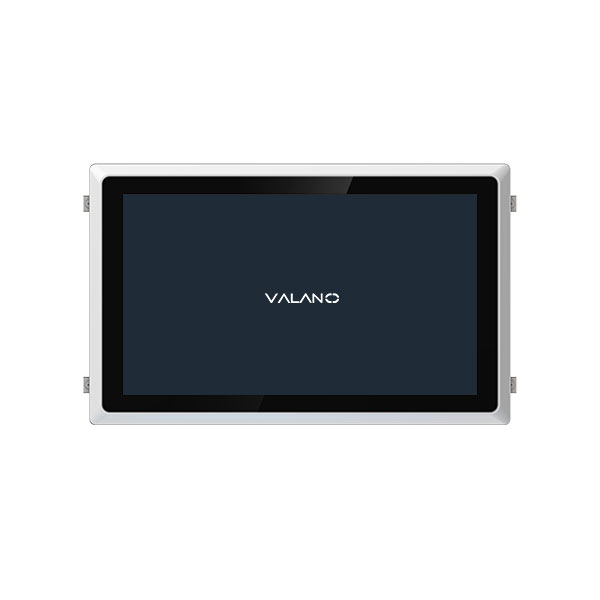
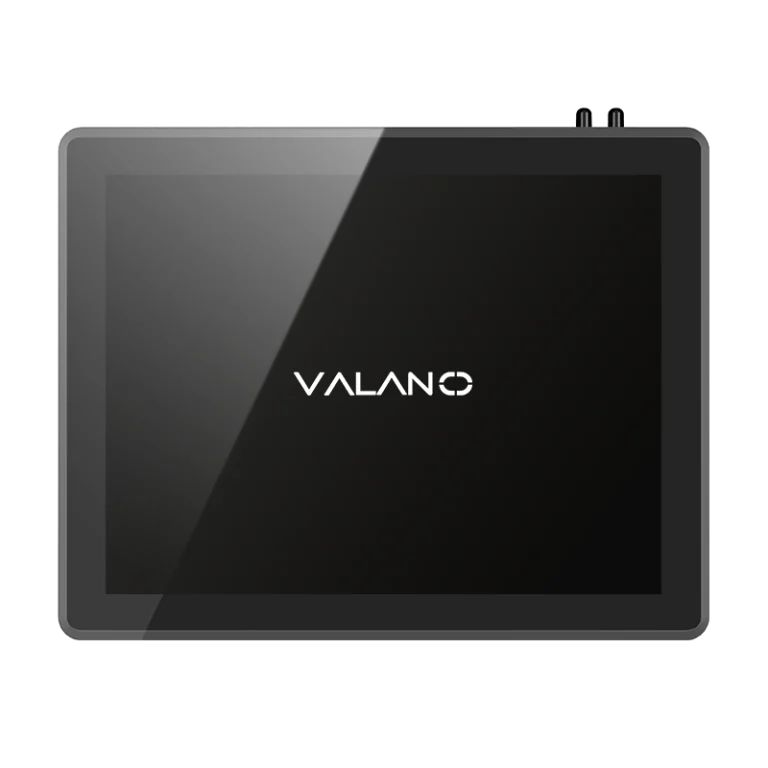
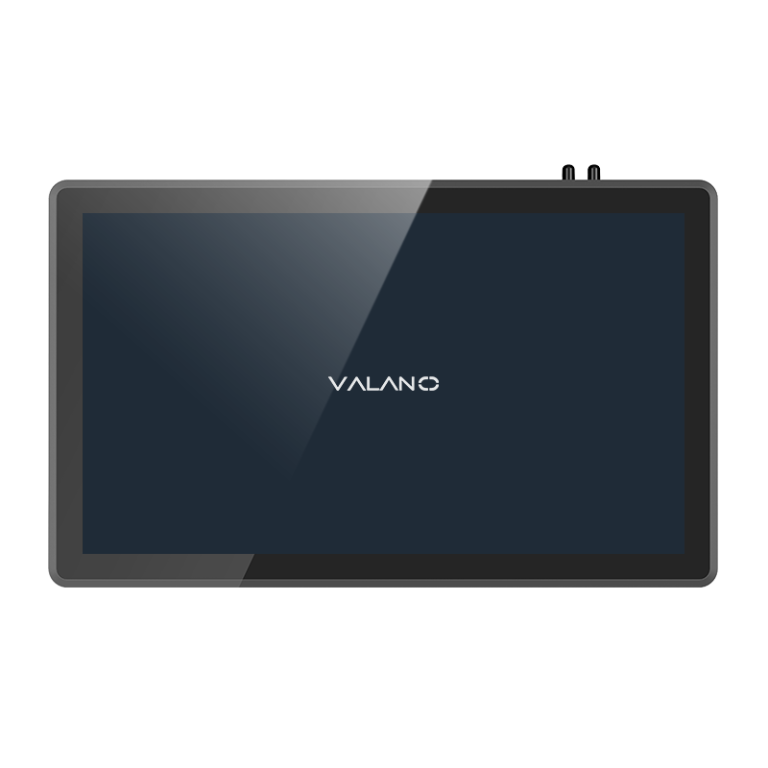
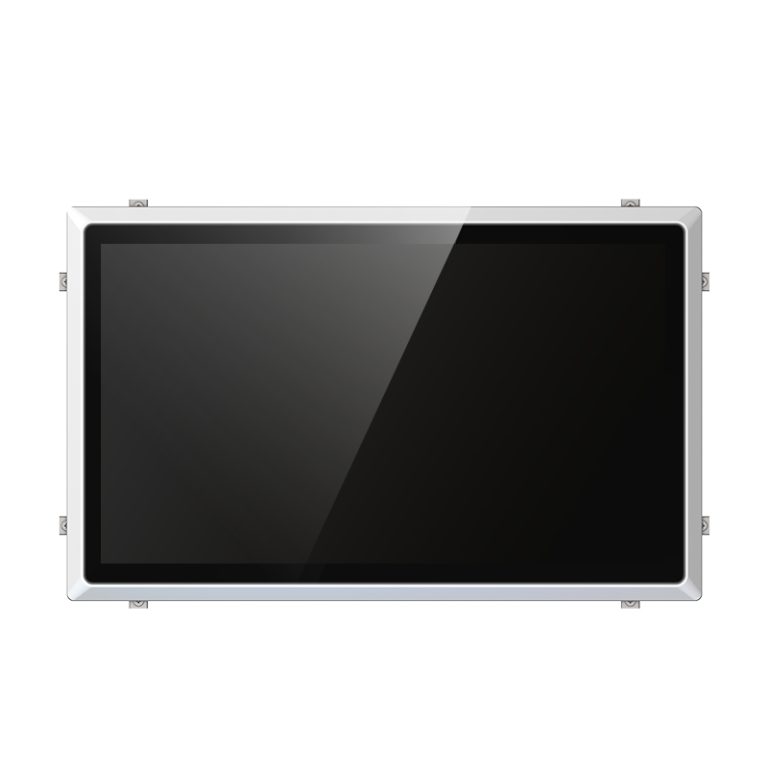
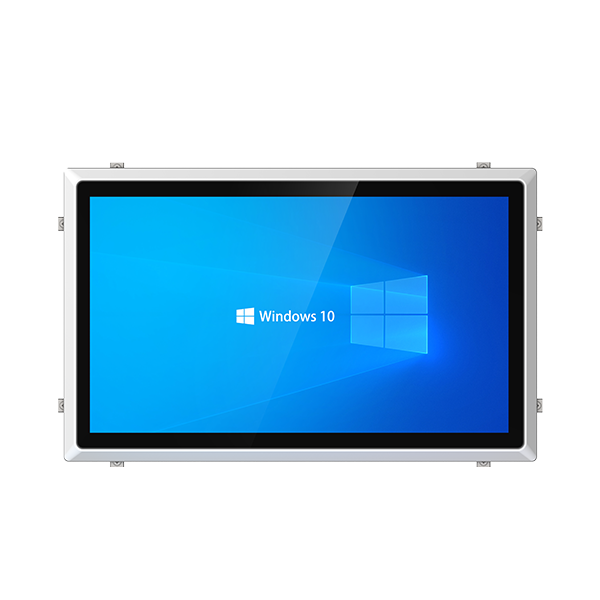
Choosing the right industrial panel pc is critical for reliable operation in demanding environments. Industrial panel pcs must withstand heat, dust, and vibration while providing stable control for HMI systems. When you select a solution, think about your current needs and how your system might grow in the future.
Key Criteria for Industrial Panel PCs
Environmental and IP Rating
Industrial panel pcs often operate in demanding environments. Dust, water, and chemicals can damage sensitive electronics. IP65/IP66 protection helps ensure reliability by keeping out these hazards. When choosing an industrial panel pc, check the IP rating to match your site’s needs. High IP ratings are important for industrial automation and industrial applications where exposure is common.
Fanless Design and Durability
A fanless design increases reliability and reduces maintenance. Fans can pull in dust and fail over time, which lowers uptime. Many modern panel pcs use ruggedized all-in-one computing solution designs to handle vibration and temperature changes. These features make them ideal for industrial internet of things and automation projects. Durability is key for long-term performance in industrial panel pcs.
Touchscreen Technology: Capacitive vs. Resistive
Touchscreen display technology affects how users interact with the human-machine interface. Capacitive touchscreens respond to light finger touches and support multi-touch gestures. Resistive touchscreens work with gloves or styluses, making them suitable for industrial touchscreen options in harsh settings. Consider the environment and user needs when selecting a touchscreen for your HMI or scada system.
Processing Power and Performance
Performance matters for industrial panel pcs running complex automation tasks. Choose a processor that matches your software and workload. High processing power supports fast data handling and smooth operation. This is important for industrial automation and iiot systems that require quick responses. Reliable performance ensures your system can grow with future needs.
Connectivity and I/O Options
Connectivity is essential for linking devices in industrial automation. Industrial panel pcs should offer a range of I/O options like USB, Ethernet, and serial ports. These connections support sensors, controllers, and other equipment. Good connectivity helps integrate the panel pc into your existing network and supports industrial internet of things solutions. Always check for customization options if you need special ports.
Security Features (TPM)
Security is a growing concern in industrial environments. Trusted Platform Module (TPM) adds hardware-based protection for sensitive data. Industrial panel pcs with TPM help prevent unauthorized access and support secure boot processes. This feature is important for protecting automation and iiot systems from cyber threats. Security features increase reliability and uptime in connected operations.
Checklist for Choosing an Industrial Panel PC
Assessing Installation Location
Start by evaluating where the industrial panel pc will be deployed. Factors such as dust, water, humidity, temperature fluctuations, vibration, and direct sunlight can significantly affect system performance. For demanding environments, look for features such as IP65/IP66 protection, fanless cooling, and industrial-grade components. Choosing a panel pc that matches the installation conditions helps maximize reliability, reduce downtime, and extend the service life of your HMI and SCADA system.
Tip: For outdoor or washdown areas, choose a model with a high IP rating.
Customization and Expandability
Industrial panel pcs should fit your current needs and allow for future changes. Look for options that let you add more memory, storage, or special I/O ports. Customization helps your system grow with new automation or iiot demands.
Ask these questions:
-
- Can you add more USB or serial ports?
- Is there space for extra storage?
- Does the design support new touchscreen types?
Software Compatibility
Check if the industrial panel pc works with your HMI or scada software. Software compatibility ensures smooth operation and good performance. This step also helps avoid problems with updates or new features in industrial automation systems.
Vendor Support and Warranty
Choose a vendor that offers strong support and a clear warranty. Good support helps solve problems quickly and keeps your system running. A solid warranty shows the vendor stands behind the reliability of their industrial panel pcs.
| Checklist Item | Why It Matters |
|---|---|
| Installation Location | Protects against hazards |
| Customization Options | Supports future needs |
| Software Compatibility | Ensures smooth operation |
| Vendor Support/Warranty | Maintains uptime and support |
This checklist helps you compare different industrial panel pcs. Focus on connectivity, expandability, and support to get the best value for your industrial automation project.
Match Features to HMI and SCADA Applications
Application Use Cases
Industrial panel pcs support many types of HMI and SCADA applications. In a factory, workers use touchscreens to monitor machines and adjust settings. In a water treatment plant, operators rely on clear displays to track pumps and valves. These computers also help with building management, energy monitoring, and food processing. Each use case may need different features, such as glove-friendly screens or extra ports for sensors.
Note: Always match the panel pc’s features to the real-world tasks in your facility.
Balancing Cost and Value
Choosing the right panel pc means finding a balance between price and performance. Some projects need advanced features, while others only require basic functions. A simple hmi station may not need high processing power or extra security. For industrial automation, investing in a rugged design and reliable components can save money over time. Consider the total cost, including maintenance and future upgrades.
| Feature Priority | Basic HMI | Advanced SCADA |
|---|---|---|
| Touchscreen Type | Standard | Multi-touch |
| I/O Ports | Few | Many |
| Security (TPM) | Optional | Important |
Scalability and Future-Proofing
Scalability helps your system grow with your business. Choose panel pcs that allow for memory or storage upgrades. Look for models that support new software and connect with modern devices. This approach protects your investment and keeps your system ready for future needs. Unified solutions also make it easier to manage and expand your network.
FAQ
1. What is an industrial panel PC used for in HMI and SCADA systems?
An industrial panel PC serves as the operator interface for monitoring, controlling, and visualizing industrial processes. It combines a touchscreen display and computing unit in a single device, making it ideal for HMI applications and SCADA control environments.
2. What is the difference between a standard PC and an industrial panel PC?
Industrial panel PCs are designed for harsh environments. They offer features such as wide operating temperature ranges, dust and water resistance, fanless cooling, vibration resistance, and long-term product availability, which standard commercial PCs typically cannot provide.
3. What screen size is best for HMI and SCADA applications?
The ideal screen size depends on the application. Compact machines often use 7–12-inch displays, while production lines and SCADA monitoring stations commonly require 15–21.5-inch screens for better visualization of process data and system status.