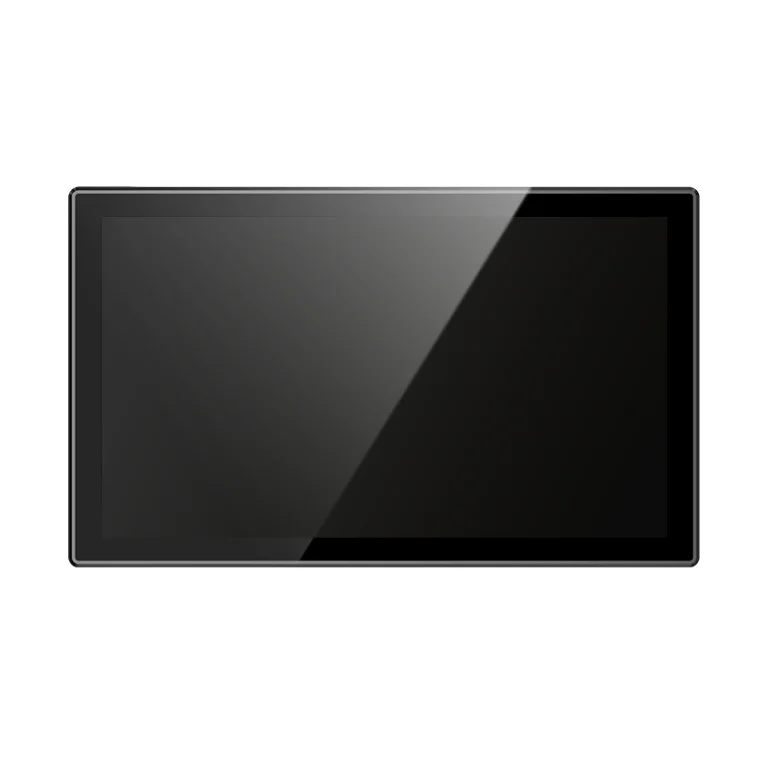
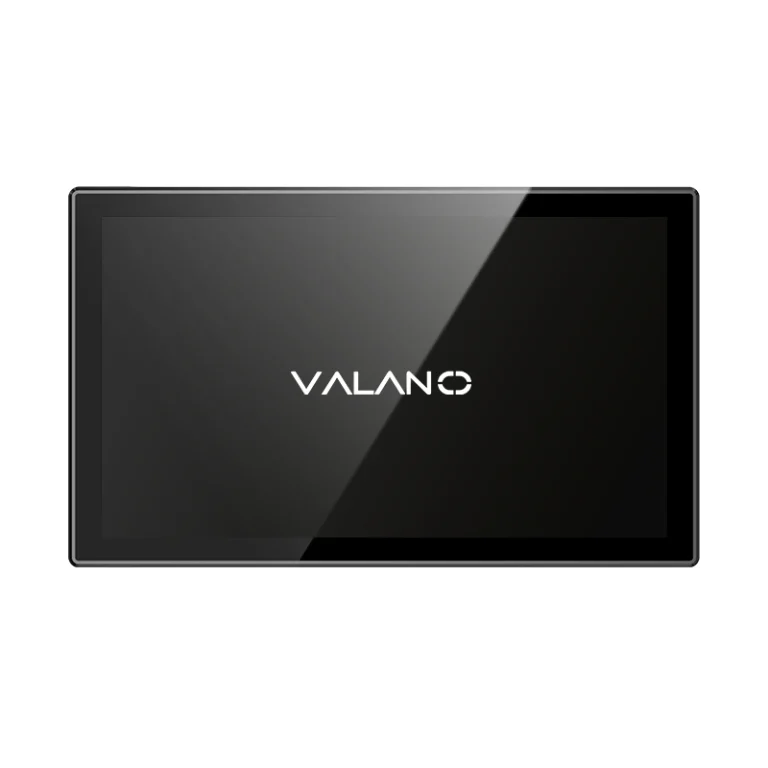
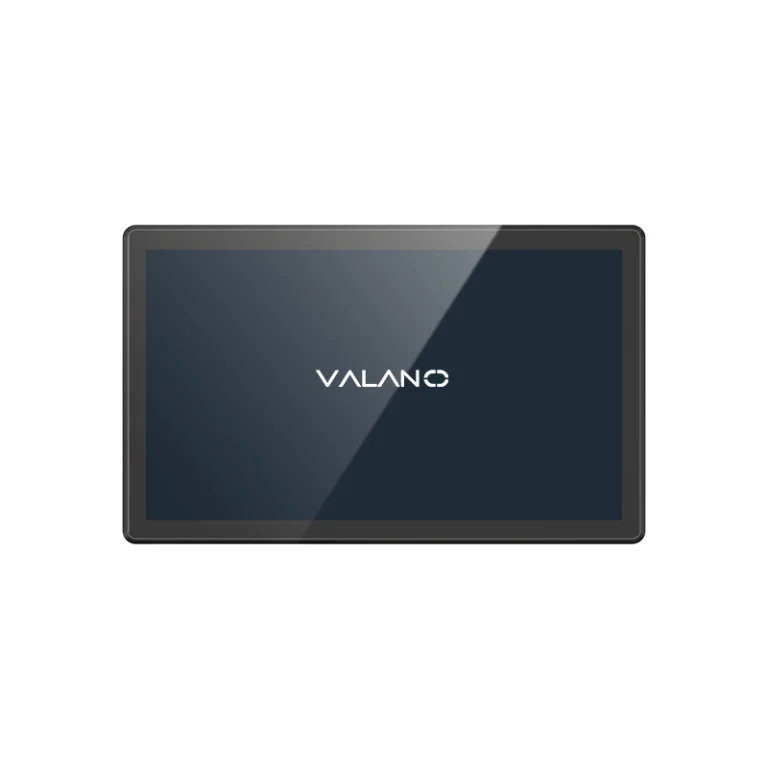
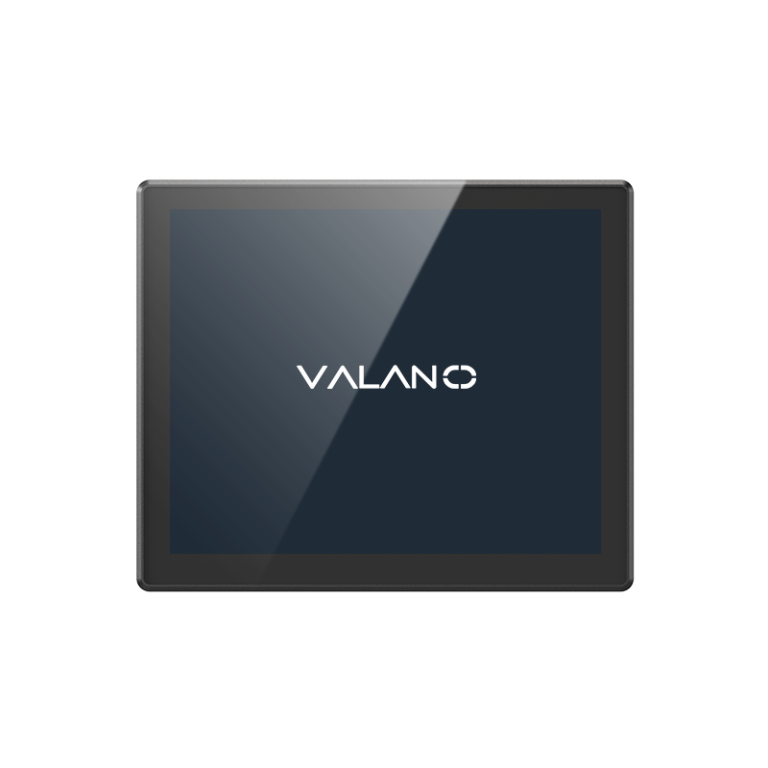
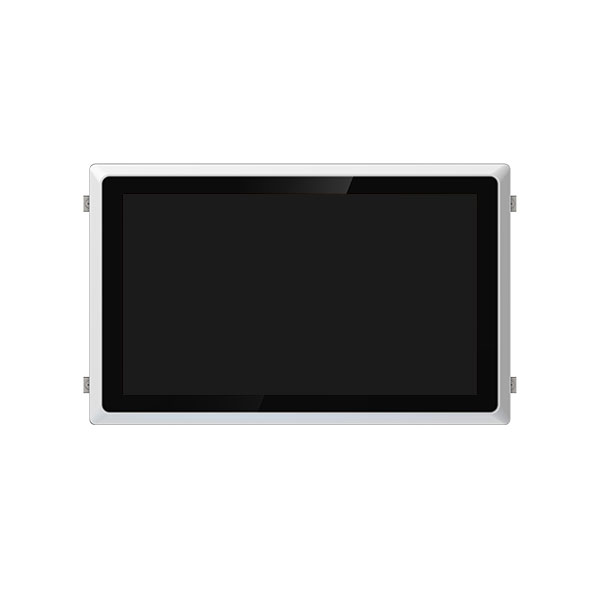
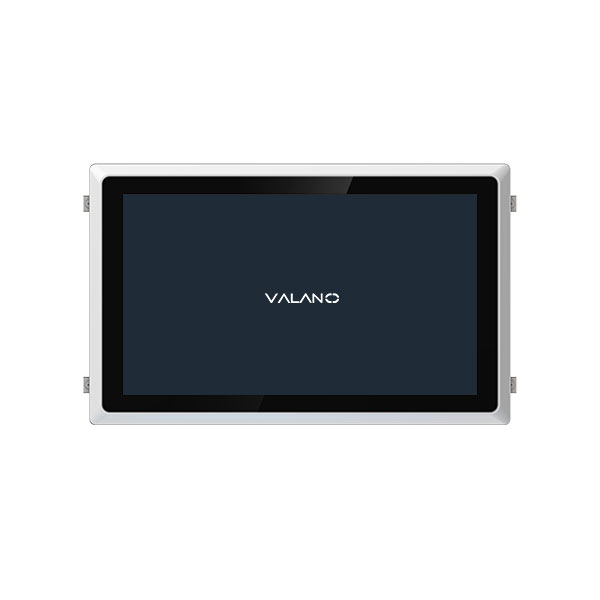
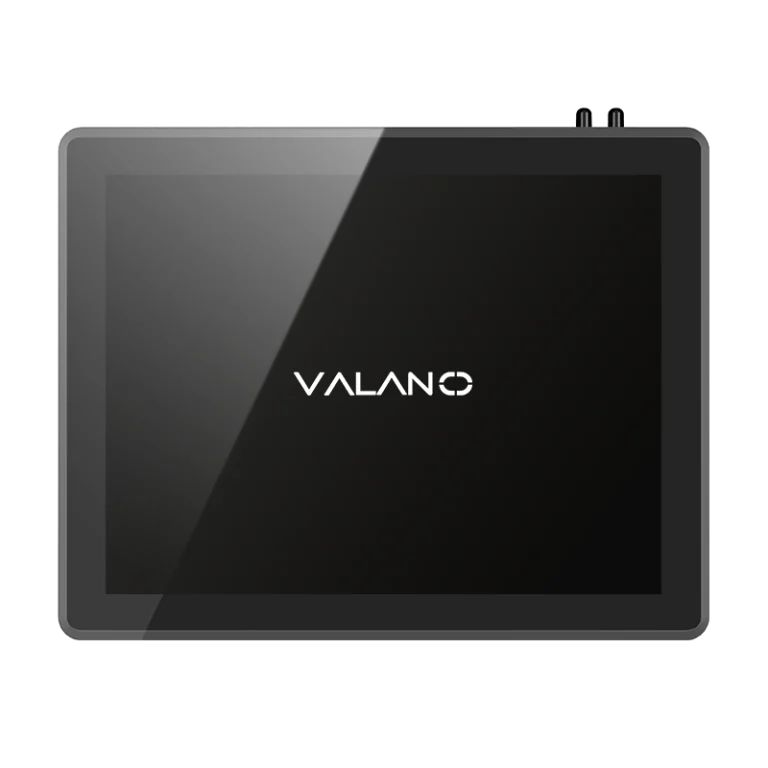
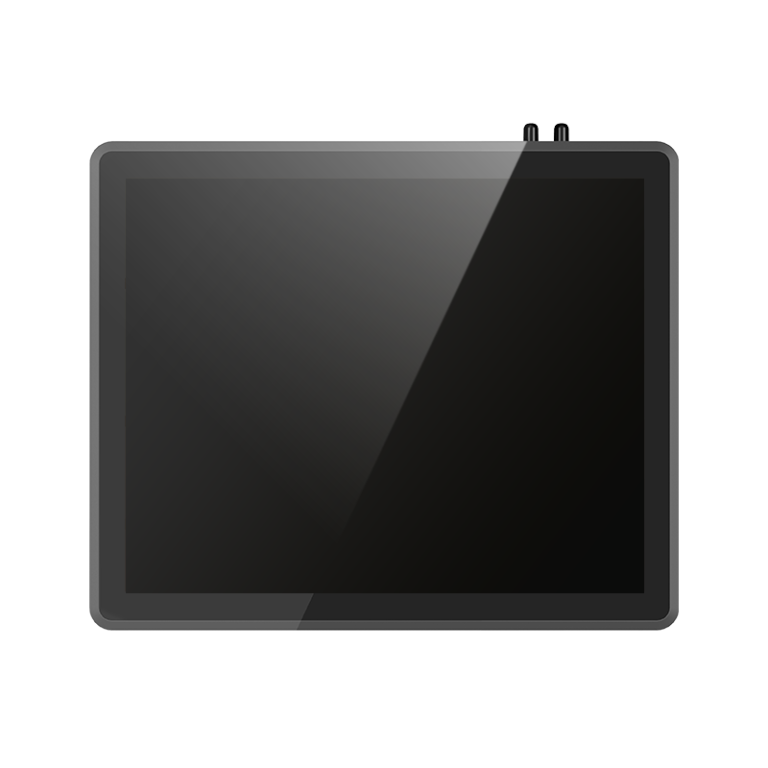
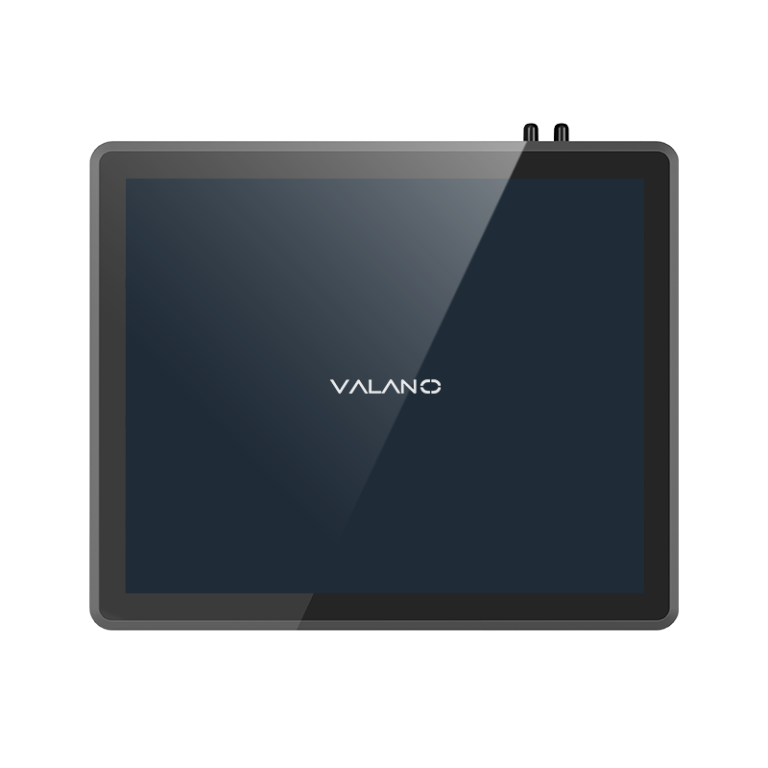
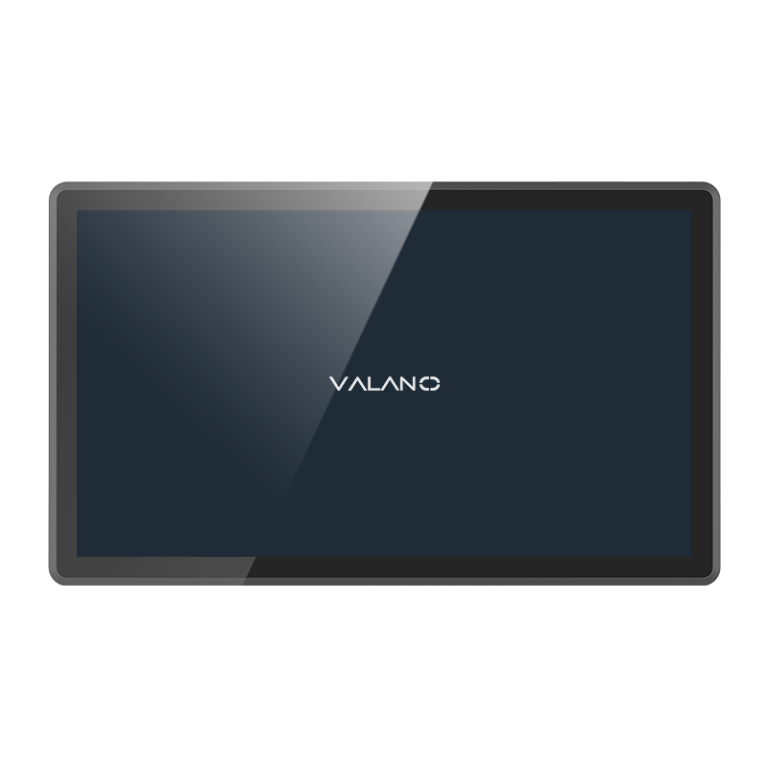
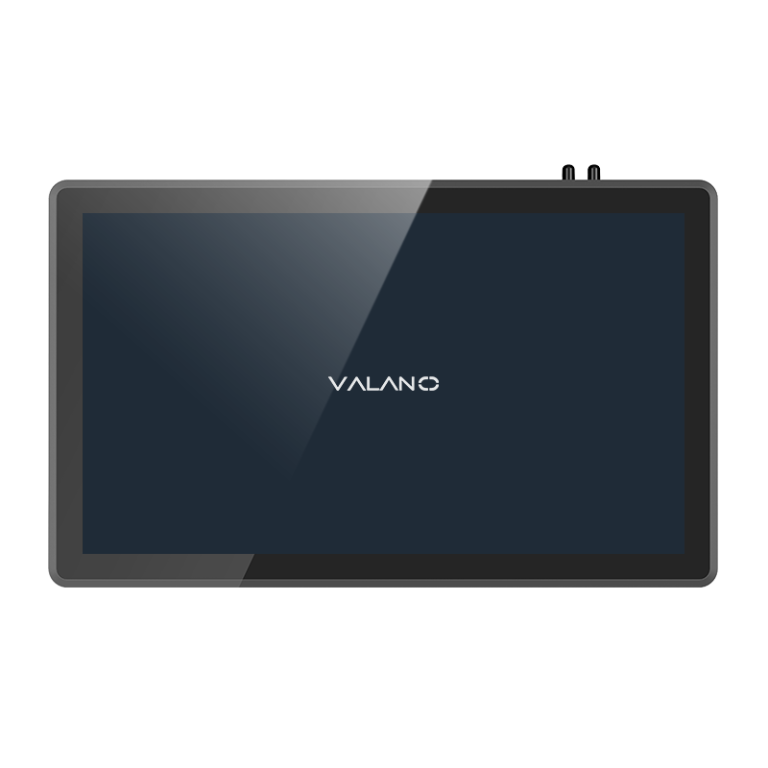
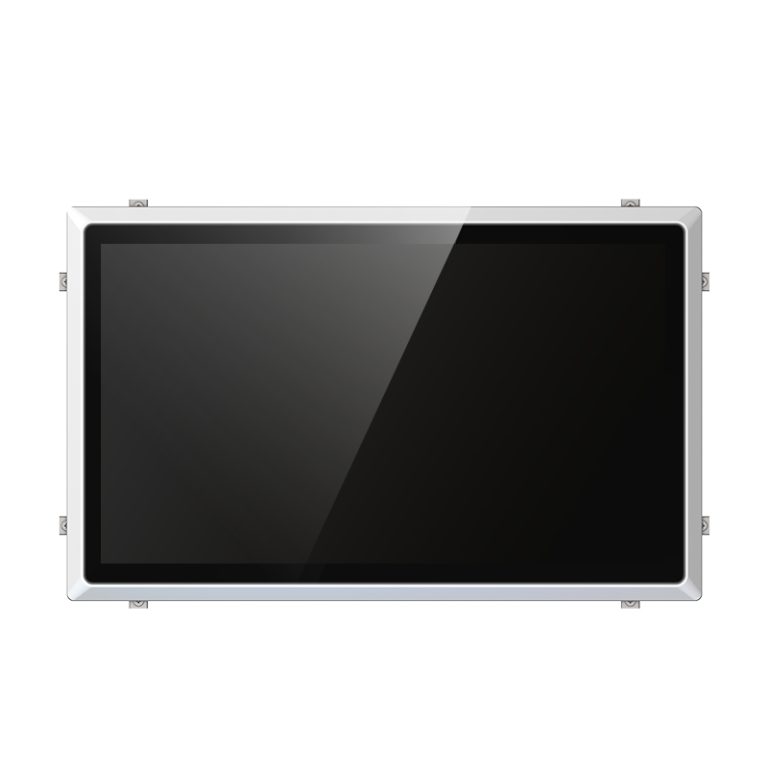
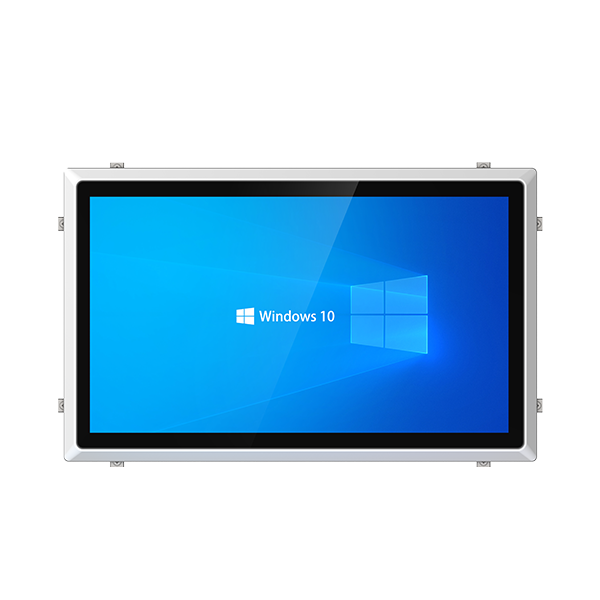
Before you Compare Industrial Panel PC Suppliers, define your application needs. Think about the working environment. Temperature, moisture, and vibration can affect the performance of factory automation systems. If you feel unsure about your requirements, ask an industrial automation expert for advice.
Define Application Needs
Environment and Usage Requirements
Start by identifying where you will use the industrial panel pc. Some industrial environments have high temperatures, dust, or moisture. These environmental conditions can affect how well the device works.
Think about the daily tasks the industrial panel pc will perform. Will it control machines, display data, or collect information? Each use case may need different features.
Check if the area has strong vibrations or electrical noise. These factors can damage sensitive electronics. Choose a model built for tough industrial panel pc applications.
Key Specifications for Industrial Panel PC
List the technical features you need. Screen size, brightness, and touchscreen type are important. Some jobs need a large display, while others need a compact unit.
Decide if you need a fanless design. Fanless industrial panel pc models work better in dusty or dirty places. They also make less noise.
Look at mounting options. Some industrial panel pc units mount on walls, while others fit into control panels. Pick the style that fits your workspace.
Check for input and output ports. Make sure the industrial panel pc can connect to your other equipment. USB, Ethernet, and serial ports are common needs.
By listing your needs, you can compare products more easily. This step saves time and helps you avoid costly mistakes.
Compare Industrial Panel PC Suppliers
Product Features and Options
When you compare industrial panel pc suppliers, look at the features each product offers. Some models have a fanless design, which helps in dusty or dirty industrial environments. Touchscreen options, screen brightness, and mounting choices also affect performance.
Make a table to compare key features. This helps you see which industrial panel pc matches your needs.
| Feature | Supplier A | Supplier B | Supplier C |
|---|---|---|---|
| Fanless Design | ✔ | ✔ | ✖ |
| Touchscreen Type | Capacitive | Resistive | Capacitive |
| Brightness (nits) | 400 | 350 | 500 |
| Mounting Options | Panel/Wall | VESA | Panel |
Supplier Reputation and Reliability
Check the reputation of each supplier before you buy. Read customer reviews and look for feedback about product quality and support. Reliable suppliers often have certifications that show they meet industrial standards.
Ask suppliers for references from other industrial clients. This helps you compare industrial panel pc suppliers based on real experiences. A good reputation means you can trust the supplier for long-term performance.
Lead Time and MOQ
Lead time tells you how fast a supplier can deliver your order. Some industrial panel pc suppliers have long wait times, which can delay your project. Always ask about the average lead time before you decide.
MOQ stands for minimum order quantity. Some suppliers require you to buy a certain number of units. When you compare industrial panel pc suppliers, check if their MOQ fits your needs.
By following these steps, you can compare industrial panel pc suppliers and choose the best one for your industrial application. This process helps you find a supplier that offers the right features, strong performance, and reliable service.
Customization and Value
Custom Options and Flexibility
Many industrial applications need special features. Ask suppliers if they offer hardware customization. Some industrial panel pcs allow changes to screen size, ports, or mounting options. Software customization can help your system run better in industrial environments.
Some suppliers provide value-added services. These services include installation support, system integration, and training. These extras can improve the benefits of industrial panel pcs in your facility.
| Custom Option | Available? | Notes |
|---|---|---|
| Screen Size Choices | Yes | Multiple sizes |
| Port Configuration | Yes | USB, Ethernet, Serial |
| Mounting Solutions | Yes | Panel, Wall, VESA |
| Software Integration | Yes | Custom OS, drivers |
Pricing and Total Cost
Price is important, but total cost matters more. Ask for transparent pricing from each industrial supplier. Compare the initial price, but also look at installation, maintenance, and support costs.
List all costs before making a decision. Some industrial panel pcs may cost less up front but require more maintenance. Others may have higher initial cost but offer better reliability.
Consider the benefits of industrial panel pcs when comparing costs. Reliable devices can reduce downtime and save money over time. Choose a supplier who explains all costs clearly and offers good value.
After-Sales Support and Warranty
Warranty Terms
Warranty coverage is a key factor when choosing an industrial panel PC supplier. A strong warranty protects your investment and reduces risk. Check the length of the warranty and what it covers for each industrial device.
Some suppliers offer only basic coverage. Others include parts, labor, and shipping for repairs. Ask if the warranty covers damage from harsh industrial environments.
Review the repair and return policies. Some suppliers handle repairs quickly, while others may take longer. Fast service can reduce downtime in your industrial operations.
Service and Maintenance
Ongoing support is important for any industrial system. Good suppliers provide technical help, troubleshooting, and updates. Ask if they offer remote support or on-site service for their industrial products.
Prepare questions to ask suppliers about after-sales service. Here are some examples:
- How do you handle technical support and cost for repairs?
- What is your average response time for industrial service requests?
- Do you offer spare parts or maintenance kits for your industrial panel PCs?
- Can you provide training for our staff on maintenance and troubleshooting?
A supplier with strong after-sales support and cost control can help you avoid unexpected expenses. This support keeps your industrial systems running smoothly and extends the life of your equipment.
Choosing the Right Industrial Panel PC
Making the Final Decision
Review all the information you have collected. Compare the features, costs, and support options from each supplier. Use a checklist to organize your findings.
A checklist helps you see which supplier meets your needs best. Include items such as product features, customization, warranty, and after-sales support. Mark each item as you review the suppliers.
| Factor | Supplier 1 | Supplier 2 | Supplier 3 |
|---|---|---|---|
| Product Features | ✔ | ✔ | ✖ |
| Customization | ✔ | ✖ | ✔ |
| Warranty Coverage | ✔ | ✔ | ✔ |
| After-Sales Support | ✔ | ✖ | ✔ |
Choosing the right industrial panel pc means balancing your technical needs, budget, and long-term support. Take your time to make a confident choice.
Consulting with Experts
If you feel unsure, reach out to an industrial automation expert. Experts can help you understand complex requirements. They can also explain technical terms and recommend the best options.
Prepare your questions before you contact an expert. Share your checklist and any concerns you have. This will help the expert give you clear and useful advice.
By following these steps, you can select the best industrial panel pc for your application. Careful planning and expert advice lead to better results.
Conclusion
To Compare Industrial Panel PC Suppliers effectively, buyers should look beyond basic pricing and evaluate application fit, product reliability, customization options, lead time, warranty, and after-sales support. A careful comparison helps reduce downtime, control long-term costs, and ensure the selected panel PC performs well in demanding industrial environments. Choosing the right supplier is a strategic step toward stable and efficient industrial operations.