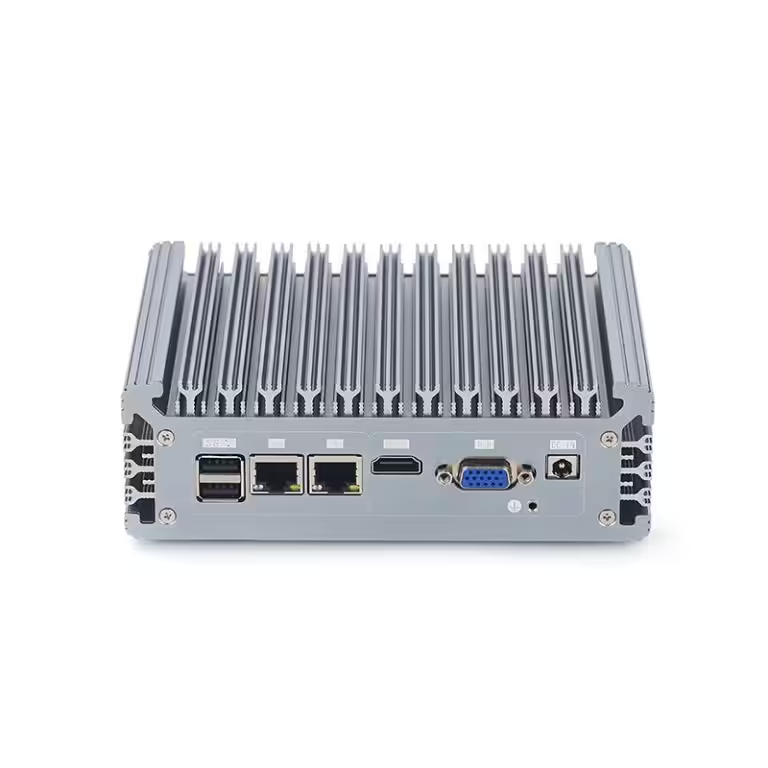
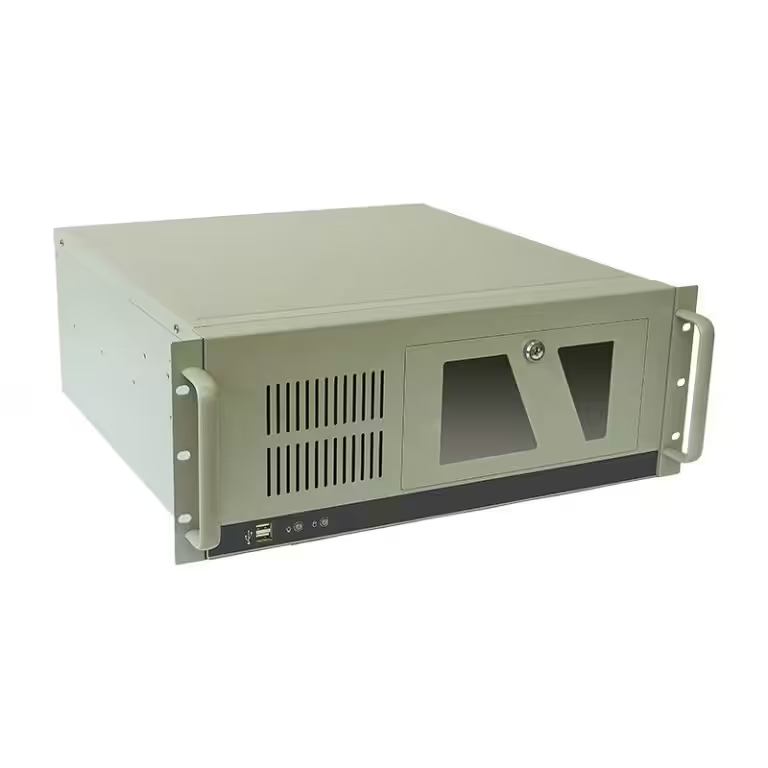
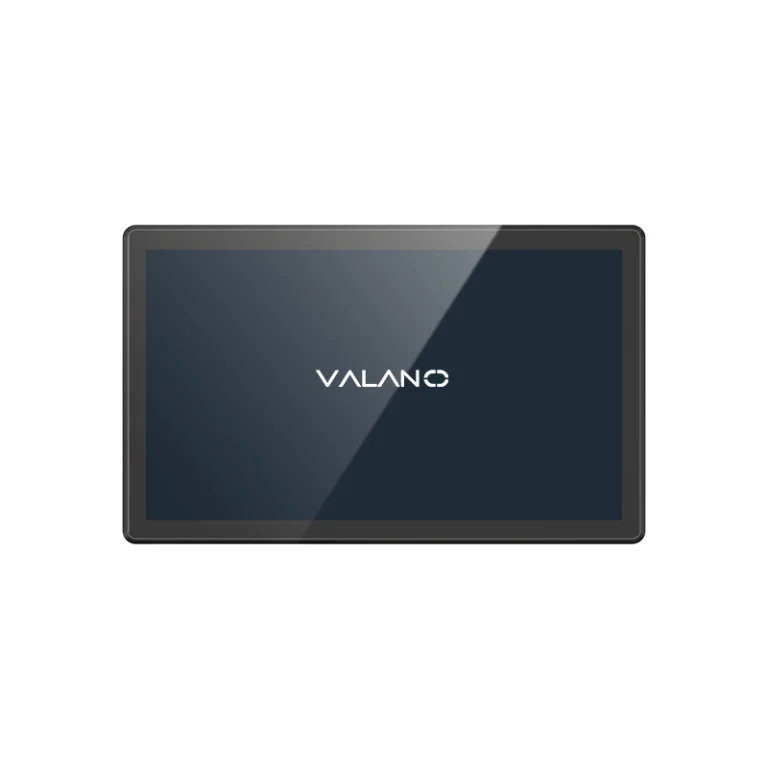
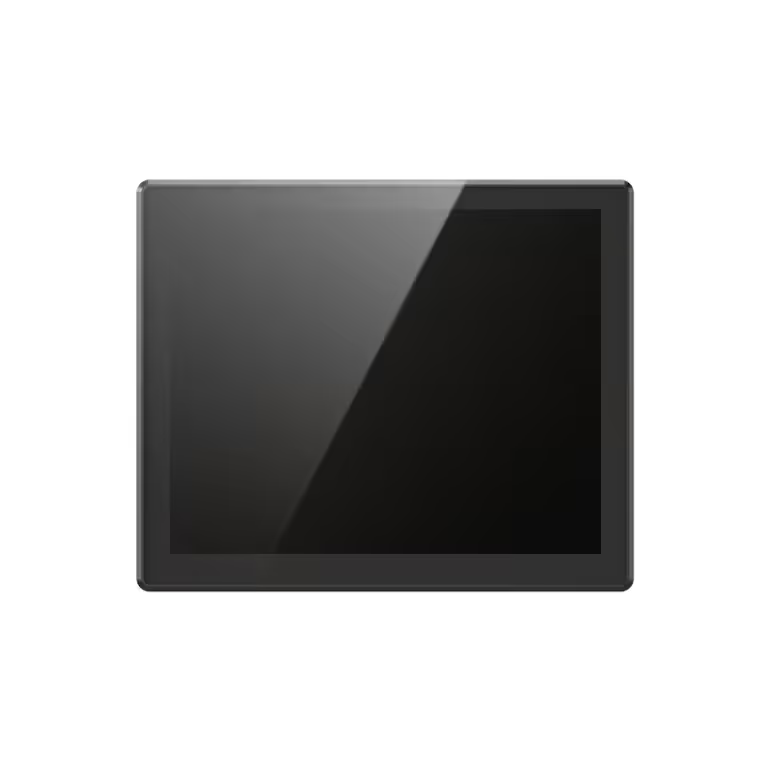
In industrial environments, system reliability is critical to maintaining productivity and preventing costly downtime. This article explores six key signs that your Industrial Computer is nearing failure and needs immediate replacement. Recognizing these warning indicators early helps businesses avoid unexpected disruptions, improve operational efficiency, and ensure long-term system stability across production and automation systems.
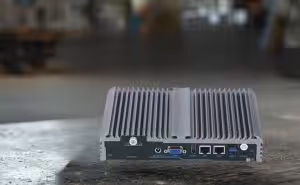
Frequent Breakdowns Requiring Immediate Replacement
Identifying Frequent Breakdowns
Frequent breakdowns are a major warning sign for any industrial computer. These breakdowns happen when the system stops working or crashes several times in a short period. You may notice that your industrial equipment needs to be restarted often or that it freezes during important tasks.
A technician can help identify frequent breakdowns by checking error logs and system reports. They may also ask about recent changes in the work environment or power supply. If you see repeated failures, these are clear computer repair warning signs.
Risks of Ignoring Breakdown Signs
Ignoring frequent breakdowns can lead to extended downtime. When an industrial computer fails, production lines may stop, and workers cannot complete their jobs. This downtime can cost your business money and delay important projects.
Breakdowns can also damage other parts of your industrial equipment. If the computer fails during a critical process, it may cause errors in connected machines. Over time, ignoring these signs can lead to bigger problems that require more than just repairs.
Immediate replacement is often the best solution when breakdowns happen often. Quick action prevents further damage and keeps your industrial operations running smoothly. Always take frequent breakdowns seriously to avoid costly downtime and protect your investment.
Escalating Maintenance Costs for Industrial Equipment
Recognizing Cost Increases
Rising maintenance costs often signal deeper problems in an industrial computer. You may notice that repair bills come more often or that parts need replacing sooner than expected. These cost increases can strain your budget and disrupt regular operations.
A simple way to track these changes is to compare maintenance expenses over the past year. If you see a steady climb in costs, this points to a system that is no longer reliable. High maintenance costs can also lead to more downtime, which affects the entire industrial process.
Replacement vs. Repair Decisions
Choosing between repair and replacement can be difficult. If repair costs approach or exceed half the price of a new system, replacement is usually the smarter choice. Newer computers often run more efficiently and reduce the risk of unexpected failures.
Consider the age of your industrial computer and how often it needs service. Frequent repairs can add up quickly and may not solve the root problem. Replacement can lower long-term costs and improve the reliability of your industrial operations.
A cost-benefit analysis helps guide your decision. List the total spent on repairs in the last year and compare it to the price of a new system. If replacement saves money and reduces downtime, it is time to act.
Performance Decline in Industrial Computer
Spotting Reduced Output
A drop in speed or efficiency often signals declining performance in an industrial computer. You may notice lengthy startup and shutdown times or boot-up or shutdown issues. A slow computer can cause frequent freezing or app crashes, which disrupts industrial equipment and workflow.
Look for signs like freezing during routine tasks or blue screen of death errors. These issues can appear suddenly or gradually. If you see blue screens, freezing, or crashes more often, your system may be reaching the end of its useful life.
Impact on Operations
Declining performance affects industrial operations in many ways. Frequent freezing or app crashes can lead to downtime and lost productivity. A slow computer may delay critical processes, which impacts the entire industrial workflow.
Blue screen of death errors can halt production and cause confusion among workers. If your industrial equipment relies on the computer for control, declining performance can risk safety and accuracy. Replacement becomes necessary when these issues threaten operational stability.
Quick checks can confirm performance problems. Test the computer for freezing during startup, blue screen of death, or slow response times. Compare current performance to past records. If you see more blue screens, freezing, or crashes, immediate replacement is the safest option.
| Common Performance Issues | Possible Causes | Action Needed |
|---|---|---|
| Slow computer | Aging hardware | Consider replacement |
| Frequent freezing | Overheating, software | Inspect and replace |
| Blue screen of death | Hardware failure | Immediate replacement |
| App crashes | Outdated drivers | Update or replace |
Inability to Handle Current Software or Applications
Compatibility Issues
Outdated hardware often cannot support the latest software used in industrial settings. Many new programs require more memory, faster processors, or advanced graphics capabilities. When an industrial computer cannot meet these requirements, it leads to software incompatibility and system errors.
Obsolete technology creates barriers for updates and patches. This makes it difficult to keep industrial equipment running smoothly. Users may notice that important applications fail to install or crash during operation.
A simple way to check compatibility is to compare the system requirements of your software with the specifications of your computer. If the hardware falls short, replacement becomes necessary. This step helps prevent unexpected downtime and keeps your operations efficient.
Operational Risks
Using incompatible systems increases safety risks in the workplace. Critical processes may stop without warning, which can put workers and machinery in danger. Software failures can also cause errors in automated tasks, leading to product defects or equipment damage.
Industrial environments rely on reliable computers to control machines and monitor safety systems. When a computer cannot handle current applications, it may miss important alerts or fail to shut down equipment during emergencies. Replacement reduces these risks and ensures that safety protocols work as intended.
Regularly assess your industrial systems for signs of software incompatibility. Early action helps avoid costly downtime and protects both workers and equipment from harm.
Unusual Noises Indicate Computer Needs Replacing
Common Noise Warning Signs
Abnormal sounds from an industrial computer often signal urgent problems. You may hear grinding, clicking, or buzzing noises during operation. These noises are clear warning signs that the computer needs replacing.
Unusual sounds can indicate issues with internal components such as fans, hard drives, or power supplies. When these parts fail, breakdowns become more frequent and can lead to unexpected downtime. Industrial equipment relies on smooth operation, so any strange noise should be investigated right away.
Hardware Failure Risks
Hardware failures often start with unusual noises. A grinding sound may mean a hard drive is failing, while buzzing can signal a faulty fan or power supply. These issues can cause breakdowns and disrupt industrial processes.
Ignoring these computer repair warning signs increases the risk of total system failure. Replacement is the best solution when noises persist or worsen. Quick action reduces downtime and protects your industrial equipment from further damage.
Technicians use simple tools to diagnose noise problems. They may listen closely to each component or use a stethoscope to pinpoint the source. A table below shows common noises and their possible causes:
| Noise Type | Possible Cause | Action Needed |
|---|---|---|
| Grinding | Hard drive failure | Immediate replacement |
| Buzzing | Fan or power supply | Inspect and replace |
| Clicking | Mechanical issue | Replacement |
Industrial computers must run quietly and efficiently. When abnormal sounds appear, replacement ensures reliable performance and prevents costly breakdowns.
Frequent Overheating in Industrial Computer
Overheating Warning Signs
Overheating is a critical sign that an industrial computer needs immediate replacement. High temperatures can cause the system to slow down or shut off without warning. You may notice the computer feels hot to the touch or that fans run loudly for long periods.
Other warning signs include sudden restarts or error messages about temperature. Sometimes, the screen may flicker or go black during operation. These problems often happen when dust blocks air vents or when cooling systems fail.
Quick inspection tips can help spot overheating early. Check for dust buildup around vents and fans. Listen for loud or unusual fan noises. Use a temperature monitoring tool to see if the system runs hotter than normal.
Consequences of Ignoring Heat Issues
Ignoring overheating can lead to serious safety risks in industrial settings. High temperatures can damage internal parts and cause permanent failure. This damage often results in unexpected downtime and costly repairs.
Overheating also increases safety risks for workers and equipment. A computer that runs too hot may cause connected machines to malfunction. Replacement is the best way to avoid these dangers and keep industrial operations safe.
Industrial computers must stay cool to work properly. If you see any warning signs of overheating, act quickly. Replacement protects your investment and ensures reliable performance.
Next Steps After Identifying Signs
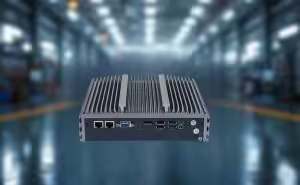
Planning Immediate Replacement
Once you notice the signs that your industrial computer is failing, you should act quickly. Start by making a list of all the problems you have observed. Share this list with your IT or maintenance team so they can confirm the need for immediate replacement.
Create a plan for replacement that fits your industrial schedule. Choose a time when the impact on production will be lowest. Make sure you have the right replacement parts or systems ready before you begin.
Minimizing Downtime
Reducing downtime is important for any industrial operation. Work with your team to set up a step-by-step process for replacement. Assign clear roles so everyone knows what to do during the change.
Prepare all tools and replacement systems in advance. Test the new computer before installing it in your industrial equipment. This helps prevent extended downtime and keeps your operations running smoothly.
If you plan ahead and act quickly, you can avoid costly delays. Regular checks and fast action protect your industrial systems and reduce the risk of extended downtime.
Checklist for Minimizing Downtime:
- Confirm the need for replacement.
- Back up all important data.
- Schedule the replacement during low production hours.
- Prepare all necessary tools and parts.
- Test the new system before installation.
- Assign tasks to team members.
- Monitor the system after replacement.
Conclusion
Recognizing the signs that an Industrial Computer is failing is crucial for maintaining reliable operations and preventing costly downtime. Frequent breakdowns, rising maintenance costs, declining performance, software incompatibility, unusual noises, and overheating all indicate it may be time for replacement. Acting promptly ensures smoother workflows, protects equipment, and safeguards workplace safety. Prioritizing timely replacement helps businesses stay efficient, minimize risks, and maintain long-term operational stability.
Need an Upgrade?
If your Industrial Computer shows signs of failure, don’t wait for downtime to happen. Replacing it in time helps maintain stable performance, reduce risks, and keep your operations running smoothly.
Contact your provider today to find a reliable replacement solution for your system.