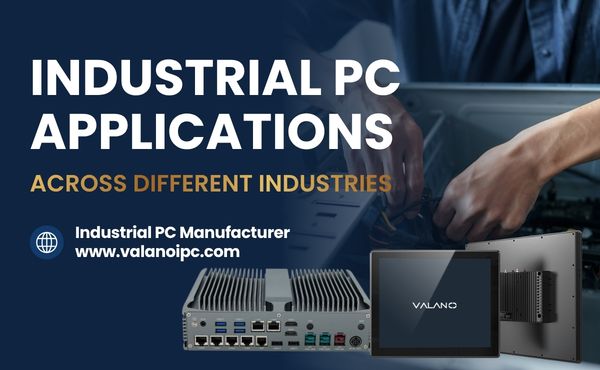
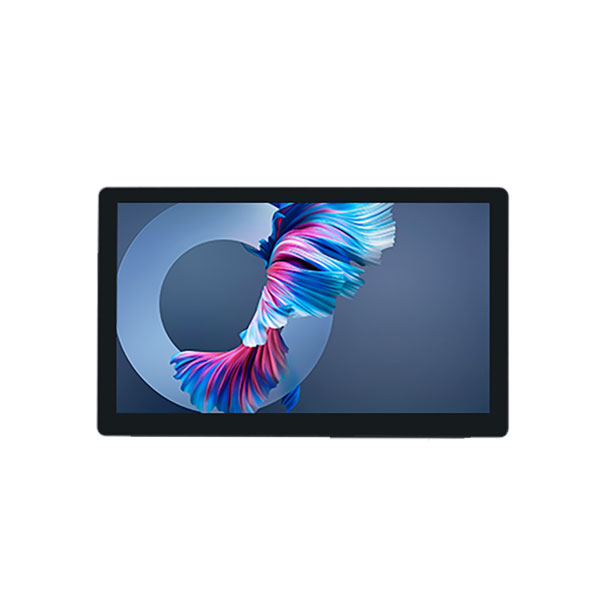
OEM Industrial Computer Monitors serve as essential equipment in factories, warehouses, and automation lines. Bulk purchasing offers lower unit prices, faster deployment, and consistent quality across large projects. Buyers often choose bulk orders for features like rugged design, flexible customization, and quick shipping, but careful supplier selection and technical review remain critical.
What Bulk Buyers Should Confirm Before Ordering
Application Environment
Buyers must assess the environment where the monitors will operate. Factors like temperature, humidity, dust, and vibration affect performance. Industrial settings often require rugged monitors that withstand harsh conditions.
Screen Size and Resolution
Screen size and resolution impact visibility and usability. Choose a size that fits your workspace and supports clear viewing. Higher resolution provides sharper images, which is important for detailed tasks.
| Screen Size | Typical Resolution | Use Case |
|---|---|---|
| 10-12 inch | 1024×768 | Compact spaces |
| 15-17 inch | 1280×1024 | Standard control |
| 19+ inch | 1920×1080 | Large displays |
Touch or Non-Touch Display
Decide if you need touch functionality. Touch screens allow direct interaction and are useful in automation or kiosks. Non-touch displays suit environments where accidental touches may occur.
Interface Compatibility
Check the compatibility of monitor interfaces with your existing systems. Common options include HDMI, VGA, DVI, and USB. Confirm that the OEM Industrial Computer Monitors support your required connections.
Mounting Method
Select a mounting method that fits your installation plan. Options include panel mount, VESA mount, and rack mount. Proper mounting ensures stability and safety.
- Panel mount: Fits into control panels
- VESA mount: Attaches to arms or stands
- Rack mount: Installs in equipment racks
Order Quantity and Delivery Schedule
Estimate the number of units needed for your project. Plan the delivery schedule to align with installation timelines. Bulk orders often require coordination to ensure timely arrival.
Key Specifications for Industrial Computer Monitors
Display Size and Resolution
Display size affects how much information can be shown at once. Resolution determines the clarity of images and text. OEM Industrial Computer Monitors offer a range of sizes and resolutions to fit different tasks.
| Size (inches) | Resolution | Typical Use |
|---|---|---|
| 10-12 | 1024×768 | Small workstations |
| 15-17 | 1280×1024 | Control panels |
| 19+ | 1920×1080 | Large displays |
Touch Screen Type
Touch screens come in several types. Resistive touch screens respond to pressure, while capacitive touch screens react to touch from a finger. Some OEM Industrial Computer Monitors use advanced touch technology for improved accuracy.
Brightness and Visibility
Brightness is measured in nits. High brightness helps screens stay visible in sunlight or bright rooms. Visibility is important for safety and productivity.
Interface Options
Monitors connect to computers using different ports. Common options include HDMI, VGA, DVI, and USB. Choosing the right interface ensures smooth integration with your systems.
Mounting and Installation Design
Mounting options affect how monitors are installed. Panel mounts fit into control panels, while VESA mounts attach to arms or stands. Installation design should match your workspace needs.
- Panel mount: Secure fit in equipment
- VESA mount: Flexible placement
- Rack mount: Organized setup
Housing Material and Durability
Housing material protects the monitor from damage. Metal housings offer strength, while plastic housings are lightweight. OEM Industrial Computer Monitors often use rugged materials to withstand harsh conditions.
OEM Customization Options for Bulk Orders
Logo and Branding Customization
Many buyers want their company logo on each monitor. Suppliers can add logos to the front bezel or start-up screen. This helps companies build a strong brand image in their workspaces.
Private Label Packaging
Custom packaging is important for bulk orders. Suppliers can design boxes with your company’s colors and graphics. This makes shipping and storage more organized and professional.
Interface and Port Customization
Different projects need different ports. Some buyers need extra HDMI or USB ports. Others may want legacy connections like VGA or serial ports for older equipment.
Touch Panel Customization
Touch panels come in several types. Some environments need resistive touch panels for use with gloves. Others prefer capacitive panels for faster and more accurate touch response.
| Touch Panel Type | Best For |
|---|---|
| Resistive | Glove use, wet areas |
| Capacitive | Fast, precise touch |
Housing and Mounting Customization
OEM Industrial Computer Monitors can have custom housings. Buyers can choose metal or plastic cases, special colors, or extra sealing for dust and water. Mounting options like panel, VESA, or rack mounts can also be tailored to fit unique installation needs.
How to Choose a Reliable OEM Industrial Monitor Supplier
Factory Experience
A supplier with years of factory experience understands industrial standards. They know how to handle large orders and meet strict requirements. Ask about their history and past projects.
OEM and ODM Capability
Check if the supplier offers both OEM and ODM services. OEM means they can produce monitors with your branding. ODM means they can design new products based on your ideas.
Production Capacity
Production capacity affects how fast you get your order. A strong supplier can handle bulk orders without delays. Ask for details about their monthly output and equipment.
| Supplier Type | Monthly Output (Units) |
|---|---|
| Small Workshop | 500 |
| Medium Factory | 2,000 |
| Large Manufacturer | 10,000+ |
Quality Inspection Process
Quality inspection ensures every monitor works well. Reliable suppliers test each unit before shipping. Request information about their inspection steps and certifications.
Lead Time and Delivery Stability
Lead time is the time from order to delivery. Stable delivery means you get products when you need them. Confirm the supplier’s average lead time and how they handle urgent orders.
Warranty and After-Sales Support
Warranty protects your investment in OEM Industrial Computer Monitors. Good after-sales support helps solve problems quickly. Choose suppliers who offer clear warranty terms and technical help.
Common Mistakes When Buying Industrial Monitors in Bulk
Choosing Only the Lowest Price
Many buyers focus only on price when making bulk purchases. Low-cost monitors may use inferior components or lack important features. This can lead to higher maintenance costs and more frequent replacements.
Ignoring Installation Requirements
Some buyers overlook how monitors will be installed at their site. Different environments need different mounting options and cable management solutions. Failing to plan for installation can cause delays and extra expenses.
- Panel mount works best for control panels.
- VESA mount offers flexibility for arms or stands.
- Rack mount suits organized equipment setups.
Skipping Sample Testing
Ordering without testing samples is risky. Sample testing helps confirm the monitor meets your technical and quality needs. Skipping this step can result in receiving products that do not fit your application.
Not Confirming Customization Details
Customization is common in industrial monitors. Buyers sometimes forget to confirm details like logo placement, port configuration, or housing color. Miscommunication can lead to incorrect products and project delays.
| Customization Area | What to Confirm |
|---|---|
| Logo | Placement and size |
| Ports | Type and quantity |
| Housing | Material and color |
Overlooking Long-Term Supply Stability
A reliable supply chain is critical for large projects. Some buyers do not check if the supplier can provide consistent quality and delivery over time. This mistake can disrupt operations and increase costs.
Conclusion
Bulk purchasing OEM Industrial Computer Monitors can reduce costs, improve deployment efficiency, and ensure consistent performance across industrial projects. To make the right choice, buyers should review application conditions, display specifications, customization needs, supplier capacity, lead time, and after-sales support. Careful technical confirmation and sample testing help avoid costly mistakes, making supplier selection a key factor in long-term project success.