Construction sites are harsh environments, with dust, water, drops, and long workdays putting devices to the test. Not all tablets can handle these conditions, and the wrong choice can disrupt workflows, slow down projects, or lead to costly replacements.
In this guide, you’ll learn what makes a tablet suitable for construction, including durability, certifications, battery life, sunlight visibility, system compatibility, connectivity, portability, and accessory support. By understanding these key factors, you can select a tablet that meets the demands of both fieldwork and office tasks.

Key Features for Construction Tablets
Durability Standards
The construction industry demands devices that can survive tough environments. Rugged tablets must meet MIL-STD-810H and IP65-IP68 certifications. These standards ensure resistance to drops, dust, and water, making them essential for construction sites.
Battery Performance
Long battery life is critical for professionals who spend hours on site. The best rugged tablet for battery life allows users to work through long shifts without frequent charging. High-capacity batteries and efficient processors support demanding construction applications.
Sunlight Visibility
Construction often takes place outdoors. Rugged tablets need bright screens with anti-glare technology. This feature ensures clear visibility in direct sunlight, reducing eye strain and mistakes.
System Compatibility
Compatibility with construction software is vital. The best rugged tablet must support popular operating systems and applications used in the construction industry. Seamless integration improves workflow and reduces downtime.
Connectivity Options
Reliable connectivity keeps teams in touch and data flowing. Rugged tablets should offer Wi-Fi, cellular, and Bluetooth options. These features help users upload plans, communicate, and access cloud-based construction tools.
Portability
Construction professionals move between locations frequently. Lightweight rugged tablets with ergonomic designs make transport easy. Portability ensures that users can carry the device all day without fatigue.
Accessory Support
Accessory support enhances productivity on construction sites. The best rugged tablet for accessories offers compatibility with styluses, mounts, and protective cases. These add-ons help users adapt the device to various construction tasks.
Matching Tablets to Construction Needs
Field vs. Office Use
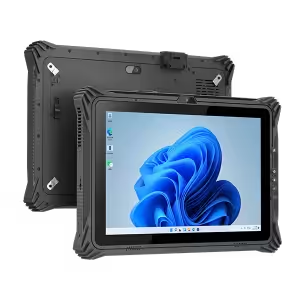
Construction roles vary widely, and so do tablet requirements. Field workers face challenging environments with dust, water, mud, and frequent drops. They need rugged tablets with reinforced frames, shock-absorbing materials, and strong sealing against water and dust.
These devices ensure uninterrupted work even in extreme conditions. Office staff, on the other hand, handle documents, schedules, and communication, so lightweight tablets with high-resolution displays and smooth performance are more suitable. Teams should assess the daily tasks of each role and choose the device accordingly, ensuring the right balance of durability and usability.
Software and Workflow Integration
Construction work relies on specialized software for project management, blueprint viewing, reporting, and scheduling. A tablet must support the operating system required by these applications to avoid workflow disruptions. Testing devices with real-world tasks is critical before making a purchase.
Tablets with reliable connectivity—Wi-Fi, cellular, and Bluetooth—keep field and office teams synchronized in real time. Seamless integration with construction management platforms ensures that data flows smoothly between devices, preventing delays and mistakes.
Durability and Certifications
Durability is non-negotiable on construction sites. Rugged tablets are built to withstand shocks, drops, vibrations, and exposure to dust and water. Certifications such as MIL-STD-810H and IP65–IP68 demonstrate that a device meets strict standards for extreme conditions.
A tablet with these certifications gives teams confidence that it can survive daily wear and tear, harsh weather, and accidental drops without compromising functionality. Investing in certified devices reduces downtime caused by broken or malfunctioning tablets.
Battery Life
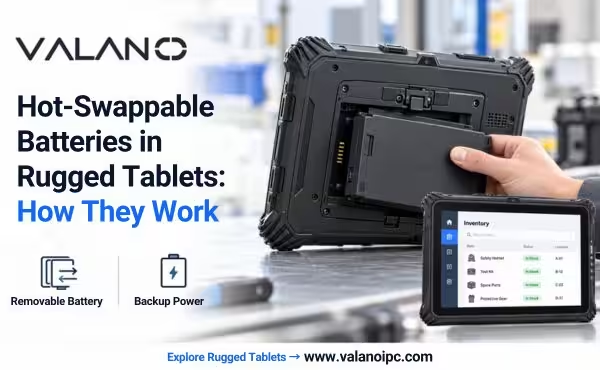
Extended battery life is crucial for construction tablets, as workdays often last 8–12 hours or more. Tablets with high-capacity batteries allow teams to work uninterrupted, even on long shifts. Some rugged models feature hot-swappable batteries, enabling users to replace a drained battery on the go without shutting down the device. This feature is especially useful for field teams working in remote locations where charging options are limited.
Performance
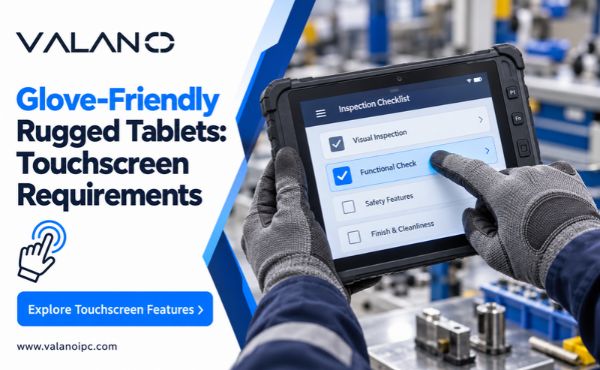
Construction tablets must run demanding software efficiently. Powerful processors, ample RAM, and fast storage ensure that blueprints, schedules, and reports load quickly and operate smoothly. A responsive touchscreen enhances navigation, allowing workers to zoom, annotate, and edit documents without lag.
High-performance tablets reduce frustration and increase productivity, especially when multiple applications run simultaneously or when accessing large project files.
Accessories and Adaptability
Accessories greatly enhance tablet functionality. Styluses allow precise input on digital blueprints and drawings, while protective cases and mounts safeguard the device from drops and enable hands-free use. Charging docks ensure tablets remain ready for long shifts. Some accessories, such as specialized mounts for machinery or vehicles, help integrate tablets into specific construction workflows, increasing overall efficiency and adaptability.
Outdoor Visibility and Portability
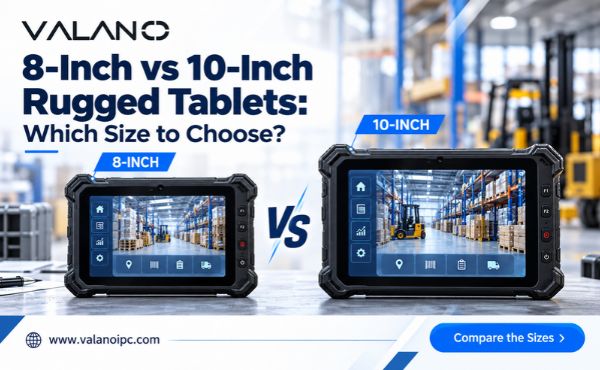
Construction work often takes place outdoors, making screen visibility a key consideration. Bright, anti-glare displays ensure clear readability under direct sunlight. Portability is equally important—lightweight designs and ergonomic grips make it easier for field workers to carry tablets throughout the day. Tablets that are both rugged and easy to handle improve user comfort and reduce fatigue, contributing to safer and more efficient operations.
Price and Value
Rugged tablets vary widely in price, from entry-level models providing basic protection and performance to premium devices with advanced certifications, higher durability, and longer warranties. Teams should evaluate total cost of ownership, including accessories, maintenance, and potential downtime costs. Balancing durability, performance, and budget ensures that the selected tablet meets operational needs without overspending.
Maximizing Tablet Longevity
Protection Tips
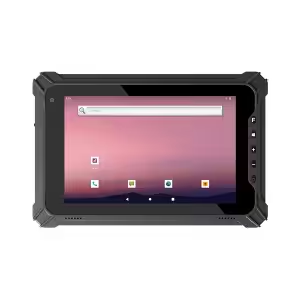
Tablets in construction face constant threats from dust, water, and accidental drops. Workers should always use rugged cases and screen protectors designed for harsh environments. These accessories absorb shocks and prevent scratches during daily construction tasks.
Sealing all ports and covers helps block dust and moisture. Workers should check seals before entering wet or dusty areas. Carrying the tablet in a padded bag or using a hand strap reduces the risk of dropping the device.
Maintenance Advice
Regular cleaning keeps tablets functioning well in the construction industry. Workers should use a soft, dry cloth to wipe screens and cases after each shift. Avoid harsh chemicals, as they can damage protective coatings.
Charging tablets with approved chargers prevents battery issues. Workers should avoid letting batteries drain completely, as this can shorten battery life. Store tablets in a cool, dry place when not in use to prevent overheating and moisture damage.
A maintenance schedule helps teams track cleaning, charging, and inspections. This routine ensures tablets stay ready for every construction project. Proper care extends device lifespan and reduces replacement costs.
Conclusion
Choosingthe best tablet for construction requires careful consideration of durability, battery life, performance, software compatibility, connectivity, and usability in outdoor environments. Field workers need rugged, certified devices, while office staff benefit from lightweight, high-resolution tablets.
Accessories, maintenance, and proper care further ensure longevity and reliability. By prioritizing these features and matching devices to specific construction roles, teams can stay productive, reduce downtime, and make a smart investment. Start evaluating tablets today to find the right device that keeps your projects running smoothly and efficiently.
FAQ
1.What is the best tablet for construction use?
For most field workers, the best construction tablet is one that carries both MIL-STD-810H and IP67/IP68 certifications, offers a minimum of 10 hours battery life, and features a display bright enough to read clearly in direct sunlight. If your team works in remote locations, hot-swappable battery support is a strong advantage. For office-based roles, these rugged standards are less critical — a lightweight, high-performance tablet with a sharp display will serve better. In short, prioritize durability and battery for the field, and performance and usability for the office.
2.How do you decide which tablet is right for you?
Three questions can guide your decision: Does it survive your environment? Does it run your software? Does it last your shift? If the answer to all three is yes, you have a strong candidate. From there, weigh portability, connectivity, and budget to make the final call.
3.How do you prolong tablet battery life on a construction site?
Avoid letting the battery drain completely before recharging, as frequent full discharges can shorten overall battery lifespan. Use only manufacturer-approved chargers to prevent overcharging or damage. When not in use, store the tablet in a cool, dry place — extreme heat is one of the fastest ways to degrade battery health. On long shifts, reduce screen brightness and disable unused connectivity features such as Bluetooth or cellular when not needed. For teams working in remote locations, investing in a tablet with hot-swappable battery support is the most reliable way to stay powered through the entire workday.