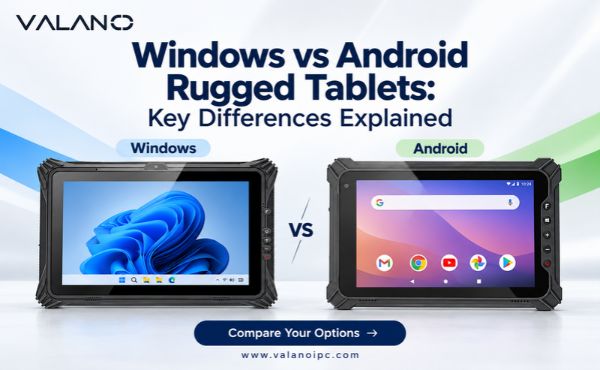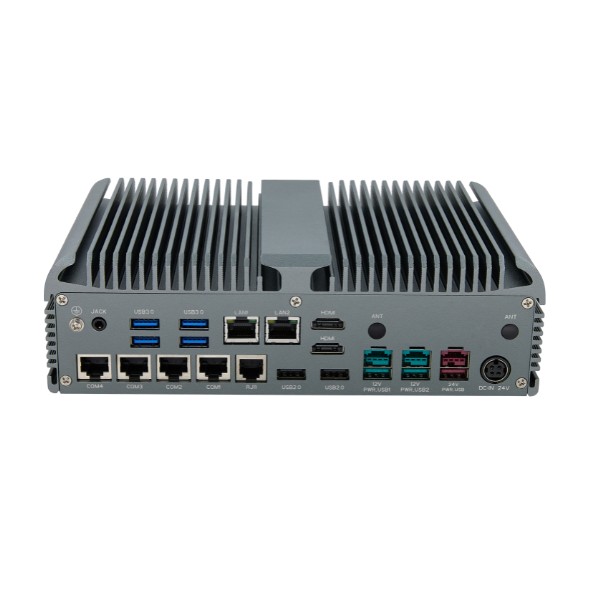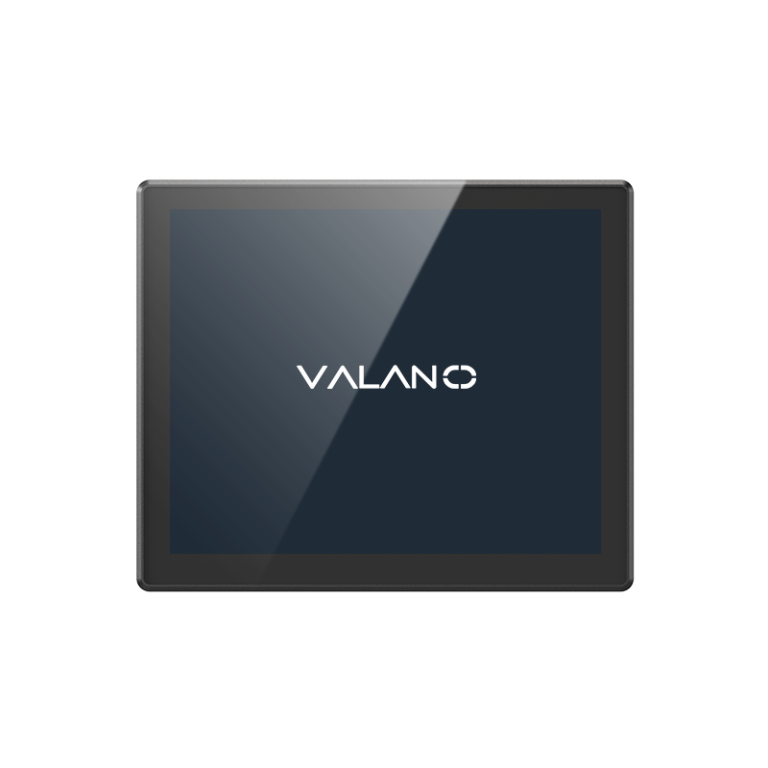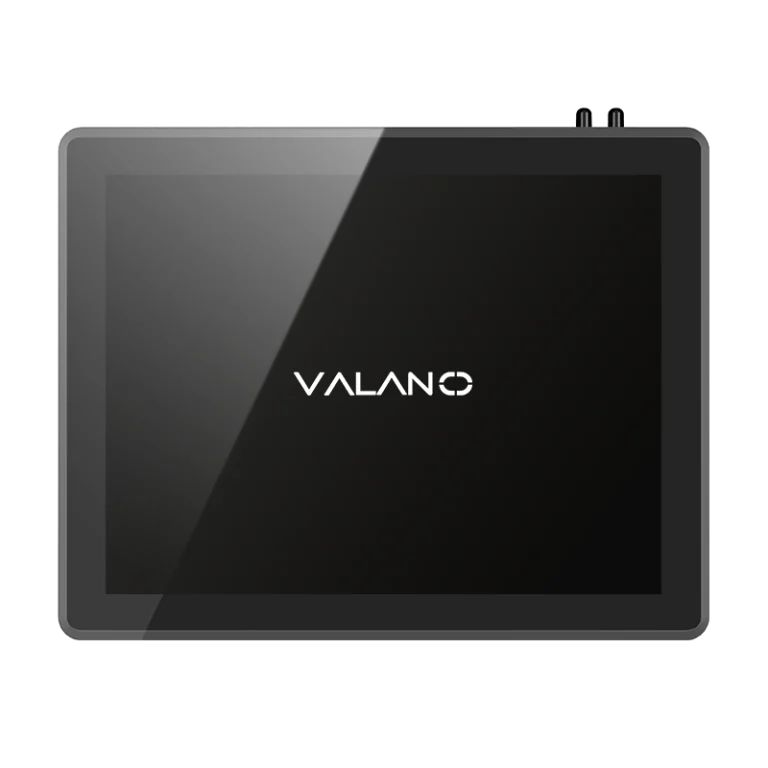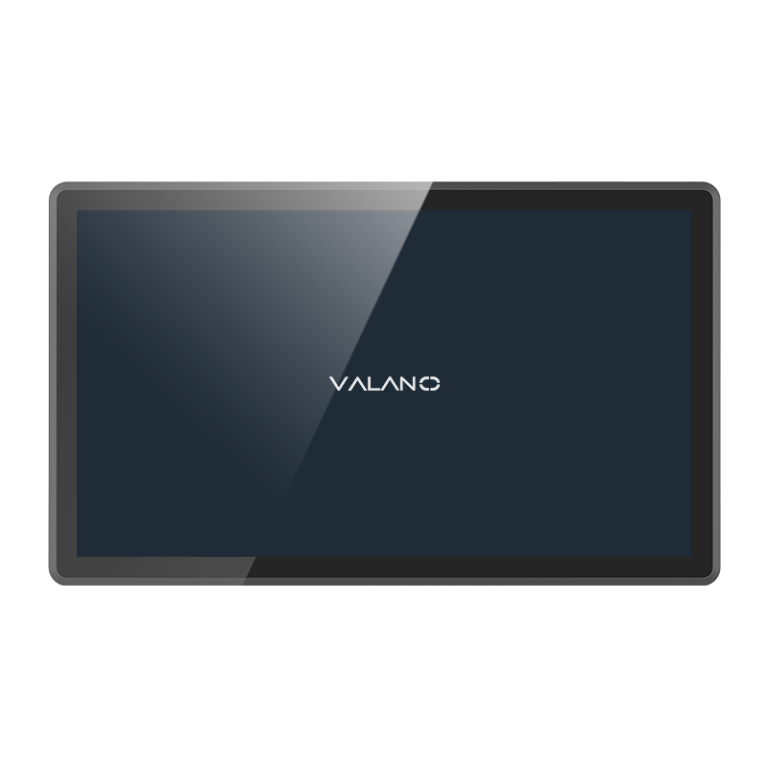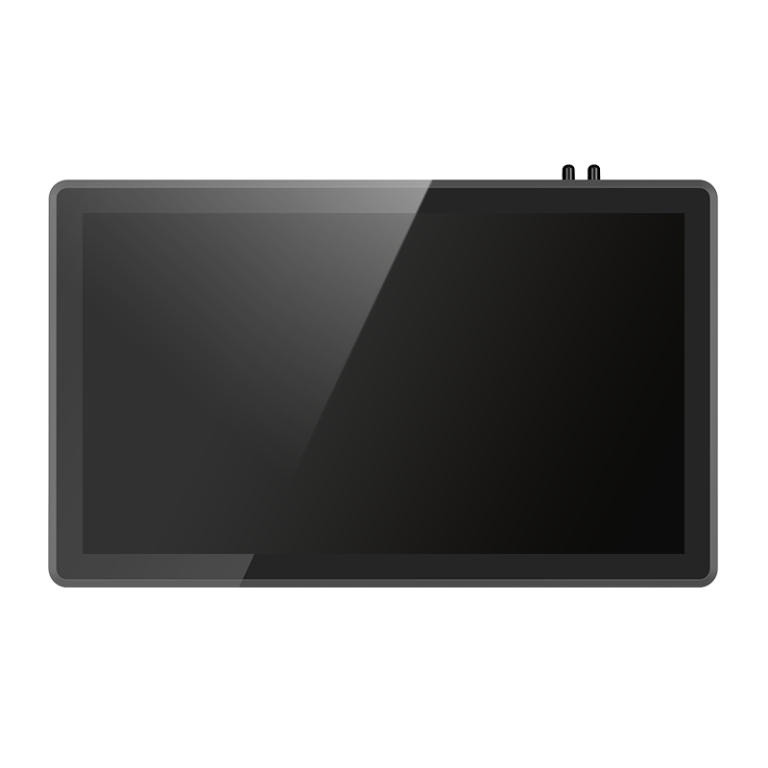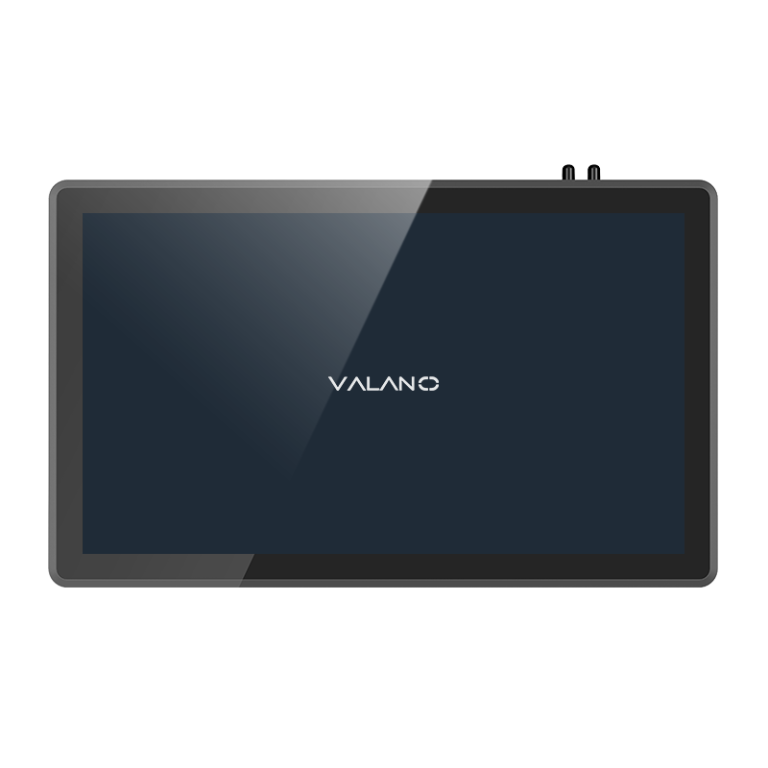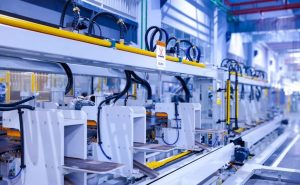
Industrial touch screens bring many advantages to production lines. These devices improve efficiency by allowing quick access to controls and data. Workers can monitor processes in real time and respond to changes faster. The space-saving design helps factories use their work areas better. Industrial touch screen models offer strong durability, which means they last longer in harsh environments. Better accuracy reduces errors and boosts productivity.
Efficiency with Industrial Touch Screens
Faster Operation
Industrial touchscreen technology speeds up tasks on the production line. Operators can use industrial touch screens to access controls and information with a simple tap or swipe. This direct interaction reduces the time needed to start or stop machines. Industrial display monitors respond quickly, so workers do not have to wait for slow buttons or switches. In many factories, this faster operation leads to improved efficiency and higher productivity.
Streamlined Production
Industrial touchscreen systems help organize and simplify production. Workers can view step-by-step instructions or checklists on industrial display monitors. This guidance supports workflow efficiency and helps maintain quality. Touchscreen technology also allows for easy adjustments to settings, which keeps the process running smoothly. By using industrial touch screens, factories can better manage space. The compact design of an industrial touch screen saves room on the factory floor, making it easier to move equipment and people.
Tip: Streamlined workflows reduce confusion and help teams focus on important tasks.
Reduced Downtime
Downtime can slow down manufacturing and hurt stability. Industrial touchscreen displays make it easier to spot problems early. Real-time production monitoring on industrial display monitors helps workers react quickly to issues. Quick access to data means less time spent searching for solutions. This leads to fewer delays and keeps production moving. Reliable industrial touch display systems also mean less maintenance, which supports long-term stability in manufacturing.
A well-designed industrial touch display can transform the workflow in any factory. By improving speed, organization, and uptime, these systems play a key role in boosting production efficiency.
Accuracy and Real-Time Control
Improved Data Visibility
Industrial touchscreen systems give workers clear access to real-time data visibility. Operators can see important information on industrial display monitors at a glance. This helps teams track every step of the process. When workers have real-time data visibility, they can spot changes or problems quickly. This leads to better quality control and improved product quality. In a factory, having accurate data on an industrial touch display supports fast decisions and keeps production on track.
Note: Easy access to data helps teams maintain high quality and avoid mistakes.
Real-Time Monitoring
Real-time monitoring is a key feature of industrial touchscreen technology. Industrial display monitors show live updates from machines and sensors. This allows workers to watch the manufacturing process as it happens. Teams can use production monitoring to check for issues and make quick adjustments. Real-time data visibility also supports quality control by showing trends and alerts. With industrial touchscreen systems, factories can respond to problems before they affect quality or slow down production.
- Real-time monitoring helps:
- Reduce waste
- Improve safety
- Increase uptime
Error Reduction
Industrial touch screens help reduce errors in manufacturing. Touchscreen technology makes it easy to enter and review information. Clear instructions and visual guides on industrial touchscreen displays support quality control at every stage. Workers can follow steps without confusion, which lowers the risk of mistakes. Fewer errors mean improved product quality and less rework. Reliable industrial touchscreen systems help factories deliver consistent results and keep customers satisfied.
High Durability in Industrial Environments
Rugged Design
Factories and manufacturing plants often have tough conditions. Industrial touch screens are built with high durability in mind. The outer casing uses strong materials that protect the device from impacts and scratches. The glass on an industrial touch display is thick and reinforced. This design helps the screen survive bumps from tools or equipment. Workers can use gloves or other protective gear and still operate the screen. The rugged build means the device can handle daily use in busy production areas.
Resistance to Water, Dust, Vibration
Industrial environments can be dusty, wet, or noisy. High durability is important for any device used in these settings. Industrial touchscreen systems have seals and gaskets that keep out water and dust. These features protect the internal parts from damage. Industrial display monitors also resist vibration from heavy machinery. This resistance keeps the screen working even when the process creates shaking or movement. The device stays reliable, which helps keep production running smoothly.
Tip: Devices with high durability reduce the risk of sudden breakdowns and costly repairs.
Maintenance and Longevity
High durability means less time and money spent on repairs. Industrial touch screens need little maintenance because they are designed for harsh conditions. The strong build and protective features help the device last for many years. Workers can clean the screen easily without worrying about damage. Industrial touchscreen systems often stay in service longer than regular screens. This long life supports stable manufacturing operations and lowers replacement costs. Reliable equipment helps teams focus on improving the process instead of fixing problems.
A well-built industrial touch display can make a big difference in production. High durability ensures that the device works day after day, even in the most demanding environments.
Integration with Production Systems
MES, ERP, IoT Compatibility
Industrial touchscreen systems connect easily with many types of software used in manufacturing. These include Manufacturing Execution Systems (MES), Enterprise Resource Planning (ERP), and Internet of Things (IoT) platforms. When an industrial touch display links with these systems, workers can see real-time data from the factory floor. This connection supports production monitoring and helps teams track every process step. Industrial display monitors show important information, which leads to improved product quality and better workflow efficiency. The ability to share data across systems increases stability and makes it easier to manage production.
Note: Seamless integration with MES, ERP, and IoT tools helps factories reach improved efficiency and higher productivity.
Automation and Connectivity
Automation is a key part of modern manufacturing operations. Industrial display monitors work with automated machines and sensors. This setup allows for quick changes to settings and fast responses to problems. Touchscreen technology makes it simple to control machines and monitor the workflow. With strong connectivity, teams can adjust production lines without stopping the process. This flexibility supports production efficiency and keeps the factory running smoothly. Automation also reduces errors and supports quality goals.
- Benefits of automation and connectivity:
- Faster decision-making
- Fewer manual tasks
- More stable production
Customization
Every factory has unique needs. Industrial touchscreen systems offer customization options to fit different workflows. Teams can set up screens to show the most important data for their process. Custom layouts help workers focus on key tasks and improve stability. The ability to tailor the interface supports better manufacturing results and makes training easier. Customization ensures that the industrial touch display fits the specific needs of each production line and helps maintain high quality.
Tip: Custom interfaces can boost workflow efficiency and support long-term success in manufacturing.
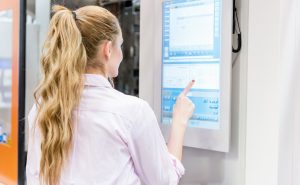
User Experience with Industrial Touchscreen
Intuitive Interface
Industrial touchscreen systems offer a simple and clear interface. Workers can use touch screen technology to select options, enter data, or adjust settings with a finger tap. The layout on an industrial touch display often uses large icons and easy-to-read text. This design helps workers find what they need quickly. A clear interface supports process efficiency because it reduces confusion and saves time. Teams can focus on the workflow instead of searching for controls.
Tip: An intuitive interface helps new workers learn tasks faster and improves workflow efficiency.
Training and Adoption
Training is important in any factory. Touchscreen technology makes training easier because the controls are simple and visual. Workers can follow step-by-step guides on industrial display monitors. This approach helps teams understand each process without long lessons. Most workers can start using the system after a short introduction. Quick adoption means less downtime and faster production. Teams can also use the system to review safety tips or updates during the workday.
- Benefits of easy training:
- Faster onboarding
- Fewer mistakes
- Better process understanding
Flexible Installation
Factories need equipment that fits different spaces. Industrial touchscreen systems offer flexible installation options. Teams can mount the screens on walls, machines, or stands. This flexibility helps factories use their factory floor space better. The compact size of these systems allows for more room to move equipment or people. Flexible installation also supports automation by placing controls where they are needed most. Teams can adjust the setup as the workflow changes or as the production line grows.
Note: Flexible installation makes it easier to upgrade or expand manufacturing operations.
Industrial touchscreen systems improve user experience by making controls simple, training fast, and installation flexible. These features help factories boost process efficiency and keep production running smoothly.
FAQ
What makes industrial touch screens suitable for harsh environments?
Industrial touch screens have rugged designs. They resist water, dust, and vibration. This durability helps them work well in factories with tough conditions.
How do touch screens improve efficiency on production lines?
Touch screens allow workers to control machines quickly. They reduce the time needed for tasks. This leads to smoother production lines and less downtime.
Can industrial touch screens help reduce errors in manufacturing processes?
Yes. Touch screens display clear instructions and real-time data. Workers can follow steps easily. This reduces mistakes and improves product quality.
Are industrial touch screens easy to install in different factory setups?
Most industrial touch screens offer flexible installation options. Teams can mount them on walls, machines, or stands. This helps factories use space better.
Do workers need special training to use industrial touch screens?
Most workers learn to use touch screens quickly. The interface is simple and visual. Short training sessions help teams start using the system with confidence.