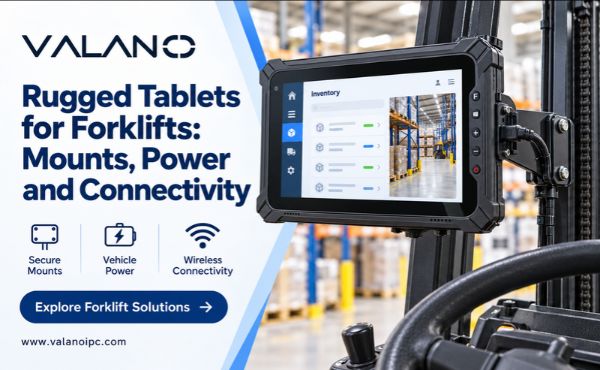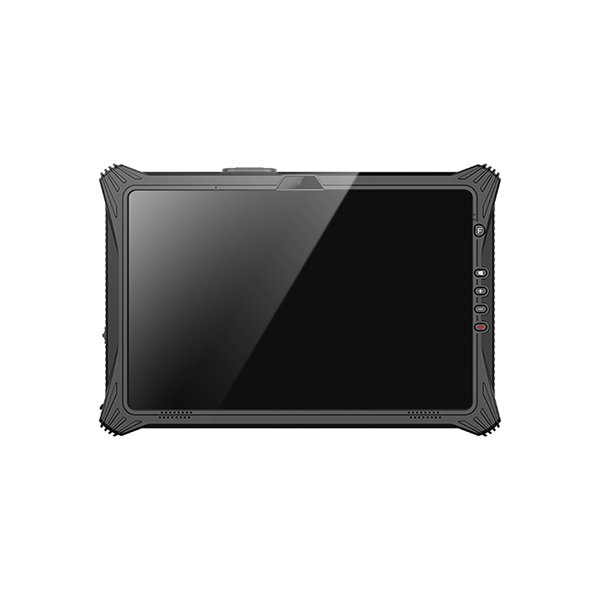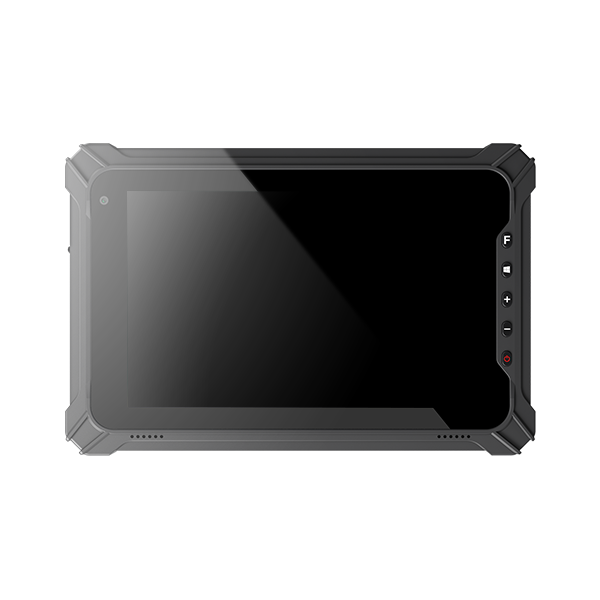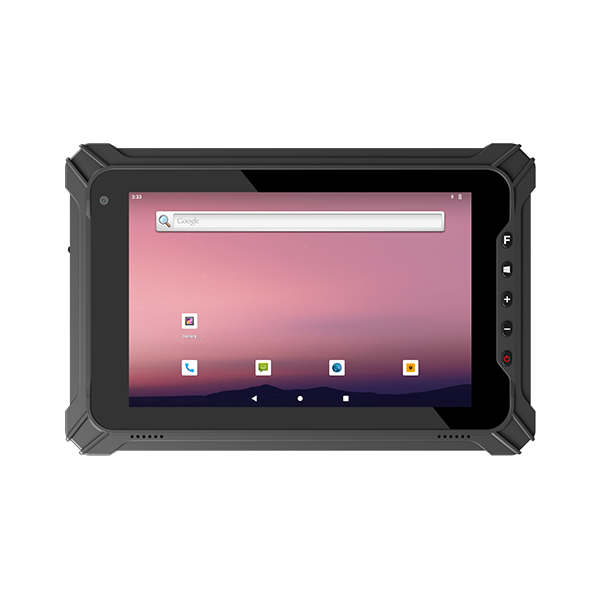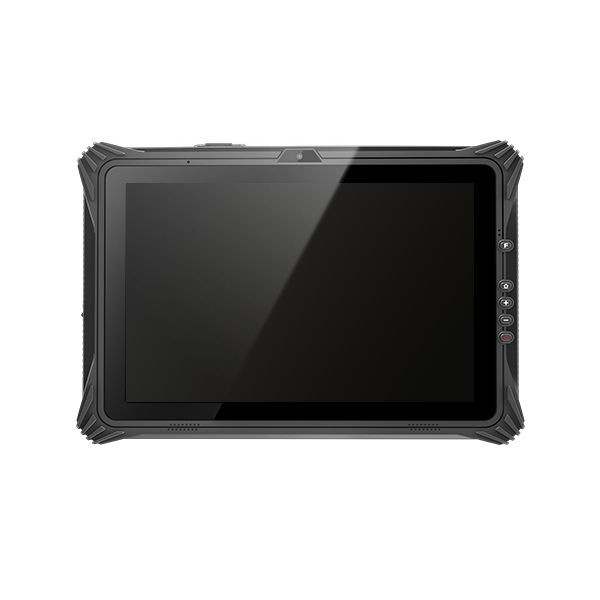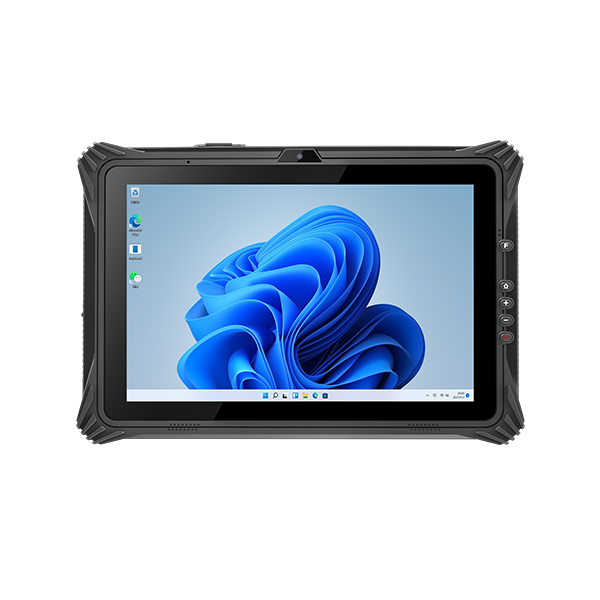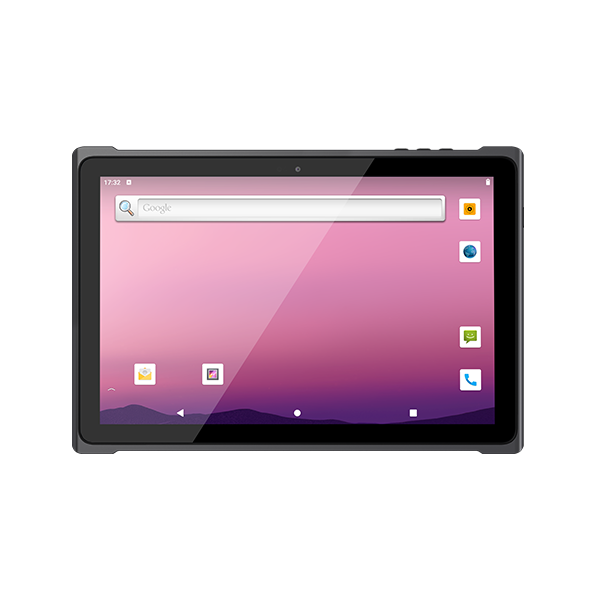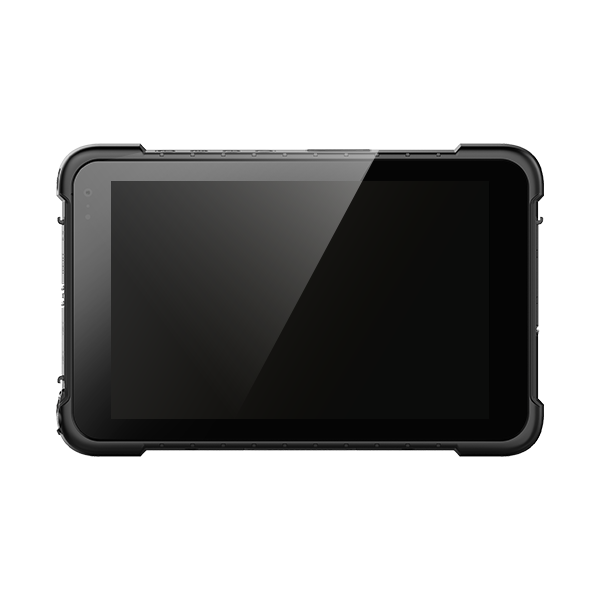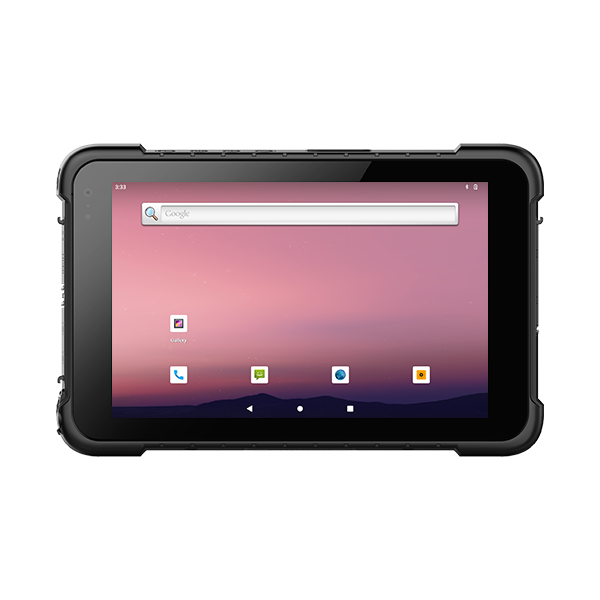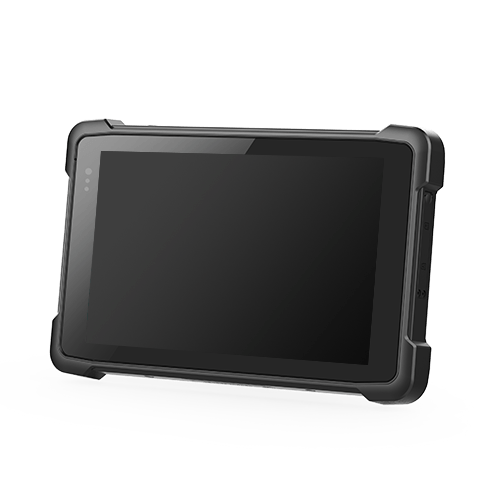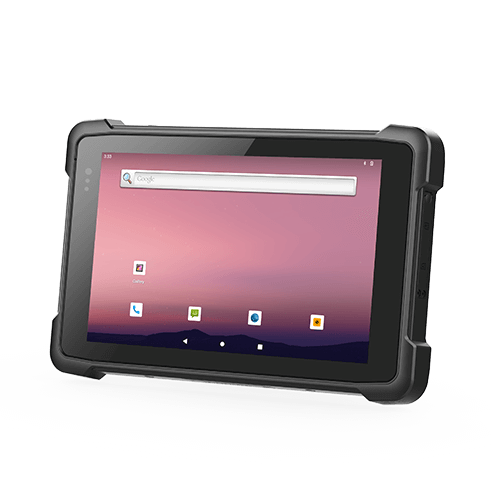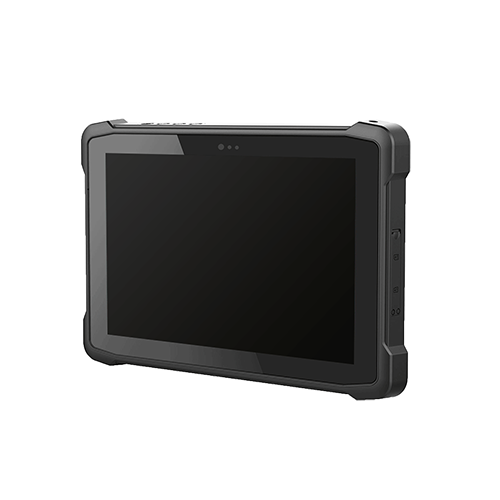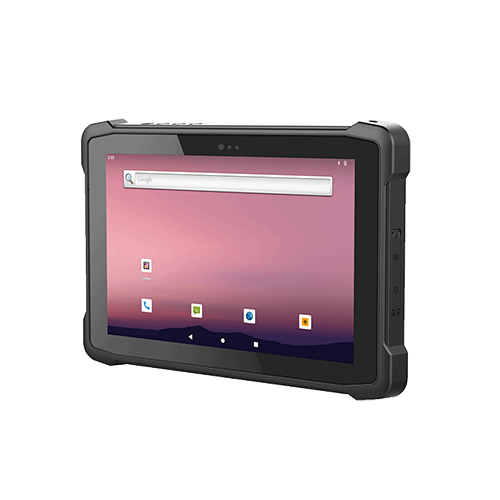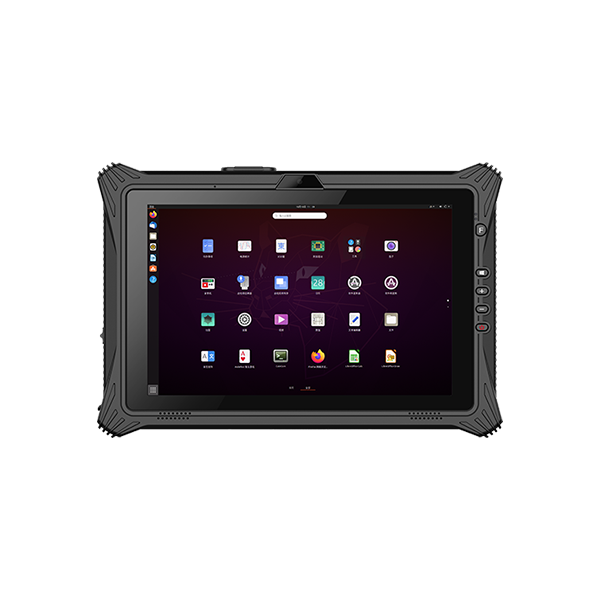
Rugged tablets for forklifts work best when the device, mounting hardware, power supply and warehouse application are evaluated together. A suitable tablet needs to remain secure on the vehicle, support reliable transactions along the operating route and fit the operator’s work without obstructing visibility or controls.
A removable tablet is especially useful when workers alternate between vehicle-based tasks and on-foot inspections or inventory work. If the computer stays permanently on the truck, a dedicated vehicle-mounted terminal may be equally appropriate. Start with the workflow, then decide which format and installation meet it.
Tablet and Vehicle-Mounted Terminal Roles
Map the tasks performed while seated and after leaving the vehicle. Include picking instructions, location confirmation, exception handling and shift handover. Determine whether workers need the same device during each activity or already use a separate handheld scanner.
Removability adds value when it prevents duplicate data entry or unnecessary trips to another terminal. It also introduces requirements for secure latching, battery reserve and reliable docking contacts. A tablet chosen for mobile use should be comfortable to carry with its case and accessories attached.
A fixed terminal can suit a workflow centered on the vehicle, particularly when mounting space and input requirements are stable. Compare software compatibility, environmental options and service arrangements rather than assuming the newer-looking format is automatically better.
Screen size should follow the information displayed. A large picking list or site diagram may justify more display area, while a compact confirmation interface may not. Test the actual application at the installed distance before defining the required screen dimensions.
Mounting Position and Mechanical Compatibility
Visibility, Reach and Access
Evaluate mounting locations with the operator seated in the normal working position. The screen and bracket should not block necessary sightlines, access to controls or entry and exit. Assess the arrangement for relevant travel and handling positions, not only while the forklift is stationary in an empty aisle.
Application interaction should follow the site’s operating procedures, including any requirement to stop before entering information. A convenient screen does not justify interacting with it when doing so interferes with vehicle operation.
Determine whether the truck is owned or leased and whether modifications require approval from its owner or manufacturer. Select a supported clamp or attachment method where appropriate. Do not improvise drilling or welding into structural components to make a generic mount fit.
Retention, Vibration and Docking
The tablet’s drop rating does not validate its mounting system. Verify the bracket, joints, fasteners and attachment point for the intended vehicle environment and combined load. 3 Assess the complete assembly, including the dock and any scanner holder.
A long mounting arm can increase movement and loads at the attachment. Choose geometry that provides reach and visibility without unnecessary extension. Vibration protection should be based on the supported installation rather than added rubber components of unknown behavior.
Check whether repeated docking aligns the contacts reliably and provides positive retention. Test removal and reinsertion with gloves. Distinguish a mechanical cradle from a powered communications dock; similar-looking products can offer very different functions.
Vehicle Power and Charging Architecture
Identify the actual forklift supply voltage and the tablet or dock input requirements. Electric and combustion-engine trucks can have different electrical systems. A connector that physically fits does not establish voltage compatibility.
Where required, use an approved converter or vehicle-power kit matched to the supply and the load. Confirm input range, output capacity, protection and installation instructions. A rugged tablet should not be assumed to accept traction-battery voltage directly.
Check the power budget with charging, maximum intended brightness and attached peripherals active. A supply that maintains idle operation may not provide enough power for that combined load. Confirm supported operation during vehicle startup, lift activity and battery-change events where relevant.
Route cables away from moving parts, pinch points, foot access and operator controls. Use the kit’s specified strain relief, protection and connection method. Have the vehicle installation completed under the applicable manufacturer and site requirements.
Define behavior when vehicle power stops. The tablet may continue on its battery, sleep or shut down, depending on configuration. Test how the application handles the event and whether long parked periods could affect the power arrangement. Do not leave these decisions to default settings discovered after deployment.
Wi-Fi Roaming and Transaction Reliability
Wireless coverage must be assessed along the route with typical stock and operating conditions. Racks, goods, doorways and vehicle structures can influence connectivity. Test the mounted device position because its radio environment may differ from a handheld survey unit.
Check compatibility with the warehouse’s security and authentication configuration. New tablets should work within the established network policy. Radio generation alone does not guarantee coverage, smooth roaming or stable application sessions.
Evaluate movement between access points using a real transaction sequence. Record timeouts, reconnection behavior and operator feedback. A device that remains connected to Wi-Fi can still lose a backend session, so inspect whether each inventory action is recorded once and with the correct status.
For outdoor yards or uncovered areas, cellular connectivity may be useful if the application and network architecture support it. Verify coverage and secure access to the warehouse system. A SIM slot is not evidence that the complete connection will work.
Offline capability is an application requirement. Define which actions can be queued, which must wait for confirmation and how conflicts are resolved after reconnection. Avoid allowing an uncertain transaction to be silently repeated by the operator.
Barcode Scanning and Operator Interaction
A tablet-mounted scanner may be difficult to aim at labels on pallets or racks. Compare integrated scanning with a separate wired or wireless reader using the actual scan distances and label positions. Select the arrangement that supports the task with manageable handling.
For wireless scanners, test pairing after shift changes, tablet replacement and scanner charging. For wired scanners, assess cable routing and connector retention. Identify where the scanner rests when not in use so it does not obstruct controls or become difficult to retrieve.
Configure application feedback so that a successful decode is distinguishable from a successful transaction. A scan beep can confirm that a code was read while the warehouse system still rejects the location or item. Operators need clear confirmation of the business result.
Test touchscreen controls with normal gloves and at the installed angle. Where frequent text entry is unavoidable, compare supported keyboards or redesign the input workflow. Processor performance cannot compensate for small controls and repetitive typing in an unsuitable interface.
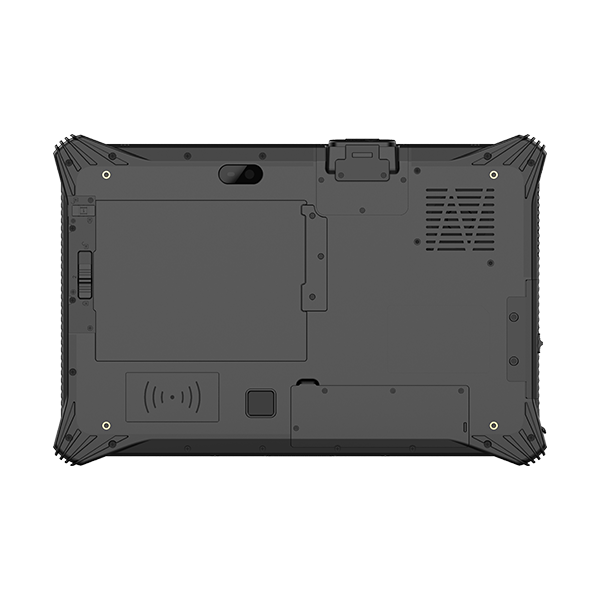
Fleet Pilot and Service Planning
Trial the complete installation on representative trucks before ordering the fleet. Include different vehicle types or environmental routes where those differences affect the system. Establish pass criteria and record the exact hardware and software configuration.
| Evaluation area | Acceptance evidence |
|---|---|
| Mechanical fit | Secure retention, usable reach and unobstructed required access |
| Power | Reliable operation and charging under representative vehicle activity |
| Wireless | Completed transactions across the full route without unexplained duplication |
| Scanning | Correct item and location confirmation at working distances |
| Removable operation | Adequate off-vehicle runtime and reliable redocking |
| Service | Repeatable replacement setup and available compatible accessories |
Budget for docks, mounting parts, power kits, scanner accessories and spare devices, not only tablets. Standardizing a fleet can simplify service, but compatibility across model generations should be confirmed rather than presumed.
Assign responsibility for troubleshooting. A reset during lifting could involve the power installation, while missed submissions might involve the application or wireless infrastructure. Recording the circumstances helps the appropriate supplier investigate instead of replacing tablets without diagnosing the cause.
Conclusion
Choose forklift rugged tablets through a complete installation pilot. Validate mechanical fit, conditioned power, wireless transactions and scanning at the operator’s working position. A maintainable system with reliable docking and clear application feedback will contribute more to daily operations than a tablet specification considered on its own.