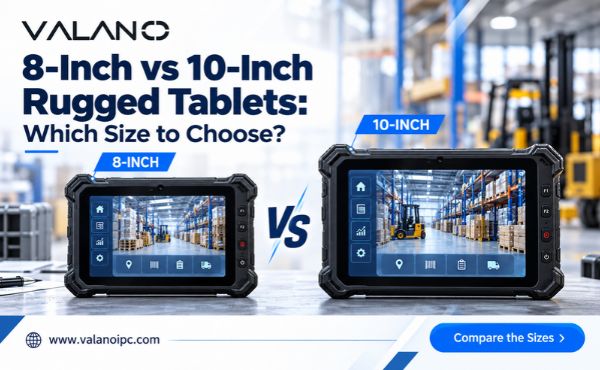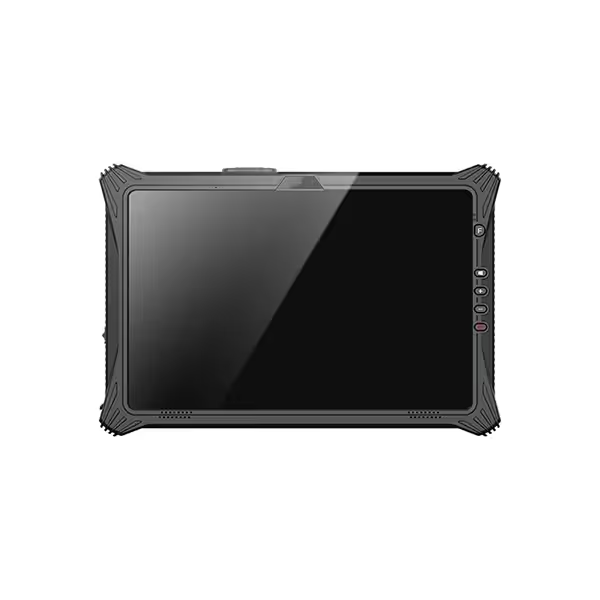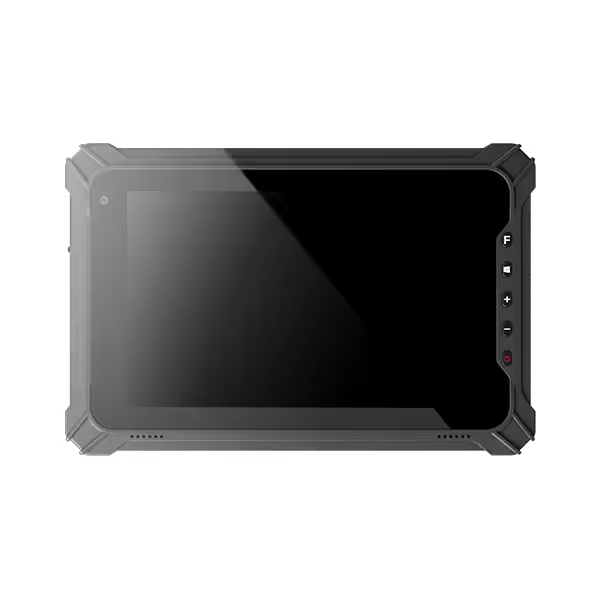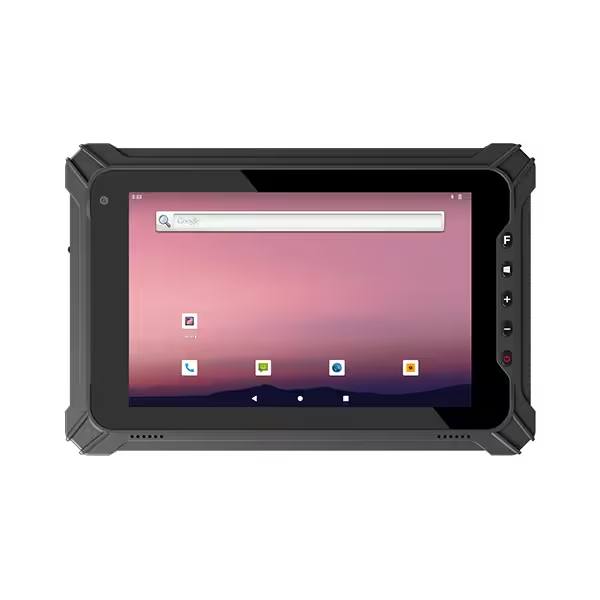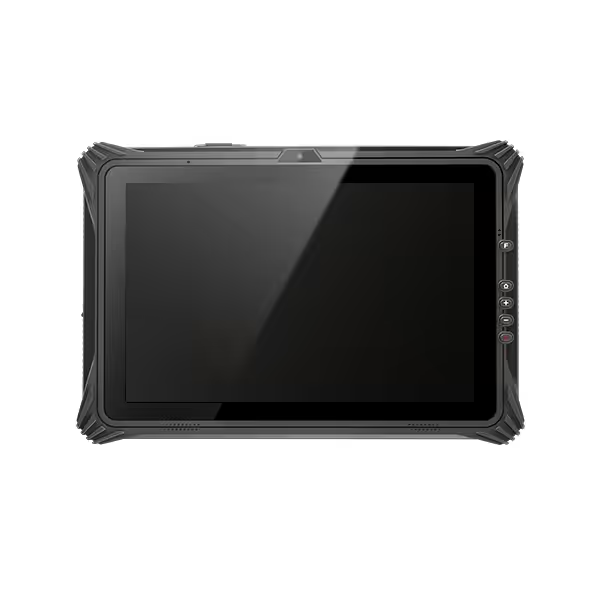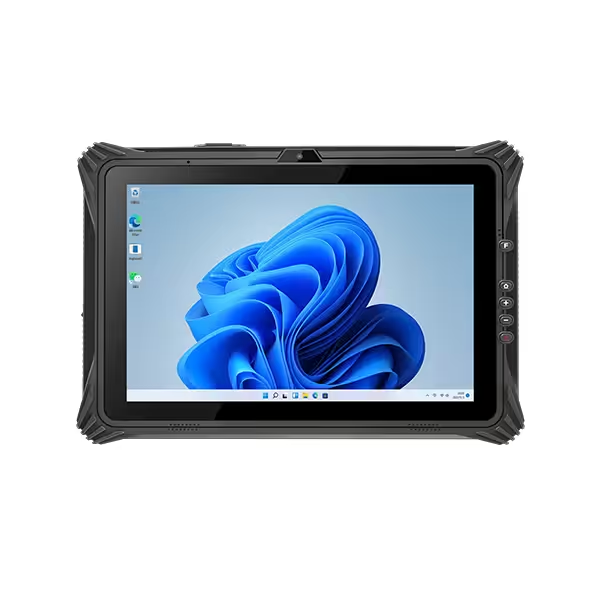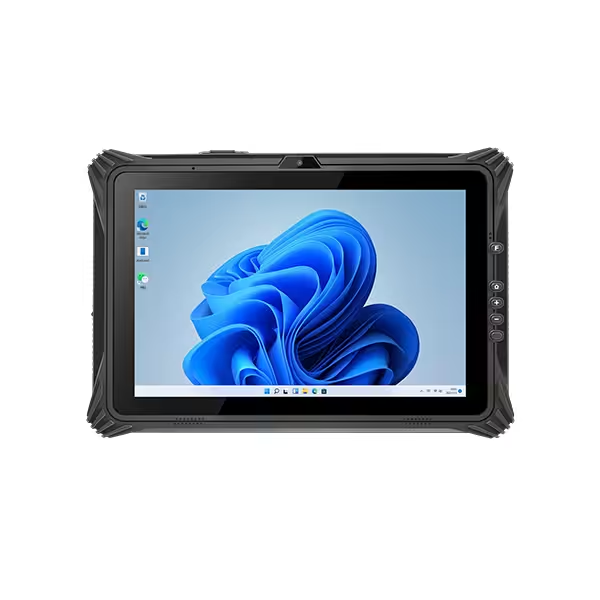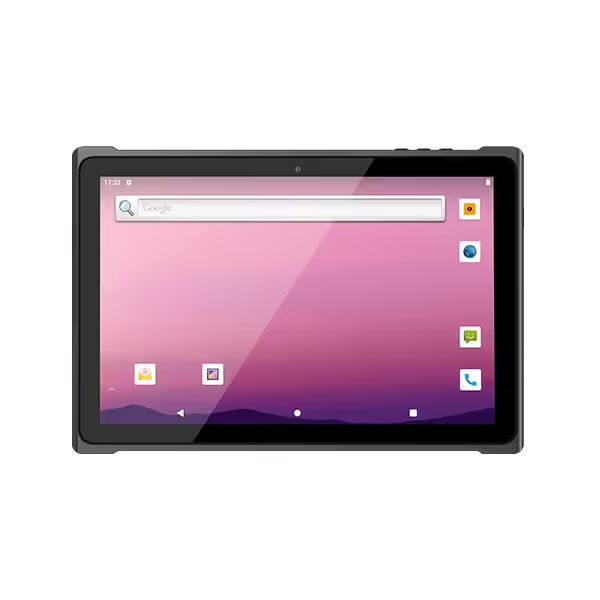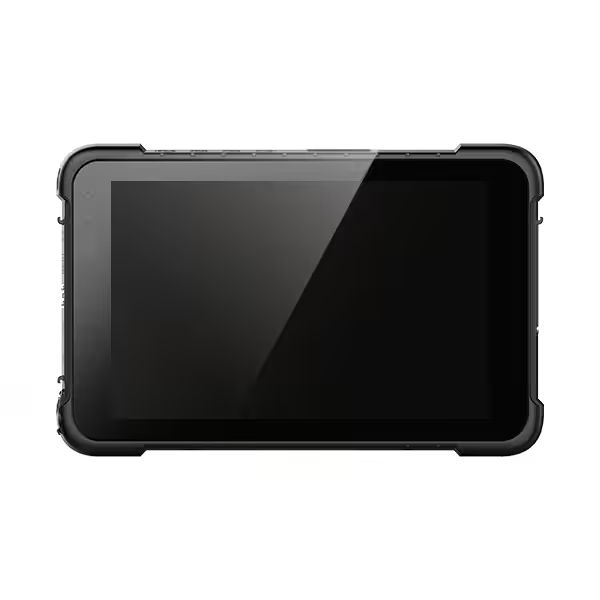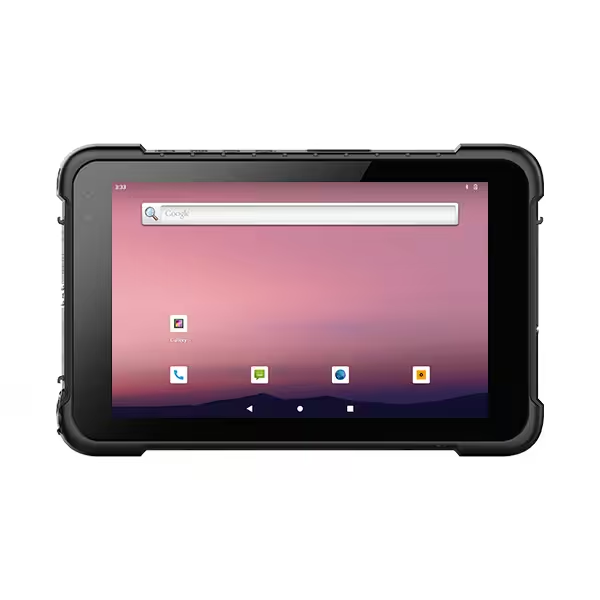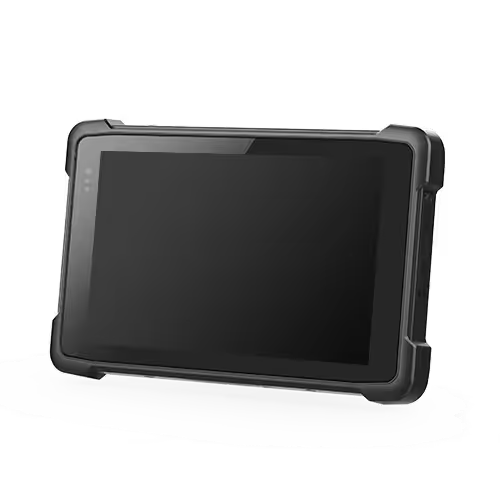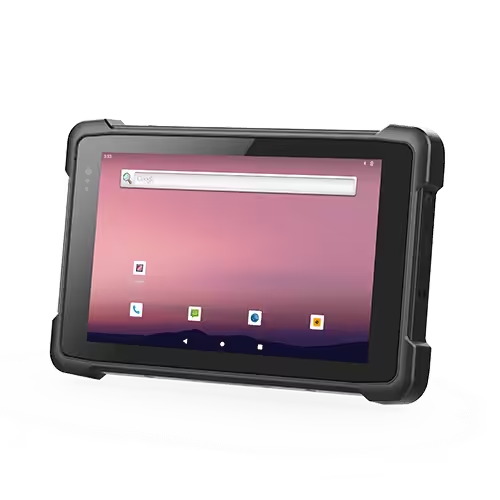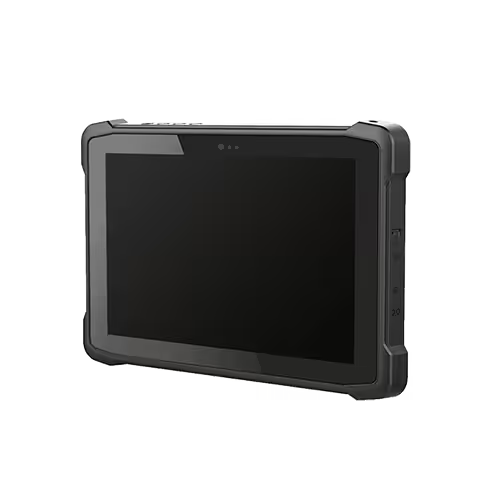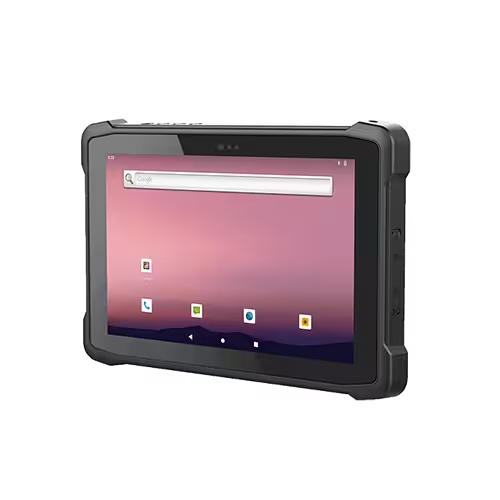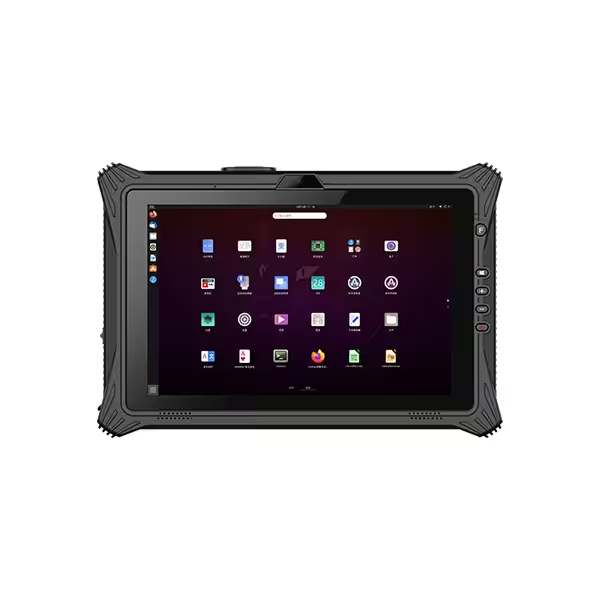
Choose an 8-inch rugged tablet when workers carry the device frequently and use it for short tasks such as scanning, checking instructions, or recording inspection results. Choose a 10-inch rugged tablet when the job involves detailed forms, maps, technical drawings, or longer periods of reading and data entry.
The right size depends on how people use the tablet throughout the day. A smaller device can make frequent handling easier, while a larger screen can make information easier to read. For businesses purchasing multiple devices, the best choice combines comfortable handling, usable software, and suitable accessories.
8-Inch vs 10-Inch Rugged Tablets
Both sizes can support industrial and field applications. The main difference is how they balance portability and working space.
| Selection factor | 8-inch rugged tablets | 10-inch rugged tablets |
|---|---|---|
| Frequent carrying | Generally easier to carry and store | More noticeable during extended carrying |
| Short interactions | Well suited to scanning and quick checks | Useful when each interaction includes more information |
| Forms and documents | Suitable for simpler layouts | More room for longer forms and documents |
| Maps and drawings | May require more zooming and panning | Larger viewing area for reviewing details |
| On-screen typing | Keyboard occupies a substantial part of the display | More space for the keyboard and remaining content |
| Compact installations | Easier to accommodate in restricted spaces | Requires more mounting clearance |
| Extended use at a workstation | Practical for simple applications | Often more comfortable for information-heavy work |
These are general differences. Actual weight, screen quality, battery configuration, and application design vary between models.
Portability and Comfort During Daily Work
Carrying Weight and Grip
An 8-inch rugged tablet is often a practical choice for workers who move between shelves, equipment, vehicles, or inspection points. Its smaller housing can make it easier to place in a carrying pouch or bring into a restricted workspace.
However, screen size alone does not tell you how comfortable a tablet will be. Compare the complete working configuration, including:
- The installed battery
- Protective covers or rugged boots
- Barcode scanning attachments
- Hand straps and carrying handles
- Any attached cables or accessories
A compact tablet with bulky accessories may feel less convenient than expected. Balance also matters: a device that sits securely in the hand can be easier to use than one that constantly needs repositioning.
Holding and Operating the Tablet
One-handed holding and one-handed operation are different requirements.
A worker may comfortably support an 8-inch tablet with one hand while tapping the screen with the other. That does not mean the same worker can reach every control using the thumb of the supporting hand.
A 10-inch rugged tablet may work well with a hand strap, shoulder strap, stand, or vehicle mount. These accessories reduce the need to support its full weight continuously.
During evaluation, ask users to repeat a normal task sequence. Picking up the tablet, scanning an item, entering information, and putting it away reveals more than holding an inactive sample for a few seconds.
Screen Space for Forms, Maps, and Documents
Display Area and Readability
The extra viewing area of a 10-inch tablet can make a meaningful difference when workers need to review information.
For screens with the same proportions, a 10-inch display has approximately 56% more area than an 8-inch display. However, the amount of usable information also depends on resolution, text size, system scaling, and the application layout.
A higher-resolution screen can show sharper detail, but small text may still need enlargement. Increasing text size improves readability while reducing how much content fits on the screen.
Test the application at settings workers can comfortably read. A comparison based on default settings may favor a layout that becomes impractical during real work.
Forms and the On-Screen Keyboard
The keyboard takes up a significant portion of a tablet display. On an 8-inch screen, this can leave limited room to see the form being completed.
For a short quantity entry or inspection result, that may be acceptable. Longer service reports, multiple text fields, and reference information can be easier to manage on a 10-inch screen.
Check whether users can:
- See field labels while typing
- Review relevant instructions without closing the keyboard
- Move between fields easily
- Identify errors before submitting a form
A larger screen helps most when the application makes good use of the additional space.
Maps and Technical Drawings
A 10-inch rugged tablet generally provides a more useful overview of maps, wiring diagrams, and equipment drawings. Workers may be able to inspect a detail while keeping more surrounding information visible.
An 8-inch device can still handle these tasks, particularly when document viewing is occasional. The important question is how often users must zoom, pan, or switch between views to find the information they need.
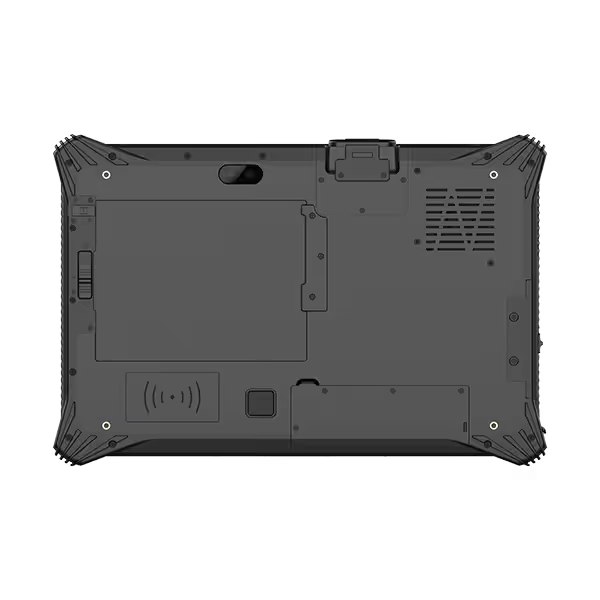
Rugged Tablet Size by Work Task
Broad industry labels are useful starting points, but individual tasks provide a clearer basis for choosing a size.
| Work task | Size to evaluate first | Reason |
|---|---|---|
| Picking, inventory checks, and barcode confirmation | 8-inch | Frequent handling and short interactions |
| Delivery confirmation and basic inspection records | 8-inch | Compact format for movement between stops |
| Detailed maintenance reports | 10-inch | More room for forms, instructions, and typing |
| Technical drawing review | 10-inch | Larger overview with less frequent navigation |
| GIS mapping and asset information | 10-inch | More space for map details and related controls |
| Work in narrow service areas | 8-inch | Smaller housing is easier to position |
| Dispatch and vehicle-based work orders | Either | Installation space and software layout determine suitability |
Inventory and Logistics
An 8-inch rugged tablet often suits workflows built around scanning, checking quantities, and confirming locations. These interactions are usually brief, and workers benefit from a device that is easy to carry between tasks.
A 10-inch model deserves consideration when users need to view wider inventory tables, several order lines, or additional product information.
Field Service and Maintenance
Field service includes very different activities. A technician recording a simple pass-or-fail inspection may prefer a compact tablet. Another technician reviewing repair instructions and writing detailed notes may benefit from a larger display.
Choose around the most frequent or demanding task, rather than assuming one size suits every field employee.
Vehicle Mounting and Accessory Fit
A mounted tablet changes the balance between portability and screen space. When a bracket supports the device, display readability and control access may become more important than handheld weight.
A 10-inch screen can be useful when viewed from a fixed position. An 8-inch screen may fit better in a compact cab or crowded installation.
Before selecting a device, check:
- The complete dimensions of the tablet and mount
- Clearance around controls and other equipment
- Visibility from the intended working position
- Access to charging and peripheral connections
- Space needed to insert and remove the device
- Compatibility with installed protective accessories
Also consider how often workers remove the tablet. A unit that stays mounted throughout a shift has different handling requirements from one carried away at every stop.
Confirm dock compatibility for the exact model. Similar screen sizes do not guarantee matching housings, connectors, or mounting points.
Battery Life and Specifications Beyond Screen Size
Battery Runtime
A larger screen may consume more power, but a larger tablet may also contain a higher-capacity battery. Screen size alone cannot establish which device will last longer.
Runtime depends on brightness, software activity, wireless communication, scanning, temperature, and battery condition.
Compare devices under similar working conditions. If the workflow requires continuous availability, examine charging opportunities, replacement batteries, and supported battery-swap procedures.
Outdoor Visibility
A larger display does not automatically provide better outdoor readability.
Brightness, reflections, screen treatments, viewing angle, and text contrast all affect visibility. For example, Zebra’s ET40/ET45 specification sheet lists different brightness levels for its 8-inch and 10.1-inch versions, illustrating why brightness must be checked separately from size.
Evaluate the screen where it will be used, including bright outdoor locations and shaded areas.
Performance and Durability
An 8-inch rugged tablet can provide sufficient computing power for demanding business software, while a 10-inch model may use more modest hardware.
Similarly, a bigger housing does not establish better drop resistance or environmental protection. Compare the operating system, processor, memory, storage, connectivity, and documented protection requirements independently.
This keeps the size decision focused on usability while ensuring the selected model can support the application.
FAQs
Can a business use both 8-inch and 10-inch rugged tablets?
Yes. A mixed fleet can suit businesses with different job roles. For example, mobile scanning teams may use smaller devices while maintenance staff use larger screens. Check software support, accessory requirements, and device management before standardizing the configurations.
Will an existing dock work with a different tablet size?
Only if the dock manufacturer explicitly confirms compatibility. Docks depend on housing dimensions, connector positions, and retention mechanisms. Even tablets from the same manufacturer may require different docks.
Is a 10.1-inch rugged tablet significantly different from a 10-inch tablet?
“10-inch” is often used as a general product category that includes 10.1-inch models. The small diagonal difference is usually less important than the actual dimensions, display proportions, weight, and software layout.
Conclusion
Choose an 8-inch rugged tablet when frequent carrying, compact storage, and quick interactions drive the workflow. Choose a 10-inch rugged tablet when workers need more room for documents, maps, forms, or typing.
Compare the complete device setup and test the actual software before purchasing. The right size is the one that provides enough working space while remaining comfortable and practical throughout the job.