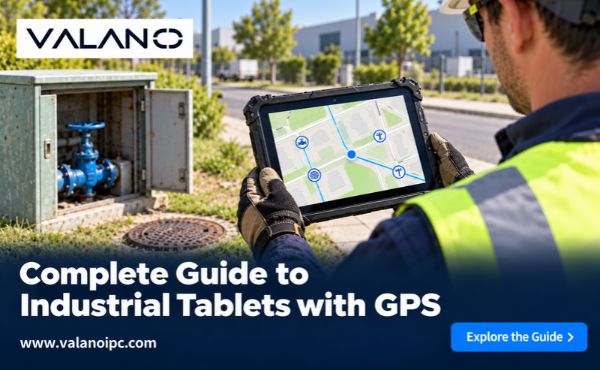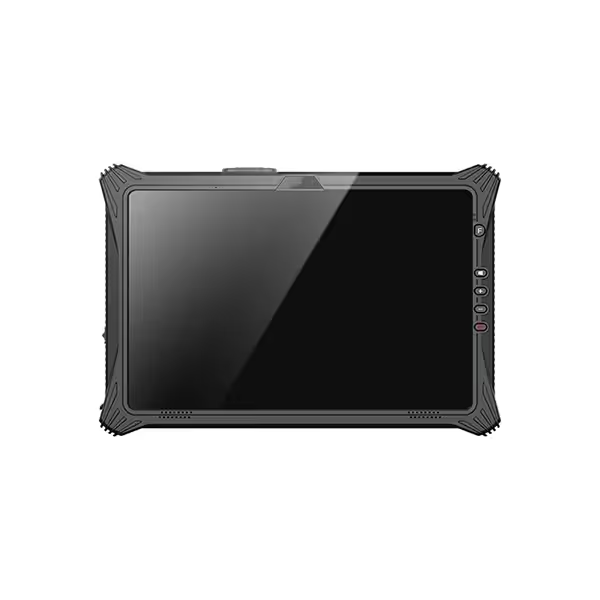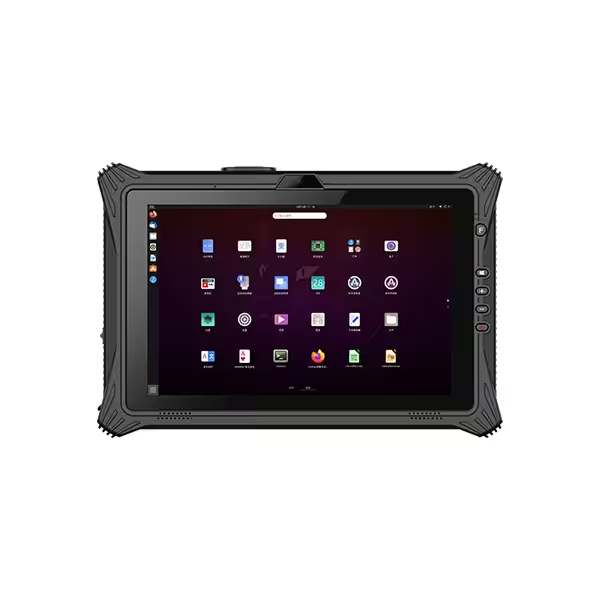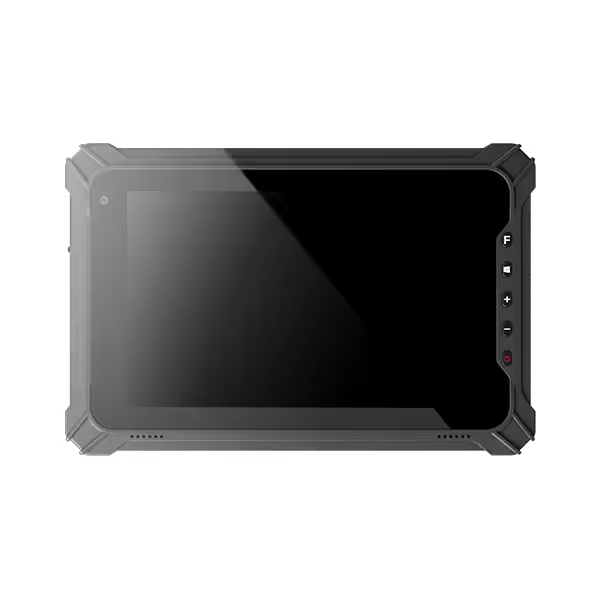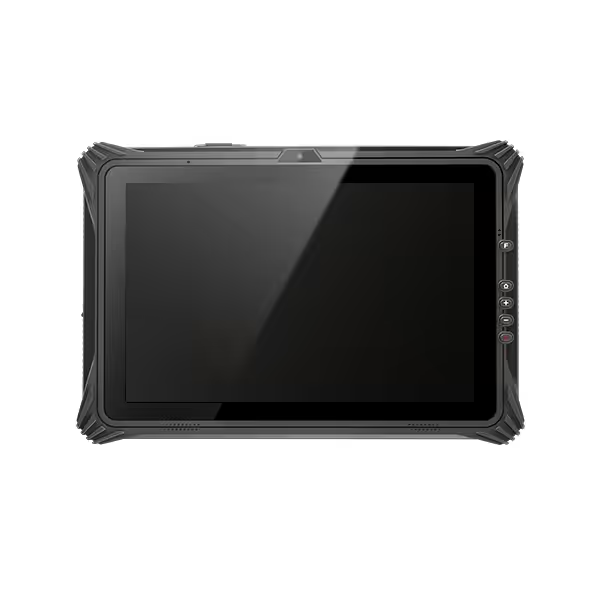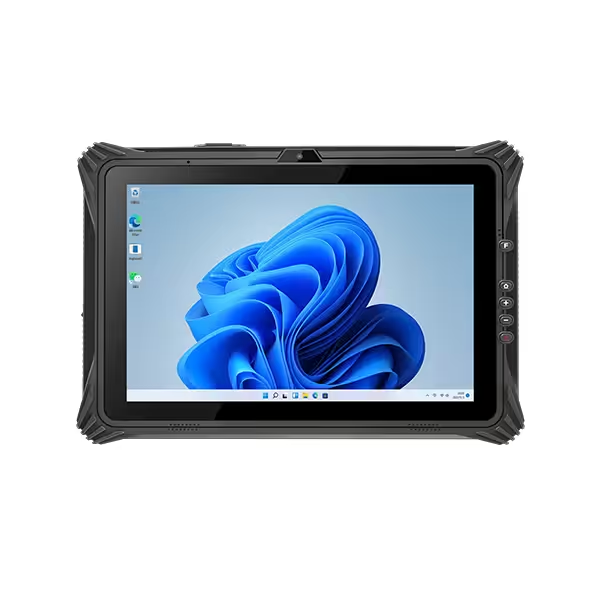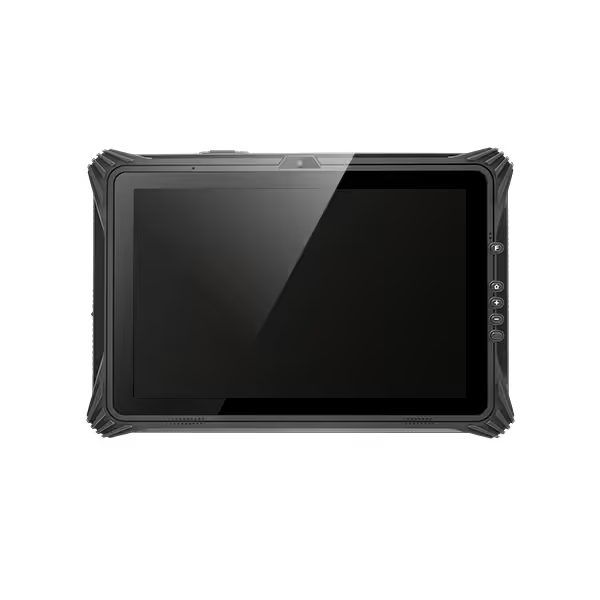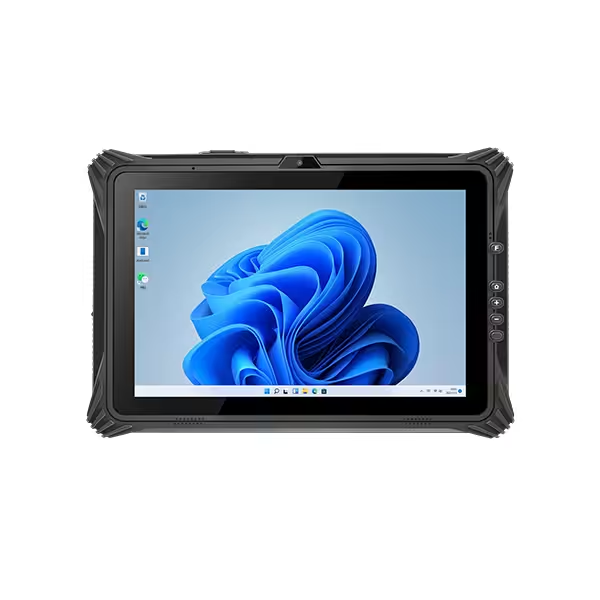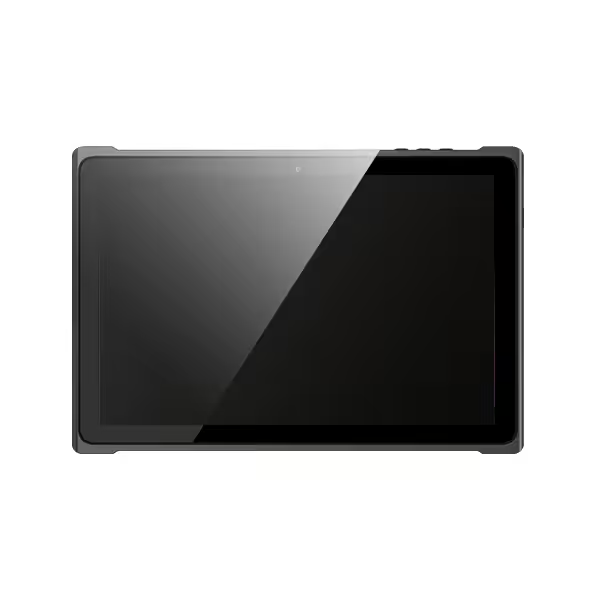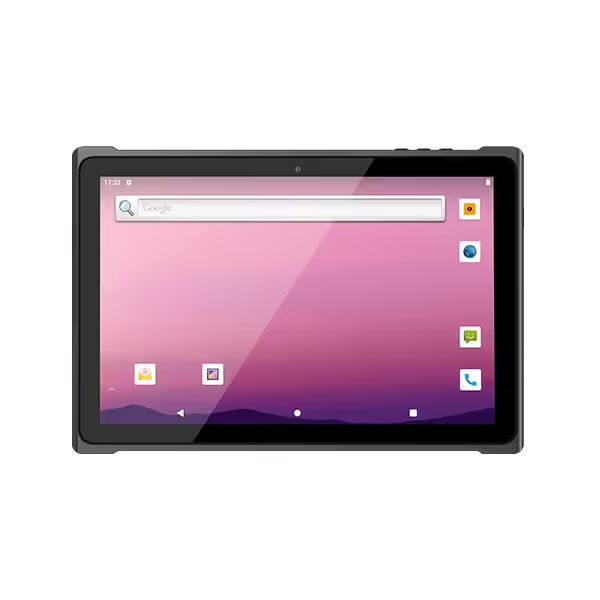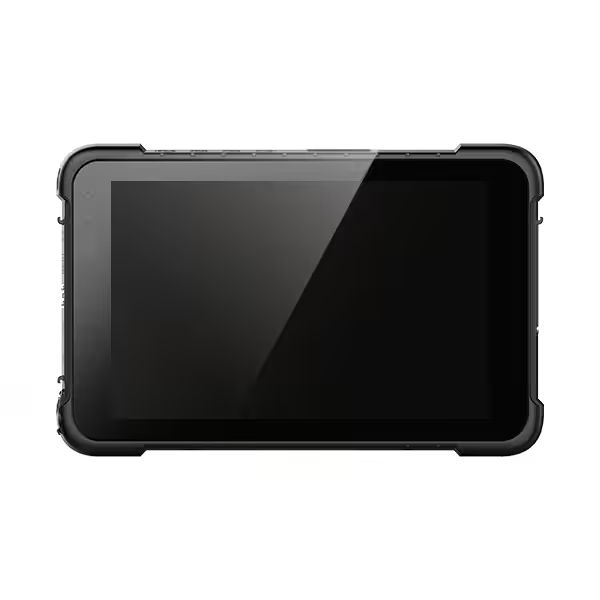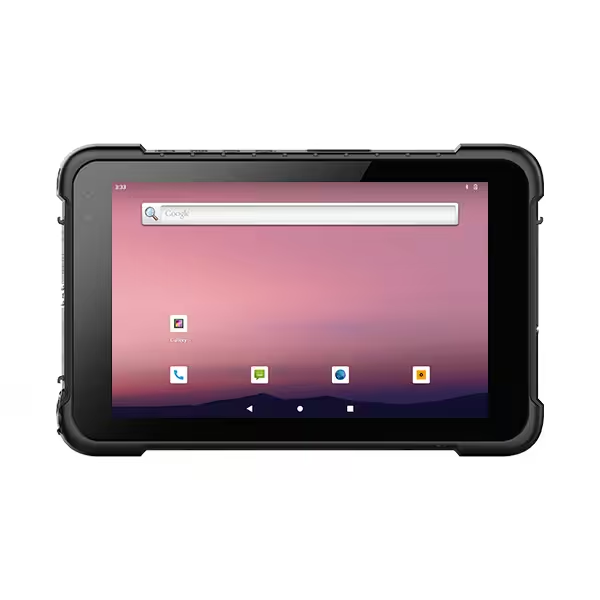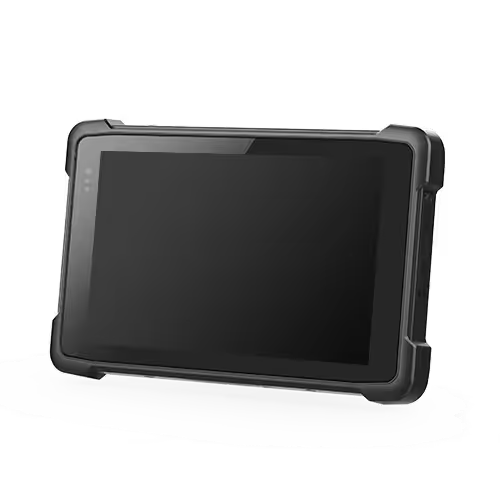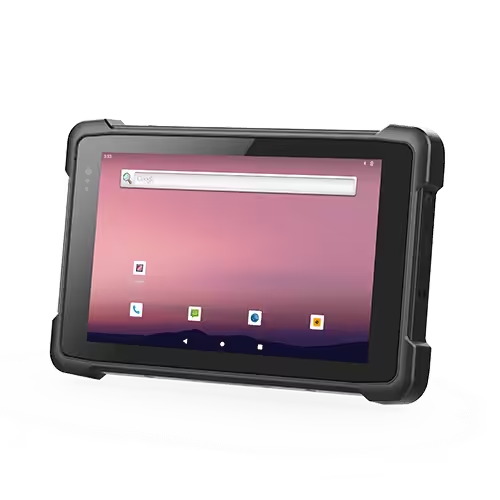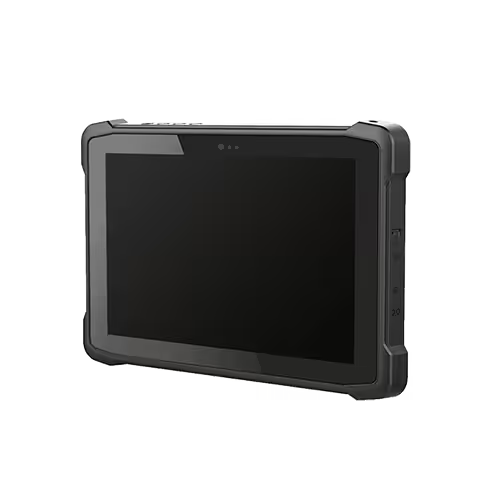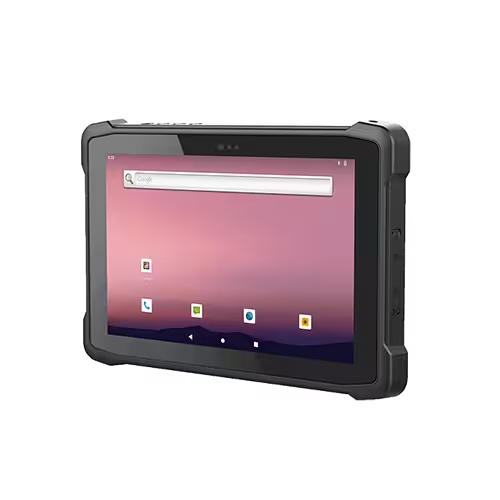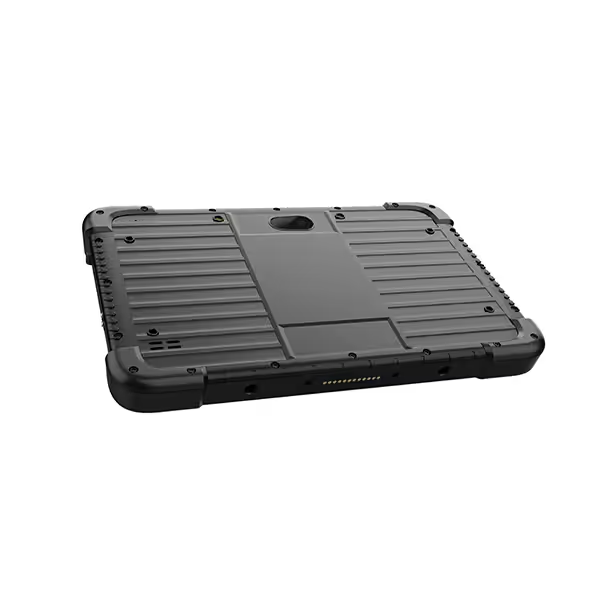
Industrial tablets with built-in GPS are rugged, purpose-built computers that combine field-ready hardware with an integrated satellite receiver. They differ from consumer tablets, which often lack accurate positioning, and from add-on GPS accessories that add extra parts to manage and lose.
Integrated GPS matters in industrial settings for three reasons. It delivers real-time asset visibility, supports accurate field data capture, and removes hardware failure points that external receivers introduce. A device with GPS built in keeps location data tied to every inspection, delivery, and mapping task.
Choosing well starts with your own questions. Which features matter for your work? Which selection criteria separate adequate from optimal? Which use cases and comparisons apply to your fleet? This guide answers each one.
What Are Industrial Tablets with GPS?
Definition and Core Components
Industrial tablets are rugged, purpose-built computers designed for work outside an office. Each unit pairs a sealed housing and a reinforced screen with the processing power of a standard computer. The defining feature of this category is a receiver that locks onto satellite signals without any extra hardware. That receiver is the GPS module, and it sits on the main board inside the chassis.
The core components follow a common pattern. A processor and memory handle field software. A battery pack supports a full shift of work. A touchscreen stays readable in bright sunlight. A GPS chipset ties location data to every task the device performs. The chipset works alongside a tablet with GPS antenna built-in, so signal reception does not depend on a fragile external part.
Device classes vary by operating system and market. Rugged Windows tablets serve users who need desktop software in the field. A rugged Android tablet suits teams that run mobile apps and cloud tools. Both classes share the same design goal: one sealed unit that survives drops, dust, and rain while reporting its position.
Integrated GPS vs. Add-On Receivers
The main design choice is where the GPS hardware lives. An integrated module sits inside the device. An add-on receiver is a separate unit that connects by cable or wireless link. Each approach has a clear place.
Integrated GPS offers simplicity. There is no second device to charge, pair, or replace. The location fix arrives with the same power source as the work data. Fewer parts mean fewer failure points, and that matters on a job site where a lost dongle stops a crew.
Add-on receivers offer flexibility. A specialized unit can deliver higher accuracy for survey-grade work. The trade-off is more gear to manage and more steps in the daily routine.
Buyers often weigh these options when they compare a tablet with GPS navigation against a standard model plus an external unit. The integrated path wins on deployment ease. The external path wins on niche accuracy needs. Many fleets run both, matching the tool to the task.
A rugged tablet GPS module also supports broader satellite systems, often called GNSS. Multi-constellation reception improves fix reliability under tree cover and between buildings. That detail separates a field-ready device from a consumer slate with basic positioning.
Key Benefits of Rugged Tablets with GPS
Field Reliability and Durability
Field work punishes hardware. Dust coats every surface, rain arrives without warning, and devices take drops onto concrete. Rugged tablets with GPS answer these conditions with sealed housings rated to IP67 or IP68. The first digit blocks dust, and the second digit resists water immersion. Buyers should also look for MIL-STD ratings, which document survival after drop, vibration, and temperature testing.
Screen visibility decides whether a crew can actually use the device. A 1000-nit display stays readable in direct sun, so workers read maps and forms without shading the screen. That brightness level separates purpose-built units from office hardware.
Connectivity completes the picture. A 4G LTE radio paired with GPS keeps field teams connected and located at the same time. Location data flows to dispatch while the crew stays online. This combination turns a rugged tablet GPS unit into a live link between the vehicle, the job site, and the back office.
Location Accuracy and Workflow Gains
Accurate positioning changes how work gets recorded. A tablet with GPS navigation stamps every photo, form, and inspection with coordinates. Crews stop writing addresses by hand, and dispatchers see assets move in real time. Errors from manual entry drop, and records arrive complete.
Rugged tablets with advanced gps capabilities push this further. Multi-constellation reception holds a fix under tree cover and between buildings. Workers spend less time waiting for a signal and more time completing tasks. Route planning, asset tracking, and job verification all draw on the same location stream.
The workflow gain compounds across a shift. Each task closes with a verified position, and supervisors review progress without phone calls. Teams that adopt rugged tablets with advanced GPS capabilities report fewer return visits and cleaner handoffs. Advanced GPS functionality also supports geofencing and automated check-ins, which reduce manual steps further. For any fleet weighing a tablet with GPS navigation, the payoff shows up in hours saved and disputes avoided.
GPS Performance and Technical Specs
GNSS Accuracy Tiers
Positioning performance falls into two broad tiers. Standard receivers lock onto several satellite constellations and deliver accuracy in the range most field teams need for routing, asset tracking, and job verification. This tier covers the everyday work of a tablet with gps built-in.
High-accuracy receivers add a second frequency band. Dual-band reception, often described as multi-band gnss, cancels much of the atmospheric error that limits single-band units. The result is sub-meter gps accuracy, a level that suits survey and mapping work. Teams that stake boundaries or trace forestry plots should treat this tier as the baseline, not an upgrade.
Signal reliability matters as much as raw precision. A multi-constellation gps engine tracks more satellites at once, so fixes hold under canopy and between buildings. Buyers who plan to use a tablet with gps navigation in dense terrain should confirm multi-constellation support before anything else.
The receiver also depends on its antenna. A built-in gps antenna removes cable losses and connector wear. That design choice supports consistent gps for mapping tasks across a full shift.
Processing, Battery, and Display
Computing hardware must keep pace with mapping software. Illustrative configurations include an Intel Core i5-class processor, 8GB of RAM, and a 256GB solid-state drive. That combination handles large map files, photo capture, and fleet applications without lag. Storage at this level leaves room for offline datasets.
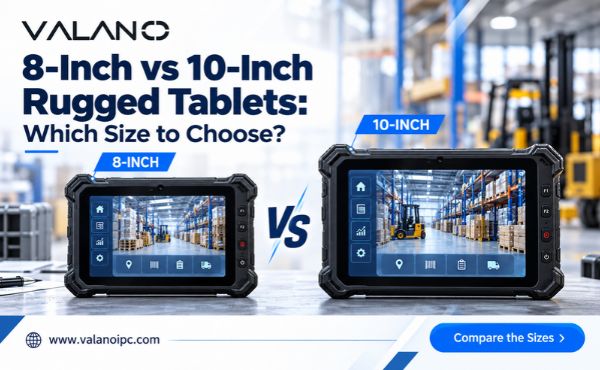
Displays range from 7 to 11 inches. Smaller panels suit handheld work, and larger panels suit vehicle mounts and split-screen views. Brightness matters more than size in daylight, so check the nit rating before you commit.
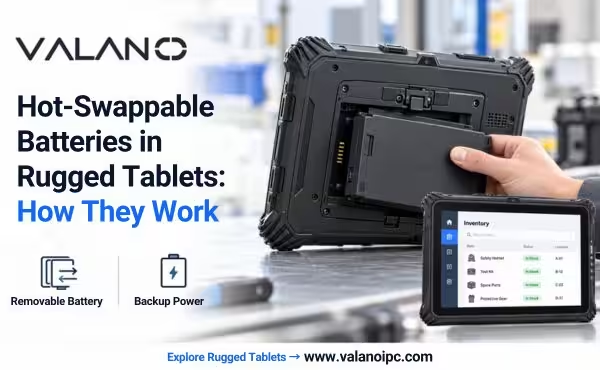
Battery life should cover a full shift with the gps radio active. Location tracking draws continuous power, and a weak pack forces crews to carry spares. Look for hot-swap designs on long deployments.
These specs interact. A fast processor drains power faster, and a bright screen does the same. Balance the three against your actual workload. A rugged tablet gps unit built for eight hours of mapping needs different tuning than one used for short inspections.
Advanced gps functionality, such as geofencing and continuous logging, raises the load further. Test a candidate device with your own software before purchase. A tablet with gps antenna built-in still needs enough headroom to run the apps that use the signal.
Application Fit
Form Factor and Mounting
Screen size decides how a device gets used. A 7- to 9-inch unit fits one hand, so crews carry it on foot through warehouses, farms, and inspection routes. These handheld options suit workers who walk long distances and need quick access to forms and maps. A 10- to 11-inch model fits vehicle mounts and field kits. The larger panel supports split-screen views, which helps drivers watch routes and job details at the same time.
Mounting hardware matters as much as the panel. Vehicle cradles lock the unit in place and route power to it during a shift. Field kits add carry handles and shoulder straps for crews that move between sites. Buyers should confirm the mount exists for their chosen model before purchase. A rugged tablet gps unit without a matching cradle becomes a loose item in the cab.
Handheld and mounted devices often serve the same fleet. Dispatchers assign the larger units to trucks and the smaller ones to walking crews. This mix keeps every worker equipped for the task at hand.
Software and Peripheral Compatibility
Operating system choice follows the software stack. Windows models run desktop mapping and fleet programs that field teams already use in the office. An Android or Linux device suits teams built around mobile apps and cloud platforms. Neither path is better in general; the right answer depends on the tools already in place.
Fleet and asset management systems deserve a compatibility check. Confirm the platform supports the device’s operating system version and its gps data feed. A rugged android tablet with gps should pass location data to dispatch software without custom work. Test the pairing before a full rollout.
Peripherals complete the fit. Barcode scanners, external antennas, and vehicle docks all need driver support. An android tablet with gps navigation earns its place when these add-ons connect without friction. Ask the vendor for a compatibility list, and run a pilot with your own software. A tablet with gps navigation only pays off when the whole stack works together.
Regulatory Compliance
Hazardous and Regulated Environments
Some job sites carry rules beyond durability. Refineries, grain facilities, and chemical plants classify areas by explosion risk, and devices used there must carry the matching certification for that location class. Buyers should confirm the rating applies to the exact model and configuration they plan to deploy. A certification for one variant does not automatically cover another.
Outdoor deployment brings its own checks. Sealed housings rated to IP67 or IP68 cover dust and water exposure, and buyers should verify the rating on the unit’s label rather than a brochure. Sites with strict safety programs may also require documented drop and vibration testing. Ask for the test reports, and confirm they match the purchased configuration.
Wireless and Data Standards
Every device with a cellular radio needs approval for the markets where it operates. Buyers should confirm regional radio equipment certification, carrier approval for the installed modem, and Wi-Fi and Bluetooth approvals for the frequencies in use. A gps receiver adds little regulatory burden on its own, but the combined radio package must be certified as shipped.
Data handling deserves equal attention. Fleet and asset platforms often carry location records, customer details, and inspection photos. Buyers should confirm the device supports the encryption and device-management controls their security team requires. A gps data feed should travel over an encrypted link, and access should follow role-based permissions.
Keep records of every certificate with the deployment file. Auditors and safety officers may ask for them during an inspection. A device that meets the technical standard still fails a review when the paperwork is missing. Confirm certificate validity dates, and plan renewals before they lapse. This step protects the fleet and keeps gps tracking running without interruption.
Rugged Tablet with GPS Use Cases
Logistics, Agriculture, and Surveying
Delivery fleets rely on rugged tablets with GPS to track vehicles and confirm stops. Drivers follow routes on screen, and dispatch sees each truck move in real time. A rugged tablet with GPS navigation also logs proof of delivery with coordinates attached. Teams that work beyond cell coverage depend on a GPS tablet with offline maps, so routing continues when the signal drops.
Farm operations use mapping and navigation to guide equipment across fields. Operators mark boundaries, record application zones, and compare passes season to season. Survey crews need more precision. High-precision GPS for mapping supports boundary work and terrain models, and forestry teams trace plots under dense canopy. A rugged Android tablet with GPS handles these workflows when paired with multi-constellation reception. GPS tablets for fleet management tie the whole operation together, linking vehicles, assets, and job records in one view.
Field Service and Public Safety
Inspectors and technicians carry rugged fieldwork tablets through plants, substations, and remote sites. Each inspection form captures a location stamp, so supervisors verify that the visit happened where claimed. Advanced GPS for fieldwork supports geofenced check-ins and automatic time records. Crews stop filling in addresses by hand, and the back office receives clean data.
Public safety teams apply the same tools to dispatch and reporting. A GPS tablet for navigation guides responders along unfamiliar routes, and a tablet with GPS navigation keeps unit locations visible to command. Advanced GPS functionality helps track teams on foot in parks and disaster zones. These devices work without internet when needed, which matters in areas where coverage fails. A rugged tablet GPS unit with offline capability keeps mapping and navigation running through the whole shift.
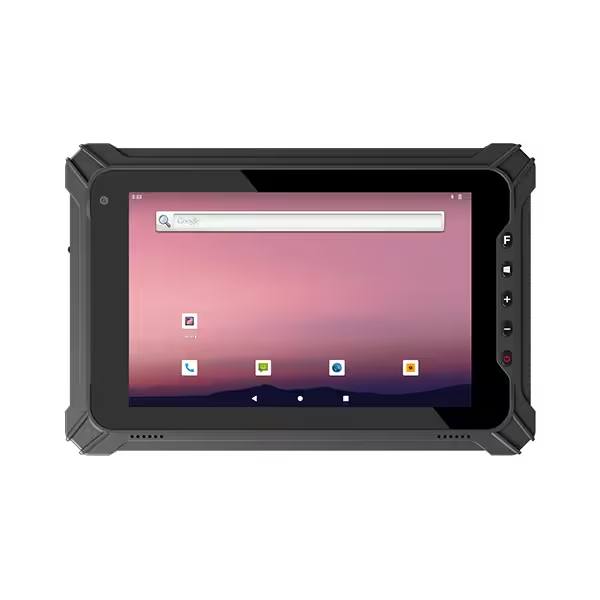
Comparing Tablet with GPS
Rugged vs. Semi-Rugged vs. Standard
Device classes differ mainly in how much abuse they absorb. A fully rugged tablet seals its housing, reinforces the screen, and carries drop and water ratings for constant outdoor work. A semi-rugged model adds protection to a lighter chassis. It handles rain and vibration but suits gentler duty cycles. A standard tablet offers the lowest weight and price. It fits indoor routing, office-adjacent tasks, and controlled environments.
Each class has a natural home. Industrial tablets in the rugged class serve construction, forestry, and vehicle fleets that run all day. Semi-rugged units fit warehouse supervisors and light field service. Standard models work well for fixed installations and pilot programs. A rugged android tablet earns its cost when the device faces weather and drops daily. A standard slate earns its cost when the device stays dry and close at hand.
Operating system adds a second axis. Teams that need desktop mapping software lean toward Windows hardware. Teams built on mobile apps often choose the best android tablet with gps for navigation in their stack. Neither path is superior. Match the class and the platform to the job, then confirm the mount and accessories exist.
Integrated GPS vs. External Receivers
The receiver location shapes daily routine. Integrated gps lives inside the chassis, so the device powers on and reports position with no extra steps. That simplicity suits fleets that deploy dozens of units and want one item to track. A rugged tablet gps module also removes cables and pairing steps that fail in the field.
External receivers serve specialized accuracy needs. A separate unit can deliver high-precision gps for survey-grade work, and it can move between devices. The trade-off is more gear to charge and secure. For routine mapping and navigation, integrated hardware usually covers the requirement. For boundary surveys, an external receiver may justify the extra handling. Many operations pair both approaches, assigning each tool to the task it serves best.
Conclusion
Industrial tablets with built-in GPS combine sealed, field-ready hardware with an internal satellite receiver. That design delivers real-time asset visibility, accurate data capture, and fewer failure points than add-on accessories.
Four criteria frame the decision. Check features first, including IP67 or IP68 sealing and 1000-nit displays. Then weigh selection criteria such as standard versus sub-meter dual-band GPS. Match the use case to form factor and software. Finally, compare rugged, semi-rugged, and standard classes against external receivers.
No single specification settles the choice. Application fit, compliance needs, and total cost of ownership decide it. A rugged tablet with GPS navigation earns its price through years of service, not a spec sheet.
Review the industrial tablet lineup, request a demo, or contact a specialist to match a device to your deployment.
FAQ
Do industrial tablets with GPS need a separate receiver?
No. The GPS module sits inside the sealed chassis, so the device reports position with no extra hardware. An external receiver only makes sense for specialized accuracy needs, such as survey-grade work. For routine routing and asset tracking, integrated GPS hardware removes cables, pairing steps, and lost accessories.
How accurate is the GPS in a rugged tablet?
Accuracy depends on the receiver tier. Standard multi-constellation GPS covers routing, asset tracking, and job verification. Dual-band receivers reach sub-meter accuracy for survey and mapping work. Confirm the tier before purchase, and test the device under canopy or between buildings, where signal conditions are hardest.
Can a GPS tablet work without cellular coverage?
Yes. Many models store offline maps and log positions without a network link. The GPS receiver depends on satellites, not cell towers. Crews in remote areas should confirm offline map support and enough storage for local datasets before deployment.
What should buyers check before deploying GPS tablets?
Verify four items: IP67 or IP68 sealing, a sunlight-readable display, the right accuracy tier, and a matching vehicle mount. Confirm software compatibility with your fleet platform, and keep radio certification records on file. A pilot run with your own applications catches integration gaps early.