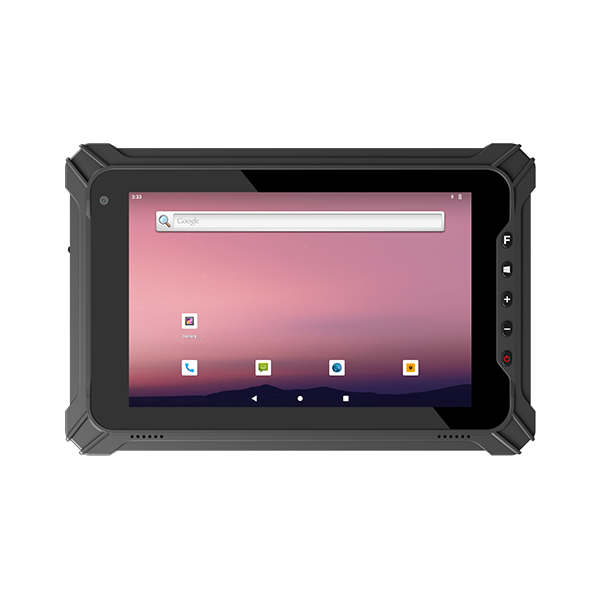
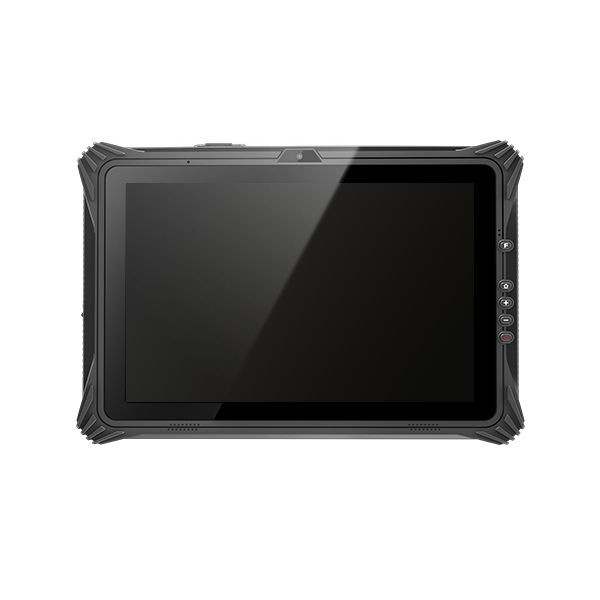
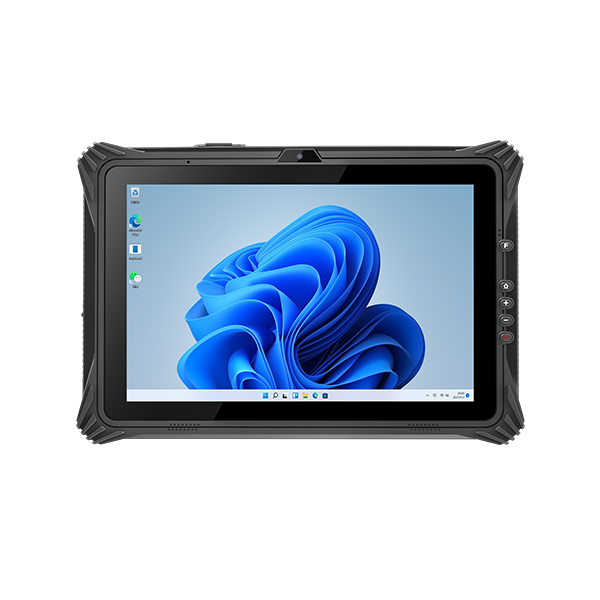
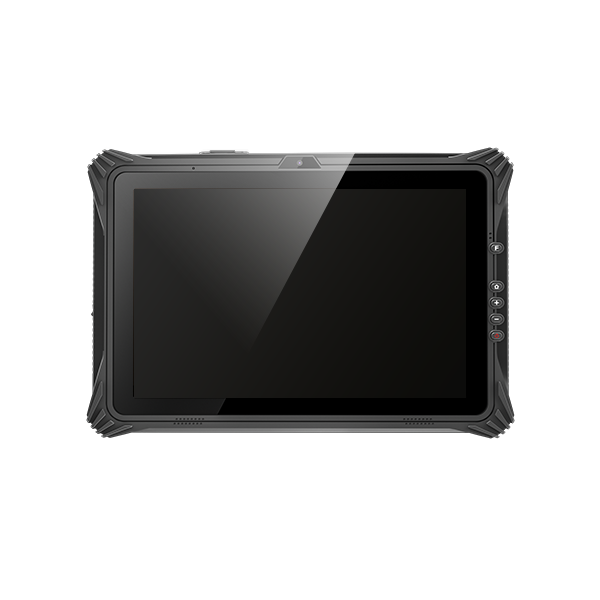
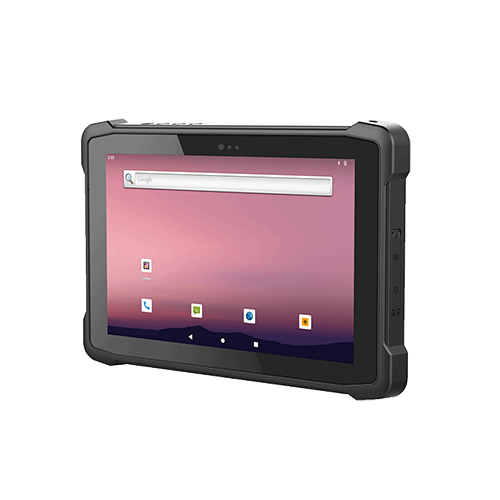
Field work is becoming more digital, mobile, and data-driven. Workers no longer rely only on paper forms, desktop computers, or standard consumer tablets. In construction sites, warehouses, farms, logistics centers, utility inspection routes, and vehicle service teams, workers need a device that can handle movement, dust, rain, vibration, drops, sunlight, and long working hours.
This is why rugged Android tablets are widely used in field work. They combine the familiar Android system with industrial-grade protection, wireless connectivity, GPS, barcode scanning, and long battery life. For companies that need reliable mobile data collection and real-time communication, choosing the right rugged Android tablet can improve efficiency, reduce downtime, and support better daily operations.
What Are Rugged Android Tablets?
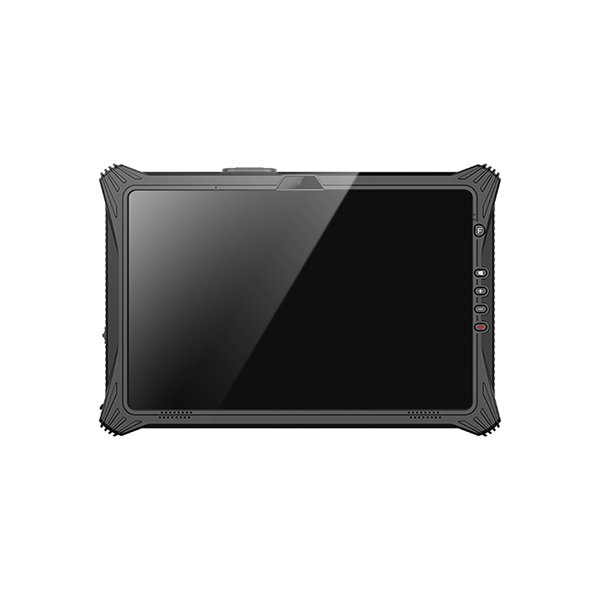
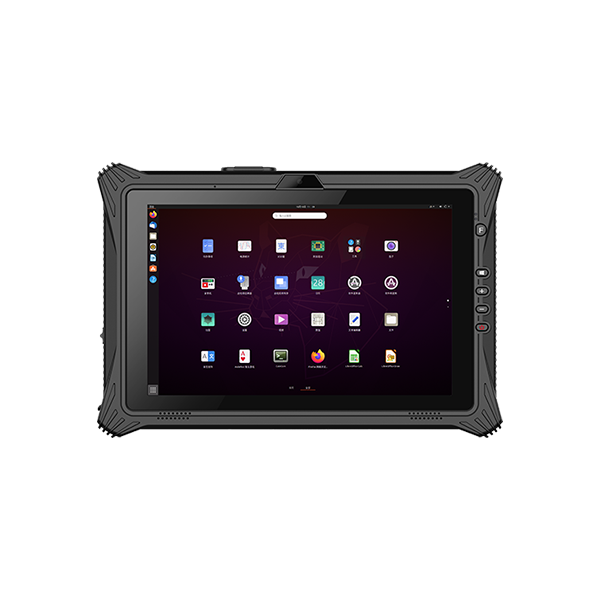
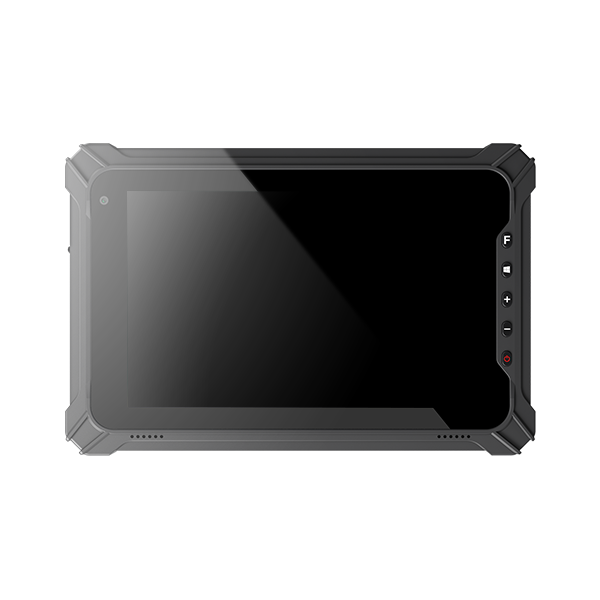
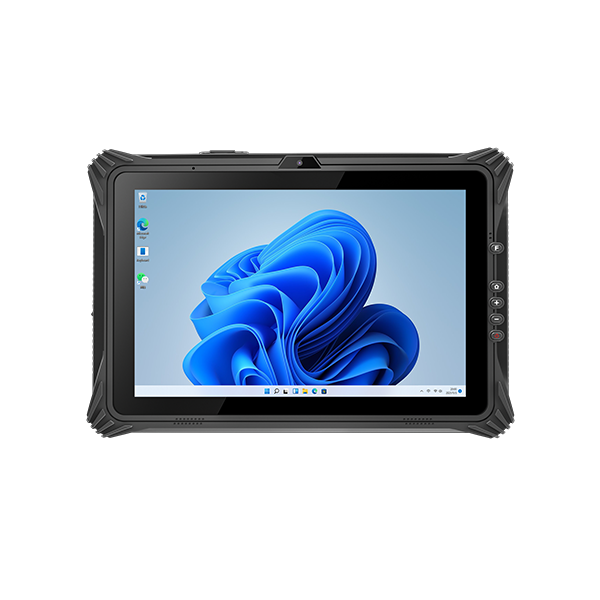
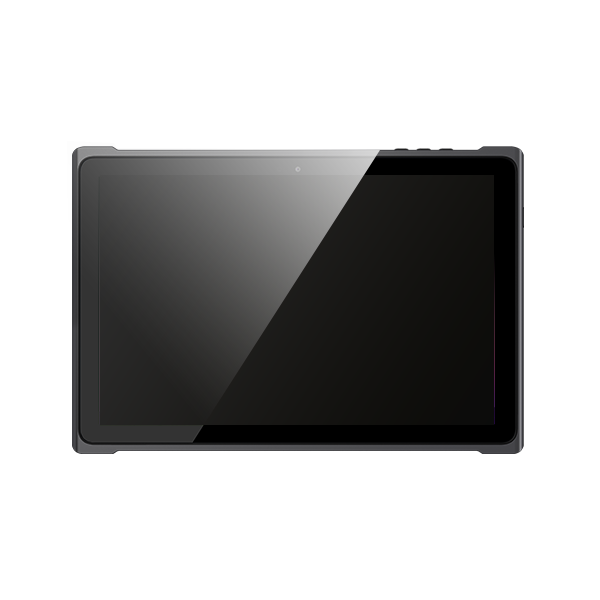
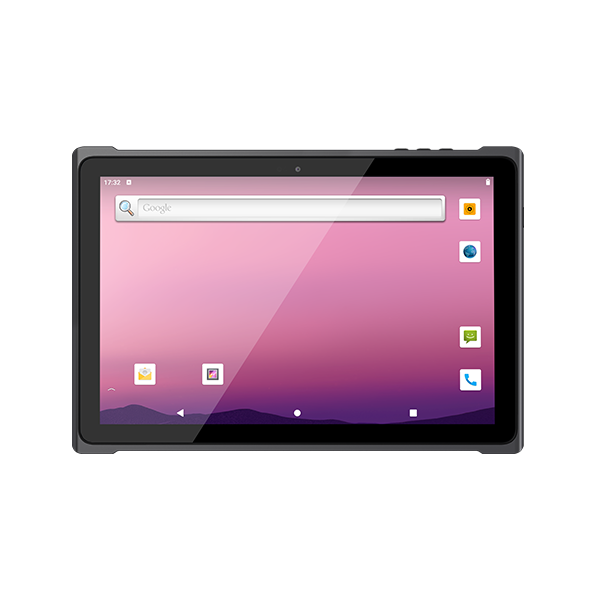
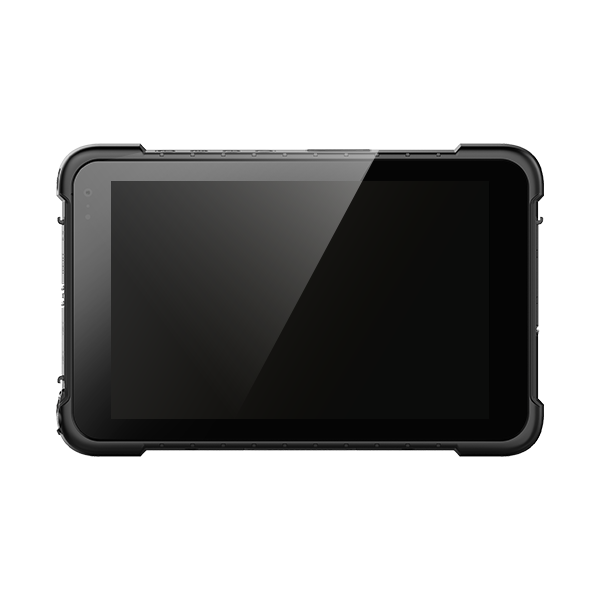
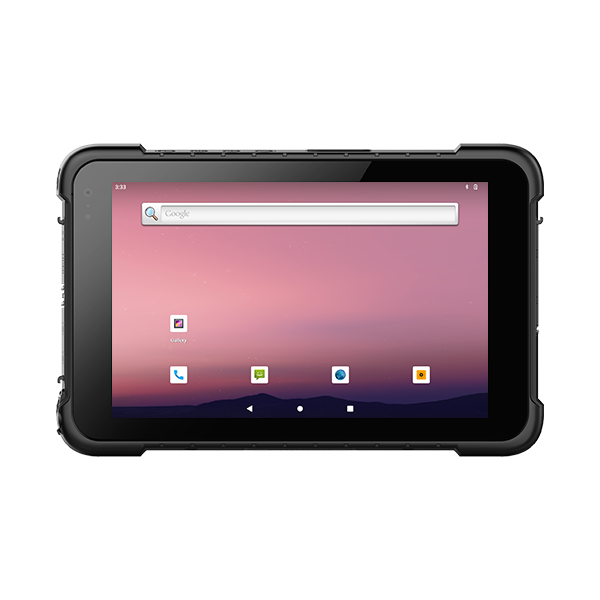
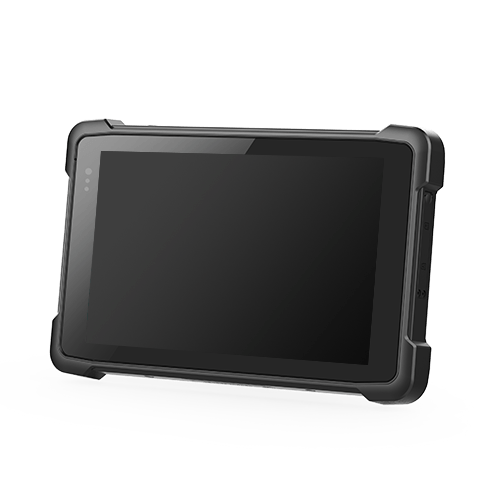
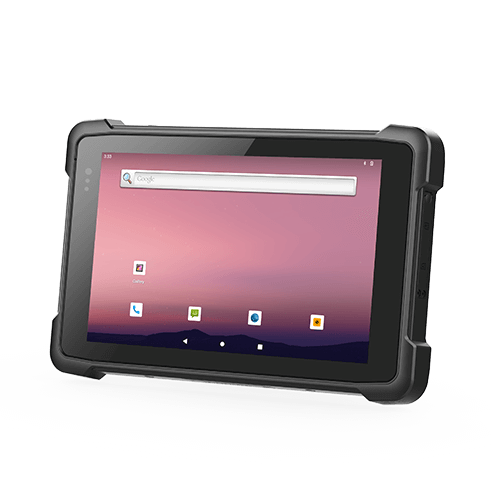
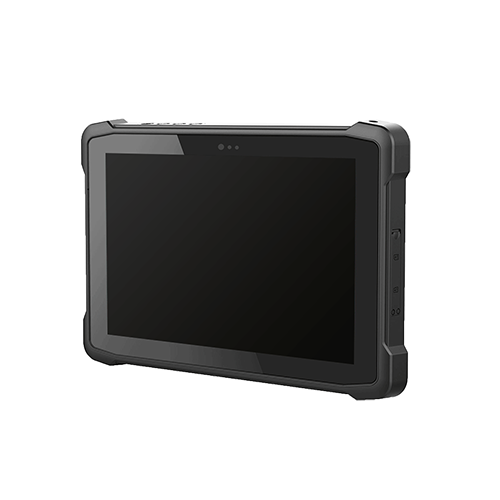
Rugged Android tablets are industrial-grade tablets designed for field, outdoor, and harsh working environments. Unlike consumer tablets, they are built with stronger housings, reinforced corners, sealed ports, shock-resistant structures, and high-protection designs.
A rugged Android tablet usually supports features such as:
- IP-rated dust and water protection
- Drop resistance
- Android operating system
- GPS positioning
- 4G/5G, WiFi, and Bluetooth
- Barcode scanner, NFC, RFID, or camera options
- Long battery life
- Sunlight-readable touchscreen
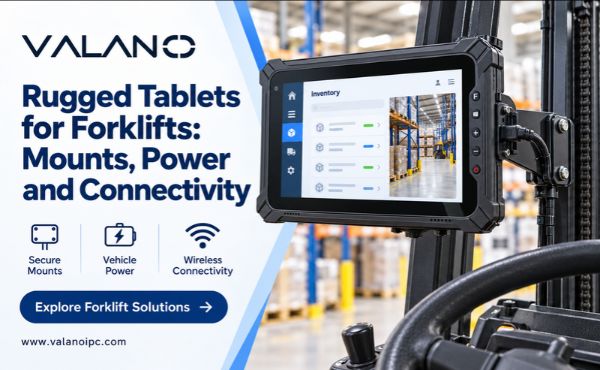
- Vehicle mounts and charging docks
The biggest advantage is that workers can use Android apps in tough environments without worrying about frequent device failure.
Why Choose Android Tablets for Field Work?
Android is widely used in mobile devices, so many field workers are already familiar with its interface. This helps reduce training time and makes deployment easier for businesses.
For field work, Android tablets are especially useful because they support many types of mobile applications, including:
- Inspection apps
- Inventory management apps
- Delivery and route planning apps
- Maintenance software
- Warehouse management systems
- GPS mapping tools
- Custom enterprise apps
- Photo and video documentation tools
Compared with paper records, rugged Android tablets allow workers to collect, upload, and share information in real time. This helps managers track work progress faster and reduces errors caused by manual data entry.
Rugged Android Tablets vs Consumer Tablets
Consumer tablets may work well in offices, schools, or home use, but they are not designed for industrial field conditions. In field work, devices may be exposed to rain, dust, mud, vibration, sunlight, and accidental drops.
| Comparison Point | Consumer Android Tablet | Rugged Android Tablet |
|---|---|---|
| Working environment | Office or light use | Outdoor and industrial field use |
| Drop protection | Limited | Reinforced structure |
| Water and dust protection | Usually low | IP-rated protection |
| Battery life | Normal daily use | Full-shift field work |
| Barcode/RFID support | Usually external only | Built-in or optional modules |
| Mounting options | Limited | Vehicle dock, cradle, straps |
| Long-term business use | Less stable | Designed for enterprise projects |
For companies with outdoor teams or mobile workers, rugged Android tablets are usually a better long-term investment.
Key Features to Look for in Rugged Android Tablets
Choosing the right rugged Android tablet is not only about price or screen size. Buyers should match the tablet configuration with the actual field environment and work process.
IP Rating for Water and Dust Protection
IP rating shows how well a device resists dust and water. For field work, IP65, IP67, or IP68 protection is usually more suitable than a basic consumer-grade tablet.
If workers operate in warehouses, dusty construction sites, outdoor farms, rainy roads, or industrial facilities, a higher IP rating helps protect the device from damage and reduces replacement costs.
Drop Resistance and Shock Protection
Field workers often carry devices while walking, climbing, driving, scanning, or repairing equipment. A tablet may fall from a vehicle, workbench, or worker’s hand.
A rugged Android tablet should have strong drop resistance, reinforced edges, and shock protection. This is especially important for construction, logistics, fleet service, utilities, and maintenance teams.
GPS for Field Location Tracking
GPS is one of the most useful features for field work. It helps teams with location tracking, route planning, inspection records, fleet service, and outdoor mapping.
For example, agricultural workers can record field locations, logistics teams can track delivery routes, and inspection teams can upload location-based reports. For outdoor professionals, GPS is not just a convenience; it supports accurate field data and faster decision-making.
Long Battery Life
Field workers may spend a full shift away from a charging station. A weak battery can interrupt work, delay reporting, and reduce productivity.
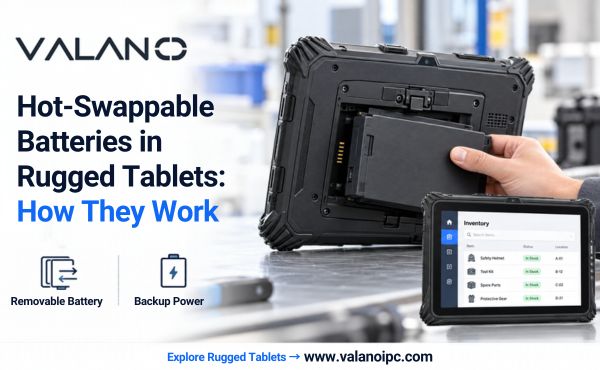
When choosing rugged Android tablets, buyers should check battery capacity, real working time, charging method, and whether hot-swappable battery options are available. For vehicle-based work, charging docks or vehicle chargers are also important.
Sunlight-Readable Touchscreen
Outdoor workers often use tablets under direct sunlight. A normal screen may become difficult to read, especially in bright environments.
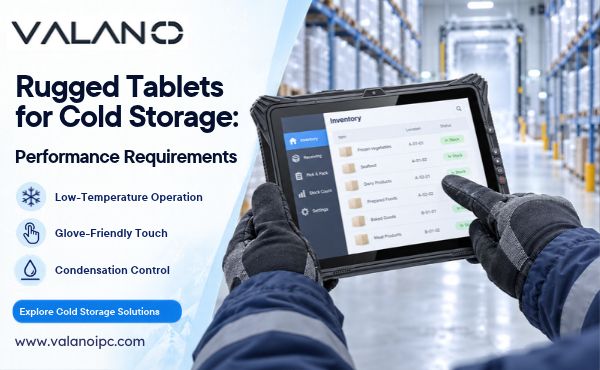
A rugged Android tablet for field work should have a bright display, anti-glare design, and responsive touch support. Glove touch and wet touch functions are also useful for construction, cold storage, utility inspection, and outdoor maintenance.
Barcode Scanner, NFC, RFID, and Camera Options
Many field jobs involve data collection. A rugged Android tablet can be configured with different modules depending on the workflow.
Common options include:
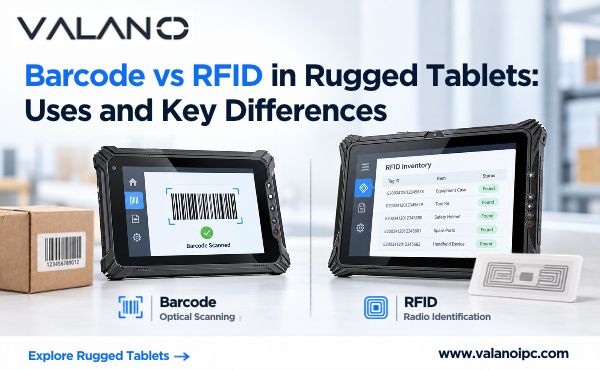
- Barcode scanner for inventory, warehouse, and logistics
- NFC for access control and ID verification
- RFID for asset tracking
- Camera for inspection photos and proof records
- Fingerprint module for identity verification
- GPS for location-based data collection
These functions help reduce manual typing, improve accuracy, and make field reporting faster.
Wireless Connectivity
Field teams need stable communication. Rugged Android tablets should support WiFi, Bluetooth, 4G, or 5G depending on the working environment.
In warehouses, WiFi may be enough. For outdoor inspection, logistics, agriculture, and mobile service teams, 4G or 5G is often necessary. Bluetooth can also connect scanners, printers, headsets, or other accessories.
Common Field Work Applications
Rugged Android tablets are used across many industries because they solve common field problems: slow reporting, paper-based records, poor communication, device damage, and inaccurate data.
Logistics and Warehouse Operations
In warehouse and logistics work, rugged Android tablets help workers scan barcodes, update inventory, check shipments, confirm delivery status, and manage route information.
They can connect with WMS, ERP, or inventory systems, helping teams reduce manual errors and improve order processing speed.
Construction and Engineering Sites
Construction teams use rugged Android tablets to view drawings, submit site reports, take photos, check equipment, record safety inspections, and communicate with project managers.
Because construction sites often have dust, vibration, rain, and impact risks, rugged devices are more reliable than standard tablets.
Agriculture and Outdoor Operations
Agricultural operations can use rugged Android tablets for GPS mapping, crop monitoring, field data collection, irrigation checks, machinery inspection, and work reporting.
Outdoor farms require tablets that can handle sunlight, dust, moisture, and long working hours.
Utility Inspection and Maintenance
Utility workers use rugged Android tablets for meter reading, line inspection, repair records, maintenance forms, and location-based reporting.
With GPS, camera, and wireless upload, workers can send accurate field information to the office without waiting until the end of the day.
Vehicle Inspection and Fleet Service
Vehicle inspection teams use rugged Android tablets to scan VIN codes, complete inspection forms, take photos, record service results, and upload reports.
This helps improve inspection speed and creates clearer digital records for each vehicle.
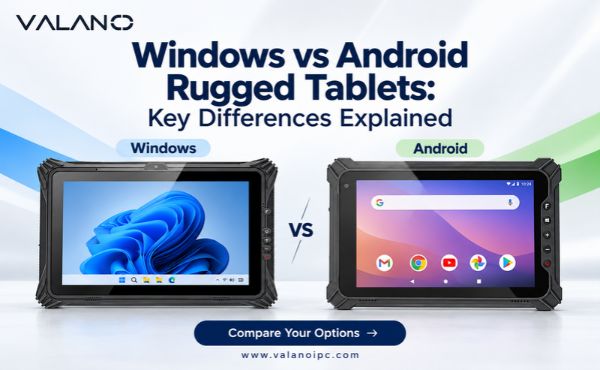
Android vs Windows Rugged Tablets for Field Work
Both Android and Windows rugged tablets can be used in industrial environments, but they serve different needs.
| Feature | Rugged Android Tablets | Windows Rugged Tablets |
|---|---|---|
| Best for | Mobile field apps and data collection | Desktop software and legacy programs |
| Ease of use | Familiar and simple | More like a PC |
| Deployment | Fast for mobile teams | Better for Windows-based systems |
| App ecosystem | Strong mobile app support | Strong enterprise software support |
| Cost | Often more flexible | Usually higher |
| Common use | Scanning, GPS, inspection, logistics | Industrial control, engineering software |
Android is often a better choice when teams need mobile apps, barcode scanning, GPS tracking, inspection forms, and fast deployment. Windows may be better when the company depends on desktop software or older Windows-based systems.
How to Choose the Right Rugged Android Tablet
Before buying, companies should not only compare specifications. The best tablet is the one that fits the real working environment and business workflow.
Confirm the Working Environment
Start by asking where the tablet will be used. Is the work indoors or outdoors? Will workers face rain, dust, vibration, high temperatures, low temperatures, or frequent drops?
For harsh outdoor work, choose stronger protection, better screen brightness, and longer battery life. For warehouse work, scanner performance and WiFi stability may be more important.
Choose the Right Screen Size
Different field tasks need different screen sizes.
| Screen Size | Best For |
|---|---|
| 7 inch | One-hand use, scanning, mobile inspection |
| 8 inch | Balanced size for field workers |
| 10 inch | Drawings, forms, maps, reports |
| 12 inch or larger | Vehicle-mounted work, engineering, complex data |
A smaller tablet is easier to carry. A larger screen is better for drawings, maps, and detailed forms.
Check Performance and Storage
CPU, RAM, and storage affect app speed and long-term usability. If the tablet needs to run multiple apps, scan data, upload images, or connect with enterprise systems, choose a configuration with enough memory and storage.
For business projects, it is better to choose a tablet that can support future software updates and long-term use.
Match Data Collection Modules
Different industries need different modules. A logistics company may need barcode scanning. A utility team may need GPS and camera. A warehouse may need RFID or NFC. A vehicle inspection team may need VIN scanning and photo records.
Before placing a bulk order, confirm which modules are necessary and which are optional.
Consider Accessories
Accessories can improve field usability. Common accessories include:
- Hand strap
- Shoulder strap
- Vehicle dock
- Charging cradle
- Stylus
- Protective case
- Screen protector
- External keyboard
- Vehicle charger
For mobile teams, the right accessories can make the tablet easier to carry, mount, charge, and use during a full shift.
Check Customization Support
For B2B buyers, customization is often important. A professional rugged tablet supplier may support custom RAM, storage, scanner module, logo, packaging, OS settings, app pre-installation, and OEM/ODM requirements.
This is useful for distributors, system integrators, logistics companies, industrial projects, and enterprise deployments.
Buying Mistakes to Avoid
Many buyers focus only on price, but this can lead to higher costs later. A cheap device may fail faster, require more repairs, or slow down field workers.
Avoid these common mistakes:
- Choosing a tablet without checking the real working environment
- Ignoring battery life
- Buying a screen that is too small or too dim
- Overlooking GPS, scanner, or connectivity needs
- Not confirming Android version and app compatibility
- Ignoring mounting and charging accessories
- Choosing a supplier without customization or bulk order support
A good rugged Android tablet should match both the work environment and the software workflow.
Why Buy from an Industrial Rugged Tablet Manufacturer?
A reliable infindustrial tablet manufacturer can help match the product to your actual application, order quantity, and customization requirements.
For business buyers, this can bring several advantages:
- More stable supply for bulk orders
- Better product configuration support
- Custom logo and packaging options
- Optional barcode, NFC, RFID, GPS, and camera modules
- OEM/ODM support
- Better communication for project-based orders
- More suitable solutions for distributors and system integrators
If your team needs rugged Android tablets for field work, warehouse operations, vehicle inspection, agriculture, logistics, or industrial maintenance, working with a reliable manufacturer can reduce sourcing risk and improve long-term support.
Frequent Asked Questions
Are rugged Android tablets waterproof?
Many rugged Android tablets are designed with IP-rated water and dust protection. Buyers should check the specific IP rating, such as IP65, IP67, or IP68, based on the working environment.
Can rugged Android tablets be used outdoors?
Yes. Rugged Android tablets are suitable for outdoor work when they include a sunlight-readable screen, strong battery, GPS, wireless connectivity, and dust/water protection.
Do rugged Android tablets support GPS?
Many rugged Android tablets support GPS for location tracking, route planning, field inspection, agriculture, logistics, and outdoor data collection.
Are rugged Android tablets good for warehouse scanning?
Yes. Rugged Android tablets can support barcode scanning, RFID, NFC, WiFi, and inventory apps, making them useful for warehouse and logistics operations.
Can rugged Android tablets connect with ERP or WMS systems?
Yes. Rugged Android tablets can usually connect with ERP, WMS, inspection software, maintenance systems, or custom Android apps, depending on software compatibility.
What screen size is best for field workers?
For mobile field workers, 7-inch or 8-inch tablets are easier to carry. For forms, maps, drawings, and reports, 10-inch tablets may be more suitable.
Can rugged Android tablets be customized for bulk orders?
Yes. Many industrial manufacturers support customization such as RAM, storage, scanner modules, GPS, NFC, RFID, logo, packaging, and software configuration.
Conclusion
Rugged Android tablets are a practical choice for field work because they combine durability, Android app flexibility, GPS, wireless communication, long battery life, and data collection functions. For companies working in logistics, construction, agriculture, utilities, vehicle inspection, or industrial maintenance, the right industrial tablet can improve daily efficiency and reduce device failure. When purchasing, compare the environment, software needs, modules, battery life, and customization support before making a decision.