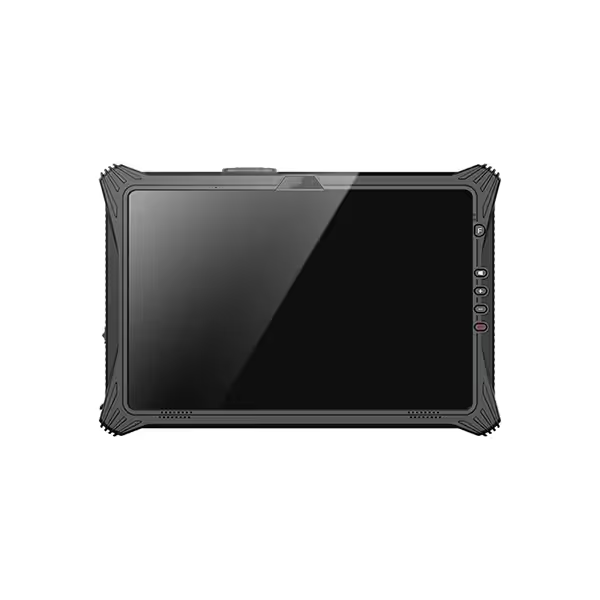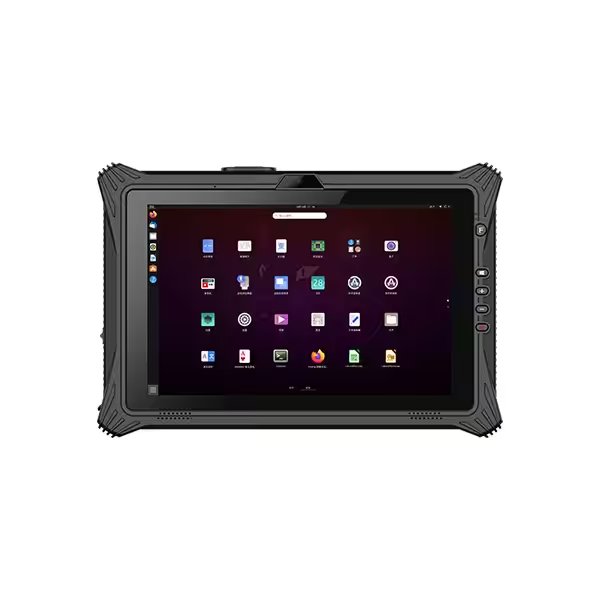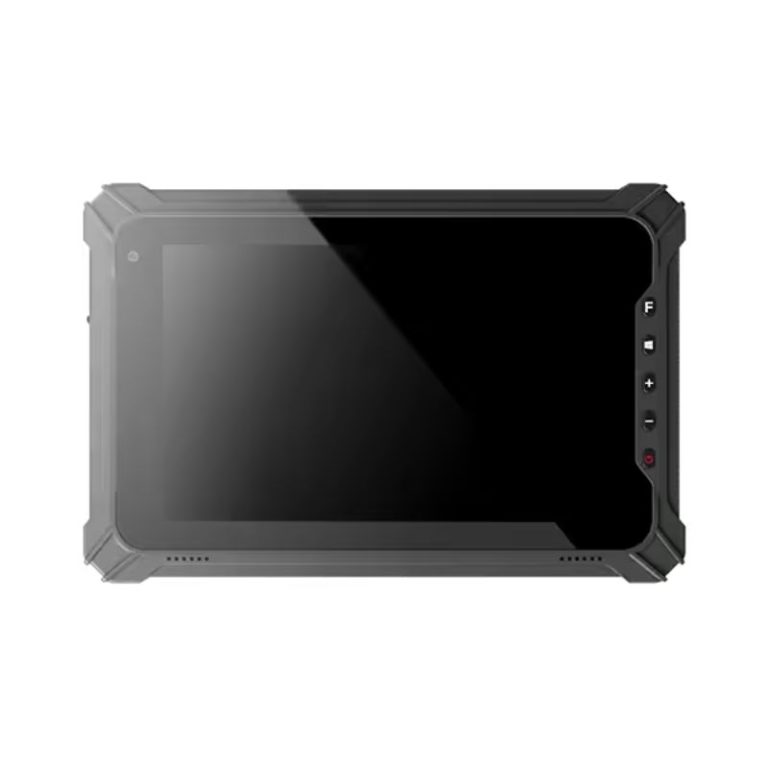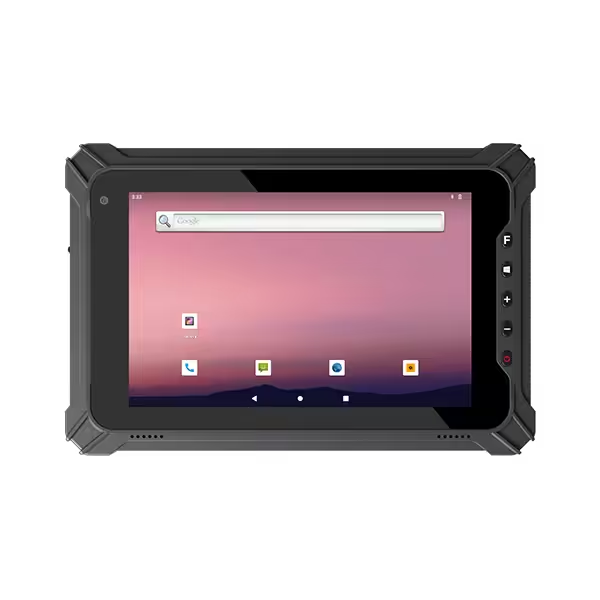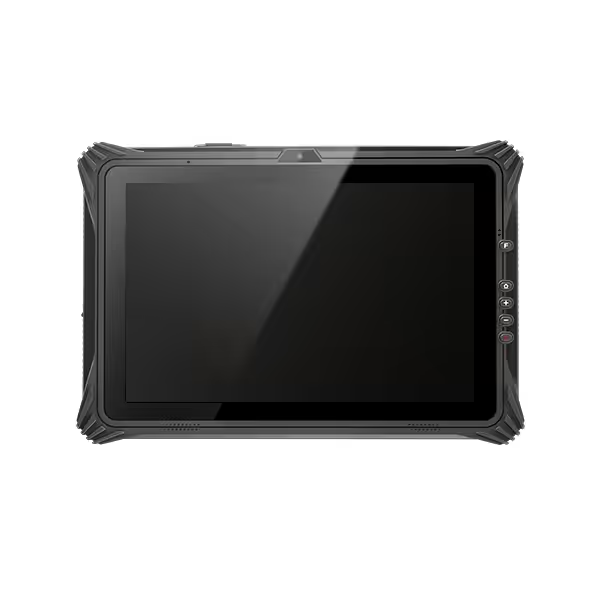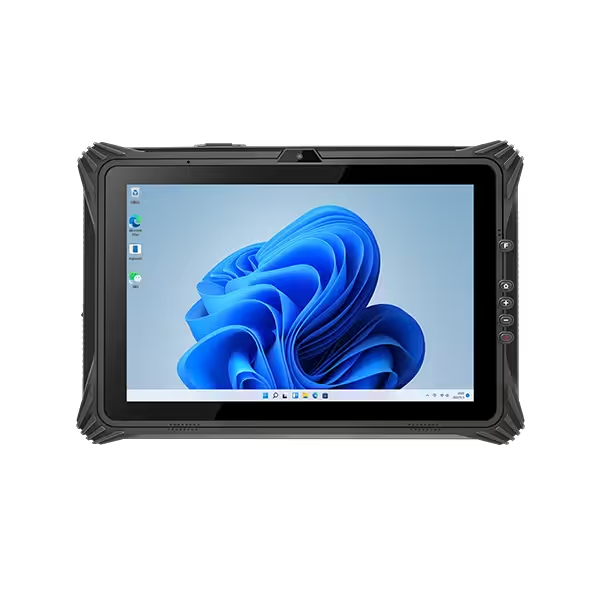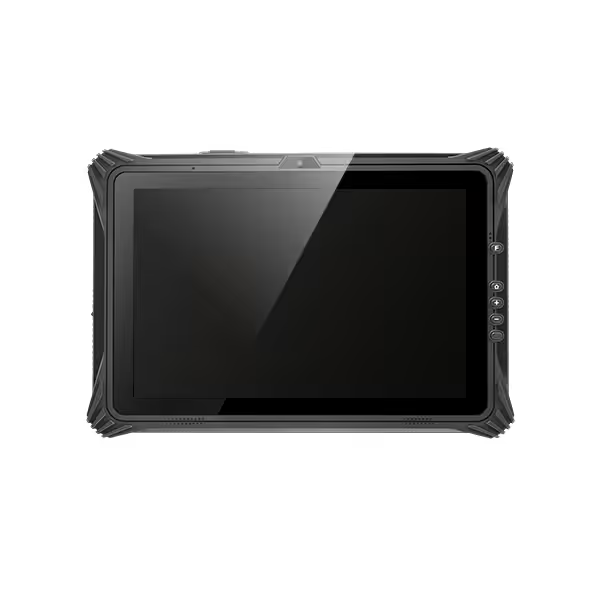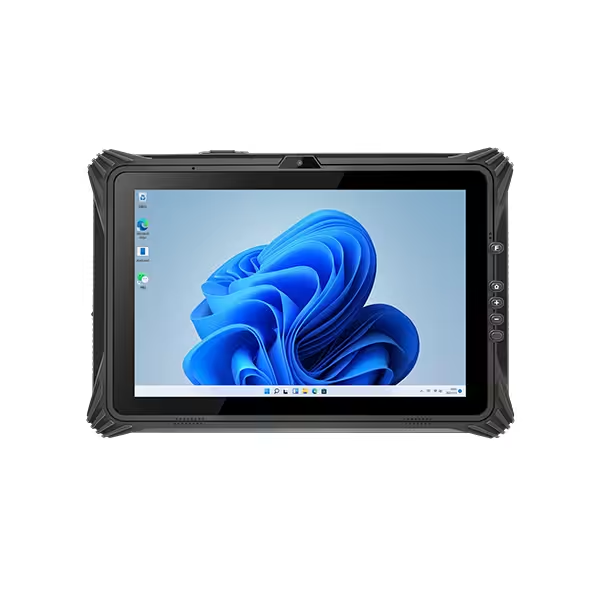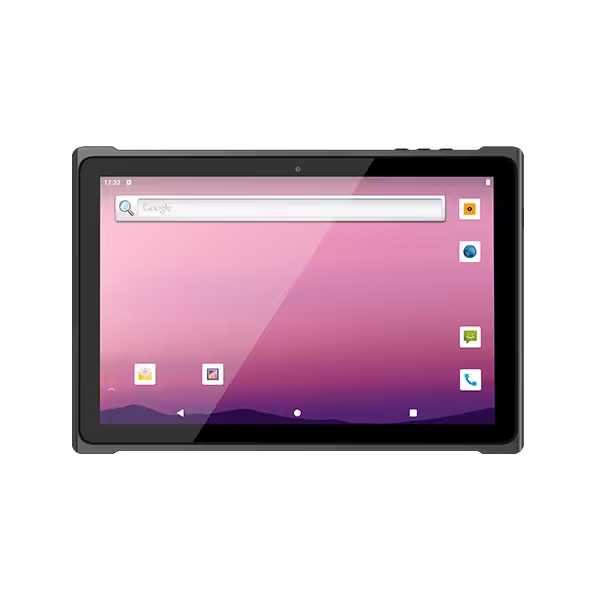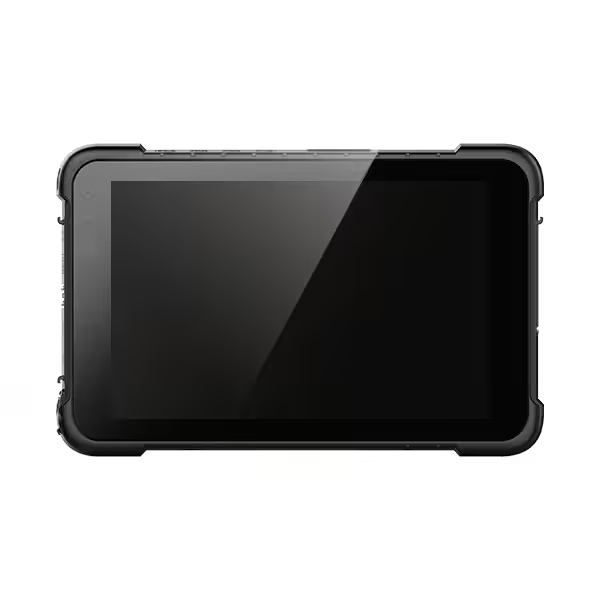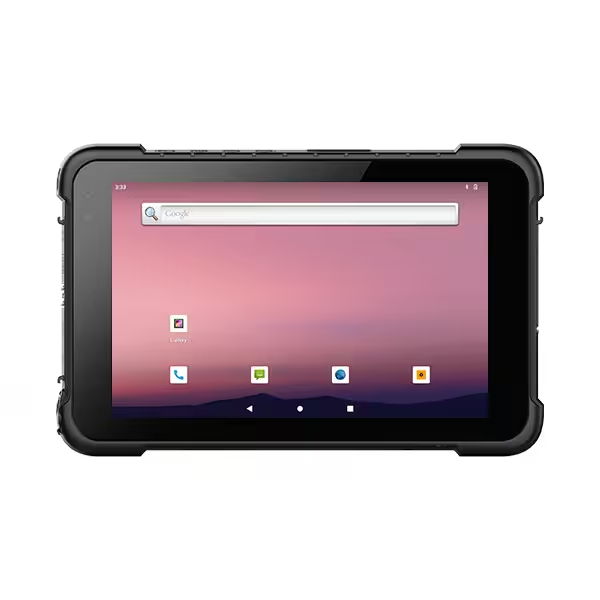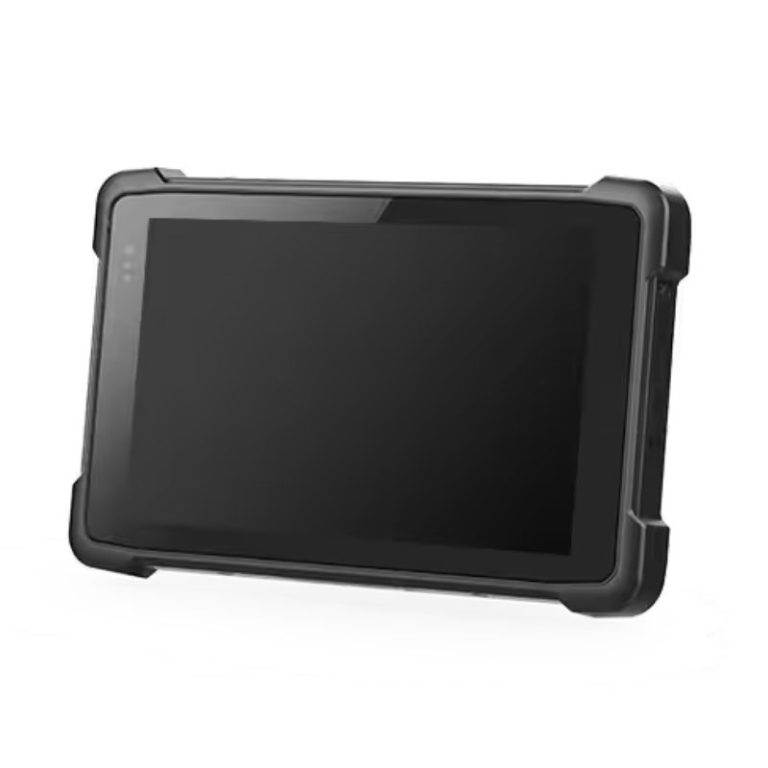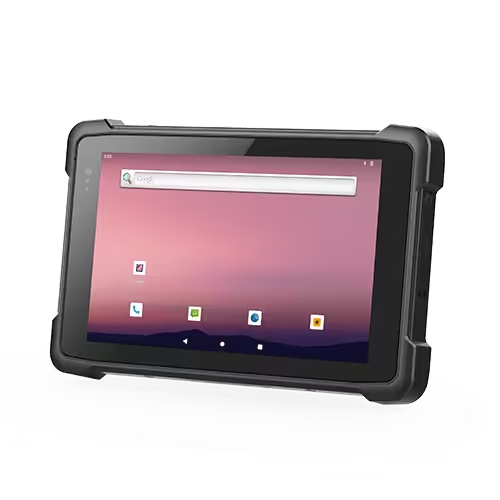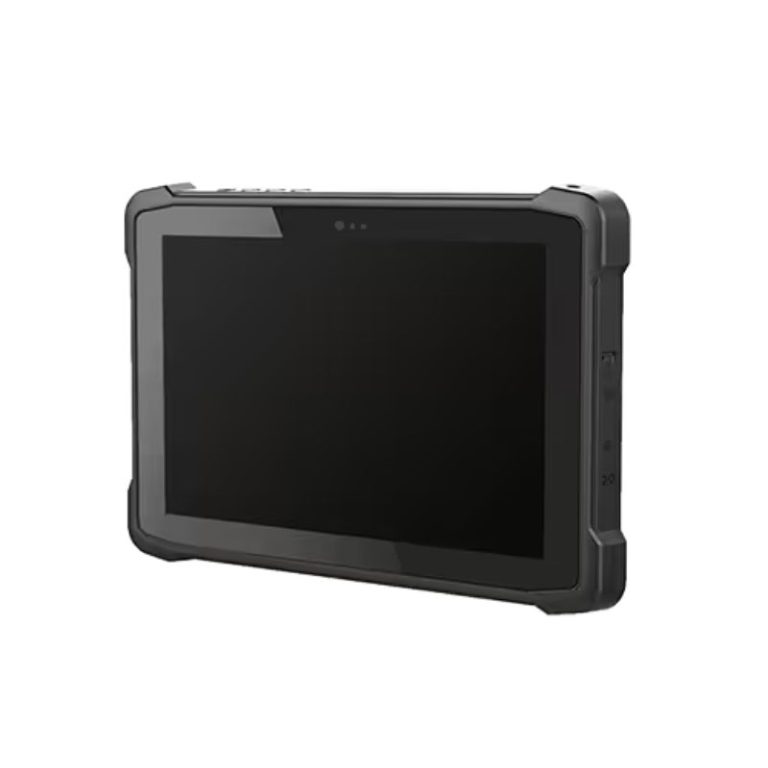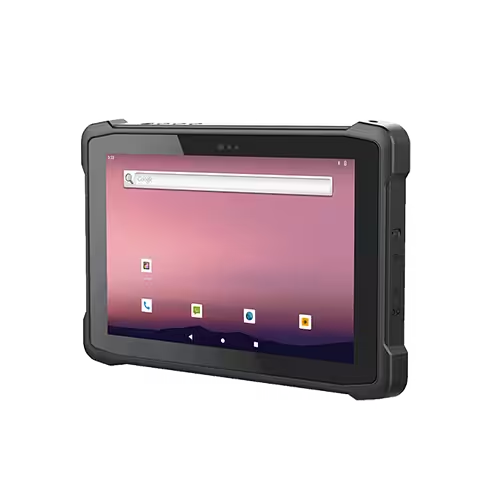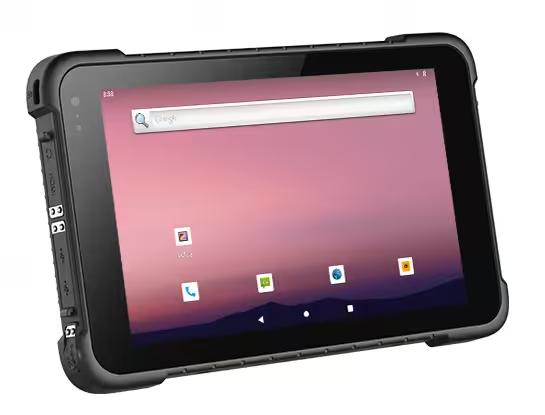
Rugged tablets are used for inventory management, equipment inspections, field maintenance, construction reporting, delivery confirmation, and other mobile tasks in demanding environments. They give workers access to business software and digital records where dust, rain, vibration, rough handling, or temperature changes make ordinary devices less suitable.
Their purpose extends beyond durability. Depending on the configuration, rugged tablets combine portable computing with barcode scanning, location services, cameras, equipment connections, and vehicle docking. The most useful features depend on what workers need to do, which applications they run, and where they work.
Warehousing and Inventory Management
In warehouses, rugged tablets connect physical stock movements with warehouse management systems, commonly called WMS. Workers use them to receive goods, confirm storage locations, follow picking instructions, record stock transfers, and investigate inventory discrepancies. A larger display can show product images, order details, and location information together.
Barcode scanning supports these tasks, but scanner requirements vary. Reading nearby carton labels differs from scanning pallet labels on high racks. Integrated scan engines or connected scanners must support the required barcode types, reading distances, and label conditions. Camera scanning may suit occasional checks, while repetitive scanning deserves testing under actual operating conditions.
Cold storage adds another requirement. Moving between warm and freezing areas can create condensation that affects screen visibility and scanning. A low operating-temperature specification alone does not establish suitability for these transitions; some freezer configurations use heaters and additional condensation protection.
Manufacturing and Quality Control
Manufacturers use rugged tablets to display assembly instructions, record production quantities, complete inspection forms, and access equipment maintenance histories. Instead of returning to office terminals, operators and technicians can review information beside production lines, workstations, or machinery.
During quality checks, workers can associate measurements, photographs, and defect descriptions with the relevant part, batch, or work order. Maintenance teams can retrieve service procedures and record completed repairs through computerized maintenance management systems, or CMMS. These uses depend on compatible software and an established method of identifying equipment and production records.
Equipment connections require particular attention. A USB socket does not guarantee compatibility with measuring instruments or diagnostic tools. Drivers, communication protocols, operating systems, and adapters must also match. For mobile monitoring and maintenance, the tablet provides an accessible interface; safety functions should remain within the properly designed machine control system.
Field Service and Utility Inspections
Field technicians use rugged tablets to receive work orders, identify assets, consult manuals, document faults, and close service jobs. Photographs, inspection results, and replacement-part records can stay attached to the same job, making the service history easier for subsequent technicians to follow.
Utility applications include meter inspections, pole surveys, water-network maintenance, and telecommunications service visits. Geographic information systems, or GIS, help crews relate asset records to maps. Workers can check equipment locations and update inspection information while moving between sites. These are established applications within utility rugged-computing deployments.
Remote work also requires offline planning. The application must support downloaded records, local data entry, and later synchronization. Cellular connectivity cannot compensate for missing coverage. Before deployment, teams should check what happens when several technicians edit the same record and how the system handles incomplete uploads.
Construction and Infrastructure Projects
On construction sites, rugged tablets are used to review drawings, annotate plans, record defects, complete inspections, and document progress. Supervisors can compare installed work with approved information and attach photographs or comments to specific locations, rather than keeping separate paper notes. Construction is a recurring application across rugged tablet manufacturers’ industry guides.
The display and software must suit the documents. Detailed drawings need readable dimensions, responsive zooming, and workable annotation tools. Screen glare, carrying weight, glove operation, and stylus performance influence whether workers can comfortably use the device throughout site visits. Access to the correct drawing revision also matters when files are stored offline.
For surveying-related work, tablets can display mapping software and communicate with compatible positioning equipment. However, ordinary built-in GPS should not be assumed to provide survey-grade accuracy. Precise layout or measurement requires a positioning solution with verified accuracy, suitable receivers, and any necessary correction services.
Transportation and Delivery Operations
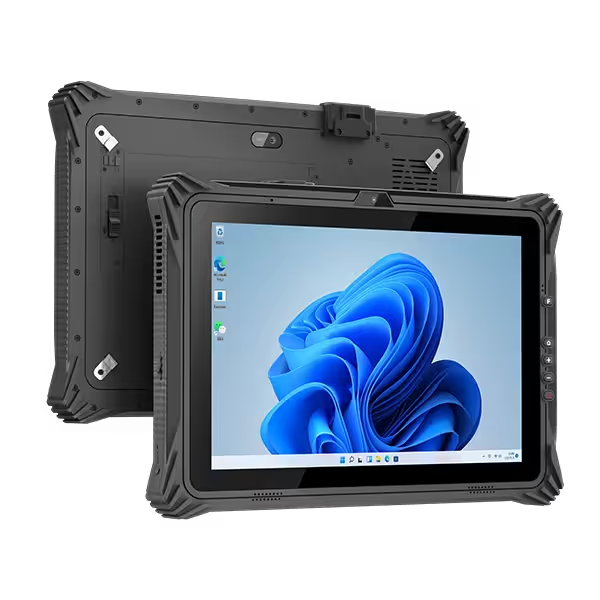
Transportation teams use rugged tablets for route information, dispatch updates, proof of delivery, vehicle inspections, and shipment documentation. Drivers can capture signatures, photograph damaged goods, record delivery exceptions, and send completed records back to operations teams through the relevant fleet application.
A device may remain docked inside the vehicle during travel and then be carried to the delivery point. That workflow requires dependable docking, charging, and easy removal. Mount placement should preserve visibility and access to vehicle controls, while the application should accommodate interruptions in mobile coverage.
The complete installation matters as much as the tablet. Fleet teams need to check the dock’s vehicle-power compatibility, connector retention, vibration suitability, and mounting arrangement. An appropriate vehicle dock can support repeated transitions between cab and delivery location without relying on loose charging cables.
Agriculture and Forestry
Agricultural teams use rugged tablets for field observations, crop inspection records, irrigation checks, livestock information, and machinery service documentation. Forestry crews can use similar devices for mapping, survey records, and documenting conditions across dispersed outdoor locations. Agriculture and forestry appear among established rugged-computing application areas.
These tasks combine outdoor visibility, portable data entry, and location information. Workers may need to record observations while wearing gloves or operating away from charging facilities. Device weight, carrying accessories, and practical battery endurance become important when the tablet stays with the worker for extended periods.
Positioning requirements depend on the activity. General location tagging and navigation differ from precision agriculture or boundary measurement. Where accuracy directly affects decisions, teams should verify the receiver, antenna arrangement, correction method, and application compatibility rather than choosing devices simply because GPS is listed.
Mining, Oil and Gas Operations
Mining and energy operations use rugged tablets for asset inspections, maintenance records, work instructions, and field reporting. Technicians can access equipment histories near machinery and record findings at inspection points. In dispersed facilities, these devices also support access to technical documents and remote assistance where connectivity permits.
Potentially explosive atmospheres require separate consideration. Rugged construction, ingress protection, and drop testing do not establish suitability for hazardous locations. Some tablets have specific hazardous-location approvals, but those approvals apply to defined configurations and operating conditions. Manufacturers distinguish these products from general rugged models.
For such deployments, the exact device certification must match the site’s classification and environmental requirements. Accessories, batteries, and permitted use conditions also need review. A tablet suitable for ordinary outdoor inspections may therefore be unsuitable for another location within the same industrial facility.
Public Safety and Emergency Response
Police, fire, rescue, and emergency medical teams use rugged tablets to access dispatch information, view maps, complete incident reports, and retrieve operational documents. Their portability allows information to move between vehicles and incident locations rather than remaining at fixed terminals. Public safety is a well-established rugged tablet application.
The requirements extend beyond surviving rough handling. Responders need readable screens, dependable power arrangements, secure authentication, and applications that remain usable under time pressure. Where operations require specialist communication networks or equipment connections, those capabilities must be verified for the selected configuration.
Sensitive information also requires appropriate access controls, device management, and organizational procedures. A durable enclosure does not determine how securely records are stored or shared. Operational trials should therefore assess the complete workflow, including login, document retrieval, reporting, and recovery after connectivity interruptions.
Healthcare and Mobile Clinical Work
Healthcare teams can use suitable rugged tablets for mobile documentation, accessing patient records, identity checks, and equipment tracking. Ambulance services and mobile care teams may need portable devices that move between vehicles and treatment locations while supporting clinical applications.
Cleaning compatibility needs separate verification. Water resistance does not prove that an enclosure, screen coating, or accessory can withstand repeated exposure to disinfectants. The manufacturer’s approved cleaning agents, concentrations, and procedures should match the intended cleaning routine before devices enter regular use.
Clinical deployment also depends on software integration, patient-data protection, and any requirements associated with the intended function. A general rugged tablet used to access records should not automatically be treated as an approved medical device or assumed suitable for every treatment environment.
Rugged Tablet Features for Different Applications
Application requirements should guide configuration. The following examples connect common working conditions with the features that deserve practical evaluation.
| Working requirement | Features to evaluate |
|---|---|
| Frequent stock identification | Scanner type, reading distance, trigger access, application integration |
| Outdoor document review | Glare control, display readability, touch and stylus operation |
| Extended mobile shifts | Tested runtime, spare batteries, charging arrangements, carrying weight |
| Equipment diagnostics | Operating system, drivers, interfaces, communication protocols |
| Vehicle-to-field work | Dock compatibility, mounting, vehicle power, connector retention |
| Intermittent connectivity | Offline records, local storage, synchronization behavior |
Windows and Android rugged tablets can support different application environments. Selection should begin with the required software, peripherals, and support arrangements rather than assuming either platform is universally better. Device management, security updates, and accessory availability also affect continued use.
Environmental specifications need similar care. IP ratings describe tested protection against solid-particle and water ingress; they do not summarize every durability characteristic. Temperature limits, drop tests, vibration performance, and cleaning compatibility require their own evidence.
A practical trial should reproduce the actual task: reading labels, opening documents, wearing the intended gloves, using the dock, and working through connectivity gaps.

Frequently Asked Questions
What are rugged tablets used for?
Rugged tablets are used for inventory management, equipment inspections, field maintenance, construction reporting, and delivery tracking. Industries such as manufacturing, logistics, utilities, agriculture, and public safety use them to access software and collect data in demanding environments. Depending on the model, features include barcode scanning, GPS, glove-compatible touchscreens, and vehicle docking.
Can rugged tablets replace laptops?
They can replace laptops for compatible inspection, reporting, scanning, and mobile service tasks. A keyboard or dock can support longer data-entry sessions. Applications requiring extensive typing, large displays, specialist graphics performance, or unsupported peripherals may still favor laptops or fixed workstations.
Can rugged tablets read RFID tags?
Some configurations support integrated or external RFID readers. NFC functionality does not automatically provide long-range UHF RFID reading. The reader, tag technology, operating frequency, required distance, and software integration must match the application.
Are all rugged tablet batteries hot-swappable?
No. A removable battery may still require shutdown before replacement. Hot swapping requires a supported power arrangement that keeps the tablet operating during the change. Check the model’s documented procedure and available replacement interval.
Does a rugged tablet need a SIM card?
Only when using supported cellular connectivity. Wi-Fi applications and offline tasks can operate without a SIM. Where cellular service is required, check network compatibility, coverage, and the device’s supported SIM or eSIM arrangement.
Conclusion
Rugged tablets are used wherever workers need portable access to information in demanding conditions. Key industry applications include warehouse inventory, manufacturing inspections, field maintenance, construction reporting, transportation, agriculture, energy operations, public safety, and mobile healthcare.
The right configuration follows the task. Software compatibility, data capture, connectivity, ergonomics, power, and environmental suitability all influence whether the device supports daily work effectively. Evaluating these requirements together makes rugged tablets more useful than selecting them on durability claims alone.