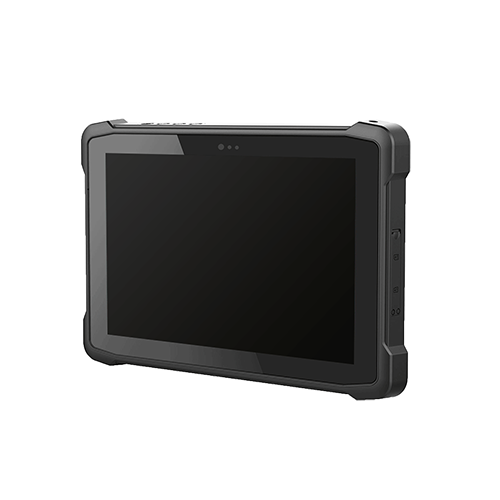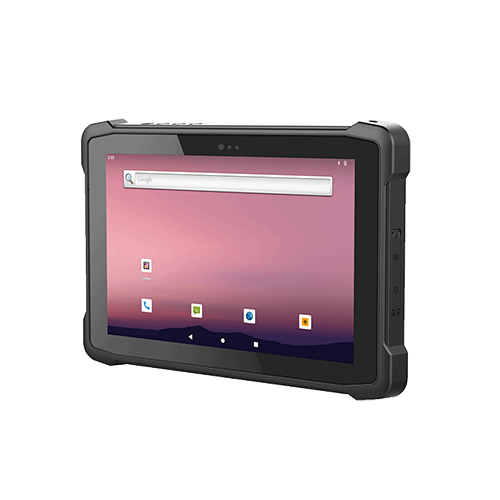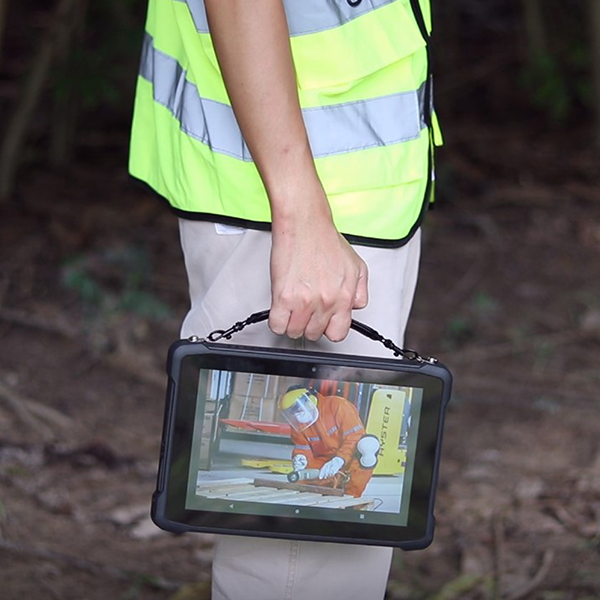
Hot-swappable batteries allow a compatible rugged tablet to remain powered while a removable battery is replaced. The device needs another supported power source during the exchange, such as a bridge battery or a second installed battery. A removable battery alone does not establish hot-swap capability.
This feature can support shared devices, long shifts and mobile tasks where shutdown and restart would interrupt work. Its value depends on the backup power design, replacement procedure and charging system. Before purchasing, confirm exactly what remains active during the swap and how much time the operator has to complete it.
Hot Swap, Warm Swap and Battery Replacement
Battery terminology is not always used consistently across suppliers. Ask for the operating procedure and supported behavior rather than accepting a feature label without evidence.
| Battery arrangement | Expected replacement behavior | Purchasing check |
|---|---|---|
| Removable battery without backup | Device normally needs another power source or shutdown | Required power-off procedure |
| Bridge-battery hot swap | Small internal supply maintains supported operation temporarily | Swap window, workload limits and backup readiness |
| Dual-battery hot swap | One supported battery supplies power while the other is replaced | Remaining charge and permitted replacement sequence |
| Sleep-based or warm swap | State may be retained while normal operation pauses | Resume behavior and application continuity |
Some suppliers use warm swap to describe replacement in a sleep or suspended state. Others define it differently. Establish whether the screen, radios and application remain active, pause temporarily or need to reconnect afterward.
The distinction matters for a maintenance form, a barcode transaction and a live remote session. Keeping the device powered is useful, but preserving the business task may involve more than electrical continuity.
Backup Power Designs
Bridge Batteries
A bridge battery provides temporary power after the main pack is removed. Its purpose is to cover the replacement interval, not to run a complete shift. The allowed interval and operating conditions depend on the model and configuration.
Check whether the bridge battery is standard or optional. Some rugged tablet families offer hot swap only when the bridge option is installed. The presence of a removable main pack on the base model is therefore insufficient evidence.
Ask how the backup charges, how its readiness is indicated and what happens if it is depleted. A unit that has been unused for some time may need charging before a safe swap. Follow the device instructions rather than assuming the backup is always ready.
Dual-Battery Systems
A dual-battery arrangement can allow one pack to power the tablet while the other is replaced. That requires compatible power management and sufficient charge in the remaining battery. Do not remove both packs or assume that every device with two batteries supports replacement during operation.
Confirm the permitted sequence, battery compatibility and any restrictions on replacing different pack sizes. Inspect access to each battery when the tablet is in its protective case, carrying harness or vehicle dock. A technically supported swap may still be impractical if accessories block the latch.
Application Continuity During Replacement
Power continuity and task continuity are separate acceptance criteria. A tablet may stay on while an accessory disconnects, a wireless session expires or a poorly designed application loses an unsaved transaction.
Use an application test that matches the real work. Keep an inspection form open, capture a barcode or run the relevant service tool during a supported battery replacement. Check whether entered data remains present and whether the next transaction is accepted correctly.
Then test the backend record. A reconnecting application may submit a queued operation twice or leave its status unclear. Battery hardware cannot guarantee transaction handling, so the pilot should inspect the application logs or records where possible.
For workflows that cannot tolerate a pause, obtain confirmation about the supported load during the swap. Processor-intensive tasks, maximum display brightness and connected accessories may place different demands on the backup supply. The published swap window should be evaluated under the manufacturer’s stated conditions, then checked against your deployment.
Battery Capacity and Shift Planning
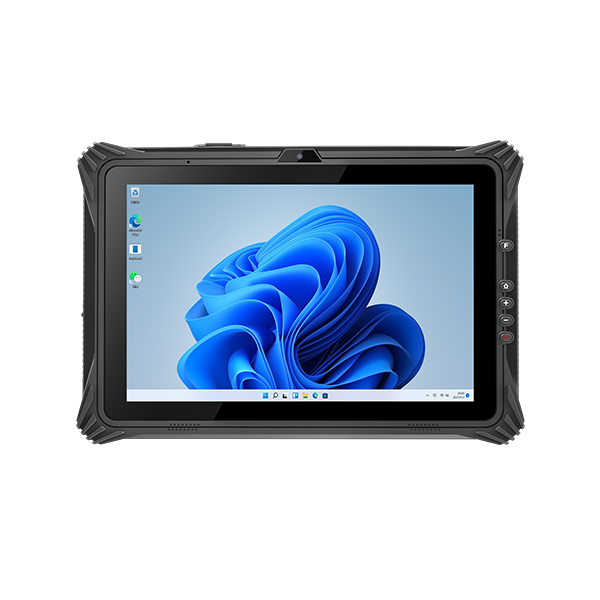
Hot-swappable batteries extend operational coverage by allowing replacement. They do not make a single pack last longer. Plan energy availability across the shift, including the time spent scanning, using cellular data, viewing bright displays and running external readers.
Compare battery energy in watt-hours when packs have different nominal voltages. Capacity in milliamp-hours is not directly comparable across unequal voltages. A basic relationship is watt-hours equals amp-hours multiplied by nominal voltage; it estimates stored energy, not guaranteed runtime.
Measure runtime using the proposed workflow. Include realistic display settings, network traffic and environmental conditions. Preserve an operating reserve so that the worker is not forced to begin a replacement only after the tablet has nearly exhausted its main battery.
For a shared pool, calculate spare-pack demand from the number of active tablets, measured pack runtime, charging turnaround and shift overlap. Start with the packs needed to keep working while discharged packs recharge, then include a reserve for aging or an unavailable charging slot. A universal rule such as one spare per tablet can understate or overstate the requirement.
Chargers, Storage and Battery Maintenance
A hot-swap workflow depends on charged replacement packs being available at the right location. Check charger capacity, pack compatibility, charge indicators and the electrical supply for the charging area. Include charging accessories in the evaluation rather than treating them as an afterthought.
Charging limits can differ from operating limits. Follow the specified battery and charger temperature ranges, particularly after cold storage work. A pack that powers the tablet in low temperatures may need to warm within its permitted range before charging.
Identify packs so that poor performers can be removed from circulation. Record unusual runtime, damaged latches, intermittent contact and visible battery damage. Replace batteries according to the manufacturer’s condition criteria; do not invent a fixed replacement interval that applies to every fleet.
Store spare packs with protected contacts and in approved conditions. Keep charged and discharged inventory distinguishable. At shift handover, operators should know which packs are ready rather than discovering their condition after opening a tablet.
Replacement Procedure and Acceptance Testing
Develop the work instruction from the manufacturer’s procedure for the purchased configuration. A typical planning sequence is to verify backup readiness, prepare a compatible charged pack, perform the supported replacement and confirm the new pack is latched and recognized. The exact order and permitted time come from the device manual.
Before a fleet purchase, test:
- Replacement with the intended case, handle and mounting accessories installed.
- Latch operation while wearing normal work gloves.
- Display, radio, peripheral and application behavior during the exchange.
- Recognition of the replacement pack and accurate charge reporting.
- Recovery behavior when the backup is not ready.
- Repeated swaps across a representative shift.
Do not deliberately exceed a documented replacement limit while a critical transaction is active. Test failure behavior under controlled conditions with recoverable data. Acceptance should include reliable operator execution, not merely a successful demonstration by the supplier.
Conclusion
Evaluate hot-swappable batteries as a complete power and workflow system. Confirm the installed backup design, documented replacement conditions and application behavior. Combine those checks with adequate charging capacity and battery handling procedures so that the feature supports continuity throughout the working day.