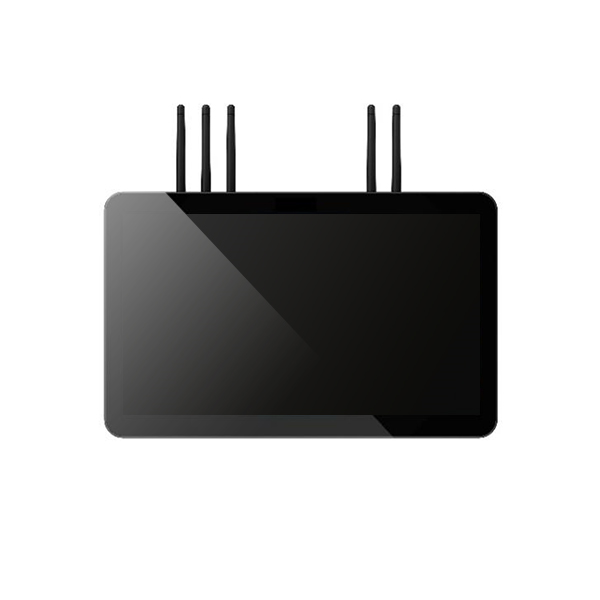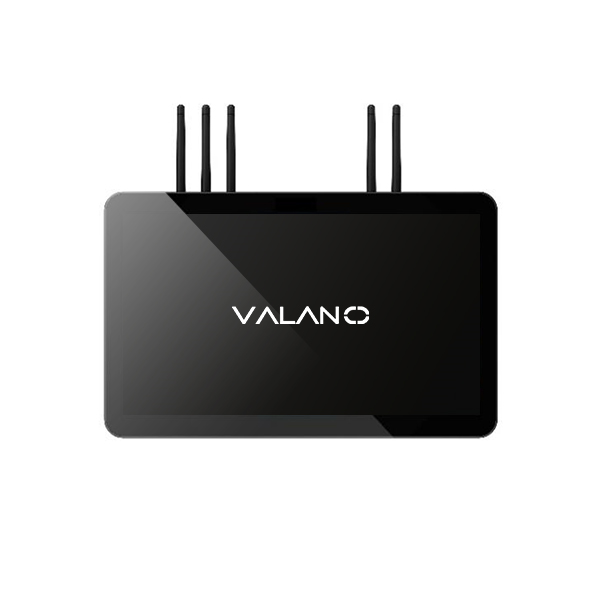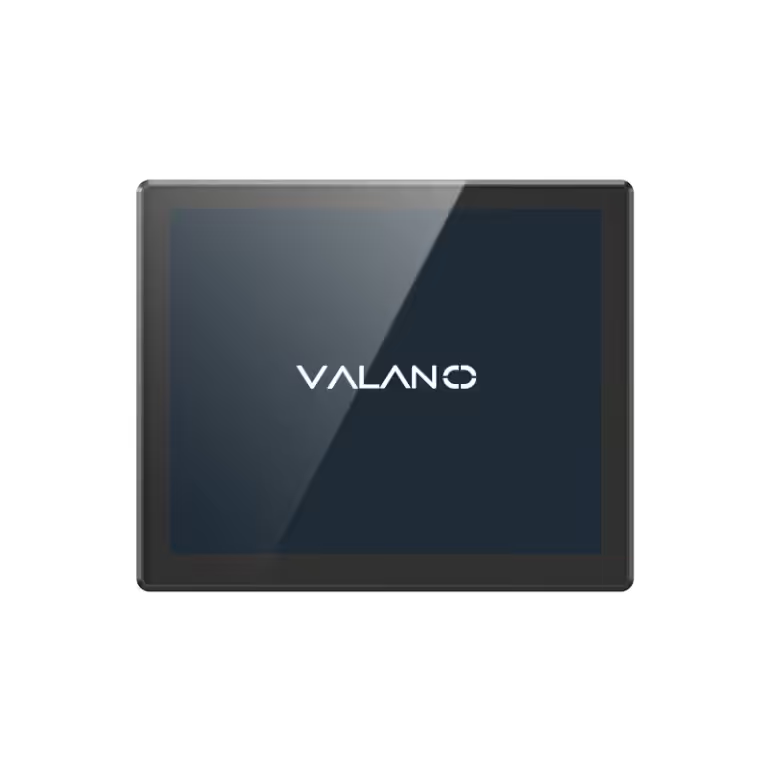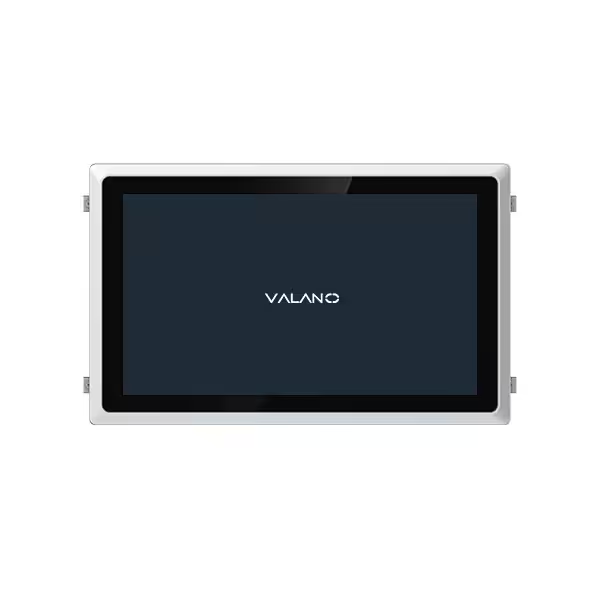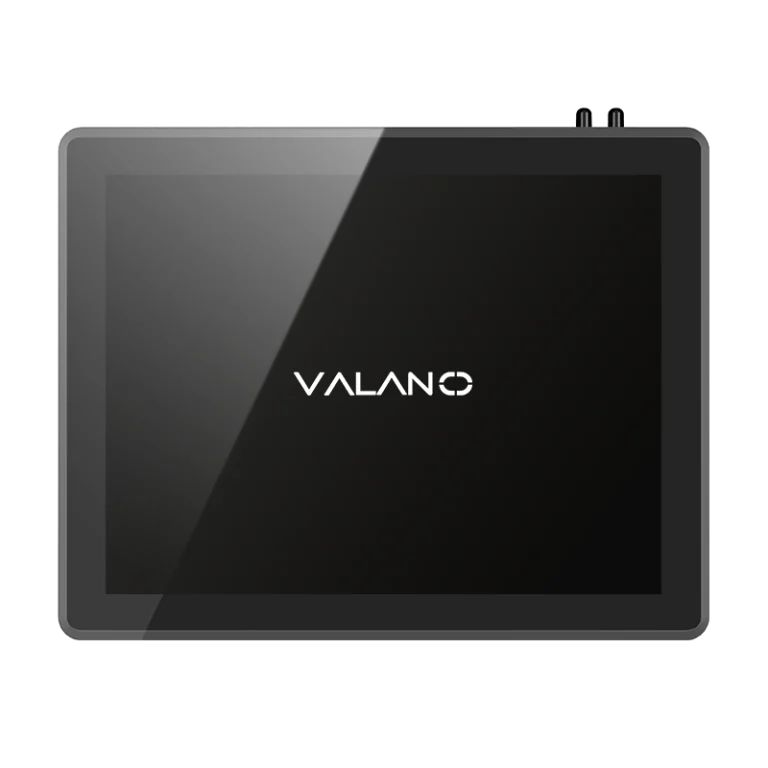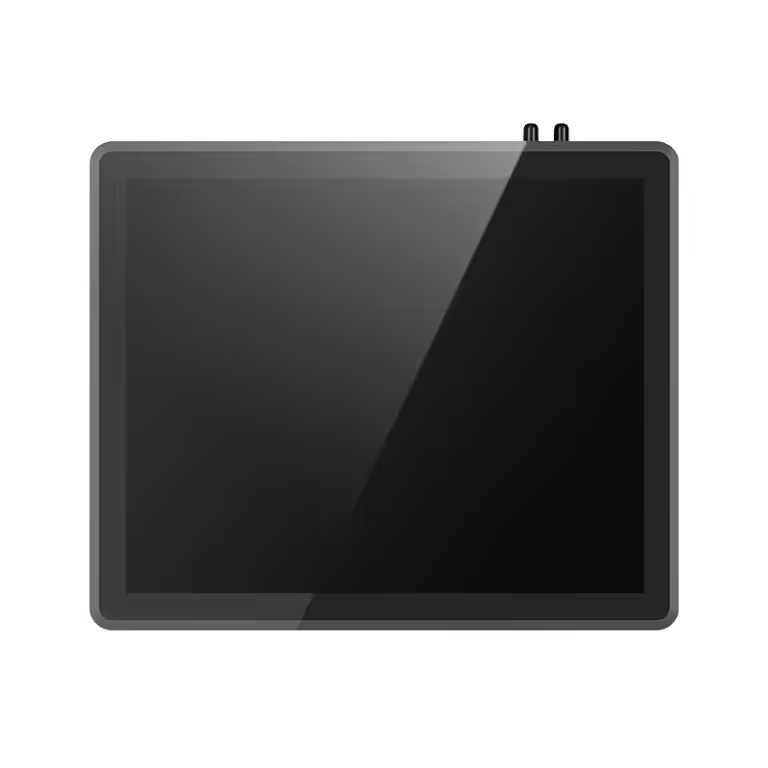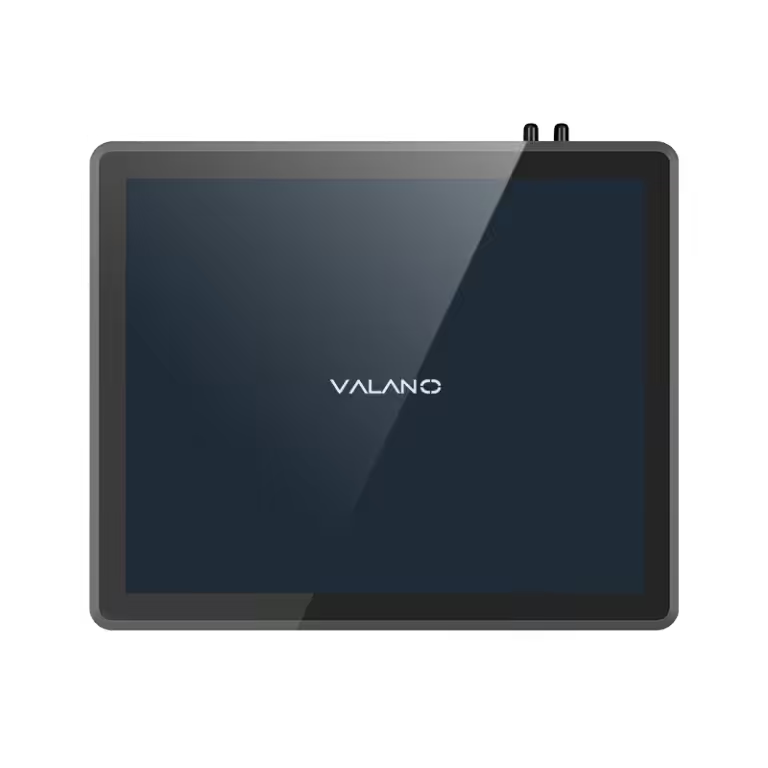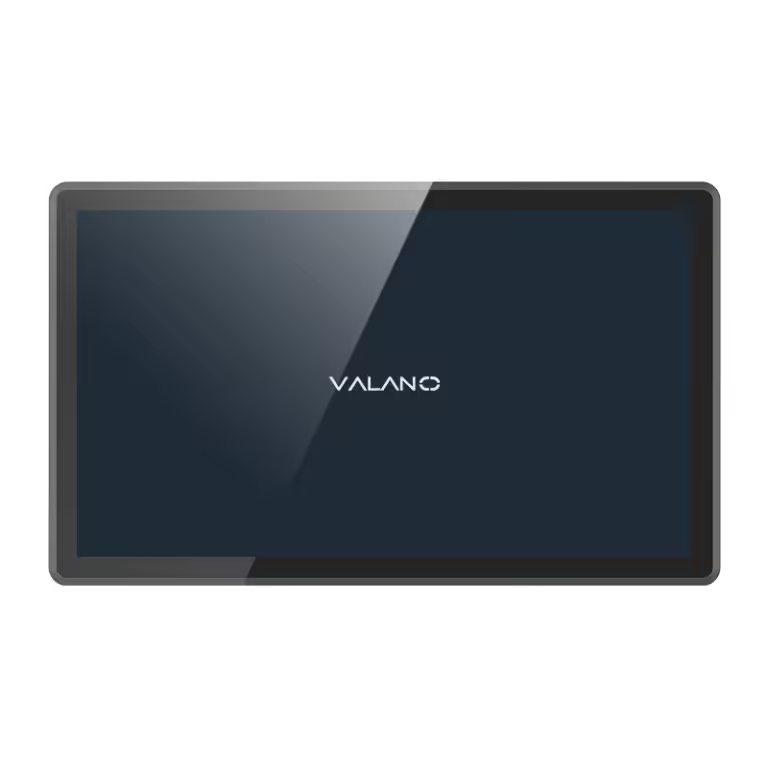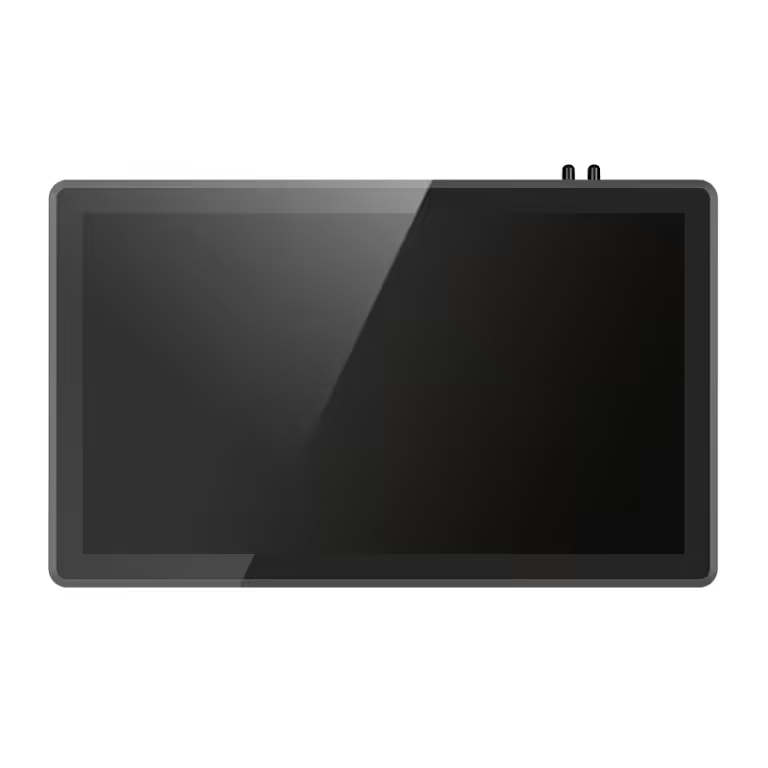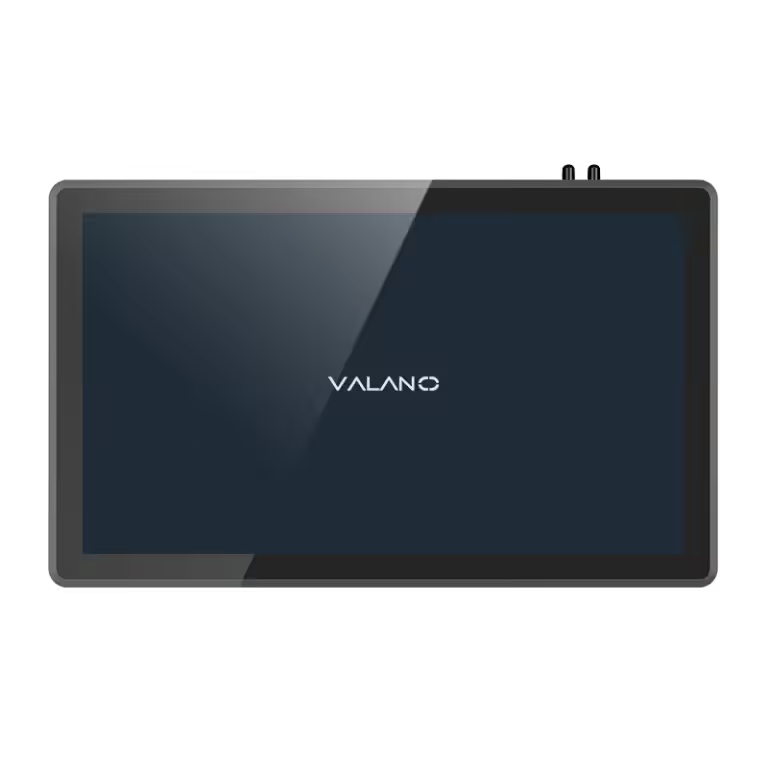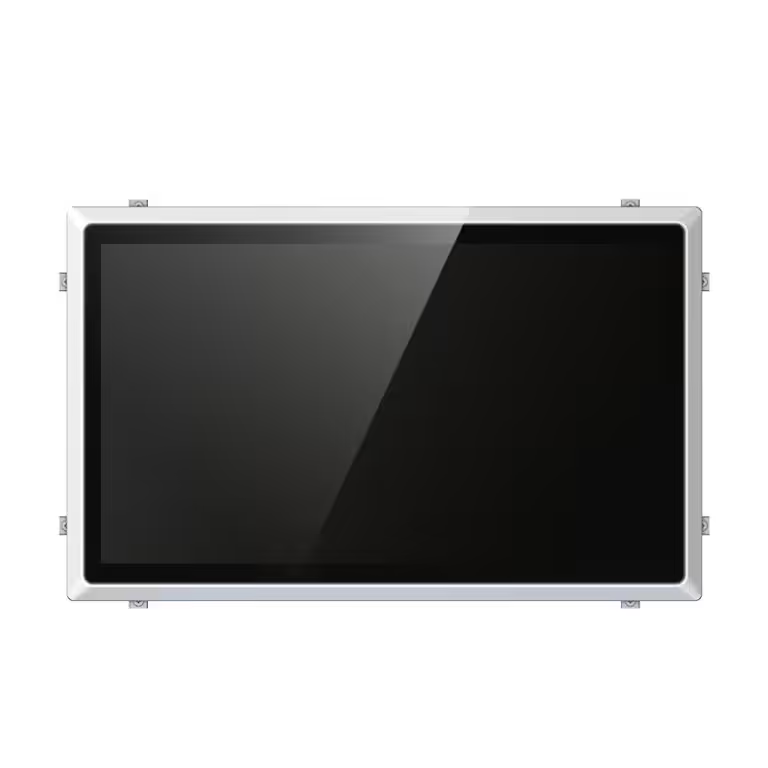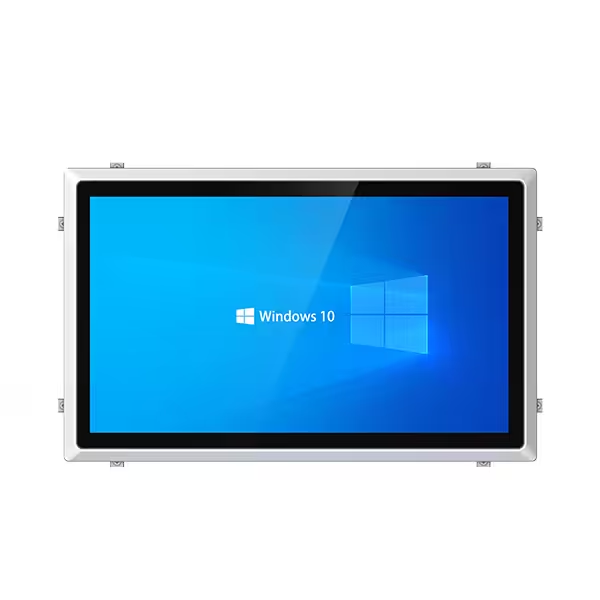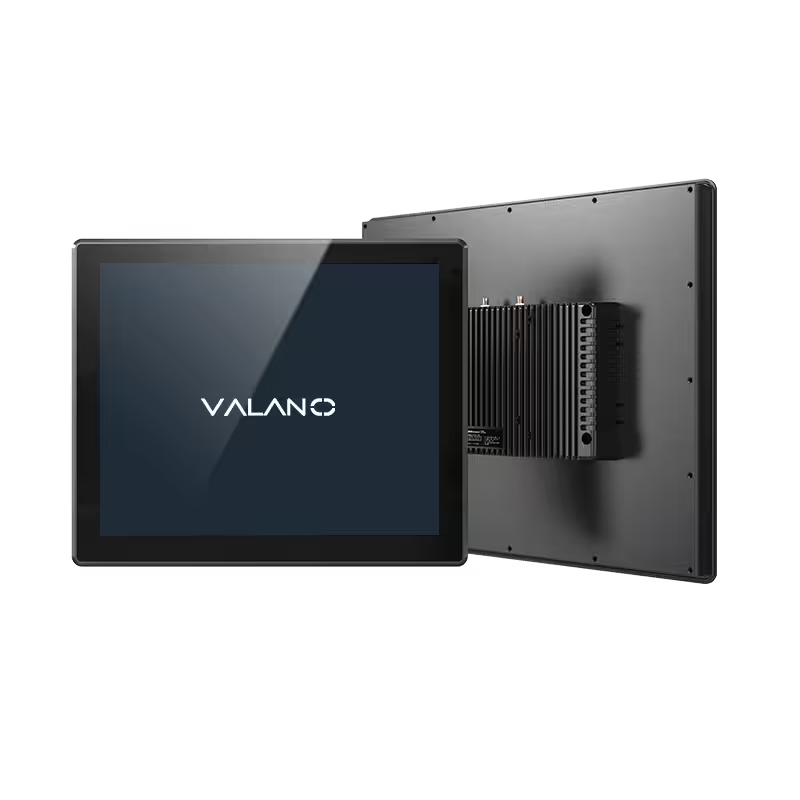
Choosing the right HMI panel PC is an important decision for machine control projects. In industrial automation, the HMI is not just a display screen. It is the main interface between operators, machines, PLCs, sensors, drives, and production data. A reliable HMI panel PC can help operators monitor equipment status, adjust parameters, respond to alarms, and improve production efficiency.
However, not every panel PC is suitable for machine control. Different machines require different screen sizes, performance levels, protection ratings, mounting methods, communication ports, and software compatibility. If the wrong model is selected, it may cause installation problems, poor user experience, unstable operation, or higher maintenance costs.
This guide explains three practical steps to help machine builders, automation integrators, and industrial buyers choose the right HMI panel PCs for machine control applications.
Step 1: Define Your Machine Control Requirements
The first step is to understand how the HMI panel PC will be used in your machine control system. Many buyers make the mistake of choosing a panel PC only based on screen size or price. In reality, the correct selection should start from the application requirements.
Understand the Machine Type and Control Task
Different machines need different HMI functions. A simple machine may only need basic operation buttons, parameter settings, and status display. A complex automation system may need real-time monitoring, data logging, recipe management, alarm records, remote access, and connection with multiple devices.
Before choosing an HMI panel PC, you should confirm:
- What machine or production line will it control?
- Will it connect with PLCs, sensors, servo drives, or cameras?
- Does it need to display real-time production data?
- Does the operator need a large touch screen?
- Will it run Windows, Linux, or specific industrial software?
- Does it need remote monitoring or data upload?
These questions help you avoid under-specifying or over-specifying the product.
Choose the Right Screen Size
Screen size affects both operator experience and installation design. Small screens are suitable for compact machines, limited control panels, or simple operation interfaces. Larger screens are better for complex control systems that need to display more data, charts, alarms, or multiple control pages.
Common HMI panel PC sizes include 10.1 inch, 12.1 inch, 15 inch, 17 inch, 19 inch, and 21.5 inch. For most machine control applications, 10.1 to 15 inch models are widely used because they balance visibility, space, and cost. For production line monitoring or complex industrial systems, larger sizes may be more suitable.
When selecting the screen size, buyers should consider viewing distance, available installation space, operator workflow, and interface complexity.
Check Touch Screen Type
Most industrial HMI panel PCs use either resistive touch or capacitive touch.
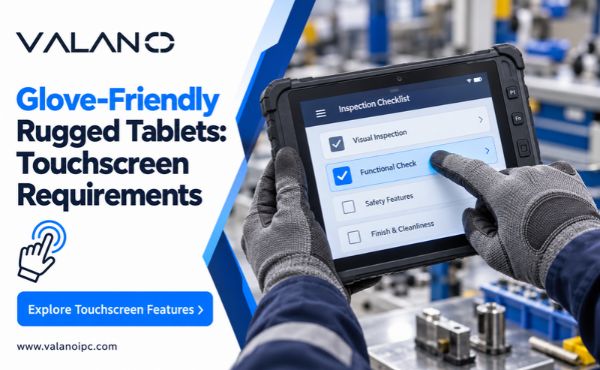
Resistive touch screens are often suitable for industrial environments where operators wear gloves or use tools. They are durable and cost-effective. Capacitive touch screens provide a smoother user experience, similar to smartphones or tablets, and are suitable for modern machine interfaces with multi-touch operation.
If your machine is used in a dusty, oily, or glove-operation environment, resistive touch may be practical. If your project requires a modern interface and fast touch response, capacitive touch may be a better choice.
Confirm Software and Operating System Compatibility
The HMI panel PC must support the software used in your machine control system. Many industrial applications run on Windows, while some projects require Linux or customized operating systems.
Before purchasing, confirm whether the panel PC supports:
- Windows or Linux operating systems
- PLC programming or monitoring software
- SCADA software
- Industrial visualization software
- Data collection software
- Remote access tools
- Driver compatibility for connected devices
Good software compatibility helps reduce project integration time and avoids unexpected technical issues during installation.
Step 2: Check Industrial Reliability and Hardware Design
After confirming the application requirements, the next step is to evaluate the hardware reliability of the HMI panel PC. Machine control environments are often more demanding than office environments. Dust, vibration, heat, moisture, oil mist, electrical interference, and long working hours can all affect device stability.
A reliable HMI panel PC should be designed for continuous industrial operation.
Look for a Rugged Industrial Structure
Industrial HMI panel PCs usually use aluminum alloy, metal housing, or rugged industrial enclosures. These structures provide better protection, heat dissipation, and mechanical strength than ordinary plastic cases.
For machine control, a rugged design helps protect the internal components from shock, vibration, and harsh working conditions. This is especially important for equipment installed in factories, workshops, control cabinets, and production lines.
Check Front Panel Protection
Many HMI panel PCs are installed on machine surfaces or control cabinets, where the front panel may be exposed to dust, water, oil, or cleaning processes. Therefore, front panel protection is important.
For many industrial applications, an IP65-rated front panel is commonly preferred because it helps protect against dust and water spray from the front side. This is useful for food processing, packaging, manufacturing, and other environments where equipment needs regular cleaning or may be exposed to moisture.
A protected front panel improves product durability and reduces the risk of failure caused by environmental exposure.
Consider Heat Dissipation Design
Machine control systems often operate for long hours. If the HMI panel PC cannot dissipate heat effectively, it may suffer from slow performance, system instability, or shortened service life.
Fanless design is common in industrial panel PCs because it reduces dust intake, noise, and mechanical failure risks. A good fanless HMI panel PC should use an efficient internal layout and metal housing to transfer heat away from key components.
For harsh industrial environments, stable thermal design is a major factor in long-term reliability.
Evaluate CPU, Memory, and Storage
Hardware performance should match the control task. A simple HMI interface may not require a high-performance processor. But if the system needs to run SCADA software, collect production data, display charts, or connect multiple devices, stronger performance is necessary.
When choosing configuration, consider:
- CPU performance for software and control tasks
- Memory capacity for smooth operation
- Storage type and capacity
- System startup speed
- Long-term stability
- Expansion requirements
For industrial projects, it is better to choose a configuration that meets current needs while leaving some space for future software updates or system expansion.
Check Communication Interfaces
Machine control systems often need to connect with different industrial devices. The HMI panel PC should provide enough communication ports for your project.
Common interfaces include:
- LAN ports
- USB ports
- RS232
- RS485
- HDMI
- VGA
- Audio
- GPIO
- CAN bus or other optional interfaces
RS232 and RS485 are still commonly used in industrial control because many PLCs, controllers, meters, and field devices rely on serial communication. LAN ports are important for factory networks, remote monitoring, and data transmission.
Before ordering, confirm the number and type of ports required by your machine control system.
Step 3: Choose a Supplier That Supports Customization and Long-Term Service
The third step is supplier selection. Even if the hardware looks suitable, the supplier’s capability can strongly affect your project experience. For machine builders and automation integrators, long-term product stability, customization support, and technical service are very important.
Why Supplier Support Matters
Machine control projects are not always standard. Different customers may require different screen sizes, processors, ports, operating systems, mounting methods, branding, and software environments.
A reliable HMI panel PC supplier should help you choose the right model, confirm technical details, and provide support during integration. This reduces communication problems and helps the project move faster.
Check Customization Options
Customization is important for OEM machine builders and industrial automation projects. A flexible supplier can provide panel PCs that better match your equipment design and control system requirements.
Common customization options include:
- Screen size
- CPU configuration
- Memory and storage
- Touch screen type
- Operating system
- I/O ports
- Mounting method
- Front panel design
- Logo or branding
- Industrial software environment
Customization allows buyers to create a more suitable solution instead of forcing a standard product into a non-standard project.
Consider Long-Term Availability
For machine builders, product continuity is very important. If a panel PC model is discontinued too quickly, it may create problems for repeat orders, spare parts, and after-sales maintenance.
When choosing a supplier, ask whether the model can support long-term supply, whether replacement models are available, and whether technical documents can be provided. This is especially important for machines sold to multiple customers or exported to different markets.
Evaluate Technical Support
Good technical support can save time during installation and system integration. Buyers should look for suppliers that can provide product specifications, drawings, mounting guidance, interface information, operating system support, and troubleshooting assistance.
For industrial projects, the lowest price is not always the best choice. A stable product with reliable support can reduce downtime, maintenance cost, and project risk.
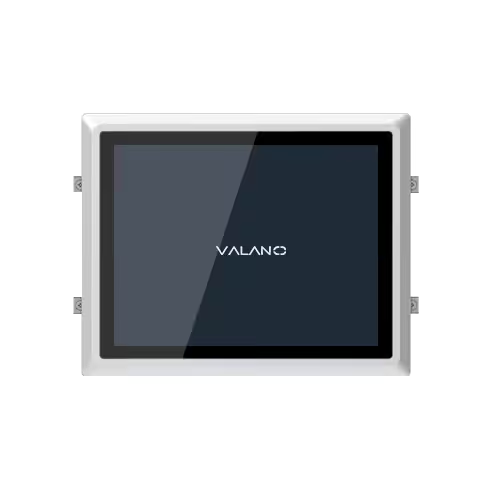
Key Factors to Compare Before Buying HMI Panel PCs
Before making a final decision, buyers should compare several important factors:
Screen Size and Resolution
Choose a screen size that matches the machine interface and operator viewing distance. Higher resolution is useful when the interface includes many data points, charts, buttons, or monitoring pages.
Touch Performance
Select resistive or capacitive touch based on the working environment. Consider whether operators wear gloves, whether the screen may contact oil or water, and whether multi-touch operation is needed.
Protection Level
For factory environments, front panel protection is important. An IP65 front panel is often preferred for machines exposed to dust, moisture, or cleaning processes.
Hardware Performance
Choose CPU, memory, and storage according to the software load. Do not choose a low-performance model for complex visualization or data processing tasks.
Interface Compatibility
Confirm all required ports before ordering. Missing communication interfaces can create extra integration costs or require additional adapters.
Mounting Method
Panel mount, VESA mount, embedded mount, or custom installation may be required depending on the machine design.
Operating System
Make sure the HMI panel PC supports the required operating system and software environment.
Supplier Capability
Choose a supplier that can provide stable quality, customization, documentation, and long-term support.
Applications of HMI Panel PCs in Machine Control
HMI panel PCs are used in many industrial machine control applications.
Packaging Machines
Operators can use the HMI panel PC to control speed, set parameters, monitor alarms, and manage production recipes.
CNC Equipment
The panel PC can display operation data, tool information, machine status, and control instructions.
Food Processing Equipment
Industrial panel PCs with protected front panels are suitable for environments where cleaning, moisture, and hygiene requirements are important.
Automated Production Lines
HMI panel PCs help operators monitor multiple machines, production status, fault warnings, and real-time data.
Inspection Systems
For machine vision or quality inspection equipment, the panel PC can display images, test results, and data reports.
Industrial Control Cabinets
Panel PCs can be installed in control cabinets to provide centralized operation and monitoring for automation systems.
Conclusion
Choosing the right HMI panel PC for machine control requires more than comparing prices or screen sizes. Buyers should first define the machine control requirements, then check the industrial reliability of the hardware, and finally choose a supplier that can provide customization and long-term technical support.
A suitable HMI panel PC can improve operator efficiency, reduce downtime, support stable machine operation, and make the control system easier to manage. For machine builders, automation integrators, and industrial equipment manufacturers, selecting the right panel PC is an important step toward building a reliable automation solution.
If you need rugged and customizable HMI panel PCs for machine control, Valano can provide industrial panel PC solutions tailored to your project requirements.