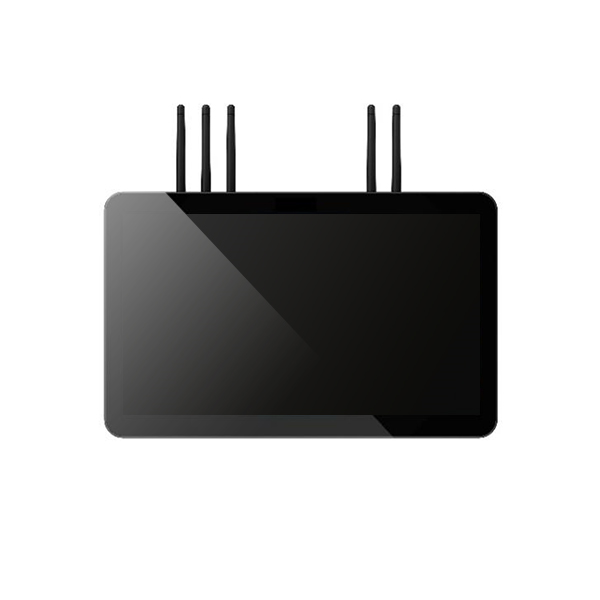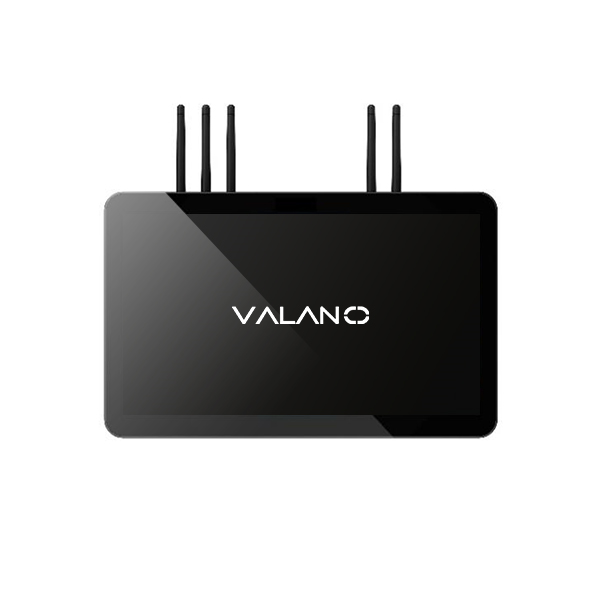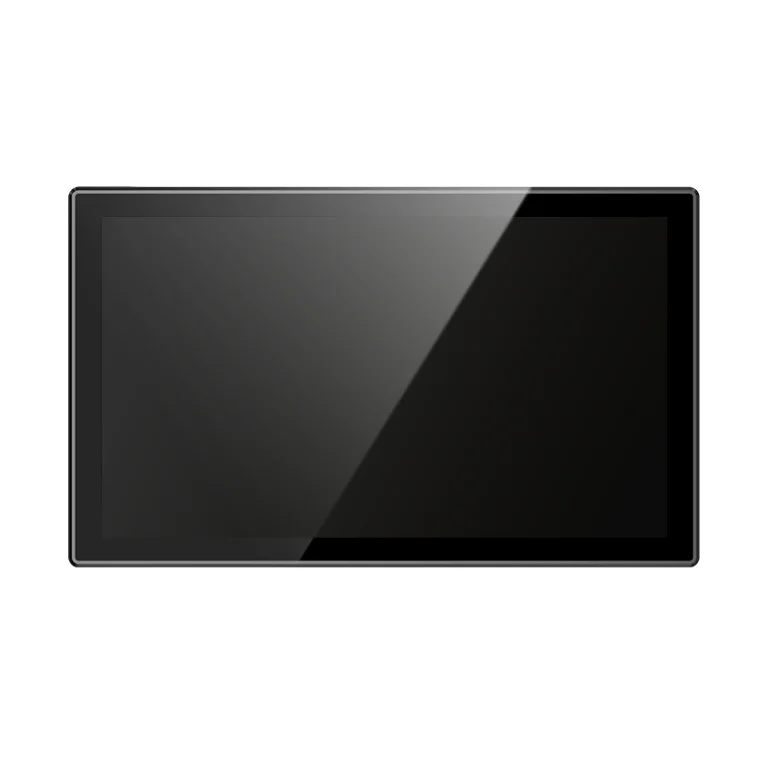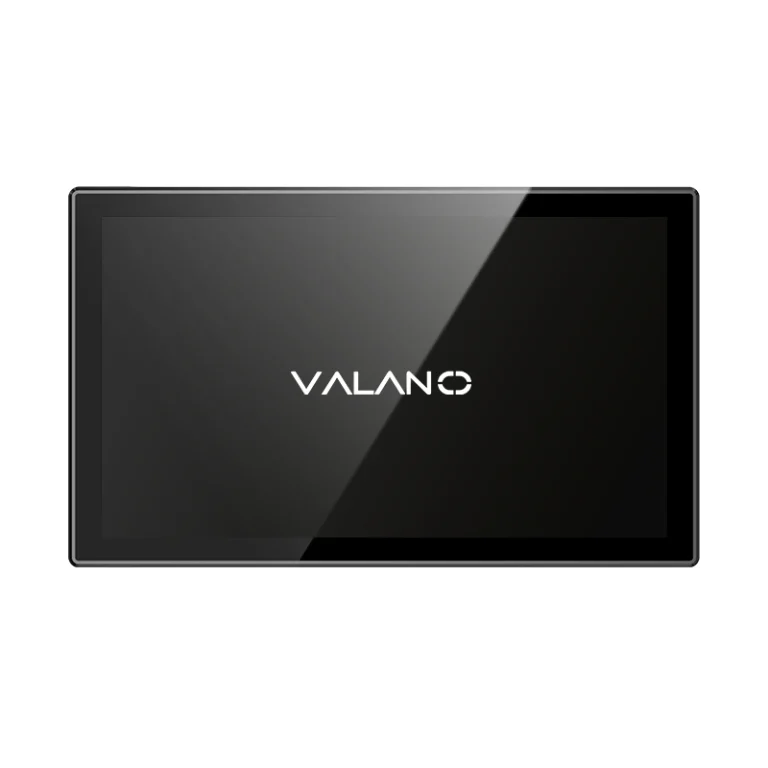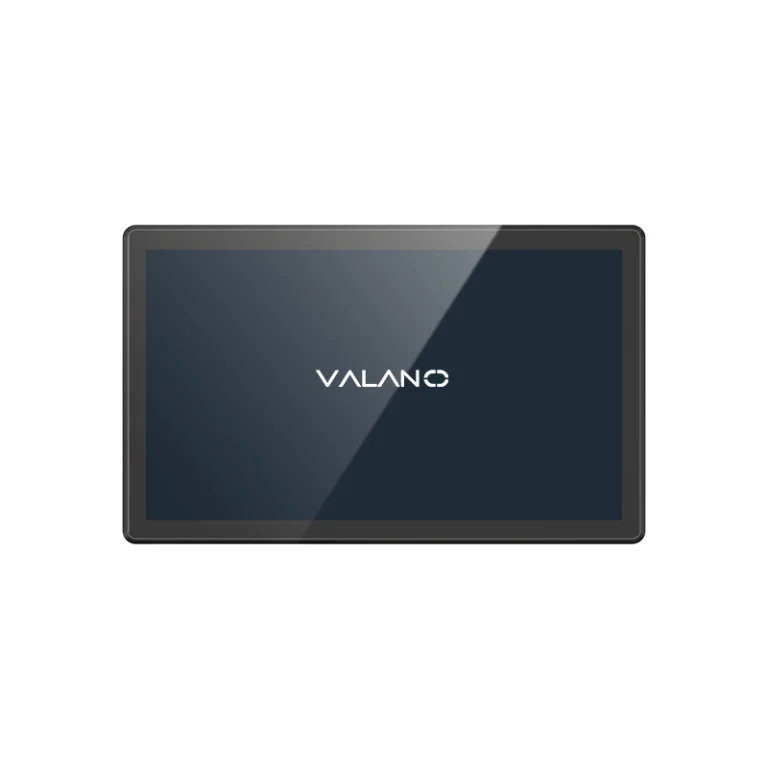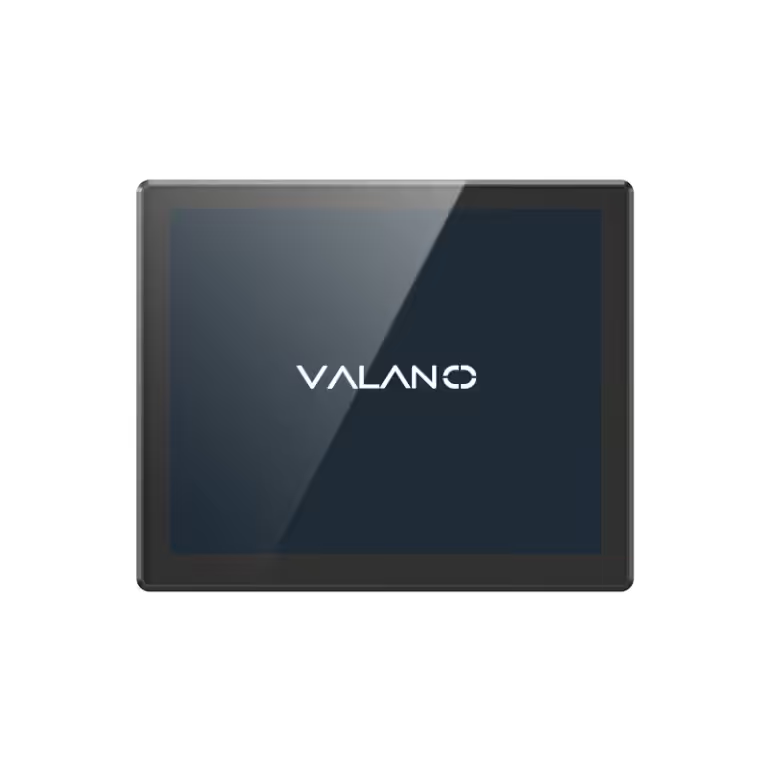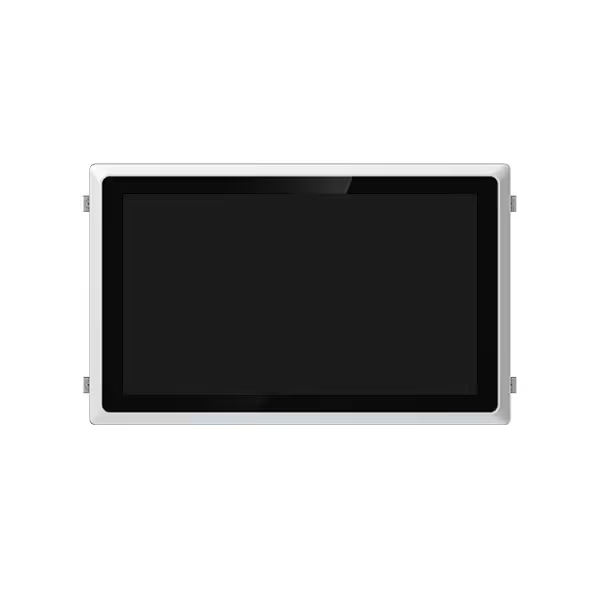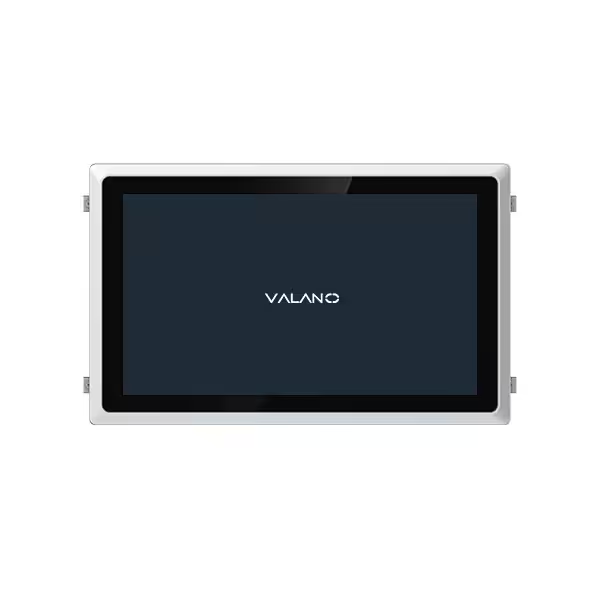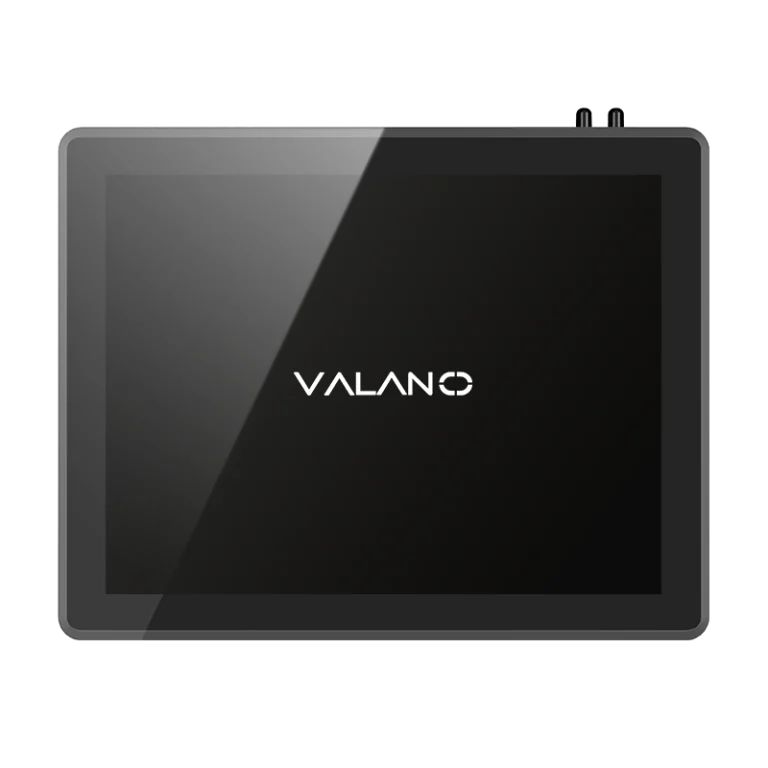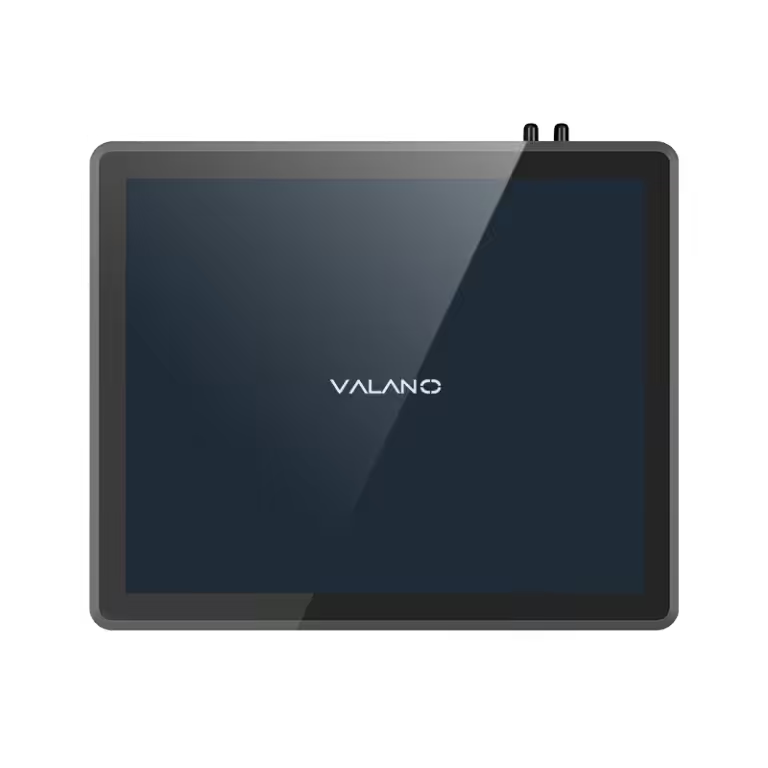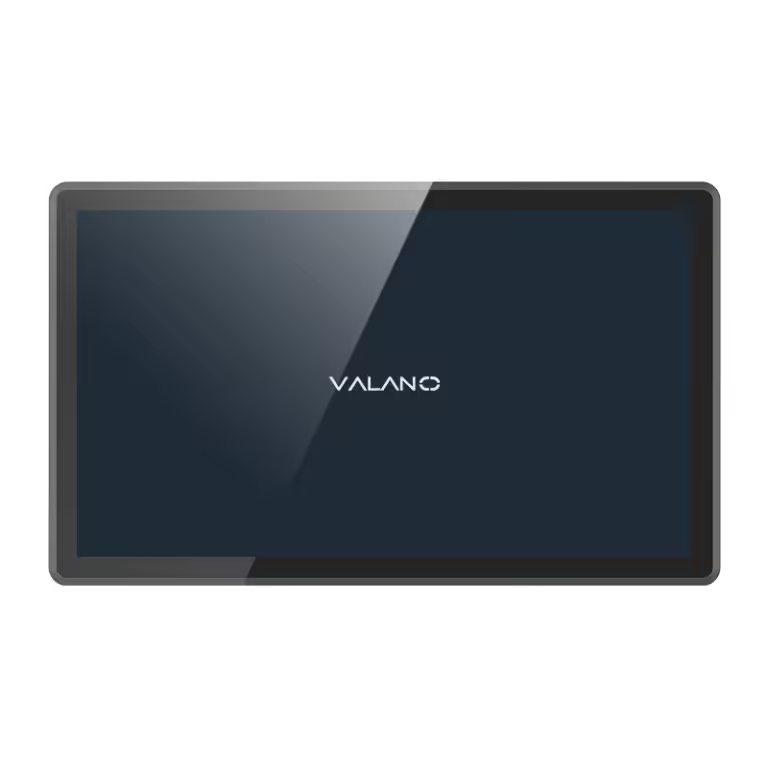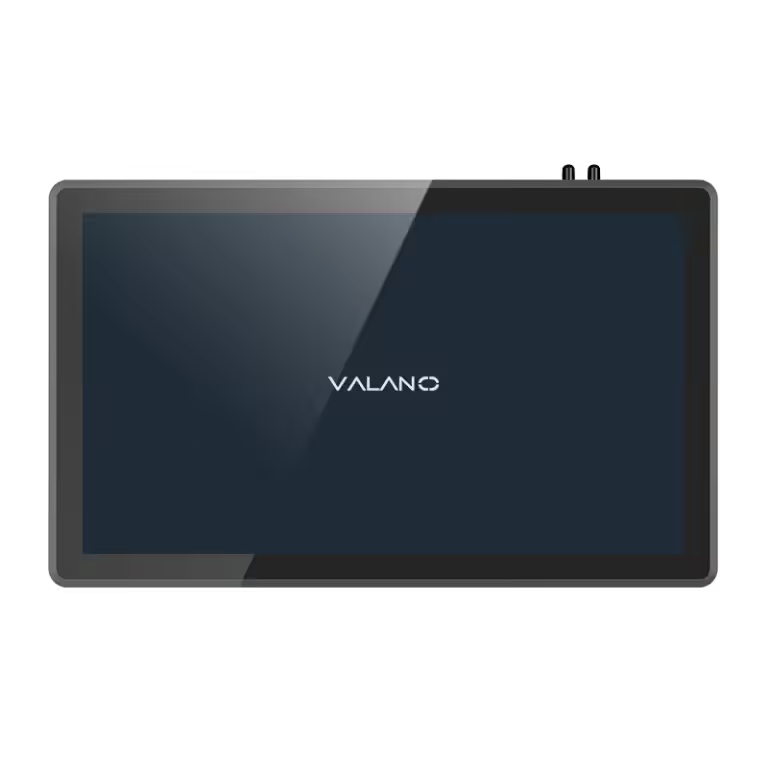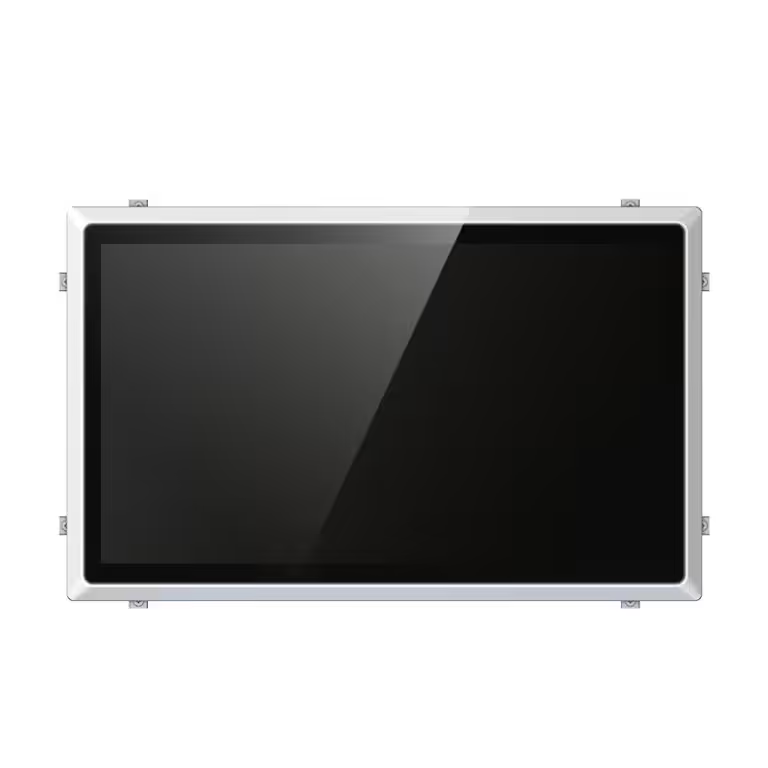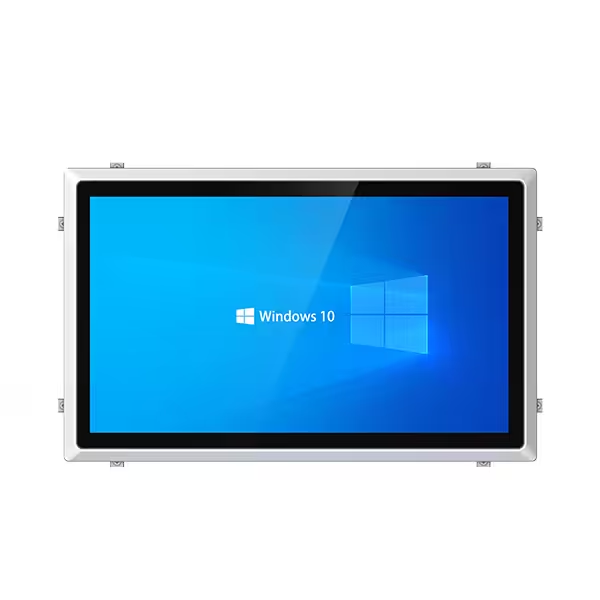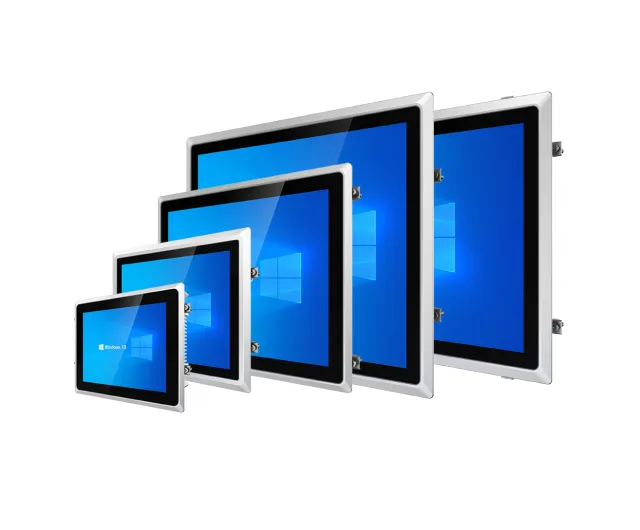
HMI Panel PCs play a key role in industrial automation and machine control. They combine touchscreen operation, industrial computing, PLC communication, and software flexibility in one rugged device. Compared with traditional HMI terminals, they provide stronger performance, better integration, and more room for future upgrades.
When choosing an HMI Panel PC, buyers should consider screen size, processor, memory, operating system, IP rating, communication ports, mounting method, and working environment. For machine builders and automation projects, selecting the right HMI Panel PC can improve production visibility, reduce downtime, and support long-term industrial control needs.
What Is an HMI Panel PC?
An HMI Panel PC is an industrial touchscreen computer used as a human-machine interface. HMI means Human Machine Interface. It is the point where operators interact with machines, production lines, or control systems.
Unlike a basic HMI terminal, an HMI Panel PC usually runs a full operating system such as Windows or Linux. This allows it to support more advanced software, including HMI software, SCADA systems, MES clients, data logging tools, browser-based dashboards, and custom industrial applications. Industrial Panel PCs are commonly built with rugged touchscreen enclosures, fanless cooling, and industrial-grade components for factory environments.
In practical use, the HMI Panel PC does not replace the PLC’s real-time control function. The PLC still handles machine logic, safety signals, sensors, motors, valves, and actuators. The HMI Panel PC gives operators a visual interface to monitor and control the process.
How HMI Panel PCs Work in Industrial Automation
In an automation system, different devices work together. The PLC controls the machine. Sensors collect data. Actuators perform actions. The HMI Panel PC displays information and allows human operation. SCADA or MES software may collect higher-level production data.
A typical workflow looks like this:
The PLC receives signals from sensors and controls machine actions. The HMI Panel PC communicates with the PLC through Ethernet, serial ports, or industrial protocols. Operators use the touchscreen to check machine status, adjust setpoints, start or stop equipment, and respond to alarms. Data can also be sent to SCADA, MES, cloud platforms, or factory management systems.
PLCs, HMIs, and SCADA systems serve different roles, but they are designed to work together in layered industrial automation systems. PLCs focus on real-time machine control, while HMIs provide operator-facing visualization and interaction.
This is why HMI Panel PCs are widely used in modern factories. They connect the operator, machine, and data system in one convenient interface.
Why HMI Panel PCs Are Important for Machine Control
Machine control requires clear operation, fast response, and stable communication. A poor interface can slow down workers, increase operation errors, and make troubleshooting harder. A well-designed HMI Panel PC helps solve these problems.
First, it gives operators real-time visibility. Workers can view temperature, pressure, speed, alarms, production counts, machine status, and process flow on one screen. This makes equipment easier to understand and operate.
Second, it improves operation efficiency. Touchscreen control is faster than manual buttons or separate control panels. Operators can switch pages, check alarms, change parameters, and review production data quickly.
Third, it supports better maintenance. When faults occur, the HMI Panel PC can show alarm history, diagnostic information, and system status. Maintenance teams can find problems faster and reduce downtime.
Fourth, it supports future upgrades. Because many HMI Panel PCs can run Windows, Linux, SCADA software, and custom applications, they are more flexible than fixed-function HMI terminals.
HMI Panel PC vs Traditional HMI Terminal
Many buyers compare HMI Panel PCs with traditional HMI terminals. Both can be used for machine operation, but they are not the same.
A traditional HMI terminal is usually designed for basic machine-level control. It often runs proprietary software from a specific automation brand. It is suitable for simple machines, standard PLC connections, and cost-sensitive applications.
An HMI Panel PC is more like a full industrial computer with a touchscreen. It can run standard operating systems and more complex software. It is better for SCADA, MES integration, recipe management, data logging, remote access, and multi-system control. Industrial Panel PCs are generally more flexible and powerful, while traditional HMIs are simpler and often lower cost.
For standalone equipment with simple operation, a traditional HMI may be enough. For production lines, smart factories, data-driven automation, or custom machine control systems, an HMI Panel PC is usually the better choice.
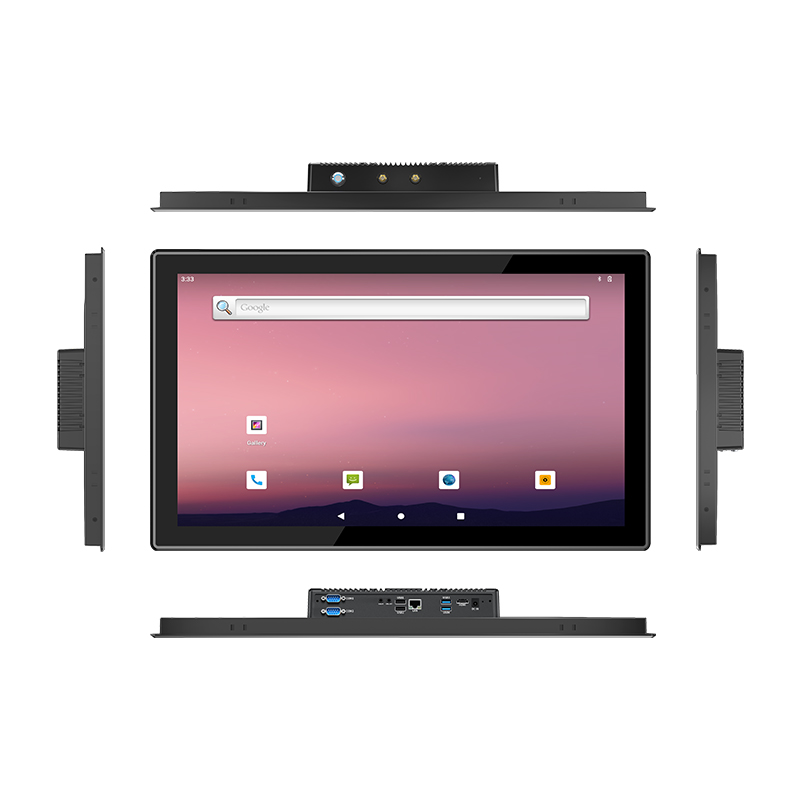
Key Features of Industrial HMI Panel PCs
Rugged Touchscreen Design
The touchscreen is the main interface between workers and machines. Industrial HMI Panel PCs often use resistive or projected capacitive touchscreens.
Resistive touchscreens can work well with gloves and are suitable for many factory environments. Capacitive touchscreens offer smoother operation, multi-touch support, and a modern user experience. The right choice depends on the working environment, operator habits, and application requirements.
Fanless Cooling
Fanless design is one of the most important features for industrial use. Traditional fans can pull dust into the computer and may fail after long operation. A fanless HMI Panel PC uses passive cooling, usually through aluminum housing or heat sink design.
This helps reduce maintenance, improve reliability, and support continuous operation in dusty production areas. Fanless industrial PCs are commonly used in manufacturing, processing, and automation environments where 24/7 stability is important.
IP-Rated Front Panel Protection
Factories may have dust, water spray, oil mist, cleaning processes, or chemical exposure. For this reason, many industrial HMI Panel PCs use IP-rated front panels.
IP65 protection is common for front panels used in factory machines. It helps protect against dust and water jets from the front side when properly mounted. Some special environments, such as food processing or washdown areas, may require higher protection such as IP66, IP69K, or stainless steel housing.
Choosing the correct IP rating helps extend product life and reduce unexpected failures.
Wide Temperature Operation
Industrial environments are not always temperature controlled. Some machines operate in hot workshops, cold warehouses, outdoor cabinets, or semi-outdoor facilities.
A good HMI Panel PC should support stable operation across the required temperature range. Buyers should check the working temperature, storage temperature, humidity tolerance, and heat dissipation design before ordering.
Multiple I/O and Communication Ports
An HMI Panel PC needs to connect with PLCs, controllers, sensors, networks, barcode scanners, printers, cameras, and other industrial devices. Common interfaces include Ethernet, RS232, RS485, USB, HDMI, VGA, CAN, GPIO, Wi-Fi, and optional expansion modules.
For machine control, Ethernet and serial ports are especially important. Many automation systems still use RS232 or RS485 for legacy equipment, while modern systems use Ethernet-based communication.
Common Applications of HMI Panel PCs
Production Line Control
HMI Panel PCs are widely used on production lines to monitor machine status, production speed, alarms, and quality data. Operators can use the touchscreen to control equipment and check real-time process information.
CNC Machines
In CNC equipment, HMI Panel PCs can display tool status, cutting parameters, machine position, spindle speed, alarms, and maintenance information. They help operators manage machining processes more efficiently.
Packaging Equipment
Packaging machines require accurate operation and fast adjustments. HMI Panel PCs are used to set packaging speed, product size, counting rules, sealing temperature, and fault alarms.
Food and Beverage Processing
Food and beverage factories often require reliable, easy-to-clean industrial interfaces. Stainless steel HMI Panel PCs with high IP protection may be used in wet or washdown environments.
Warehouse and Logistics Automation
In warehouse systems, HMI Panel PCs are used for conveyor control, sorting systems, barcode scanning stations, packing lines, and automated storage equipment.
Energy and Utility Systems
HMI Panel PCs can also be used in power monitoring, water treatment, oil and gas systems, environmental equipment, and other utility control projects.
How to Choose the Right HMI Panel PC
Confirm the Screen Size
Screen size should match the amount of information operators need to view. Small machines may only need 7-inch or 10.1-inch displays. Larger machines or production lines may need 15-inch, 17-inch, 19-inch, or 21.5-inch screens.
A larger screen is useful for complex dashboards, SCADA pages, multiple data fields, and visual process diagrams. However, it also requires more installation space and a higher budget.
Choose the Right Processor
The processor should match the software workload. For basic HMI software, an Intel Celeron or low-power processor may be enough. For SCADA, MES clients, machine vision, data logging, or edge computing, a stronger CPU such as Intel Core i3, i5, or i7 may be required.
Buyers should not only consider current software. They should also think about future upgrades, additional software modules, and long-term performance.
Check Memory and Storage
RAM and storage affect system speed and software stability. Basic HMI applications may work with lower memory, but modern SCADA or data applications often need more RAM.
SSD storage is preferred for industrial use because it has no moving parts and offers better shock resistance than traditional hard drives. For data logging or image storage, larger capacity may be needed.
Match the Operating System
Many HMI Panel PCs support Windows or Linux. Windows is often used for commercial SCADA, HMI, and MES software. Linux is useful for customized embedded systems, lightweight applications, and certain edge computing projects.
Before ordering, confirm whether the Panel PC supports your required operating system, software version, drivers, and long-term update needs.
Confirm PLC and SCADA Compatibility
The HMI Panel PC must communicate smoothly with your control system. Check whether your software supports the required PLC brands and protocols. Common needs may include Modbus, OPC UA, EtherNet/IP, PROFINET, MQTT, or other industrial communication standards.
For SCADA systems, make sure the processor, memory, operating system, and network ports meet software requirements.
Consider the Installation Method
Common mounting methods include panel mount, VESA mount, wall mount, and embedded installation. Panel mounting is common for machine cabinets. VESA mounting is useful for arms, brackets, and workstation setups.
Before purchase, confirm cutout size, installation depth, cable direction, power input, and maintenance access.
Evaluate the Working Environment
The environment may be more important than the specification sheet. Consider dust, water, vibration, oil, chemicals, sunlight, temperature, and cleaning methods.
For outdoor or bright environments, high-brightness screens may be needed. For food plants, stainless steel housing may be preferred. For dusty workshops, fanless sealed design is very important.