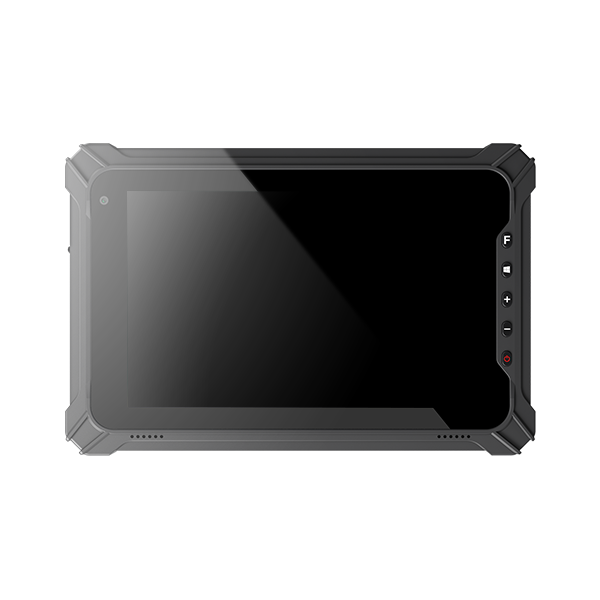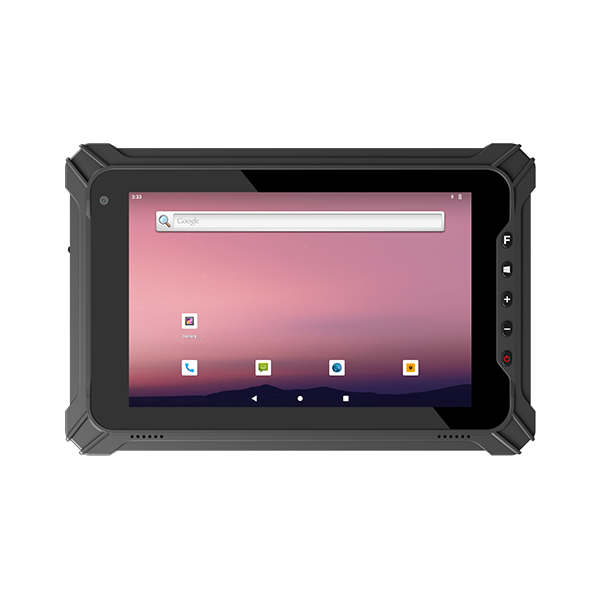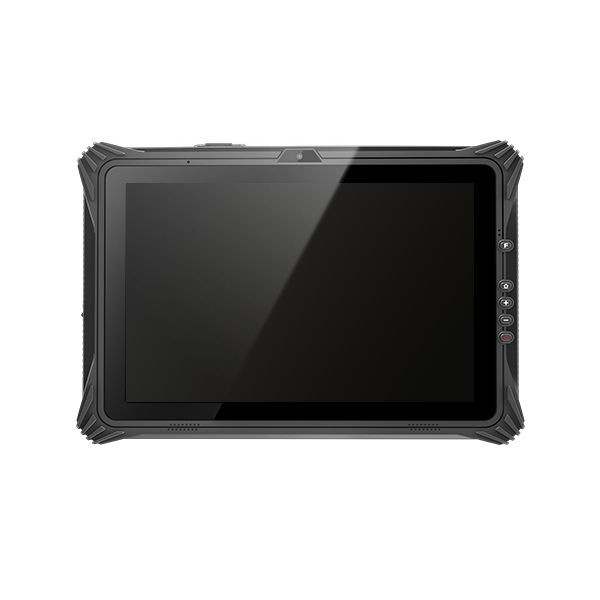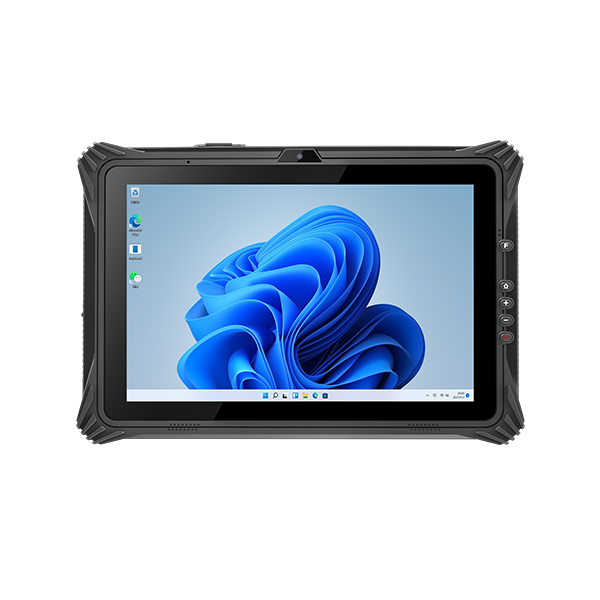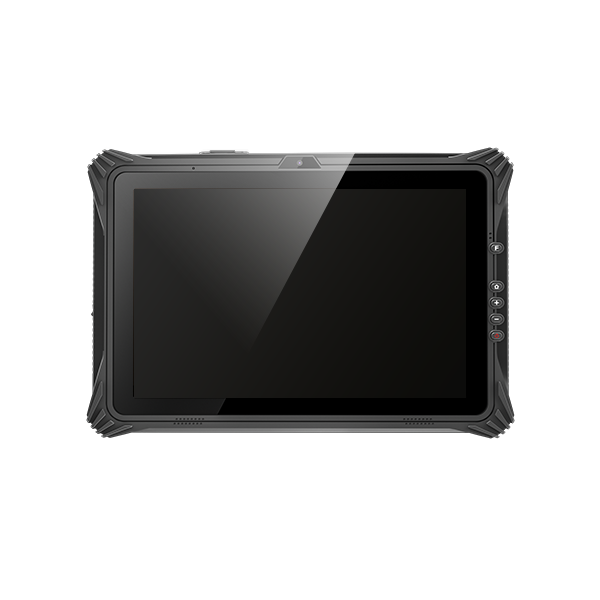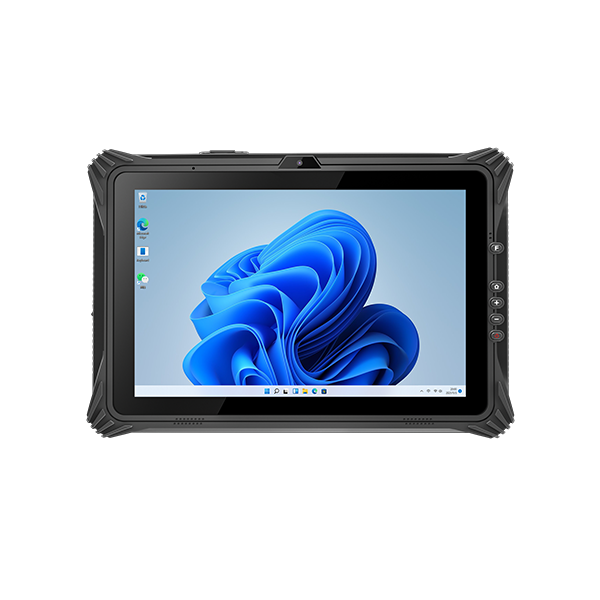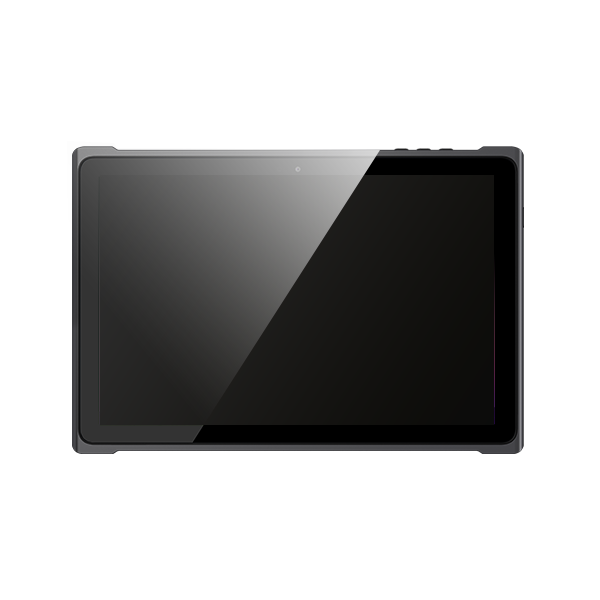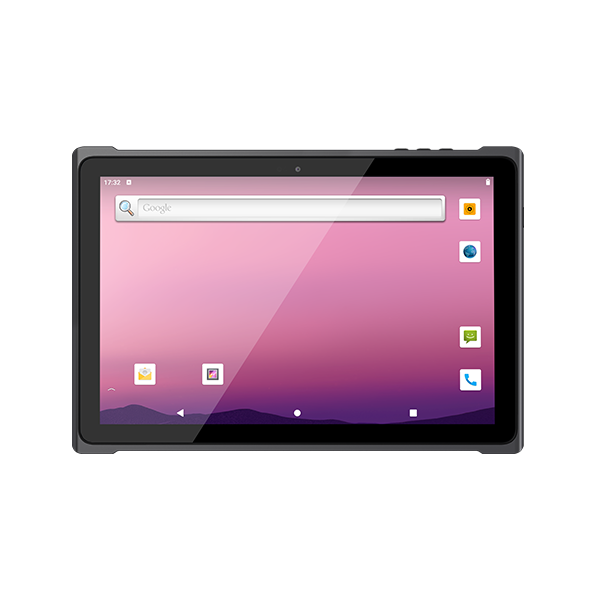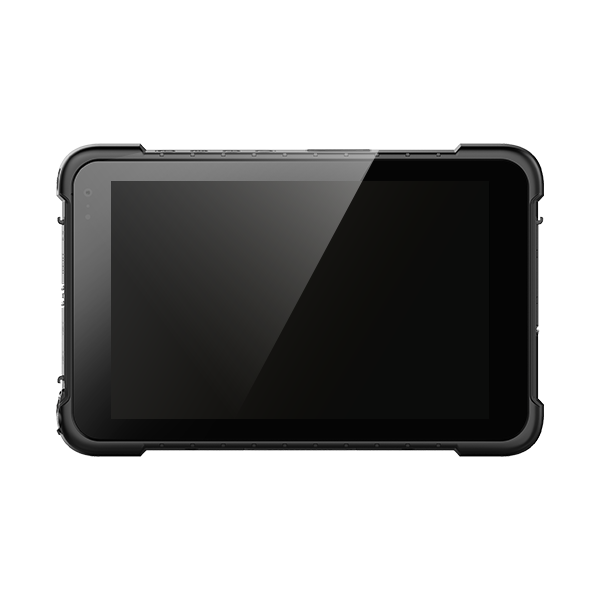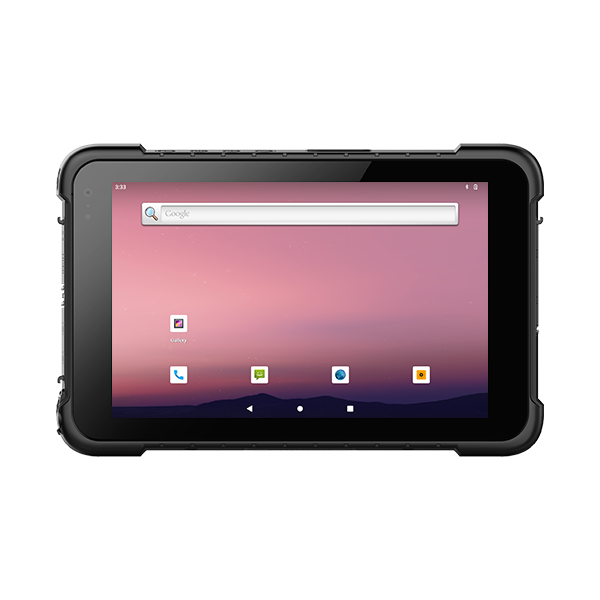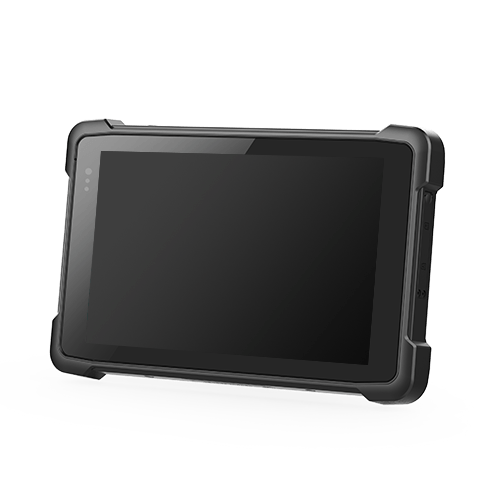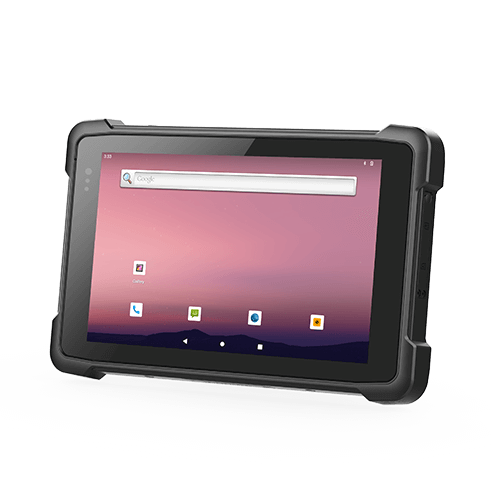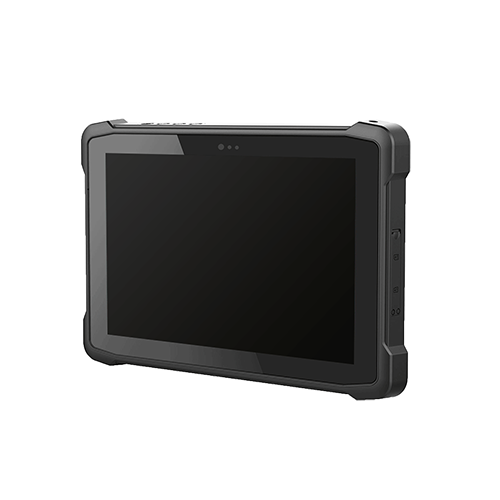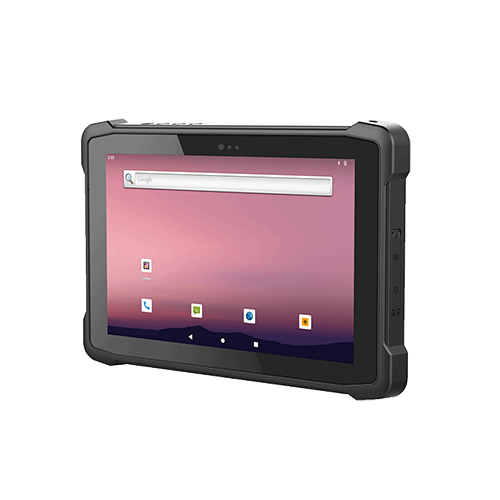
Industrial tablets are designed to operate reliably in demanding environments where standard consumer devices may fail. From manufacturing and logistics to field service and transportation, rugged tablets provide durability, connectivity, and long-term performance. This guide explains the key features, certifications, applications, and buying considerations of industrial tablets, helping businesses select the right device for their operational requirements and deployment environments.
What Are Rugged Industrial Tablets?
Rugged Tablet Key Features
Durability and Materials
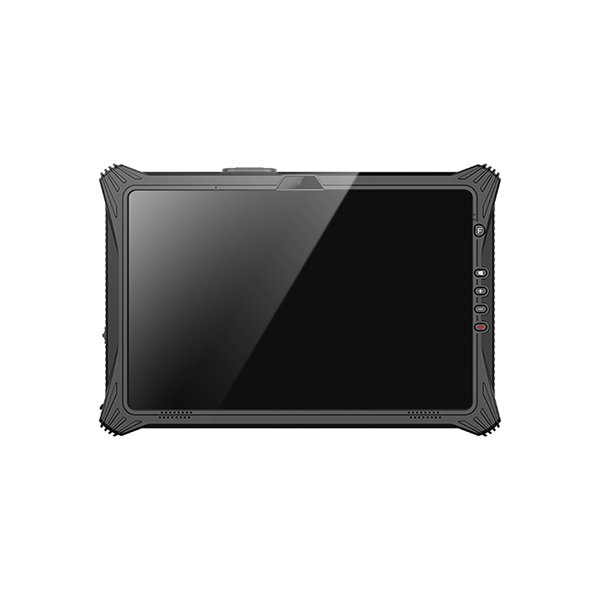
Rugged tablets stand out because of their durability. These devices use strong materials like magnesium alloy or reinforced plastic. The design protects the rugged tablet from drops, shocks, and impacts.
Many rugged tablets have rubber bumpers on the corners. This feature adds extra rugged protection. The rugged tablet frame often resists bending or cracking, even in outdoor work.
Durability matters in outdoor and industrial settings. A rugged tablet must survive repeated use in challenging environments. The rugged tablet shell shields the device from damage during daily tasks.
Environmental Resistance
Rugged tablets work in outdoor and indoor spaces. These devices resist dust, dirt, and water. The rugged tablet can handle rain, mud, and even snow.
Outdoor workers need rugged tablets that function in extreme temperatures. The rugged tablet should operate in both hot and cold weather. Outdoor use also means the rugged tablet faces wind, sunlight, and humidity.
Rugged tablets must keep working in challenging environments. The rugged tablet design blocks out moisture and debris. Outdoor durability ensures the rugged tablet stays reliable all day.
Certifications for Rugged Tablets
IP Ratings
Rugged tablets often list an IP rating. This rating shows how well the rugged tablet resists dust and water. Outdoor jobs require a rugged tablet with a high IP rating.
The first number in the IP rating means dust resistance. The second number means water resistance. For example, an IP65 rugged tablet can handle outdoor dust and water spray.
MIL-STD Standards
Many rugged tablets meet MIL-STD standards. These standards come from military testing. The rugged tablet must pass tests for drops, vibration, and temperature.
A rugged tablet with MIL-STD certification works in outdoor and industrial settings. This means the rugged tablet can survive rough handling and challenging environments. Outdoor workers trust rugged tablets with these certifications.
The right rugged tablet combines durability, environmental resistance, and certifications. Outdoor performance depends on these features. Choose rugged tablets that match your work environment.
Key Applications of Industrial Tablets
Manufacturing
Manufacturing plants use rugged tablets to monitor production lines. Factory tablets withstand dust, vibration, and accidental drops. Workers rely on the best tablet for manufacturing environment to track inventory and control machines.
Rugged tablets help engineers inspect equipment. Factory tablets resist oil and chemicals found in manufacturing areas. The best tablet for manufacturing environment must survive frequent handling and rough surfaces.
Field Service
Field service teams depend on rugged tablets for repairs and maintenance. Technicians use rugged tablets to access manuals and record data. Rugged tablets work in outdoor field locations, including construction sites and remote areas.
Field service often involves harsh weather. Rugged tablets withstand rain, mud, and extreme temperatures. The best tablet for manufacturing environment also supports field service by offering long battery life.
Field workers need rugged tablets that connect to wireless networks. Rugged tablets help field service teams communicate with headquarters. Factory tablets are sometimes used in field service for specialized tasks.
Logistics and Warehousing
Logistics operations require rugged tablets for tracking shipments. Factory tablets scan barcodes and update inventory in real time. Rugged tablets resist impacts from drops and bumps in busy warehouses.
Warehouse staff use rugged tablets to manage orders. Factory tablets survive dust and temperature changes in storage areas. Rugged tablets improve efficiency and reduce errors in logistics.
Data Transmission Challenges
Metal Structures
Metal structures in factories and warehouses block wireless signals. Rugged tablets must maintain stable connections in these environments. Factory tablets use advanced antennas to overcome signal loss.
Rugged tablets support multiple wireless options. Factory tablets switch between Wi-Fi and cellular networks as needed. The best tablet for manufacturing environment ensures reliable data transmission.
Electromagnetic Interference
Electromagnetic interference affects rugged tablets in industrial use. Machines and equipment create interference that disrupts signals. Rugged tablets use shielding to protect internal components.
Field service teams face interference from power lines and heavy machinery. Rugged tablets with proper certifications resist these challenges. Factory tablets maintain performance in areas with high electromagnetic activity.
Rugged Tablet Buying Essentials
Assessing Ruggedness
IP and MIL-STD Ratings
Rugged tablets must meet strict standards for durability. IP ratings show how well a rugged tablet resists dust and water. MIL-STD ratings test rugged tablets for drops, shocks, and vibration.
A fully rugged tablet often carries both high IP and MIL-STD certifications. These ratings prove the rugged tablet can survive tough industrial environments. Industrial-grade tablets with these certifications offer better reliability.
Testing Processes
Manufacturers test rugged tablets using real-world scenarios. Drop tests measure how much impact a rugged tablet can handle. Vibration tests check if a fully rugged tablet can work on moving vehicles or machines.
Temperature tests show if rugged tablets can survive extreme heat or cold. Water and dust tests confirm the rugged tablet’s durability in harsh conditions. These testing processes ensure device reliability and performance and durability.
A semi-rugged tablet may pass fewer tests but still offers good durability for less demanding jobs. Fully rugged tablets go through the most intense testing for maximum reliability.
Display and Battery Needs
Sunlight Readability
Rugged tablets often work outdoors or in bright factories. Sunlight readability is a key feature for a rugged tablet display. A fully rugged tablet uses special screens that reduce glare and boost brightness.
Industrial-grade tablets with sunlight-readable displays help workers see data clearly. This feature improves reliability and performance and durability in outdoor settings. Rugged tablets with this feature prevent mistakes caused by unreadable screens.
Battery Life and Hot-Swap
Long battery life is critical for rugged tablets used in the field. A fully rugged tablet should last a full shift without charging. Some rugged tablets offer hot-swap batteries, so workers can replace batteries without turning off the device.
This feature keeps rugged tablets running during long jobs. Long battery life supports reliability and reduces downtime. Rugged tablets with hot-swap options are ideal for industrial tablets used in remote locations.
A semi-rugged tablet may have shorter battery life but still fits indoor tasks. Always check battery specs to match your work schedule.
Performance and OS Compatibility
Processor and RAM
Rugged tablets need strong processors and enough RAM for stable performance. A fully rugged tablet with a fast processor handles complex apps and multitasking. More RAM helps rugged tablets run smoothly without delays.
Device reliability depends on both hardware and software. Rugged tablets with better specs support heavy workloads in industrial settings. Choose a rugged tablet with specs that match your daily tasks.
Windows, Android, Linux
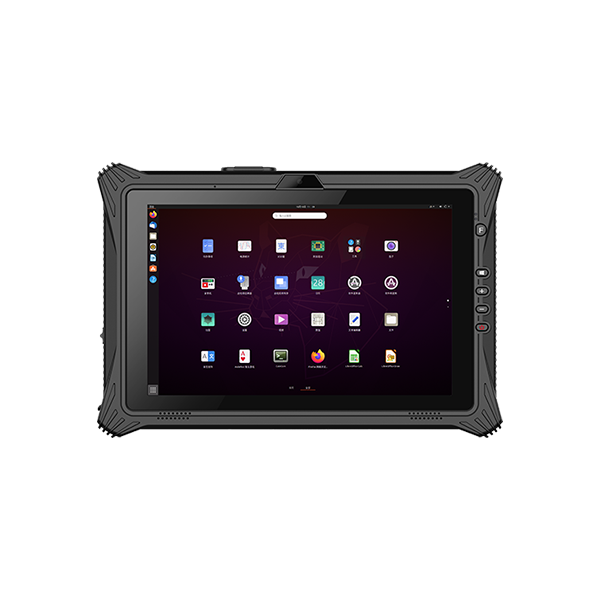
Rugged tablets run on different operating systems. Windows is common for industrial tablets that need special software. Android is popular for field service and logistics because it is easy to use.
Some rugged tablets support Linux for custom applications. Fully rugged tablets often offer a choice of operating systems. Pick the OS that fits your company’s software and workflow.
A semi-rugged tablet may have fewer OS options but still meets basic needs. Always check software compatibility before buying rugged tablets.
Industrial Tablet Connectivity and Expansion
Wireless Options
Wi-Fi, LTE, 5G
Rugged tablets need strong wireless connections for industrial work. Wi-Fi lets a rugged tablet connect to local networks in factories and warehouses. LTE and 5G give rugged tablets access to the internet in remote areas.
A rugged tablet with LTE or 5G can send data from the field. This feature helps workers update records in real time. Vehicle-mounted tablet models often use LTE or 5G for mobile teams.
Rugged tablets with multiple wireless options switch between networks for the best signal. This flexibility supports logistics, field service, and manufacturing. Reliable wireless keeps rugged tablets connected during long shifts.
Bluetooth
Bluetooth is important for rugged tablets in industrial settings. Workers use Bluetooth to connect rugged tablets to printers, scanners, and headsets. This feature supports hands-free work and fast data sharing.
A rugged tablet with Bluetooth can pair with barcode scanning devices. This makes barcode scanning faster and more accurate. Rugged tablets with Bluetooth help teams work without tangled wires.
Bluetooth also supports vehicle-mounted tablet use. Drivers can connect rugged tablets to vehicle systems for navigation and updates. Rugged tablets with Bluetooth improve safety and efficiency.
Wired Ports and Data Capture
USB, HDMI, Ethernet
Rugged tablets often include USB, HDMI, and Ethernet ports. USB ports let workers connect barcode scanning tools and other devices. HDMI allows a rugged tablet to display information on larger screens.
Ethernet gives rugged tablets a stable wired network connection. This is useful in areas with weak wireless signals. Rugged tablets with these ports support many industrial tasks.
A vehicle-mounted tablet may use Ethernet for secure data transfer. USB ports also charge rugged tablets and connect to data capture modules. These features add flexibility and durability to rugged tablets.
Barcode, RFID, Camera
Barcode scanning is a key feature for rugged tablets in logistics and warehousing. Workers use rugged tablets to scan barcodes on packages and products. This speeds up inventory checks and reduces errors.
Rugged tablets often include RFID readers for tracking items. Cameras on rugged tablets capture images for inspections and reports. Barcode scanning works with both built-in and external devices.
Rugged tablets with advanced data capture modules support barcode scanning, RFID, and photo documentation. These features improve accuracy and save time. Rugged tablets with barcode scanning help teams work faster and smarter.
Industrial Tablet Mounting and Deployment
Mounting Solutions
Vehicle, Wall, Desk
Rugged tablets need secure mounting in many industrial settings. Vehicle-mounted rugged tablets help drivers access maps and data while on the move. Wall mounts keep rugged tablets visible in control rooms or production areas.
Desk mounts support office tasks and keep rugged tablets stable during use. Rugged tablet mounting solutions must withstand vibration and shocks. Rugged tablet mounts often use metal brackets for extra rugged strength.
Docking and Accessories
Charging, Keyboard
Docking stations make rugged tablets easy to charge and connect. Workers place rugged tablets in docks to recharge batteries quickly. Rugged tablet docks also link devices to printers, monitors, and other accessories.
Many rugged tablets support keyboard attachments for faster data entry. Rugged tablet keyboards help workers type reports and fill forms. Charging docks and keyboard accessories improve rugged tablet productivity.
A rugged tablet dock must match the device’s ports and size. Rugged tablet accessories should resist dust and moisture for rugged environments. Rugged tablet docks often include locking features for security.
| Docking Feature | Benefit for Rugged Tablets |
|---|---|
| Fast Charging | Keeps rugged tablets ready |
| Keyboard Attachment | Speeds up data entry |
| Secure Locking | Prevents theft |
Mobility Strategies
Carrying, Field Deployment
Rugged tablets must be easy to carry for field workers. Carrying straps and handles help workers move rugged tablets between job sites. Rugged tablet cases protect devices during transport.
Field deployment requires rugged tablets that work in remote locations. Rugged tablet mobility solutions include backpacks and holsters. Rugged tablet designs focus on lightweight frames for rugged use.
Rugged tablets support field teams with reliable performance. Rugged tablet mobility strategies reduce fatigue and improve efficiency. Rugged tablet deployment plans should match the demands of each rugged environment.
Lifecycle, Support and Compliance
Product Lifecycle
Long-Term Support
Rugged tablets must offer long-term support to remain reliable in industrial settings. Manufacturers often provide updates and security patches for several years. This support keeps rugged tablets secure and ready for daily use.
Rugged tablets with long-term support reduce downtime and lower replacement costs. Industrial-grade devices need consistent updates to handle new software and threats. Companies should ask about support timelines before choosing a rugged tablet.
Replacement Parts
Rugged tablets require easy access to replacement parts. Screens, batteries, and ports may need repairs after heavy use. Quick part replacement keeps rugged tablets working in tough environments.
A good supplier stocks common parts for each rugged tablet model. This practice ensures that repairs do not delay work. Rugged tablets with available parts extend the device’s useful life.
Warranty and Service
Onsite, Remote
Warranty and service plans protect investments in rugged tablets. Onsite service sends technicians to fix rugged tablets at the workplace. This option reduces downtime for critical operations.
Remote service helps diagnose and solve problems without sending the rugged tablet away. Many companies offer both onsite and remote support for rugged tablets. Fast service options keep rugged tablets running in all conditions.
Regulatory Compliance
Industry Certifications
Rugged tablets must meet strict industry certifications. These certifications prove that rugged tablets can handle harsh conditions. Some rugged tablets carry military-grade certification for extra durability.
Industry certifications show that rugged tablets meet safety and performance standards. This feature supports industry versatility and builds trust in rugged tablet reliability. Always check for proper certifications when selecting rugged tablets.
Environmental Standards
Rugged tablets should follow environmental standards for safe use. These standards limit harmful materials and promote recycling. Rugged tablets that meet these rules help protect workers and the environment.
Many rugged tablets display compliance labels on the device or packaging. Companies should confirm that each rugged tablet meets local and global standards. Responsible choices support both safety and sustainability.
Industrial Tablet Checklist and Common Mistakes
Rugged Tablet Buyer’s Checklist
A clear checklist helps buyers choose the right rugged tablets for industrial use. Use this list to guide your decision and avoid missing important features.
- Review the IP and MIL-STD certifications for each rugged tablet.
- Test the rugged tablet in your actual work environment.
- Check if the rugged tablet display is readable in sunlight or bright areas.
- Confirm the battery life and hot-swap capability of the rugged tablet.
- Make sure the rugged tablet supports your required operating system.
- Inspect the available ports and data capture options on the rugged tablet.
- Evaluate wireless and Bluetooth connectivity for rugged tablets.
- Ask about long-term support and replacement parts for rugged tablets.
- Review warranty and service plans for each rugged tablet.
- Verify compliance with industry and environmental standards.
Common Mistakes to Avoid
Overlooking Certifications
Some buyers skip checking certifications for rugged tablets. This mistake can lead to devices that fail in tough conditions. Always confirm that each rugged tablet meets the right rugged standards.
Ignoring Environment
Many users forget to match the rugged tablet to their work environment. A rugged tablet for outdoor use must resist water, dust, and extreme temperatures. Test rugged tablets in the field to see if they perform as expected.
Underestimating Battery
Short battery life can stop work and cause frustration. Choose rugged tablets with batteries that last a full shift. Hot-swap features on a rugged tablet keep teams working without interruption.
Expansion Planning
Some buyers do not plan for future needs. A rugged tablet should have enough ports and expansion options for new tools. Think about how rugged tablets will grow with your business.
| Mistake | Impact on Rugged Tablets | How to Avoid |
|---|---|---|
| Skipping Certifications | Device failure in harsh settings | Always check certifications |
| Ignoring Environment | Poor performance outdoors | Test in real conditions |
| Underestimating Battery | Downtime and lost productivity | Choose long battery life |
| No Expansion Planning | Limited future use | Plan for growth |
Conclusion
Choosing the right industrial tablet requires careful evaluation of durability, performance, connectivity, mounting options, and long-term support. By understanding your operating environment and application requirements, you can select a rugged tablet that improves productivity, reduces downtime, and delivers reliable performance over its service life. Whether used in manufacturing, logistics, field service, or transportation, a well-matched industrial tablet can become a valuable tool for efficient and data-driven operations.