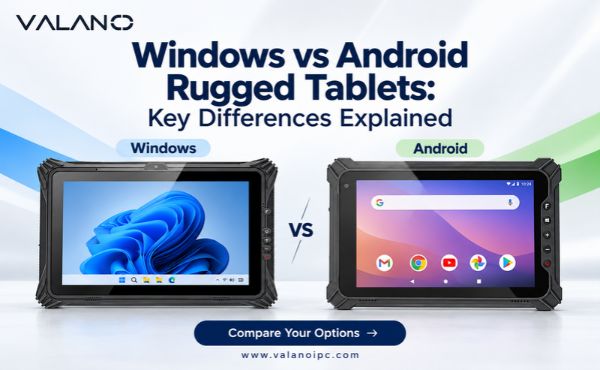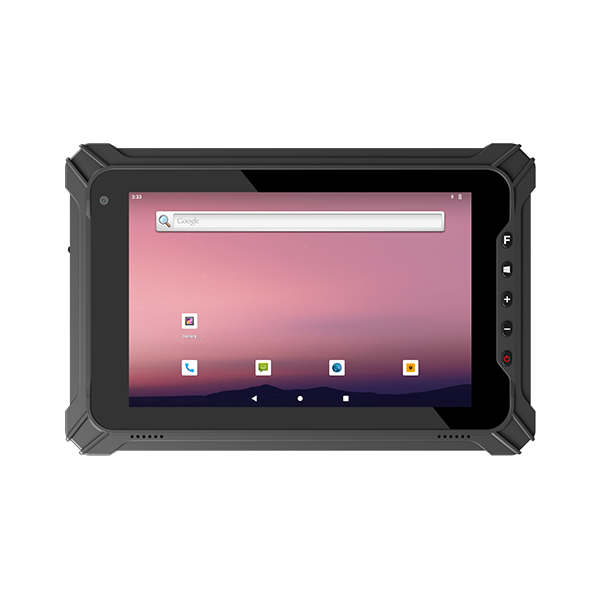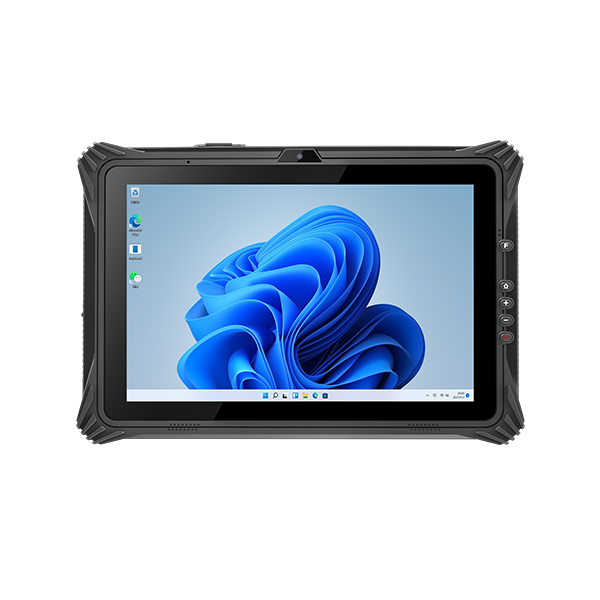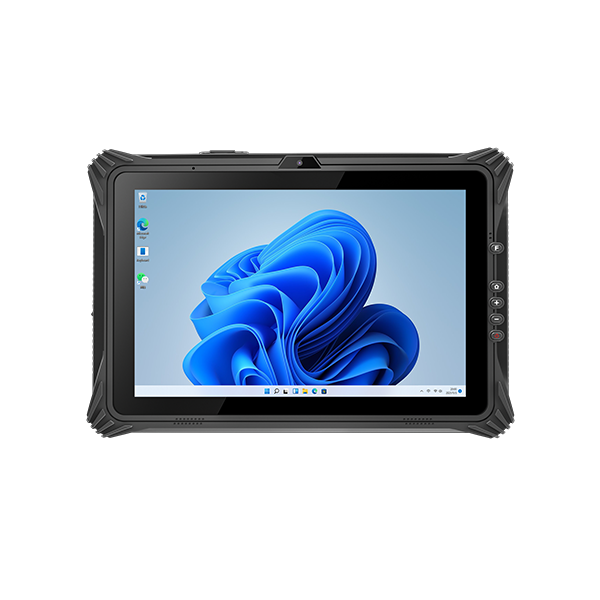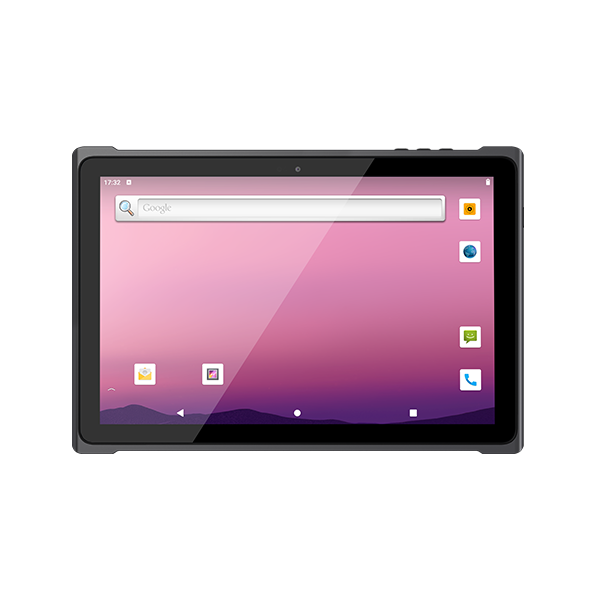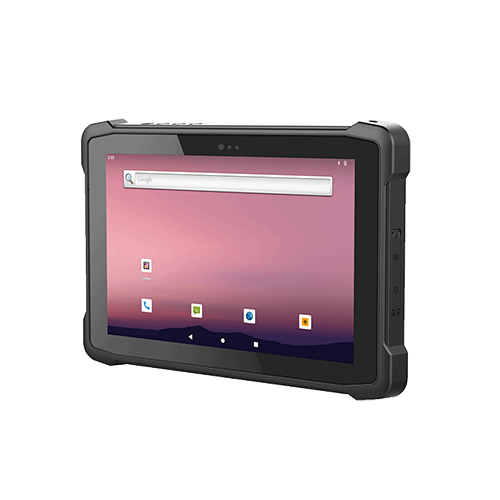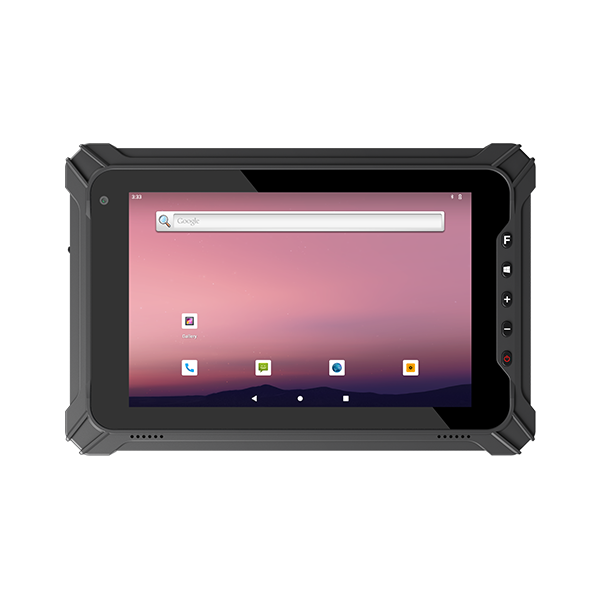
Windows rugged tablets are usually the stronger fit when industrial work depends on Windows desktop applications, specialist drivers or engineering tools. Android rugged tablets often suit touch-first workflows such as scanning, inspections and guided data entry. Neither operating system makes a tablet more rugged, and neither guarantees longer battery life, lower cost or easier management.
The practical choice starts with the applications and peripherals that must work together. A warehouse picking terminal and a maintenance tablet connecting to diagnostic equipment can have similar protection ratings but very different software requirements. Compare the complete working configuration before choosing the platform.
Application Compatibility and Workflow Design
List the software used during a complete shift, including occasional tasks. Record its supported operating systems, processor architecture, licensing method, authentication requirements and offline capabilities. Include utilities that workers rarely open but cannot replace, such as calibration software or equipment configuration tools.
Windows Desktop Applications
Windows is often appropriate for existing desktop executables, engineering applications and service tools that require Windows-specific components. However, a familiar application can still be difficult to operate on a small touchscreen. Check dialog sizes, scrolling, on-screen keyboard behavior and whether a keyboard or stylus is needed.
Processor architecture also matters. Windows on Arm can run many x86 and x64 applications through emulation, but drivers need compatible native support. A functioning application does not prove that its connected printer, USB adapter or diagnostic interface will work. Confirm compatibility with the software and peripheral suppliers rather than relying on the operating-system label alone.
Android Mobile Applications
Android can fit workflows designed around short forms, large controls and integrated data capture. Its suitability depends on the actual application, not simply the presence of an Android version number. Check supported releases, permissions, scanner integration and whether the application requires Google Mobile Services.
For browser-based systems, either platform may be suitable. Test browser support, printing, file handling and authentication. A web application that opens successfully may still lack reliable offline operation or access to a required device module. Remote desktop access introduces a separate dependency on network quality and the remote host.
Practical Differences Between the Platforms
Use the following comparison to define a shortlist rather than treating it as a universal ranking.
| Requirement | Windows rugged tablets | Android rugged tablets |
|---|---|---|
| Existing software | Often suitable for Windows desktop tools | Suitable when supported mobile apps or web workflows are available |
| Operator interaction | Desktop and touch interfaces; application design is decisive | Often used for touch-first, task-specific interfaces |
| Peripheral integration | Check drivers, architecture and port configuration | Check vendor SDKs, USB support and application integration |
| Shared operation | Requires tested account and application policies | Dedicated-device management can restrict supported devices to approved apps |
| Maintenance | OS edition, updates and hardware drivers all matter | Manufacturer firmware, patches and management support all matter |
Do not infer processing performance from the OS. Compare task completion on the proposed hardware, including memory, storage, thermal behavior and battery configuration. Faster benchmark results are less useful than an inspection or picking task that remains responsive throughout the shift.
Scanners, Interfaces and Peripheral Integration
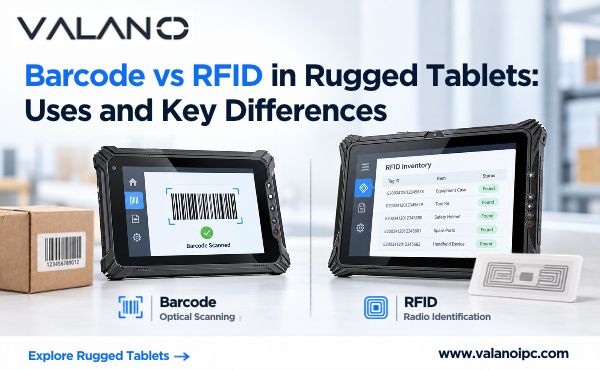
A built-in barcode reader is valuable only when it delivers the right data to the application. Ask whether scanning uses keyboard-style input, an application programming interface or middleware. Keyboard input may simplify an existing form, while an API can provide stronger control over triggers, validation and feedback.
Make a peripheral inventory covering printers, RFID readers, measuring instruments, cameras and vehicle docks. Specify the exact model and connection method. A USB connector does not establish driver compatibility, adequate power or reliable reconnection after sleep.
For serial equipment, distinguish a native serial interface from a USB adapter or dock-based port. Confirm the required electrical interface and communications protocol. RS232 support does not imply that every industrial device can communicate with the tablet.
Run a reconnection test as part of the evaluation. Disconnect and reconnect peripherals, restart the application, suspend the tablet and remove it from its dock. A system that requires manual repair after each event can create more operational friction than a slightly slower device with stable integration.
Fleet Management and Software Support
Both platforms can support centrally managed deployments, but the available controls depend on the device, OS edition, enrollment method and management service. Ask IT to validate the proposed configuration before a bulk order.
On supported Android Enterprise devices, dedicated-device management can limit access to a single application or an approved group of applications. This can suit shared task terminals. Shared sign-in and sign-out across applications require compatible identity integration; kiosk mode alone does not solve user-account handling.
For either platform, define who owns provisioning, application distribution, certificate renewal, remote support and recovery. Establish a process for replacing a damaged unit without losing its configuration or assigning the wrong access permissions to the next user.
Security support needs a written endpoint. An Android release number is not a promise of future patches, and a Windows license is not a guarantee of indefinite support. Request the supported OS versions, security-update commitment, firmware policy and replacement-device availability. Confirm management-service compatibility separately from the supplier’s general claim of enterprise readiness.
Battery Runtime and Deployment Cost
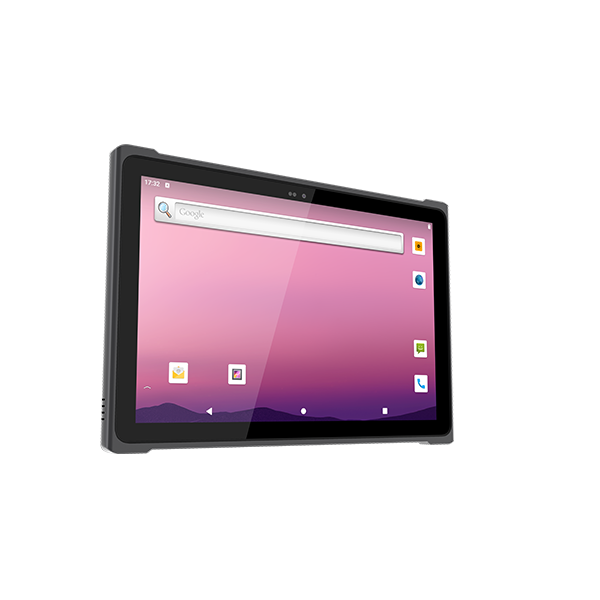
Operating system alone is a poor predictor of runtime. Screen brightness, wireless traffic, processor load, scanning frequency and battery condition all affect power consumption. Compare tablets using the same workflow and environmental conditions, with the accessories workers will actually carry.
Likewise, the purchase price does not represent the complete deployment cost. Include docks, mounts, spare batteries, charging stations, software licenses, management subscriptions, application changes and technical support. Migrating a mature Windows application to Android may require development work; deploying desktop software on a tablet may require interface adjustments and extra accessories.
Use a common evaluation period when comparing proposals. Record what happens when a battery wears out, a dock breaks or an application requires a newer OS. A cheaper initial unit can become expensive if replacement parts or compatible updates are unavailable.
Pilot Testing Before a Fleet Purchase
Build the pilot around a real shift rather than a short demonstration. Include the operators who perform the work and the IT staff who must maintain it. Set pass criteria before testing so that an attractive display does not outweigh a failed critical task.
The pilot should cover:
- Completion of all essential tasks, including uncommon service operations.
- Successful use of the exact scanners, printers and other peripherals.
- Authentication, shift handover and recovery after interrupted work.
- Offline data capture and controlled synchronization after reconnection.
- Sustained responsiveness and battery reserve under realistic load.
- Provisioning, remote troubleshooting and replacement-device setup.
Track errors and recovery effort alongside task time. An application that submits a transaction twice after reconnection needs attention even if its screens feel fast. Verify the behavior at the application and backend level; changing the tablet OS alone will not fix weak transaction handling.
Conclusion
Choose Windows or Android rugged tablets by validating the software, interfaces and support model needed for the job. Use protection ratings and hardware specifications to narrow the devices within that platform. The strongest purchasing decision is a tested workflow with a maintainable configuration, not an assumption that one operating system is universally better.