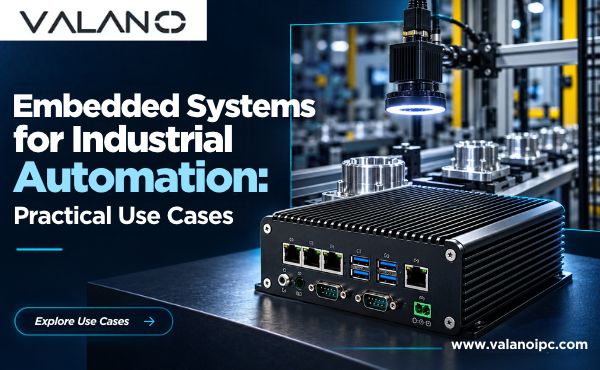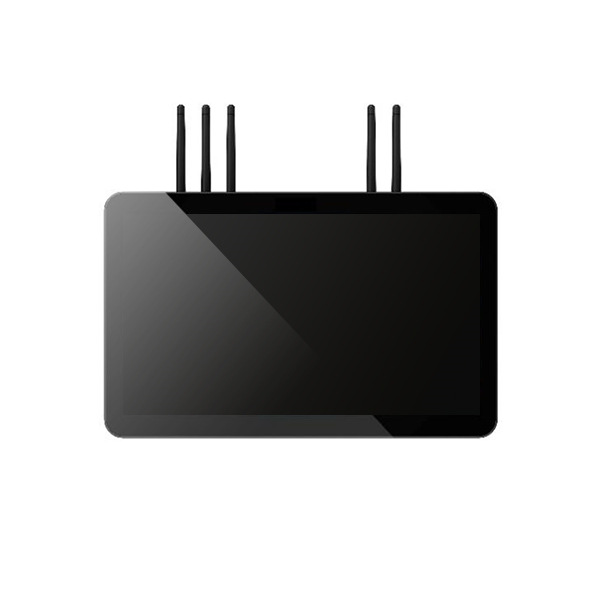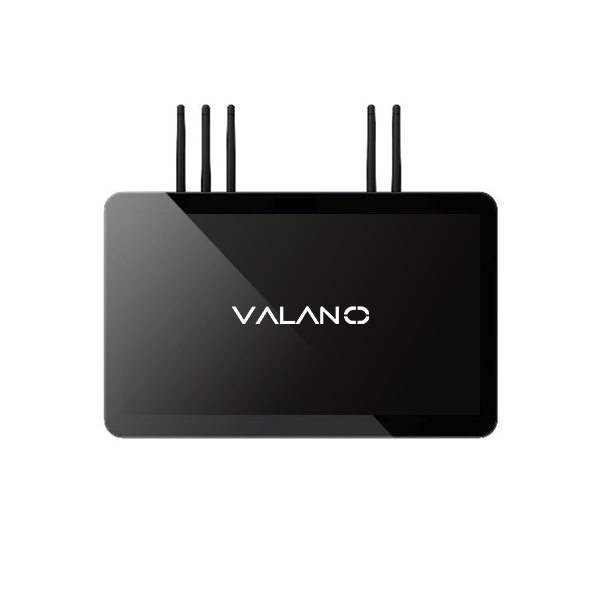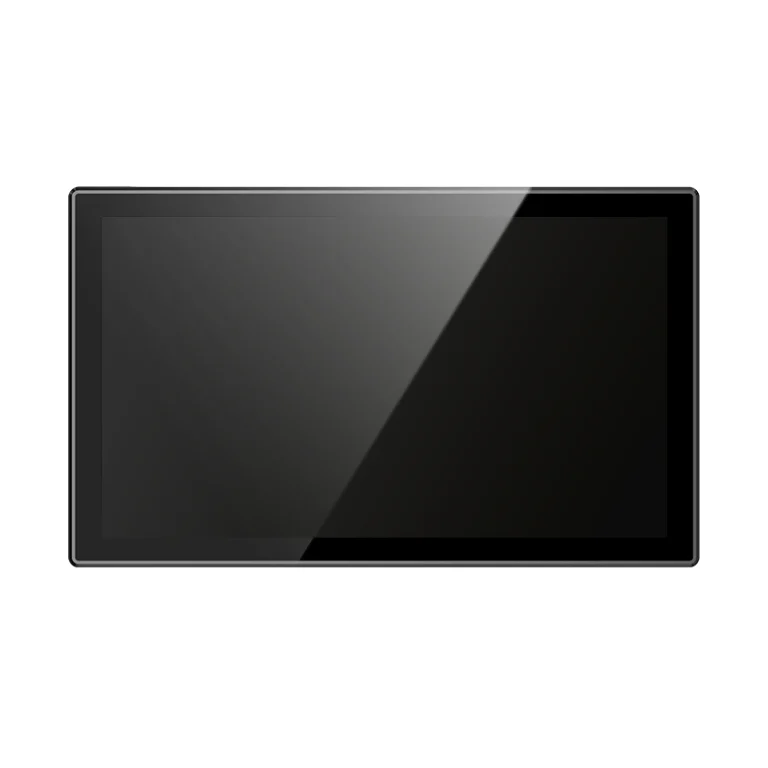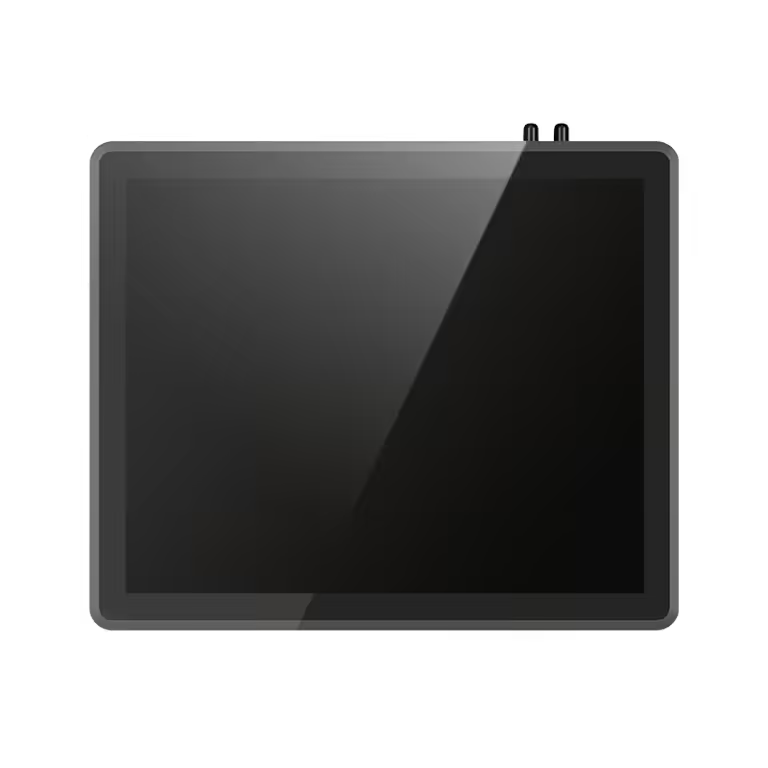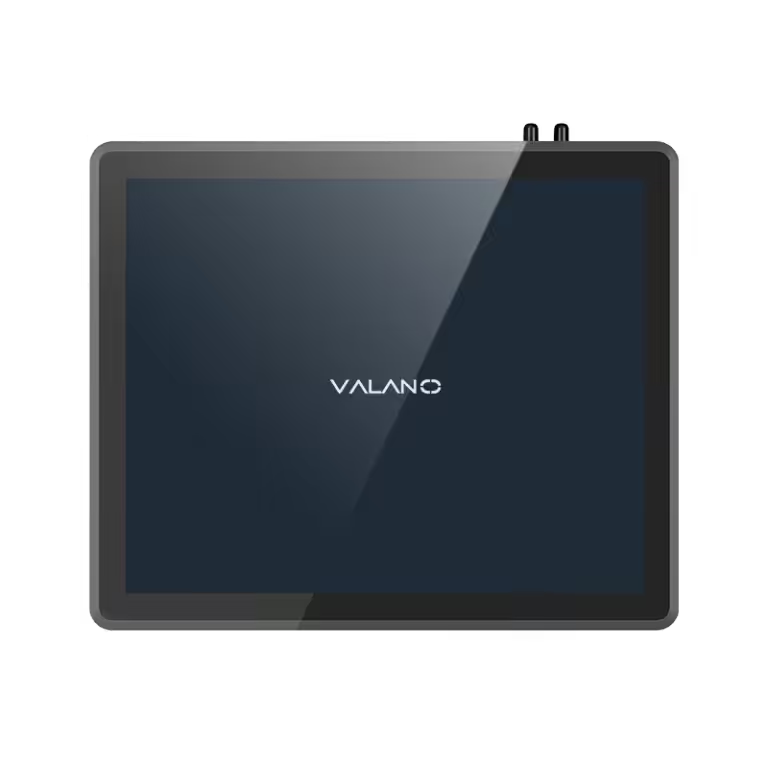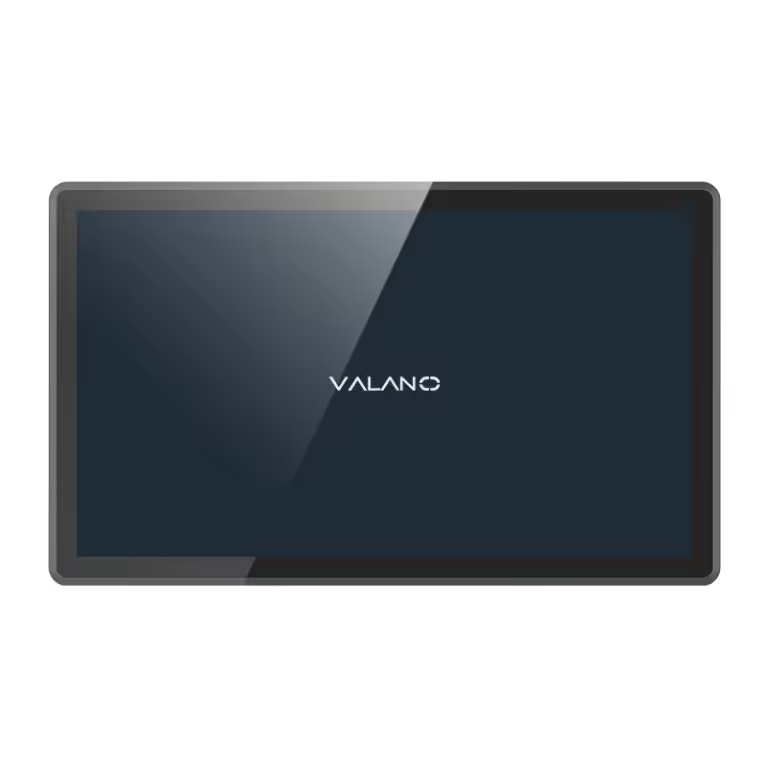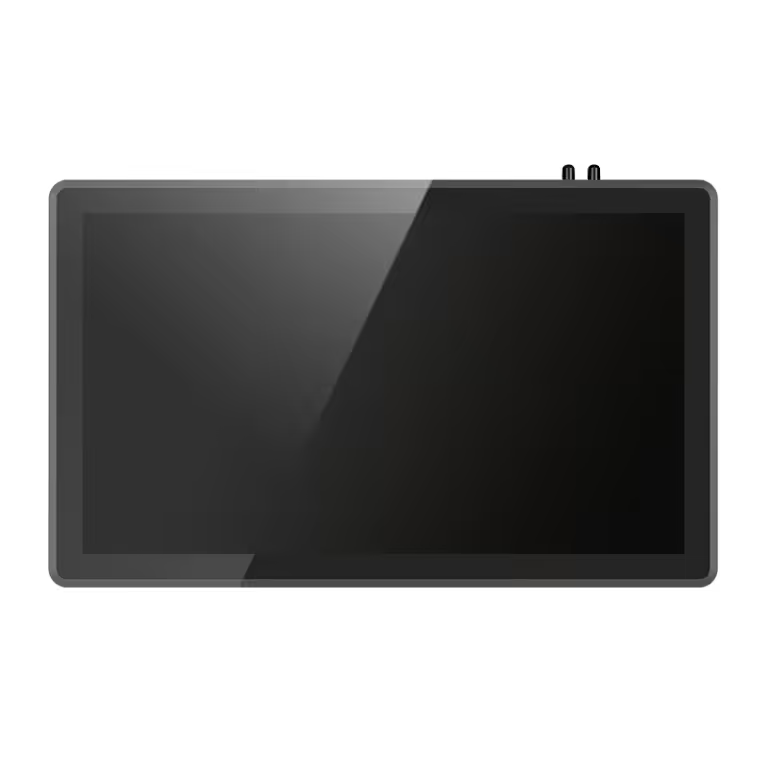
A human machine interface is the operator’s window into machines, systems, and industrial processes. It presents status, alarms, and controls in a form people can read and act on quickly. This guide categorizes HMI computer types and matches each to its best-fit applications. Selection criteria — environment, functionality, integration, compliance, and budget — receive full treatment, so engineers can choose with confidence. The HMI sits between the operator and the control layer, and its design shapes daily productivity. Readers will find practical, factual comparisons rather than rankings. Each type serves a purpose, and the right match depends on the task at hand.
What Is an HMI Computer
Definition and Core Role
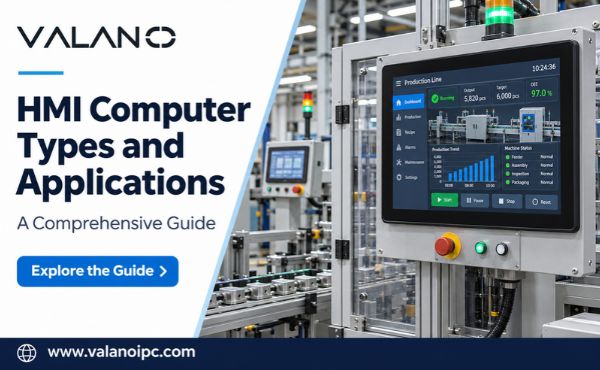
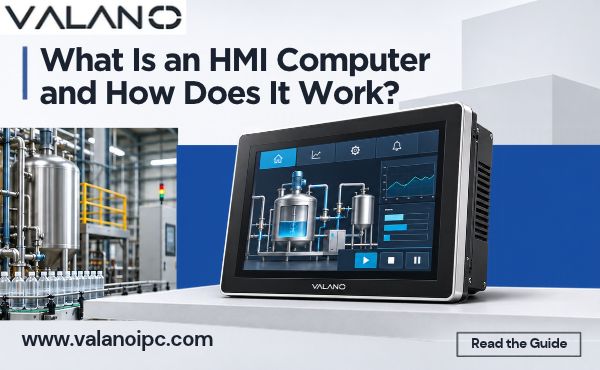
A human machine interface is a user interface or dashboard. It connects operators to machines, systems, and processes. The screen shows readings, alarms, and controls in one place. An operator reads the state of a line and acts on it without walking to every panel.
The core of this device is a graphical user interface layer. That layer lets operators communicate with programmable logic controllers. A touch or a button press becomes a command. The controller executes the command and sends data back. The screen then updates the display.
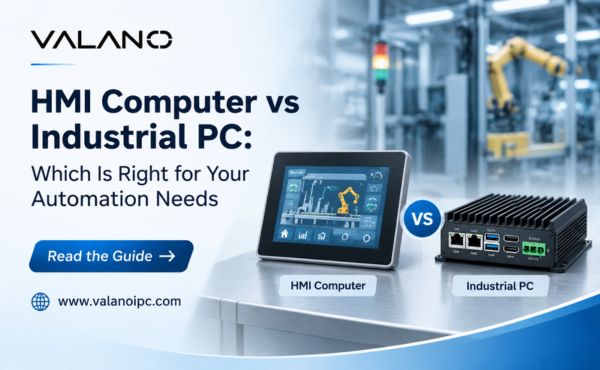
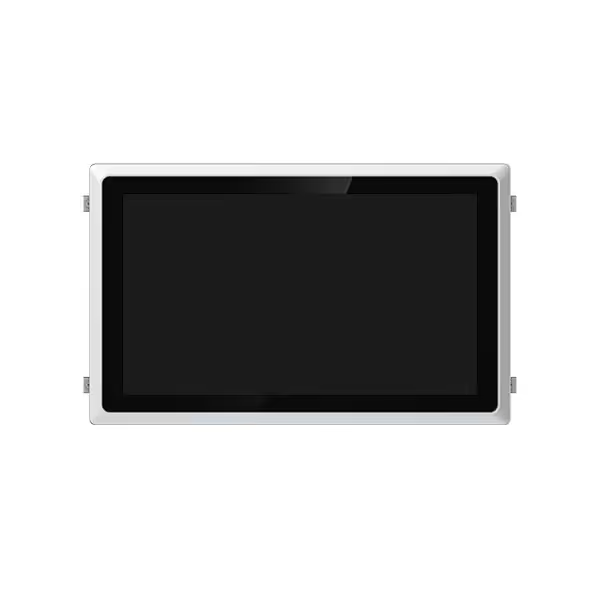
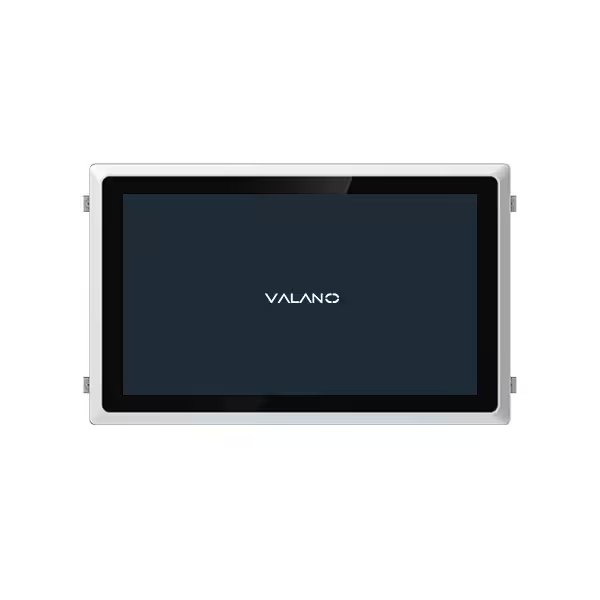
An hmi computer is the hardware that runs this interface. It sits above the controller and below the plant network in the automation stack. It does not run the machine logic itself. It presents that logic to people and carries their instructions back down.
Role in Industrial Automation
In industrial automation, the interface turns raw controller data into information people can use. Operators rely on it for control and monitoring across a production shift. Trends, setpoints, and fault messages all pass through this layer.
The device also supports daily tasks beyond the screen. It logs events, stores recipes, and connects to higher-level systems. Engineers use it to diagnose faults without opening control cabinets. These functions make human-machine interface(hmi)panels a central point of contact on the floor.
Automation depends on fast, clear feedback between people and machines. A well-designed interface shortens response time to faults. It also reduces operator error during changeovers. The hmi earns its place by making complex processes simple to run.
Types of HMI Panels Overview
How the Categories Differ
The main types of hmi panels fall into five groups: touchscreen, button-based, embedded, PC-based, and mobile or cloud-connected. Each group describes a different balance of display, processing power, and physical form. A touchscreen unit combines the screen and the input surface in one flat face. A button-based terminal keeps physical controls for input and uses lamps or simple displays for feedback. An embedded hmi computer builds the interface into a sealed, fixed-purpose device. A PC-based system runs the interface as software on general-purpose computing hardware. A mobile or cloud-connected option moves the interface onto a handheld device or a remote browser.
These differences shape what each device can do. Screen size, processor capability, storage, and network support vary across the groups. So does the level of protection against dust, water, and vibration. The categories also differ in how much software flexibility they offer. A fixed embedded unit runs one application well. A PC-based unit can host several programs at once. Buyers who compare types of hmi panels types quickly see that no single design covers every need.
Matching Type to Task
Matching a device to a task starts with the operator’s job. Simple start, stop, and reset functions suit a button-based terminal. Operators who need trends, recipes, and alarms benefit from a touchscreen hmi with a graphical display. Complex data handling, multiple screens, and links to business systems point toward a PC-based unit. Remote monitoring across a site or a fleet fits a mobile or cloud-connected design.
The working environment narrows the choice further. Washdown areas, outdoor cabinets, and vibrating machinery each demand a different level of sealing and ruggedness. A compact machine with limited panel space may call for an embedded unit. A control room with ample space can host a larger PC-based station.
This overview sets up the sections that follow. Each section covers one hmi panel type in detail, with its strengths and its best-fit applications. Readers will find that every category earns its place in industrial automation. A clear view of the major hmi panels types explained here helps engineers shortlist candidates before the deeper comparison begins. The next sections examine touchscreen or button-based devices first, then move through embedded, PC-based, and connected designs. Each hmi panel type serves a distinct role, and the right fit depends on the task, the setting, and the operator’s needs. A careful review of the types of hmis available keeps the selection grounded in real requirements rather than habit.
Touchscreen HMI Panels
Features and Strengths
A touchscreen panel hmi merges the display and the input surface into one flat face. Operators tap the screen directly instead of reaching for separate buttons. This design frees panel space and lets one screen host many controls. Screens can change with the process, so a single unit covers several machine states.
The display technology shapes daily use. Resistive or capacitive touchscreens each bring distinct traits. Resistive screens respond to pressure and work well with gloves. Capacitive screens offer crisp optics and light-touch response. Both options support clear graphics, trend charts, and alarm banners.
These hmi panels also simplify cleaning and sealing. A smooth front face leaves few places for dust to collect. Many units carry front protection rated for washdown areas. Operators gain fast feedback, and engineers gain flexible screen layouts.
Best-Fit Applications
Touchscreen hmi panels suit tasks that need more than simple start and stop control. Recipe selection, batch tracking, and multi-step changeovers all benefit from a graphical layout. An operator can follow prompts on screen and confirm each step. This reduces error during frequent product changes.
These devices also fit machines with changing requirements. A touchscreen hmi can present different screens for different modes. Maintenance staff access diagnostic pages, and operators see only the run screens. This separation keeps the interface clear.
Common settings include packaging lines, food processing, and assembly cells. In each case, the operator needs trends, alarms, and setpoints in one view. Touchscreen units deliver that view without a crowded button field. The types of hmi panels differ in capability, and this category earns its place wherever visual feedback drives the task. Modern automation increasingly relies on these graphical interfaces for clear, fast operator control.
Button-Based HMI Terminals
Pushbutton Replacers and Membrane Switches
A button-based terminal keeps physical controls as the main input method. Operators press real buttons, turn selector switches, and read indicator lamps. These units often replace a panel full of separate pushbuttons with one compact device. Wiring runs to a single terminal instead of dozens of individual components. Installation time drops, and cabinet space opens up.
Membrane switches form a second common design. A sealed overlay carries printed keys and status windows. The flat surface resists dust and liquid, and it wipes clean with little effort. Many membrane units include simple displays for messages or setpoints. Tactile feedback tells the operator that a press registered.
These hmi panels trade graphical flexibility for simplicity. The control layout stays fixed, so an operator learns it once and repeats it every shift. That consistency supports fast, confident operation on repetitive tasks.
Best-Fit Applications
Button-based hmi panels fit machines with a small, stable set of functions. Start, stop, reset, and emergency stop cover many basic stations. An operator needs no menus or screen navigation to run the machine. This directness suits high-volume lines where every second of interaction counts.
These terminals also serve harsh settings well. Washdown rooms, dusty floors, and outdoor cabinets favor sealed membrane faces over exposed screens. Gloved hands press physical keys more reliably than they tap a glass surface. Among the types of hmi panels, this category offers the most durable answer for simple control duties.
Typical uses include pump stations, conveyor sections, and standalone machine tools. Each application needs a handful of commands and clear status feedback. In automation, that combination remains common. A button-based terminal delivers it with minimal cost and minimal complexity.

Embedded HMI Computers
Features and Strengths
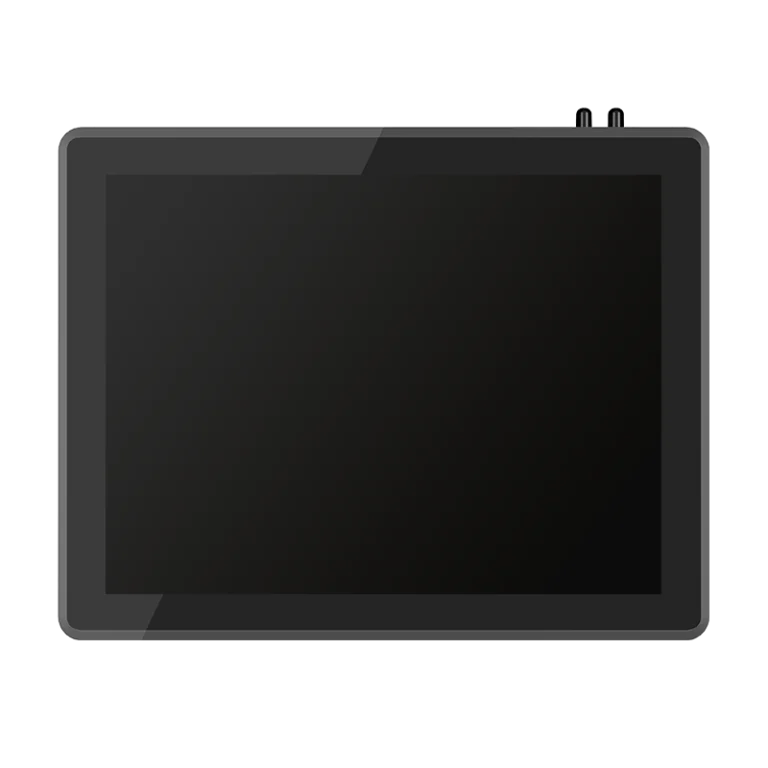
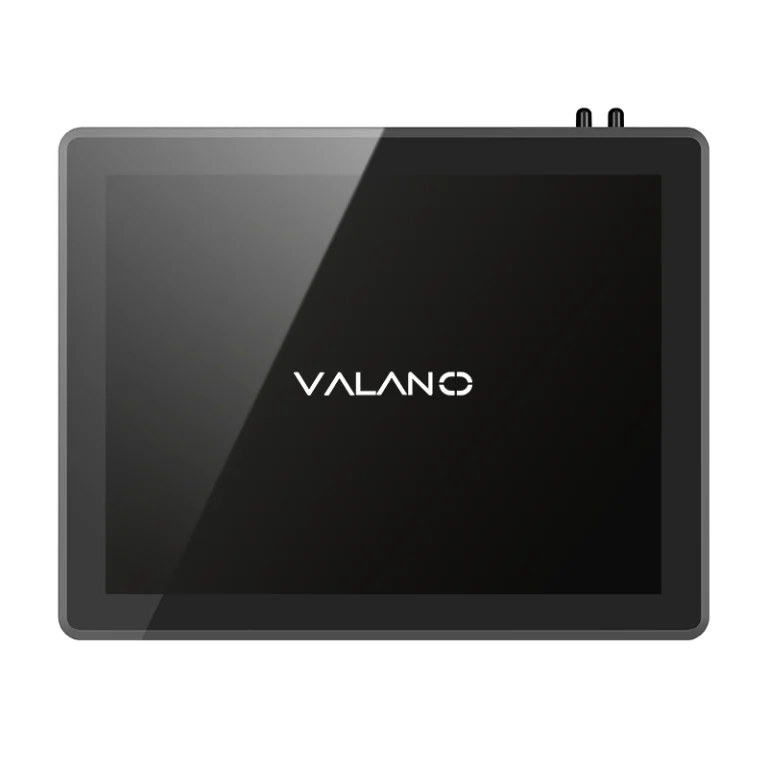
An embedded hmi computer builds the interface into a sealed, fixed-purpose device. The processor, memory, and display share one compact housing. There is no separate PC tower and no exposed cabling between parts. This design suits machines where space is tight and reliability matters.
These units run a dedicated operating image and a single application. The firmware starts quickly and returns to the same screen after a power cycle. Operators see a consistent layout every shift. Engineers gain predictable behavior and fewer software conflicts.
Cooling and sealing set embedded hmi panels apart from general-purpose hardware. Many designs use fanless cooling, so no vent pulls dust into the enclosure. Front faces often carry high ingress protection for washdown and outdoor cabinets. Vibration resistance supports mounting directly on moving machinery.
Best-Fit Applications
Embedded units fit equipment that ships in volume with a fixed interface. Machine builders favor them for compact footprints and simple integration. A single part number covers the display, the processing, and the mounting. That combination shortens design time and simplifies spare-parts planning.
These hmi panels also serve remote or unattended sites. Pump skids, compressor packages, and small process cells need a local screen that runs one task well. The sealed housing tolerates heat, dust, and moisture without a climate-controlled cabinet.
Among the types of hmi panels, this category offers the tightest match between device and task. The hmi stays dedicated to its machine, and the machine stays simple to operate. That focus supports dependable automation at the edge of the plant.
PC-Based HMI Systems
Features and Strengths
A PC-based system runs the interface as software on general-purpose computing hardware. The display, processor, and storage come from standard computing platforms rather than a fixed-purpose design. This open architecture lets engineers install visualization software, historians, and diagnostic tools on one machine. The hmi computer can host several programs at once, so an operator station doubles as an engineering workstation.
Storage and networking set these systems apart. Large drives hold long trend histories, recipe libraries, and event logs. Multiple network ports link the unit to controllers, plant networks, and business systems at the same time. Industrial pc-based hmi panels also accept standard peripherals, such as keyboards, barcode readers, and printers. Upgrades follow familiar computing paths, and software updates add functions without replacing hardware.
Best-Fit Applications
These systems fit tasks that demand heavy data handling. Multi-screen stations, supervisory control, and production reporting all benefit from the extra processing power. A single unit can show line status, run a database query, and send shift reports to a server. Control rooms and central monitoring desks favor this category for its large displays and flexible layouts.
Among the types of hmi panels, PC-based units offer the widest software freedom. Plants that expect changing requirements value that flexibility. Engineers can add screens, connect new equipment, and expand storage as the process grows. These hmi panels suit automotive assembly, energy management, and water treatment control centers, where operators watch many processes at once. In automation, this category serves as the bridge between the plant floor and higher-level systems. The trade-off is a need for more space, more maintenance, and a stable operating environment.
Mobile and Cloud-Connected HMI
Features and Strengths
Mobile and cloud-connected hmi panels free the operator from a fixed station. A handheld tablet or a wireless terminal carries the interface across the floor. Staff can check a machine’s status while standing beside it. This mobility shortens the walk between a fault and the screen that explains it.
Cloud connectivity adds a second layer of reach. These hmi panels send data to a remote server, and a browser shows the same screens from any approved location. Engineers can review trends from an office or a phone. Alarm notices reach the right person without a trip to the control room.
Setup stays flexible. Wireless units join the plant network without new cable runs. Software updates arrive over the network, so screens stay current across a fleet. Among the types of hmi panels, this category offers the widest physical reach.
Best-Fit Applications
These designs fit large sites with scattered equipment. Water networks, remote pump stations, and sprawling conveyor systems all benefit from a screen that travels with the operator. Maintenance teams use a handheld unit to diagnose a fault on the spot.
Cloud-connected hmi panels also suit multi-site operations. A central team can watch several plants through one dashboard. Mobile access supports faster response during off-shift hours. In automation, this category extends the operator’s view beyond the panel face. The trade-off is a dependence on reliable network coverage and sound security practice.
A Comprehensive Guide to HMI Panel Selection
Environment and Durability
Environment sets the first filter in any selection process. Dust, water, vibration, and temperature each rule out some designs. A washdown room demands a sealed front face and high ingress protection. A vibrating machine frame favors a fanless, solid-state unit. An outdoor cabinet needs a display that stays readable in bright light and a housing that sheds heat.
Durability follows from the same review. Check the operating temperature range against the site’s worst case, not its average day. Confirm the enclosure rating matches the cleaning method, since a hose-down routine defeats a lightly sealed unit. Look at mounting hardware and connector types, because a rugged panel with exposed rear cabling still fails in a wet area. This stage of the selection removes poor fits early and keeps later comparison honest.
Functionality, Integration, and Budget
Functionality comes next. List what the operator must see and do: alarms, trends, recipes, reports, or a few simple commands. A button-based terminal covers fixed, repetitive tasks. A touchscreen hmi handles graphical screens and changing modes. A PC-based unit carries heavy data work and multiple programs. Match the screen size and processing power to that list, and no more.
Integration decides whether the device fits the plant. Confirm the unit speaks the protocols your controllers use and offers the network ports your architecture needs. Check how it exchanges data with historians and business systems. A mobile or cloud-connected design adds reach, yet it depends on reliable coverage and sound security practice.
Regulatory compliance belongs in the same review. Confirm the panel carries the certifications your market and process require, and that its documentation supports an audit. Budget closes the framework. Compare total cost across purchase, installation, spares, and upkeep, not sticker price alone. A low-cost unit that needs frequent replacement rarely saves money.
No single factor decides the outcome. Weigh all five together, and the best-fit hmi panel type becomes clear. This selection method works for every category, from simple terminals to connected stations. A structured selection keeps the choice grounded in the task, the setting, and the operator’s needs. Use this comprehensive guide to hmi panel selection as a checklist, and revisit it whenever a process changes.
Applications by Industry
Manufacturing and Automotive
Manufacturing lines rely on a mix of hmi panels types. Assembly cells often use touchscreen units for recipe selection and changeover prompts. Simple conveyor sections favor button-based terminals for start, stop, and reset. Machine builders embed dedicated units inside compact equipment, where a sealed housing tolerates dust and vibration. Central monitoring desks add PC-based stations for production reporting and long trend histories.
Automotive plants push data handling further. Body shops and paint lines run many stations at once, so operators need large displays and fast updates. PC-based systems host supervisory screens and link to plant networks. Mobile units let maintenance staff check a fault while standing at the cell. Each hmi earns its place by matching the task, and no single design covers the whole plant.
Energy and Water Treatment
Energy sites spread equipment across wide areas. Substations, turbine halls, and remote skids each need local status and control. Embedded hmi panels suit sealed outdoor cabinets and unattended packages. Control rooms use PC-based stations to watch many processes on one screen. Cloud-connected units extend that view to engineers working off site.
Water treatment adds its own demands. Pump stations and filter rooms face moisture and washdown routines, so sealed faces and high ingress protection matter. Button-based terminals handle simple pump control with clear lamp feedback. Touchscreen units manage dosing recipes and alarm histories. These applications of hmi panels by industry show a common pattern: the setting and the operator’s task decide the device. Industrial applications rarely call for one universal design. A balanced mix of hmi panels, chosen for fit, keeps industrial automation dependable across every sector.
Future Trends in HMI Computers
Connectivity and Edge Computing
Connectivity is reshaping how hmi panels fit into the plant network. Newer units push data processing closer to the machine, a pattern known as edge computing. The device handles alarms, trends, and simple logic on site instead of sending every reading to a central server. This local processing keeps screens responsive when network traffic rises. It also reduces the data load on plant systems.
Edge capability changes the role of the hmi. The unit no longer just displays data. It filters, stores, and forwards only what matters. Engineers gain faster fault detection at the machine level. Cloud links then carry summary data to remote teams for review. This layered approach keeps local control fast and remote oversight broad.
Smarter Operator Interfaces
Operator interfaces are growing more helpful. Modern hmi designs guide staff through steps with clear prompts and context. Screens can highlight the likely cause of a fault and suggest a corrective action. This support shortens training time and reduces error during changeovers.
Voice input and gesture control are emerging options for hands-busy tasks. Predictive alerts warn of drift before a fault stops the line. These features keep the operator informed without adding clutter. The goal stays the same: clear information, fast action, and dependable control. As these trends mature, the hmi will remain the operator’s trusted window into the process.
Conclusion
The main types of hmi panels differ in display, processing power, and physical form. Touchscreen units favor graphical tasks. Button-based terminals favor simple, repetitive control. Embedded designs fit sealed, fixed-purpose machines. PC-based systems carry heavy data work. Mobile and cloud-connected units extend reach across large sites.
Selection still rests on five factors: environment, functionality, integration, compliance, and budget. Treat them as a checklist. Match the device to the industry application rather than defaulting to one option. A human machine interface should fit the task, the setting, and the operator.
Connectivity and smarter interfaces will keep changing the human-machine interface. The hmi will remain the operator’s window, and fit will still decide the best hmi.
FAQ
Which HMI type suits a small machine with basic controls?
A button-based terminal fits this case well. Physical keys and lamp feedback cover start, stop, and reset duties. The fixed layout stays simple for every operator. Sealed membrane faces also tolerate dust and washdown. Choose a graphical unit only when the task needs trends, recipes, or changing screens.
What factors matter most when comparing HMI panels?
Start with the environment, then list the operator’s tasks. Confirm protocol support and network ports next. Check certifications against your market and process. Close with total cost across purchase, installation, spares, and upkeep. Weigh all five together, and the best-fit type becomes clear.
Can one HMI design cover an entire plant?
Rarely. Assembly cells, conveyor sections, and control rooms each pose different demands. A mix of types usually serves a site best. Match each device to its task and setting. This approach keeps every station dependable without overspending on simple duties.
How is the HMI changing with edge computing?
Newer units process alarms and trends at the machine instead of sending every reading to a server. Local handling keeps screens responsive under heavy network traffic. Cloud links then carry summary data to remote teams. The operator gains faster fault detection close to the process.
Do mobile units replace fixed stations?
No. Mobile and cloud-connected designs extend reach across large or scattered sites. Fixed stations still anchor control rooms and high-traffic cells. Many plants pair both, so staff can monitor remotely and act locally. Network coverage and security practice decide how far the mobile layer extends.