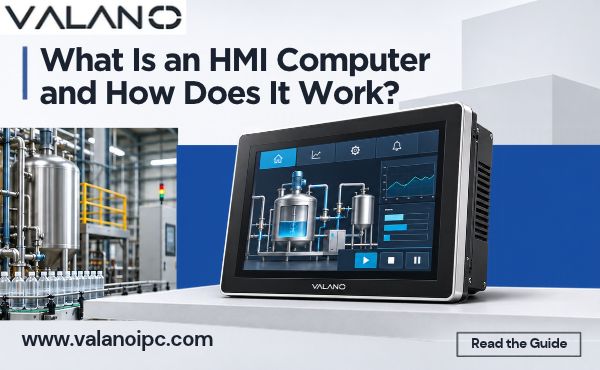
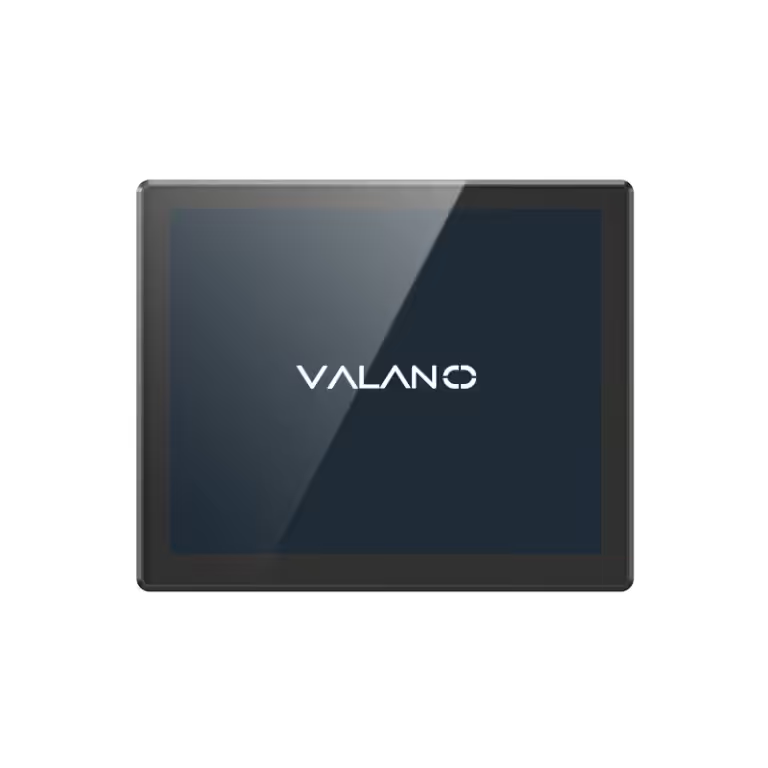
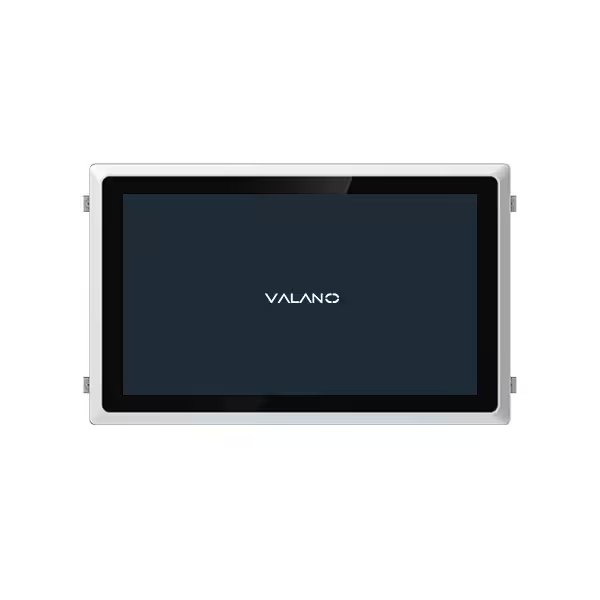
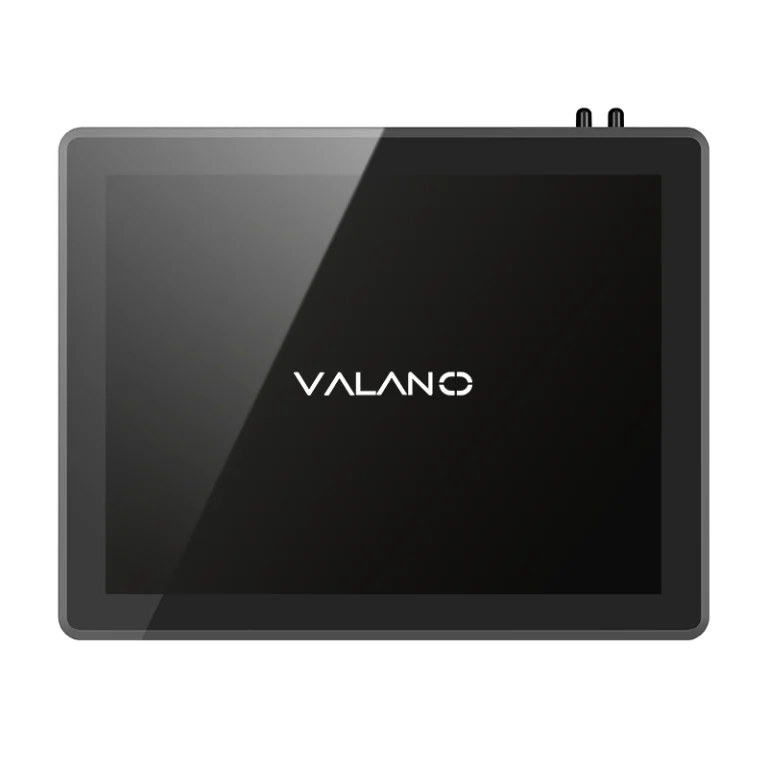
An HMI computer is a dedicated device that gives an operator a visual window into a machine and a way to send it commands. Think of it as the screen or dashboard on the factory floor. The operator reads machine status there and tells the equipment what to do next.
An HMI can take many forms. Some are physical control panels covered in buttons and switches. Others are software-based interfaces running on a touchscreen or a standard display. This article explains how these systems work, from the hardware and software inside them to the flow of data and the control signals that travel back to the machine.
What Is an HMI Computer?
HMI Definition and Core Purpose
The hmi definition is simple: it is a user interface or dashboard that connects a person to a machine, system, or device. The operator sees what the equipment is doing, and the operator acts on that information. This is the core purpose of every human-machine interface.
One rule applies to every hmi system. The interface must connect to a machine. That machine may run on its own in automatic mode, or it may wait for operator commands. Either way, the hmi sits between the person and the process. It turns raw machine data into something a person can read, and it turns human intent into signals the machine can follow. Without that link, the screen is just a display with nothing to show.
The term human machine interface definition also covers the boundary itself. The hmi defined as a bridge carries status one way and commands the other. Operators rely on this bridge every shift, and the machine depends on it for clear instructions.
HMI Computer vs. a Regular PC
An hmi computer looks like a computer, yet it is built for a different job. A regular PC serves general computing: documents, email, browsing, and software of every kind. An hmi computer is purpose-built for one task. It runs the interface for a specific machine or process.
The hardware reflects that focus. These units are rugged. They tolerate dust, vibration, temperature swings, and the electrical noise common on a plant floor. A desktop PC in an office does not face those conditions, and it is not designed to survive them.
The connection point also differs. A standard PC stands alone. An hmi computer ties directly to a controller, such as a PLC, and exchanges data with it continuously. The hmi system does not decide how the machine runs. The controller holds the control logic, and the interface presents that logic to the operator.
Software adds another difference. A regular PC loads many applications. An hmi computer runs dedicated runtime software with fixed screens and tags. This narrow scope keeps the device stable and predictable. Human machine interfaces in industry favor that reliability over flexibility. A general computer offers choice, and an hmi offers focus. Each fits its own setting well.
How a Human-Machine Interface Works
Hardware and Software Components
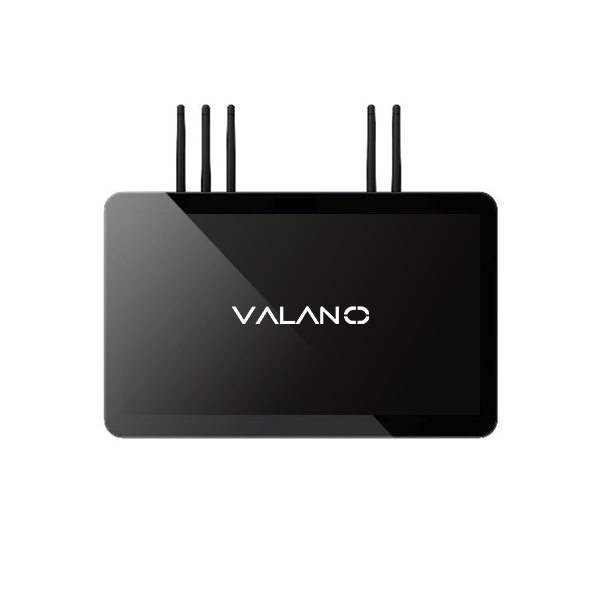
Every hmi computer is a package of physical parts and the programs that bring them to life. The display shows the hmi screens an operator reads. A processor runs the interface and handles data. Communication ports link the unit to the controller and to the plant network. Memory stores the screens, the tags, and the event history.
Software gives the hardware its purpose. Runtime software is the engine that draws screens and moves data. Tags are named data points that map to real signals in the controller, such as a motor speed or a tank level. Screens arrange those tags into buttons, gauges, and readouts. Good hmi design keeps each screen clear and groups related controls together. The hmi software also manages user access, so only trained staff can change critical settings.
The Data-to-Control Workflow
The workflow follows a repeatable path. Each cycle moves data from the machine to the screen and commands back again.
- The controller collects readings from sensors on the machine.
- The hmi requests or receives those values through its communication ports.
- The processor updates the tags and refreshes the display.
- The operator reads the screen and presses a button or enters a value.
- The hmi sends that command back to the controller.
- The controller acts on the command and adjusts the machine.
This loop delivers real-time data to the operator and turns intent into machine control. The same path supports automatic operation, where the controller runs the process and the hmi simply reports status. It also supports operator-controlled operation, where the person adjusts setpoints and starts or stops equipment. In both cases, the hmi system keeps communication between the machine and the operator steady and visible.
The value of this flow is simple. The operator gains a clear user interface for control of the machine from a screen. The machine gains a reliable channel to receive instructions. Neither side needs to guess what the other is doing. That shared view is what makes human-machine interface technology useful on a busy floor. Operators can communicate with machines through a single, consistent point, and the hmi display becomes the trusted source of truth for the shift.
Key Functions and Benefits
What Operators Can Do
An operator spends a shift in front of the hmi, and that screen carries most of the daily work. Status monitoring comes first. Gauges, trend lines, and indicator lights show whether a motor is running, a tank is filling, or a line has stopped. The operator reads this real-time data at a glance and knows the state of the process without walking the floor.
Alarms are the second core task. When a value crosses a limit, the hmi screens flag it, and the operator acknowledges the alarm to confirm someone has seen it. From there, the operator adjusts setpoints, starts or stops equipment, and logs events for the shift record. Each action passes through the user interface, so the machine receives a clear instruction. This is the everyday use of hmi technology: watch, respond, record.
Why Plants Rely on Them
The practical payoff shows up in response time. An operator who sees a fault on screen can act within seconds instead of discovering it on a walk-around. Clear visibility also cuts errors, because the hmi presents the current value next to the target value, and the operator compares the two directly.
Troubleshooting becomes easier as well. Event logs and trend history let a technician trace what happened before a stop, and real-time monitoring keeps small drifts from growing into failures. Good hmi design supports machine control that stays predictable shift after shift. The hmi system also strengthens communication between the machine and the operator, since both sides work from the same displayed values. Teams that control machinery and view data through one consistent interface spend less time guessing and more time producing. That reliability is why hmi systems earn a fixed place on the plant floor.
Types and Common Applications
Panel, Panel PC, and PC-Based HMIs
The hardware behind an hmi computer comes in three broad forms. The simplest is the traditional control panel. It holds physical buttons, switches, and indicator lamps, and each control wires straight to the machine. These operator panels suit small equipment with a fixed set of actions, such as start, stop, and reset.
The second form is the panel PC. This unit mounts into a cabinet cutout and combines a touchscreen with a built-in processor. It runs hmi software and shows dynamic hmi screens in place of fixed buttons. Operators gain flexible graphics, alarm pages, and data logging in the same footprint as an old panel.
The third form is the PC-based hmi. Here the interface runs as software on a standard industrial computer or a rugged display unit. This option fits larger lines that need bigger screens, more tags, or links to plant networks. All three forms serve industrial machines visualization and control, and the right pick depends on machine size and task complexity.
Where HMI Computers Are Used
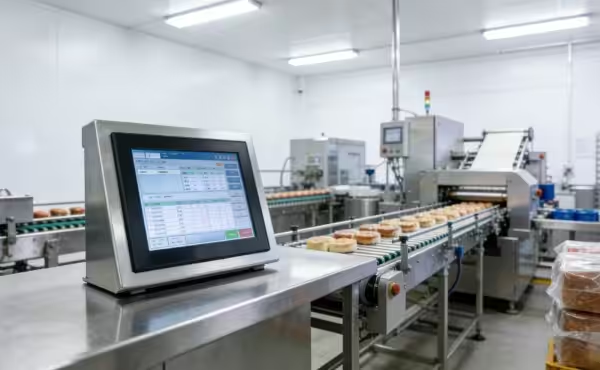
The uses of hmi span nearly every automated setting. Food and beverage lines rely on them for recipe changes and batch tracking. Automotive plants use them at assembly stations for torque values and build status. Water treatment sites depend on real-time monitoring of pumps, valves, and tank levels.
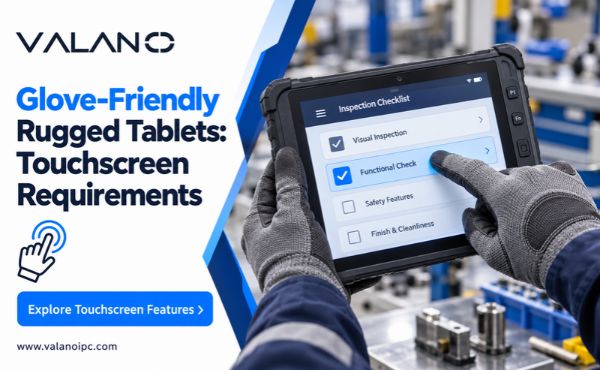
Packaging equipment pairs operator panels with conveyors and fillers, so staff can adjust speed and clear jams fast. Metalworking shops use an hmi display to watch spindle loads and tool wear. Energy and utility rooms apply human machine interfaces to control machinery such as compressors and boilers. In each case, the user interface gives staff a clear point to control machinery and read live data. Careful hmi design keeps those screens readable under gloves, glare, and pressure. That blend of clarity and speed explains why industrial hmis remain standard on modern equipment.
HMI Computer vs. SCADA
Human Machine Interface Definition in Context
The human machine interface definition shifts slightly when SCADA enters the picture. An HMI is local and machine-focused. It sits at one piece of equipment and serves the operator standing in front of it. SCADA is plant- or site-wide supervision. It gathers data from many machines and presents a broader view to supervisors and engineers.
The difference between HMI and SCADA comes down to scope, not quality. An HMI computer handles one machine well: its screens, its alarms, its setpoints. SCADA watches the whole site and coordinates across lines and buildings. A small cell with a single machine needs only the local interface. A multi-line plant gains value from site-wide oversight. Each fits its own scale.
| Aspect | HMI | SCADA |
|---|---|---|
| Scope | One machine or cell | Plant or site |
| Typical user | Machine operator | Supervisor, engineer |
| Focus | Local control and status | Coordination and reporting |
How the Two Systems Work Together
The two systems rarely compete. They cooperate. The HMI defined at the machine level collects live data and passes it upward to the SCADA layer. Supervisors see aggregated status, and operators keep local control. Commands still flow back through the machine interface, so the person closest to the equipment stays in charge of it.
This arrangement supports both automatic operation and operator-controlled work. The hmi system reports what the controller is doing, and SCADA adds context across the site. The difference between HMI and SCADA becomes an advantage here: local speed plus wide visibility. A plant can start with a single hmi and add SCADA as it grows. Neither layer replaces the other, and the user interface at the machine remains the trusted point of control.
Conclusion
An HMI computer is a purpose-built interface that links an operator to a machine. It reads data from a controller, shows that data on screen, and sends operator commands back to the equipment. That loop defines how the system works.
The practical value is steady and proven. A clear user interface shortens response time and keeps machine status visible at a glance. Looking ahead, touchscreens, edge connectivity, and remote monitoring will keep reshaping these devices. If your team needs local, reliable machine control, an hmi computer is a sound fit. For site-wide oversight, pair it with SCADA. Either way, the hmi earns its place.
FAQ
Does an hmi need a PLC to work?
Yes, in most cases. The hmi connects to a controller such as a PLC and exchanges data with it. The controller holds the control logic and runs the machine. The hmi presents that logic to the operator and sends commands back. Without a controller, the screen has no process to show.
What is the difference between an hmi and a PLC?
They do different jobs. A PLC runs the control program and drives the machine. An hmi is the operator’s window into that program. The PLC decides what the machine does. The hmi lets a person see status and issue commands. The two work as a pair.
Can a regular PC serve as an hmi?
It can run hmi software, and some PC-based units do exactly that. The catch is the environment. A standard PC is not built for dust, vibration, or electrical noise. A purpose-built hmi computer survives those conditions. Match the hardware to the floor, not the office.
What should I consider when choosing an hmi?
Start with screen size and the number of tags the machine needs. Check the communication ports against your controller. Confirm the unit tolerates your plant conditions. Think about alarm handling and event logging. A clear hmi design matters as much as the hardware itself.