Choosing an industrial PC for high-vibration equipment requires more than finding a computer described as “rugged.” Continuous vibration can loosen electrical connections, interrupt data transmission, damage moving components and place repeated mechanical stress on circuit boards and solder joints. Occasional shocks caused by impacts or sudden stops create another type of load.
The right industrial computer must therefore be matched to the equipment’s actual vibration profile. Buyers should examine verified test conditions, storage and cooling design, connector retention, mounting method, power stability and environmental protection. Processor performance matters, but it should be considered only after the computer’s mechanical suitability has been established.
Define the Equipment’s Vibration and Shock Conditions
Start by identifying the mechanical stresses the PC will experience. A computer mounted beside a stationary control cabinet does not face the same conditions as one installed on a mining vehicle, mobile robot, CNC machine or vibrating conveyor.
Separate Vibration From Shock
Vibration is repetitive oscillation generated by motors, pumps, engines, compressors or movement over uneven surfaces. It may be sinusoidal, occurring at predictable frequencies, or random, with energy distributed across a frequency range.
Shock is a short-duration mechanical event such as an impact, abrupt stop or sudden change in motion. Although vibration and shock are often listed together, they are evaluated using different test procedures. A computer rated for one should not automatically be assumed suitable for the other.
Before comparing industrial PCs, collect as much of the following information as possible:
- Type of vibration: sinusoidal, random or combined
- Frequency range
- Acceleration level, expressed in g or Grms
- Duration and frequency of exposure
- Direction and number of axes
- Expected shocks or impacts
- PC mounting position
- Whether the PC must operate during exposure
When measured vibration data is unavailable, the equipment manufacturer’s mechanical specifications or data from a comparable installation can provide a starting point. The goal is not simply to select the highest published rating. It is to find a test profile that reasonably represents the intended application.
Check the Industrial PC’s Vibration Test Ratings
Manufacturers commonly reference IEC 60068 or MIL-STD-810 when describing vibration-resistant industrial PCs. These references are useful only when the accompanying test details are available.
Relevant test methods include:
| Test method | What it evaluates |
|---|---|
| IEC 60068-2-6 | Sinusoidal vibration |
| IEC 60068-2-64 | Broadband random vibration |
| IEC 60068-2-27 | Mechanical shock |
| MIL-STD-810H Method 514.8 | Vibration under defined lifecycle conditions |
| MIL-STD-810H Method 516.8 | Shock resistance under selected procedures |
A standard name does not represent one universal severity level. Test frequency, acceleration, duration, waveform, axis and system condition can vary. MIL-STD-810H, in particular, provides methods that must be tailored to the expected environment rather than a single performance grade shared by every tested product.
Ask the supplier for a test report or detailed test statement showing:
- The exact standard, method and procedure
- Frequency range and vibration type
- Acceleration or Grms level
- Duration per axis
- Number of tested axes
- Operating or non-operating condition
- System configuration used during testing
- Pass-and-fail criteria
Pay attention to whether the complete computer was tested with memory, storage and expansion modules installed. A bare chassis result may not fully represent the configuration deployed on the equipment.
Evaluate the Hardware Design for Vibration Resistance
Test ratings should be supported by a hardware design that minimizes movement and connection failure.
Prefer Fanless, Solid-State Construction
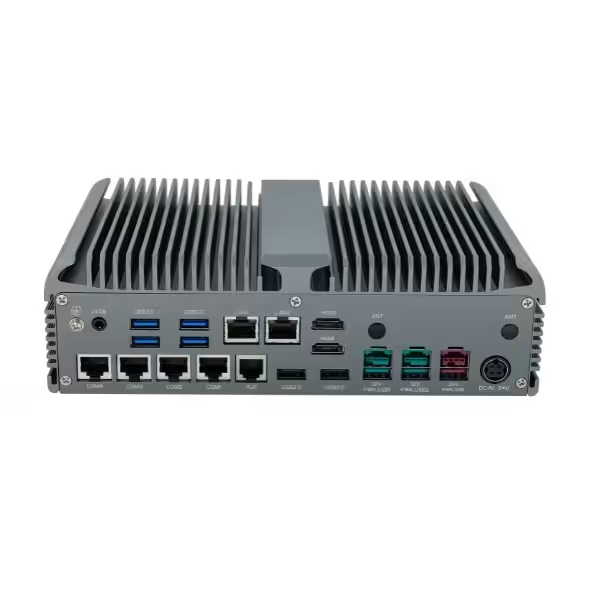
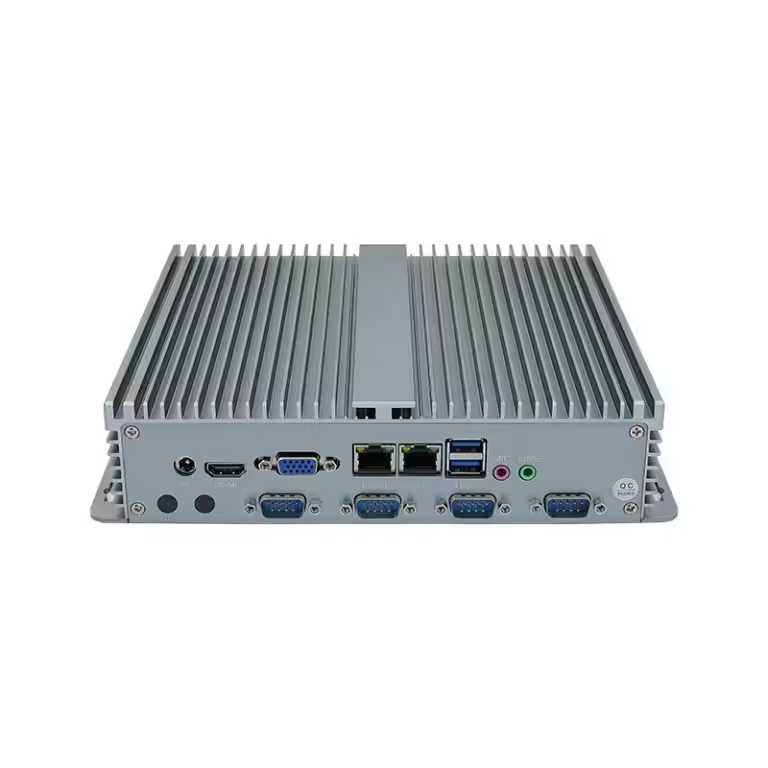
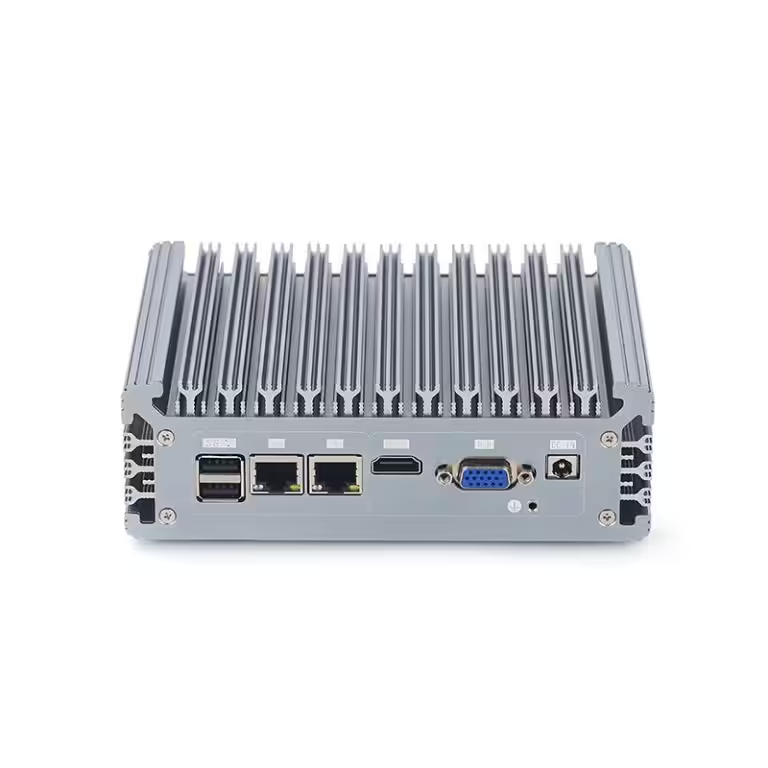
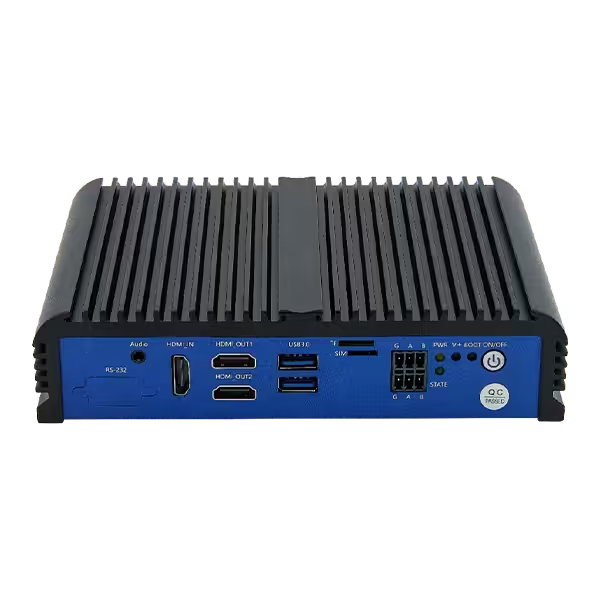
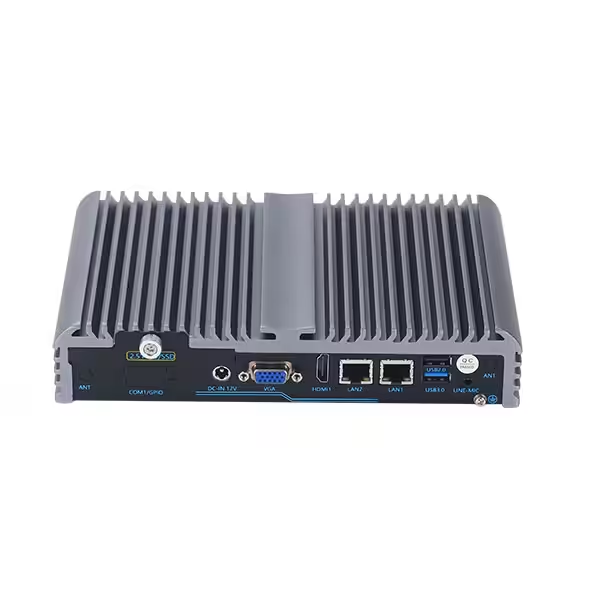
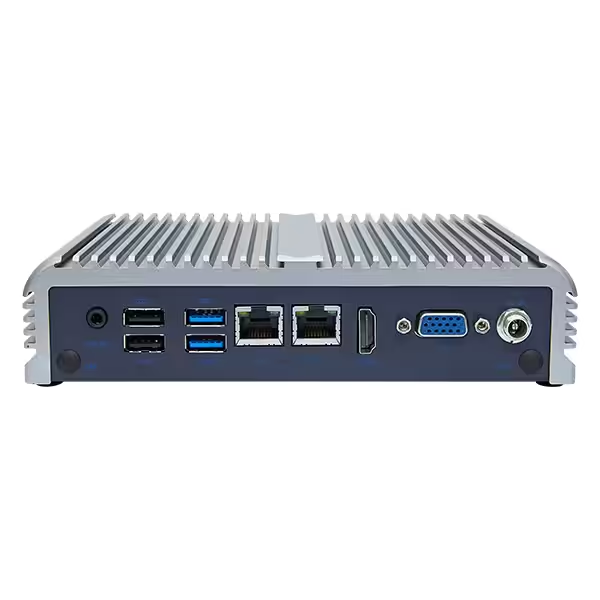
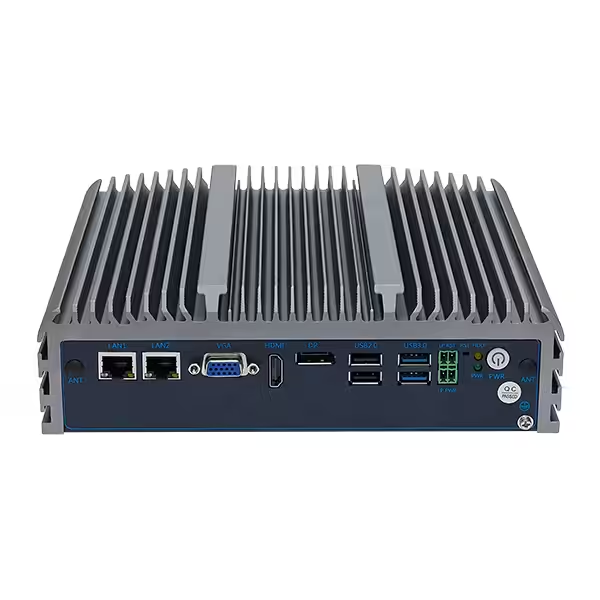
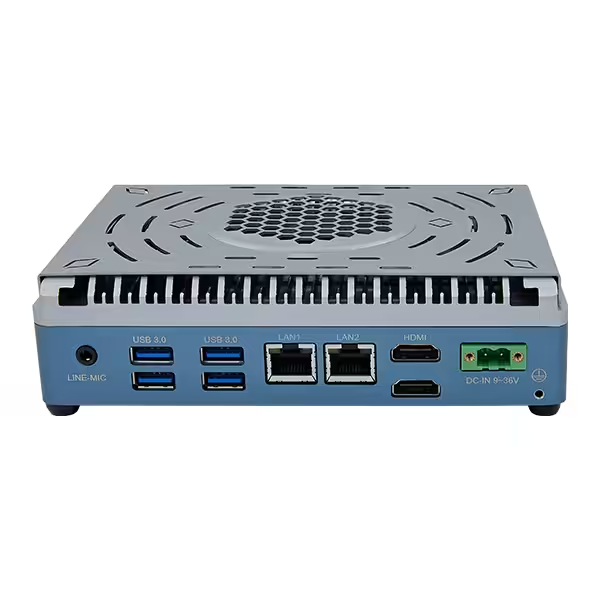
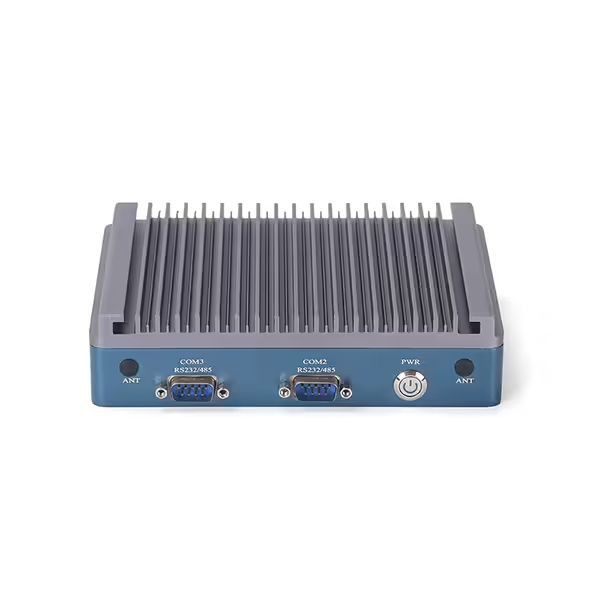
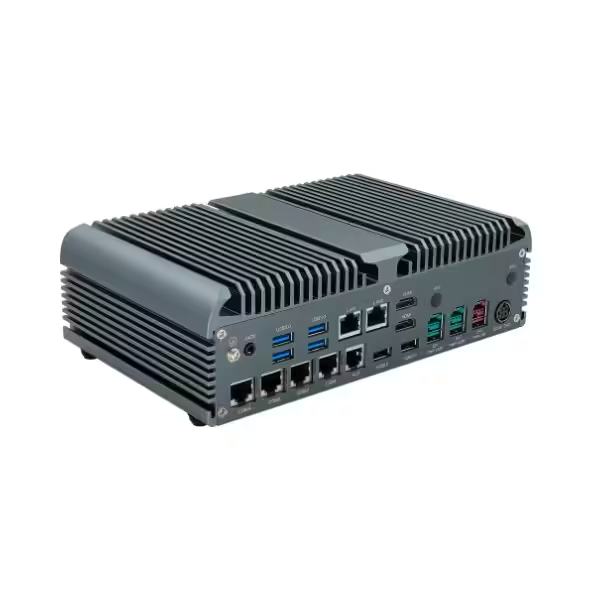
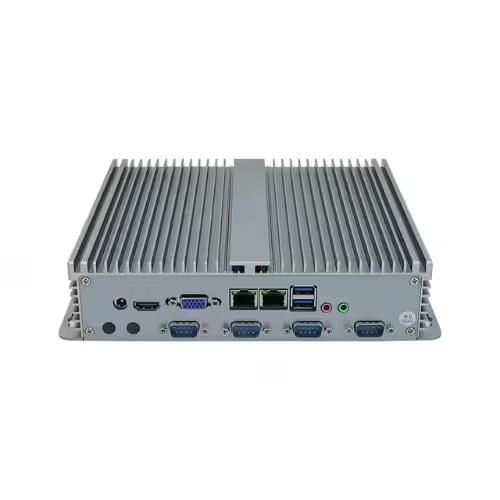
A fanless industrial PC eliminates cooling fans that may wear, collect contaminants or become unstable under vibration. Instead, heat is transferred from the processor to an aluminum chassis that acts as a passive heat sink.
Solid-state drives are preferable to rotating hard disk drives in high-vibration applications because they contain no spinning disks or moving read heads. However, the SSD and its connector must still be secured properly. An industrial SSD may also provide better temperature tolerance, endurance and lifecycle control, depending on the selected model.
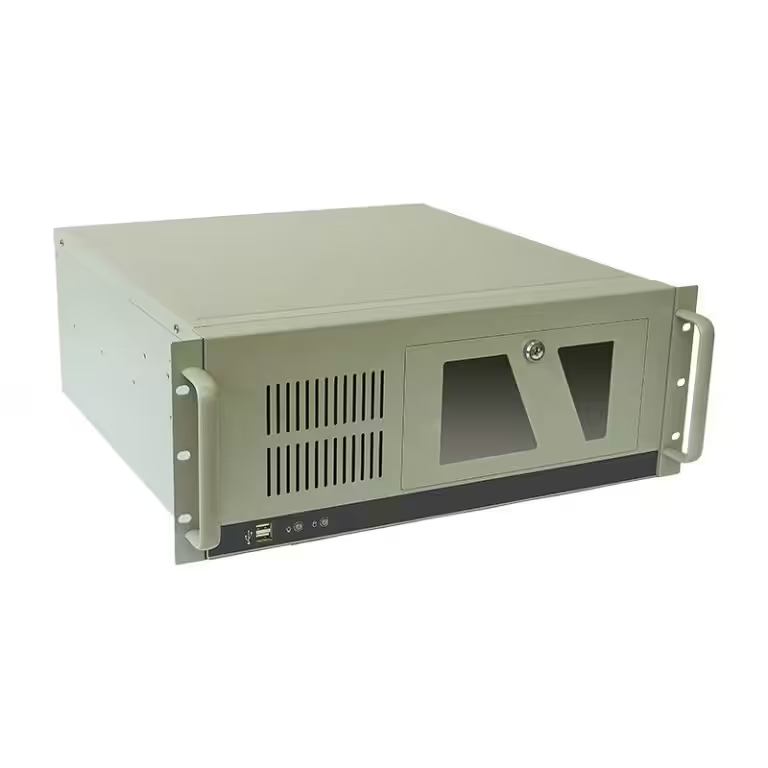
The chassis should be mechanically rigid and designed to support the internal assemblies. Internal cables, memory modules, M.2 storage and expansion cards should use suitable retention methods so that repeated vibration does not cause gradual movement.
Inspect Power and I/O Connections
External connections are common failure points. Standard consumer power plugs and unsupported cables can work loose when exposed to sustained vibration.
Depending on the application, useful features include:
- Locking terminal-block power input
- Screw-locking serial and display connectors
- Threaded M12 Ethernet or USB connectors
- Lockable USB connections
- Retention for removable storage and expansion cards
- Cable clamps or strain relief
The connector type should also match the installation environment. M12 connections may be appropriate on vehicles or exposed machinery, while terminal blocks and screw-locking connectors may be sufficient inside a protected control cabinet.
Match Computing, Power and Environmental Requirements
A vibration-resistant enclosure does not compensate for an incorrectly sized computing platform. After confirming mechanical suitability, evaluate the workload and system interfaces.
For basic data collection or machine control, a low-power processor may be sufficient. Machine vision, real-time analytics and edge AI may require a higher-performance CPU, dedicated GPU or AI accelerator. More processing power produces more heat, so confirm that the fanless thermal design can maintain performance within the expected ambient temperature range.
Also check the required:
- RAM and storage capacity
- Ethernet ports and network speed
- RS-232, RS-422 or RS-485 connections
- CAN bus and digital I/O
- USB and display outputs
- PoE support
- PCIe or other expansion capability
Power quality deserves equal attention. Equipment-mounted computers may experience voltage fluctuation, electrical noise or brief interruptions. Depending on the power source, look for a suitable wide-range DC input, reverse-polarity protection, overvoltage protection and surge handling. Vehicle-mounted systems may also require ignition control and delayed shutdown functions.
Vibration may occur together with dust, moisture and temperature extremes. Confirm the computer’s operating-temperature range and ingress protection according to its actual installation location. An IP-rated front panel does not necessarily mean that the entire computer is sealed, so distinguish front-panel protection from full-enclosure protection.
Plan the Mounting and Validate the Installed System
Even a properly rated industrial PC can perform poorly if installed incorrectly. Mount the computer in an orientation approved by the manufacturer and attach it to a sufficiently rigid structural surface. Flexible panels may amplify certain frequencies instead of supporting the PC securely.
Cables should be supported so their weight and movement do not load the connectors. Avoid long, unsupported cable runs near the computer. Fasteners should be appropriate for the vibration environment and checked according to the equipment’s maintenance schedule.
Vibration isolators can reduce transmitted energy, but they should not be selected casually. An unsuitable isolator may introduce resonance, allow excessive movement or interfere with heat transfer from a fanless chassis. Isolation should be based on the vibration spectrum, equipment mass and mounting design.
Before full deployment, test the complete installed configuration under representative operating conditions. Monitor for:
- Unexpected reboots or power interruptions
- Storage or file-system errors
- Network and serial communication failures
- Loose connectors or fasteners
- Thermal throttling
- Expansion-card movement
- Changes in system logs
A pilot installation is particularly useful when the vibration profile is uncertain or the computer will be installed on custom equipment.
Conclusion
Choosing an industrial PC for high-vibration equipment starts with understanding the vibration source, frequency range, acceleration, duration and mounting position. The next step is to compare complete IEC or MIL-STD test conditions—not just certification labels—and examine how the computer secures its storage, internal modules, power input and I/O connections.
Computing performance, environmental protection and power compatibility must then be matched to the application. Finally, the complete system should be validated in its intended mounting orientation with all cables and expansion modules installed.
The best vibration-resistant industrial PC is not necessarily the model with the largest number in its specification sheet. It is the system whose verified test profile, mechanical design and installation method most closely match the equipment’s real operating conditions.