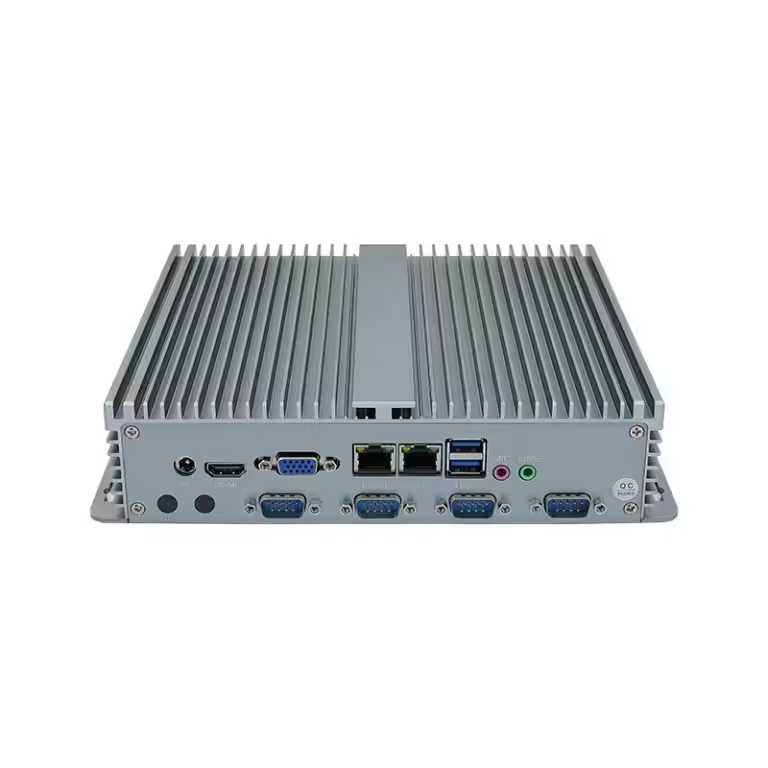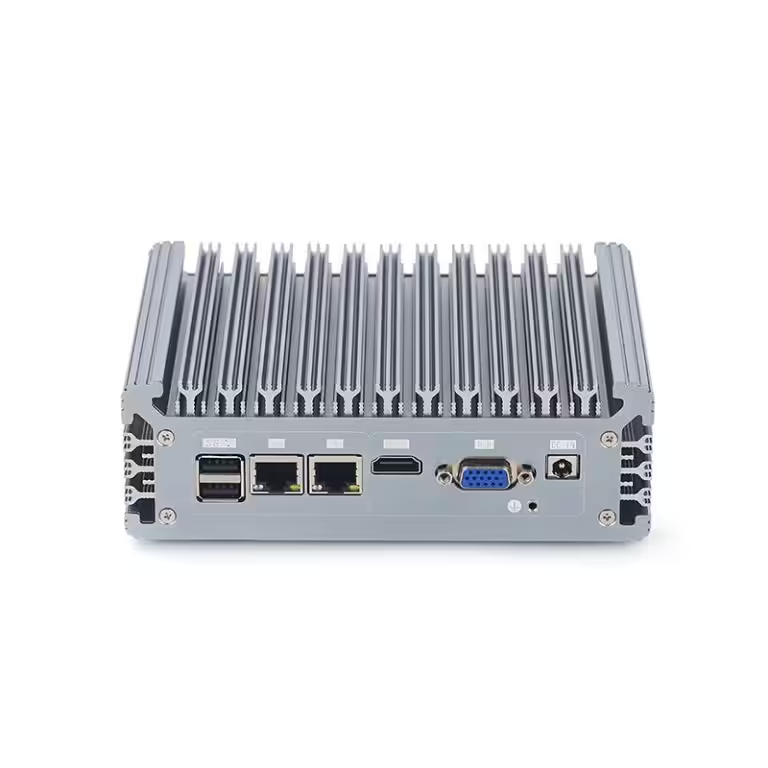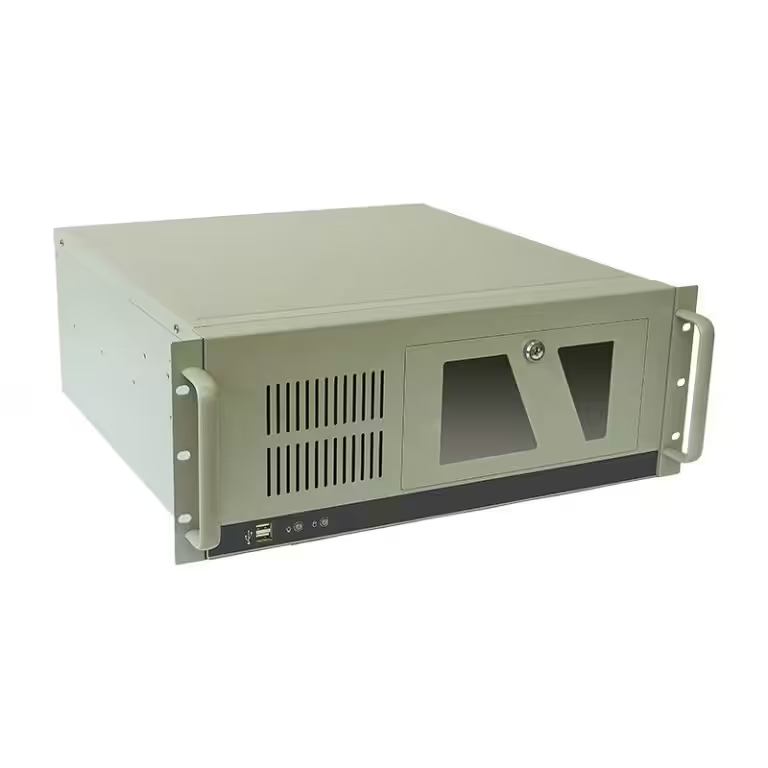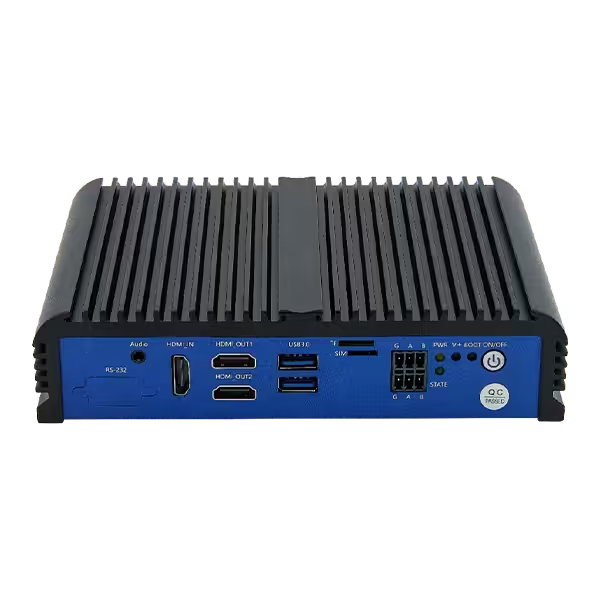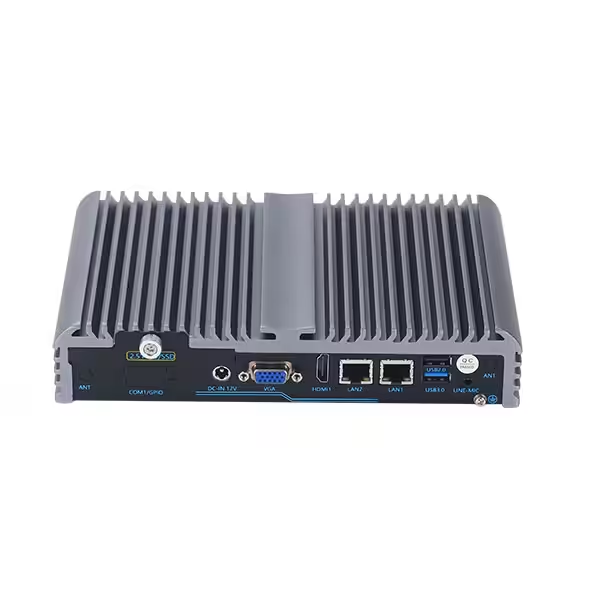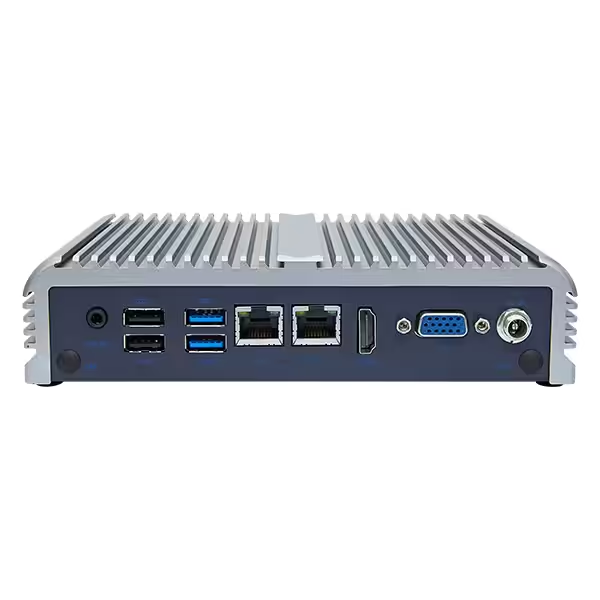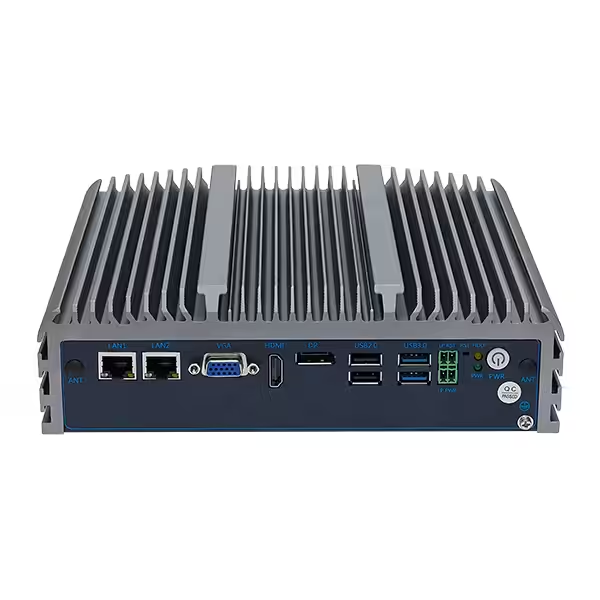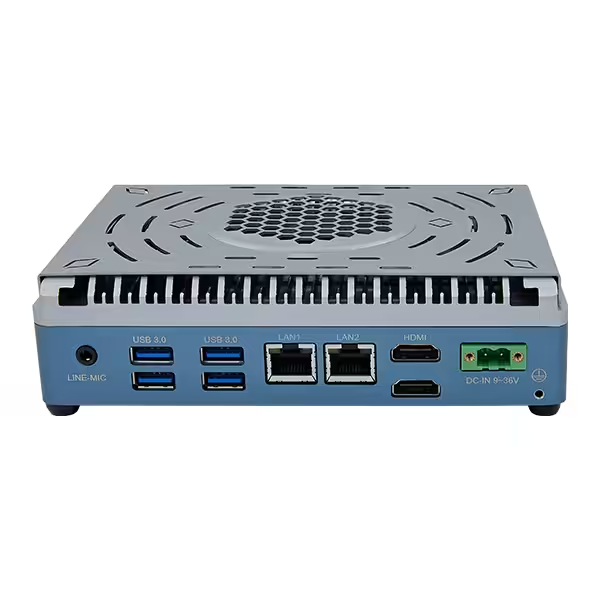
Industrial PCs are often installed where temperatures cannot be controlled as easily as they are in offices or server rooms. Production equipment, outdoor cabinets, vehicles, cold-storage facilities and remote monitoring stations may expose computers to freezing starts, accumulated heat or repeated temperature changes.
Wide-temperature industrial PCs are designed for these conditions, but wider specifications are not automatically better. Suitable operating ranges depend on the temperatures surrounding the computers, enclosure design, airflow, computing workloads and startup requirements. Understanding these factors helps prevent unnecessary over-specification while reducing the risk of throttling, shutdowns and shortened component life.
What Do Industrial PC Temperature Ratings Mean?
Operating-temperature ratings specify the ambient temperature ranges within which industrial PCs are designed to function. Ambient temperature generally refers to the air immediately surrounding the computers, not CPU core temperatures or the temperatures reported by internal sensors.
Two specifications commonly appear on industrial PC datasheets:
- Operating temperature: The permitted ambient range while industrial PCs are powered on and running.
- Storage temperature: The range industrial PCs can withstand while powered off, such as during storage or transportation.
Storage-temperature ranges are usually wider because powered-off components do not generate additional heat. Therefore, storage ratings should never be used to determine whether industrial PCs can start or operate under the same conditions.
Terms such as “extended-temperature,” “wide-temperature” and “industrial-temperature” are also not completely standardized. Manufacturers may use different terms for similar ranges or the same term for different ranges. Actual temperature values and any attached conditions matter more than classification labels.
Which Operating Range Matches Different Environments?
Temperature specifications vary by design and manufacturer, but the following ranges provide useful starting points.
| Operating range to evaluate | Typical conditions | Common applications |
|---|---|---|
| 0°C to 40°C | Stable, temperature-controlled interiors | Control rooms, server rooms and indoor information systems |
| –10°C to 50°C or 60°C | Non-air-conditioned interiors with moderate seasonal changes | Production equipment, warehouses and automation systems |
| –20°C to 60°C or 70°C | Semi-outdoor sites, hot equipment cabinets or sub-zero winters | Machine vision, transportation and outdoor terminals |
| –40°C to 70°C | Extreme cold, high heat or unattended outdoor operation | Energy systems, remote monitoring and roadside infrastructure |
These ranges are not universal industry classes. For example, some manufacturers describe –20°C to 70°C as extended-temperature operation, while others reserve industrial-temperature terminology for ranges extending down to –40°C.
The correct choice should be based on measured conditions rather than category names. Wider ranges can increase design and component requirements without providing meaningful benefits in controlled environments. Conversely, standard ranges may be inadequate when computers are installed inside sealed cabinets, close to heat-producing equipment or in locations exposed to winter cold.
How to Determine the Required Operating Range
Measure Temperatures at the Installation Points
Local weather reports and general factory temperatures do not reveal the complete thermal conditions surrounding industrial PCs. Measurements should be taken where the computers will actually be installed.
For cabinet-mounted systems, sensors should be placed inside the cabinets near the intended mounting positions. Temperatures should be recorded during peak production, maximum computing loads and the hottest and coldest periods expected during the year.
Nearby motors, power supplies, lighting, GPUs and automation equipment can raise local temperatures. Multiple devices installed in the same enclosure can also create heat pockets that are not reflected in room-level measurements.
Consider Enclosures, Sunlight and Airflow
Sealed enclosures protect electronics from dust and moisture but can also trap heat. Metal cabinets exposed to sunlight may become substantially hotter than the surrounding outdoor air. Restricted airflow and closely packed components further reduce the ability of industrial PCs to release internally generated heat.
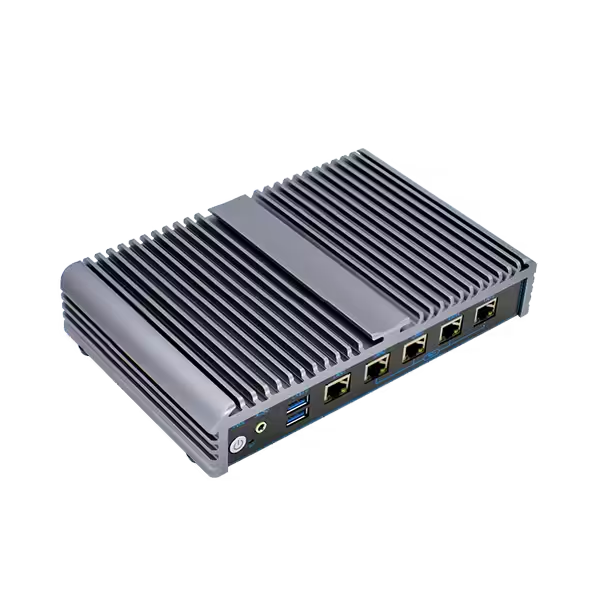
Mounting orientation matters for fanless industrial PCs because their chassis and external fins form part of the cooling system. Blocking the fins, installing the computers in confined spaces or ignoring the recommended clearance can weaken natural convection.
The maximum expected ambient temperature should therefore represent conditions inside the installation, not simply the highest regional weather temperature.
Allow a Reasonable Temperature Margin
Industrial PCs should not operate continuously at the limits shown on their datasheets. A reasonable margin helps account for measurement uncertainty, short temperature peaks, dust accumulation and changing workloads.
There is no single margin suitable for every installation. Systems operating continuously under high CPU or GPU loads generally require more thermal consideration than systems processing light control or monitoring tasks. Enclosure ventilation, duty cycles and maintenance conditions should all influence the final decision.
What Happens When Industrial PCs Get Too Hot or Too Cold?
High temperatures can force processors to reduce their clock speeds through thermal throttling. This protects processors from damage but may reduce performance during demanding workloads. Continued heat exposure can also accelerate component aging and contribute to storage errors, unstable communications, unexpected restarts or shutdowns.
Low temperatures create different problems. Industrial PCs may fail to start if processors, storage devices or power circuits have not been validated for cold starts. Displays may respond more slowly, and some storage devices can show reduced performance.
Temperature transitions may be as important as absolute limits. When cold equipment is moved into warm, humid environments, condensation can form on internal components. Repeated heating and cooling also cause materials to expand and contract, placing long-term stress on solder joints, connectors and circuit boards.
For applications with rapid temperature changes, humidity and condensation control should be evaluated alongside the published operating range.
Why Published Temperature Ranges Need Context
Temperature specifications can appear straightforward, but their test conditions may change what those numbers mean in actual installations.
Before relying on a published range, readers should check:
- Whether the range applies to complete industrial PCs or only selected components
- Whether the lowest temperature supports cold starts or only continued operation
- Whether the maximum temperature requires additional airflow
- Whether full performance is available at the upper limit
- Whether specific processors, memory modules or SSDs were used during validation
- Whether optional wireless, cellular or expansion modules support the same range
Industrial-grade processors alone do not establish the operating ranges of complete computers. Memory, SSDs, power supplies and communication modules can impose narrower limits. Configuration changes may therefore affect the temperature ranges available for otherwise identical industrial PC models.
High-temperature ratings may also depend on processor power settings. Industrial PCs that remain stable at high ambient temperatures with low-power processors may require derating when configured with higher-performance processors or expansion modules.
How Fanless Designs Support Wide-Temperature Operation
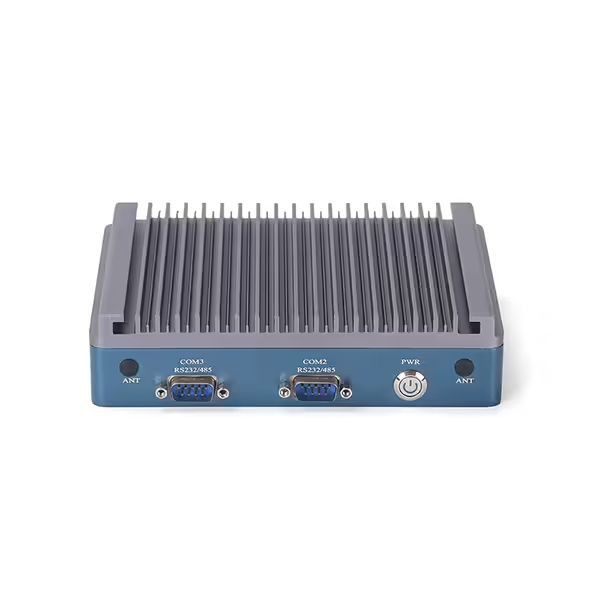
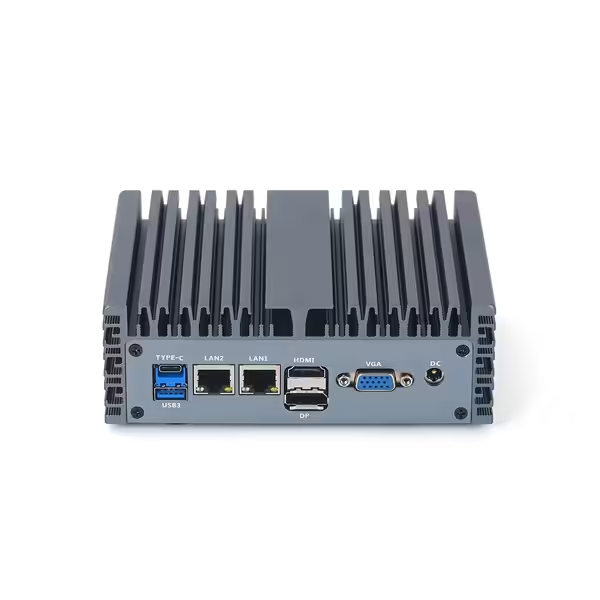
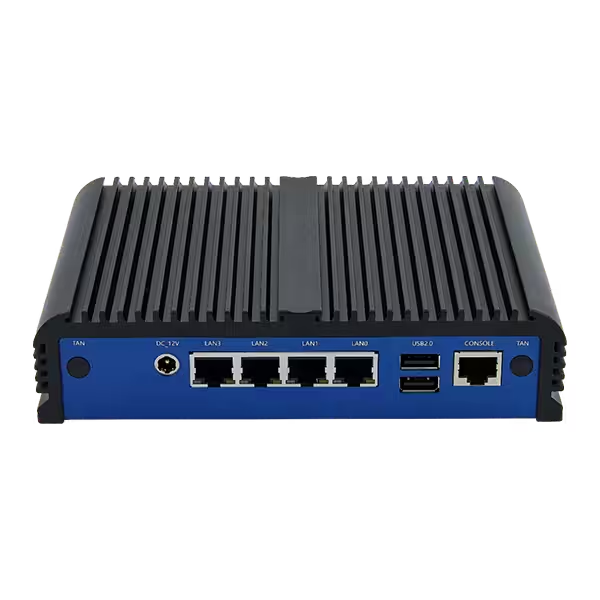
Many wide-temperature industrial PCs use fanless thermal designs. Heat generated by processors and chipsets is transferred through conductive materials to metal chassis, which act as large external heat sinks. Fins increase the available surface area, while natural convection moves heat into the surrounding air.
Removing cooling fans eliminates moving parts that can wear out or draw dust into the enclosure. However, fanless does not mean that airflow is irrelevant. Passive cooling still depends on available space, correct mounting orientation and surrounding air temperatures.
Wide-temperature operation also requires more than metal enclosures. Component selection, PCB layout, thermal interface materials, heat-transfer paths and processor power management all influence system performance. Reliable temperature ratings should reflect complete-system validation rather than the ratings of individual components alone.
Conclusion
Suitable operating ranges should be based on the environments immediately surrounding industrial PCs during real operation. Regional weather data, broad temperature labels and individual component ratings are not enough by themselves.
Measured cabinet temperatures, cold-start requirements, computing loads, airflow and configuration-specific limits should all be considered. By matching these conditions to verified operating ranges, industrial PCs can provide reliable performance without introducing unnecessary specifications or leaving systems vulnerable to extreme heat and cold.