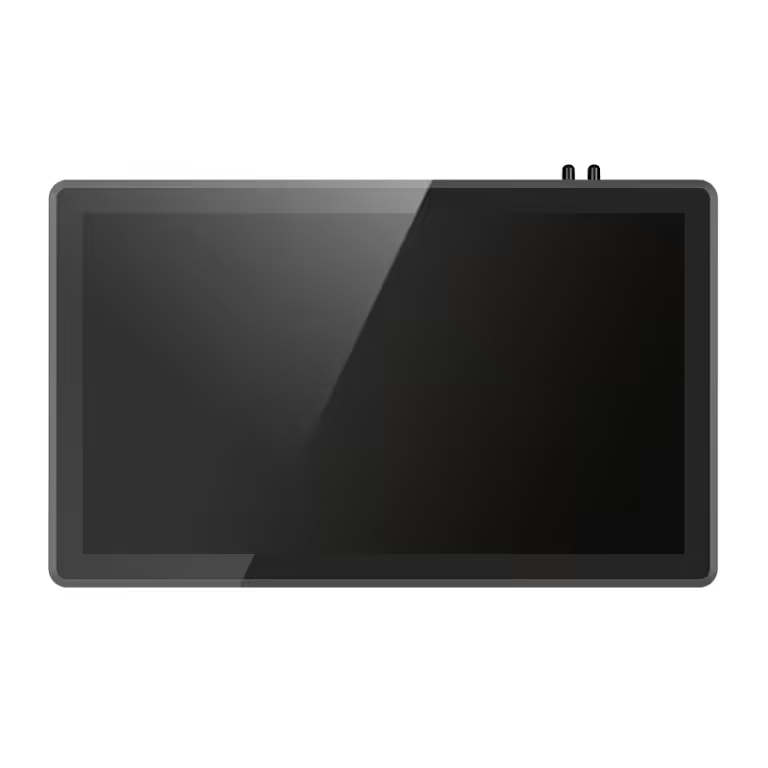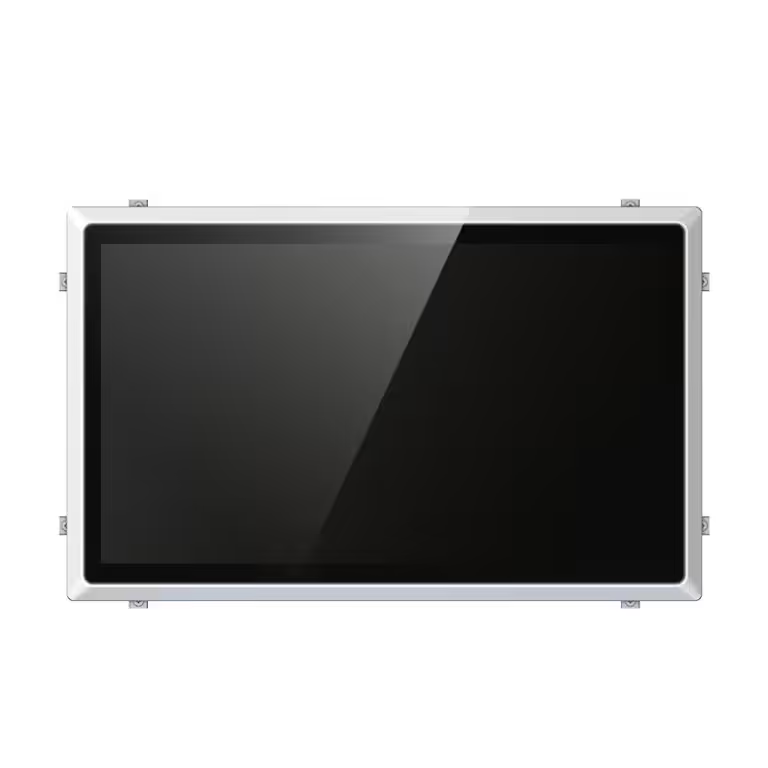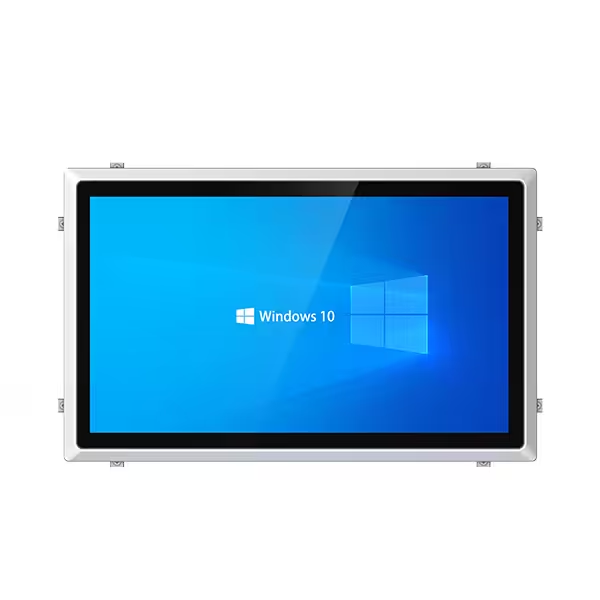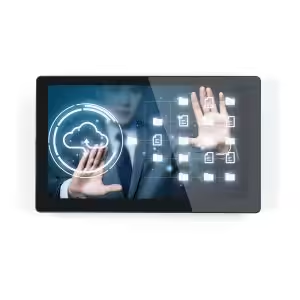
Industrial panel PCs are already widely used in automation, production monitoring, and machine control. But when a panel PC is equipped with an industrial touchscreen, its value becomes more direct: operators can control equipment, check data, adjust parameters, and respond to alarms from one clear interface.
This article focuses on the touchscreen advantage itself. Instead of only discussing rugged hardware, we will explain how touchscreen control improves human-machine interaction, reduces operation steps, supports HMI systems, and helps industrial teams work faster and more accurately.
Why Touchscreen Control Matters in Industrial Panel PCs
In many factories, operators need to control machines quickly and accurately. Traditional control systems may rely on physical buttons, keyboards, mice, or separate monitors. These methods can work, but they may slow down operation and make the control area more complicated.
A touchscreen industrial panel PC simplifies this process. The operator can touch the screen directly to start a process, change settings, view production data, confirm alarms, or switch between control pages. This creates a more intuitive connection between the worker and the machine.
For modern industrial control, touchscreen operation is not only about convenience. It can improve workflow, reduce mistakes, and make the whole control system easier to manage.
Faster Operation on Production Lines
One of the main advantages of touchscreen panel PCs is faster operation. In production environments, workers often need to complete repeated actions such as selecting production modes, checking machine status, adjusting values, or confirming warnings.
With a touchscreen interface, these actions can be completed directly on the screen. There is no need to move between a keyboard, mouse, and control buttons. This saves time and helps operators respond quickly when production conditions change.
For example, when a machine alarm appears, the operator can immediately tap the alarm message, view the reason, and take the next step. In fast-moving production lines, this direct operation can help reduce response time and avoid unnecessary delays.
Easier HMI Experience for Machine Control
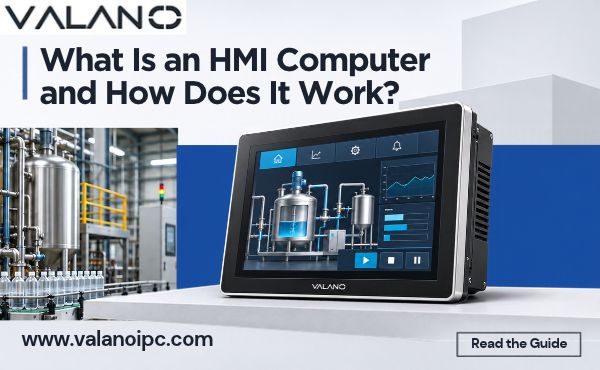
Industrial touchscreen panel PCs are commonly used as HMI terminals. HMI means Human-Machine Interface, and its purpose is to make machine operation easier for people to understand and control.
A good touchscreen HMI can show machine status, production speed, temperature, pressure, alarm history, process diagrams, and control buttons in one visual interface. Operators do not need to read complex commands or remember many button combinations.
This is especially useful for:
- Packaging machines
- CNC machines
- Assembly lines
- Testing equipment
- Printing equipment
- Textile machinery
- Food processing equipment
When the HMI interface is clear and the touchscreen responds accurately, machine control becomes easier, faster, and more user-friendly.
Lower Training Cost for Operators
Touchscreen operation is easier to learn than traditional control methods. Many workers are already familiar with smartphones, tablets, and touch-based interfaces, so the learning curve is lower.
For factories with many operators or frequent staff changes, this is an important advantage. New workers can understand visual buttons, icons, menus, and guided operation steps more quickly.
A well-designed touchscreen interface can also reduce dependence on experienced operators. For example, the system can display step-by-step instructions, warning messages, production settings, and confirmation prompts. This helps standardize operation and reduce training pressure.
Reduced Input Errors
Industrial production requires accuracy. A small input mistake may lead to wrong settings, material waste, machine stoppage, or quality problems.
Touchscreen panel PCs can help reduce these errors by using clear visual controls. Instead of typing long commands or entering values through separate devices, operators can use buttons, sliders, drop-down menus, and confirmation windows.
Touchscreen software can also support permission control, operation logs, warning prompts, and locked settings. These functions help prevent accidental changes and make the operation process safer.
For example, before changing an important production parameter, the system can ask the operator to confirm the action. This simple step can reduce wrong inputs and protect production stability.
Cleaner and More Compact Workstations
Another important advantage of touchscreen industrial panel PCs is that they reduce the need for extra input devices. In many industrial sites, keyboards and mice are not convenient. They take up space, collect dust, and may be difficult to use with gloves or dirty hands.
A touchscreen panel PC combines display and input control in one device. This makes the workstation cleaner and more compact.
This is especially useful for:
- Control cabinets
- Machine front panels
- Production line terminals
- Warehouse workstations
- Public kiosks
- Small equipment control areas
For OEM equipment manufacturers, a touchscreen panel PC can also improve the final product appearance. The machine looks more modern, organized, and easier to operate.
Better Visibility of Real-Time Data
Industrial touchscreen panel PCs are not only used for control. They also help operators see important production data in real time.
The screen can display:
- Machine running status
- Production quantity
- Alarm messages
- Temperature and pressure data
- Process flow diagrams
- Maintenance reminders
- Trend charts
- Quality inspection results
Because the interface is interactive, operators can tap different areas to view more details. For example, they can open an alarm record, check historical data, or switch from a main dashboard to a specific machine page.
This makes data easier to understand and helps workers make faster decisions on the production floor.
Touchscreen Types Used in Industrial Panel PCs
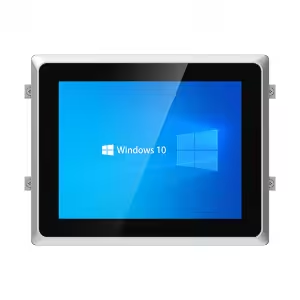
Not every touchscreen is suitable for every industrial environment. Buyers should understand the difference between common touch technologies before choosing a panel PC.
Resistive Touchscreen
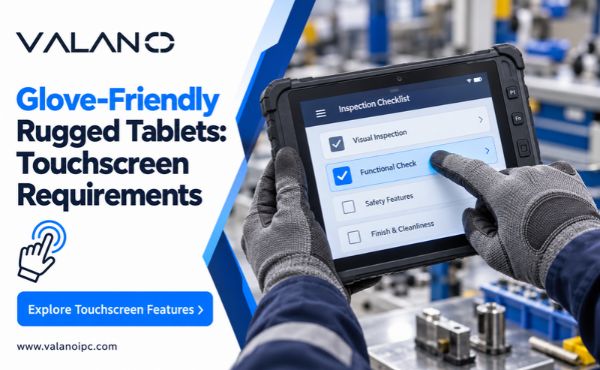
A resistive touchscreen works by pressure. It can be operated with fingers, gloves, or a stylus. This makes it suitable for many industrial environments where workers wear gloves or need precise single-point input.
Resistive touchscreens are often used in factories, control rooms, equipment panels, and environments with dust or moisture. They are practical, stable, and cost-effective for many machine control applications.
However, resistive touch usually does not provide the same smooth multi-touch experience as capacitive touch.
Capacitive Touchscreen
A capacitive touchscreen works by sensing electrical contact from the finger. It usually offers better visual clarity, smoother operation, and multi-touch support.
Capacitive touchscreens are suitable for modern HMI systems, smart terminals, kiosks, and applications where user experience and display quality are important.
Some industrial capacitive touchscreens can support glove operation, but this depends on the touchscreen design and sensitivity settings. Buyers should confirm this point before ordering.
Resistive vs Capacitive Touchscreen
| Item | Resistive Touchscreen | Capacitive Touchscreen |
|---|---|---|
| Operation method | Pressure touch | Finger touch sensing |
| Glove support | Usually better | Depends on design |
| Multi-touch | Limited | Usually supported |
| Display clarity | Good | Better |
| Wet or dusty use | Often suitable | Needs proper design |
| Cost | Usually lower | Usually higher |
| Best for | Machine control, gloved operation | Modern HMI, kiosks, smooth interface |
There is no single best option for all projects. The right choice depends on the working environment, operator habits, software design, and budget.
Touchscreen Features Buyers Should Check
When buying industrial touchscreen panel PCs, buyers should not only focus on screen size. The touchscreen must match the actual use environment.
Glove Operation
If operators wear gloves, the touchscreen must support reliable glove input. Resistive touch is often a safe choice, while capacitive touch should be tested or confirmed with the supplier.
Wet Hand or Oil Resistance
Some factories have water, oil, cleaning liquid, or moisture near the operation area. In these cases, buyers should choose a touchscreen with suitable front protection and stable touch performance under wet or oily conditions.
Anti-Glare Display
Strong lighting can make the screen difficult to read. Anti-glare glass helps reduce reflection and improves visibility in bright factories, outdoor areas, or production lines with strong lamps.
High-Brightness Screen
For outdoor terminals or bright industrial environments, a high-brightness display may be necessary. It helps operators read the screen clearly even under strong light.
IP65 Front Panel Protection
Many industrial touchscreen panel PCs offer IP65 front panel protection. This means the front side can resist dust and water spray, which is useful for factories, workshops, and equipment panels.
Touch Accuracy and Response Speed
The touchscreen should respond quickly and accurately. Poor touch response can slow down operation and frustrate workers. For machine control, accurate touch performance is especially important.
Screen Size and Resolution
The screen size should match the software interface and viewing distance. A small screen may be enough for simple control tasks, while complex HMI systems may need a larger display with higher resolution.
Where Touchscreen Panel PCs Are Most Useful
Machine Control Panels
Touchscreen panel PCs are widely used on machine control panels because they combine control, display, and data interaction in one device. Operators can start machines, adjust settings, and monitor performance directly from the screen.
Factory Automation Lines
In automated production lines, touchscreen panel PCs help workers monitor equipment status, production speed, alarms, and process data. They are useful for improving visibility and response speed.
Food and Beverage Production
In food and beverage factories, clean operation and easy cleaning are important. Touchscreen panel PCs with waterproof front panels or stainless steel housing can support washdown areas and hygiene-sensitive environments.
Warehouse and Logistics Terminals
Warehouses often need fast data input and real-time inventory display. Touchscreen panel PCs can be used for barcode scanning stations, sorting systems, storage terminals, and logistics control points.
Industrial Kiosks and Self-Service Equipment
Touchscreen panel PCs are also useful in industrial kiosks, ticketing machines, information terminals, access control systems, and self-service devices. The touch interface makes public or worker operation easier and more direct.
Common Mistakes When Choosing Touchscreen Panel PCs
Choosing Capacitive Touch Without Considering Gloves
Capacitive touch looks modern and smooth, but it may not be suitable if workers wear thick gloves. Before choosing capacitive touch, buyers should confirm whether glove operation is supported.
Ignoring Water, Oil, or Dust Exposure
Touchscreen performance can be affected by the environment. If the screen is exposed to water, oil, dust, or cleaning chemicals, buyers should choose the right protection level and touchscreen structure.
Selecting the Wrong Screen Size
A screen that is too small may make the interface difficult to use. A screen that is too large may increase cost and take up too much space. The best size depends on the control interface, installation space, and viewing distance.
Using Consumer Touchscreens in Industrial Sites
Consumer touchscreens are not designed for long-term industrial use. They may not handle vibration, dust, temperature changes, or continuous operation well. Industrial applications should use industrial-grade touchscreen panel PCs.
Focusing Only on Price
A low-price touchscreen panel PC may look attractive at first, but poor touch accuracy, weak protection, limited ports, or unstable performance can increase long-term costs. Buyers should consider reliability, compatibility, and supplier support.
How to Choose the Right Touchscreen Panel PC
Before placing an order, buyers should clearly define the application environment and control requirements.
For machine builders, the most important points are usually installation size, touch type, I/O ports, operating system, and long-term supply. For factory users, the focus may be durability, screen visibility, glove operation, and maintenance convenience.
A practical selection process should include:
- Confirm the installation method
- Choose the right screen size
- Decide between resistive and capacitive touch
- Check glove, water, oil, or dust requirements
- Confirm CPU, memory, and storage
- Match I/O ports with PLCs and devices
- Confirm operating system compatibility
- Check front panel protection rating
- Ask about customization and long-term availability
A reliable supplier should help buyers confirm these details before production or bulk purchasing.
Frequent Asked Questions
What is the main advantage of touchscreen control in industrial panel PCs?
The main advantage is direct and intuitive operation. Operators can control machines, view data, adjust settings, and respond to alarms directly on the screen without using separate keyboards or buttons.
Is resistive or capacitive touch better for industrial use?
It depends on the application. Resistive touch is often better for glove operation, dusty areas, and precise single-touch input. Capacitive touch is better for smooth operation, multi-touch control, and modern HMI interfaces.
Can industrial touchscreen panel PCs work with gloves?
Yes, many models can work with gloves. Resistive touchscreens usually support glove operation more easily. Some capacitive touchscreens can also support gloves, but buyers should confirm this with the supplier.
Are touchscreen panel PCs suitable for wet environments?
Yes, if the device has proper front panel protection and suitable touchscreen design. For wet, humid, or washdown environments, buyers should consider IP65 front panel protection or higher protection options.
What size touchscreen is best for machine control?
Small machines may use 7-inch to 12-inch screens, while larger machines or complex HMI systems may need 15-inch, 17-inch, 19-inch, or 21.5-inch screens. The best size depends on the interface design and viewing distance.
Can touchscreen panel PCs be customized?
Yes. Many industrial panel PC suppliers support customization for screen size, touch type, CPU, memory, storage, I/O ports, housing, logo, mounting method, and operating system.
Conclusion
The biggest advantage of industrial touchscreen panel PCs is not only the rugged computer hardware, but the better way they connect operators with machines. Touchscreen control makes industrial operation faster, easier, cleaner, and more visual. It helps reduce training time, improve HMI experience, lower input errors, and support real-time production monitoring.
For buyers, the key is to choose the right touchscreen type, screen size, protection level, and hardware configuration based on the actual working environment. A suitable industrial touchscreen panel PC can improve machine control efficiency and support long-term stable operation in modern industrial applications.