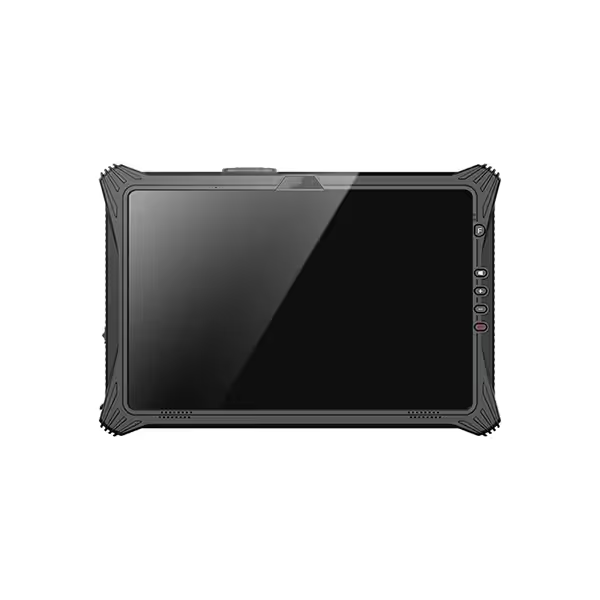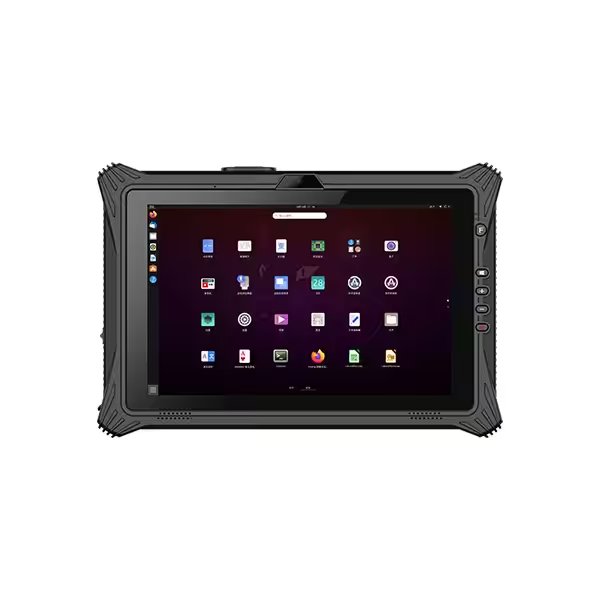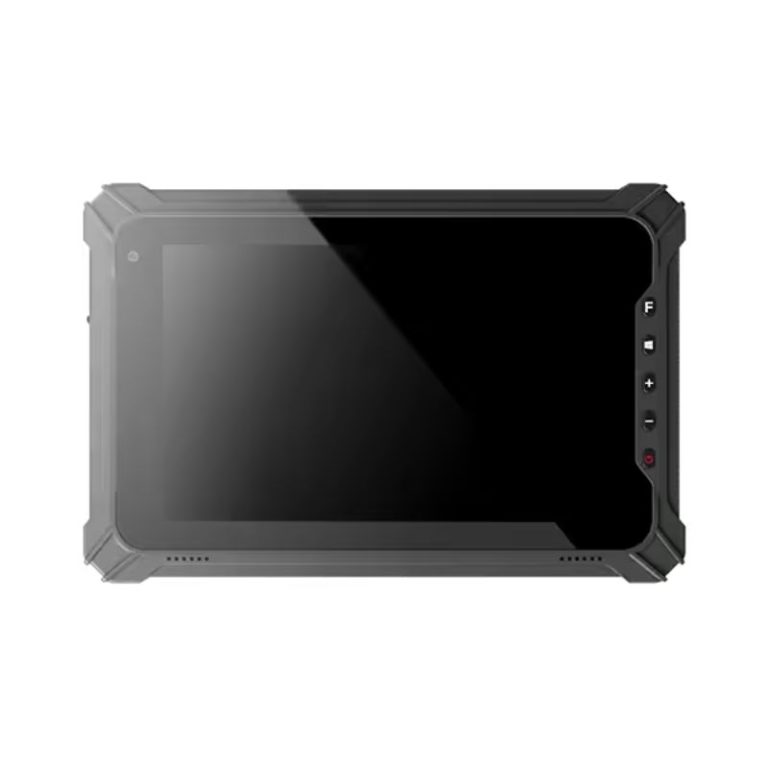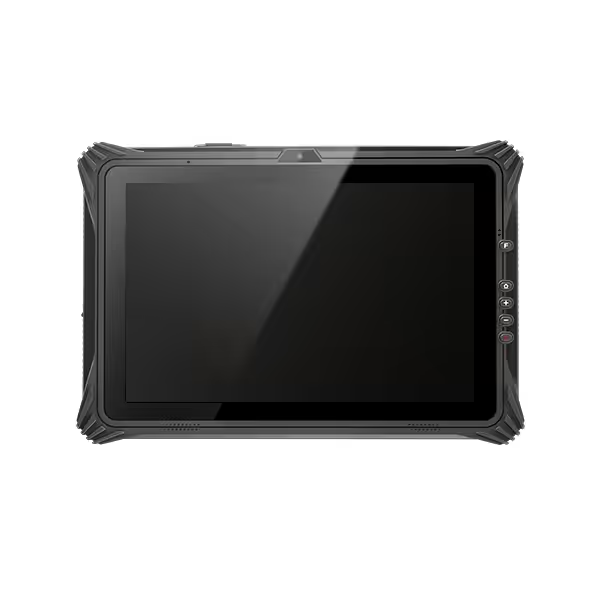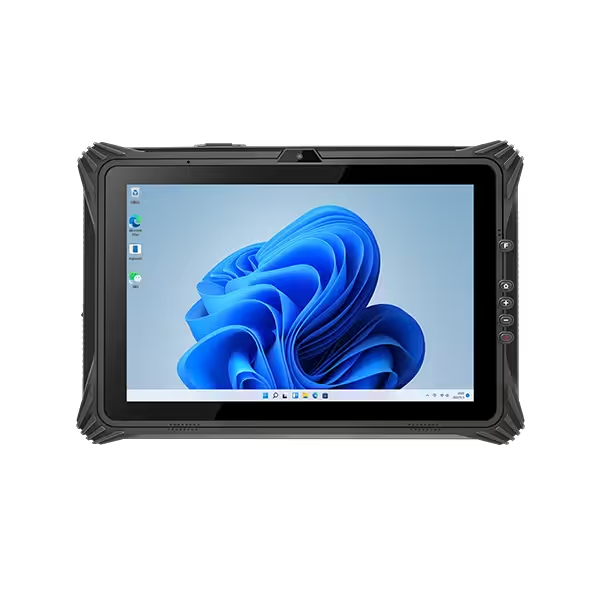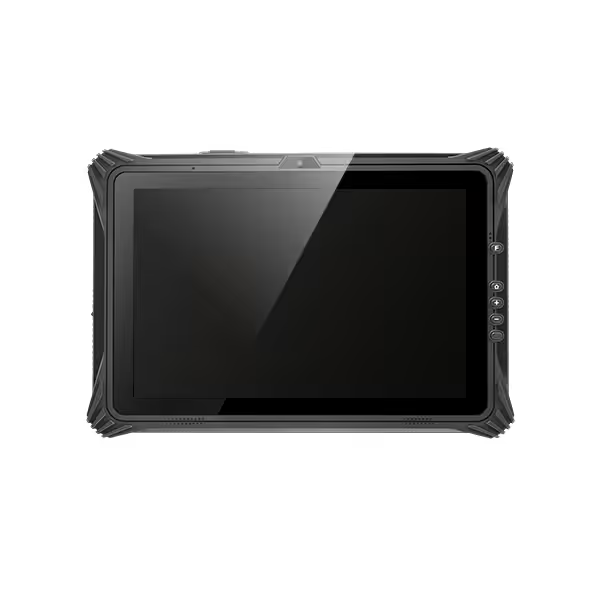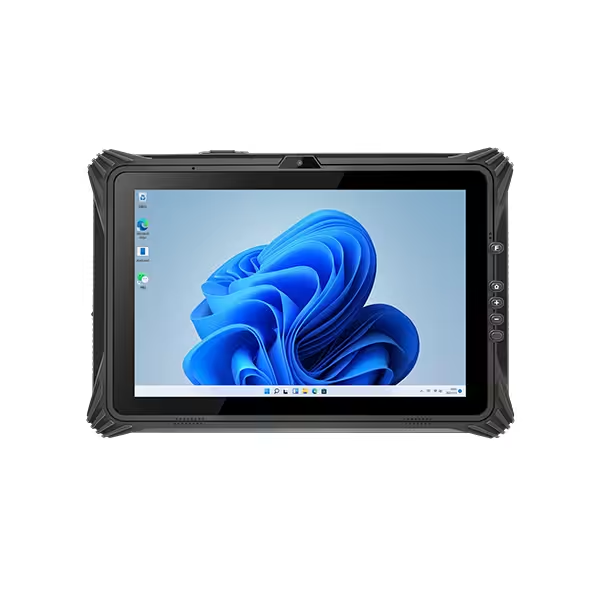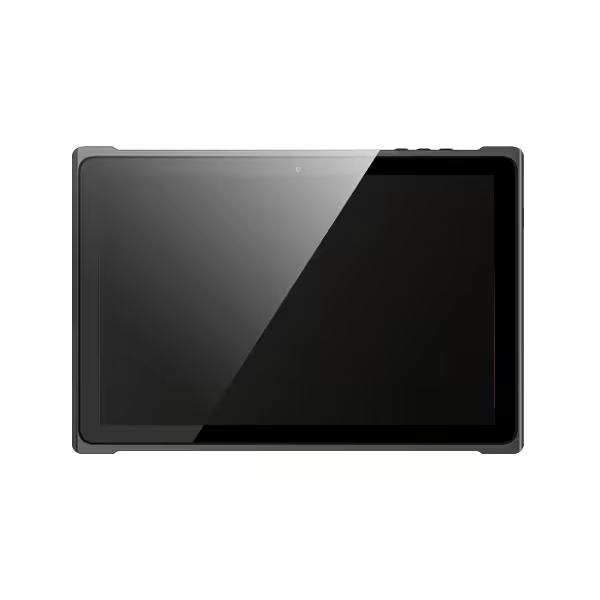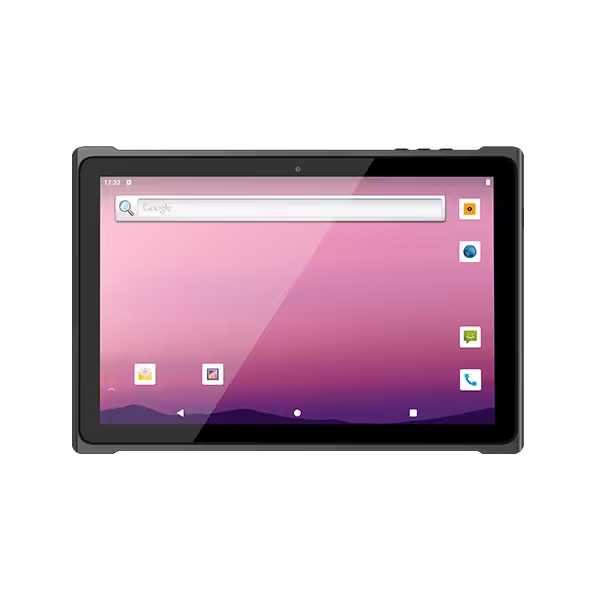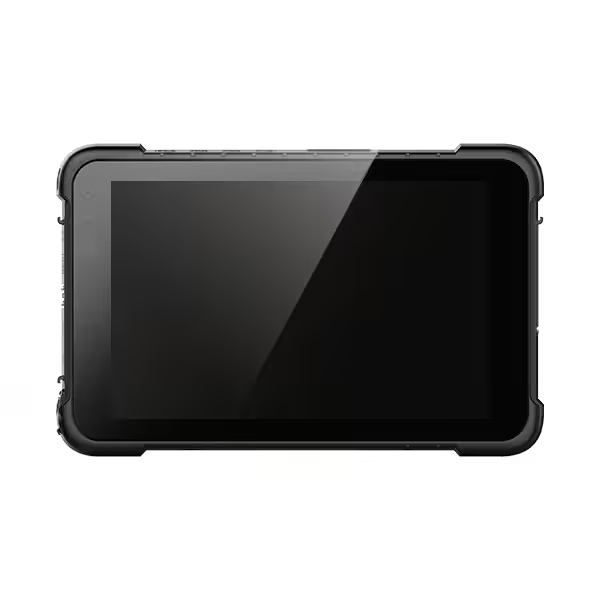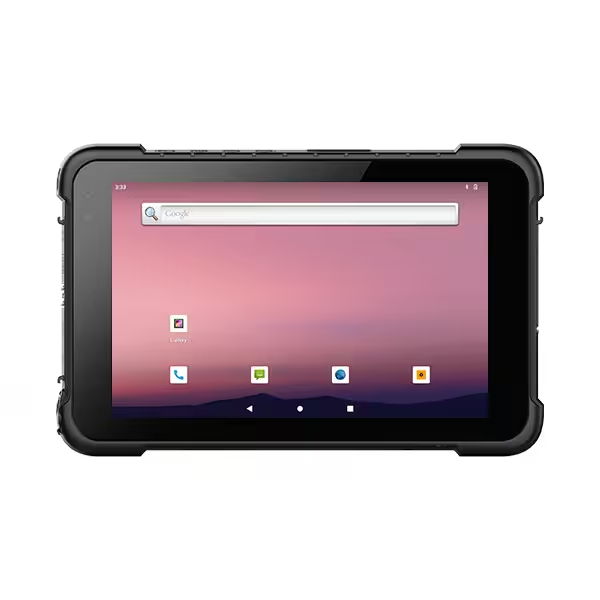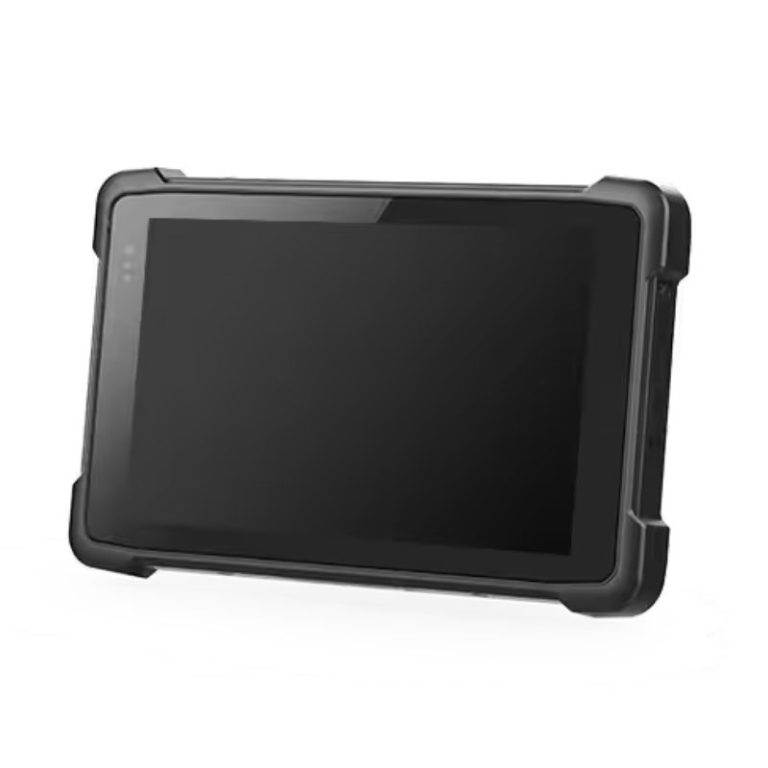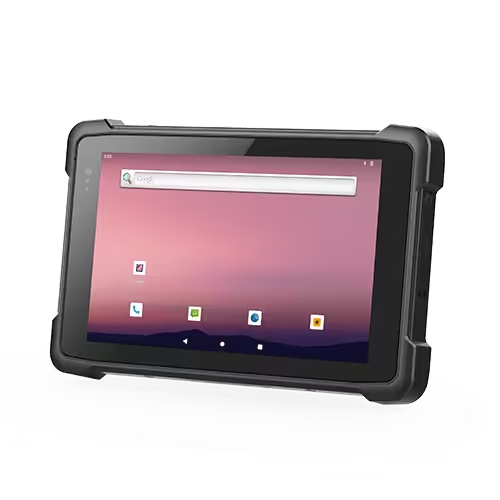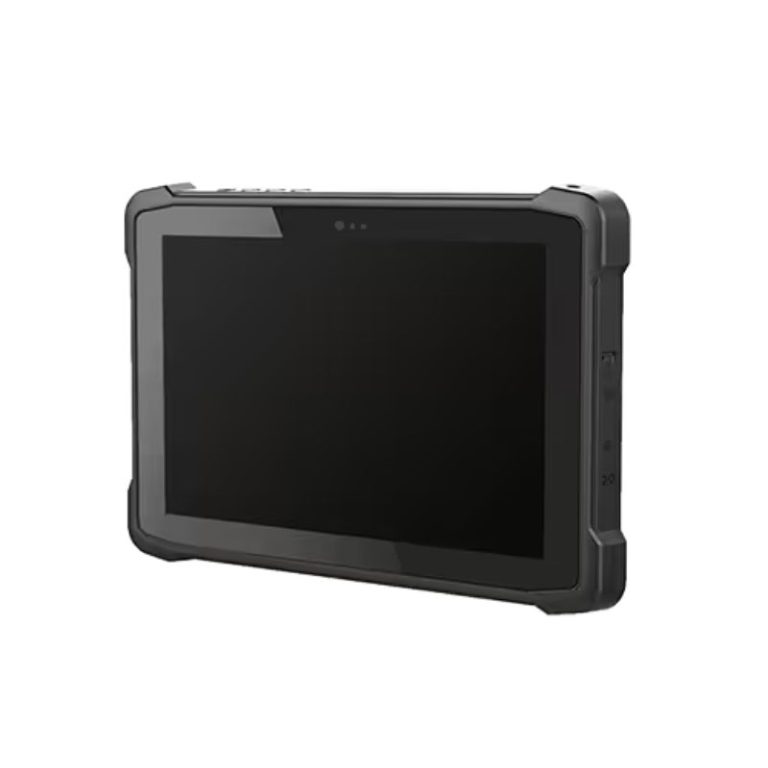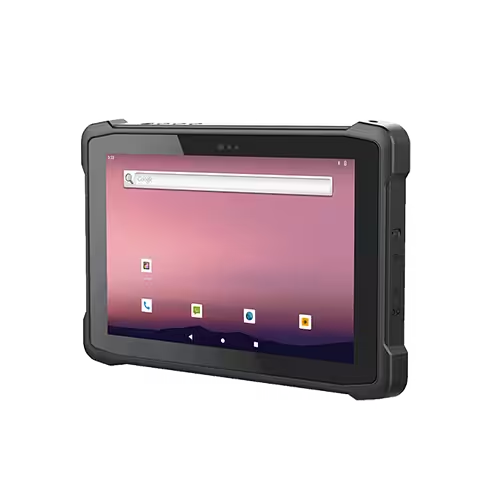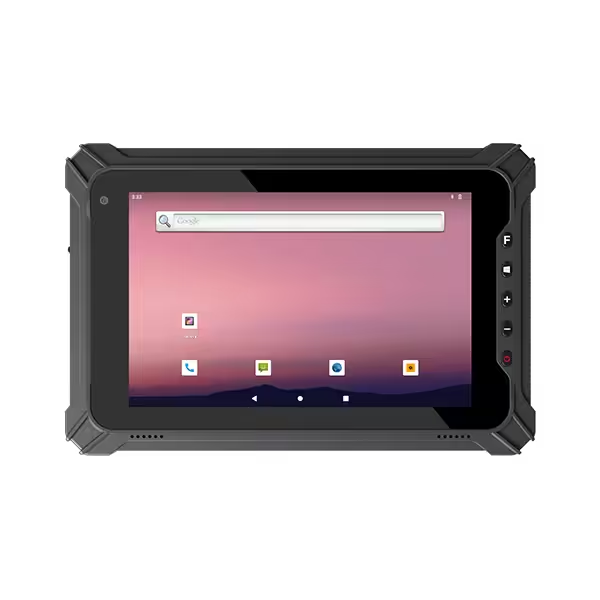
Rugged Android tablets help field workers manage assignments, access equipment information, complete inspections, and submit reports from the job site. They combine the convenience of Android applications with hardware designed for demanding working conditions.
For technicians, inspectors, and delivery teams, this means less paperwork and easier access to the information needed to finish a job. Android supports the applications and familiar controls, while rugged construction helps keep the device usable around dust, rain, vibration, and accidental drops.
The main benefits come from choosing a tablet that fits both the daily workflow and the working environment.
Android Apps for Everyday Field Work
Android applications allow field workers to handle several tasks on one device. Instead of carrying printed instructions, paper forms, and a separate camera, workers can access job details and record results through their tablet.
A maintenance technician, for example, can open a work order, review previous repairs, and follow an inspection checklist. After completing the work, the technician can attach photographs, record replacement parts, and collect a customer signature.
Common applications for rugged Android tablets include:
- Field service: Receiving assignments and updating work orders.
- Equipment inspections: Completing checklists and recording faults.
- Inventory management: Scanning labels and checking stock.
- Delivery confirmation: Capturing signatures and delivery photographs.
- Maintenance support: Viewing instructions and service records.
When the application connects to the company’s existing systems, information can move from the field to the office without being entered again. This helps office staff act on completed work sooner.
Before choosing a tablet, check that the Android application includes the functions workers need. A mobile version may offer different features from the desktop software.
Familiar Android Controls for Easier Training
For workers who already use Android phones, a rugged Android tablet can feel familiar. Opening apps, taking photographs, checking notifications, and typing short notes follow similar patterns.
This familiarity can make training more straightforward. Employees can focus on learning the work application rather than learning every basic device function.
A tablet also provides more screen space than a phone. Equipment photographs, service instructions, and inspection forms can be easier to read when the application is designed for a larger display.
Ease of use still depends on the interface. Clear buttons, readable text, and short forms help workers complete tasks with fewer interruptions. An application that requires constant scrolling or excessive typing can slow down an otherwise simple job.
For field teams, the most useful setup puts frequently used functions within easy reach. Workers should be able to open their assignment, record the result, and move to the next task without navigating through unnecessary menus.
Digital Forms for More Accurate Field Records
Rugged Android tablets allow workers to record information while the equipment, delivery, or inspection is still in front of them. This reduces the need to rely on memory or rewrite handwritten notes later.
Digital forms can also guide workers toward more complete records. Required fields highlight missing information, dropdown lists keep descriptions consistent, and photographs provide useful evidence.
For example, an inspector can select an equipment condition, photograph a damaged part, and record the action needed. This gives the office a clearer picture than a brief handwritten note.
Accurate records help the next person in the workflow. Maintenance planners can review reported faults, office staff can prepare invoices, and another technician can see what happened during the previous visit.
The aim should be to collect useful information with minimal effort. Forms that ask unnecessary questions can become just as frustrating as paperwork.
Offline Apps for Field Work Without Internet
Poor network coverage is common in remote locations, basements, and large industrial buildings. Field workers need a way to continue essential tasks when a connection drops.
Rugged Android tablets can run applications that support offline work. Depending on the app, workers may be able to open downloaded assignments, complete forms, and save photographs before uploading them when connectivity returns. Offline capability comes from the application’s design; it is not automatically available in every Android app.
A utility inspector, for instance, could download the day’s assignments before leaving the depot. Inspection results could then be saved at each site and synchronized later.
Before deployment, test which functions remain available without internet access. Some apps allow workers to read saved records but require a connection to submit new information.
Workers should also be able to see whether a report has been uploaded or is still waiting to synchronize. Clear status messages help prevent unfinished submissions from going unnoticed.
Barcode Scanning and Data Capture on Android Tablets
Rugged Android tablets can combine several data collection functions in one device. Depending on the model, these may include a camera, an integrated barcode scanner, NFC, and location services.
Barcode scanning is particularly useful when workers handle large numbers of assets or items. Scanning an equipment label can open the correct record without requiring someone to type a long identification number.
Photographs add context to field reports. They can show a damaged component, document a completed repair, or confirm where a delivery was left.
For frequent scanning, a built-in barcode reader may be more practical than using the camera. The right choice depends on label condition, scanning distance, barcode type, and daily scanning volume.
Some Android tablets also connect to mobile printers, measuring instruments, and external scanners. Confirm that both the accessory and its software support Android. A matching USB port or Bluetooth connection alone does not guarantee that the equipment will work together.
Centralized Management of Rugged Android Tablets
Managing a growing tablet fleet becomes easier when devices can be configured from one place. Supported Android devices allow businesses to distribute work applications, apply settings, and control access through enterprise management software.
A company can also set up a dedicated device that provides access only to approved work applications. For example, a delivery tablet could display routing, proof-of-delivery, and communication apps while restricting unrelated use. Android Enterprise supports these dedicated device configurations.
For workers, a consistent setup means familiar applications and fewer unexpected changes. For support teams, it reduces the number of different configurations they need to maintain.
Central management can also simplify preparing replacement devices. Once enrolled and configured, a replacement can provide the approved applications and settings needed for work.
These capabilities vary by tablet and management platform. Confirm compatibility with the exact device model before placing a fleet order.
Rugged Protection for Demanding Field Conditions
Android applications provide the working tools, but the hardware must remain usable wherever the job takes place.
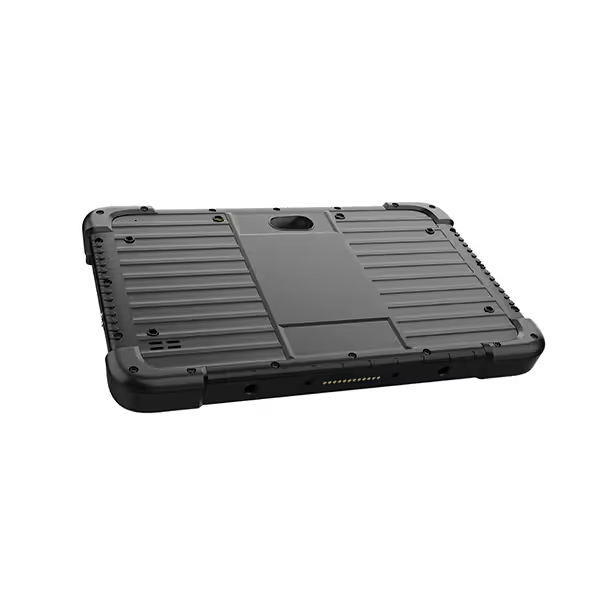
Rugged Android tablets are designed for specified environmental conditions through features such as reinforced housings, protected connectors, and tested dust and water resistance. These features can help reduce interruptions caused by everyday exposure and handling.
Other practical features also affect how comfortably workers use the tablet:
| Feature | Practical benefit |
|---|---|
| Outdoor-readable display | Helps workers view forms and instructions in bright conditions |
| Glove-compatible touch | Supports operation with suitable gloves |
| Replaceable battery | Extends use when charging opportunities are limited |
| Hand strap or handle | Makes the device easier to hold while moving |
| Vehicle dock | Provides convenient mounting and charging between jobs |
Choose protection around actual exposure. A tablet used inside a service vehicle has different needs from one carried through an outdoor inspection route.
Check the conditions behind durability claims, including drop height and water exposure limits. Water resistance should not be treated as permission to pressure-wash the device.
Battery performance also deserves a normal working-day trial. High brightness, navigation, scanning, and cellular communication can all affect runtime.
Android Security for Sensitive Field Data
Field tablets may contain customer details, equipment records, photographs, and company account information. Protecting this data is part of a successful deployment.
Supported Android management tools can help businesses control installed applications and apply security policies across work devices. The available controls depend on the device and how it is managed. developers.google.com
For workers, the daily requirements should remain clear: use the approved sign-in method, keep accounts secure, and report missing devices promptly.
Manufacturer support is equally important. Ask how long the tablet will receive security updates and whether Android version upgrades are planned. A device’s published support period helps businesses assess whether it suits their intended years of use. www.android.com
A rugged housing protects the hardware. Data protection depends on system support, appropriate settings, and responsible use.
Android vs. Windows Tablets for Field Service
Both Android and Windows tablets can support field workers. The better choice depends mainly on the applications required to complete the job.
Rugged Android tablets are a practical fit for mobile app workflows, including inspections, barcode scanning, delivery confirmation, and work order updates. A well-designed Android app can make these tasks straightforward on a touchscreen.
Windows tablets may be more suitable when technicians require Windows-only software, such as certain diagnostic programs or desktop applications used on site.
Start with the software workers cannot do without. Then check how comfortably it runs on the proposed device. Android should simplify the workflow rather than introduce extra steps to work around a compatibility problem.
Long-Term Value of Rugged Android Tablets
The value of a rugged Android tablet comes from how effectively it supports work over time. Potential benefits include less manual data entry, more complete reports, easier device management, and fewer interruptions from damaged equipment.
However, the purchase price is only part of the investment. Applications, accessories, connectivity, setup, and ongoing support also affect the overall cost.
A small field trial provides useful evidence before a wider rollout. Ask workers to complete normal jobs and evaluate:
- Whether forms and instructions are easy to use.
- Whether scanning and accessories work reliably.
- Whether the battery supports the working shift.
- Whether the tablet is comfortable to carry.
- Whether reports reach the office correctly.
The best choice is the device that helps workers finish their tasks consistently and comfortably.
Frequently Asked Questions About Rugged Android Tablets
Do all rugged Android tablets include Google Play?
No. Google Play availability varies by model and configuration. Confirm that the selected tablet supports your required applications and the installation method your business uses.
Can a rugged Android tablet replace a laptop?
It can for tasks such as inspections, work order updates, and delivery confirmation. A laptop may still be more suitable for extensive typing, complex desktop software, or detailed office work.
What screen size is best for field workers?
Smaller tablets are easier to carry during frequent walking. Larger screens can make drawings, instructions, and detailed forms easier to read. Choose a size that balances visibility with comfortable handling.
Can rugged Android tablets be used in hazardous areas?
Only use a device with the appropriate hazardous-area approval for the location. General ruggedness, water resistance, or drop testing does not establish suitability for potentially explosive environments.
Conclusion
Rugged Android tablets help field workers access job information, complete digital forms, capture accurate records, and stay productive through suitable offline applications. Familiar controls and centralized management can make them easier to use and support, while rugged hardware helps them withstand demanding conditions.
Choose an industrial tablet around your team’s essential applications, connected equipment, and working environment. Testing these together helps ensure the device makes everyday field work easier.