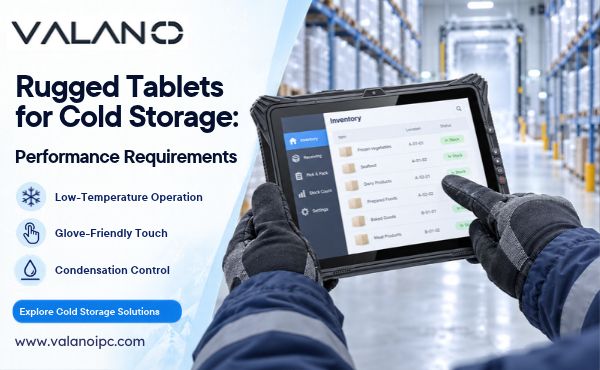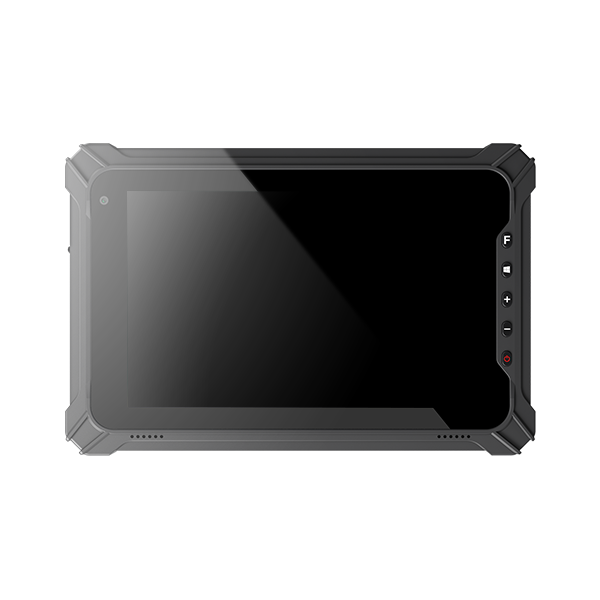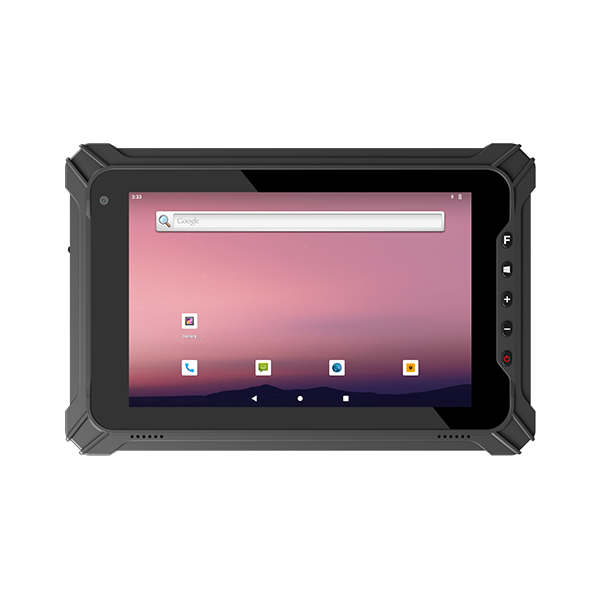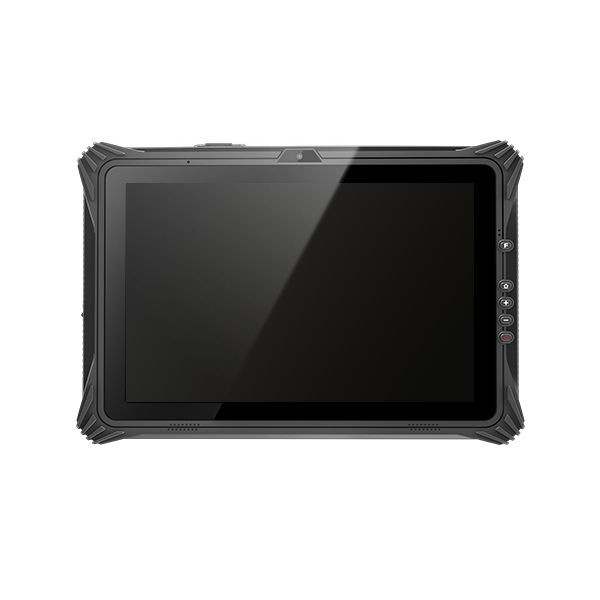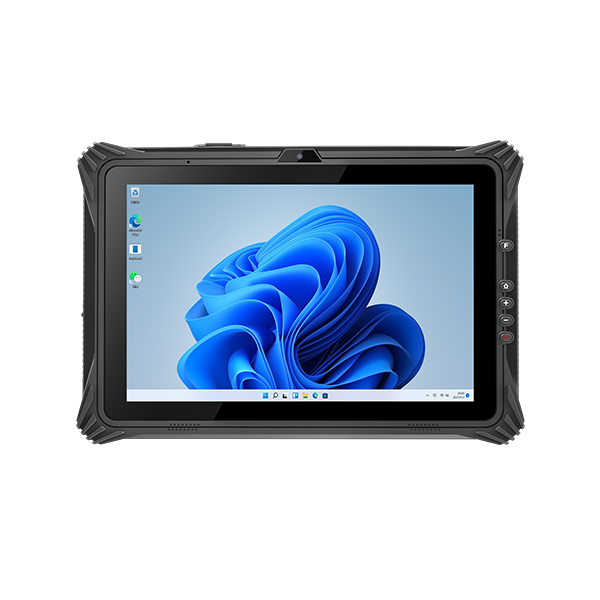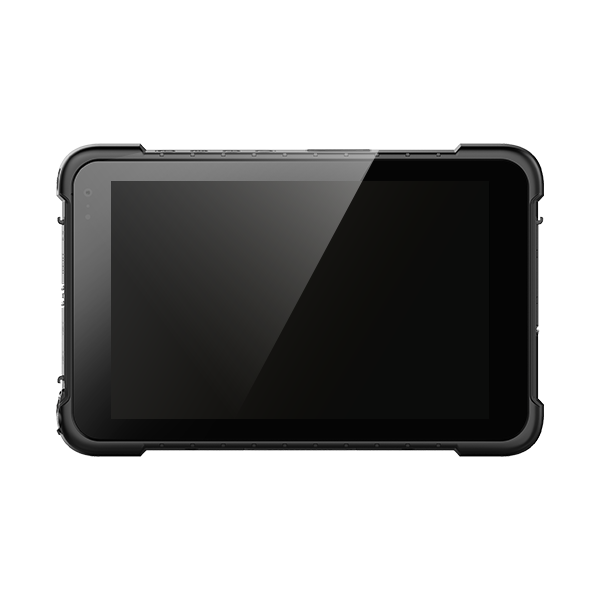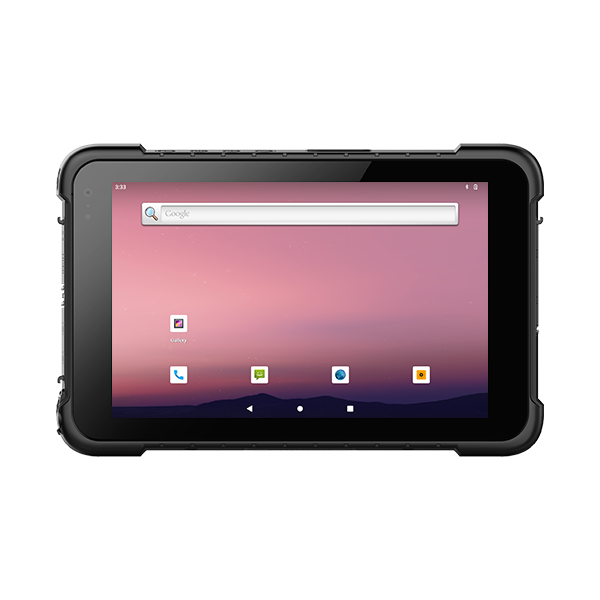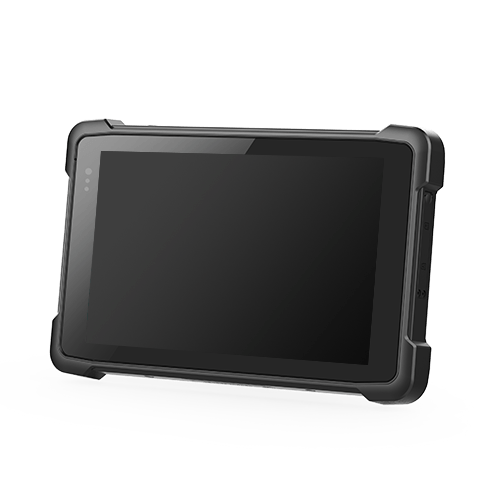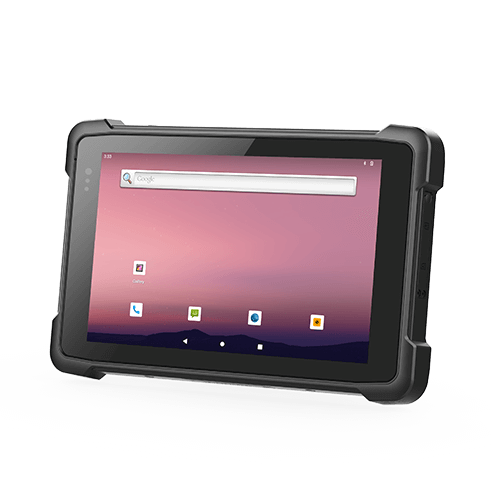
Rugged tablets for cold storage need more than a low operating-temperature rating. They must support the actual exposure pattern, including prolonged cold, movement into warm humid areas, battery use and touchscreen operation with gloves. Where condensation occurs, a specification limited to non-condensing humidity may not cover the job.
The correct device depends on how the work is performed. A tablet kept inside a chilled room faces different conditions from one carried repeatedly between a freezer and a loading area. Define those conditions first, then evaluate the tablet, battery, scanner and accessories as a complete system.
Cold Storage Exposure and Device Specifications
Record the lowest and highest temperatures along the normal route, time spent in each area and frequency of transitions. Include loading docks, charging stations and periods when a device sits unattended. An occasional cold-room entry and continuous freezer operation should not share an unspecified requirement.
Separate operating, storage and charging ratings. A storage limit describes permitted conditions while the equipment is stored under the stated requirements. It does not prove that the tablet will start, scan or charge at that temperature.
Read configuration notes carefully. Temperature limits may vary with the installed battery, heater or vehicle-power arrangement. A family-level minimum temperature is not necessarily the rating of the exact configuration offered to you.
Ask for evidence matching the intended duty cycle. Continuous low-temperature operation, cold startup and repeated thermal transitions are different tests. If your workflow includes all three, a single lowest-temperature number is not enough to validate the deployment.
Condensation and Thermal Transitions
When a cold surface enters warmer humid air, moisture can condense if that surface is below the air’s dew point. On a tablet, this can obscure the display, interfere with scanning windows and wet exposed contacts. Returning to a freezer before moisture is cleared can introduce ice on affected surfaces.
Condensing and Non-Condensing Conditions
Many industrial specifications state a humidity range with a non-condensing qualification. That condition is meaningful: resistance to humid air without condensation does not establish suitability for repeated moisture formation.
Compare the humidity requirement with the full route. A tablet can remain inside its temperature range while still encountering condensation during a transition. Water-ingress protection and condensation performance should also be assessed separately; an IP rating does not by itself demonstrate clear optics or normal touch operation under these conditions.
Heated Displays and Optical Windows
Purpose-built freezer configurations may use a heated touchscreen or other measures to manage condensation. Verify which surfaces receive heating and whether a scanner window needs separate treatment. A clear display does not guarantee an unobstructed scan path.
Confirm the heater’s power source and activation conditions. Some designs depend on a vehicle dock or a particular configuration. A heater that works during mounted use may not provide the same behavior during a handheld inspection. Ask what happens after undocking and how the device should be handled between environments.
Batteries and Charging Conditions
Cold conditions can reduce usable battery performance and affect the energy available during a demanding shift. Obtain runtime expectations for the selected battery under the relevant conditions, rather than assuming a room-temperature demonstration represents freezer service.
Include screen heating, brightness, scanning and wireless traffic in the pilot. A nominal battery capacity does not capture those combined loads. If tablets are removed from vehicle power for mobile tasks, test the longest expected handheld interval as well.
Charging needs its own plan. The permitted charging range may be narrower than the operating range, and battery temperature can remain low after the device enters a warmer room. Use the manufacturer’s charging instructions and allow appropriate conditioning where required. Do not assume that placing a cold pack in a charger immediately means it is ready to charge.
Spare batteries, chargers and charging contacts are part of the cold-storage system. Define where packs are stored, how they move between environments and how moisture is managed. A spare-pack strategy works only if replacement packs remain compatible, serviceable and ready when needed.
Touch Input, Scanning and Accessory Performance
Test the actual gloves used by operators. Glove-friendly touch is a device capability with limits, not a promise of reliable input with every glove thickness or material. Forms should use controls that workers can operate accurately under normal protective clothing.
Display readability matters inside the facility as well as outdoors. Check fogging, reflection, text size and viewing angle in the intended mounting position. Excessive brightness may increase power use without solving condensation or a poor interface layout.
For scanning, use the real label materials, packaging and distances. Labels exposed to moisture, frost or abrasion can become difficult to read regardless of the tablet’s computing performance. Confirm whether an integrated reader is accessible when the tablet is mounted and whether a separate scanner needs its own freezer rating.
Check docks, cables, latches and styluses in the same environment. A compatible dock supplied for ordinary indoor use is not automatically suitable for a freezer. Connector access, drainage, material behavior and repeated attachment should be assessed using the approved accessory specifications.
Network and Application Continuity
A cold-rated tablet still needs a reliable path to the warehouse system. Survey the operating routes, including racks, doorways and areas outside the main room. Test Wi-Fi connectivity with the tablet mounted or carried as it will be used, not only held near an access point.
If work continues without a connection, the application needs an explicit offline process. Record which tasks can be completed, which require server confirmation and how queued records are reconciled. Wireless loss should not leave operators guessing whether a pick or stock move was accepted.
Validate reconnection during repeated transitions. The device may associate with another access point while the application takes longer to recover. Assess the complete transaction, including visible status and backend records, rather than using the Wi-Fi icon as proof of successful communication.
Cold Storage Pilot and Procurement Criteria
Use a test route representative of normal operations and establish acceptance limits for each critical task. Avoid using a brief visit to a freezer as the only qualification.
| Pilot condition | Evidence to record |
|---|---|
| Longest cold exposure | Responsiveness, display condition and battery reserve |
| Warm-area transition | Fogging, contact moisture and time to usable operation |
| Return to cold | Ice formation and continued input or scanning |
| Normal protective gloves | Entry errors and completion of common forms |
| Full route with stock present | Connectivity, roaming and transaction recovery |
| Charging and shift handover | Pack readiness and reliable accessory connection |
Keep the purchased configuration traceable to the tested sample. Specify the battery, heating option, scanner, dock and firmware version. If any component changes, determine whether the change affects the original acceptance evidence.
For supplier discussions, provide the environment and duty cycle rather than requesting only the lowest temperature available. That enables a more useful comparison between a standard rugged model and a purpose-built freezer configuration.
Conclusion
Choose cold-storage rugged tablets around the full exposure cycle. Match temperature ratings with condensation control, charging limits and accessory performance, then test the actual route and workflow. Reliable cold operation is a system-level result, not a single number on a specification sheet.