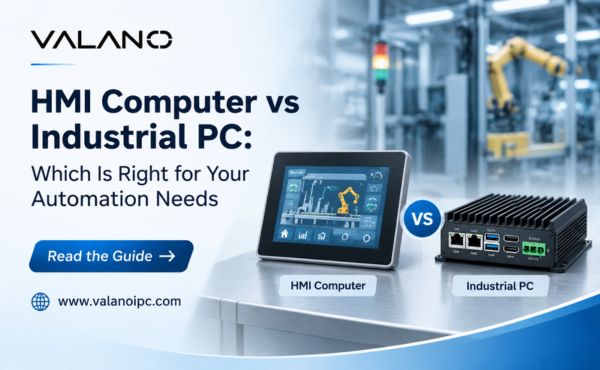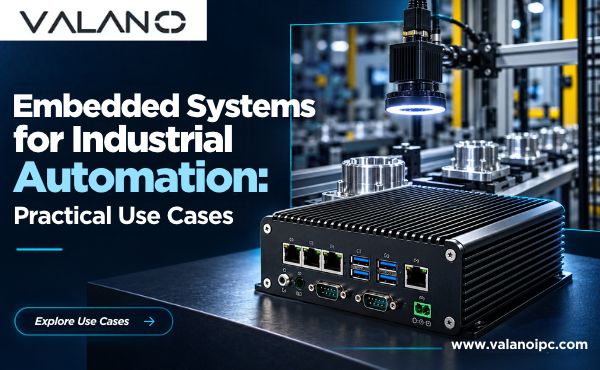
Choose an hmi computer for a dedicated operator interface and simple machine control. Choose an industrial pc for complex processing, data logging, and cross-line integration. Use both, or a panel PC, when a machine needs a hardened operator panel plus heavier computing.
Application complexity, software requirements, environment, and future scalability drive this decision. No single device wins on every count.
An hmi or industrial pc platform serves different jobs in industrial automation. This comparison shows where each fits. It also gives selection scenarios and a practical checklist. Readers can then match an hmi, an ipc, or a combined setup to real needs. Many industrial pcs and hmi and industrial pc deployments differ mainly in scope.
Quick Comparison at a Glance
Key Differences Summary
An industrial pc comparison starts with the job each device performs. The table below sets the main traits side by side. Read it as a map of fit, not a scorecard.
| Trait | HMI Computer | Industrial PC |
|---|---|---|
| System role | Dedicated operator interface at one machine | General computing platform across machines and lines |
| Processing power | Modest, sized for screens and simple logic | High, sized for heavy software |
| Software | Fixed HMI runtime, limited apps | Full operating system, many applications |
| Connectivity | Fieldbus and machine-level links | Multiple ports, network and database links |
| Data logging | Short-term alarms and trends | Long-term storage and reporting |
| Maintenance | Swap-in panels, low service burden | Updates, patching, and lifecycle planning |
| Cost | Lower upfront cost | Higher upfront cost and setup time |
The key differences cluster around scope. An hmi covers one operator station well. Industrial pcs stretch across many tasks and many machines.
How to Use This Comparison
Start with the software your process needs. List every program the device must run. A short list points toward a panel. A long list with databases or reporting points toward a full computer.
Next, check the environment and the growth plan. Count the machines the device must serve today and in three years. Then confirm the enclosure, mounting, and network links match the floor. Run the hmi vs industrial pc question through these steps, and the ipc vs hmi choice usually settles itself.
What Is an HMI Computer?
Role at the Machine Level
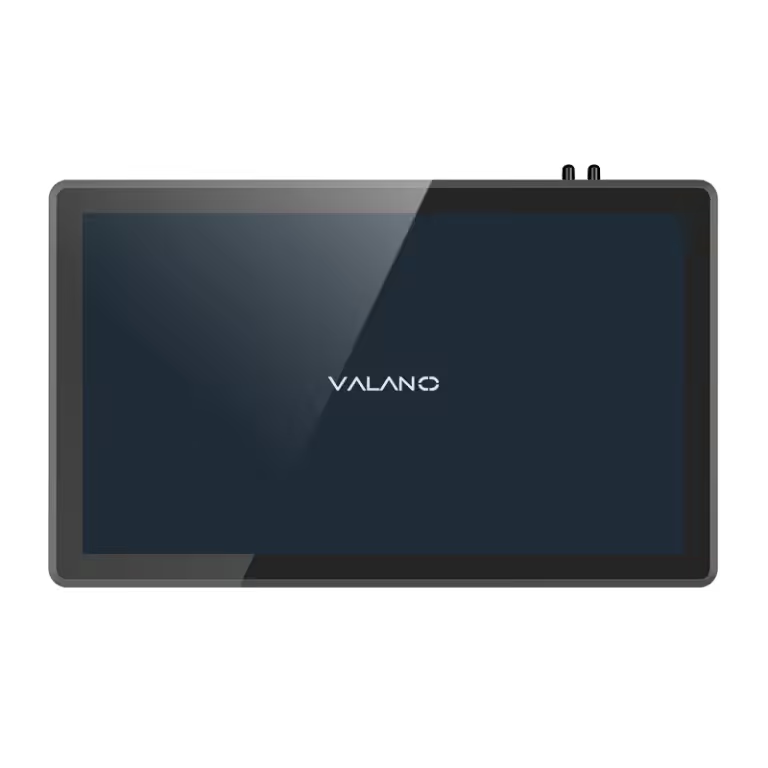
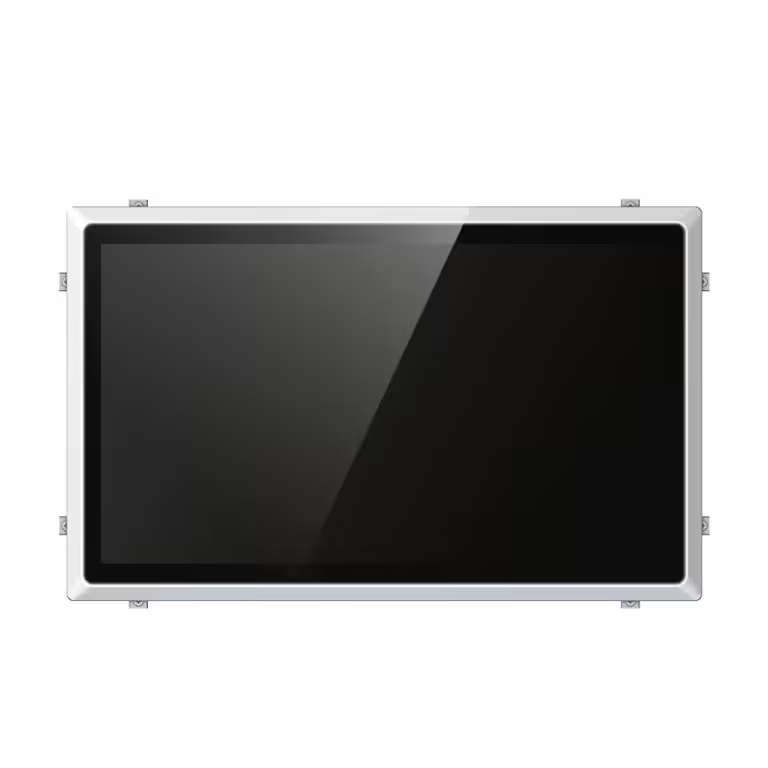
An hmi computer is a dedicated operator interface built into a machine or a workcell. Its job is simple: help a person interact with the equipment. Operators use it for machine monitoring and control, adjusting settings, and viewing alarms. The screen shows status at a glance. Buttons and menus guide the next action.
This focus separates it from general-purpose hardware. The device exists to simplify human-machine interaction at one station. An operator does not need to know what runs behind the screen. The hmi panel presents only the information the task requires. That design keeps training short and errors low.
Hardware and Software Profile
The hardware is modest by design. A sealed display, a touch layer, and a compact processor handle the workload. The software is a fixed runtime, not a full desktop operating system. Engineers configure screens, tags, and alarm lists, then lock the project down. Few other applications run on the device.
This profile makes the hmi pc platform simpler and lower cost than a full computer. Setup takes less time, and the service burden stays light. A failed unit is usually swapped, not repaired on the floor. The trade-off is limited headroom for heavy software. For many machines, that limit never matters. The hmi pc does one job well and keeps the operator interface predictable.
What Is an Industrial PC?
Role Across Machines and Lines
An industrial pc is a general-purpose industrial computing platform. It runs a full operating system and can host HMI software alongside many other programs. This range separates it from a fixed-function panel. One industrial computer can serve several machines, a whole line, or a link between lines.
The role reaches beyond a single operator station. An industrial pc system can collect production data, run reports, connect to a database, and exchange information with other systems. Engineers use industrial computers for tasks that need real memory and storage. A single industrial automation computer often becomes the hub of a cell. It talks to controllers, tracks output, and shares results with business software.
Hardware and Software Profile
The hardware carries more capability. Faster processors, larger memory, and expanded storage support heavy software. Multiple network ports and expansion slots connect to field devices and plant networks. The enclosure still meets industrial demands, so dust, vibration, and temperature swings stay under control.
The software side is open. A full operating system allows many applications to run at once. That flexibility supports vision checks, recipe management, and long-term logging. Industrial pcs offer more power and flexibility than a dedicated panel. The trade-off is a higher upfront cost and a longer setup time. Engineers must install, configure, and secure the software stack. Updates and patching become part of the maintenance plan. For compute-heavy work, that effort pays back. Industrial pc systems scale with the job, and the ipc platform grows as needs change. An ipc also fits where one screen must serve many functions.
How They Fit with PLCs
HMI, IPC, and PLC Architecture
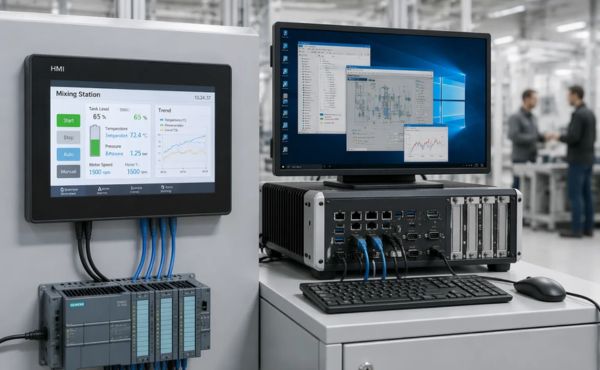
A programmable logic controller (PLC) executes the control logic. It reads inputs, runs the program, and drives outputs in real time. The operator interface and the industrial computer sit above it. Each device has a distinct layer in the architecture.
The hmi connects to the PLC over a fieldbus or industrial Ethernet link. It reads tags and writes setpoints. It does not run the machine logic itself. The ipc sits at a higher tier. It can talk to one PLC or many, and it can share data with plant systems. This layered design keeps control deterministic at the bottom and flexible at the top. Industrial automation teams rely on this separation to protect machine timing.
Data Flow Across the System
Data moves upward and commands move downward. Sensors feed the PLC. The PLC updates its tag table. The hmi polls those tags and refreshes the screen. The operator presses a button, and the write travels back to the PLC.
Industrial pcs add a second path. They can log tag values over time, join them with order data, and publish reports. A common pattern places the hmi at each machine and one industrial computer above the cell. The panel handles interaction. The computer handles history and integration. Neither device replaces the PLC. Each one extends what the controller can deliver to people and to business systems.
HMI vs Industrial PC: Key Differences
Processing Power and Software
The hmi vs industrial pc split begins with compute headroom. A dedicated panel carries a modest processor. That chip drives a screen, refreshes tags, and logs short alarm history. It runs a fixed runtime with a locked project. Extra applications have no place to run.
An industrial pc carries far more industrial pc computing power. Faster processors, larger memory, and expanded storage support heavy workloads. A full operating system lets many programs share the device. Vision inspection, recipe engines, and database clients can all run at once.
Software scope follows the hardware. The hmi runs one configured project. Engineers design screens and alarm lists, then freeze the build. The industrial pc runs a software stack. That stack needs installation, configuration, and security hardening. Updates and patching become routine tasks. The panel needs almost none of this. This gap explains most of the setup time difference between the two platforms.
Connectivity, Data Logging, and Cost
Connectivity separates the two devices in daily use. The hmi links to a controller over a fieldbus or industrial Ethernet. One or two ports usually cover the job. Industrial pcs carry multiple network ports and expansion slots. They talk to many controllers, plant networks, and business systems at once.
Data logging shows the same pattern. The panel keeps short-term trends and active alarms. It answers the operator’s question about the current shift. Industrial pcs store long histories. They join tag data with order records and publish reports. That reach supports traceability and process analysis across a line.
Cost tracks these traits. The hmi carries a lower upfront price and a light service burden. A failed unit is swapped, not repaired. Industrial pcs cost more at purchase and demand a longer setup. Maintenance planning, patching, and lifecycle management add ongoing effort. The ipc vs hmi cost question rarely has one answer. A single machine with a simple interface favors the panel. A cell with reporting duties favors the computer.
The key differences come down to scope and headroom. Panels excel at focused interaction. Industrial pcs excel at breadth. Neither trait is a flaw. Each one matches a different job on the floor.
When to Choose an HMI Computer
Best-Fit Applications
A single machine with a clear, bounded task is the classic home for an hmi computer. The operator starts the cycle, watches status, changes a recipe value, and clears alarms. Nothing else runs on the screen. A packaging line, a pump skid, or a test stand fits this pattern well. The hmi pc handles the interaction, and the PLC keeps the timing.
Choose this option when the software list stays short. A fixed runtime with configured screens covers the job. Setup takes little time, and the project locks down once approved. The hmi panel also suits cells with many identical stations. Each unit carries the same project, so spares stay simple and training stays consistent.
Environment and Operator Considerations
The floor environment shapes the choice as much as the software does. Dust, washdown, vibration, and wide temperature swings favor a sealed front end with no fan and no open slots. A dedicated human-machine interface built for a panel cutout mounts flush and survives the shift. Operators reach it without leaving the station.
Operator skill matters too. A focused human machine interface shows only what the task needs. New staff learn it in minutes, and mistakes drop. Where many people rotate through a station, that simplicity pays off. The human-machine interfaces on simple machines also demand little service attention. A failed unit is swapped, not repaired. Keep the operator interface close to the work, and the hmi stays a tool rather than a project.
When to Choose an Industrial PC
Best-Fit Applications
An industrial pc earns its place when one device must do more than show a screen. Picture a cell with several machines, a shared recipe database, and a nightly production report. A panel cannot hold that workload. A full computer can. Vision inspection, barcode traceability, and statistical process checks also fit here. Each task needs memory, storage, and a real operating system.
The industrial computer also suits line-level coordination. One unit can poll several controllers, merge their data, and publish results to plant software. Engineers in industrial automation often pick this tier when reporting duties grow. A ruggedized industrial pc adds sealed cooling and wide temperature tolerance, so the same box survives the floor. Match the hardware to the software list first, then confirm the enclosure rating.
Scalability and Integration Factors
Growth plans decide as much as today’s task list. An ipc accepts new software without a hardware swap in many cases. Extra ports and expansion slots leave room for added controllers or a second network. That headroom matters when a pilot cell becomes a full line. Industrial pc systems also centralize updates, so one patch cycle covers many functions.
Integration follows the same logic. These machines speak to databases, business systems, and higher-level networks. An industrial automation computer can bridge the plant floor and the office without extra gateways. Plan the network tiers early, and document every link. Industrial pcs reward that planning with a long service life. Treat the ipc as a platform, not a purchase, and the setup effort pays back across the whole line.
IPC vs HMI: Which to Choose
Decision Scenarios by Application
Most projects fall into a few recognizable patterns. Match your application to a row below, then confirm the fit against your software list and floor conditions.
| Application pattern | Better fit | Why |
|---|---|---|
| Single machine, fixed cycle, one operator station | HMI computer | Bounded task, short software list, fast setup |
| Several machines sharing recipes and reports | Industrial PC | One platform serves many controllers and stores history |
| Vision checks, traceability, or statistical analysis | Industrial PC | Needs memory, storage, and a full operating system |
| Washdown cell with rotating staff | HMI computer | Sealed front end, minimal training, simple spares |
| Pilot cell expected to grow into a full line | Industrial PC | Expansion slots and ports absorb new duties |
A machine builder shipping identical units should weigh spares and training. Identical panels keep both simple. A plant engineer connecting a cell to business software should weigh integration. That duty points toward the heavier platform.
Budget and Lifecycle Trade-Offs
Purchase price tells only part of the story. Count the full lifecycle: hardware, engineering time, commissioning, patching, and replacement. A panel carries a lower upfront price and a light service burden. A failed unit is swapped, not repaired. Engineering hours stay short because the project locks down once approved.
The industrial pc costs more at purchase and demands a longer setup. Engineers install the operating system, configure the software stack, and harden security. Updates and patching become routine tasks across the service life. Those hours are real, and they belong in the budget.
Balance the two columns against the duty list. A single machine with a simple interface rarely repays the extra setup effort. A cell with reporting, traceability, and several controllers usually does. The hmi versus ipc selection also depends on growth. An industrial pc often accepts new software without a hardware swap. That headroom has value when a pilot becomes a full line. A panel that runs out of capacity must be replaced outright.
Plan the replacement path either way. Document every network link and every software dependency. Keep spare units on the shelf for critical stations. Review the duty list each year, and confirm the device still matches the job. The hmi vs industrial pc question has no universal winner. The right answer follows the workload, the environment, and the growth plan. Run the scenarios above, total the lifecycle cost, and let the application decide.
HMI vs Panel PC: The Middle Ground
Where Panel PCs Fit Best
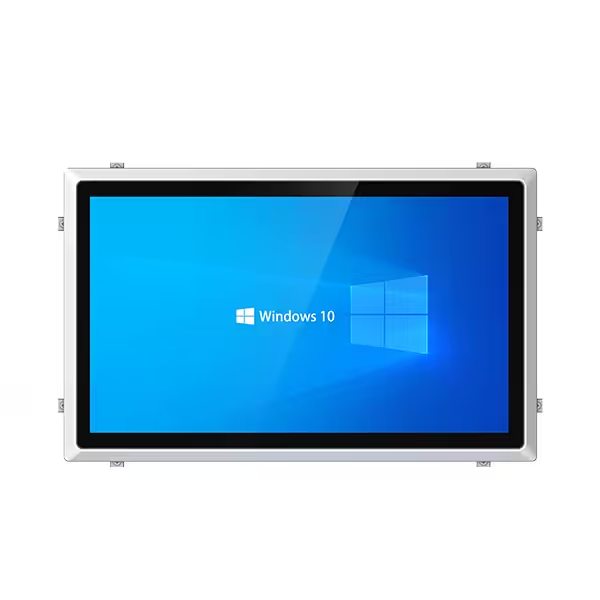
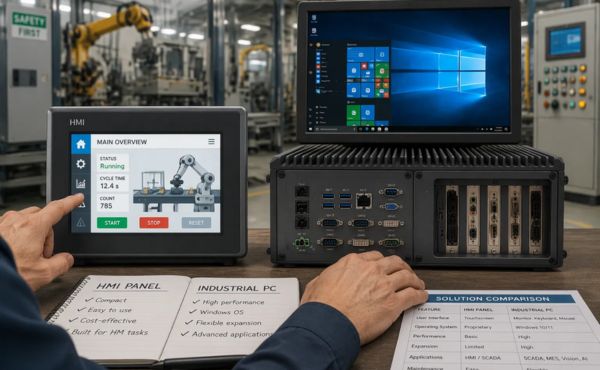
A panel PC blends the two platforms. It mounts in a panel cutout like an hmi panel, yet it carries a full operating system and more memory. That mix suits advanced applications. Vision checks, recipe management, and local reporting can all run on one unit at the machine.
The hmi vs panel pc trade-off is real. A panel PC costs more upfront and needs more setup time. Engineers install software, harden security, and plan updates. A plain hmi focuses on simplifying interaction, and it stays cheaper and faster to deploy. Choose the panel PC when the machine needs real computing at the point of use. Choose the simpler panel when the task stays bounded.
Using HMI and IPC Together
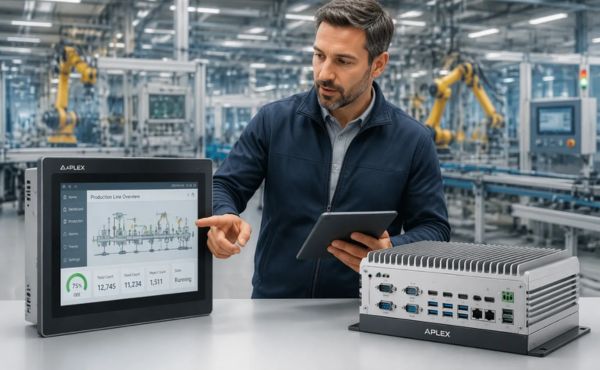
Many lines split the work. An hmi and industrial pc pair covers both sides of the job. The hmi panel sits at each station and handles operator interaction. The industrial pc sits above the cell and handles processing, logging, and data exchange.
This combined architecture keeps each device in its best role. The operator interface stays simple and close to the work. The ipc carries the heavy software and the long histories. Industrial pcs also link the cell to plant systems without extra gateways. Plan the network tiers early, and document every link between the hmi pc and the industrial pc. A clear split between interaction and processing keeps training short and service predictable. The hmi and an industrial pc can share one cell without overlap.
Decision Checklist
Questions Before You Buy
Run every application through the same short sequence. The answers point to a platform before price enters the discussion.
- List every program the device must run. A short list favors a dedicated panel. A long list with databases or reporting favors an industrial pc.
- Count the machines the device must serve. One station suggests a focused interface. Several controllers suggest a shared platform.
- Check the floor conditions. Dust, washdown, vibration, and temperature swings demand a sealed, fanless front end.
- Confirm the network links. Note every fieldbus, Ethernet port, and plant system connection the job requires.
- Ask who operates the screen. Rotating staff need a simple hmi layout. Skilled technicians can handle a fuller software stack.
- Project the workload three years out. New duties may arrive after a pilot cell proves itself.
A single “yes” to heavy software or multi-machine scope usually settles the ipc question. A run of simple answers points back to the panel.
Matching Choice to Budget and Growth
Budget planning starts with the full lifecycle, not the purchase order. Total the hardware, engineering hours, commissioning, patching, and replacement for each option. A panel carries a lower upfront price and a light service burden. A full computer costs more at purchase and demands a longer setup. Both columns belong in the same spreadsheet.
Growth planning follows the same discipline. An industrial pc often accepts new software without a hardware swap. That headroom has value when a pilot becomes a full line. A panel that runs out of capacity must be replaced outright. Neither path is wrong. The right path matches the duty list and the growth timeline.
Teams in industrial automation should review the checklist each year. Document every network link and software dependency. Keep spare units for critical stations. Industrial pcs and panels both reward that planning with predictable service. Let the application, the environment, and the growth plan decide.
Common Selection Mistakes
Over-Specifying and Under-Specifying
Over-specifying is the more common error. A team buys a full industrial pc for a machine that only starts a cycle and shows alarms. The extra power sits idle. Setup time stretches, and the software stack needs patching for years. The machine gains nothing the operator can see.
Under-specifying costs more in the long run. A buyer picks a basic hmi for a cell that must store traceability records and share data with plant software. The panel runs out of memory and ports within a year. The replacement arrives sooner than planned, and the original purchase becomes waste. Match the device to the full duty list, not to the first screen design.
Ignoring Environment and Lifecycle
A clean bench test tells little about the floor. Dust, washdown spray, vibration, and heat all shorten device life. A unit rated for an office fails fast beside a press or a washer. Check the enclosure rating and the mounting before the purchase order, not after the first failure.
Lifecycle planning gets skipped just as often. Every ipc needs updates, security patches, and a replacement path. Every panel needs spare units on the shelf for critical stations. Teams that skip this step face unplanned downtime and rushed buys. Industrial pcs and panels both reward a written service plan. Review the duty list each year, and confirm the device still fits the job.
Conclusion
The decision logic is straightforward. Choose an hmi computer for focused operator interaction and simple control. Choose an industrial pc for compute-heavy work and integration across lines. Choose both, or a panel PC, when one machine needs a hardened panel plus heavier computing.
The right answer follows from application requirements, environment, software stack, and growth plans. No single spec sheet settles the ipc vs hmi question. Weigh the full duty list instead.
Run your application through the decision checklist above. Then match the result to your budget and scalability timeline. That sequence turns a crowded hmi and ipc market into one clear choice. Industrial pcs and panels each reward that discipline.
FAQ
Can an HMI computer run standard PC software?
No. A dedicated hmi runs a fixed runtime with a locked project. It does not host a full operating system or general applications. Tasks like databases, reporting, or vision checks need an industrial pc instead.
Can an industrial PC replace an HMI panel?
It can run HMI software, but the fit depends on the station. A full computer costs more and needs more setup. Where operators only start cycles and clear alarms, a simple panel stays cheaper and faster to deploy. Many lines use industrial pcs above the cell and panels at each station.
Is a panel PC a good compromise?
Often, yes. A panel PC mounts like a panel and computes like a small computer. Choose it when one machine needs real processing at the point of use. Confirm the software list and floor rating first.
Do I still need a PLC with an IPC?
Yes. The ipc handles computing, logging, and integration. It does not replace deterministic control. The PLC keeps machine timing, and the computer sits above it.
How long does setup take for each option?
No fixed figure applies. A panel project locks down quickly once screens and alarms are configured. A full computer adds operating system install, software configuration, security hardening, and patching. Budget engineering hours for both paths.