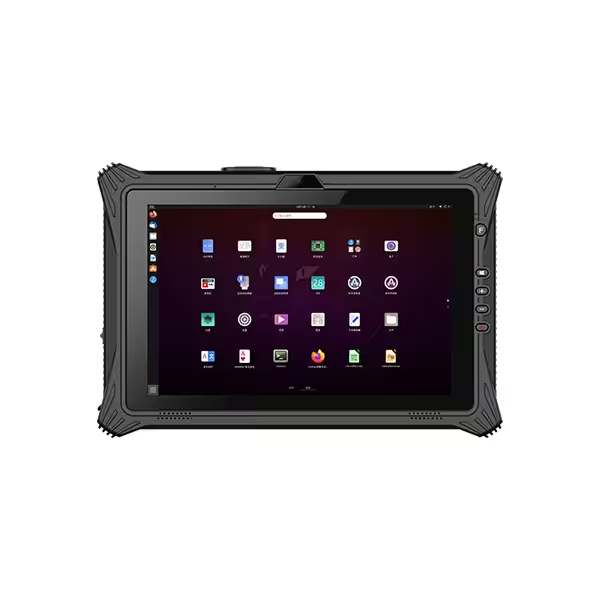
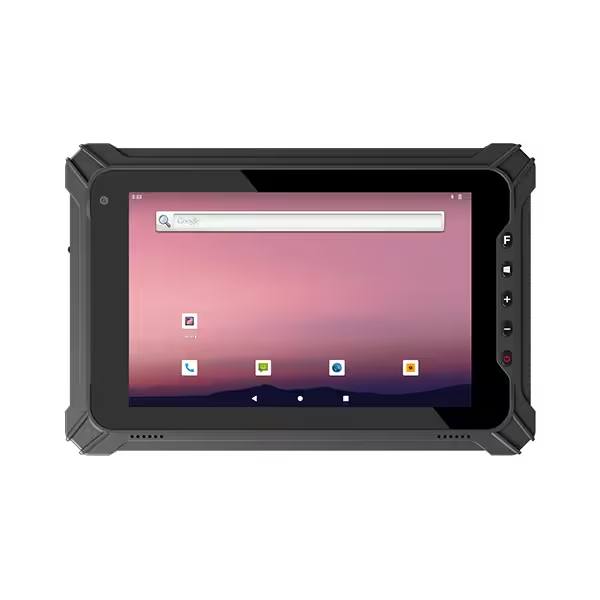
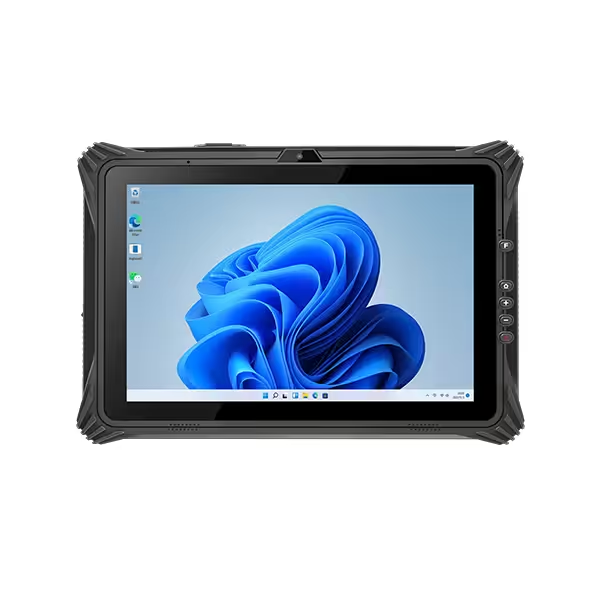
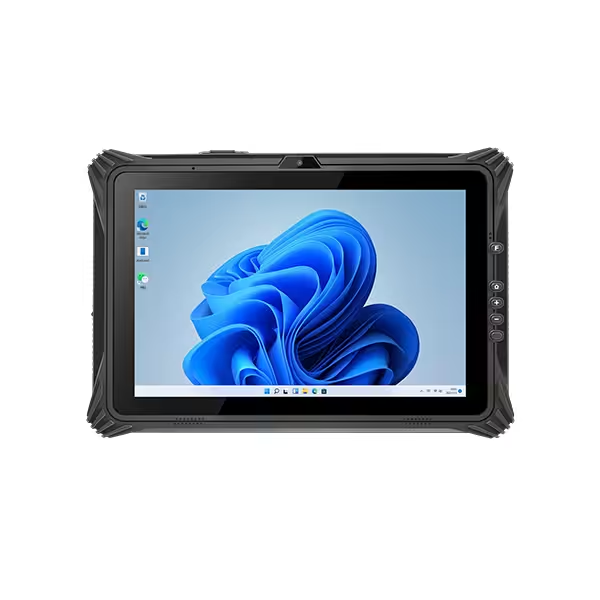
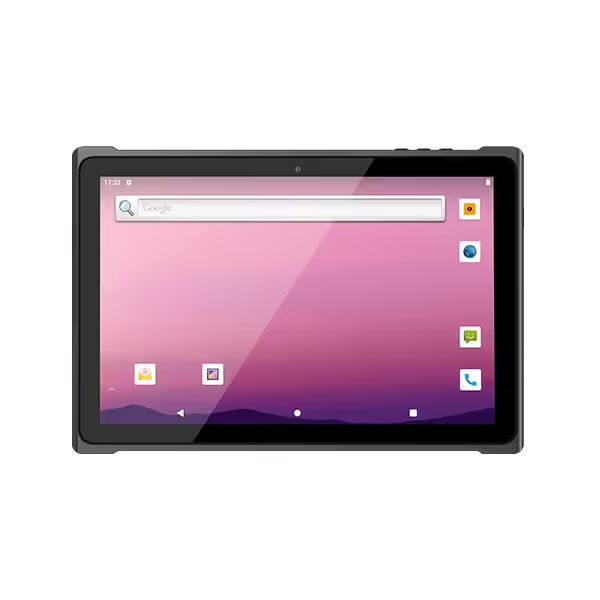
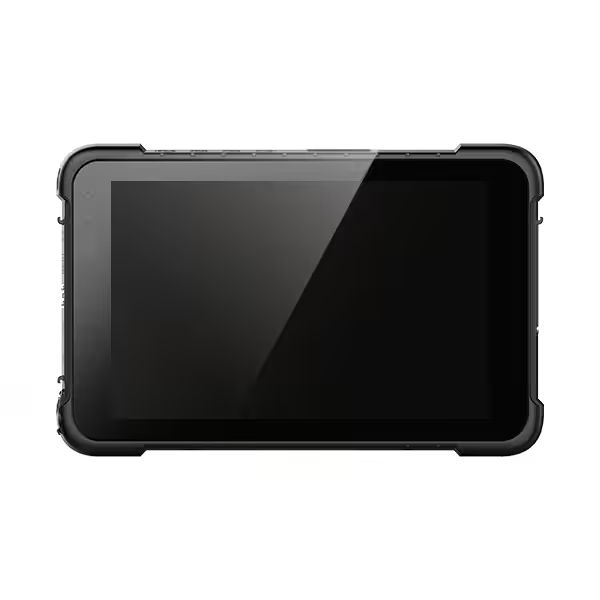
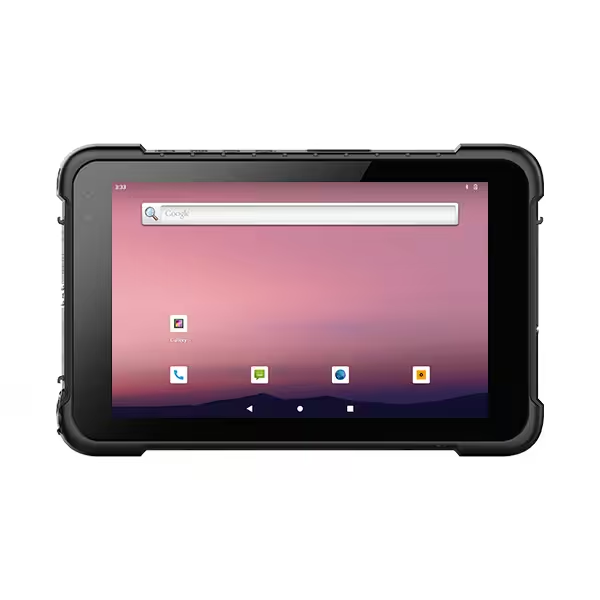
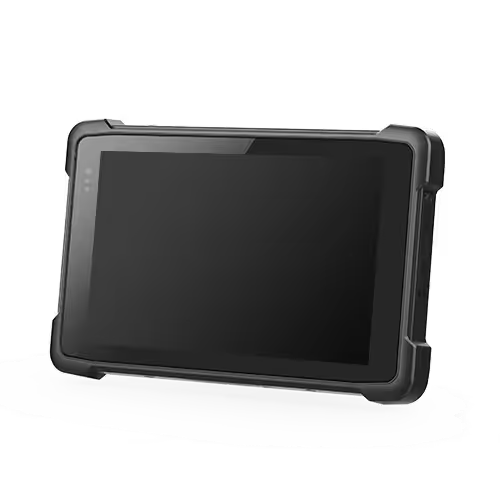
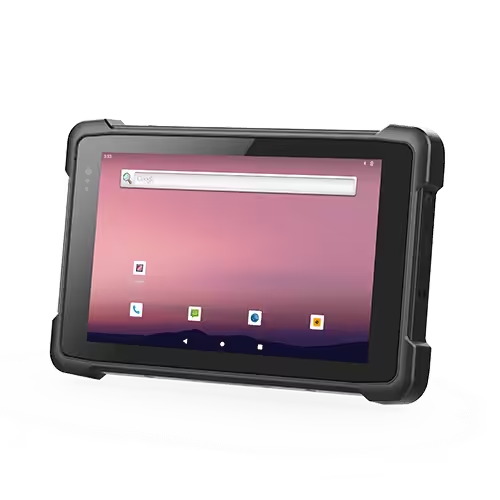
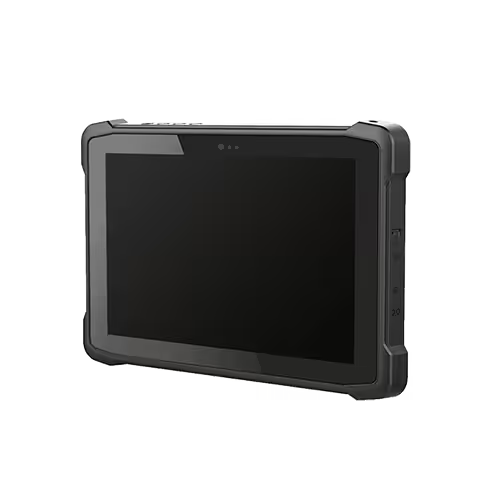
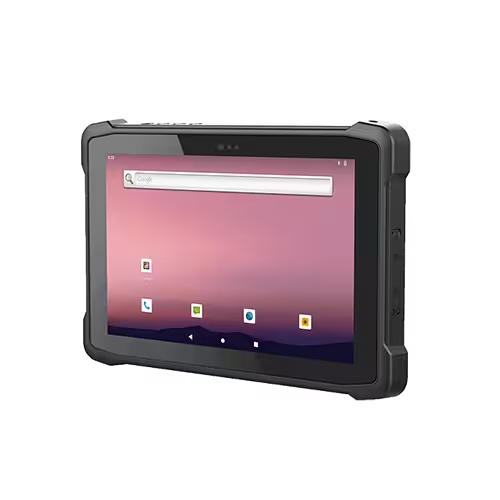
To choose the best rugged Windows tablet, start with the Windows applications and daily tasks it must support. Then match processing performance, environmental protection, display usability, battery arrangements, connectivity, and accessories to the working conditions. Finally, test the complete configuration before committing to deployment.
The best device is the one that reliably completes the required work. The highest processor specification or strongest water-resistance claim does not automatically make it the right choice. Software compatibility, comfortable handling, dependable equipment connections, and ongoing support can matter just as much as durability.
| Selection Factor | What to Check |
|---|---|
| Windows compatibility | Confirm that required applications, drivers, and peripherals work with the exact Windows release and processor architecture. |
| Windows edition and support | Match the edition, licensing, update policy, and support lifecycle to your deployment requirements. |
| Processor, RAM, and storage | Test normal applications together using representative files; allow capacity for updates and local data. |
| Environmental protection | Match IP ratings, documented drop and vibration tests, and temperature limits to actual exposure. |
| Display and input | Check outdoor readability, Windows scaling, glove operation, stylus support, and screen size. |
| Battery and charging | Verify runtime under realistic workloads, battery replacement procedures, and available charging arrangements. |
| Connectivity and ports | Confirm network compatibility, equipment interfaces, scanner integration, and required positioning accuracy. |
| Portability and accessories | Evaluate complete carrying weight, handling comfort, keyboards, docks, and vehicle mounts. |
| Security and maintenance | Check device management, encryption, recovery tools, driver updates, repairs, and spare-part availability. |
| Total cost and validation | Include accessories, deployment, and maintenance costs; verify the complete configuration through sample testing. |
Working Requirements and Daily Tasks
Define what workers actually do before comparing specifications. Recording inspection results, reviewing drawings, diagnosing machinery, and managing inventory place different demands on hardware. A device that handles simple forms comfortably may struggle with large technical files or several desktop applications running together.
Describe the full working day, including time spent walking, standing, driving, and using fixed workstations. Note whether the tablet stays mounted, moves between locations, or must be held while operating another tool. These details influence screen size, weight, controls, and mounting requirements.
Separate essential functions from optional features. A required diagnostic connection should take priority over an upgraded camera that workers rarely use. Establishing these priorities makes comparisons more useful and prevents attractive specifications from distracting from basic suitability.
Windows Software and System Compatibility
Application and Driver Compatibility
List the exact applications, versions, browser components, and peripherals currently used. Check their supported Windows releases and processor architectures. Older business software may depend on specific drivers, licensing devices, database components, or communication utilities.
Many Windows programs can run on different hardware platforms, but compatibility requires more than successful installation. On Arm-based Windows devices, application emulation can support many x86 and x64 programs, while connected hardware still needs compatible drivers. Microsoft specifically advises checking Arm64 driver availability for peripherals.
Test complete operations: connect the instrument, collect readings, save results, print reports, and reconnect after sleep. Where existing tools depend on x86/x64 drivers, an appropriate Intel or AMD platform may simplify deployment, but the exact configuration still needs verification.
Windows Edition and Support Lifecycle
Confirm the supplied Windows edition and release rather than accepting “Windows supported” as sufficient detail. Application support, management requirements, licensing, and update arrangements should align with the organization’s intended use.
Windows IoT Enterprise LTSC is designed for fixed-purpose devices where functionality remains relatively stable. It is not automatically the best edition for every business tablet. Microsoft distinguishes its servicing approach from releases that receive regular feature updates.
Ask who supplies recovery images, drivers, firmware, and update guidance. The planned service period should fit the support available for the operating system, applications, and hardware together.
Processor, Memory and Storage
Choose performance around representative workloads, not processor branding alone. Processor generation, power limits, graphics capability, and cooling design influence results. A higher-tier processor does not guarantee better performance in every tablet configuration.
Simple data entry and browser-based applications may require less computing power than large drawings, local databases, or technical analysis. Run the normal combination of applications during evaluation, including background security and management tools.
Memory should accommodate active programs without frequent slowdowns. Storage must allow room for Windows, applications, updates, downloaded documents, photographs, and recovery requirements. Check whether memory and storage can be upgraded or replaced; sealed tablet designs vary.
Evaluate sustained performance as well as initial responsiveness. A tablet that opens files quickly in an office may behave differently during prolonged work in warmer conditions. Use realistic files and session lengths when comparing candidates.
Rugged Protection and Environmental Limits
Match protection to likely exposure. IP ratings describe enclosure protection against solid particles and water under defined test conditions. IP65 and IP67 address different water tests; neither should be interpreted as unlimited protection against every cleaning method or exposure.
MIL-STD-810 testing also requires context. The standard provides an environmental tailoring framework and test methods rather than one universal test package. Ask which methods, conditions, and device configurations were tested instead of treating the label as a complete durability specification.
Review the conditions that affect the actual installation:
| Exposure | Details to verify |
|---|---|
| Drops and impacts | Tested height, surface, orientations, and installed accessories |
| Dust and water | IP rating and required port-cover or battery-cover positions |
| Vehicle vibration | Test conditions and suitability of the mounting system |
| Temperature | Operating, storage, and charging limits |
| Cold-to-warm transitions | Condensation protection and freezer suitability |
Cold storage deserves separate evaluation because condensation can obstruct screens and scanners even when the operating temperature is acceptable. Freezer-specific designs may include heaters or other protective measures.
Where hazardous atmospheres exist, verify the exact device approval against the site requirements. Ordinary rugged construction is insufficient; appropriately approved configurations are distinct products.
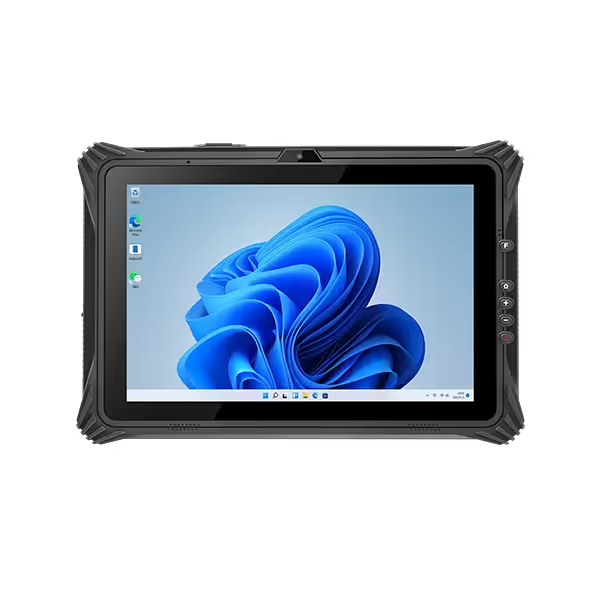
Display, Touch Input and Portability
Select screen size around the information workers need to see. Detailed drawings and desktop applications may benefit from larger displays, while frequent carrying favors manageable dimensions and weight. Include batteries, handles, scanners, and protective accessories when assessing the complete carrying weight.
Outdoor readability depends on brightness, reflections, contrast, viewing angle, and screen coatings together. A brightness figure alone cannot establish visibility in every environment. Evaluate the actual application outdoors, including small text and dark interface elements.
Windows desktop controls also need practical testing. Higher resolution can make buttons and menus small unless scaling works correctly. Confirm that dialogs, forms, and legacy applications remain usable at the chosen settings.
Test the intended gloves, stylus, and touch modes. Check wet-screen behavior where relevant, along with hand straps and physical buttons. Comfortable operation matters when the same actions repeat throughout the shift.
Battery Runtime and Charging
Compare battery life using the expected workload. Display brightness, cellular communication, scanning, connected accessories, temperature, and processor activity all influence runtime. Published figures are useful reference points only when their test conditions resemble the intended use.
A removable battery does not necessarily support replacement while running. Hot-swappable designs need an arrangement that maintains power during the change. Verify the procedure, available swap interval, and whether applications and connected devices remain operational.
Plan how devices receive power throughout the day. Options may include charging docks, spare batteries, multi-battery chargers, or vehicle power. Confirm whether charging can occur while all required peripherals are connected.
Check replacement-battery availability and charging-temperature limits. A larger battery may extend runtime but also increase weight, so evaluate endurance and handling together.
Connectivity, Ports and Data Capture
Wireless specifications should match the deployment. Check Wi-Fi coverage and roaming where workers move between access points. For cellular use, verify supported bands, local network compatibility, antenna performance, and SIM arrangements. Cellular hardware cannot provide service where coverage is absent.
Ports need functional verification. USB-C describes a connector shape, but supported data speeds, charging, and video output vary. Serial and Ethernet connections may be built in, supplied through modules, or available only through docks. Check how each required connection works in the selected configuration.
Barcode scanners and RFID readers also need application compatibility. Identify barcode types, scanning distances, tag technology, and software integration. Integrated NFC does not automatically provide long-range UHF RFID reading.
For location-based work, distinguish general navigation from precise positioning. Verify the required accuracy and whether external receivers or correction services are necessary. Manufacturer selection guides similarly emphasize matching interfaces and data-capture options to the application.
Accessories, Security and Long-Term Support
Evaluate keyboards, carrying systems, docks, mounts, and chargers as part of the tablet configuration. Confirm that accessories fit the exact model and preserve access to controls and ports. Vehicle installations also need suitable power input and secure mounting.
For enterprise deployment, check compatibility with existing enrollment, identity, encryption, endpoint protection, and remote-support tools. Required capabilities may depend on the Windows edition, hardware, licensing, and configuration. Security features need a workable deployment and recovery process, not simply a specification-sheet listing.
Ask how long replacement parts, batteries, docks, and equivalent configurations will remain available. Review repair arrangements, warranty exclusions, and recovery procedures. Consistent driver packages and documented configuration changes help when adding devices later.
Compare total deployment cost, including accessories, software, connectivity, setup, spare units, repairs, and downtime. A higher purchase price is justified only when the resulting configuration better meets operational requirements.
Sample Testing Before Deployment
Use a sample configured with the intended Windows image, applications, accessories, and security policies. Testing a basic demonstration unit may miss problems introduced by the organization’s actual software environment.
A useful acceptance trial should cover:
- Complete tasks: Open normal files, enter records, scan labels, connect equipment, and export results.
- Working conditions: Check visibility, gloves, carrying comfort, temperature suitability, and mounting.
- Operational continuity: Test sleep and resume, network loss, synchronization, battery changes, and recovery.
Set acceptance criteria before comparing candidates. Record task completion, connection failures, runtime, and user feedback. For larger deployments, begin with a controlled pilot involving representative workers and locations.
Choose the rugged Windows tablet that consistently meets those criteria. This gives the decision a stronger basis than comparing isolated specifications or selecting the most expensive configuration.
Frequently Asked Questions
Can rugged Windows tablets replace laptops?
They can replace laptops when the required applications run well and the input arrangement suits the work. A keyboard and dock can support office tasks. Extensive typing, demanding graphics workloads, or applications needing larger displays may still favor laptops.
Do rugged Windows tablets need internet access?
Not for every task. Installed applications and locally stored files can work offline if designed to do so. Cloud services, license checks, remote access, and record synchronization may require connectivity, so confirm the behavior of each application.
Are fanless rugged Windows tablets always better?
No. Fanless designs remove fan-related maintenance, but performance and temperature suitability depend on the complete thermal design. Actively cooled tablets may suit different workloads. Compare sustained performance, environmental requirements, noise, and servicing needs.
Can additional modules be installed later?
Sometimes, but configuration options vary. Scanners, cellular modems, interfaces, or other modules may require factory installation, specific antennas, or compatible internal hardware. Confirm upgrade paths before assuming optional features can be added after purchase.
Conclusion
Choosing the best rugged Windows tablet requires matching the entire device configuration to the job. Begin with application and driver compatibility, then evaluate performance, protection, display usability, battery arrangements, connections, accessories, and support.
A representative sample trial brings these requirements together. When workers can complete their actual tasks comfortably and reliably, the selection is supported by practical evidence. That matters more than choosing the highest specifications without checking how they perform in daily use.