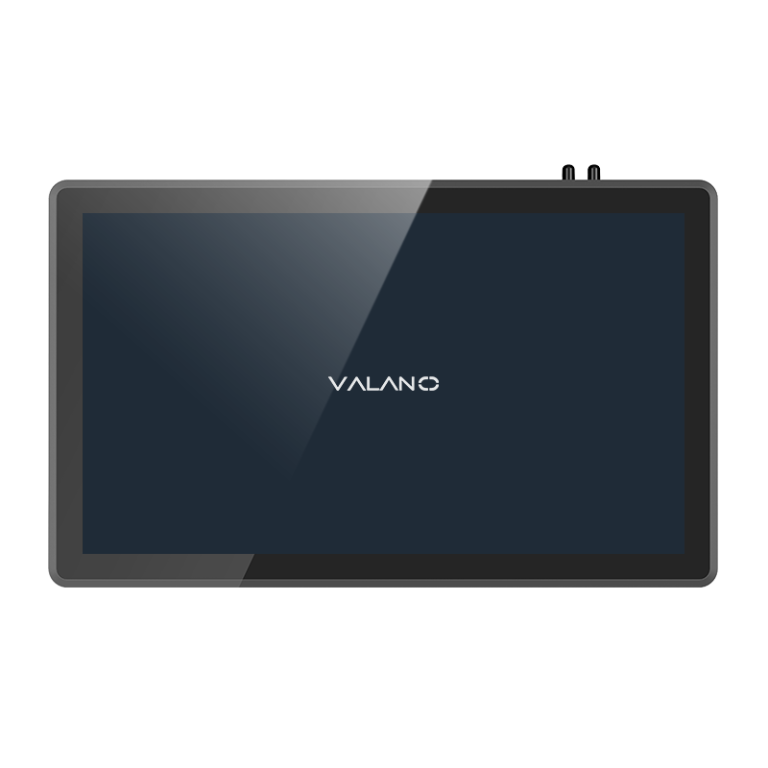
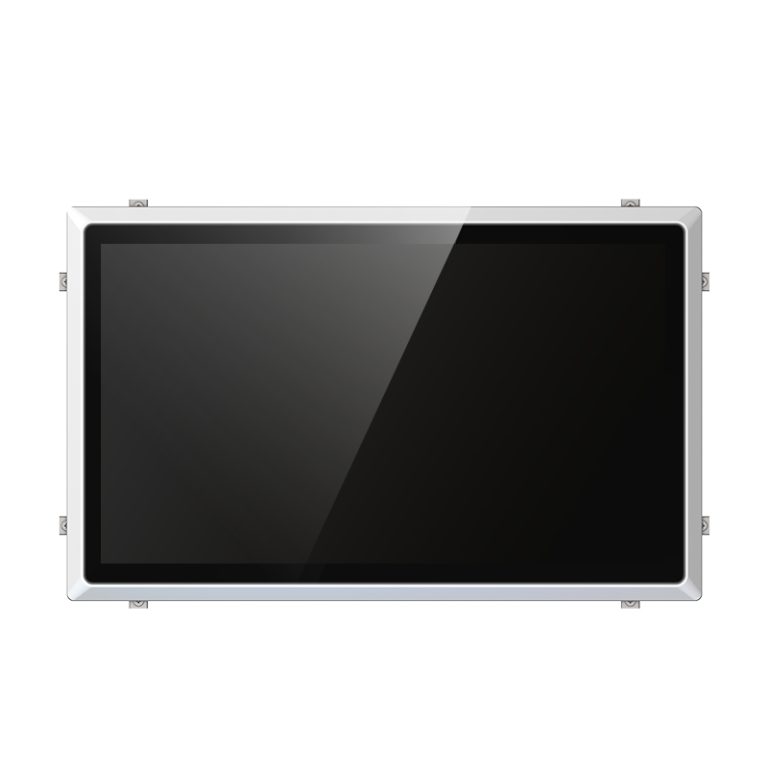
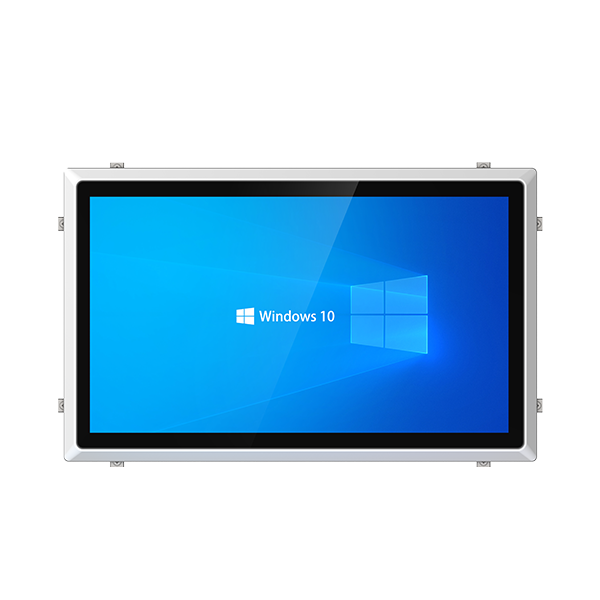
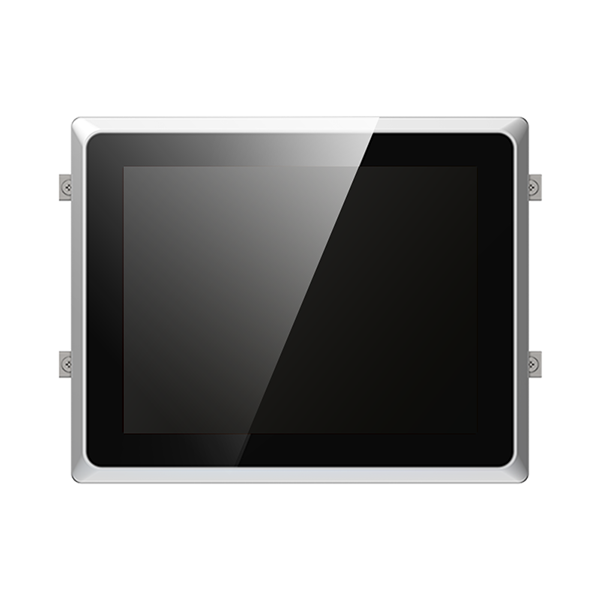
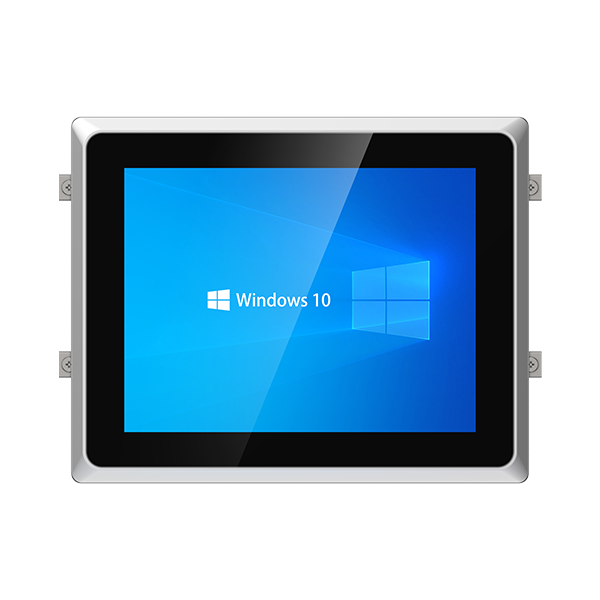
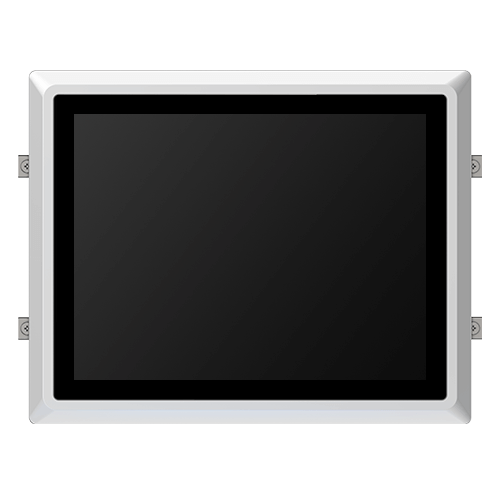
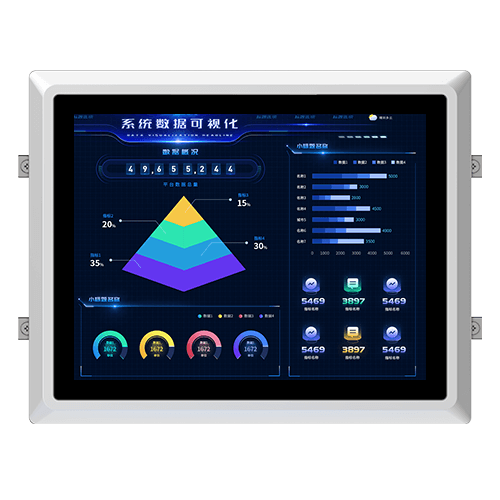
Selecting the right partner for your panel pc needs requires asking key questions. Buyers should check if the panel pc offers rugged design, fanless cooling, and a range of processor options. Key questions about connectivity, display, touch type, mounting, and voltage input help ensure the panel pc fits industrial environments. These key questions reveal if the supplier can deliver mission-critical value. Using this approach helps you find a reliable partner for your industrial pc projects.
Key Questions on Product Lifecycle
Product lifecycle and EOL support
Understanding the product lifecycle is essential for planning and maintaining industrial systems. Buyers should ask the industrial pc supplier about the expected lifespan of each panel pc model. Suppliers must provide clear information about end-of-life (EOL) notifications and replacement options.
A well-managed lifecycle reduces unexpected downtime. It also helps buyers prepare for upgrades or changes in their industrial environment. Suppliers who communicate lifecycle details show commitment to long-term reliability.
Warranty and after-sales service
Warranty coverage is a key factor when choosing an industrial pc supplier. Buyers should ask questions about warranty length, coverage, and what is included. Suppliers must explain their after-sales service process and response times.
A strong warranty gives peace of mind. Reliable after-sales service ensures quick resolution of issues. Buyers should ask if the supplier offers technical support, repair services, or replacement units for industrial pc products.
Asking these questions helps buyers select a supplier that stands behind its products. It also ensures that the industrial pc will remain supported throughout its lifecycle.
Questions on Technical Specifications
Processor, RAM, and storage options
The processor is the heart of any industrial pc. Buyers should ask about the types of processor available. Some applications need high processing power, while others work well with basic processing power.
| Model | Processor | RAM Options | Storage Options |
|---|---|---|---|
| A | Intel | 4GB/8GB | SSD/HDD |
| B | ARM | 2GB/4GB | eMMC/SSD |
This table helps compare processing power and memory for different industrial uses.
Customization for performance needs
Every industrial environment has unique requirements. Ask if the supplier can customize the processor or increase RAM for more processing power. Some projects need extra storage or a processor with advanced processing power.
- Can the supplier adjust the processor for your workload?
- Is it possible to add more RAM or storage?
Customization ensures the pc matches the processing power needed for your tasks.
Supported operating systems
The operating system is a key part of any industrial pc. Ask which operating system versions the supplier supports. Some industrial applications need Windows, while others use Linux or Android.
Ask if the supplier provides updates for the operating system. Updates keep the industrial pc secure and reliable.
- Does the supplier offer long-term support for the operating system?
- Can the operating system be changed later if your needs change?
Choosing the right operating system helps your industrial pc run smoothly in any environment.
Rugged Design and Durability
Environmental resistance
Industrial environments often expose equipment to extreme conditions. Buyers should ask the supplier about the temperature and humidity ranges the pc can handle. Many industrial panel pcs operate in hot, cold, or damp locations.
IP/NEMA ratings for dust and water
Dust and water can damage sensitive electronics. Suppliers must provide IP or NEMA ratings for their industrial panel pcs. These ratings show how well the pc resists dust and water.
- IP ratings use numbers to show protection against solids and liquids.
- NEMA ratings are common in North America and indicate enclosure strength.
Industrial reliability testing
Reliability testing proves the pc can survive tough conditions. Ask the supplier about tests for vibration, shock, and long-term use.
- Does the industrial pc pass tests for continuous operation?
- Has the pc been tested for drops or impacts?
Testing ensures the pc will last in demanding industrial settings.
Fanless Cooling and Maintenance
Fanless design benefits
A fanless design helps an industrial pc work well in harsh environments. Fans can pull in dust and dirt, which may damage the pc over time. Without fans, the system stays sealed and protected from outside particles.
Fanless cooling also means less noise. Many industrial settings need quiet machines to avoid distractions. A silent pc can improve the work environment and reduce stress for workers.
Maintenance reduction
Fanless systems need less maintenance than those with fans. Fans often break down or get clogged, which leads to more repairs. Removing the fan means fewer moving parts that can fail.
A fanless industrial pc can run longer without service. This reduces downtime and saves money on repairs. Many industrial users choose fanless models to keep their operations running without interruption.
- Fewer parts to replace
- Lower risk of dust buildup
- Longer lifespan for the pc
Choosing a fanless design helps keep maintenance simple and costs low.
Display and Touch Type
Display brightness and visibility
Display brightness matters in many industrial settings. Some environments have bright lights or direct sunlight. A high-brightness screen helps workers see information clearly.
Some displays also have anti-glare coatings. These coatings reduce reflections and make the screen easier to read. Good visibility helps prevent mistakes and keeps operations safe.
Capacitive vs. resistive touch
Industrial panel pcs use two main touch technologies: capacitive and resistive. Capacitive touch screens respond to the touch of a finger. They offer smooth and fast operation. Resistive touch screens work with pressure. They can be used with a finger, stylus, or even a gloved hand.
| Touch Type | How It Works | Best For |
|---|---|---|
| Capacitive | Senses electrical charge | Fast, light touch, bare fingers |
| Resistive | Senses pressure | Gloves, stylus, tough jobs |
Glove and wet operation
Many industrial jobs require gloves for safety. Some environments are wet or messy. Not all touch screens work well in these conditions.
- Ask if the pc supports glove touch.
- Check if the screen responds when wet.
A good industrial pc should work even when operators wear gloves or when the screen is damp. This feature keeps work moving and reduces downtime.
Connectivity and I/O Questions
I/O ports and wireless options
A reliable industrial pc must offer a range of I/O ports. These ports connect the pc to sensors, machines, and other equipment. Common ports include USB, Ethernet, serial, and HDMI.
Wireless options are also important in many industrial settings. Ask if the pc supports Wi-Fi, Bluetooth, or cellular connections. Wireless features help when cables are not practical or safe.
Expansion and upgrades
Industrial environments often change over time. Expansion slots let you add new features or connect more devices. Look for options like PCIe, mini PCIe, or M.2 slots.
Upgrades keep your system ready for future tasks. Ask if you can add more memory, storage, or new cards. This flexibility protects your investment as your needs grow.
- Expansion slots allow for new cards or modules.
- Upgrades can include RAM, storage, or wireless cards.
Legacy interface support
Some industrial equipment uses older connections. Legacy interfaces like RS-232, RS-485, or VGA are still common in factories. Make sure the industrial pc supports these legacy ports if your site uses older machines.
A table can help you compare legacy support:
| Legacy Port | Common Use |
|---|---|
| RS-232 | Serial devices |
| RS-485 | Industrial control |
| VGA | Older monitors |
Mounting and Installation
Mounting options
Mounting flexibility is important for any industrial pc. Buyers should ask which mounting options are available. Common choices include panel mounting, VESA mounting, and rack mounting.
- Panel mounting fits the pc into a control panel or machine surface.
- VESA mounting uses a standard bracket for walls or arms.
- Rack mounting places the pc in a server rack for easy access.
Installation accessories
Proper installation requires the right accessories. Suppliers often provide brackets, screws, and gaskets. These parts make the setup process easier and safer.
A table can help you check what is included:
| Accessory | Purpose |
|---|---|
| Mounting Bracket | Secure pc to surface |
| Gasket | Seal against dust |
| Screws | Attach components |
If you need extra parts, ask if the supplier offers them. Having all accessories ready saves time during installation.
Integration with existing systems
Integration is key for smooth operation in an industrial setting. Buyers should ask if the industrial pc can connect to current machines and networks. Check if the pc supports common protocols and interfaces.
Some systems need special drivers or software. Ask if the supplier provides support for integration. Good integration reduces setup time and avoids problems later.
Wide Voltage Input and Power Flexibility
Voltage input range
Industrial environments often have unstable power sources. An industrial pc must handle a wide voltage input range. This feature protects the pc from sudden voltage changes.
Ask the supplier about the voltage range supported by each model. Some panel pcs accept 9-36V DC, while others support 12-24V DC. Wide voltage input allows the pc to work in different locations.
| Model | Voltage Input Range |
|---|---|
| X | 9-36V DC |
| Y | 12-24V DC |
Power stability in industrial settings
Power stability is important for reliable operation. Industrial sites may experience voltage spikes or drops. A stable power supply keeps the pc running without interruption.
Ask if the industrial pc has built-in protection against power surges. Some models include features like over-voltage and under-voltage protection. These features help prevent damage and downtime.
- Surge protection guards against sudden spikes.
- Under-voltage protection keeps the pc safe during drops.
A stable power system ensures the pc performs well in tough conditions. This reduces maintenance and keeps operations smooth.
Certifications and Compliance
Industry certifications (CE, FCC, UL)
Industry certifications show that a pc meets important safety and quality standards. Buyers should ask if the industrial pc has certifications like CE, FCC, or UL. These certifications prove the pc is safe for use in industrial environments.
A certified pc reduces risks and supports compliance with local regulations.
Safety and environmental standards
Safety and environmental standards protect workers and the environment. Ask the supplier if the industrial pc follows standards for electrical safety and emissions. Some standards focus on limiting hazardous materials and reducing energy use.
- Look for certifications related to RoHS or energy efficiency.
- Check if the pc meets standards for safe operation in harsh conditions.
Meeting these standards helps create a safer workplace and supports sustainability.
Documentation for audits
Proper documentation is important for audits and inspections. Suppliers should provide test reports, certificates, and compliance documents for each industrial pc. These documents help buyers prove compliance during audits.
| Document Type | Purpose |
|---|---|
| Test Report | Shows performance results |
| Certificate | Confirms certification |
| Compliance Sheet | Lists standards met |
Clear documentation supports smooth operations and helps avoid legal issues.
Conclusion
Asking the right questions before choosing an industrial panel pc manufacturer helps buyers evaluate product reliability, customization ability, durability, connectivity, power flexibility, and long-term support. These questions reduce purchasing risks and ensure the selected panel PC can meet real industrial operating conditions. For factories, automation projects, and equipment builders, a structured supplier evaluation is essential for achieving stable performance and lasting operational value.