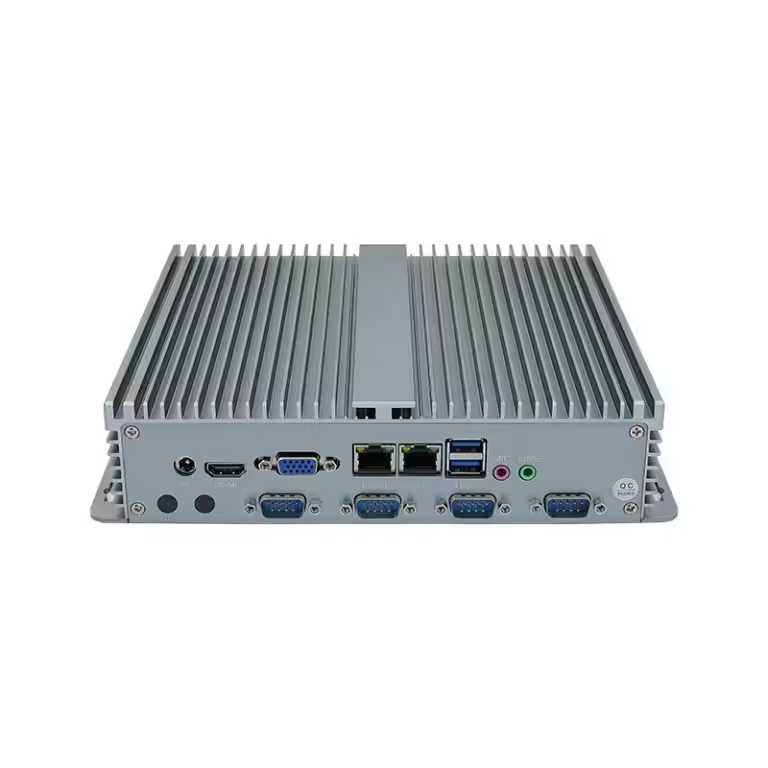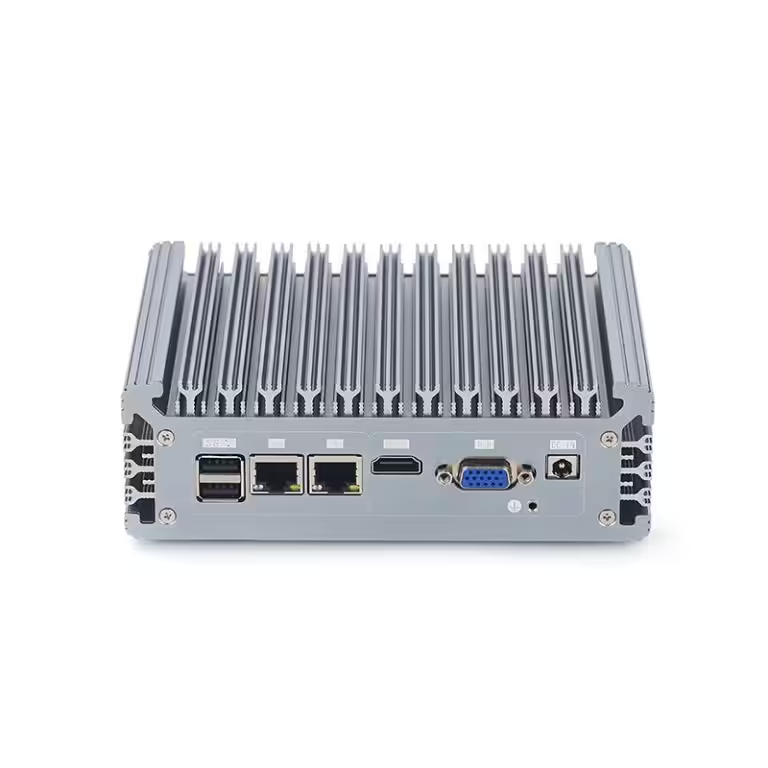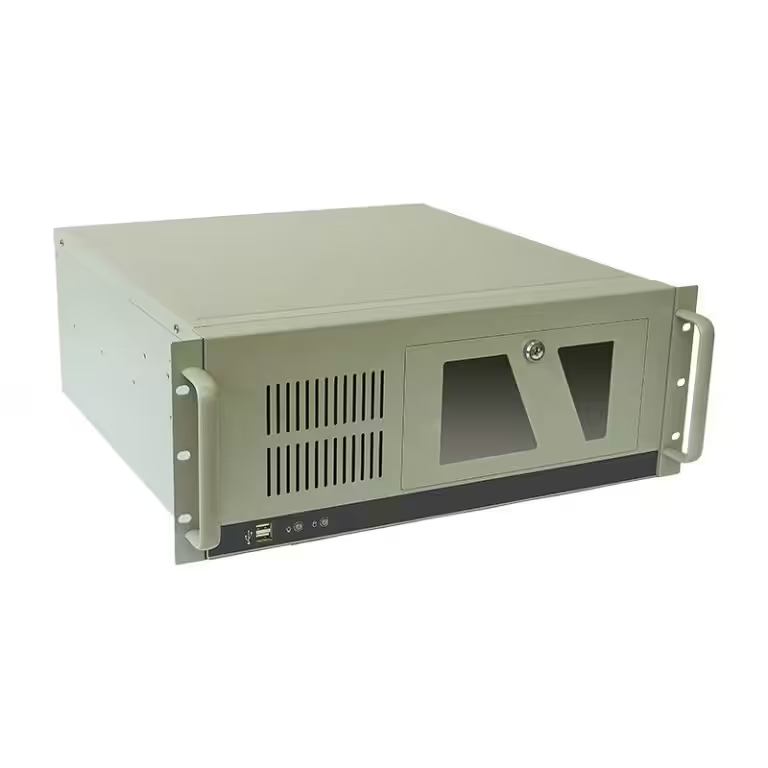
Importing industrial computers from China requires two connected processes: qualifying Chinese suppliers and validating computers for the intended applications. Buyers must confirm who manufactures and exports the products, then control the approved hardware, BIOS, interfaces, testing, compliance documents, payment terms, and shipping responsibilities.
The safest approach is to define requirements before contacting suppliers, verify the Chinese company behind each quotation, test production-representative samples, and attach the approved configuration to the purchase order. This guide explains the process for equipment manufacturers, system integrators, OEMs, and distributors importing industrial PCs from China.
Define the Industrial Computer Requirements Before Contacting Chinese Suppliers
Requests such as “fanless industrial PCs with Core i5 processors” are not detailed enough for comparable quotations. Chinese manufacturers may offer several motherboard generations, enclosure sizes, storage grades, power designs, and port combinations under similar product names. If buyers do not provide a controlled specification, suppliers may quote different systems at prices that cannot be compared fairly.
Start with the application and operating environment. Explain whether the computers will support machine control, HMIs, machine vision, edge analytics, AGVs, data acquisition, or another defined workload. Record the required software, connected devices, processing load, installation space, ambient temperature, vibration, dust, input voltage, and expected operating schedule.
The request for quotation should identify the following items:
- Processor platform, RAM, storage type and capacity
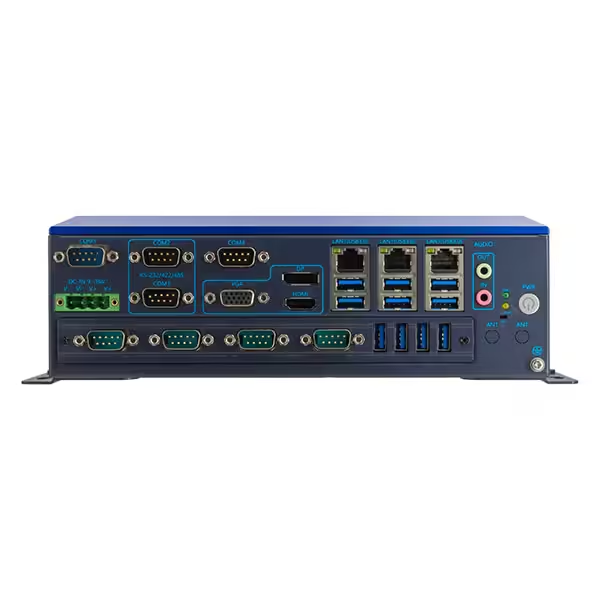
- LAN, USB, COM, CAN, GPIO, display and isolated-interface requirements
- Expansion slots, PoE, Wi-Fi, Bluetooth or cellular modules
- Input-voltage range, ignition control and power-protection requirements
- Fanless cooling, operating temperature, shock, vibration and ingress protection
- Wall, DIN-rail, VESA, panel or rack mounting
- Windows or Linux version, drivers, BIOS settings and system image
- Sample quantity, annual volume, customization scope and required product lifecycle
This specification becomes the reference for quotations, sample testing, purchase orders, inspections, and repeat orders. It also helps Chinese suppliers determine whether standard products, configured platforms, ODM modifications, or full OEM development are appropriate.
Find and Verify Industrial Computer Manufacturers in China
Buyers can identify potential industrial computer suppliers through independent manufacturer websites, B2B platforms, electronics exhibitions, referrals, or sourcing partners. Platforms can help create an initial shortlist, but platform profiles and badges should not replace company verification, technical discussions, samples, or factory audits.
China’s industrial computer supply chain includes motherboard developers, enclosure manufacturers, system assemblers, trading companies, and companies combining several of these functions. None of these business models is automatically unsuitable, but buyers need to know which company controls engineering changes, production, testing, exports, and warranty decisions.
Request the supplier’s Chinese business license and compare its registered Chinese name with the names shown on quotations, contracts, invoices, and bank details. The registered address may differ from the production address, so ask where engineering, assembly, testing, and warehousing are performed. If another company receives payment or handles exports, request a written explanation of the relationship before placing orders.
| Verification Point | What Buyers Should Confirm |
|---|---|
| Legal identity | Chinese company name, business license and registered address |
| Business role | Manufacturer, system assembler, trading company or export agent |
| Production control | Operations completed in-house and processes outsourced |
| Engineering capability | Control of motherboards, enclosures, BIOS, firmware and custom I/O |
| Configuration control | Whether approved BOMs and motherboard revisions can be maintained |
| Quality control | Functional tests, burn-in procedures, traceability and inspection records |
| Export arrangement | Contracting company, payment recipient and exporter of record |
| Long-term support | Warranty process, spare parts, repair capability and EOL notification |
Technical answers should be specific to the proposed models. General statements about “strict quality” do not show whether suppliers can maintain the same motherboard, SSD, wireless module, BIOS, or port layout across future batches.
Compare Quotations, Contracts, and Payment Details
Quotations from China are only comparable when they cover the same hardware and commercial scope. Lower prices may exclude licensed operating systems, industrial-grade storage, mounting accessories, power adapters, wireless modules, isolated ports, customized labels, engineering charges, or agreed testing.
Compare exact processor generations, motherboard revisions, RAM and SSD specifications, input-voltage ranges, I/O quantities, accessories, warranty terms, MOQ, sample charges, tooling fees, production lead times, and Incoterms. If particular brands or grades of RAM and SSD are required, state them clearly and define acceptable alternatives.
Before making payments, verify that the beneficiary name and account details match the agreed contracting arrangement. Treat unexpected changes to bank details as a reason for independent verification through a previously confirmed communication channel. Purchase orders, proforma invoices, technical specifications, drawings, and packaging requirements should describe the same products.
For customized industrial PCs, the agreement should also state who owns enclosure drawings, tooling, labels, BIOS settings, and other project-specific work. It should define whether tooling can be used for other customers and how engineering changes will be approved.
Approve Samples and Lock the Production Configuration
Samples should represent the planned production configuration, not simply use similar enclosures. Differences in motherboards, RAM, SSDs, wireless modules, power adapters, or BIOS versions can affect software compatibility, thermal performance, compliance, and long-term reliability.
Test samples with the actual operating system, software, peripherals, network load, power source, and installation method. Machine-vision projects should use the intended cameras and image-processing workload. Automation projects should test PLC communications, serial-port settings, startup behavior, watchdog functions, automatic recovery, and power-loss scenarios.
After approval, create a configuration record covering the motherboard revision, processor, RAM, storage, wireless modules, BIOS version, port layout, enclosure drawing, labels, accessories, and operating-system image. Attach it to the purchase order or technical agreement.
The supplier should not replace critical components without written approval. China’s electronics supply chain can support flexible configurations, but the availability of motherboards, memory, storage, and communications modules may change. A controlled substitution process is therefore more useful than relying on a product name alone. Any change affecting drivers, software, interfaces, thermals, power behavior, or compliance should trigger review and, where necessary, new validation.
Control Production and Inspection in China
Agree on quality requirements before batch production. Define which tests apply to every computer, which checks may use sampling, how cosmetic defects are classified, and what corrective action is required when inspection results fail.
Pre-shipment inspection should cover:
- Model, quantity, serial numbers and packaging marks
- CPU, motherboard revision, RAM, SSD and communications modules
- BIOS version, customer settings, operating system, drivers and licenses
- Operation of every specified LAN, COM, USB, CAN, GPIO and display interface
- Power-on behavior, burn-in or other agreed stability testing
- Enclosure dimensions, mounting points, connector positions and accessories
- Labels, manuals, packing lists and required compliance documents
Factory audits can help assess process control, traceability, test equipment, engineering support, and whether production is performed at the stated location. Third-party inspections can verify finished goods against an agreed checklist, but inspectors need precise acceptance criteria. Generic visual inspections cannot confirm application software, BIOS functions, or system stability.
Production schedules should also account for China’s holiday calendar. Chinese New Year can affect component supply, factory staffing, trucking, and port capacity before and after the official holiday. National Day and other factory shutdowns can also influence lead times. For orders near major holidays, confirm material availability, production completion dates, inspection timing, and booking schedules rather than relying only on standard lead times.
Select Shipping Terms and Prepare Export Documents
Incoterms determine the division of transport costs, responsibilities, and risk, but they do not define product quality, payment terms, or ownership. Use a named place or port with each term and confirm the responsibilities in the sales contract.
| Shipping Term | Practical Consideration for Orders from China |
|---|---|
| EXW | Buyers arrange collection and most transport activities from the Chinese factory. Export arrangements can be difficult without suitable local support. |
| FCA | Suppliers deliver export-cleared goods to the named carrier or location; this may be more practical than EXW for international shipments. |
| FOB | Suppliers complete export procedures and deliver goods on board at the named Chinese port; buyers arrange the main freight and destination handling. |
| CIF | Suppliers arrange ocean freight and minimum insurance to the named destination port; buyers still need to confirm import clearance, duties and destination charges. |
| DAP | Suppliers arrange transport to the named destination, while buyers generally handle import clearance and import charges. |
Samples and urgent smaller orders may move by courier or air freight, while larger batches may suit air cargo or sea freight. The correct method depends on shipment value, volume, delivery requirements, destination, and available customs support.
Before shipment, review commercial invoices, packing lists, air waybills or bills of lading, product descriptions, declared values, country-of-origin information, and requested compliance documents for consistency. Buyers should confirm commodity classifications, import duties, taxes, wireless requirements, and local product obligations with qualified customs and compliance professionals in the destination market. Industrial computers with wireless modules, external power supplies, or application-specific certifications may require different documentation from basic wired models.
Confirm Compliance, Warranty, and Long-Term Supply
Compliance depends on the destination market, supplied configuration, power adapter, wireless modules, and whether industrial computers are sold as standalone products or integrated into larger machines. Request reports and declarations for the exact models and configurations being purchased. Documents for different motherboards, wireless modules, or power supplies may not cover the ordered products.
Warranty terms should state when coverage begins, which failures are covered, how faults will be diagnosed, and who pays for return transport. International returns can be slow and expensive, so consider agreed procedures for remote diagnosis, replacement parts, repair, or advance replacement units.
For repeat orders, ask how long the selected platform is expected to remain available and how the Chinese manufacturer manages end-of-life components. Maintain copies of drivers, BIOS files, operating-system images, drawings, approved BOMs, and test procedures. These records reduce risk when parts change and make future orders easier to validate.
Conclusion
Importing industrial computers from China is most reliable when buyers manage both the Chinese supply relationship and the technical configuration. Verify the legal company, factory role, payment recipient, and export arrangement before ordering. Then approve production-representative samples, lock the BOM and BIOS, define inspection criteria, and confirm shipping responsibilities and documentation.
The lowest unit price does not necessarily provide the lowest project cost. Stable configurations, controlled component changes, application testing, and practical warranty support are more important for industrial equipment expected to operate and remain available over long periods.
Request Industrial PC Configurations and OEM Quotations
Send us your application, software, required interfaces, operating environment, installation method, destination market, and estimated order quantity. Our team can recommend suitable standard or customized industrial PC configurations and prepare quotations for samples, OEM projects, or bulk orders from China.