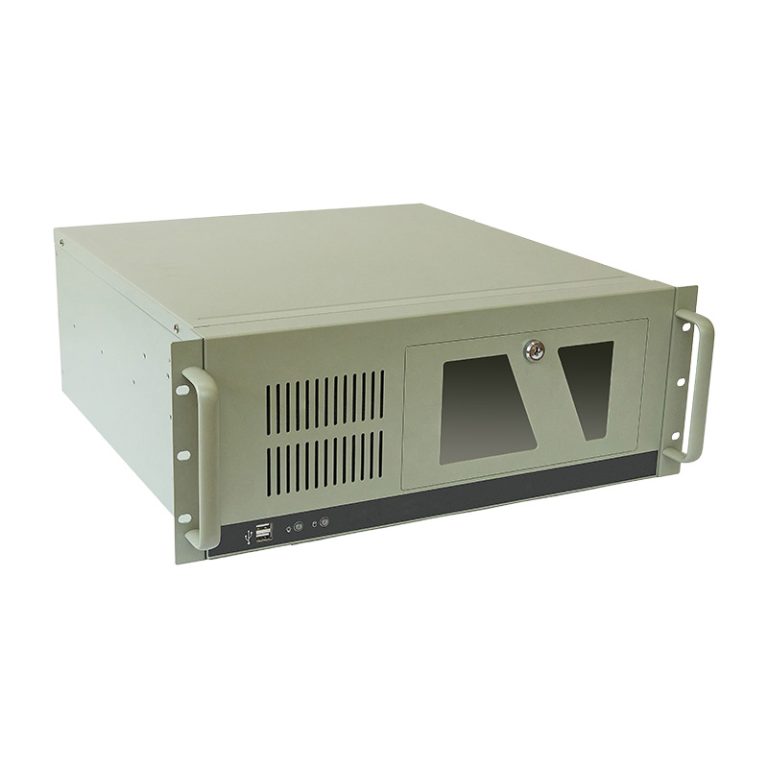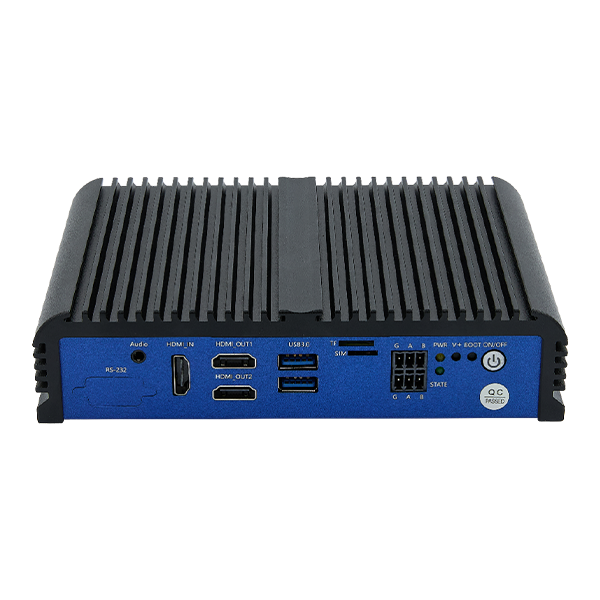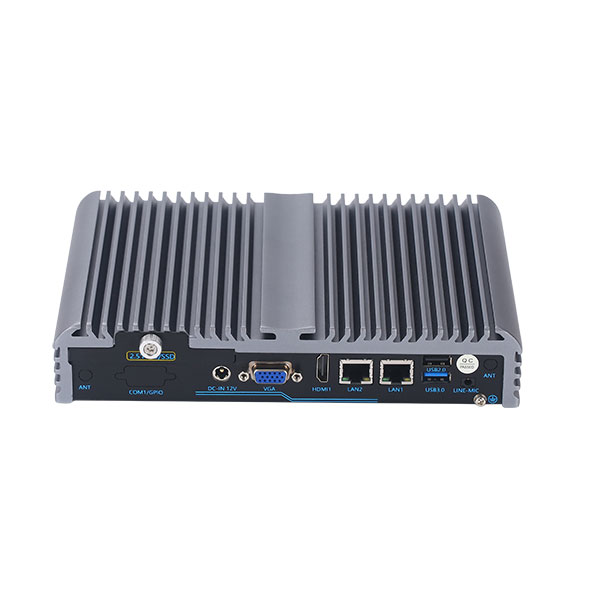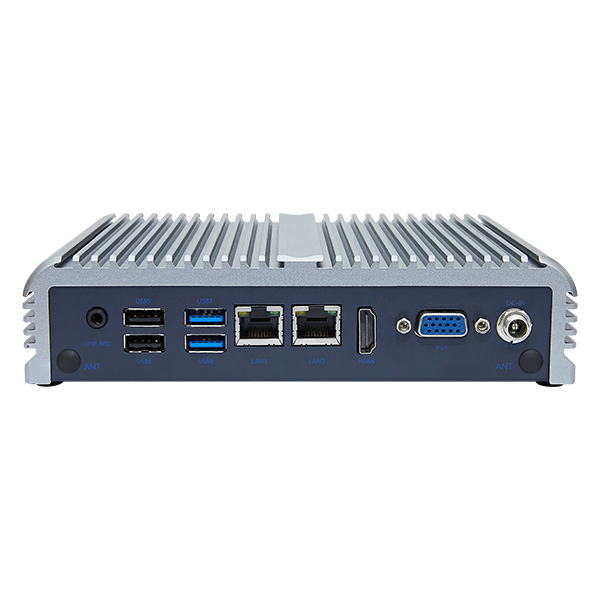
To select an industrial computer for harsh environments, define the actual exposure at its mounting location, size the system for sustained workloads, and verify protection, power, interfaces, and mechanical installation together. The strongest processor or highest advertised protection rating is not necessarily the best fit. Reliability depends on whether the complete configuration can operate under the project’s combined conditions.
For OEMs and system integrators, selection should produce a testable specification. Replace broad requests such as “rugged, waterproof, and high performance” with operating limits, connected devices, recovery requirements, and evidence that the proposed hardware meets them.
Define the Environment at the Installation Point
Start with a site assessment. Record temperatures near the computer, exposure to airborne particles, liquids, vibration, electrical noise, and the availability of maintenance access. Distinguish normal operating conditions from cleaning, startup, shutdown, and abnormal events.
The room temperature may not represent the computer’s environment. A control cabinet can become warmer because of drives, power supplies, and limited heat removal. Outdoor cabinets may experience solar heating. A mobile installation may combine vibration with voltage disturbances and temperature changes.
The assessment should also identify whether relocation reduces risk. Moving a box PC into a protected cabinet and placing only the display at the machine may be more practical than exposing the complete computer. Conversely, a cabinet can add heat and restrict service access. Compare the installed solution rather than the computer alone.
| Exposure | Information to record | Evidence to request |
|---|---|---|
| Heat and cold | Local extremes, startup conditions, workload | System rating and test conditions for the offered configuration |
| Dust and liquids | Particle type, exposure direction, cleaning method | Protection scope, connector conditions, and installation instructions |
| Shock and vibration | Mounting location and expected mechanical exposure | Relevant test profile, axes, mounting, and acceptance criteria |
| Electrical disturbances | Supply type, outages, switching loads | Input requirements and applicable protection tests |
| Humidity and chemicals | Condensation risk and substances present | Humidity limits and material compatibility information |
Size Performance Around the Complete Application
List the software, operating system, connected equipment, and tasks that run simultaneously. An HMI terminal, protocol gateway, and multi-camera inspection computer have different resource needs even when installed on the same line.
For monitoring applications, consider tag counts, polling intervals, data logging, and dashboard updates. For vision, include acquisition, preprocessing, inference or analysis, result transmission, and retained images. For virtualized workloads, account for resource allocation and competing demand.
Benchmark the proposed configuration with representative data. Assess throughput and latency after the system reaches thermal equilibrium, not only immediately after startup. A computer that completes a brief benchmark quickly may not sustain the same performance inside a hot enclosure.
Memory and storage also need a workload-based specification. Check maximum memory demand, write volume, retention policy, and recovery after interrupted power. Storage endurance is separate from capacity. Choose an SSD whose endurance and temperature characteristics fit the application, then verify how the software protects important records.
Select Cooling and Ingress Protection Together
Fanless Cooling Requires an Effective Heat Path
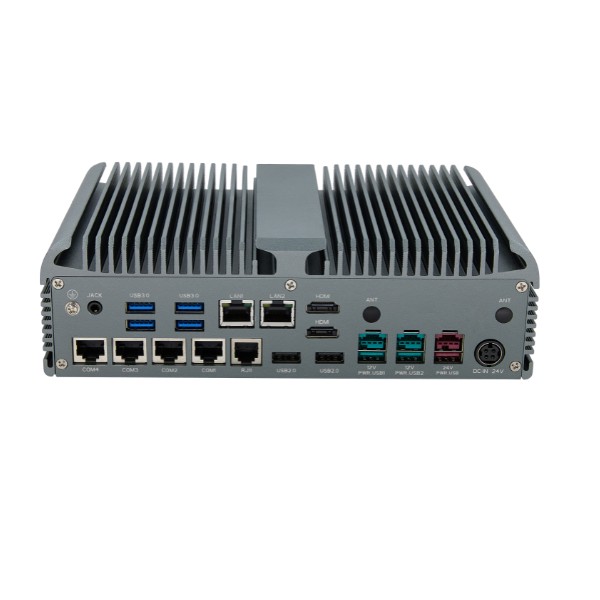
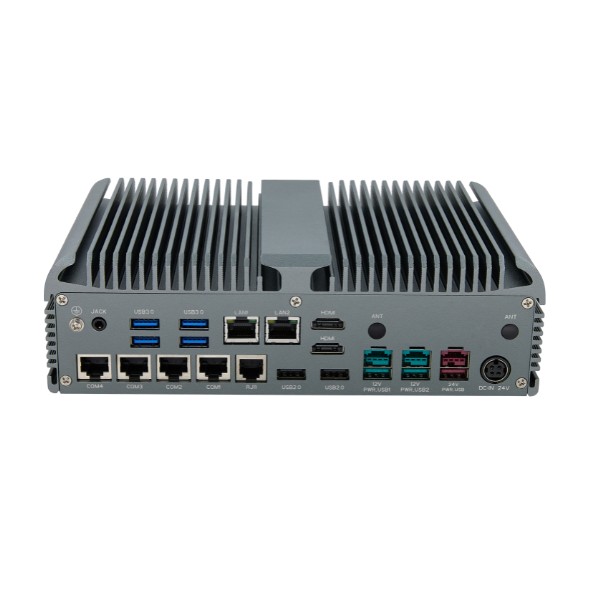
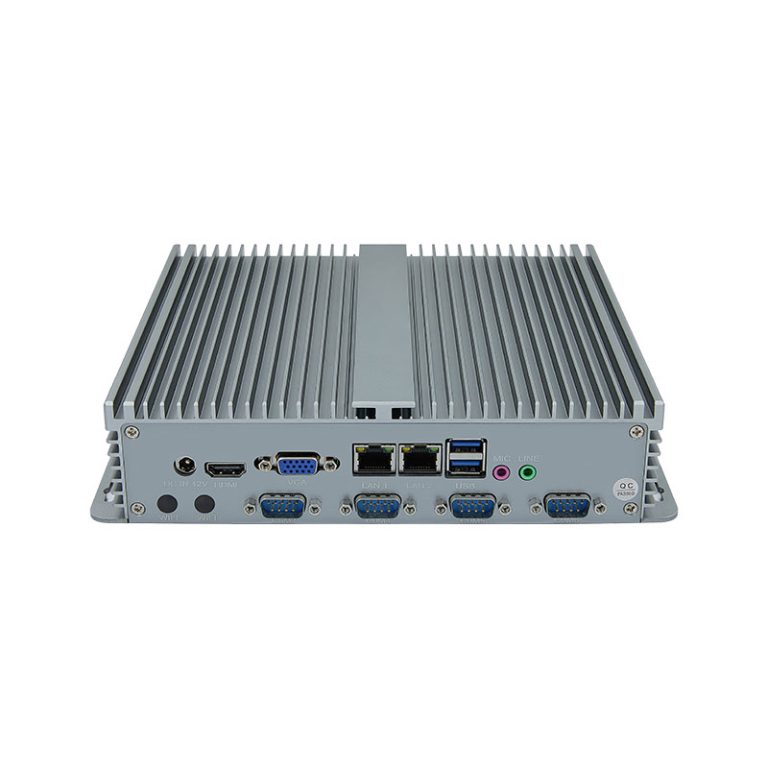
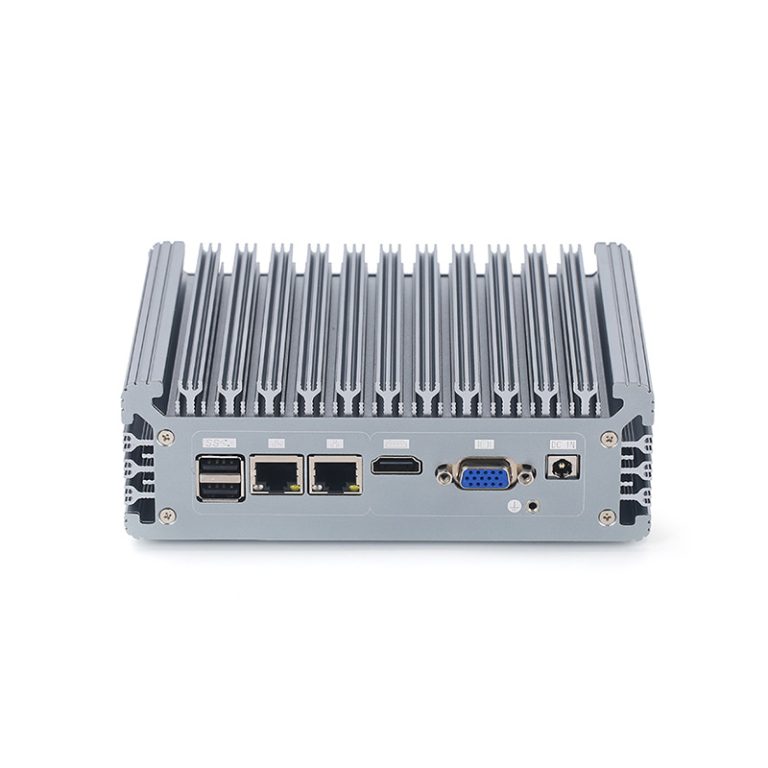
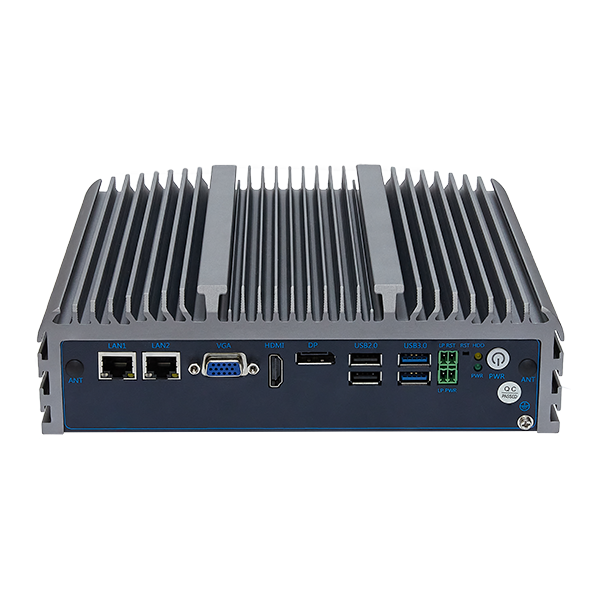
Fanless industrial computers remove the cooling fan as a mechanical maintenance item. Passive designs generally transfer heat through internal thermal paths to the enclosure and then to the surrounding environment. They still require adequate heat rejection.
Inspect required orientation, clearance, and mounting conditions. Crowding a finned housing against another component or covering it with accumulated dust can reduce heat transfer. A fanless label also does not prove that the enclosure is sealed against liquids.
For high-power processing, filtered forced-air cooling or another engineered cooling arrangement may be suitable. Evaluate filtration, service intervals, and the consequences of cooling failure. The correct choice follows the heat load and contamination conditions rather than a blanket preference.
Protection Must Cover the Exposed Surfaces
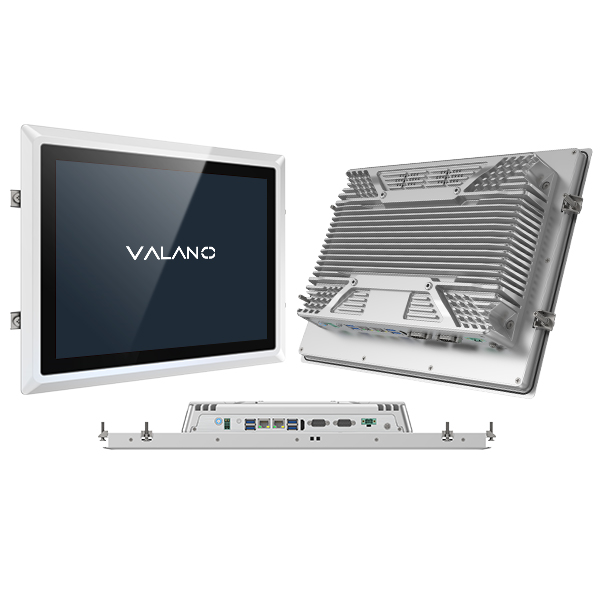
For a panel-mounted computer, an IP65 front may protect the operator-facing surface when installed as instructed. It does not automatically protect rear ports and housing. If the computer is exposed on all sides, require an appropriate complete-enclosure design and compatible cable assemblies.
Describe water exposure precisely. IP65 concerns dust ingress and specified water jets; it is not a general approval for immersion, high-pressure cleaning, or every industrial fluid. Oils, detergents, and corrosive substances require separate compatibility checks.
Do not use ingress protection as evidence of hazardous-location suitability. Where flammable gas or combustible dust is possible, determine the applicable location classification and approved equipment requirements before selecting hardware.
Verify Temperature, Humidity, and Mechanical Limits
Check the operating temperature of the complete offered system, including memory, storage, display, wireless modules, and expansion cards. A component with a wide temperature range cannot establish the rating of the assembled computer.
Ask whether the rating covers startup at the lower limit and sustained operation at the upper limit. Confirm any restrictions on processor power, peripherals, supply voltage, or mounting orientation. These conditions can change the practical capability of the configuration.
Humidity specifications often require non-condensing conditions. Rapid movement from cold to warm environments can create condensation even when both temperatures fall within the operating range. Control this through placement, enclosure design, or a defined acclimatization procedure appropriate to the product.
For mechanical exposure, request the actual shock or vibration test information. A standard name without its method, severity, duration, axes, and tested configuration is insufficient for comparing systems. Include brackets, secured storage, cable retention, and strain relief in the evaluation. SSDs remove drive mechanisms but do not protect every internal connector or external cable.
Check Power and Communication Before Hardware Approval
Supply voltage is only the first power question. Document startup demand, voltage drop along the cable, interruptions, and disturbances generated by nearby equipment. A broad DC input range does not automatically include surge suppression, vehicle power protection, or hold-up during outages.
Define what the computer should do after power returns. Options may include automatic startup, controlled application launch, or waiting for an operator. If graceful shutdown is required, identify the power backup and the software signal that initiates it. Test recovery rather than assuming the operating system will always repair interrupted writes.
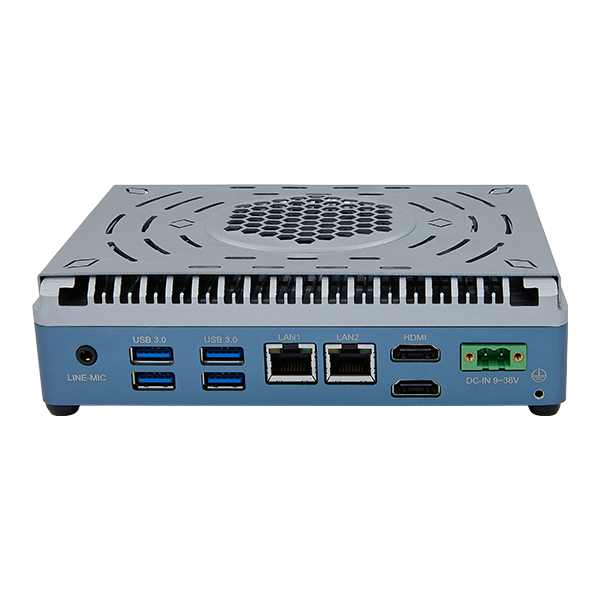
Create an interface schedule listing each device, connector, electrical standard, protocol, cable length, and driver. Verify RS232 versus RS485, USB bandwidth, network separation, and available expansion. A physically matching connector does not establish software compatibility.
In electrically noisy installations, examine isolation, grounding, shielding, and cable routing as one system. Keep signal cables away from disturbance sources where practical and follow equipment-specific installation guidance. Adding isolation to one port cannot correct every wiring or bonding problem elsewhere.
Qualify the Installed Configuration and Its Support Plan
A practical acceptance plan connects each requirement to an observable result. For example, specify whether a gateway must retain records during a network outage or whether an inspection station must maintain throughput at the highest expected cabinet temperature.
Use the final configuration, representative peripherals, real cable routing, and intended software image. Include normal operation, maximum workload, communication loss, power interruption, and restart. A bench sample with different storage or expansion hardware is not equivalent to the production assembly.
Before a repeat order, document component substitutions, firmware versions, and image recovery. Ask how the supplier handles lifecycle changes and whether substitutions require approval. Specify spare units and replacement accessories where service delays would disrupt operations.
Security and maintenance also belong in selection. Confirm supported operating systems, update procedures, remote access controls, and recovery tools. A rugged enclosure cannot compensate for an unsupported software image or inaccessible maintenance process.
Conclusion
Choosing industrial computers for harsh environments is a system qualification exercise. Define the exposure, workload, interfaces, and failure response; then verify those requirements on the installed configuration. This turns “ruggedness” into evidence that the computer can support the application and remain serviceable throughout deployment.