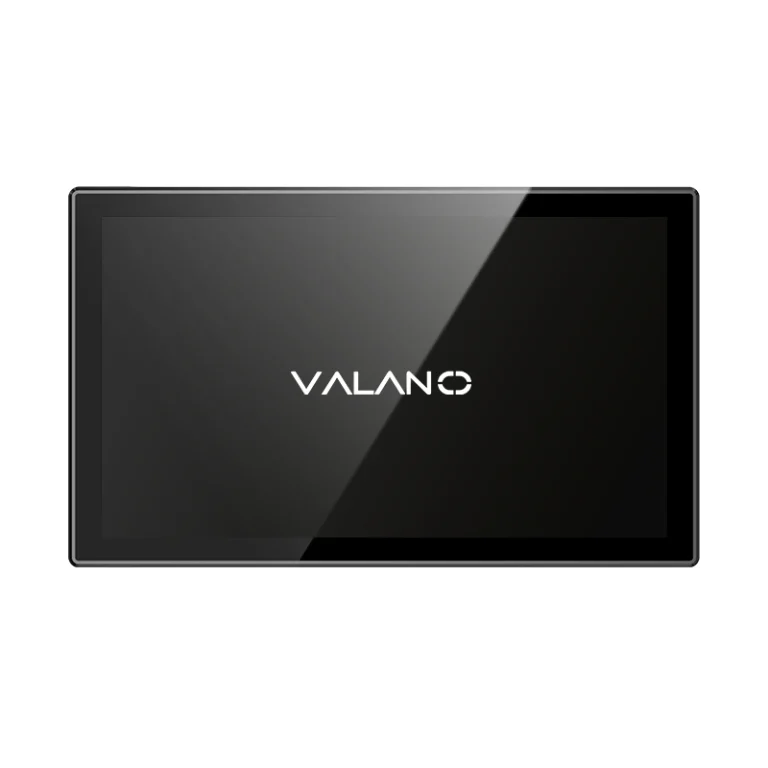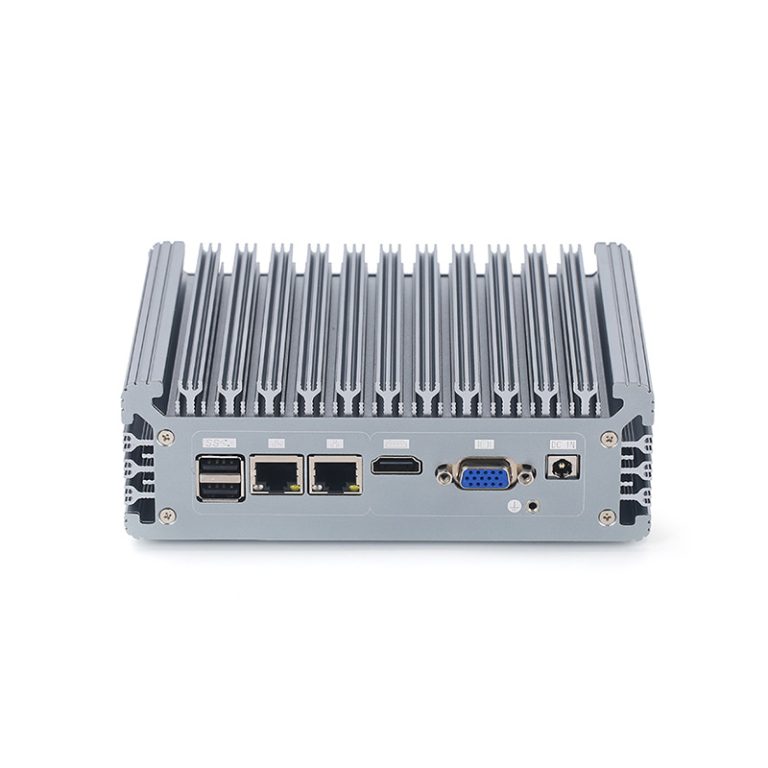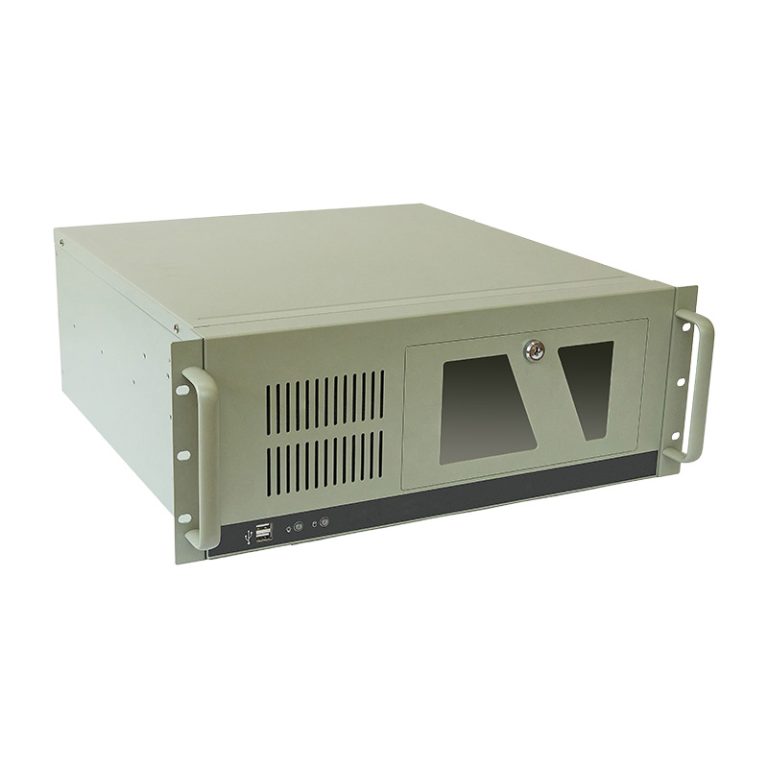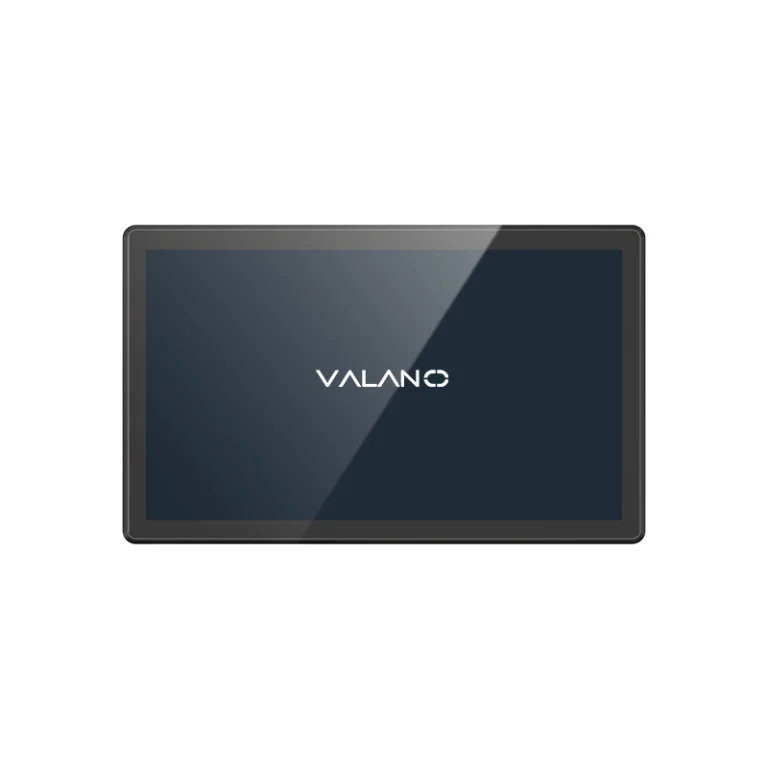
IP65 industrial computers provide dust-tight protection and resistance to water jets under specified ingress-protection test conditions. The rating does not establish immersion resistance, chemical compatibility, or suitability for high-pressure cleaning. For panel PCs, it may cover only the front surface; a full-enclosure IP65 design protects a different scope of equipment.
Before selecting hardware, identify which surfaces, ports, and cable entries will be exposed after installation. The practical question is whether the complete assembly matches the contamination and cleaning conditions at the site—not whether the product name contains “waterproof.”
IP65 Defines Dust and Water Ingress Protection
The IP code describes enclosure protection under the applicable test standard. In IP65, the first numeral, 6, indicates dust-tight protection. The second numeral, 5, indicates protection against water jets under specified conditions.
These are controlled tests with defined arrangements and acceptance criteria. They do not represent every possible combination of liquid, pressure, temperature, exposure time, and mechanical wear. Ask for the product’s declared protection scope and supporting test information when the rating is a purchasing requirement.
IP65 is not a performance rating. It says nothing by itself about computing speed, temperature range, electromagnetic compatibility, shock resistance, or expected service life. Those specifications must be checked independently.
Nor does the IP code automatically prove independent certification. Manufacturers may provide different forms of conformity evidence. Obtain the actual report or declaration appropriate to the project rather than inferring a third-party approval from the label.
Front-Panel IP65 and Full-Enclosure IP65 Serve Different Installations
Front-Panel Protection for Cabinet-Mounted Computers
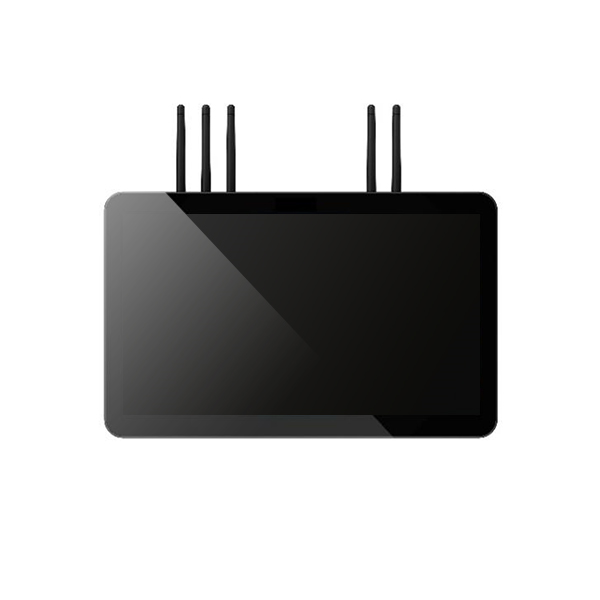
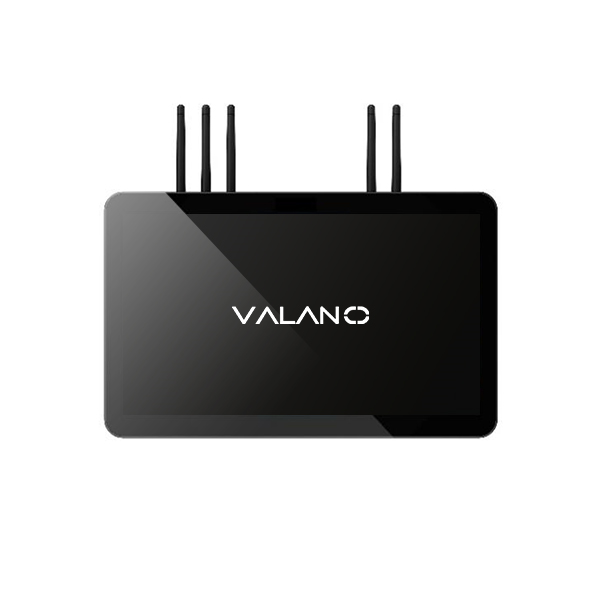
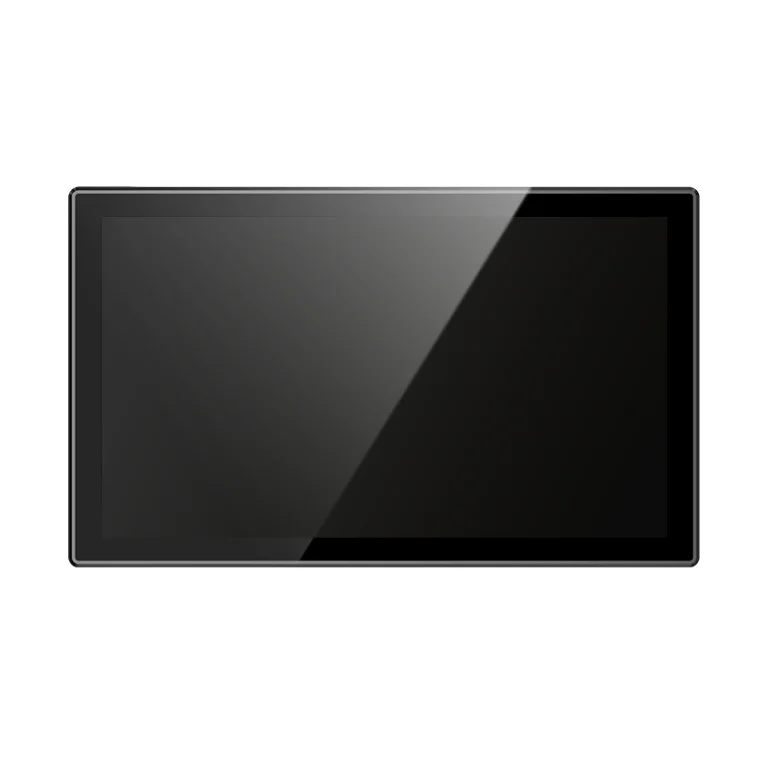
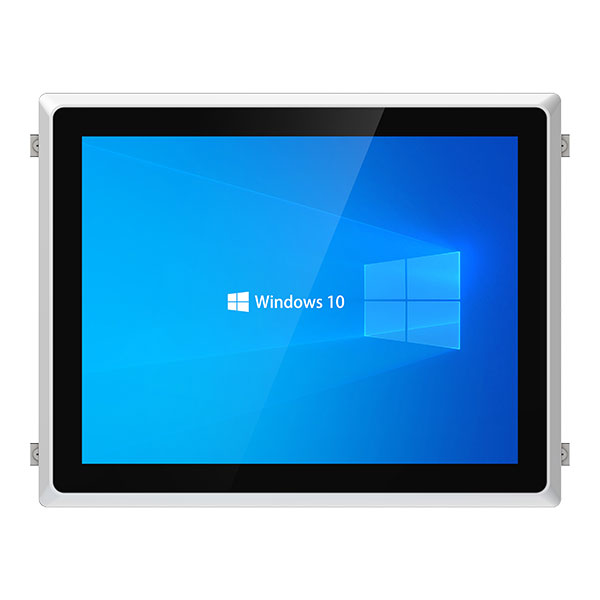
A front-IP65 panel PC is generally intended to protect the operator-facing surface when installed in a suitable panel according to the product’s instructions. The rear enclosure, ventilation openings, and connectors may have lower protection.
The mounting gasket, cutout dimensions, panel condition, and fastening method are part of the installation. An incorrect cutout or uneven gasket compression can create an ingress path even when the computer’s front assembly was correctly tested.
This arrangement can be suitable for a protected cabinet with an exposed operator interface. It should not be interpreted as permission to spray the rear housing or use the computer as an unprotected freestanding unit.
Full-Enclosure Protection for Exposed Installations
A full-IP65 industrial computer is intended to provide protection around the rated enclosure rather than only its front. Products may use sealed housings and protected connectors to support exposed mounting.
Check the conditions at the connection points. The rating may depend on specified mating connectors, cable assemblies, port caps, or gland installation. Unused ports often require closure, and a protective cap may provide protection only while the port is disconnected.
Inspect the whole installed assembly, including antennas, brackets, power entries, and any added accessory. A correctly rated computer cannot preserve protection through an incompatible cable connector or a poorly sealed penetration elsewhere.
| Installation | Protection approach to evaluate | Main verification |
|---|---|---|
| Computer embedded in a cabinet door | Front-rated panel PC | Correct gasket installation and protected rear compartment |
| Exposed machine operator station | Full-enclosure panel PC | Protection around all surfaces and live cable connections |
| Box PC inside a protected enclosure | Enclosure-based protection | Cable entries, heat removal, and cabinet protection |
| Exposed embedded computer | Fully protected box PC | Connector mating conditions and installed accessories |
Applications Where IP65 Can Be Useful
IP65 industrial computers can support production terminals exposed to dust and defined water-jet conditions, provided the complete specification fits the location. Typical roles include HMI operation, production monitoring, identification, and local data processing.
On packaging lines, front-rated panel PCs may provide a practical interface where the rear stays protected inside a cabinet. At machine-side stations exposed from several directions, full-enclosure products may be more appropriate.
In machining environments, assess dust, chips, coolant, and oil separately. A water-ingress rating does not establish compatibility with a specific cutting fluid or resistance to abrasive contamination. Location and shielding may reduce exposure more effectively than selecting hardware by the IP number alone.
Food and beverage terminals need a cleaning specification. If the procedure uses hot water, aggressive chemicals, or strong jets, IP65 alone may be insufficient. Hygienic design also concerns cleanability and residue accumulation, which the IP rating does not evaluate.
For outdoor kiosks and infrastructure terminals, water protection is only one requirement. Check solar heating, ultraviolet exposure, corrosion, temperature, condensation, and screen readability. An IP65 enclosure does not automatically turn an indoor industrial computer into an outdoor-qualified assembly.
IP65 Has Important Limits in Cleaning and Liquid Exposure
Avoid treating “water resistant” as a single yes-or-no property. Rain, hose jets, pooled water, immersion, and hot high-pressure cleaning create different exposures.
| Rating or requirement | What to evaluate | Selection caution |
|---|---|---|
| IP65 | Dust-tight enclosure and specified water-jet protection | Not an immersion qualification |
| IP66 | Dust-tight enclosure and stronger water-jet protection | Not an automatic approval for hot pressure cleaning |
| IP67 | Dust-tight enclosure and temporary immersion conditions | Immersion protection does not itself establish jet-test compliance |
| Hot or high-pressure cleaning | Explicit applicable qualification and cleaning instructions | Confirm standard, conditions, materials, and permitted procedure |
A numerically higher water rating is not always a substitute for every lower exposure type. Where both jets and immersion matter, obtain evidence covering both requirements. Do not assume an immersion-qualified product also covers the cleaning procedure.
Chemical compatibility requires information about the actual substances, concentrations, temperatures, and contact time. Seals, plastics, touchscreen coatings, adhesives, and enclosure finishes can respond differently. Get written cleaning guidance from the manufacturer for the proposed procedure.
A dust-tight enclosure also does not establish suitability for combustible dust environments. Hazardous-location qualification is a separate equipment and installation question.
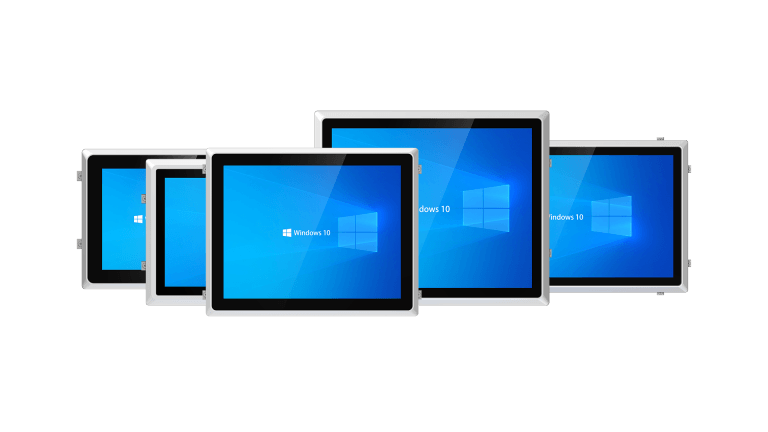
Sealed Computers Still Need Thermal and Interface Planning
A protected housing changes how heat leaves the system. Many sealed industrial PCs use passive heat transfer through the chassis, although the IP rating itself does not mandate a particular cooling method.
Confirm the operating temperature range for the chosen configuration and mounting conditions. Adding a protective cover, packing the computer into a tight space, or placing it beside a hot machine may reduce effective heat rejection. The environmental benefit of sealing must be evaluated alongside the application’s heat load.
For interfaces, establish protection while the device is connected and operating. Check the connector type, pinout, cable specification, and locking method. M12 identifies a connector family; it does not by itself establish the IP rating, signal function, or suitability of every mating combination.
Operator interaction needs qualification too. Water resistance of the enclosure does not establish reliable touchscreen behavior with wet gloves or droplets. Test the actual touch technology, gloves, screen settings, and workflow. If accidental input could disrupt production, design the interface and operating procedure accordingly.
Inspect Installation and Maintain the Protection Boundary
Before commissioning, compare the installed computer with the manufacturer’s instructions. Verify cutout dimensions, mounting hardware, gasket condition, cable assemblies, unused-port caps, and routing. Apply specified fastening and connector requirements rather than estimating by feel.
After maintenance, restore the protection boundary before returning equipment to service. Opening an enclosure or disconnecting a cable can affect sealing. Record the correct replacement gasket, cap, and cable part numbers so a service team does not substitute an incompatible accessory.
Periodic inspection should follow the exposure and supplier guidance. Look for damaged seals, loose connectors, cracked covers, chemical deterioration, and contamination at interfaces. Cleaning should use the approved procedure, including any instructions about isolation or disconnection of power.
For procurement, require a clear statement of front-only or complete-enclosure protection, the tested configuration, connector conditions, and cleaning limitations. These details make different products comparable and reduce ambiguity during acceptance.
Conclusion
IP65 industrial computers can provide useful protection against dust and specified water jets, but the scope and installation conditions matter. Choose front-panel or full-enclosure protection according to exposure, verify connected ports and seals, and check cleaning, thermal, and material requirements separately. A well-defined installation specification is more valuable than a broad “waterproof” claim.