Durability and Rugged Design
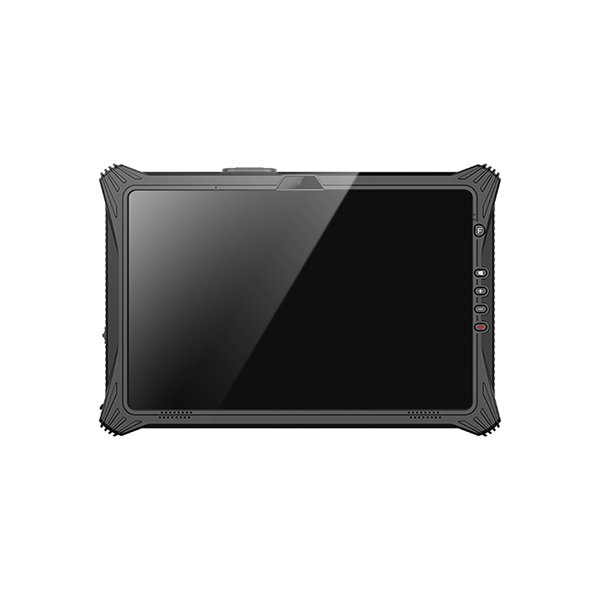
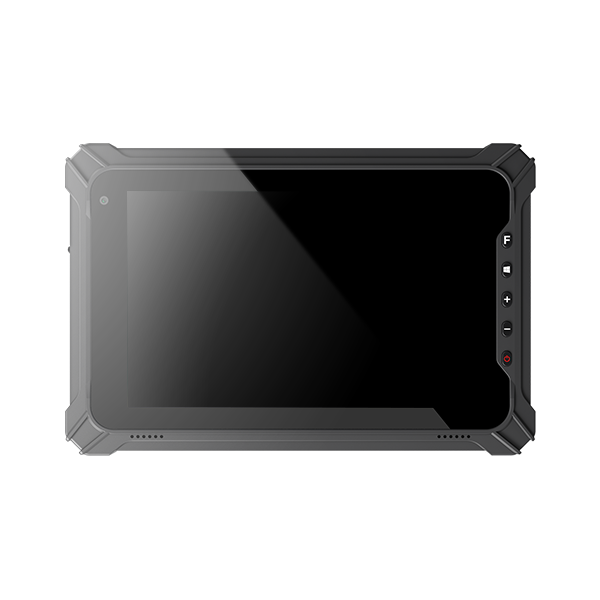
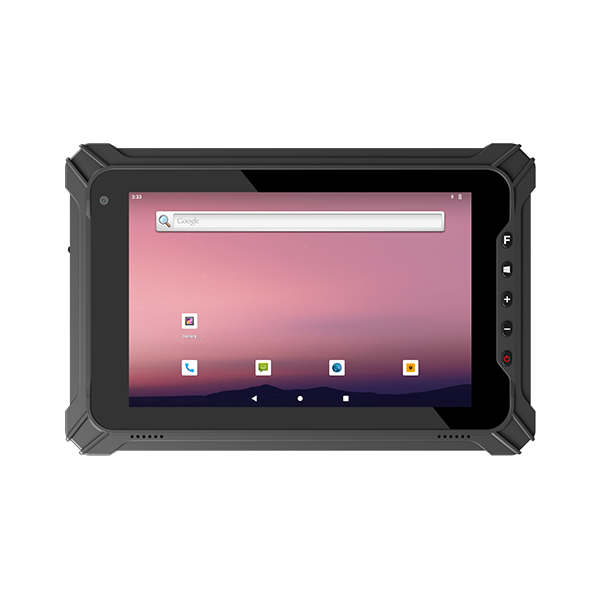
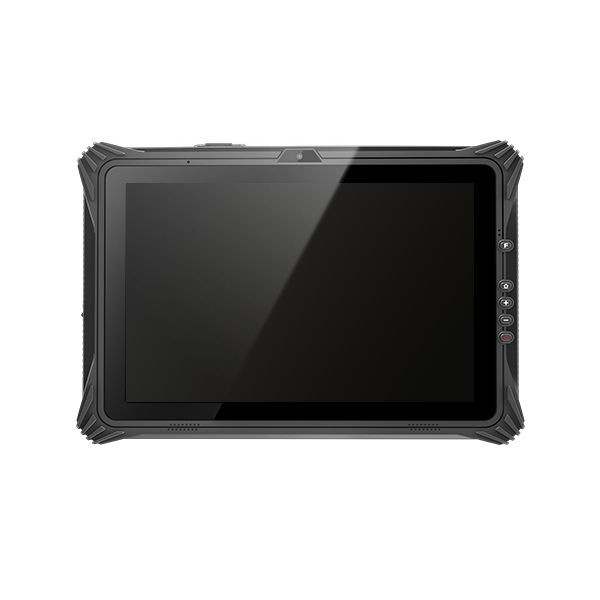
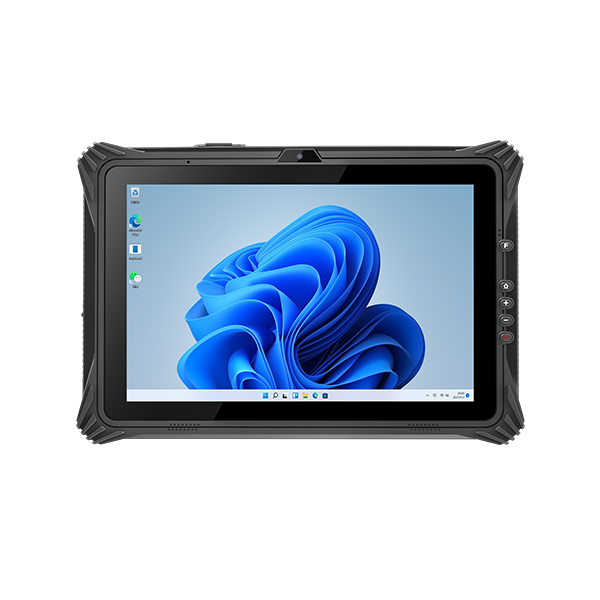
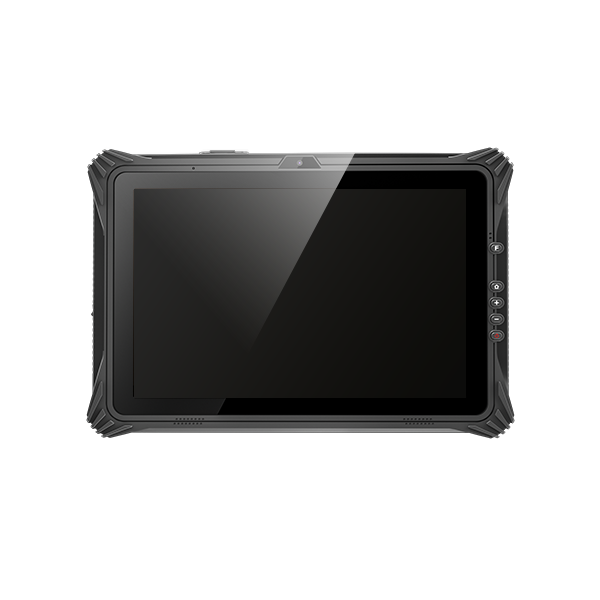
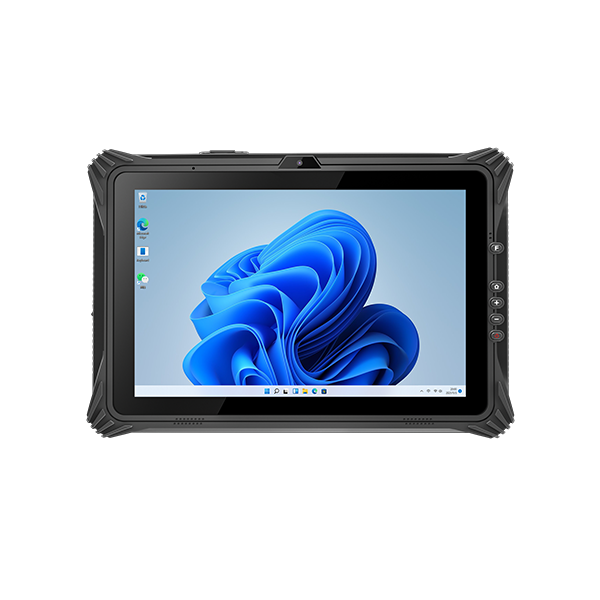
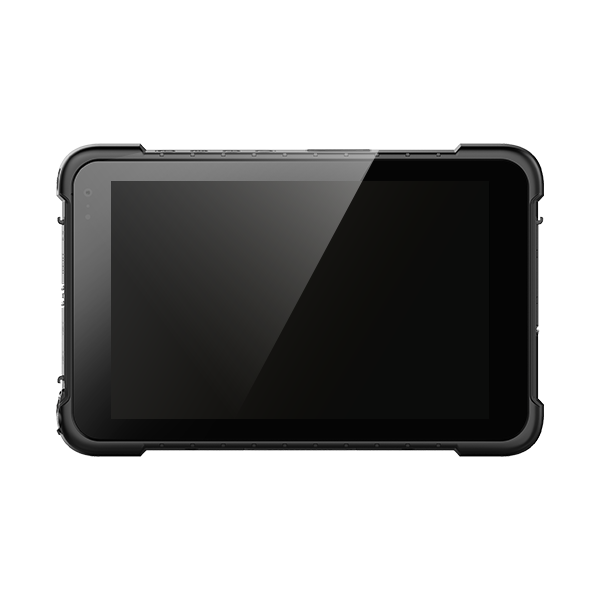
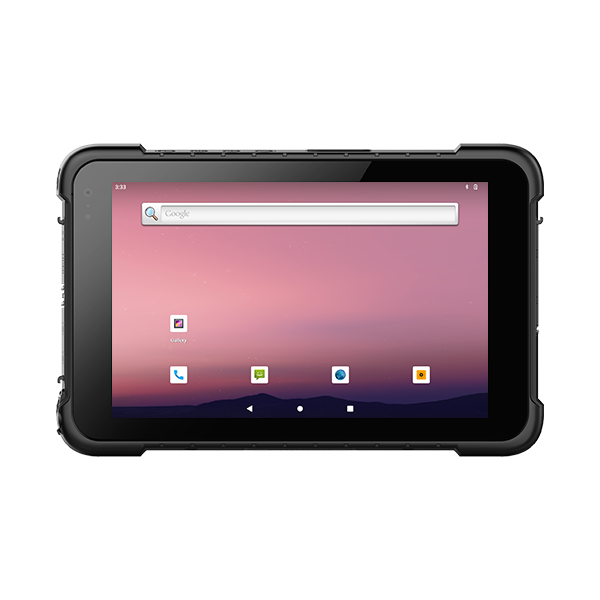
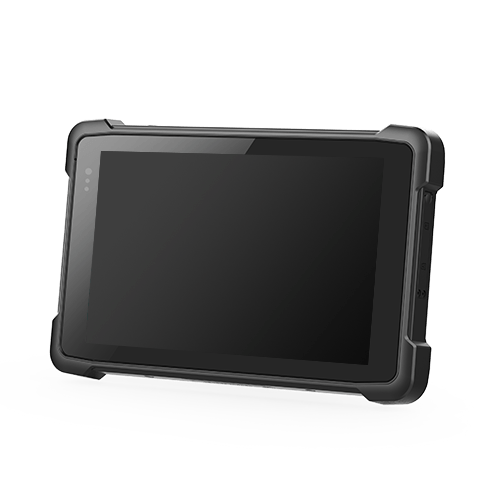
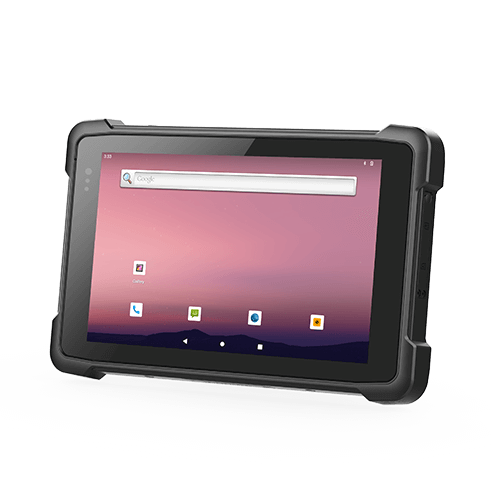
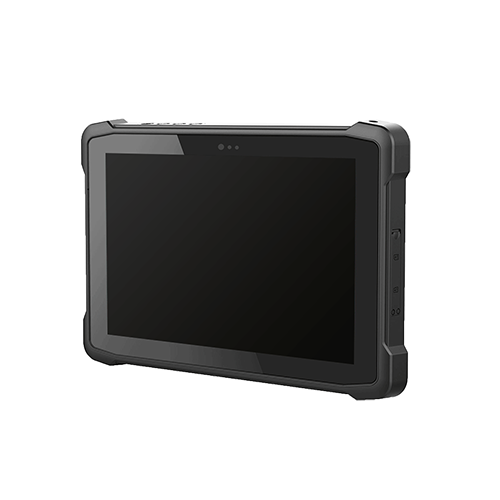
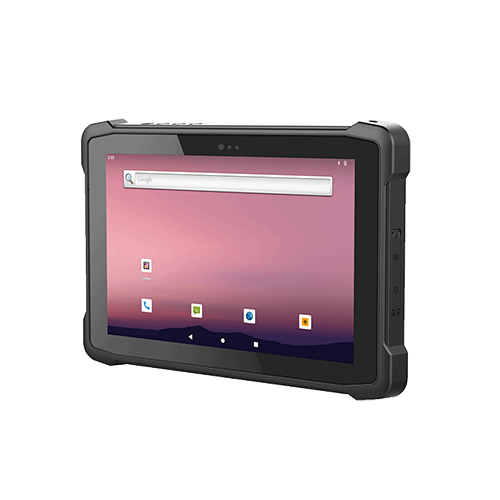
A rugged tablet must have high durability to survive in tough environments. Many industries use these devices in places where drops, shocks, dust, and water are common. The design of a rugged tablet focuses on protecting the device from damage and keeping it working in harsh conditions.
Drop and Shock Resistance
Drop and shock resistance is a key part of rugged tablet design. Workers may drop a tablet on concrete or metal floors. A rugged tablet uses reinforced corners and shock-absorbing materials to increase durability. This design helps the tablet keep working even after a fall.
Sealing Against Dust and Water
Sealing protects the tablet from dust and water. A rugged tablet often has rubber gaskets and tight seals around ports. These features stop dust and water from getting inside and damaging the device. High durability means the tablet can be used outdoors or in factories without worry.
Rigorous Testing Standards
Testing standards show how much durability a rugged tablet has. Two common standards are MIL-STD-810 and IP ratings. MIL-STD-810 tests for drops, shocks, and extreme temperatures. IP ratings measure how well the design keeps out dust and water. Meeting these standards proves the ruggedness of the tablet and gives users confidence in its performance.
Display and Touchscreen Features
Screen Brightness and Size Ratio
A rugged tablet must have a display that is easy to read in many environments. High brightness levels help users see the screen in direct sunlight or dim areas. The size ratio of the screen should match the tasks, such as reading maps or entering data.
Glove and Wet Touch Support
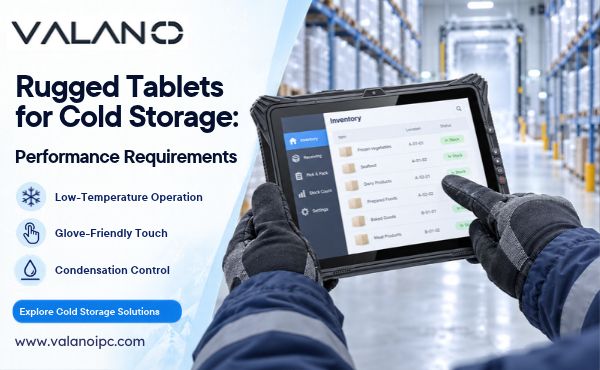
Many workers wear gloves or have wet hands while using tablets. Touchscreens with glove and wet touch support allow users to operate the device without removing gloves or drying their hands. This feature improves safety and keeps work moving in cold, wet, or dirty conditions.
- Glove touch support helps in construction and medical fields.
- Wet touch support is useful in food processing or outdoor jobs.
Outdoor Visibility
Outdoor visibility is important for fieldwork. A good display reduces glare and reflections from sunlight. Anti-glare coatings and high contrast ratios make information clear, even on bright days.
A table can help compare outdoor visibility options:
| Feature | Benefit |
|---|---|
| Anti-glare | Reduces reflections |
| High contrast | Improves readability |
| Sunlight readable | Clear in direct sunlight |
Selecting the right display and touchscreen features ensures the tablet works well in any environment.
Performance and Power Design
Processor and Memory Choices
A rugged tablet needs strong performance for demanding tasks. The processor controls how fast the tablet works. More memory helps the tablet run many apps at once. Business users should check if the tablet has enough storage for files and data. Some tablets offer extra storage options, such as SD card slots. Good performance and storage help a business work faster and avoid delays.
Power Management and Battery Life
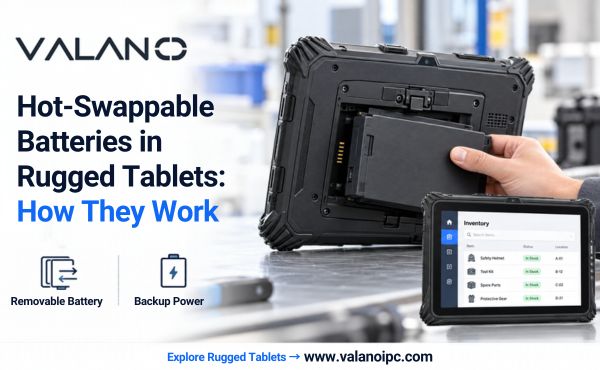
Battery life is important for workers in the field. A rugged tablet should last a full shift without charging. Some tablets have removable batteries, so users can swap them when needed. Power management features, like sleep mode, help save battery. A business should look for a tablet with a battery that matches its work hours. Long battery life means less downtime and more productivity.
Thermal Management
Rugged environments can be hot or cold. A tablet must handle temperature changes without losing performance. Good thermal management keeps the tablet cool during heavy use. Some tablets use special materials or heat sinks to control heat. This protects the processor, storage, and battery from damage. Reliable thermal management helps a business avoid device failures in extreme conditions.
A table can help compare thermal management features:
| Feature | Benefit |
|---|---|
| Heat sinks | Reduce overheating |
| Special casing | Protects internal parts |
| Smart sensors | Adjusts performance safely |
Choosing the right performance and power design ensures the rugged tablet meets business needs in any environment.
Connectivity and I/O Customization
Wireless Options (Wi-Fi, Cellular, GPS)
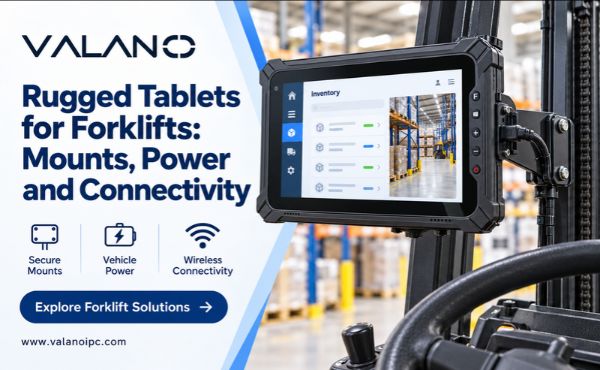
Wireless connectivity is essential for rugged tablets used in the field. Wi-Fi allows workers to access networks in offices or warehouses. Cellular connectivity lets users stay connected in remote locations. GPS helps track assets and guide teams during outdoor tasks. Many rugged tablets offer multiple connectivity options to support different business needs.
Wired Ports and Expansion
Wired connectivity provides stable connections for devices and accessories. USB ports connect scanners, printers, or external drives. HDMI ports allow tablets to display information on larger screens. Expansion slots support extra storage or specialized modules. Rugged tablets often include these connectivity options to meet business requirements.
A table can help compare common wired ports:
| Port Type | Use Case |
|---|---|
| USB | Data transfer |
| HDMI | External display |
| Ethernet | Stable networking |
Custom I/O for Rugged Environments
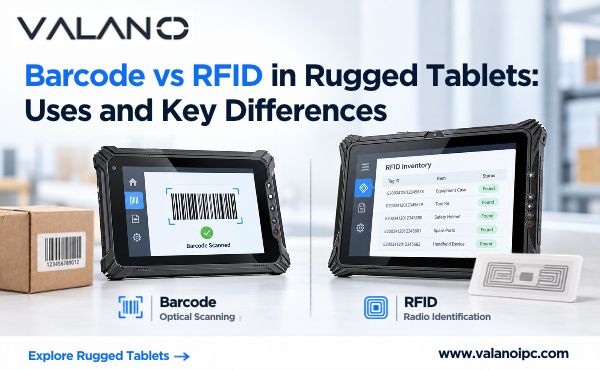
Custom I/O solutions adapt rugged tablets for unique tasks. Some industries need barcode scanners or RFID readers built into the tablet. Others require special connectors for sensors or industrial equipment. Custom connectivity options improve workflow and reduce downtime. Rugged tablets with flexible I/O help business teams work efficiently in challenging environments.
Operating System and Security
OS Selection for Rugged Tablets
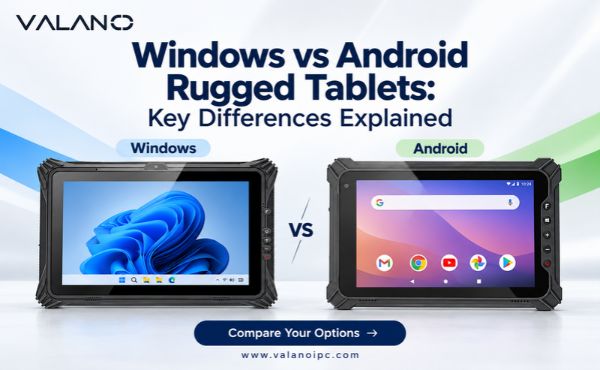
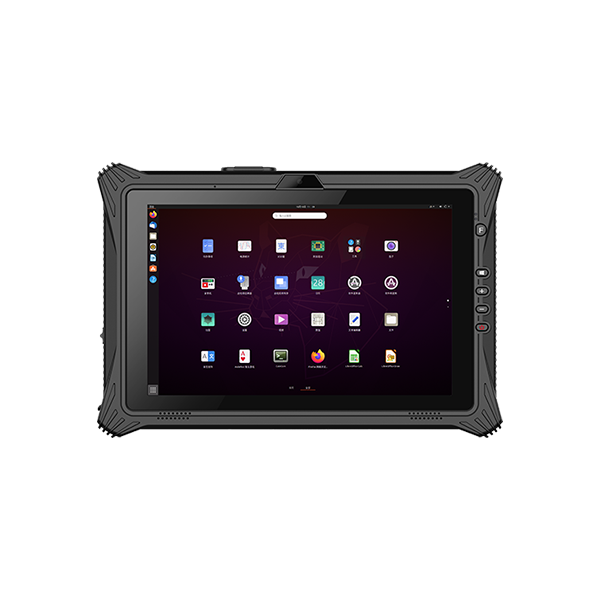
The operating system is the foundation of every rugged tablet. It controls how users interact with the device and how applications run. Many business teams choose between Android, Windows, or Linux based on their software needs. The right OS supports smooth data capture and easy integration with existing business systems.
Security Features and Data Protection
Security is critical for any business using rugged tablets. These devices often store sensitive data, including customer records and operational details. Strong security features protect data from theft or loss. Common options include password protection, encryption, and remote wipe. Some tablets offer biometric access, such as fingerprint or facial recognition, to keep data safe.
A table can help compare security features:
| Security Feature | Benefit |
|---|---|
| Encryption | Protects stored data |
| Remote wipe | Erases data if lost or stolen |
| Biometric login | Limits access to data |
Application Compatibility
Application compatibility ensures that business software runs smoothly on the rugged tablet. The OS must support all required apps for data entry, analysis, and reporting. Some industries need custom apps for data capture in the field. Testing app compatibility before deployment helps avoid workflow interruptions and data loss. Reliable compatibility means teams can collect, process, and share data without issues.
Environmental and Compliance Factors
Operating Temperature Range
A rugged tablet must work in both hot and cold places. Some tablets operate in freezing weather, while others handle high heat. The operating temperature range shows how well a device manages these extremes. This range is important for workers who use tablets outdoors or in factories. Devices with a wide range offer better environmental durability.
Industry Certifications
Industry certifications prove that a rugged tablet meets strict standards. These certifications test for vibration, humidity, and other tough conditions. Common certifications include MIL-STD-810 and IP ratings. These tests show the tablet’s environmental durability and help buyers compare different models. A certified device gives users confidence in its performance.
A table can help explain common certifications:
| Certification | What It Tests For |
|---|---|
| MIL-STD-810 | Shock, vibration, heat |
| IP65/IP67 | Dust and water resistance |
Regulatory Compliance
Regulatory compliance means the tablet follows government rules. These rules protect users and the environment. Some tablets must meet safety standards for electrical devices. Others need approval for use in certain industries, like healthcare or transportation. Buyers should ask vendors for proof of compliance before making a purchase.
Support and Purchasing a Rugged Tablet
Warranty and Service
Warranty is a key part of purchasing a rugged tablet. Buyers should check the length of warranty coverage and what it includes. Some warranties cover only parts, while others include labor and accidental damage.
A table can help compare warranty coverage:
| Warranty Feature | What It Means |
|---|---|
| Parts only | Covers hardware failures |
| Parts and labor | Includes repair costs |
| Accidental damage | Protects against drops |
Lifecycle and Upgrades
The lifecycle of a tablet affects long-term value. Buyers should ask how long the vendor will support the device with updates and repairs. Some tablets allow upgrades to memory or storage, which helps extend their use.
- Check if the tablet supports software updates.
- Ask if hardware upgrades are possible.
- Plan for future needs to get the best long-term value.
Total Cost of Ownership
Total cost of ownership includes more than the price tag. Buyers should add up the cost of the tablet, warranty, repairs, and accessories. Support and service plans can also affect long-term value.
Steps for assessing vendor reliability:
- Read reviews from other buyers.
- Ask about after-sales support.
- Check if the vendor offers training or setup help.