Industrial PCs support automation, monitoring, data processing, and machine control in environments where standard computers may not provide sufficient reliability. Unlike office computers, industrial PCs are selected according to operating conditions, installation methods, connectivity requirements, and expected service life.
Their applications extend beyond factory automation. Manufacturing plants, transportation systems, energy facilities, logistics centers, healthcare environments, food processing lines, and security installations all use industrial computing systems for different purposes.
The best industrial PC depends on the application. A machine vision system may require high graphics performance and multiple camera interfaces, while a transportation control system may prioritize wide-temperature operation, shock resistance, and stable connectivity. Understanding these differences helps system integrators, equipment manufacturers, and engineering teams specify suitable computing hardware.
What Are Industrial PCs?
Defining Industrial Computers
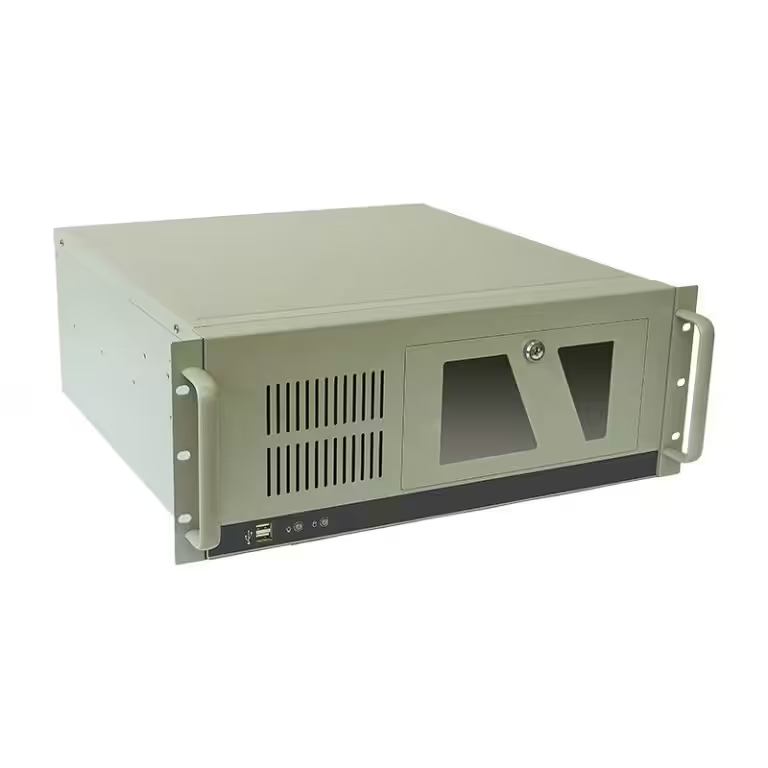
An industrial computer is a system engineered for industrial settings. These settings include manufacturing floors, building automation systems, and logistics centers. A standard desktop cannot handle the dust, heat, or constant vibration found in these places. An industrial computer solves that problem with a durable frame and protected internal parts.
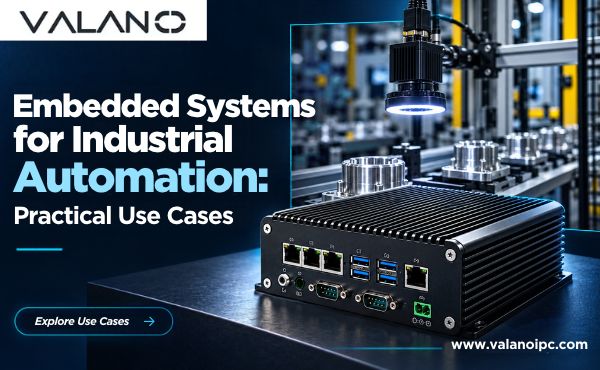
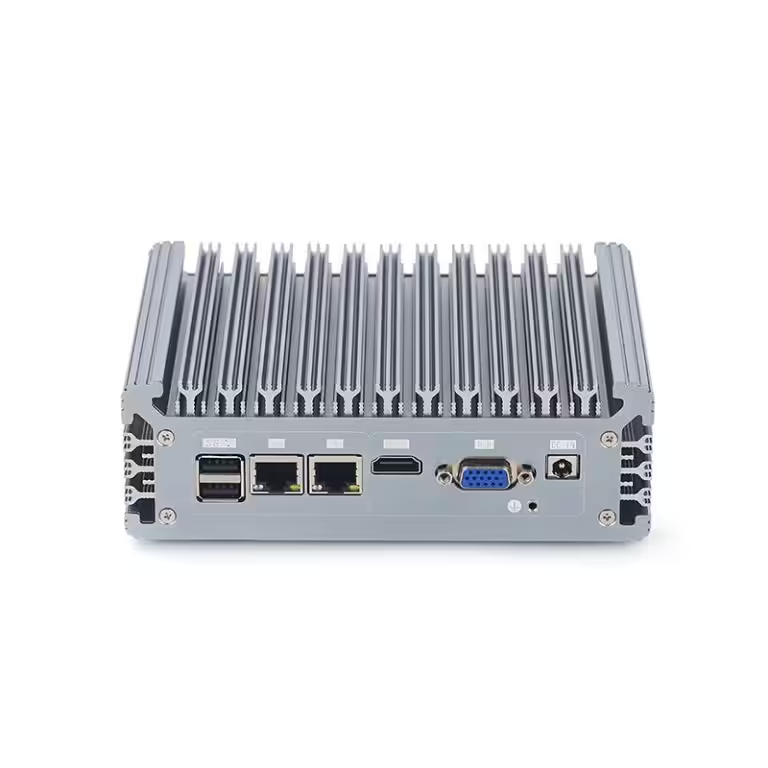
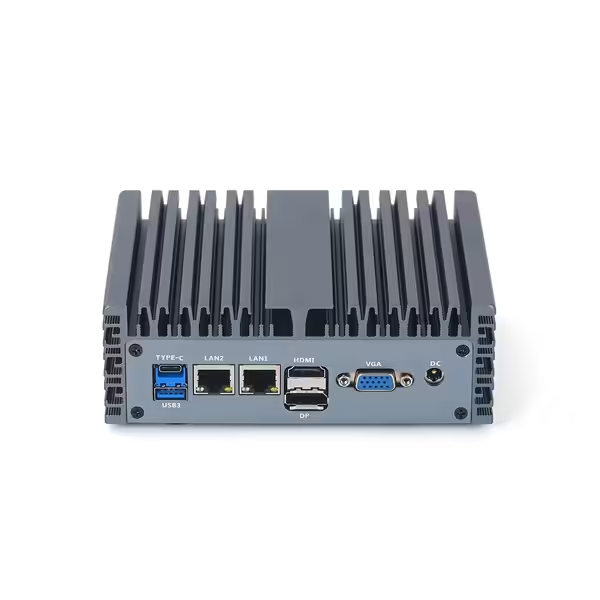
Fanless designs are a common feature. A fanless industrial PC removes the cooling fan and uses heat sinks instead. This design keeps dust out of the chassis and reduces breakdown risk. Fewer moving parts mean fewer failures over time. That is why a fanless industrial PC performs well in harsh environments.
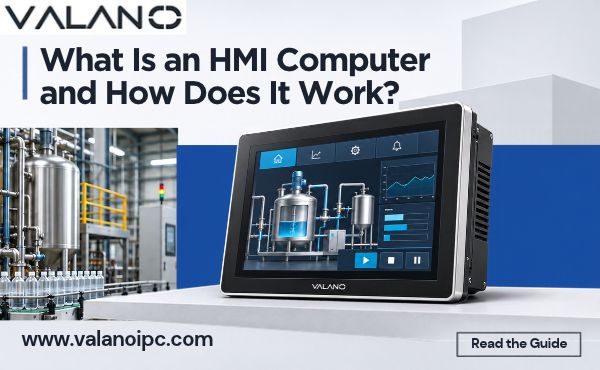
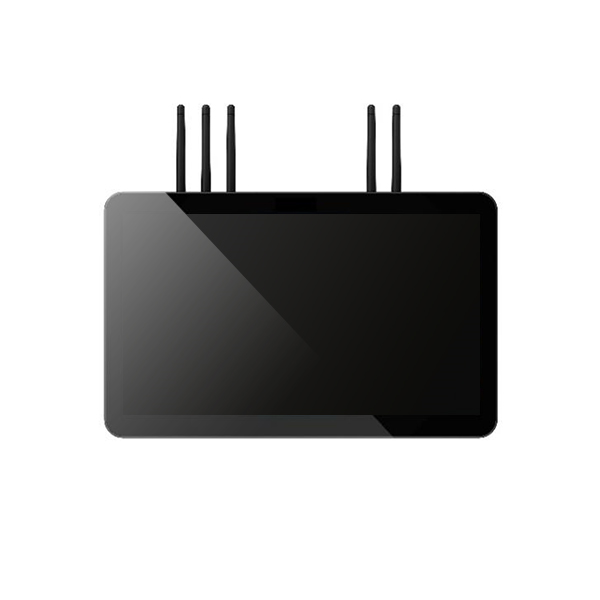
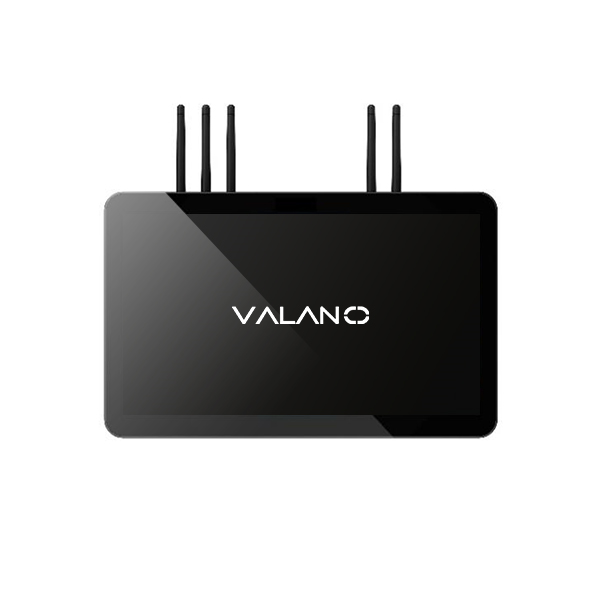
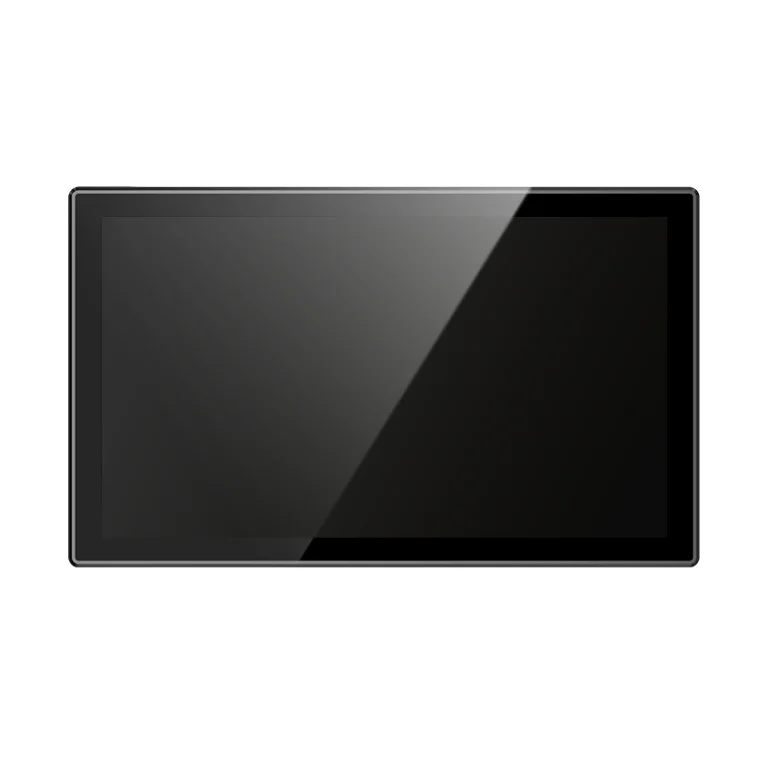
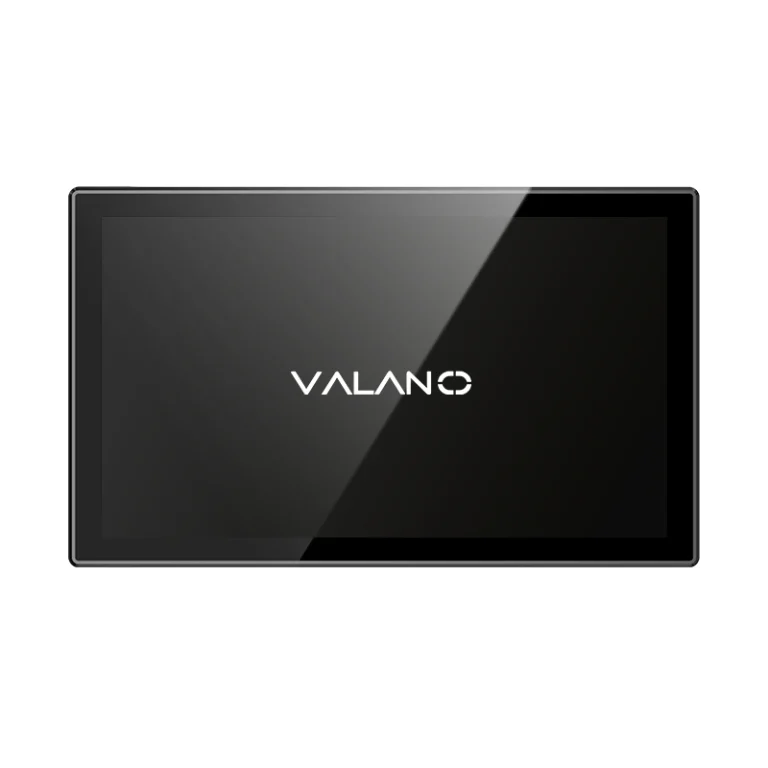
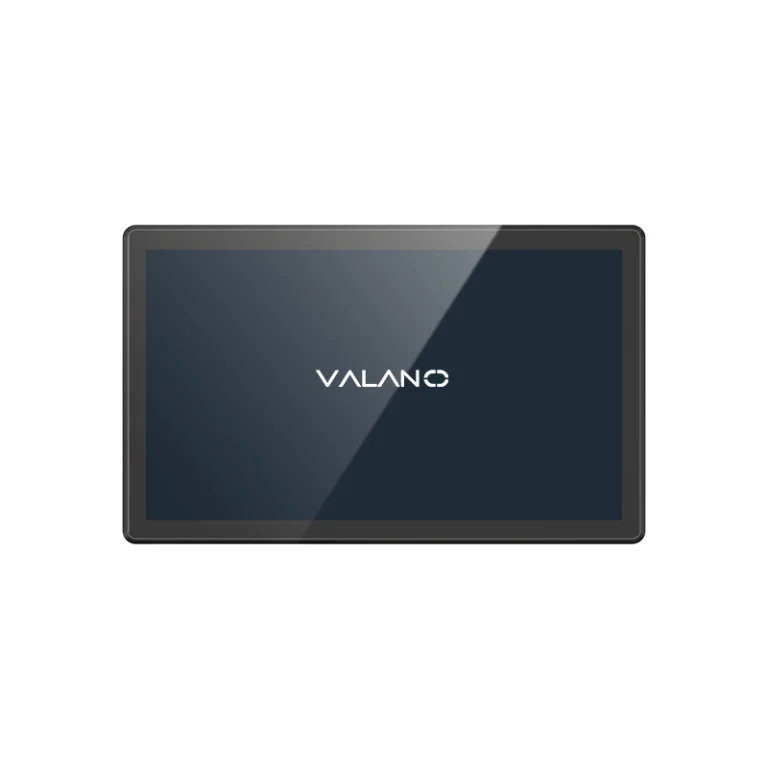
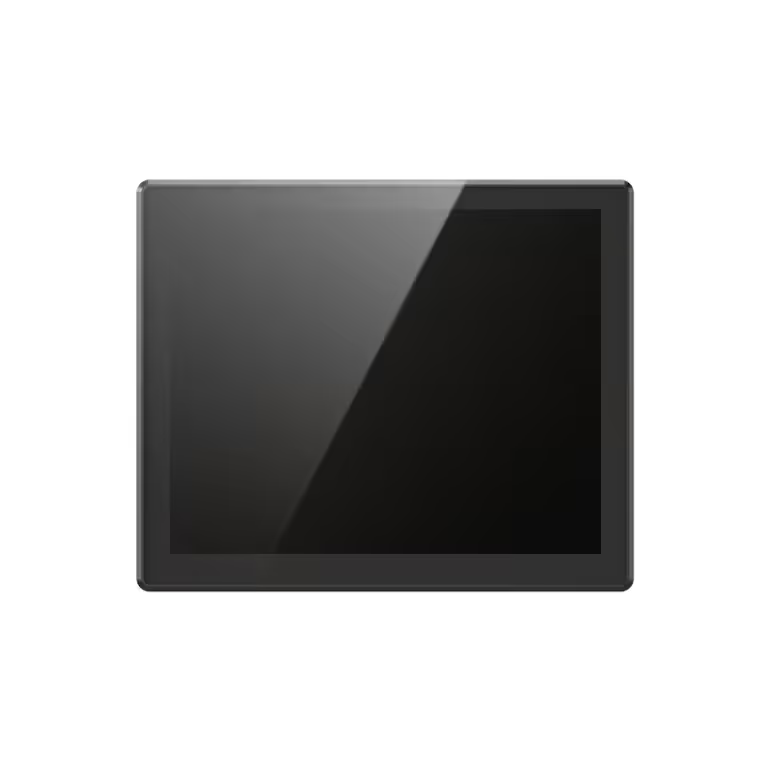
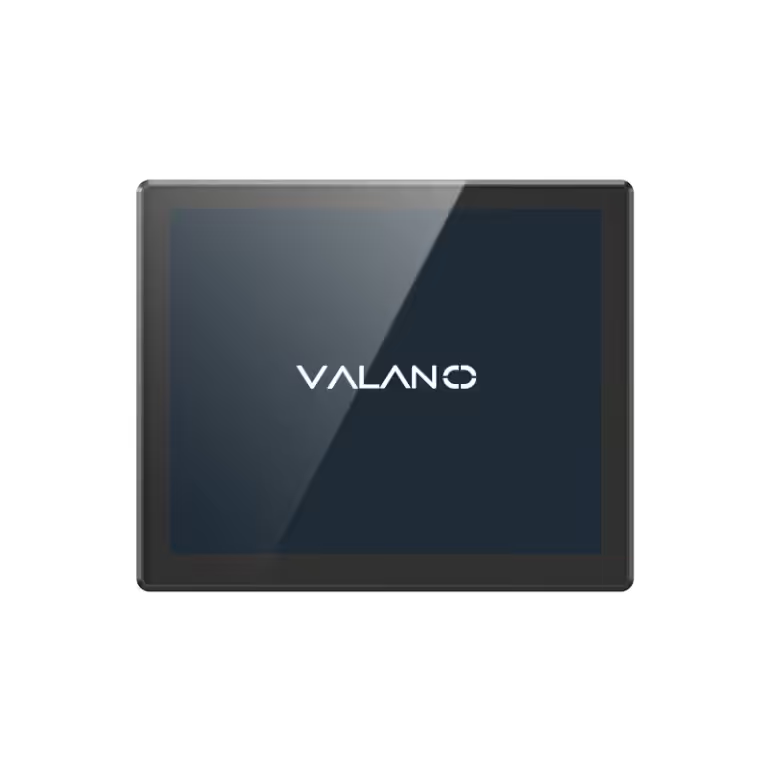
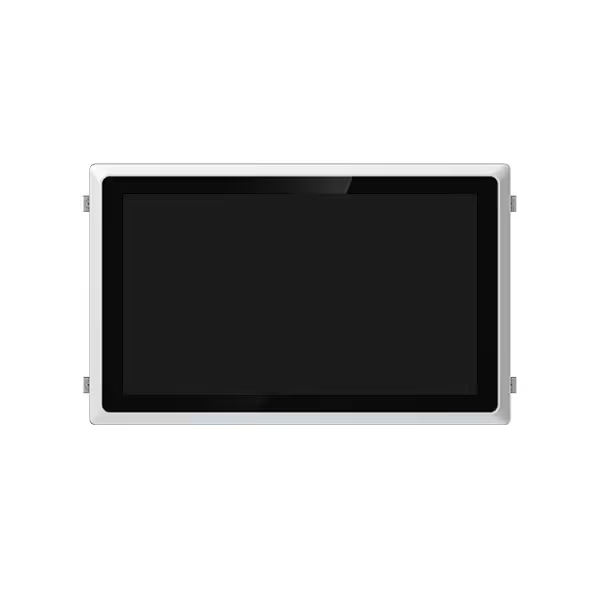
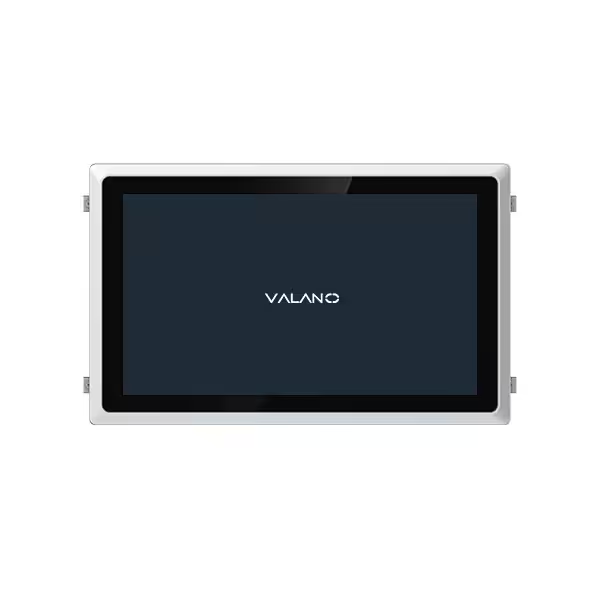
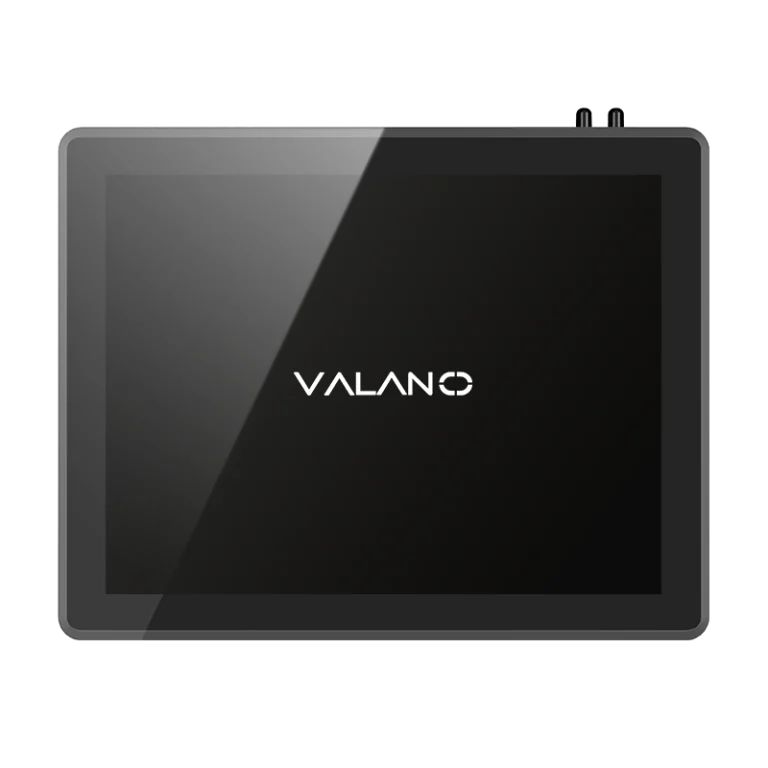
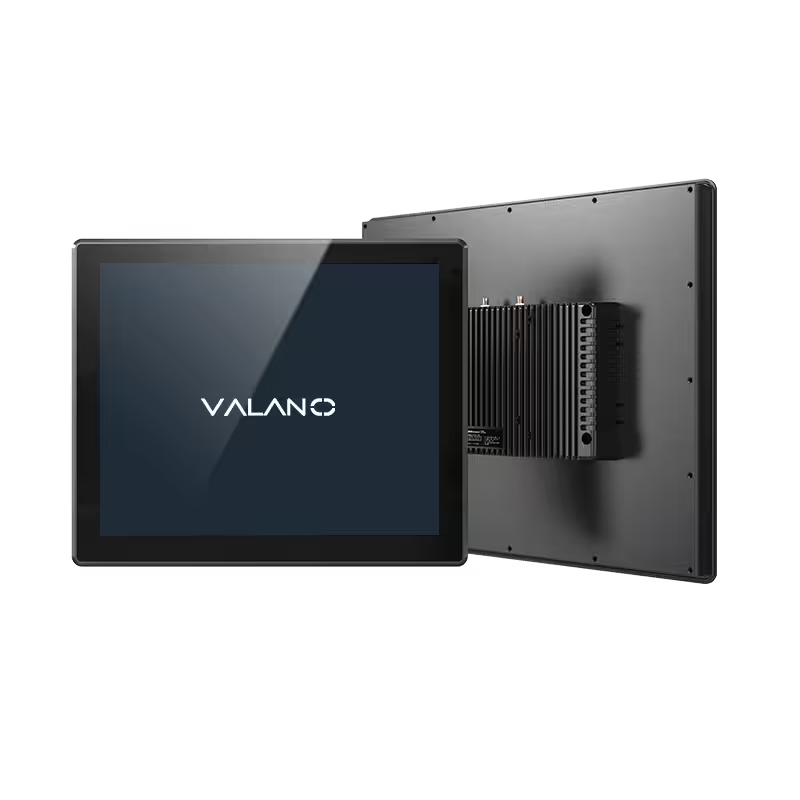
Panel PCs and touch panel PCs are two common form factors. A panel PC mounts into a cabinet or wall. A touch panel PC adds a screen for direct input. Workers use these units on production lines and at service counters. Both designs support many industrial applications.
Industrial PCs vs. Commercial PCs
Commercial PCs target office work and home use. They prioritize speed and low cost. An industrial PC prioritizes reliability and long service life. The differences appear in several areas.
Commercial units often last three to five years. Industrial PCs stay in service much longer. Their components follow extended lifecycle plans. This reduces replacement costs and downtime.
Cooling methods also differ. Commercial PCs rely on fans that pull in air and dust. Many industrial PCs use passive cooling. Sealed enclosures block moisture and particles. Vibration resistance protects against shock on moving equipment.
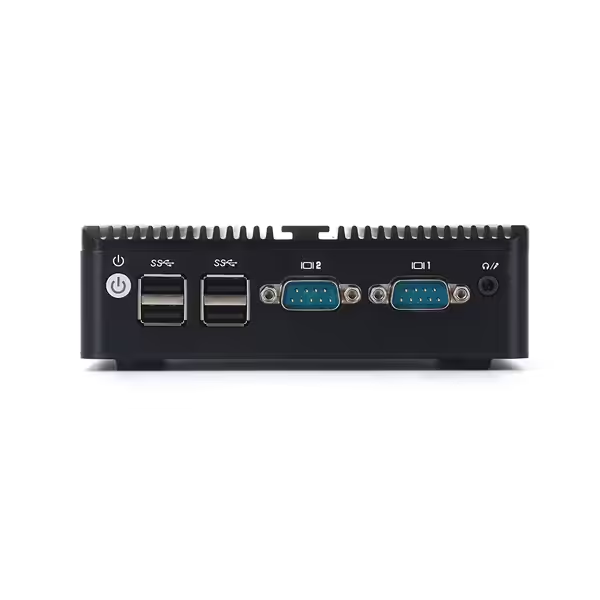
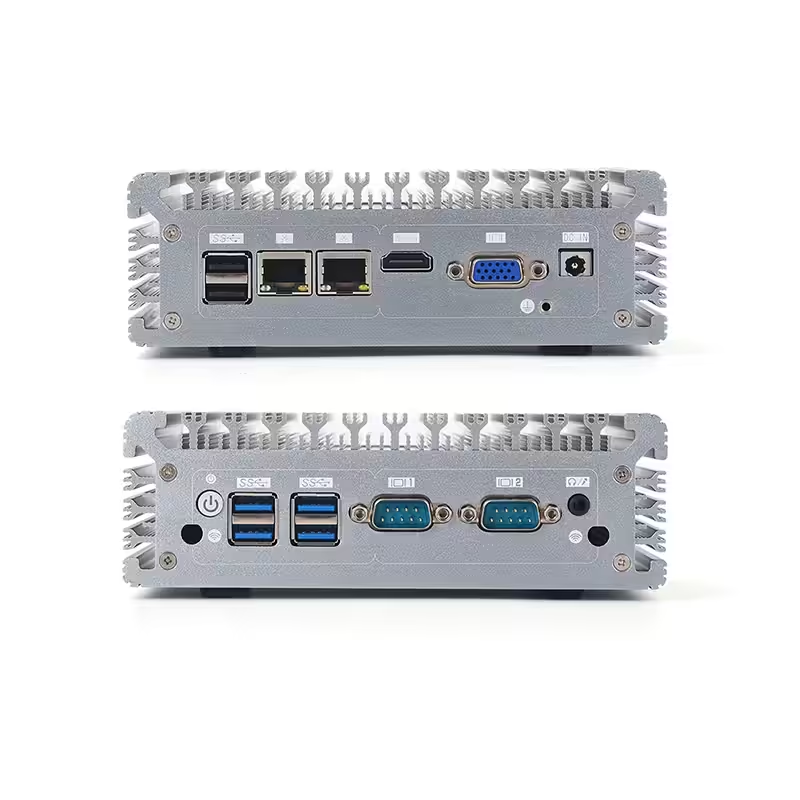
Expansion options set them apart too. An industrial PC offers more input and output ports. It supports legacy connections for older machines. A commercial PC rarely provides this flexibility.
These traits explain why industrial PCs serve so many sectors. The next sections explore their applications across different fields.
Key Components and Selection Criteria
Core Hardware and Design Features
Industrial PCs are highly specifiable systems. Buyers can configure them with different processors, memory sizes, and storage types. This flexibility lets one platform serve many industry sectors. A food plant may need stainless steel housing. A logistics center may need extra network ports. The same base industrial computer adapts to both.
High-performance CPUs handle demanding workloads. These chips power machine vision, data logging, and real-time control tasks. Storage options include solid-state drives for shock resistance. Memory can scale up for heavy data processing. These choices shape the performance of each unit.
Input and output options matter for light industrial applications. Common ports include USB, Ethernet, and serial connections. Expansion slots add cards for specialized tasks. A system might gain extra digital inputs for sensors. Another might add a graphics card for display output. This range supports many industrial applications without a full redesign.
Factors for Choosing an Industrial PC
Selection depends on three main factors. The first is the operating environment. Dusty floors, wet washdown areas, and vibrating equipment each demand different protection levels. A rugged chassis with a high ingress protection rating suits wet or dirty sites. A fanless design suits dusty air.
The second factor is workload. Simple tasks like data entry need modest hardware. Complex tasks like automation control need faster processors and more memory. Matching the industrial computer to the job avoids wasted cost and prevents slowdowns.
The third factor is lifecycle needs. Industrial PCs often stay in service for many years. Long-term part availability protects that investment. Buyers should confirm that the supplier supports the model for the planned service life. This step reduces downtime and protects reliability over time.
A balanced choice weighs all three factors together. Environment sets the housing and cooling needs. Workload sets the core hardware. Lifecycle sets the support plan. This process keeps the deployment cost-effective across its full service life.
Industrial PC Applications in Manufacturing and Automation
Industrial Computer Use in Production Lines
Production lines demand reliable computing power. Standard commercial PCs fail quickly in these environments. Dust, heat, and constant vibration damage them within weeks. An industrial computer handles these conditions without issue. It runs machine control tasks day after day.
Food and beverage processing offers a clear example. Washdown environments require sealed hardware. An industrial pc with a stainless steel enclosure resists water and cleaning chemicals. The system survives high-pressure sprays during cleaning cycles. Workers use touch panel pcs to enter data and adjust settings. These units improve productivity directly. They keep operations running smoothly.
Real-time monitoring is a key function. Sensors on the line send data to the industrial computer. The system tracks temperature, speed, and output continuously. It flags problems before they cause downtime. This capability reduces waste. It protects product quality across each batch.
Data acquisition applications collect information from multiple points. The industrial pc stores this data. It processes the information for analysis. Operators review trends on dashboards. They optimize performance over time. Advanced data processing turns raw numbers into useful insights.
Process control applications manage the flow of production. The industrial computer adjusts valves, motors, and conveyors. It maintains consistent output across different shifts. This automation reduces human error. It increases efficiency significantly.
Panel pcs mount directly on machinery in many plants. Workers see real-time data on the screen. They enter commands through touch interfaces. This design saves valuable floor space. It simplifies cleaning and maintenance tasks. Companies choose panel pcs for long-term savings. The durable hardware reduces replacement needs for years.
Applications in Robotics and Factory Automation
Robots need precise control. Industrial pcs provide that control with accuracy. They send commands to robotic arms and mobile units. They receive feedback from sensors and cameras. This loop enables fast, accurate movements in production.
Factory automation applications connect many machines into one system. An industrial computer acts as the central controller. It coordinates conveyor belts, pick-and-place units, and packaging equipment. This integration boosts throughput. It reduces delays significantly.
Machine automation relies on rugged computing hardware. Vibrations from equipment can shake loose connections. A rugged chassis with fanless cooling prevents these failures. The system runs continuously for years without issues. Machine automation requires stable control systems.
Inspection is another major use of these computers. Cameras capture images of products on the line. The industrial pc processes these images in real time. It checks for defects in size, shape, or color. This automated inspection improves quality. It reduces labor costs.
High-performance cpus power these demanding tasks. They handle complex algorithms without delay. This performance is essential for high-speed production lines.
Industrial automation covers many sectors beyond food processing. These industrial automation systems manage robotics and conveying tasks. Manufacturing plants use industrial pcs to control assembly robots. Electronics factories use them for precision soldering. In each case, the industrial computer delivers reliability for demanding industrial applications.
Modern manufacturing demands flexibility in operations. Production lines change often to meet new demands. Industrial pcs adapt through modular hardware additions. Operators add new cards for extra functions. They upgrade processors when needed. This scalability protects the initial investment.
Automation applications benefit from long lifecycles. An industrial pc stays in service for seven to ten years. The manufacturer supports the same model during that period. This stability simplifies maintenance and training.
Reliability is the foundation of these systems. A system that stops working costs money in lost production. Industrial pcs minimize downtime with their robust design. Their durable construction delivers consistent operation year after year.
Applications in Kiosks and Security Systems
Self-Service Kiosks and Interactive Terminals
Self-service kiosks operate in public spaces around the clock. Ticketing machines, information terminals, and ordering stations all need reliable computing hardware. Touch panel PCs serve these tasks well. Their sealed design resists spills, dust, and casual impact. A kiosk in a busy transit station faces constant use. An industrial computer inside that unit must deliver consistent performance over long hours.
Healthcare and transportation sectors use these systems heavily. Hospital check-in kiosks require cleanable surfaces. Transportation terminals need hardware that survives temperature swings. Industrial pcs handle both environments without failure. They support touch input for quick user interaction.
Continuous operation defines public-facing systems. A kiosk cannot shut down during business hours. These systems provide the reliability for 24/7 uptime. Their fanless designs prevent dust buildup. Their wide temperature ratings handle indoor and semi-outdoor locations. This durability reduces maintenance visits. System owners spend less on repairs over the product lifecycle.
Surveillance and Access Control
Security systems require constant monitoring. Cameras, sensors, and door controllers send data to a central unit. An industrial pc processes this information in real time. It manages video feeds from dozens of cameras simultaneously. It logs access events for later review. These tasks demand rugged hardware that never stops.
Access control systems rely on stable computing. A failure could lock people out of secure areas. An industrial pc prevents this risk with durable enclosures and fanless cooling. It runs access databases and alarm systems without interruption.
Video inspection applications in security settings benefit from industrial hardware. The system checks footage for unusual activity. It flags security events automatically. This reduces the need for constant human attention. The industrial pc handles video analytics reliably.
Industrial pc applications in kiosks and security share a common need. Systems must operate without failure in public view. The rugged design of these industrial computers meets that need directly. These devices provide reliable control in demanding environments. Industrial applications for these systems continue to grow. New uses emerge in building management and public services. The reliability of industrial pcs supports these expanding roles.
Applications in Mining, Maritime, and Military
Rugged Computing in Mining and Maritime
Mining and maritime operations rank among the toughest settings for any computer. Dust fills mine shafts. Salt spray coats ship decks. Heavy vibration shakes equipment without pause. These harsh environments destroy standard hardware quickly. Rugged industrial pcs survive where ordinary machines fail. Their fanless designs seal out dust and moisture. Their reinforced chassis absorb constant shock.
Mining sites use industrial pcs for machine control and monitoring. A single industrial computer may track ventilation, conveyor speed, and gas levels at once. Maritime vessels rely on these systems for navigation support and engine monitoring. Both sectors need hardware that runs for years without repair. Rugged industrial computing solutions meet that demand directly.
Building automation and logistics centers face similar pressures. These industrial settings include warehouses with extreme temperatures and docks with constant motion. Industrial pcs manage factory and industrial workloads in each location. They handle machine automation tasks like sorting, routing, and inventory tracking. This reliability keeps supply chains moving without interruption.
Military-Grade Industrial PCs
Military applications push hardware to its limits. Vehicles cross rough terrain. Aircraft face rapid pressure changes. Field units operate in desert heat and arctic cold. Standard computers cannot endure these conditions. Military-grade industrial pcs use hardened components and sealed enclosures. They meet strict durability standards for shock, vibration, and temperature.
These systems support mission-critical tasks. They run navigation, communication, and surveillance equipment. A failure could endanger lives. That is why military buyers demand proven reliability. Fanless cooling removes a common failure point. Solid-state storage resists shock better than spinning drives. Every design choice serves the mission.
The same rugged traits benefit industrial applications beyond the battlefield. Factory floors, rail yards, and power plants all need dependable computing. An industrial pc built for military use often suits these sites too. Its durable frame handles vibration. Its wide temperature range covers unheated buildings. This overlap shows how one platform serves many sectors.
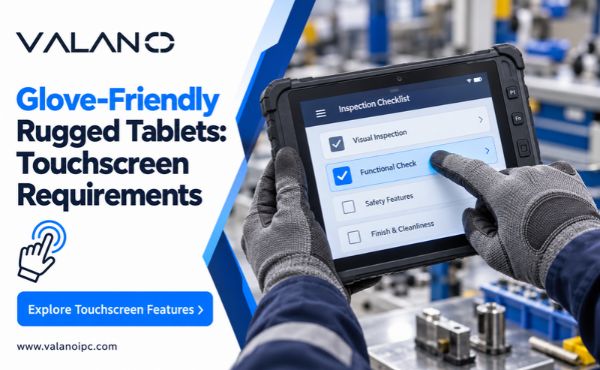
Inspection tasks also appear in these demanding fields. Mining crews inspect equipment for wear. Maritime teams inspect hulls and cargo systems. Military units inspect vehicles before deployment. Industrial pcs process inspection data in real time. They flag problems before failures occur. This capability protects people and equipment alike.
Conclusion
Industrial PC applications span manufacturing, energy, transportation, logistics, food processing, pharmaceuticals, mining, healthcare, security, and smart infrastructure. Each application places different demands on computing performance, enclosure protection, connectivity, installation, and long-term reliability.
The right industrial PC is therefore determined by the operating environment and system function rather than by industry name alone. By evaluating temperature, vibration, dust, software, interfaces, expansion, and maintenance requirements together, engineering teams can build more stable and maintainable industrial systems.